

Best 14+ Kling AI Alternatives in 2026
Last Updated: August 28, 2026
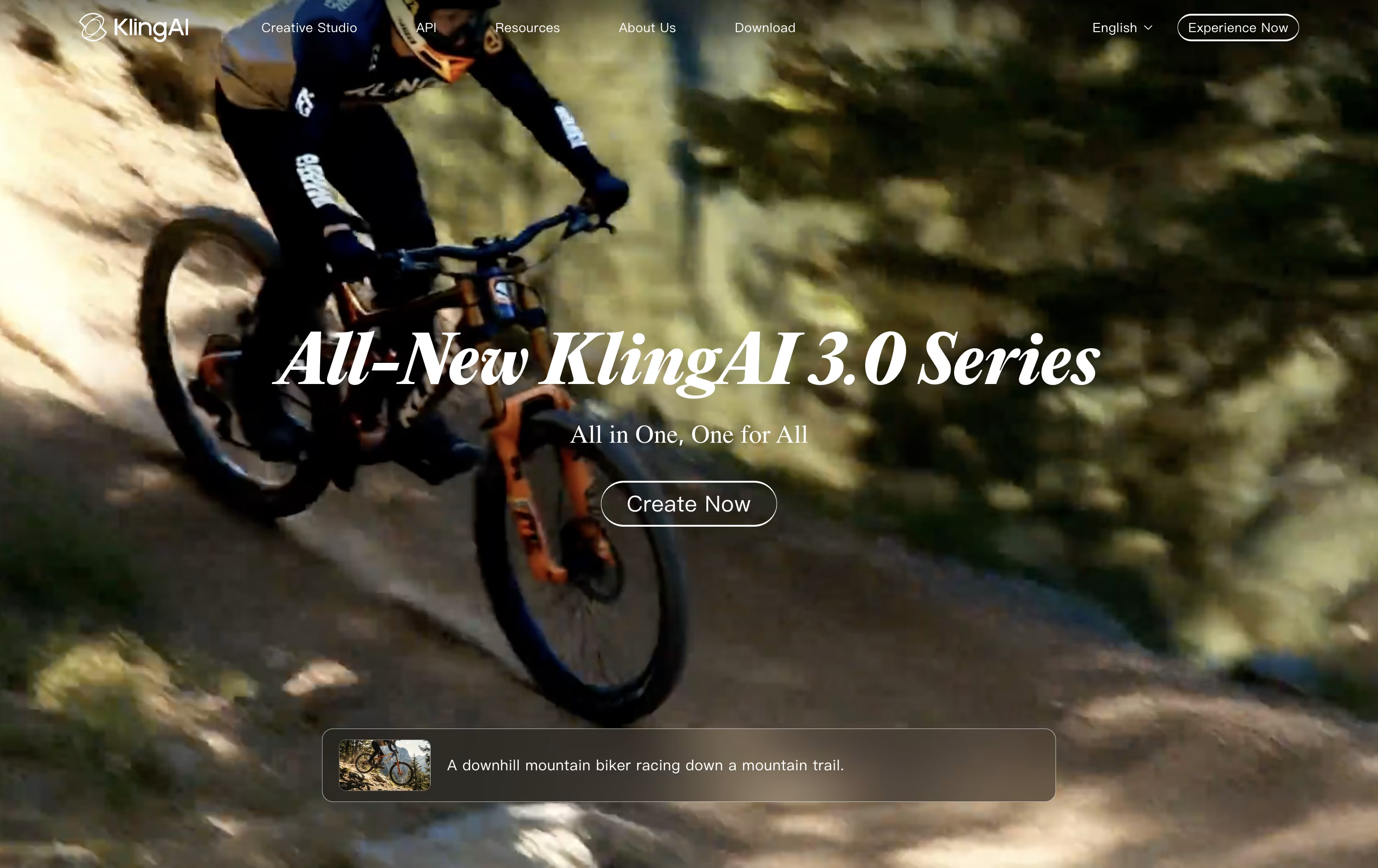
Kling AI is Kuaishou's AI video and image generation platform, turning text, photos, and video references into cinematic clips and high quality images.
It runs on the Kling model series, known for realistic motion and camera work, and supports Text-to-Video, Image-to-Video, Motion Control, native audio, and lip sync in multiple languages.
The best alternative to Kling AI is  HeyGen
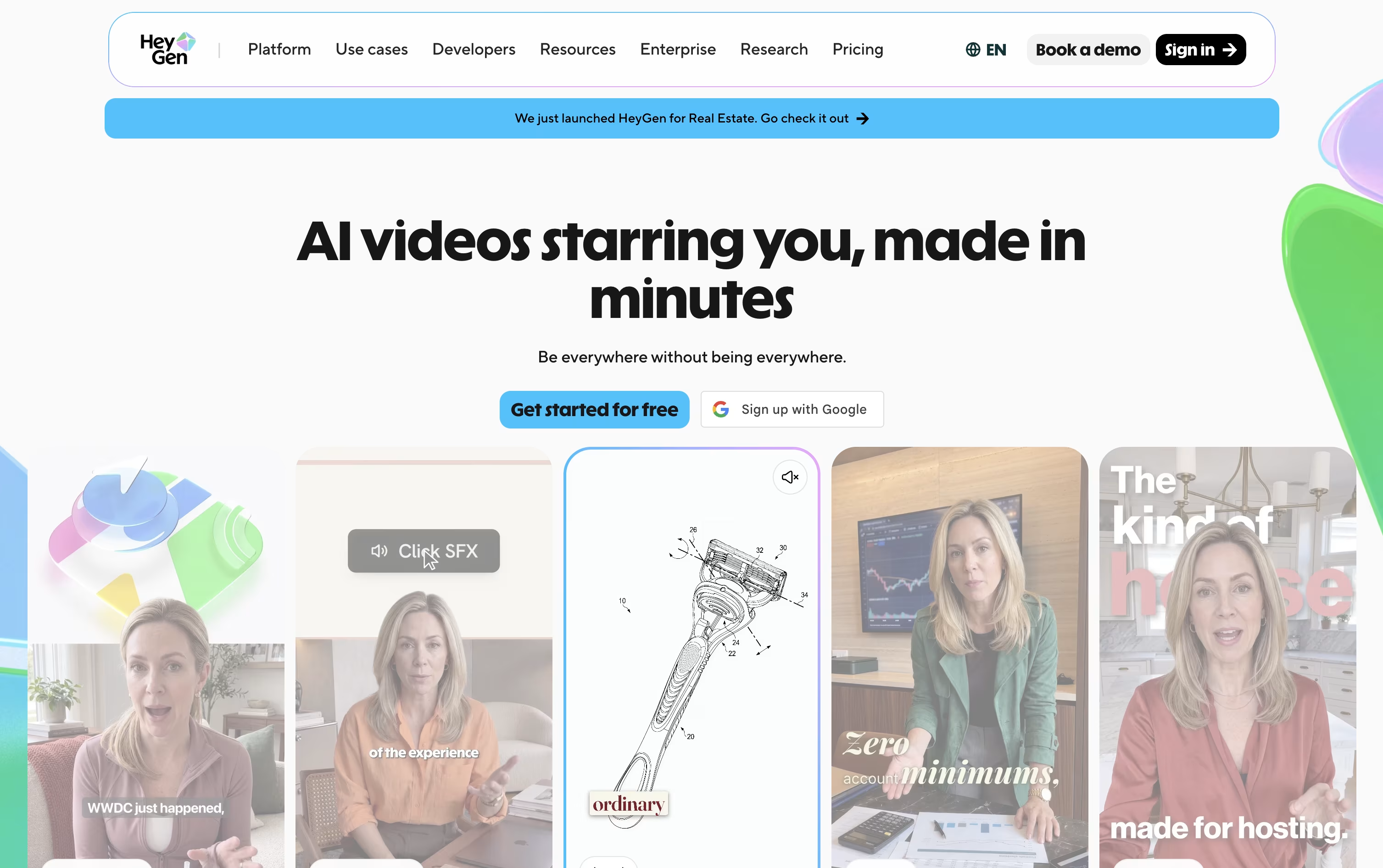 HeyGenCreate Realistic AI Avatar Videos Fast.
  Synthesia
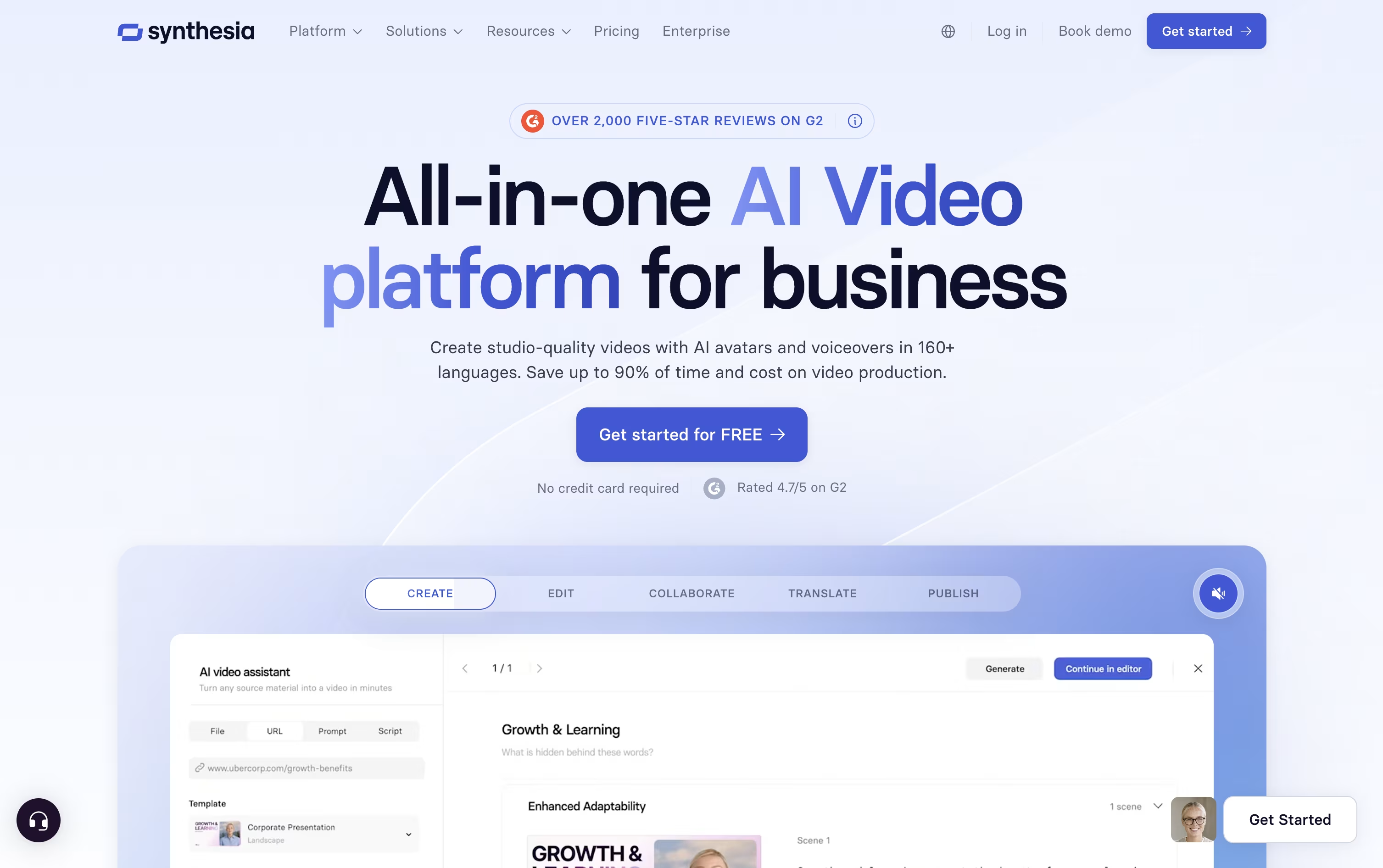 SynthesiaAI Avatar Video Creation Platform and
  Pika
Pika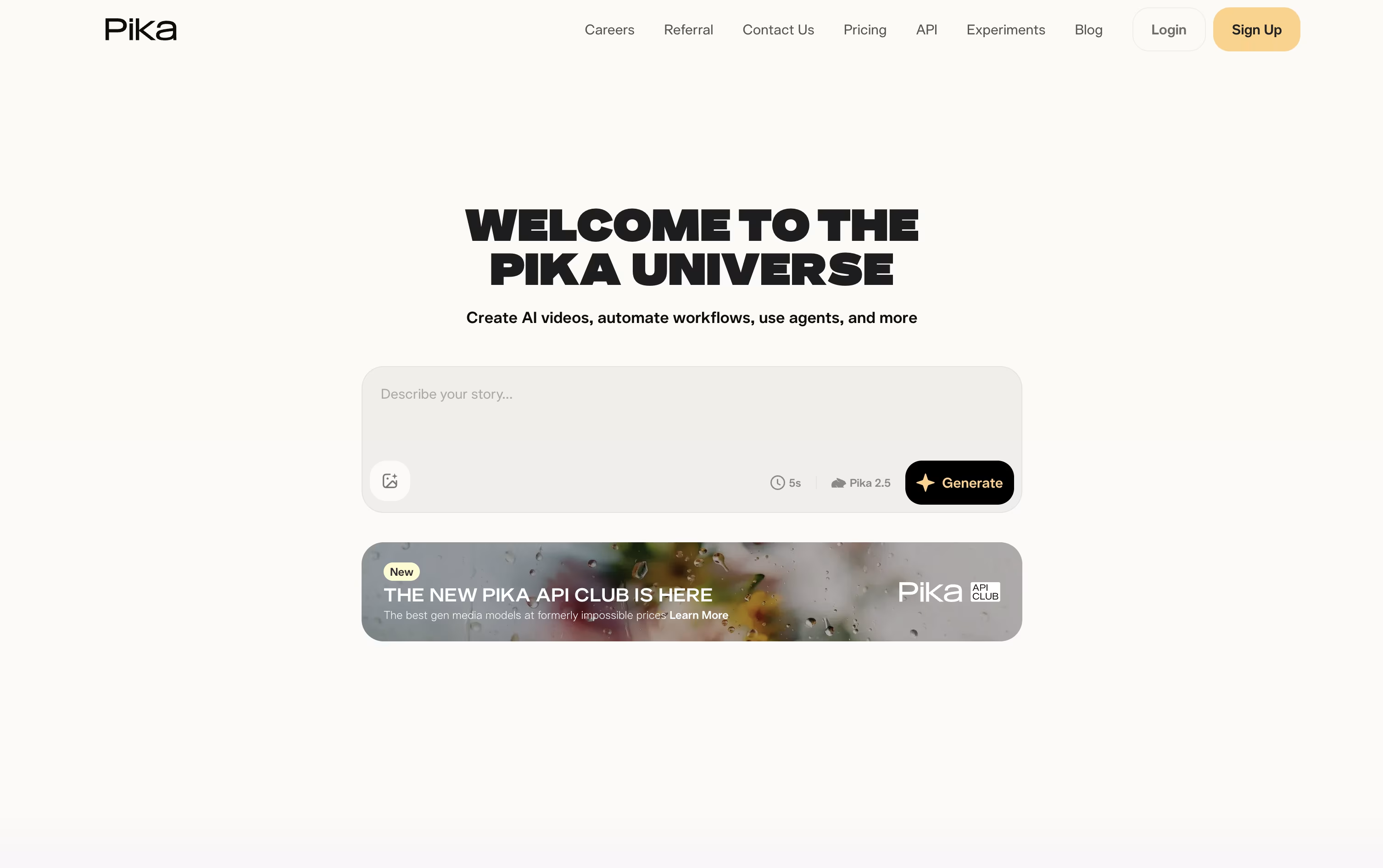 PikaAI Video Generator for Social Media Clips are also among the best options for Video Production.
So, here are the 12+ best alternatives to Kling AI:

HeyGen lets you make realistic avatar videos from a script, a photo, a document, or just a short prompt, without a camera or a film crew.
You can build a digital twin of yourself from a short recording, animate a single photo, or pick from 700+ stock presenters, each with natural lip-sync and gestures.
The free plan costs $0 and gives you 3 short videos a month with no credit card needed.
Creator starts at $29 a month and unlocks 30-minute videos, 1080p export, voice cloning, and 175+ languages.
Pro starts at $49 a month with 4K export and stronger AI models, while Business runs $149 a month for teams that need collaboration, SSO, and integrations.
Enterprise is custom priced for organizations that need unlimited scale and dedicated support.
Synthesia lets you turn a script, document, or prompt into a professional video with a realistic AI avatar speaking it out loud, no camera or studio needed.
You can pick from over 240 stock avatars or build a personal avatar of yourself, then choose from 160+ languages and voices, including cloned voices that sound just like you.
The free Basic plan gives 10 minutes of video a month with 9 avatars and no credit card required.
The Starter plan runs $18 a month billed yearly and unlocks downloads, AI dubbing, and 125+ avatars, while the Creator plan at $64 a month adds API access, interactive quizzes, and branded share pages.
Larger teams can move to Enterprise for custom pricing, unlimited video minutes, unlimited personal avatars, single sign-on, and a dedicated customer success manager.
Because editing a video is as simple as editing text, teams use it for training, onboarding, and sales content that needs frequent updates without reshooting.
Pika is an AI video tool from Pika Labs that turns a text prompt, a photo, or a video clip into a short, ready to share video.
Beyond basic generation, it has a set of playful tools: Pikaffects for one tap surreal transformations, Pikaframes for smooth motion between start and end images, Pikascenes for building scenes from reference photos, and Pikadditions or Pikaswaps for editing what appears in a clip.
Pikaformance turns a still photo and an audio clip into a talking or singing video, and newer AI agents can chat with you and help plan or generate clips.
The free Basic plan gives 80 monthly credits and 480p video. Standard is $10 a month, Pro is $35 a month and marked best value, and Fancy is $95 a month, each unlocking higher resolution, more credits, and faster generation.
Yearly billing cuts the price by 20 percent, and only Pro and Fancy include watermark free downloads and commercial use.

PixVerse is an AI video platform that turns text prompts, photos, and reference clips into short cinematic videos, complete with camera moves, native audio, and multi-shot scenes built from a single prompt.
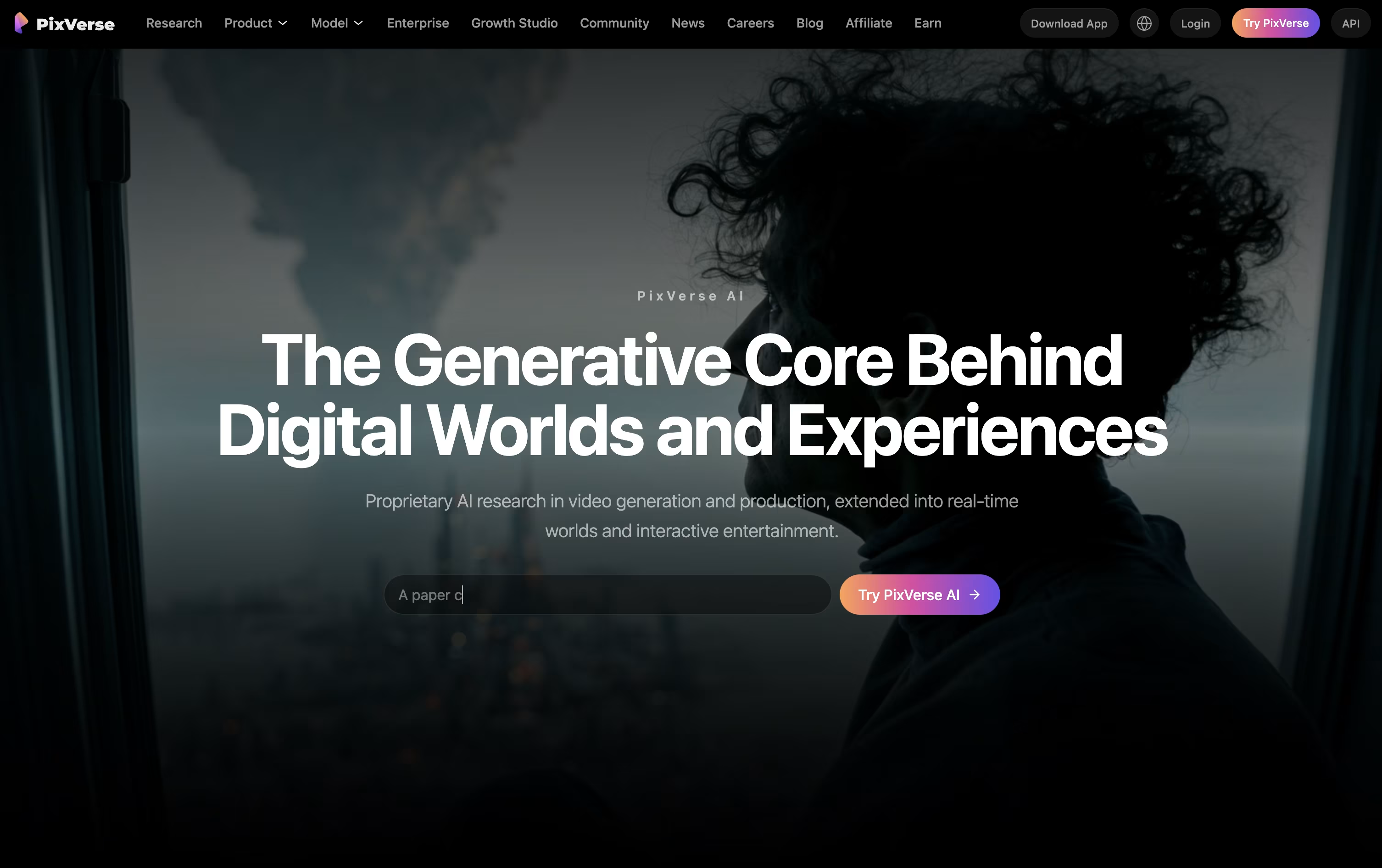
Beyond simple generation, tools like Modify, Restyle, Extend, and Character Lock let you edit a clip after it is made, swap out elements, or keep the same character consistent across several shots.
The free Basic plan gives 30 daily credits and generations up to 540P, enough to try the platform before paying anything.
Paid plans start with Standard at $10 a month for 1,200 credits and 720P output, moving up to Pro at $30 and Premium at $60 for bigger credit pools, 4K video, and more generations running at once.
The Ultra plan costs $199 a month, discounted from $249, and unlocks the widest access to image models along with the biggest discounts on extra video models, plus unlimited free generations during Off-Peak Mode.
Teams can use Team Ultra at $199 per seat for a shared credit pool and workspace, while Enterprise plans start from $100 and add full API access for larger, custom use.

InVideo AI turns an idea, script, or link into a finished video by directing a team of AI agents rather than generating one clip at a time. You describe what you want, and the system plans the scenes, writes the script, picks visuals, records a voiceover, adds music and captions, then assembles the whole thing.
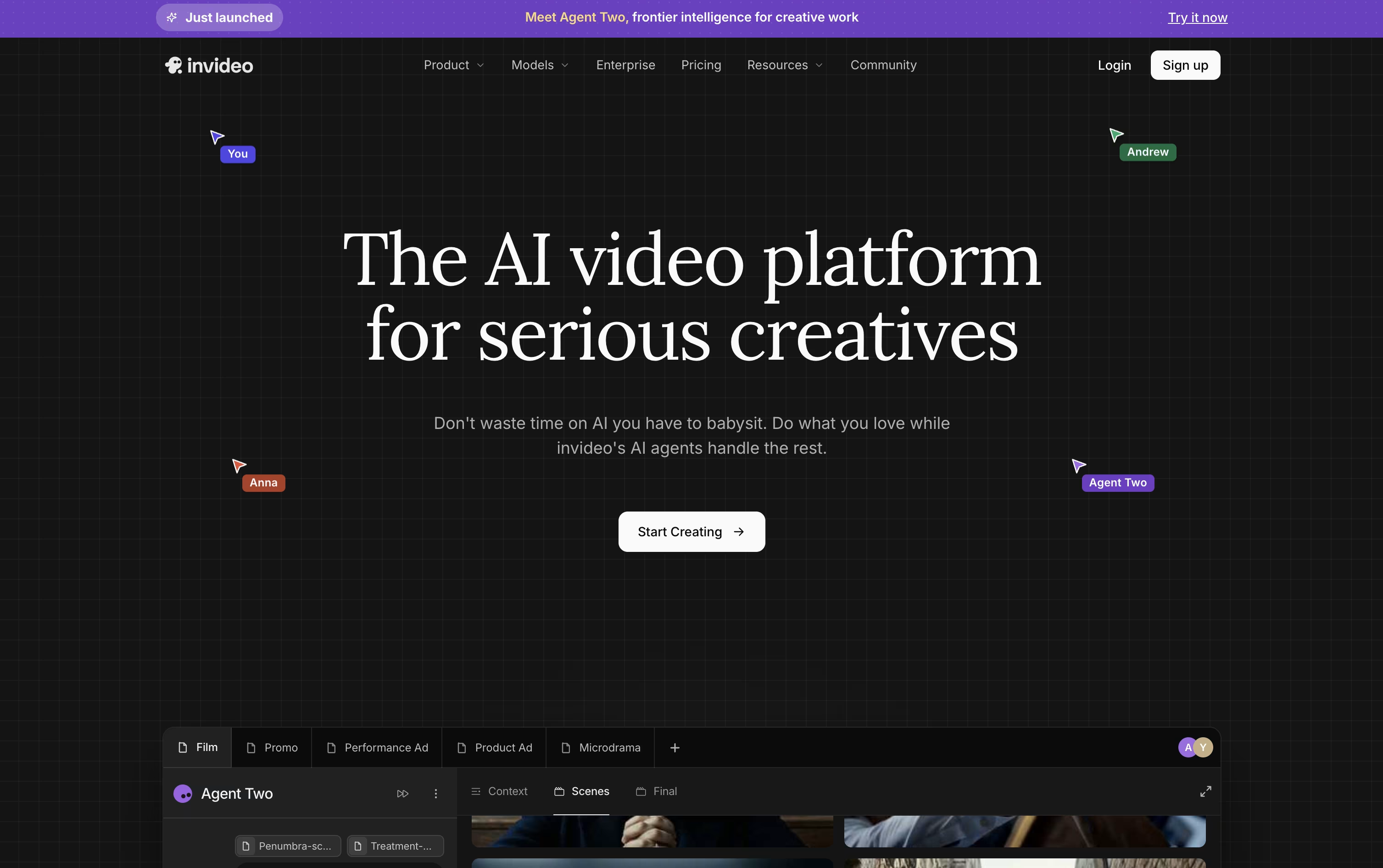
Its Agent Two system remembers characters, locations, and style choices across a whole project, so scenes stay consistent without repeating instructions. Expert Agents can act as roles like a director of photography or costume stylist, and Playbooks let you set fixed rules the agents follow every time.
Pricing starts with the Plus plan at $20 a month for 75 credits, moving up to Max at $100, Generative at $200, and Elite at $1,000 a month for heavier use, each adding more credits, storage, and AI avatars.
Teams of 2 to 30 can use seat-based pricing at $50 or $500 per seat a month, while larger organizations get custom Enterprise pricing with SSO, SOC2 and GDPR support, and a dedicated success manager.
Every paid plan includes access to 200+ image, video, audio, and music models plus top stock libraries like iStock and Storyblocks, so the price mainly scales with how many credits and how much storage you need.

Descript turns video and audio editing into something closer to editing a document. You upload or record your content, get an automatic transcript, and edit by cutting or rearranging text. The video updates to match.
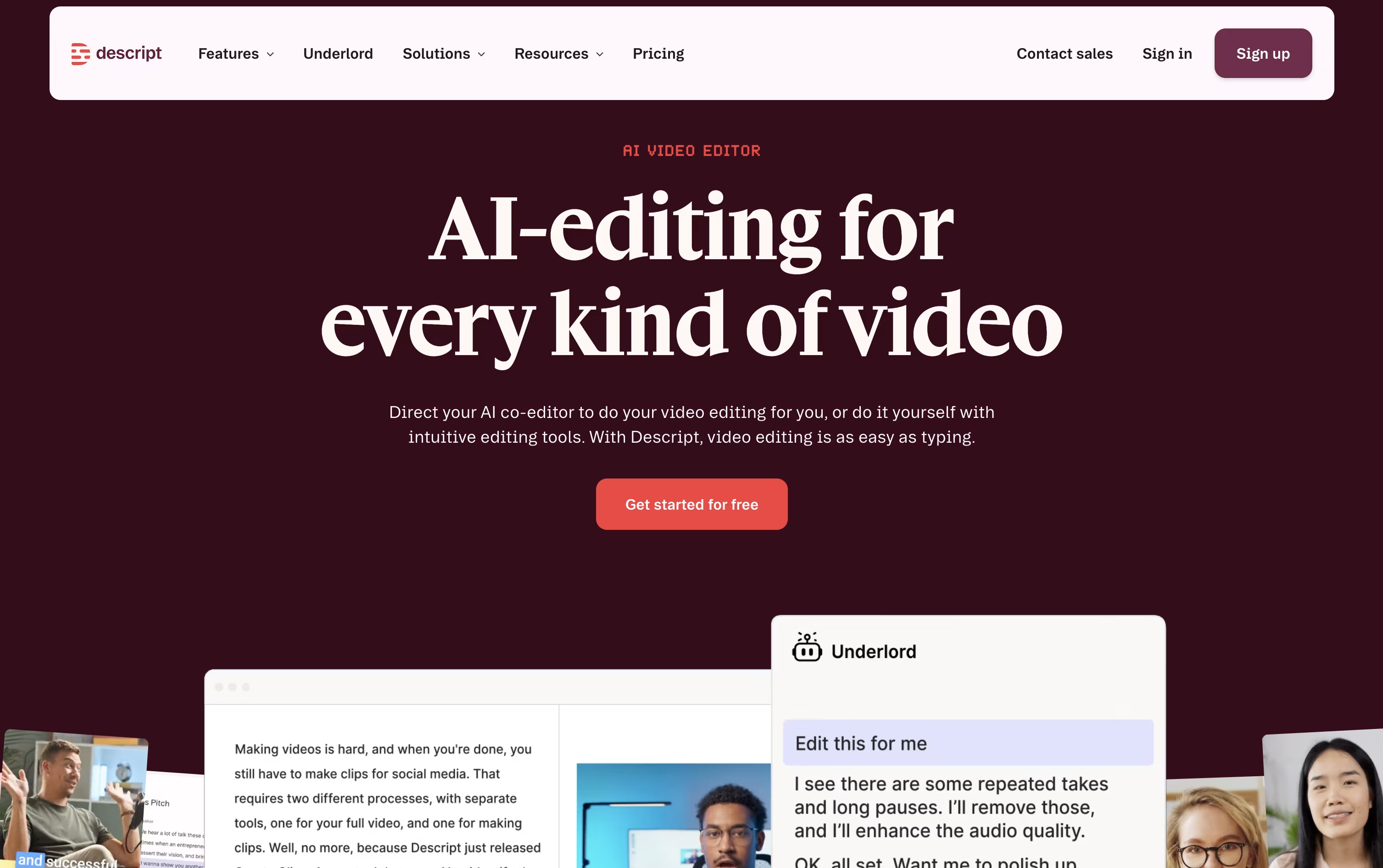
Built-in AI tools handle much of the cleanup work. Studio Sound fixes noisy audio, Remove Filler Words strips out ums and pauses, and Eye Contact keeps your gaze looking at the camera even while reading a script. Underlord, the AI co-editor, can follow instructions to add captions, generate clips, write show notes, or apply several edits at once.
The Free plan gives you 1 hour of media a month, 100 one-time AI credits, and 720p exports at no cost.
Paid plans start with Hobbyist at $24 a person monthly, which raises the media limit to 10 hours, adds 400 AI credits a month, and removes the watermark at 1080p. Creator, the most popular plan, costs $35 a month and unlocks 4K exports, full Underlord access, and 20 plus AI tools. Business runs $65 a month for teams, adding shared Brand Studio, proofread translation in 30 plus languages, and priority support.
Enterprise plans use custom pricing and add advanced security, single sign on, and dedicated support for larger teams.

Vidnoz AI turns text, photos, or scripts into full videos using AI avatars and voices. It skips the need for cameras, actors, or editing skills, and the interface feels as simple as building a slideshow.
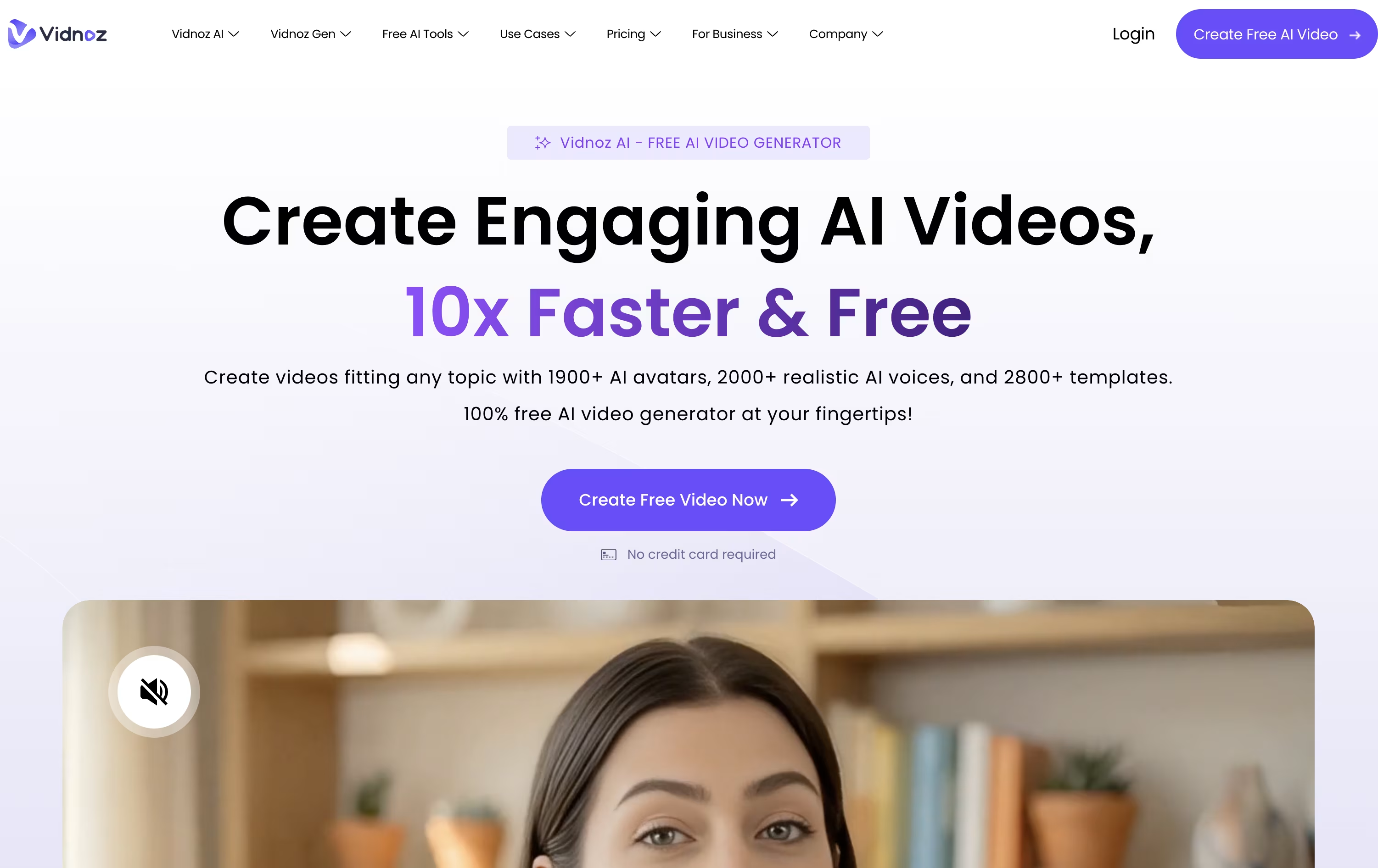
You can choose from over 1,600 avatars and hundreds of voices, then customize scenes, add music, and export in minutes.
The free plan lets you try short 3 minute videos at 720p, though it carries a watermark and limited credits.
The Starter plan costs $26.99 a month, or $19.99 a month billed yearly, and removes the watermark while adding 1080p export and 60 minute videos.
Business, at $74.99 a month or $56.99 yearly, adds team seats, branding, video analytics, and unlimited photo tools.
Enterprise uses custom pricing and adds a dedicated account manager and support team for large organizations.

VEED is a browser based AI video studio that turns ideas into finished videos without a camera crew. You can generate a video from a script or prompt, record your screen or webcam, or upload footage you already have.
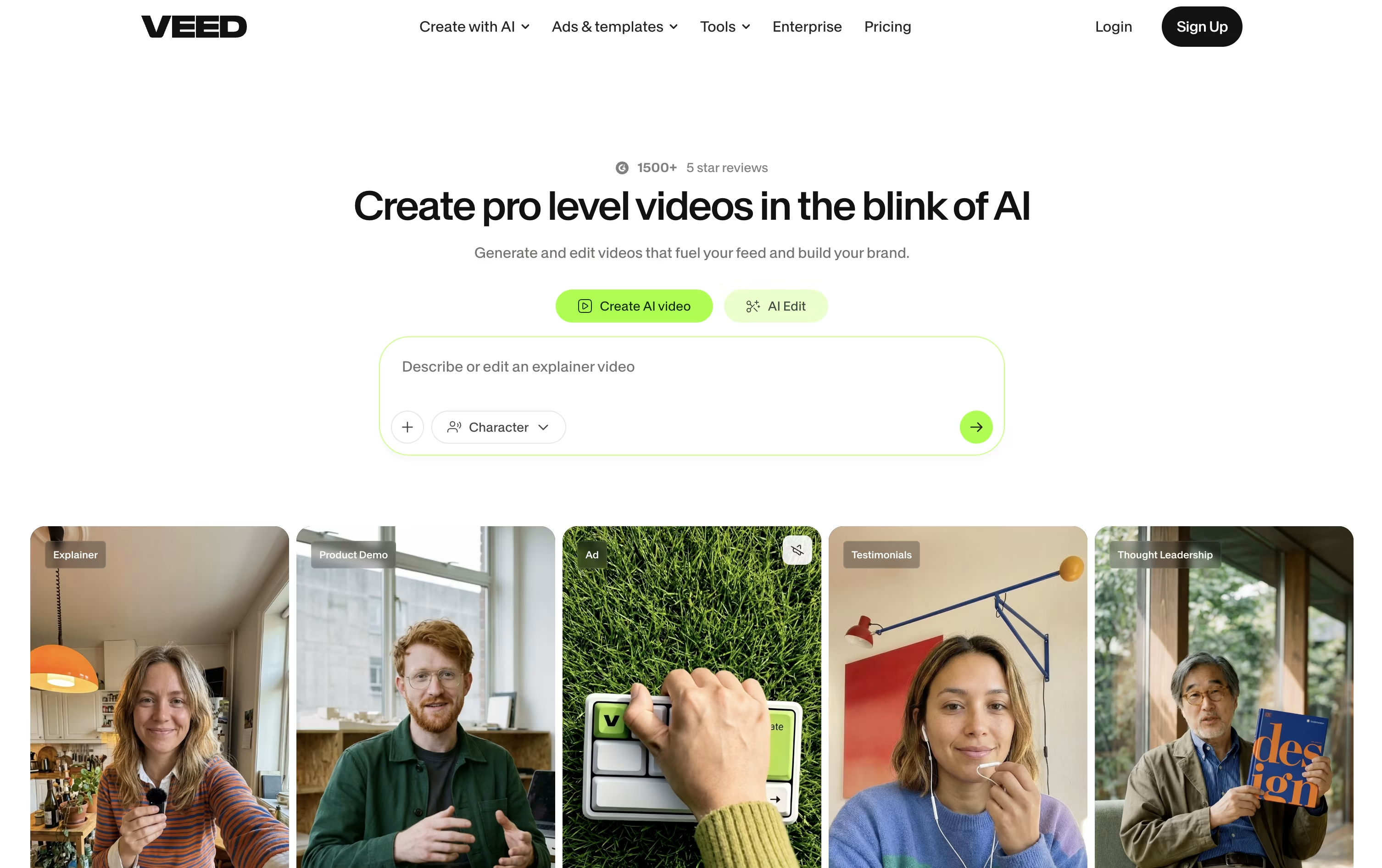
The AI Agent lets you type plain instructions like add captions or clean the audio, while Edit with Script lets you cut a video just by editing its transcript.
Every plan includes auto subtitles, a large stock library, and access to 15+ AI tools through Gen-AI Studio, so basic production is covered from the start.
Paid plans start with Creator at $20 a month, or $10 a month billed yearly, and remove the watermark.
Pro at $44 a month adds multiple Brand Kits, translation into 50+ languages, and AI voice, while Studio at $70 a month raises credits sharply and adds Custom Templates.
Enterprise moves to custom pricing with team management, review mode, and privacy controls for larger organizations.

Hedra is an AI platform built for turning still images into speaking, moving characters. You give it a photo or illustration along with audio or a script, and it produces a video with matching lip movement, facial expressions, and head motion.
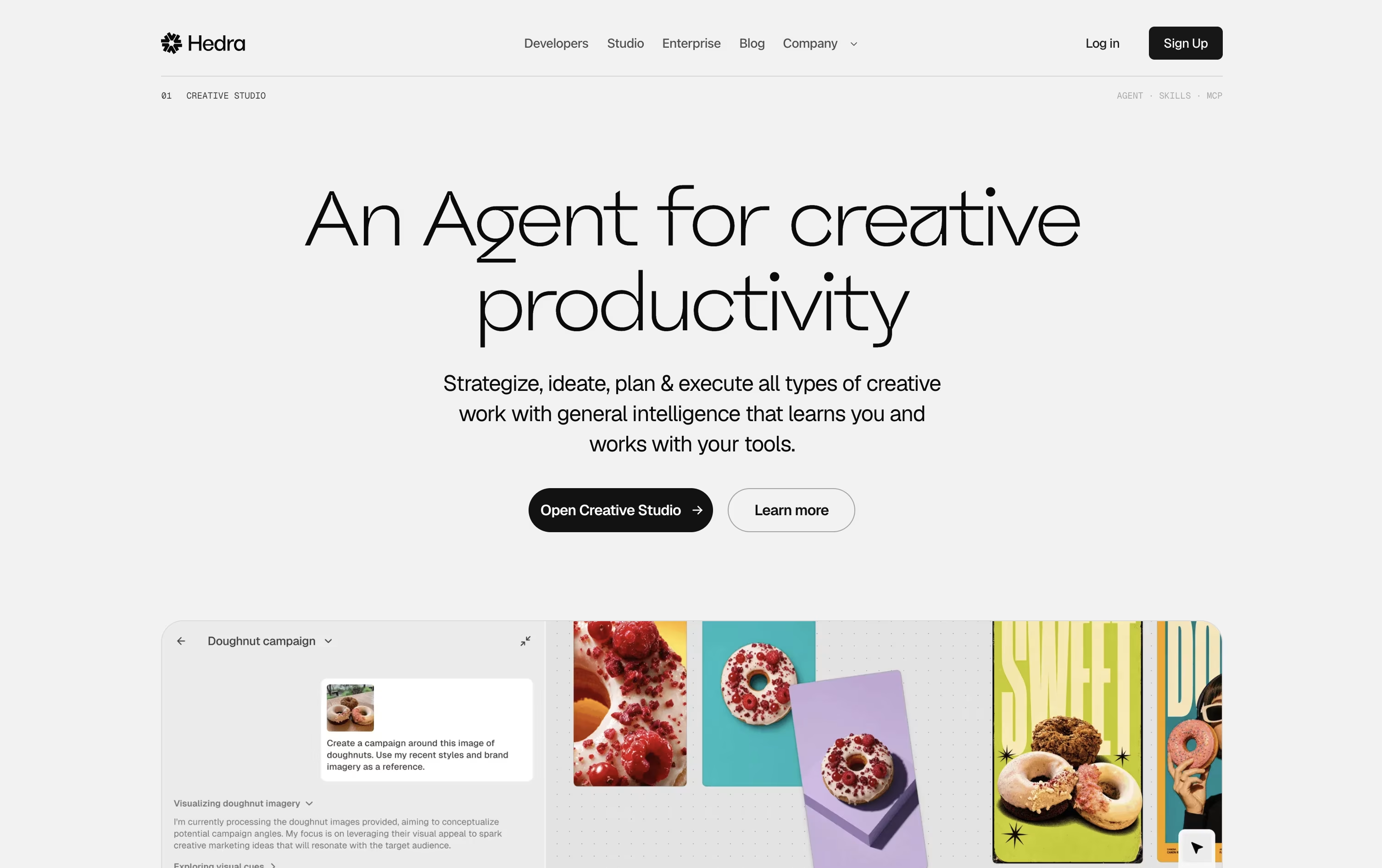
Its newer Omnia model goes further, adding body gestures, camera moves, and scene control, so characters can walk, gesture, and perform rather than just talk.
The platform also works as a creative agent. Inside a workspace called a Space, you describe your goal and Hedra plans the steps, chooses models, and builds finished assets for you.
Pricing runs on monthly credit plans. Basic starts at $15 a month for 1,500 credits, Creator is $30 for 5,400 credits, and Professional and Teams both cost $75 for 14,400 credits with the fastest generation speed.
Larger companies can choose Enterprise, which offers custom credits, dedicated support, and private deployment options at custom pricing.
Overall, Hedra suits marketers, content creators, and teams who want realistic talking avatars without filming real actors.
Vidu is an AI video generator that turns a written prompt, a photo, or several reference images into a short video clip, while keeping characters and objects looking the same from shot to shot.
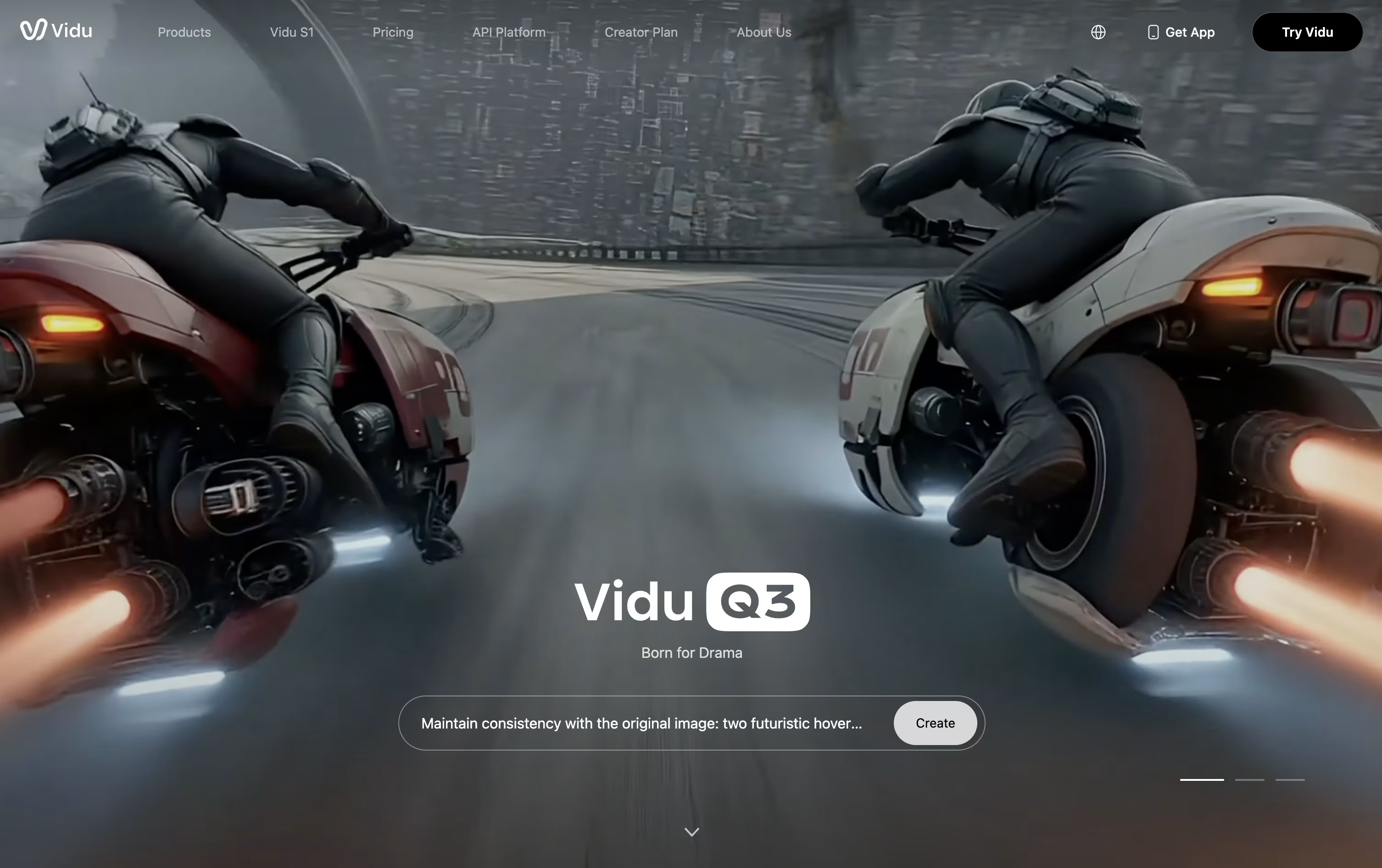
You can animate a still image, set a first and last frame for controlled transitions, or use Story Grid to build a multi shot story. Vidu Claw, an AI agent, can turn an idea into a script, storyboard, and finished video with less manual prompting, and Vidu S1 lets you control a live digital character with your voice.
The free plan gives 10 references a month, but it does not include commercial use, watermark free downloads, or higher resolution output.
The Standard plan costs $10 a month, or $8 a month billed yearly, and includes 800 credits, up to 200 videos, and commercial use rights.
Premium runs $35 a month, or $28 yearly, with 4,000 credits and a faster generation channel, while Ultimate at $99 a month, or $79 yearly, adds unlimited image generation and a free Off-Peak Mode for high volume creators.
Extra credits can be bought at a discount on any paid plan, and Vidu says it does not offer refunds.

Fliki turns written ideas, scripts, blog posts, and PowerPoint files into finished videos and audio, so you can create content without filming or complex editing.
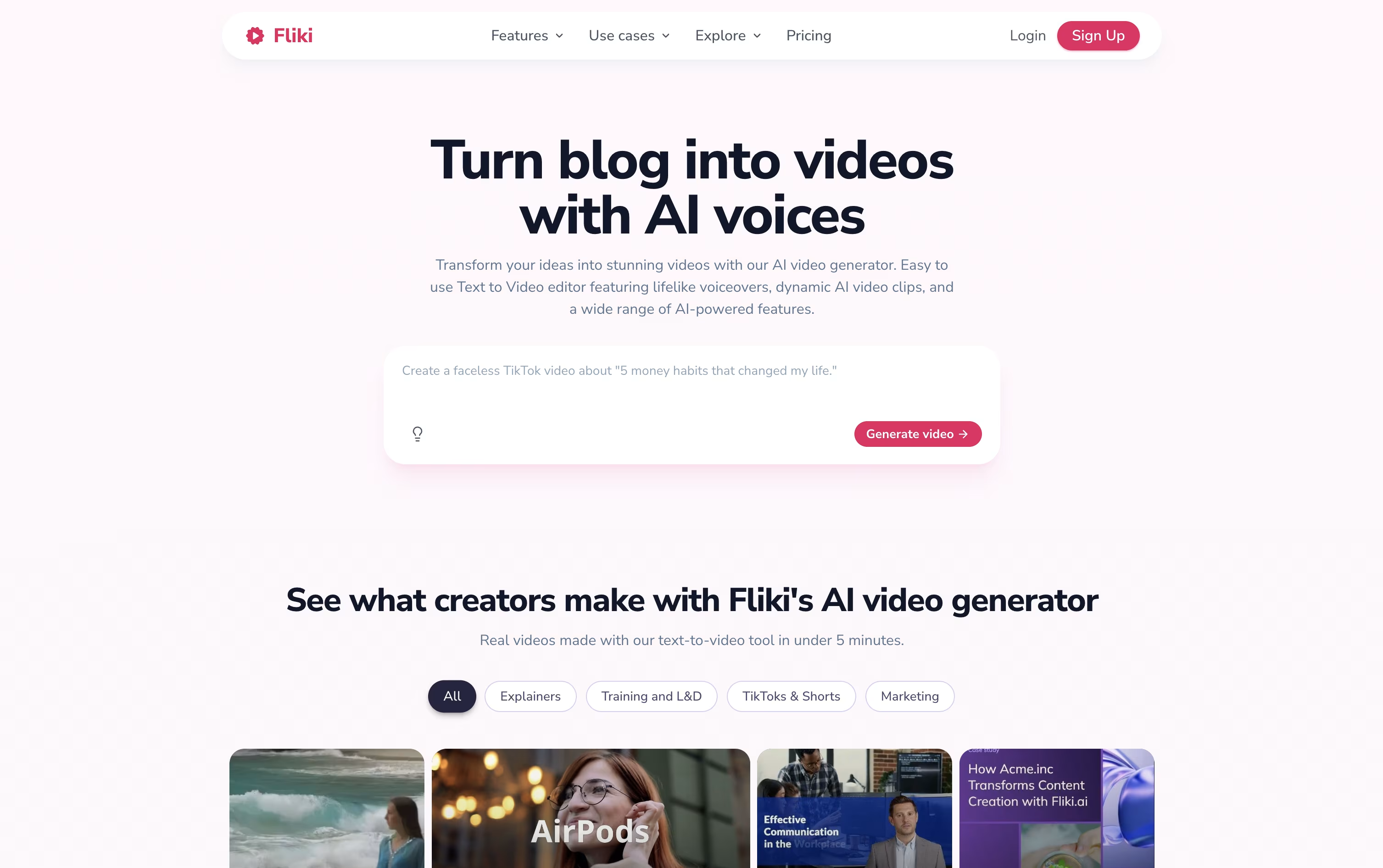
The platform comes with thousands of lifelike AI voices in more than 80 languages, along with AI avatars, automatic subtitles, stock and AI generated visuals, and background music.
Inside the editor you get a timeline, a scene rail, and an AI assistant called Copilot that can add music, resize text, or build a multi scene video just from a written instruction.
The Free plan costs nothing and gives beginners a small number of credits to try text and video creation at 720p, though exports carry a watermark.
The Standard plan runs $28 a month and raises this to 180 credits, full HD exports up to 15 minutes, 1,000 voices, and no watermark, while Premium at $88 a month adds 600 credits, 40 minute exports, 2,000+ voices, AI avatars, and API access.
Enterprise offers custom pricing with dedicated support, bulk discounts, and personalized avatars for larger teams.

AI Studios is a browser-based platform from DeepBrain AI that turns scripts, documents, web pages, or simple prompts into videos with realistic AI avatars. There is no need for cameras, actors, or a studio setup.
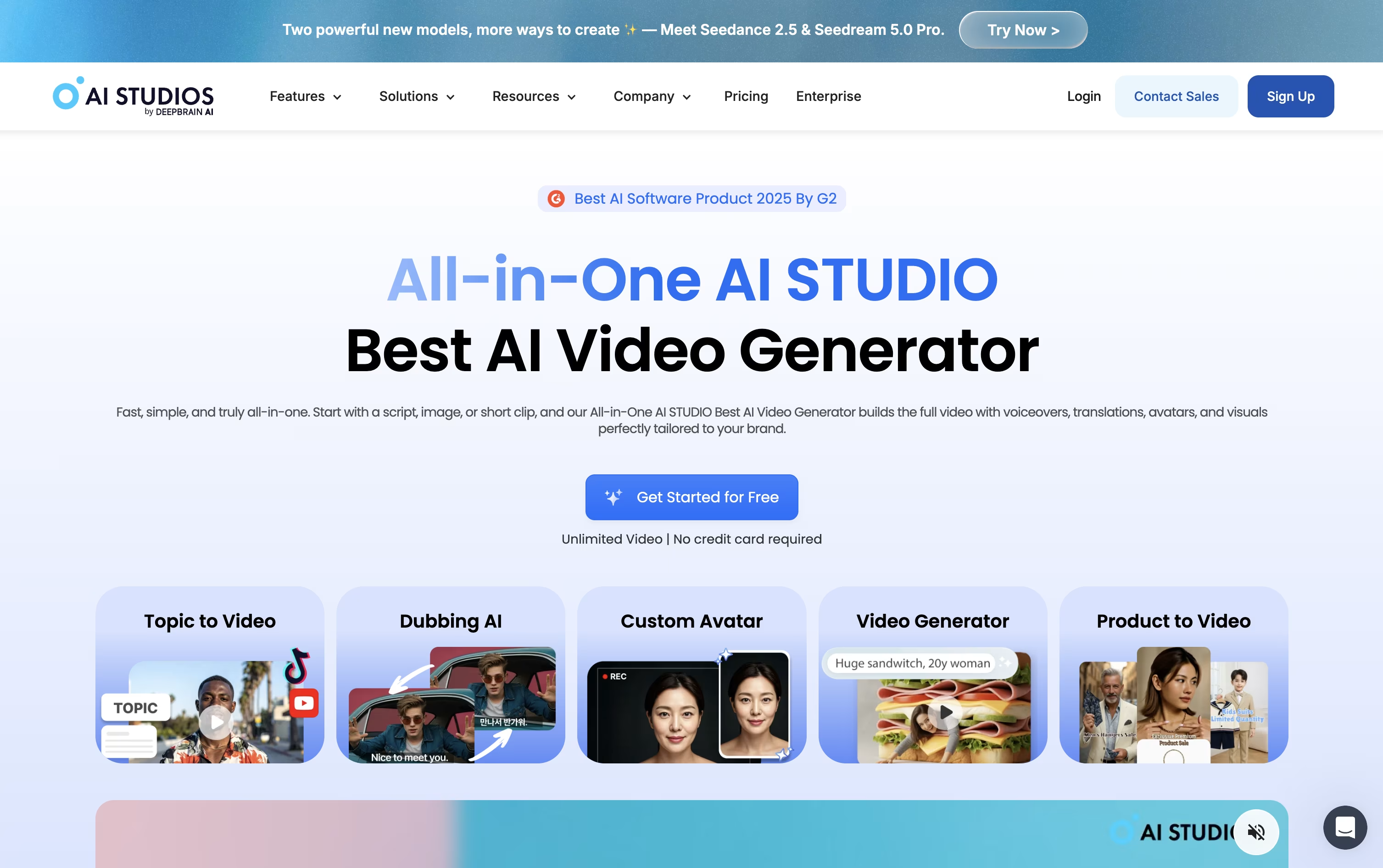
Pick an avatar, choose a voice from over 1,000 options in 150+ languages, and the platform handles scenes, captions, and background music for you.
Beyond avatar videos, it includes AI dubbing that translates and lip-syncs existing footage into new languages, plus generative tools that create video clips and images from text prompts using models like Veo and Seedance.
The Free plan costs $0 and allows 3 short videos with 720p export. Personal runs $29 a month, or $24 annually, with unlimited videos up to 30 minutes and 1080p export.
Team costs $69 per seat monthly, or $55 annually, and adds 4K export, longer videos, and shared workspaces, while Enterprise offers custom pricing with unlimited use, SAML SSO, and dedicated support.
A separate Interactive Avatar plan is also available, starting free and scaling up to a $99 a month Standard tier for live, conversational avatar experiences.

Elai.io is an AI video maker that turns a script, article link, or slide deck into a video with a talking avatar, no camera or studio needed.
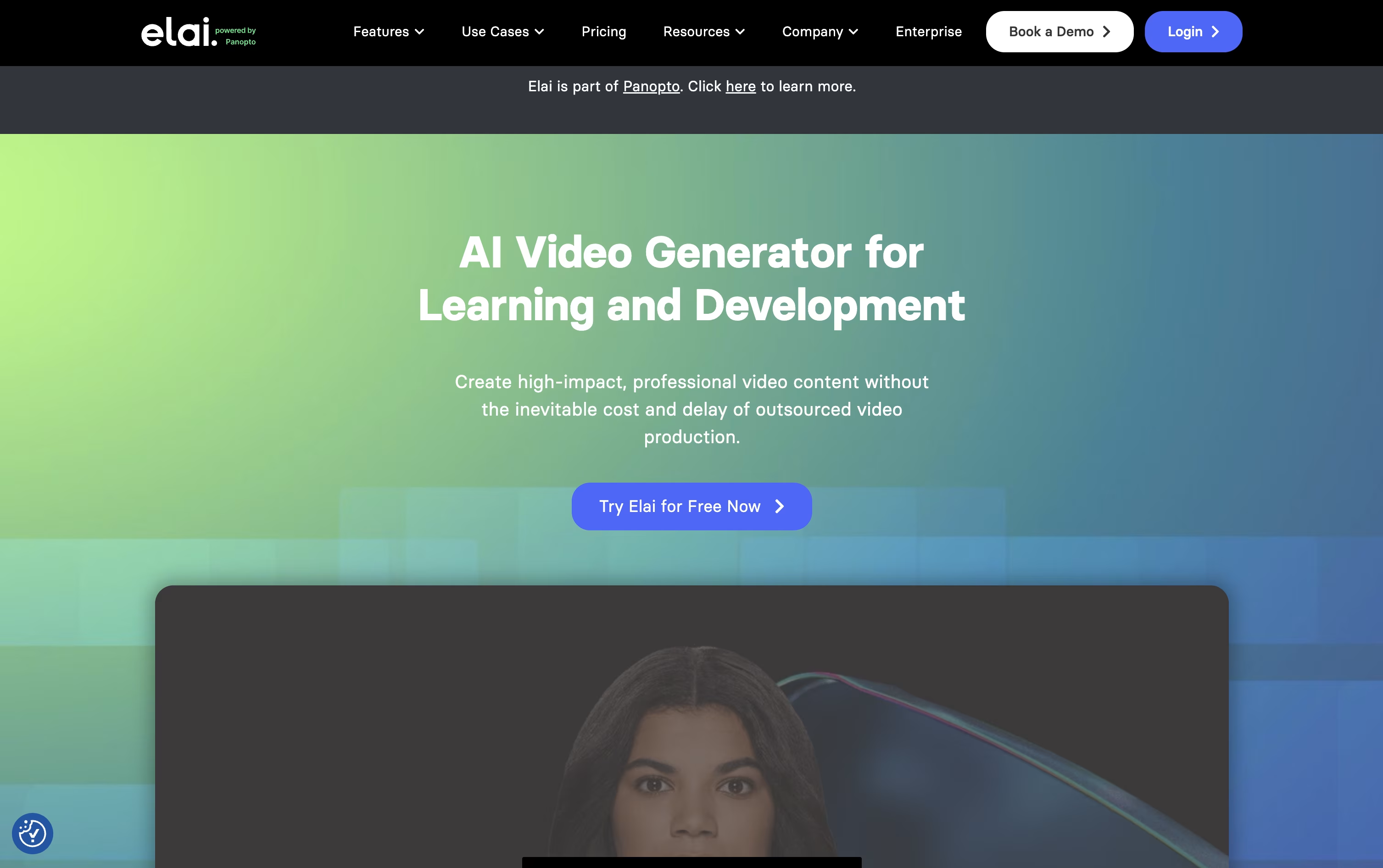
It is aimed mainly at corporate training and e-learning teams, offering quizzes, branching scenarios, and SCORM export so videos can plug straight into an LMS.
The Free plan gives 1 minute of video at no cost, while Creator starts at $29 a month for 15 minutes with Full HD output.
Team costs $125 a month for 50 minutes, 3 seats, 4K video, and premium voices, and paying yearly cuts both plans by 20%.
Enterprise is custom priced and adds unlimited seats, SSO, workspaces, and premium support for larger organizations.
Since joining Panopto, Elai also links video creation with sharing, tracking, and interactive playback across the whole learning video lifecycle.

Colossyan Creator is an AI video platform built for training, onboarding, and enablement teams. It turns text, documents, slides, or screen recordings into videos narrated by realistic AI avatars, so teams can produce professional training content without cameras, actors, or studios.
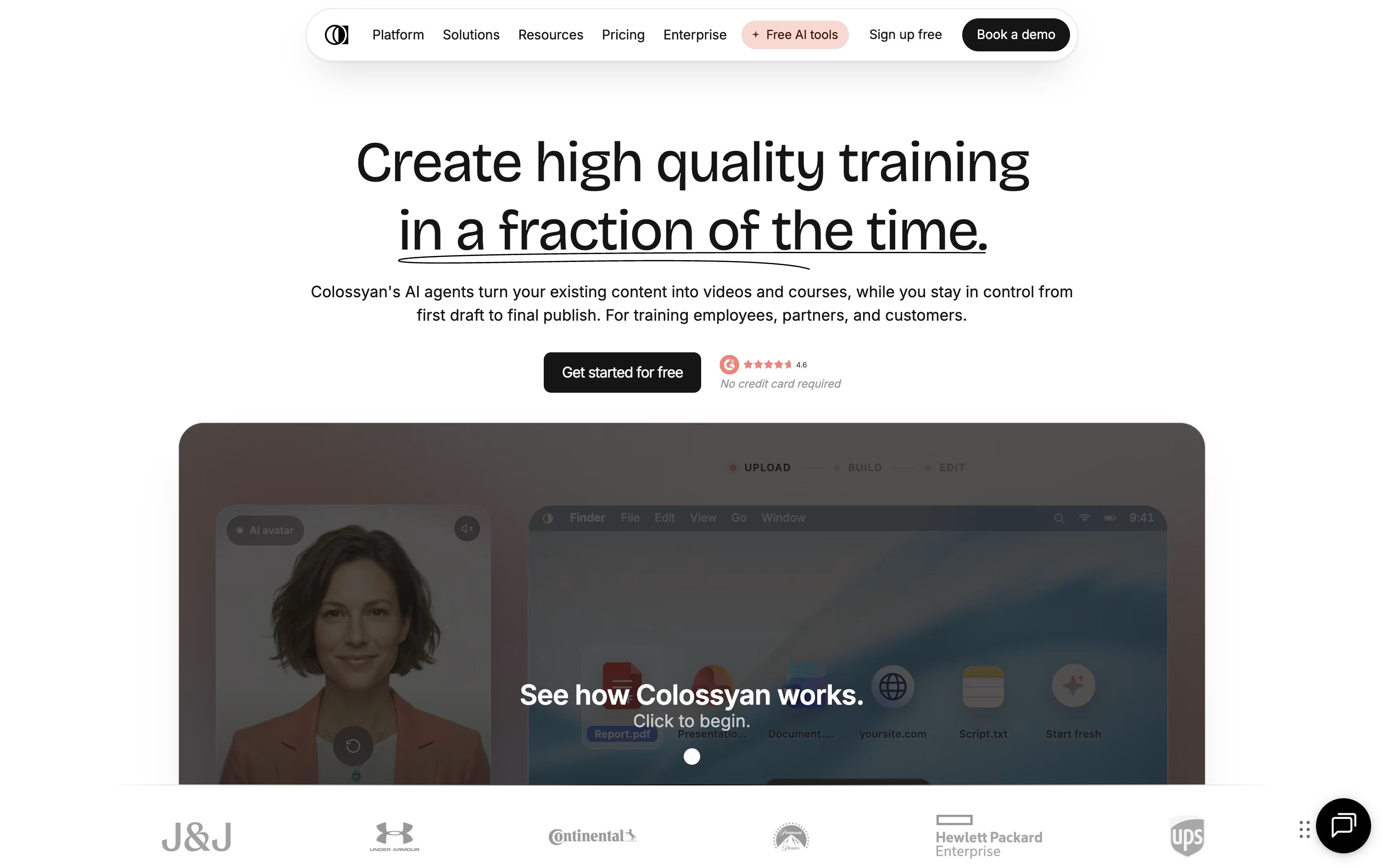
You start by writing or importing a script, then pick an avatar and voice from a large library or create your own custom avatar from a short video. The platform builds the scenes automatically, and you can add quizzes, branching paths, and clickable buttons to make videos interactive.
Colossyan also translates finished videos into more than 100 languages while keeping lip sync and on screen text in place, which makes it useful for global teams that need the same course in many languages.
The Starter plan is free and gives 20 minutes of video a month with 15 custom avatars and 3 cloned voices, though it has no SCORM export. The Professional plan costs $89 a month, or $59 a month billed yearly, and adds watermark removal, SCORM export, and up to 3 editor seats.
Larger teams can move to the Enterprise plan, which uses custom pricing and includes unlimited minutes, 4K video, dedicated support, and single sign on.

Renderforest is an all in one platform for making videos, logos, mockups, graphics, and websites using AI, without needing design or editing experience.
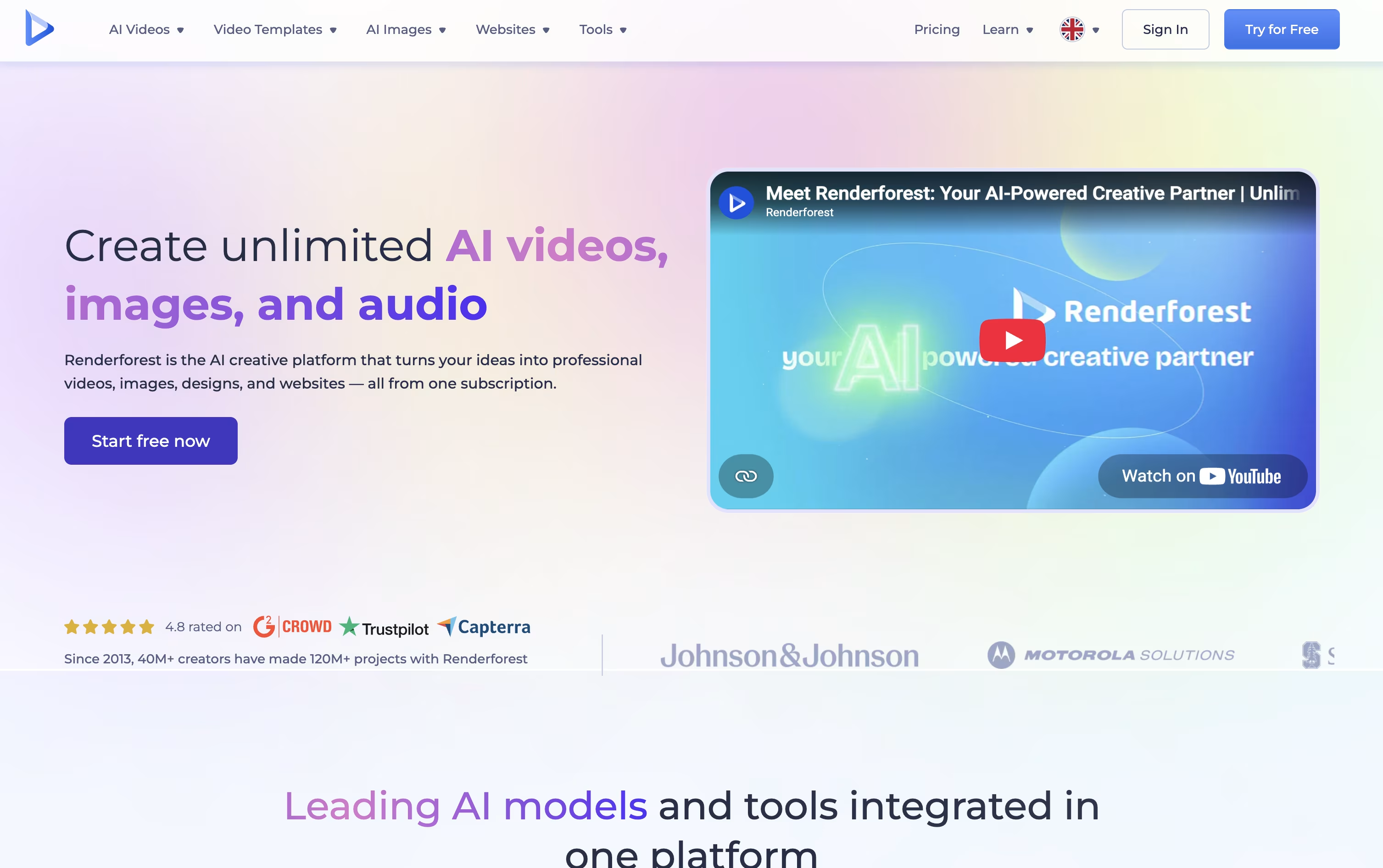
You can start from more than 1,200 ready made templates or simply describe what you want and let the AI generate scenes, visuals, voiceovers, and music for you. The platform connects to leading models such as Nano Banana, Veo, Kling, Seedance, and Sora.
Anyone can create a free account with no payment method required, then explore the editor before choosing a paid plan.
The Lite plan costs $9 a month with 400 AI credits and HD720 exports. The Pro plan, marked most popular, costs $39 a month with 1,600 credits, HD1080 exports, and a premium website on your own domain.
The Business plan costs $59 a month with 3,000 credits, 4K UHD exports, unlimited Nano Banana images, team management, and a reseller license. Paying yearly cuts the price significantly, down to $8, $19, or $39 a month.
With templates, AI generation, and a full editor in one place, Renderforest works well for marketers, creators, and small teams who need fast, professional looking content.

RecCloud is an all-in-one AI platform for anyone who edits, records, or shares audio and video. It combines transcription, subtitles, translation, dubbing, and video generation with simple screen recording and editing tools.
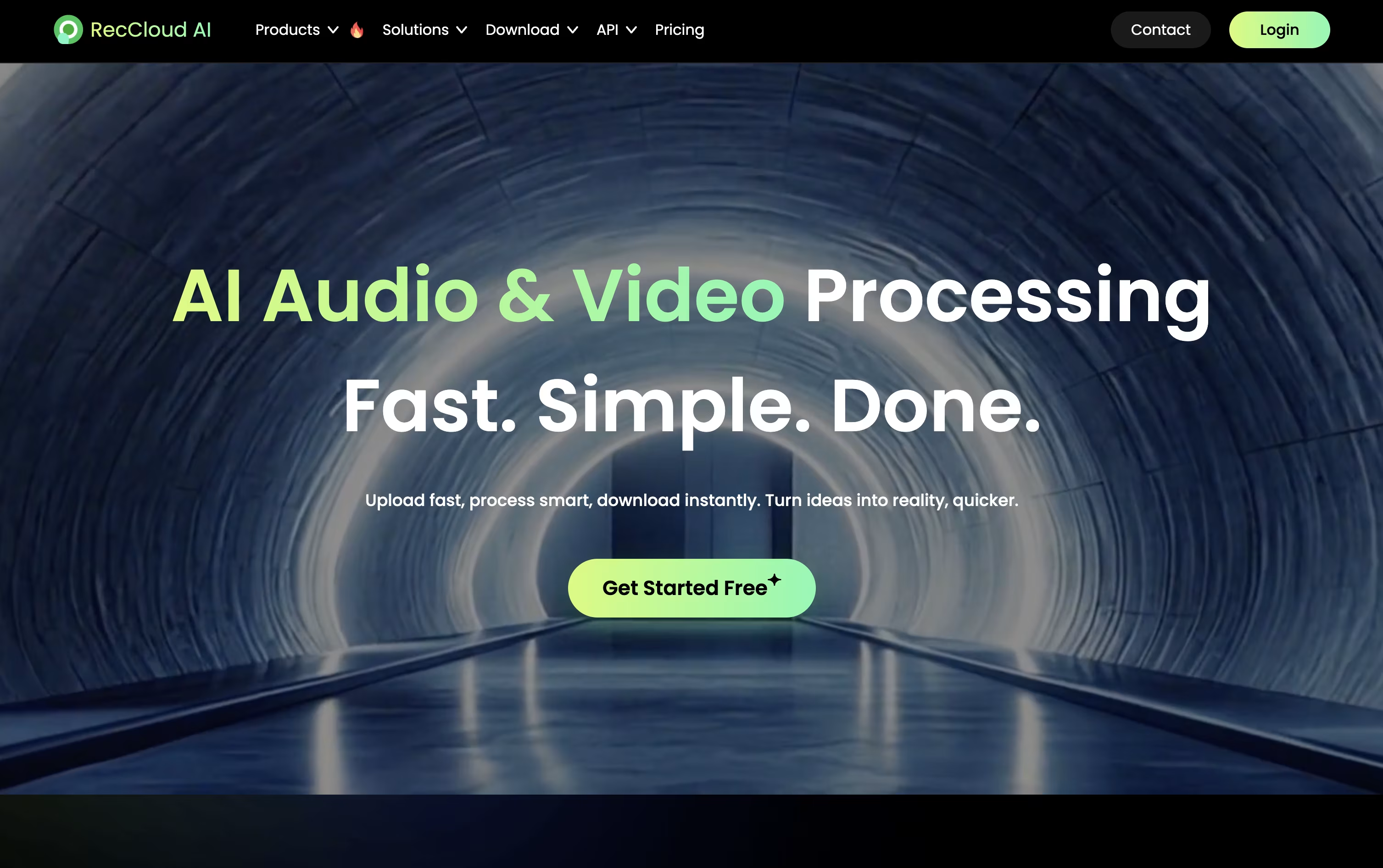
Speech to text works in more than 99 languages, subtitles can be generated and translated automatically, and full videos can be dubbed with cloned voices and lip sync. The AI Video Generation Agent can turn a short prompt into a finished video, handling the script, voiceover, and scenes.
Pricing runs on a credit system. A Weekly plan costs $15 with 300 credits, while Basic Annual costs $4 a month, billed at $48 a year, for 3,000 credits.
Pro Annual is $4.92 a month, billed at $59 a year, and currently includes a bonus that brings the credit total to 6,000 plus 2,000. Business Annual costs $188 a year for 24,000 credits, 100 GB storage, 10 concurrent tasks, batch processing, and commercial use rights.
Extra credits and storage can be bought separately through Pay as you go, and every plan is backed by a 7 day money back guarantee.

Pitch Avatar is an AI platform that turns slides, PDFs, videos, and screen recordings into interactive presentations led by digital avatars. Instead of filming yourself, you upload your content and let an avatar present it in your own cloned voice.
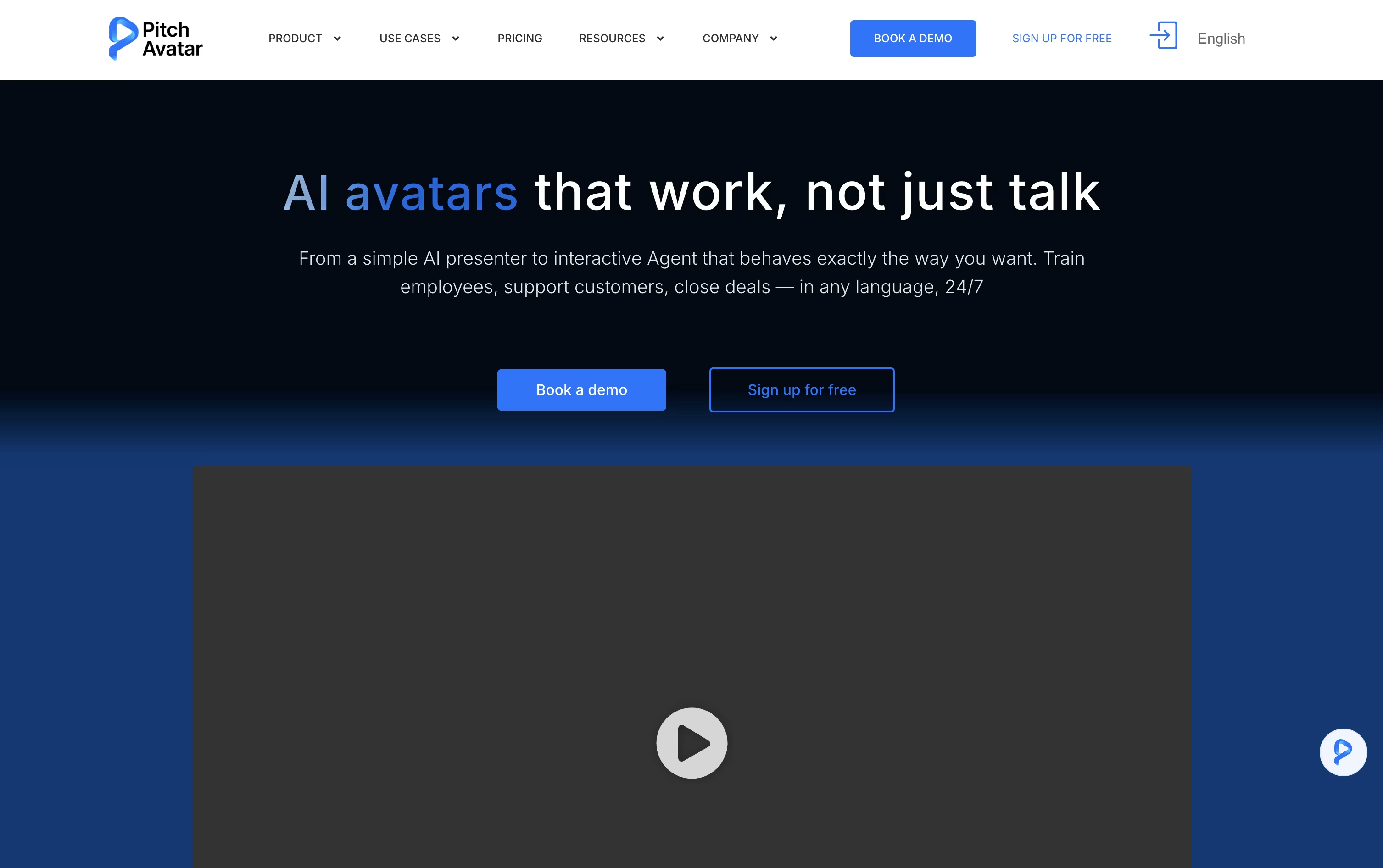
Beyond simple narration, its AI Chat-avatars act as interactive agents. They talk with viewers, answer questions, qualify leads, book meetings, and support or train people around the clock, in the viewer's own language.
Presentations can be translated and dubbed into more than 76 languages, so the same content reaches audiences worldwide without re-recording anything.
The Professional plan starts at $29 a month and covers 1 user, 10 presentations, 20 videos, and 5 AI Chat-avatars. The Business plan, at $79 a month, raises those limits to 5 users, 100 presentations, and 20 Chat-avatars.
Enterprise offers custom limits, unlimited videos up to 60 minutes each, and unlimited downloads. Extra Avatar minutes can be bought separately, from $12 for 10 minutes to $109 for 100 minutes.
A 7-day free trial and a 14-day money-back guarantee make it easy to try Pitch Avatar before committing to a plan.

Pictory is an AI video creation platform that turns text, scripts, articles, PowerPoint slides, audio, and even long recordings into polished, branded videos without any filming or editing experience.
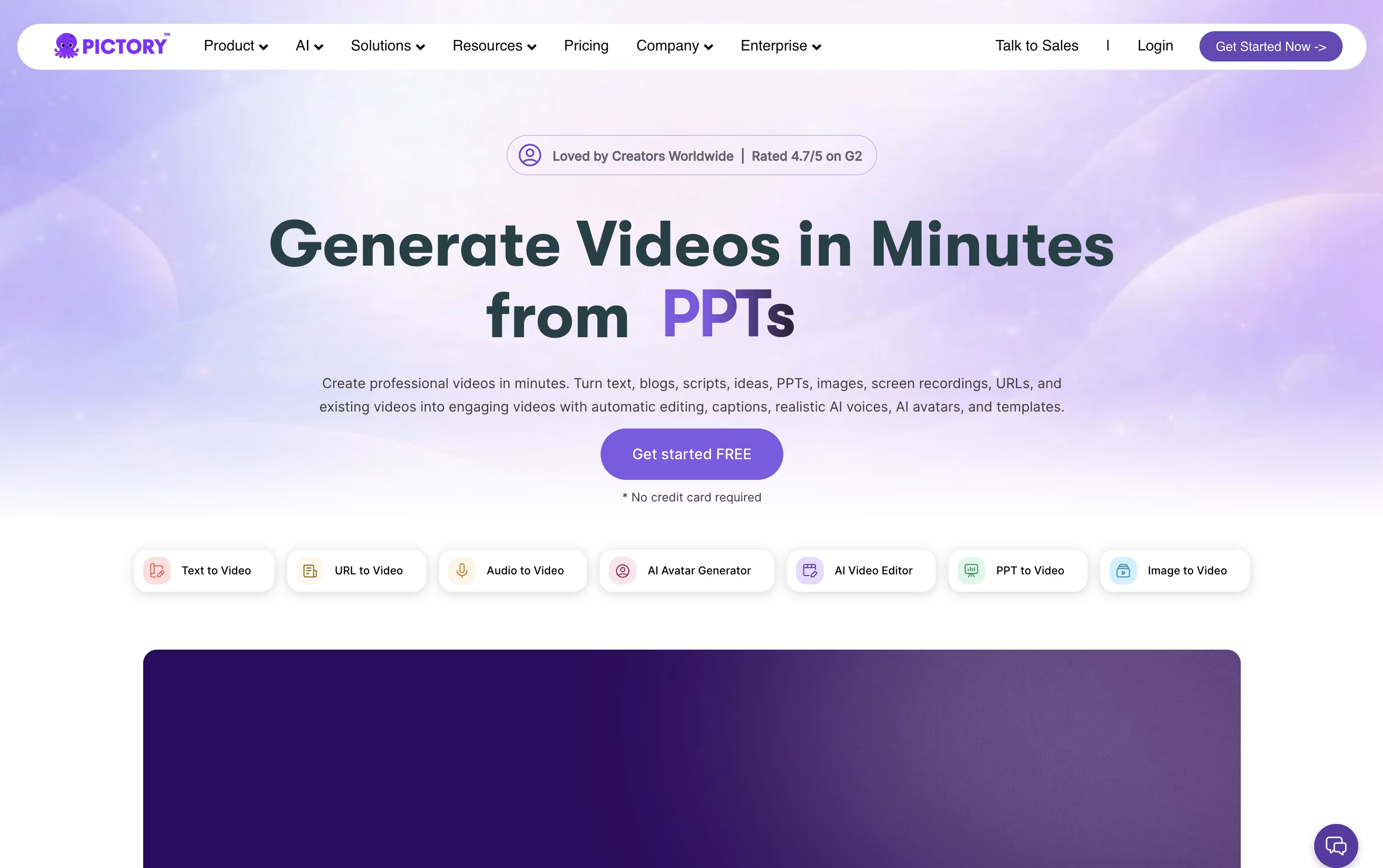
You give Pictory your content, and the AI builds a script structure, matches or generates visuals, adds captions and voiceover, then hands you a scene-based editor to fine-tune the result.
Standout tools include AI avatars that narrate your script with lip sync, text-based editing where removing a word cuts the video automatically, and Pictory Central for hosting interactive videos with quizzes and clickable links.
The Starter plan starts at $29 a month, or $25 a month billed annually, with 200 video minutes and 100 AI credits monthly.
The Professional plan at $59 a month unlocks custom avatars and voice cloning, while the Team plan at $199 a month adds shared workspaces for 3 or more users.
Enterprise pricing is custom and includes SSO, a dedicated success manager, and unlimited brand kits, and a 14 day free trial lets you try Pictory before committing.
Steve AI is a video creation tool from Animaker Inc that turns text, scripts, blog links, audio, or even a simple prompt into a finished video. There is no filming or camera work involved.
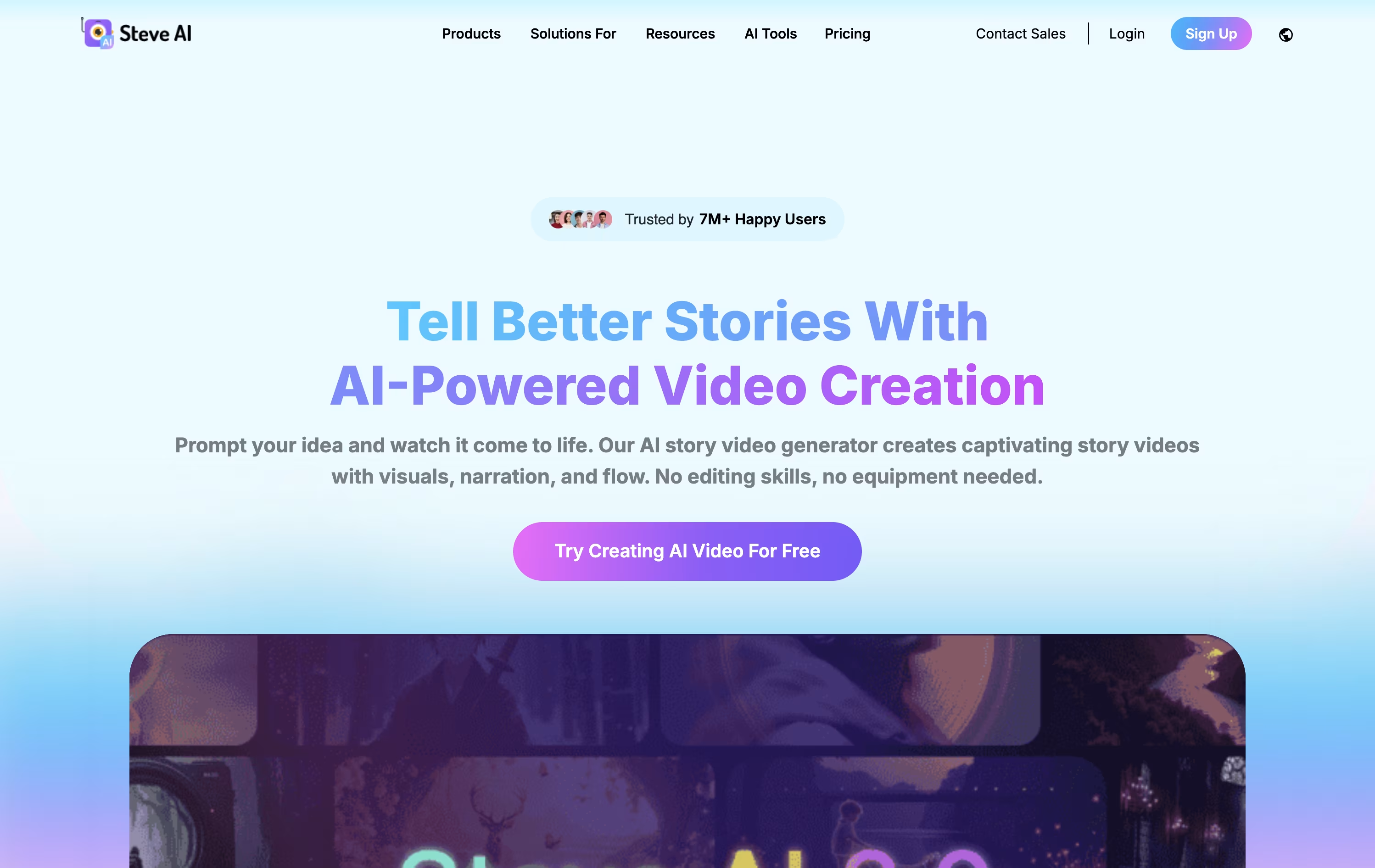
Once you enter your idea, the AI writes a script, breaks it into scenes, matches visuals, adds a voiceover, background music, and subtitles, then renders the video for you to review and export.
You can choose from more than seven styles, including 2D animated characters, generative AI clips, and live-action stock footage, plus access to Google Veo 3 for short cinematic scenes.
Pricing starts with the Starter plan at $29 a month, or $19 a month billed yearly, which includes 100 minutes of AI video and 1080p resolution.
The Pro plan runs $59 a month and the Generative AI plan, which Steve AI recommends, costs $129 a month, both adding more render minutes, sharper resolution, and more lifelike voices.
Larger teams can move to the Enterprise plan for custom pricing, which adds 4K resolution, dedicated infrastructure, commercial rights, and advanced security.

Vyond is a cloud based video creation platform that helps businesses turn ideas into polished videos without needing an animation studio. It works right in the browser on Chrome, Edge, or Safari.
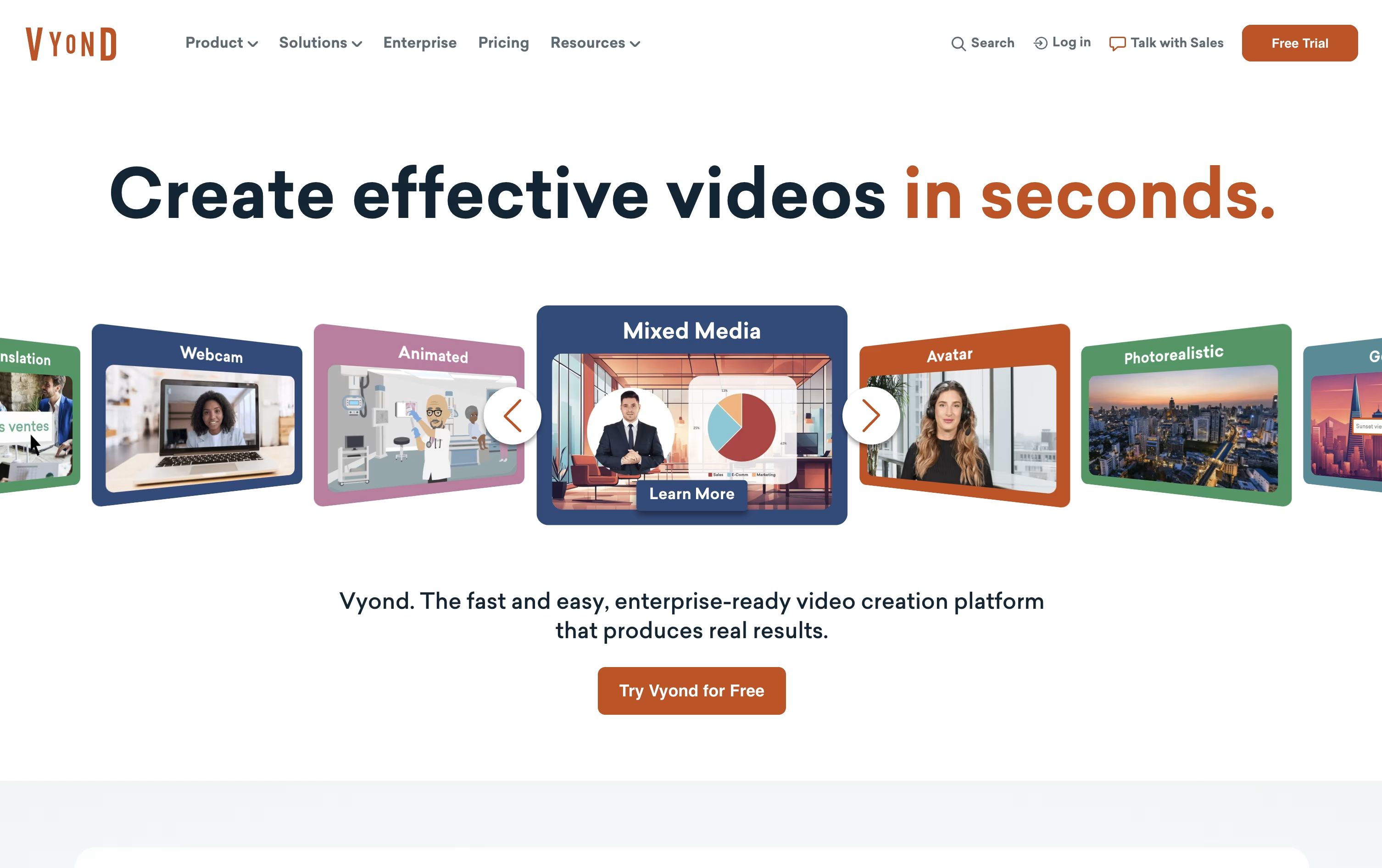
The AI tool Vyond Go can turn a document, script, prompt, or web link into a first draft video in seconds, complete with characters, scenes, and voiceover. From there, the Studio editor lets you fine tune every detail, from lip sync to camera moves.
You get access to AI avatars, over 650 text to speech voices, screen and webcam recording, and thousands of templates and props, all built to make training, HR, and marketing videos faster to produce.
Pricing starts with the Starter plan at $99 a month, or $699 a year, for a single user with 10,000 monthly credits and videos up to 25 minutes.
The Professional plan costs about $1,199 a year per user and adds team collaboration, Shutterstock assets, and translation into 95 languages.
Enterprise and Agency plans, priced at $1,649 and $1,999 a year per user, unlock virtually unlimited credits, the Brand Management Suite, and advanced security, with multi seat pricing available by contacting Vyond directly.

Powtoon is a browser based platform for creating animated videos, explainer videos, and presentations without any design or animation background. You can start from a blank canvas, choose a template, or turn an existing PowerPoint, PDF, or Word document into a video.
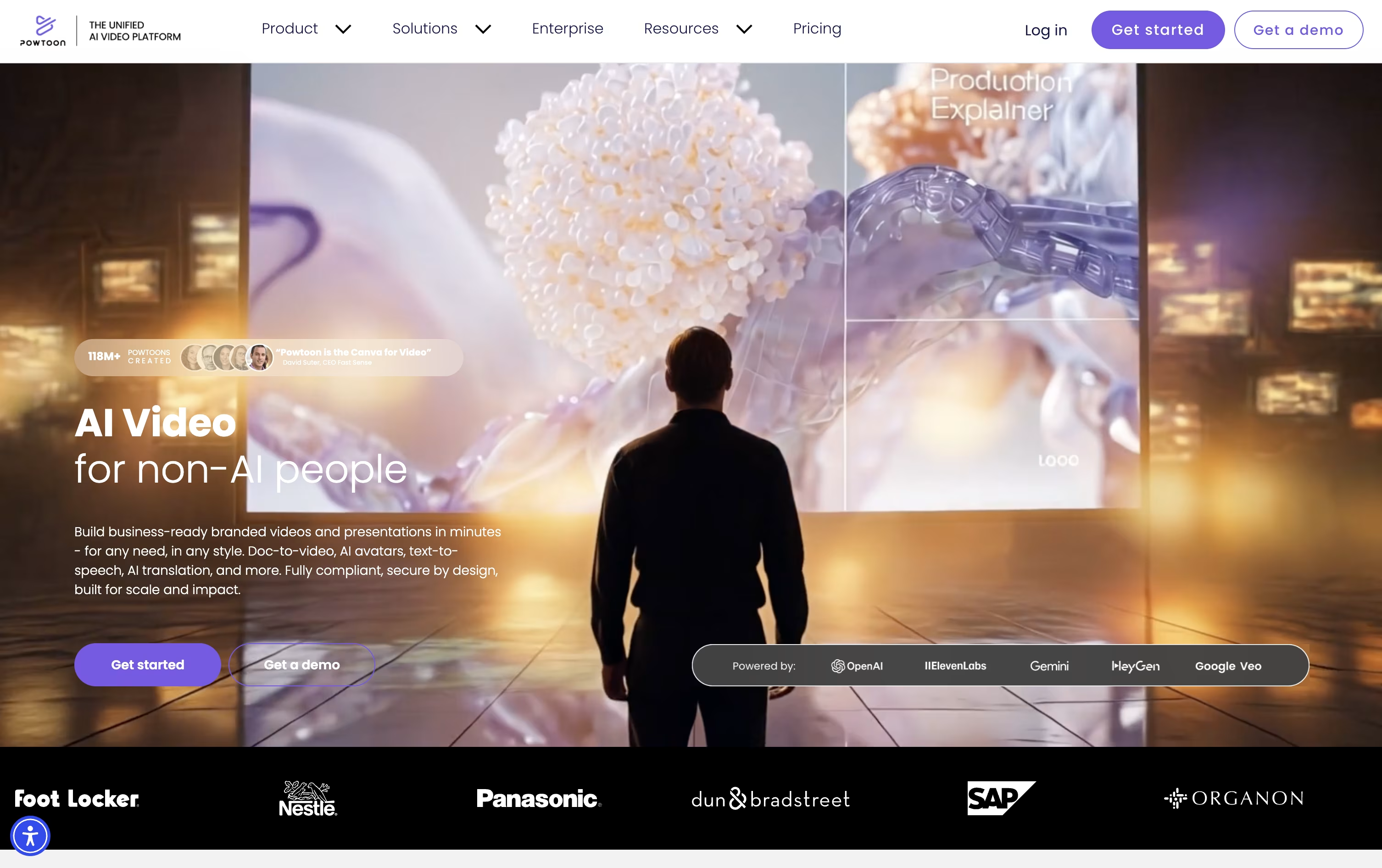
The platform runs on a unified AI system that can turn a prompt or document into a complete video, including script, voiceover, and visuals, all of which stay editable afterward in the Studio.
Beyond AI, Powtoon offers a large library of animated characters, whiteboard styles, real footage, and stock media, along with a drag and drop editor for fine tuning every scene.
The Free plan costs nothing and covers 3 minute videos with a watermark. Lite starts at $15 a month billed yearly, Professional at $40 a month, and Advanced at $125 a month, each adding longer videos, more AI credits, and extra creative controls.
Education pricing starts at $8 a month, while Enterprise offers custom pricing with unlimited users, brand management, and ISO 27001 backed security for larger teams.

Creatify is a video ad maker built for marketers and online sellers. You give it a product link, an image, or a short brief, and it handles the script, the AI avatar or voice, the music, and the captions on its own.
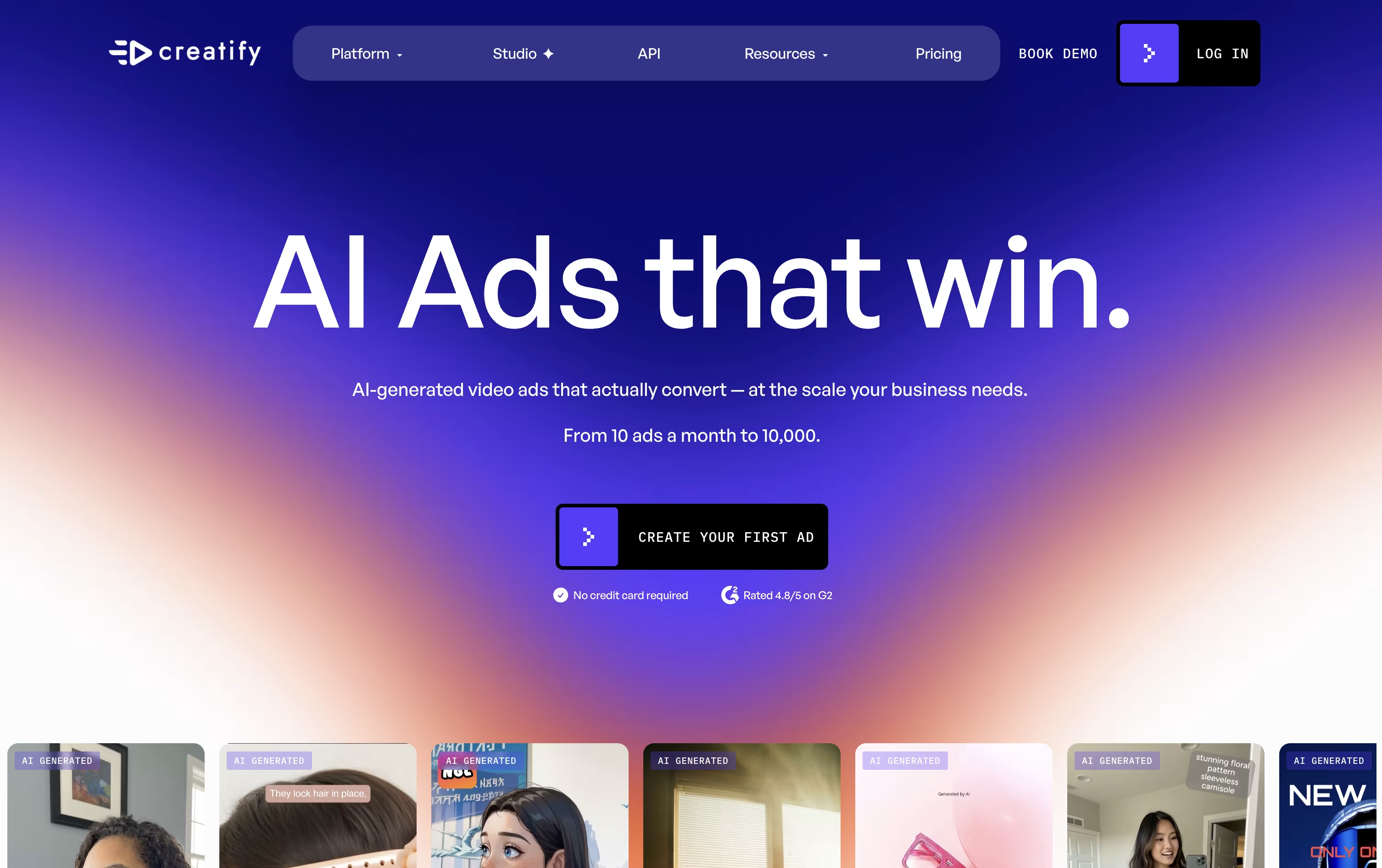
The finished videos are sized for TikTok, Instagram, YouTube, and other ad platforms, and you can make many versions at once to see which one performs best.
Pricing starts with a free plan offering 10 credits a month, with exports carrying a watermark. The Starter plan costs $39 a month and removes the watermark, while the Pro plan, the most popular option, costs $99 a month and adds a bigger avatar library, competitor ad tracking, and team tools.
An Enterprise plan with custom pricing adds a dedicated production team and account manager. Both Starter and Pro plans also offer roughly half off when billed yearly.
Separate API plans exist for developers who want to build Creatify into their own tools, starting at $99 a month.
Overall, it fits teams that need a steady stream of fresh ad creative without hiring a full production crew.

OpusClip is an AI tool that turns long videos, like podcasts, webinars, or streams, into short clips ready for platforms such as TikTok, YouTube Shorts, and Instagram Reels.
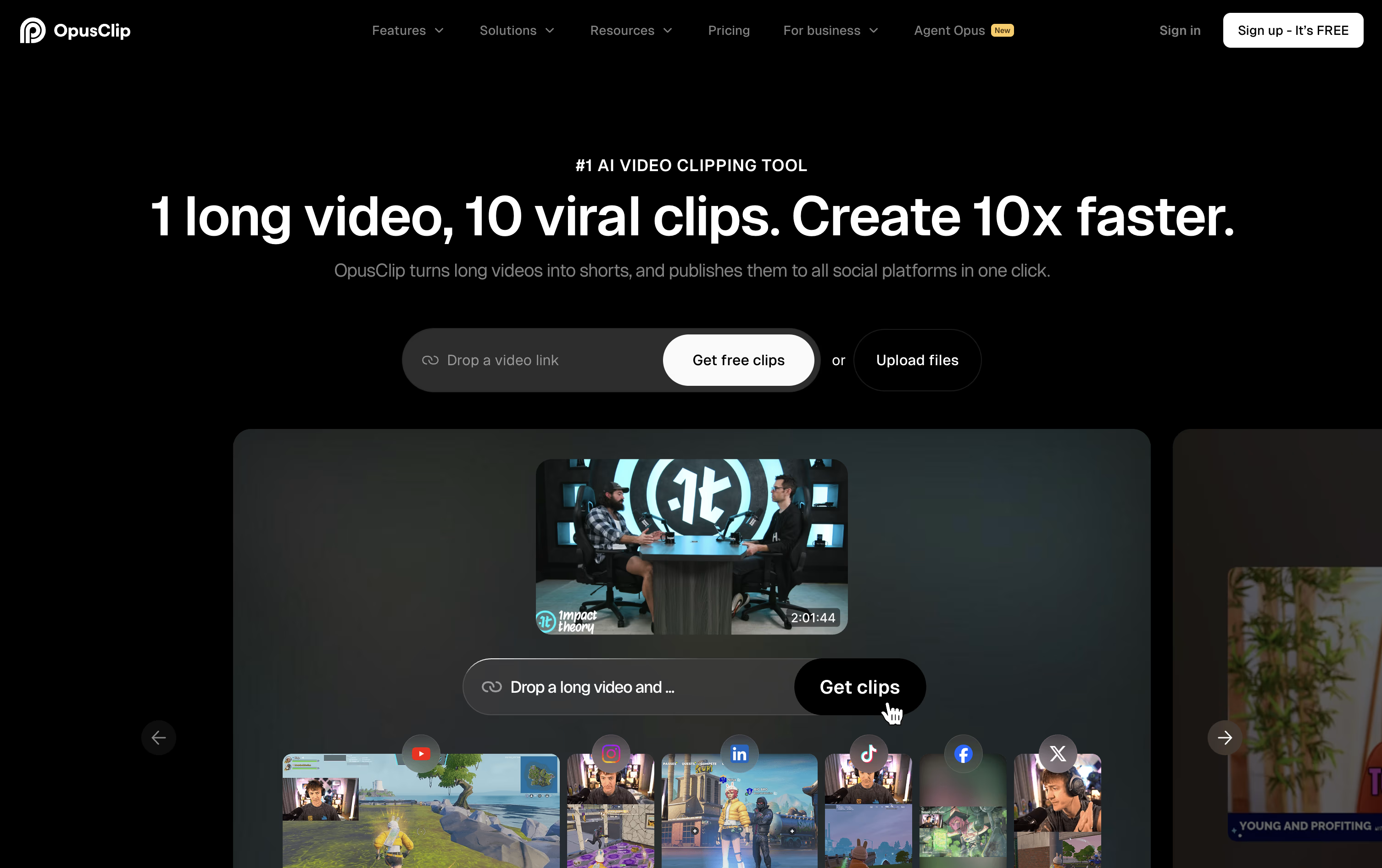
It scans the whole video using visual, audio, and tone cues to find the strongest moments, then reframes them for vertical, square, or widescreen formats and gives each clip a Virality Score to show how well it might perform.
Beyond clipping, OpusClip adds animated captions in over 20 languages, removes filler words and awkward pauses, and can insert AI B-Roll, voice-overs, and dubbing to make clips feel more polished.
The Free plan costs $0 and includes 60 credits a month with basic editing. Starter costs $15 a month for 150 credits and watermark-free exports, while Pro costs $29 a month, or about $17.40 a month billed yearly, for 300 credits, team features, and API access.
Larger teams can move to the custom-priced Business plan for unlimited storage, dedicated support, and enterprise security like SSO.


