

Best 5 TensorPix Alternatives in 2026
Last Updated: September 12, 2026
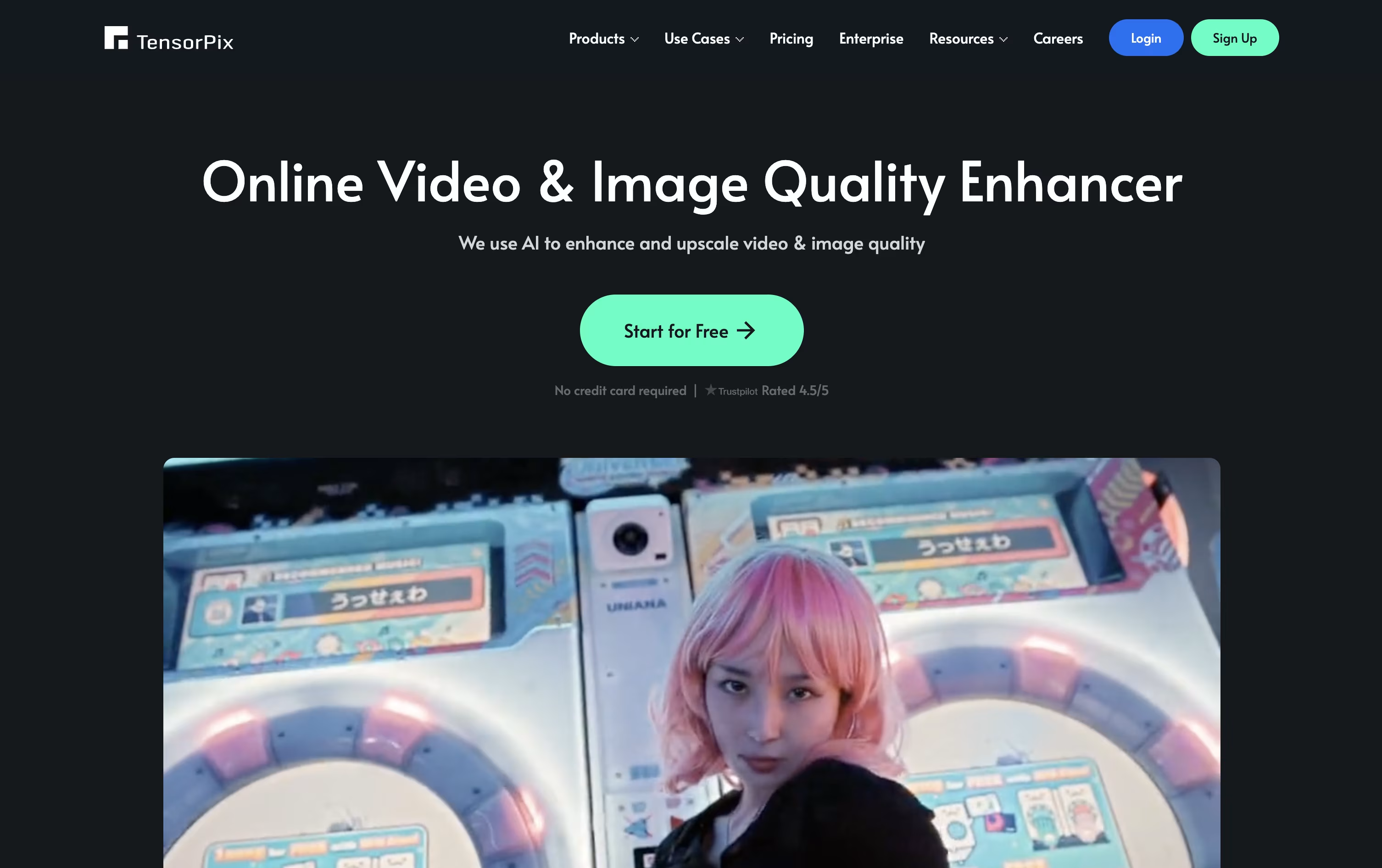
TensorPix is a cloud based platform that uses AI to enhance, upscale, restore, and generate videos and images, all from a normal web browser.
Its main tool, the Video Enhancer, can upscale footage up to 4K, boost frame rates for smoother motion, stabilize shaky clips, and clean up noise, blur, and compression damage. Old home videos, VHS transfers, and even AI generated clips can all be improved this way.
The best alternative to TensorPix is  HitPaw
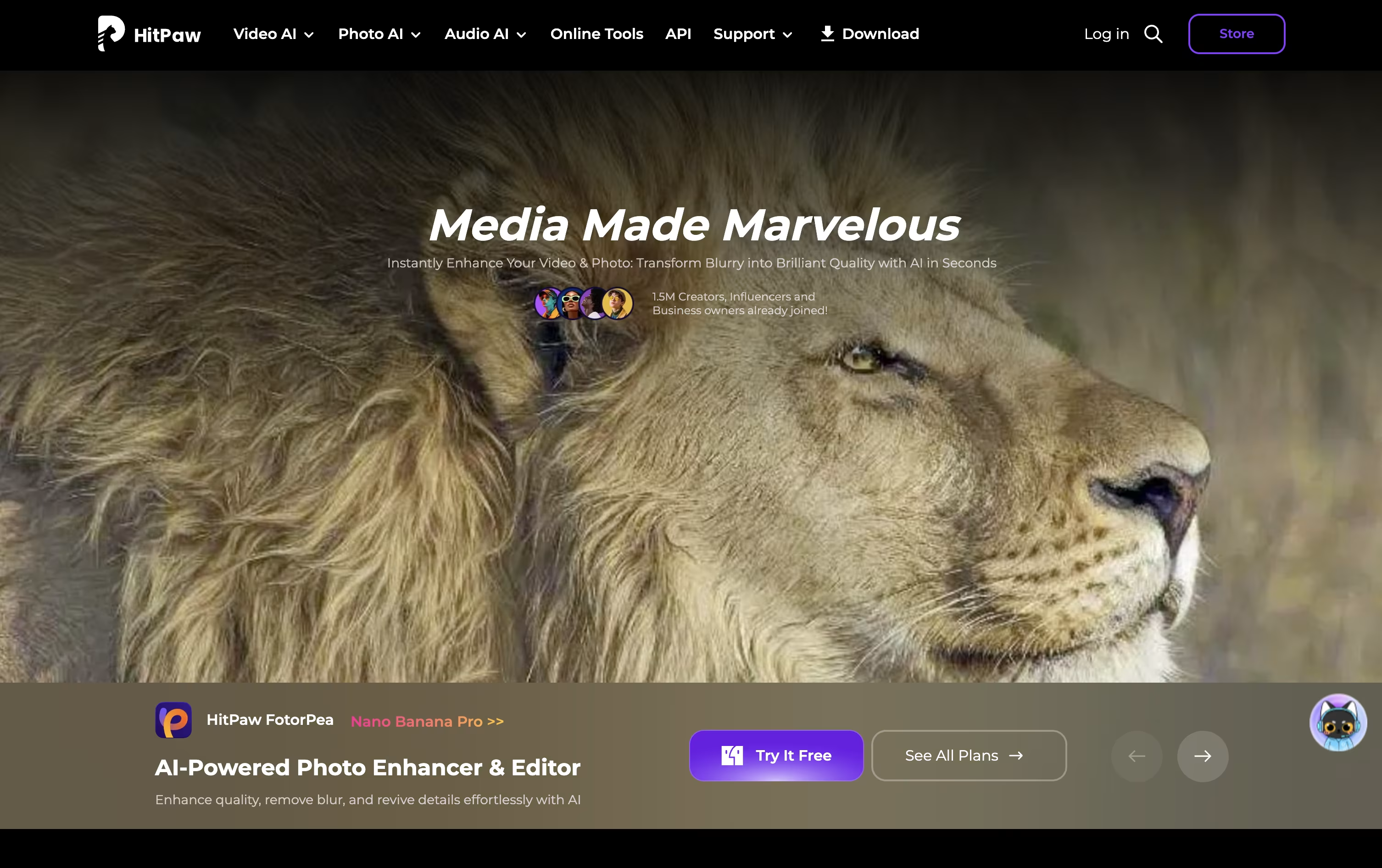 HitPawAI Photo and Video Enhancer for Everyone.
  Topaz Labs
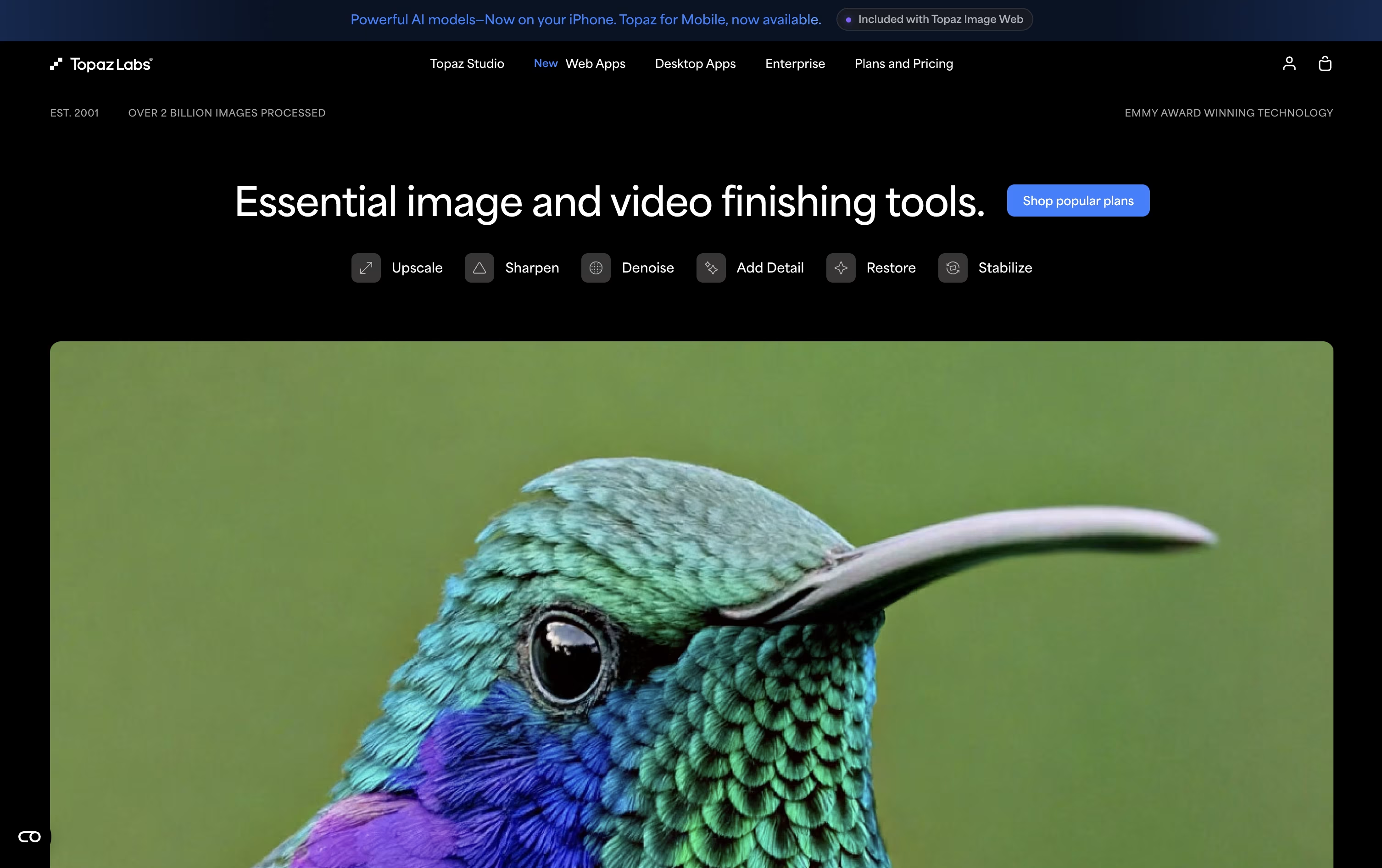 Topaz LabsAI Photo & Video Enhancement Tools and
  AVCLabs
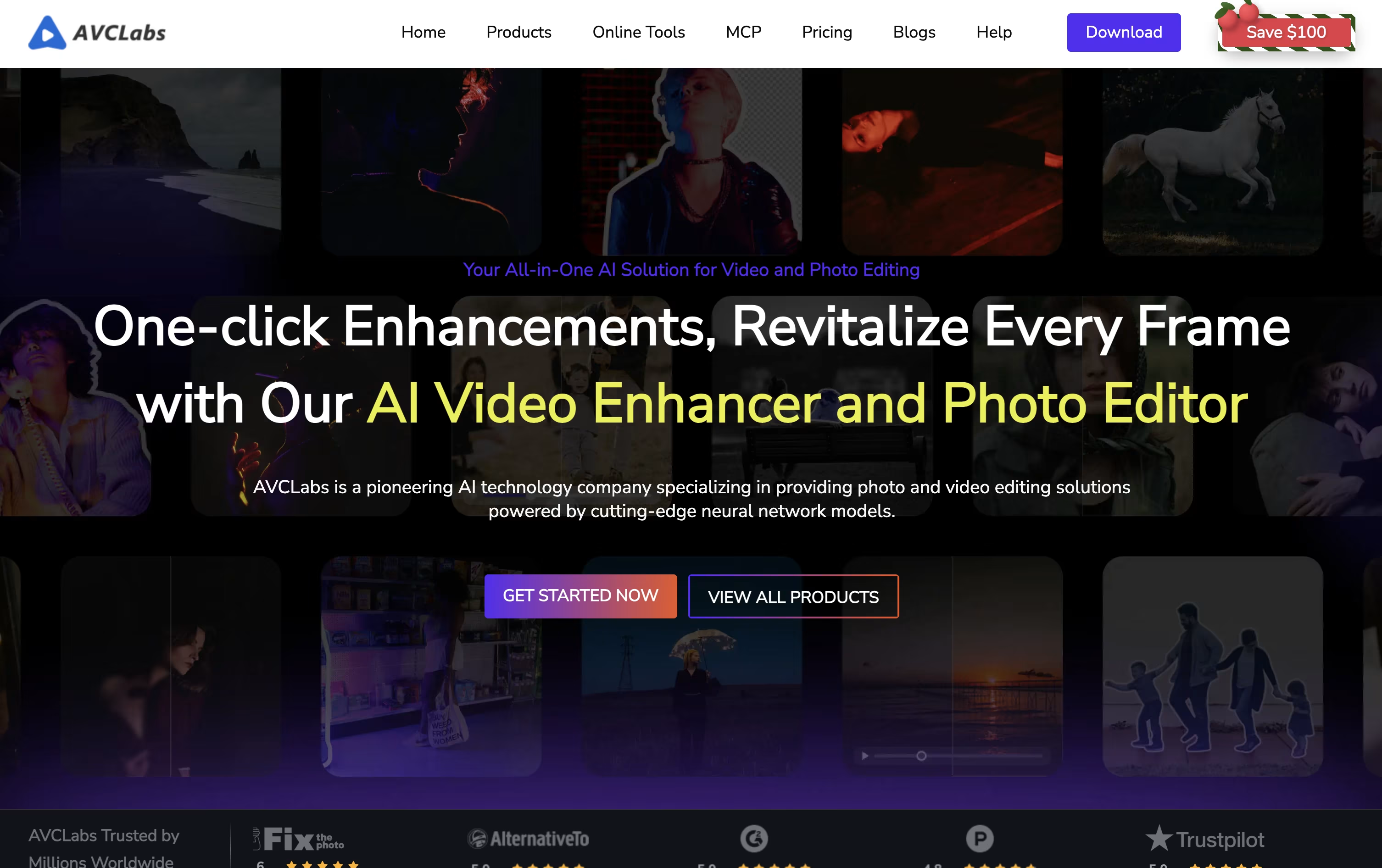 AVCLabsAI Video and Photo Enhancement Tools are also among the best options for Photo and Video Quality Enhancement.
So, here are the 5 best alternatives to TensorPix:

HitPaw is a collection of AI tools built to enhance, restore, and generate photos and videos with almost no learning curve. You upload your file, choose the tool you need, and the AI does the rest, whether that is sharpening an old photo or upscaling shaky footage to 4K.
The photo side, known as FotorPea, includes AI upscaling up to 8K, colorizing, background removal, an AI Canvas for chat-style editing, and image generation using models like Nano Banana Pro.
Pricing starts with a free trial that lets you preview results before you commit. Paid plans begin at $25.59 a month, moving up to $99.99 a year or a one-time $159.99 perpetual license that never expires.
Each paid tier raises your free credits and image processing limits, going from 100 credits on the monthly plan up to 800 credits on the perpetual license.
Teams can get a shared plan for 5 Macs at $256.95 a year, while larger businesses can request a custom quote with added support and volume pricing.
Topaz Labs builds AI software that repairs and upgrades existing photos and videos rather than generating new content from nothing. Its tools handle tasks like removing noise, sharpening soft images, recovering faces, and upscaling footage to 4K or higher.
The lineup includes Topaz Photo, Topaz Video, Topaz Gigapixel, the browser based Astra and Bloom tools, Topaz Image Web, and a mobile app for iPhone. Most work runs locally on your own hardware for privacy, while heavier AI models are available through the cloud.
Topaz Studio bundles every app into a single subscription for $399 a year or $69 a month, with unlimited local rendering, unlimited cloud image rendering, and 300 video cloud credits a month.
Studio Pro is built for studios and commercial teams at $799 a year or $79 a month, adding full commercial rights, 600 video cloud credits, higher cloud concurrency, and seat management.
Individual apps can also be bought on their own, and larger organizations can request custom Enterprise pricing with dedicated support.
AVCLabs is a collection of AI apps for improving and editing video and photos, rather than one single program. Each tool focuses on a specific job, from upscaling old footage to blurring faces for privacy.
Video Enhancer AI and Photo Enhancer AI use local AI models to upscale, denoise, and restore video and images, while Video Blur AI focuses on automatically blurring faces, license plates, and other private details. PhotoPro AI adds creative editing like object removal, background swap, and colorization.
Most desktop apps cost between $19.95 and $39.95 a month, and a Video Enhancer AI plus Photo Enhancer AI bundle is available for $49.95 a month, which works out cheaper than buying both separately.
For people who prefer not to install software, AVCLabs also runs browser based online tools starting from $9.95 a month, covering upscaling, background removal, and AI image or video generation.
A Media MCP server, also starting from $9.95 a month, connects these AI tools to agents like Claude Desktop, so tasks like upscaling a video can be done through simple text commands. Larger teams needing volume pricing can contact AVCLabs directly for a custom quote.

Remini turns old, blurry, or damaged photos and videos into sharp, clear results using AI. It is especially strong with faces, restoring natural looking skin, eyes, and expressions from low quality or aged pictures.
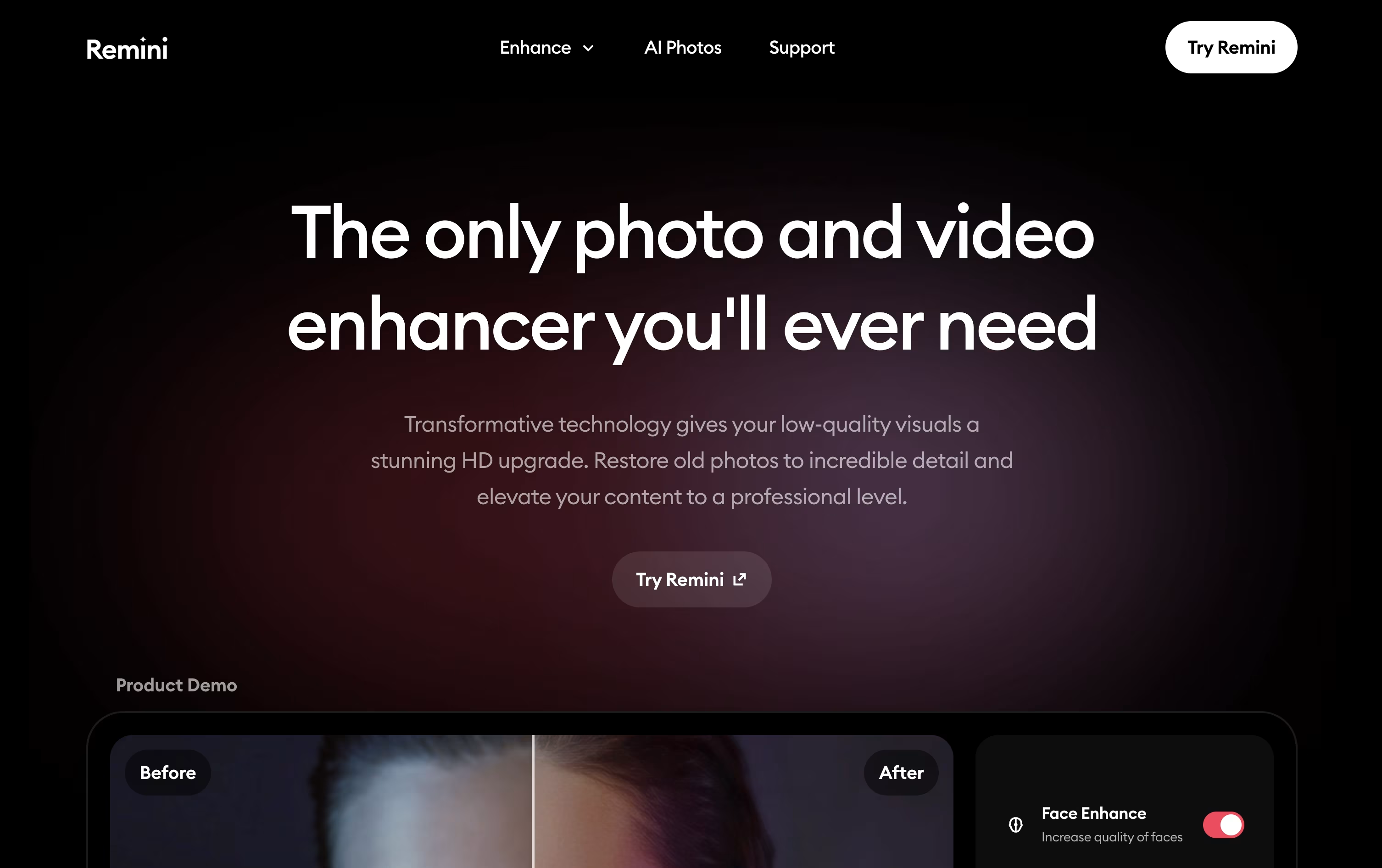
Alongside its classic Unblur, Denoise, and Old Photo Restorer tools, Remini also lets you enhance full videos frame by frame and generate brand new AI photos of yourself, from professional headshots to fun filters and creative styles.
A free plan lets you try basic enhancements with ads and daily limits. For more, the Personal plan starts at $6.99 a week (after a $0.99 seven day trial), rising to $17.99 a month or $179.99 a year, and covers up to 1,040 photo enhancements a year plus limited video editing.
The Business plan costs $9.99 a week, $24.99 a month, or $249.99 a year, and unlocks unlimited photo enhancements, longer video limits, PNG and TIFF output, bulk upload, commercial use rights, and a Photoshop plugin.
Both monthly plans come with a 35% discount badge and yearly plans with 50% off, making longer commitments the better value if you plan to use Remini regularly.
Available on web, iOS, and Android, Remini is built by Bending Spoons and used by over 100 million people each month to restore memories and create new AI images.

VanceAI is a suite of AI tools that fix and improve photos and videos in just a few clicks. It handles common problems like blur, noise, low resolution, and old photo damage using models trained to spot exactly what a picture needs.
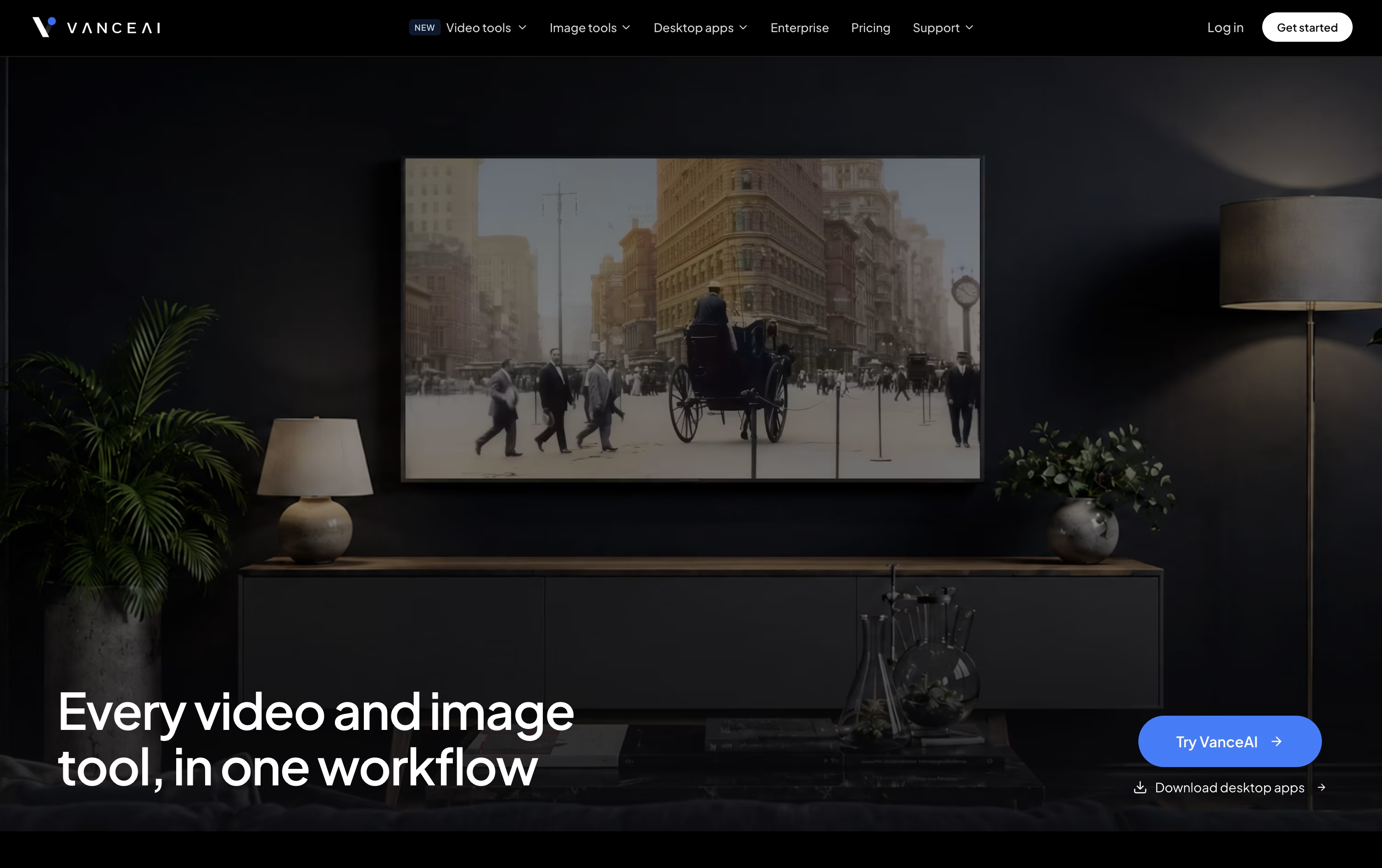
Beyond fixing photos, it can remove backgrounds, restore black and white photos with color, turn images into cartoons or anime style, and generate passport photos.
Video tools cover upscaling, SDR to HDR conversion, denoising, and colorizing footage, so the same account can handle both photo and video jobs.
The web app runs on a shared credit system. Monthly plans start at $18 for 200 credits, while paying yearly cuts prices roughly in half, down to $9 a month for the same tier.
People who process files often can use the desktop app for Windows, which works offline with no credit cost, starting at $39.90 a month or $129.90 for a lifetime license.
Businesses with heavy or automated needs can connect through the API or ask for custom Enterprise pricing with dedicated support.





