



VanceAI
AI Photo and Video Enhancement Tool
VanceAI is an AI photo and video tool that upscales, restores, denoises, and edits images and videos in one click.
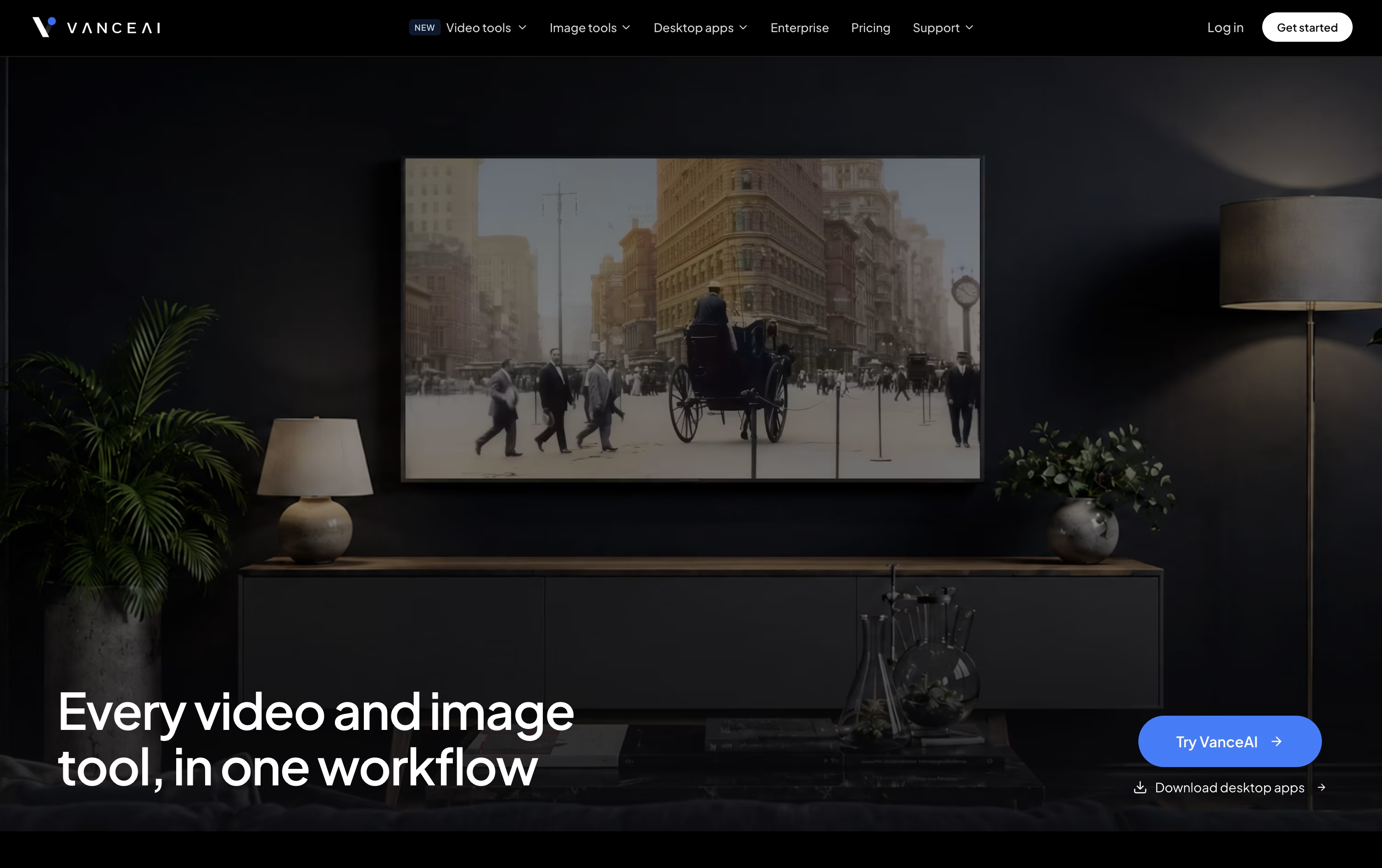



What is VanceAI
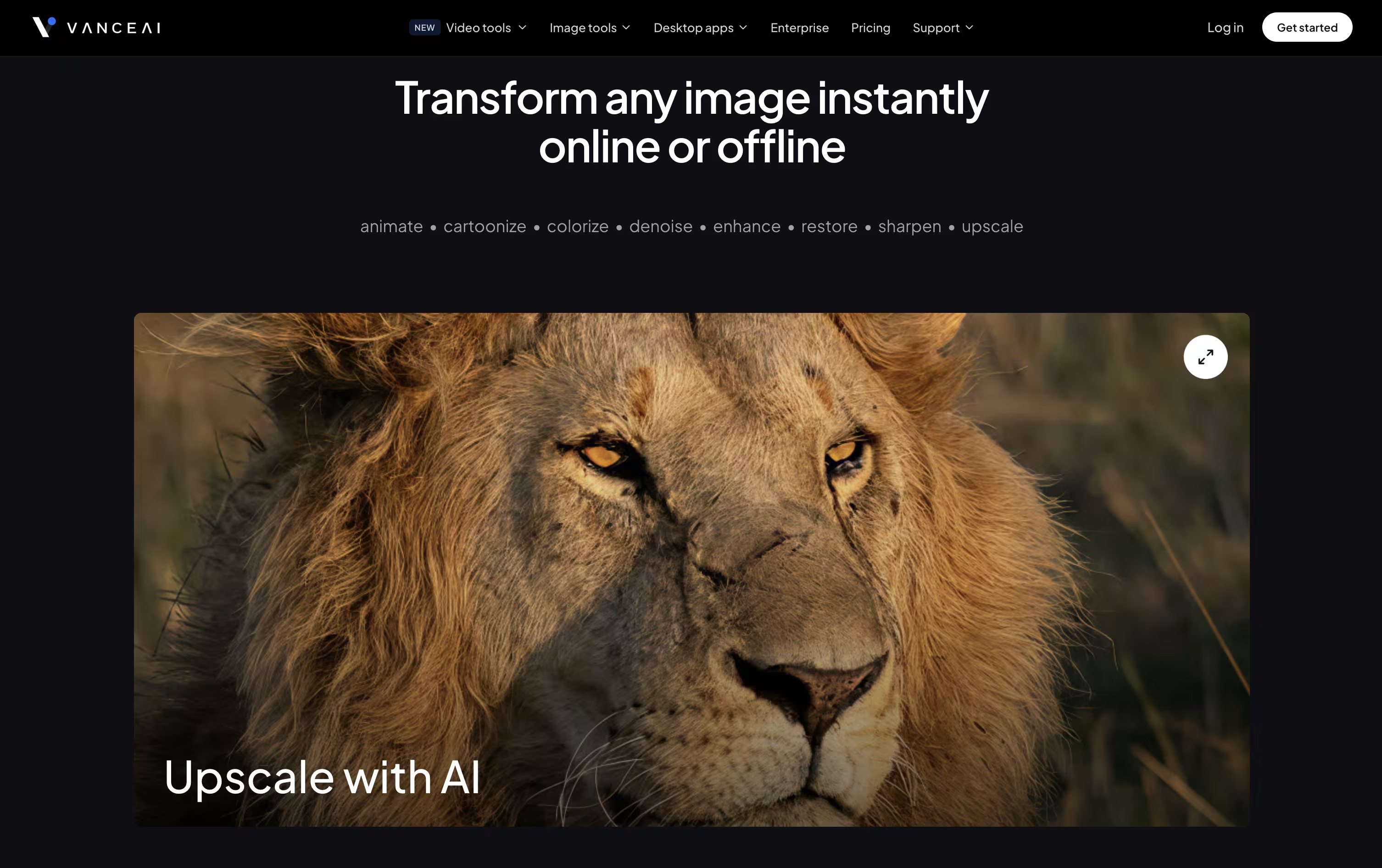
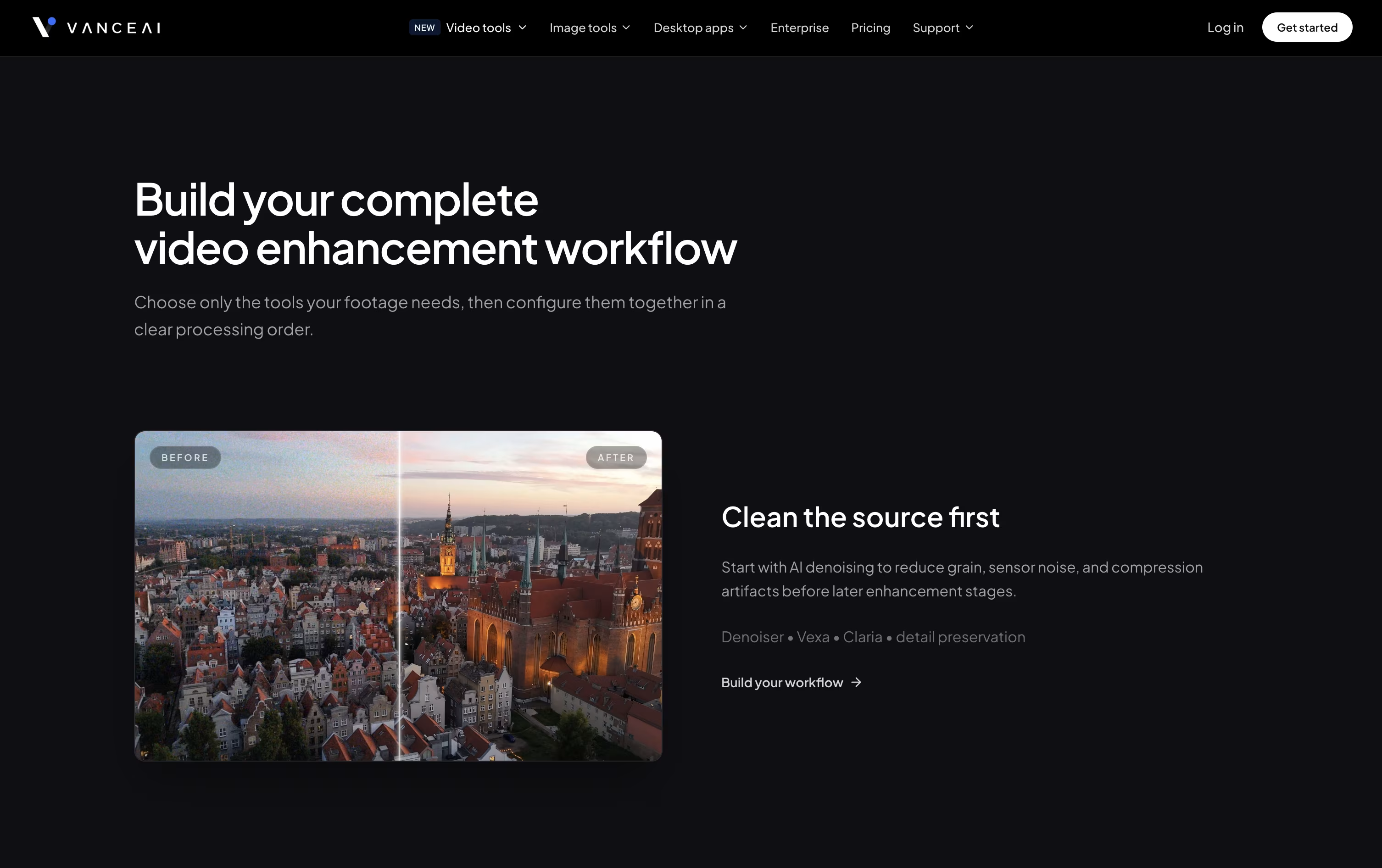
VanceAI is an online tool that fixes and improves photos and videos using artificial intelligence. It can upscale small images, remove noise, sharpen blurry shots, remove backgrounds, restore old photos, and even turn photos into cartoons, all in a few clicks.
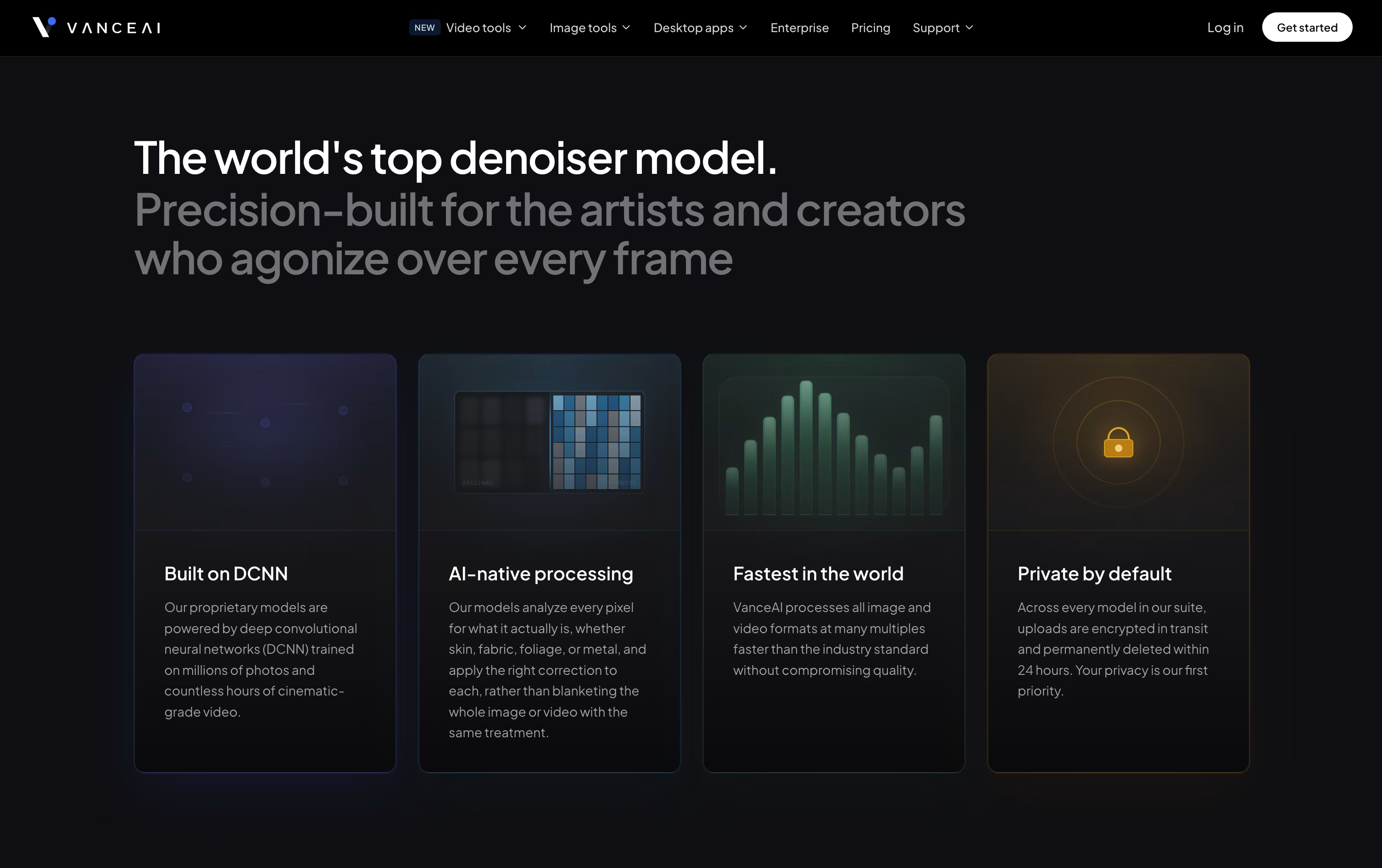
Instead of using one general filter, VanceAI looks at each picture closely and picks the best fix for that specific problem, whether it is blur, grain, or damage from age.
You can use it right in your browser, download the desktop app for Windows to process files on your own computer, or connect through an API to add these tools to your own app or website.
Features of VanceAI
AI image upscaling up to 40x
Photo sharpening and denoising
Background removal with clean edges
Old photo restoration and colorization
Cartoon and anime style conversion
Passport photo maker
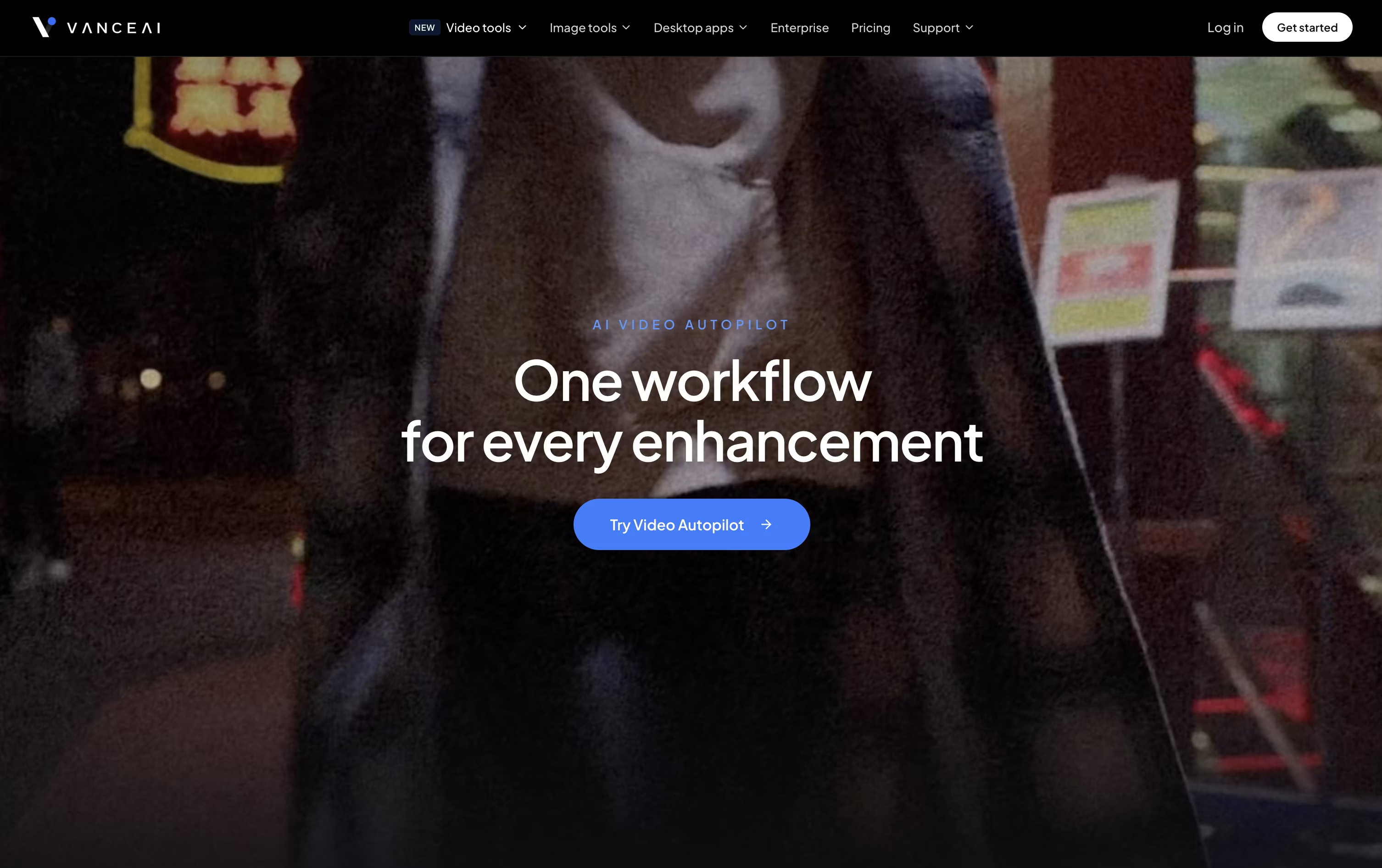
Video upscaling, HDR, and denoising
Desktop app for Windows with no credits
Developer API for automation
Encrypted uploads with auto file deletion
VanceAI Pricing
Starter
- 200 credits per month
- Good for occasional image and video projects
- 7-day money-back guarantee
- Unused credits roll over
Popular
- 500 credits per month
- Best for regular creators and growing workflows
- 7-day money-back guarantee
- Unused credits roll over
Creator
- 1,000 credits per month
- Best for frequent video and batch processing
- 7-day money-back guarantee
- Unused credits roll over
Studio
- 2,000 credits per month
- Best value for high-volume production
- 7-day money-back guarantee
- Unused credits roll over
Enterprise
- Volume pricing and custom terms
- Automated batch processing
- Custom integration
- Direct engineering support
VanceAI Use Cases
FAQ's About VanceAI







See what users are saying about VanceAI
0 Reviews
No reviews yet
Be the first to review VanceAI