

Best 4 AI Photo Restoration Tools in 2026
Last Updated: September 12, 2026
Old family photographs often carry scratches, faded colors, tears, and water damage that build up over decades of storage. AI Photo Restoration tools use machine learning to repair these imperfections automatically, bringing damaged prints back to life without the need for manual pixel-by-pixel retouching.
These tools are especially useful for genealogists, family archivists, and anyone digitizing a box of old prints inherited from relatives. Instead of paying a professional restorer for weeks of work, you can upload a scanned image and get a cleaned-up version in seconds, complete with repaired cracks and sharper detail.
 Remini
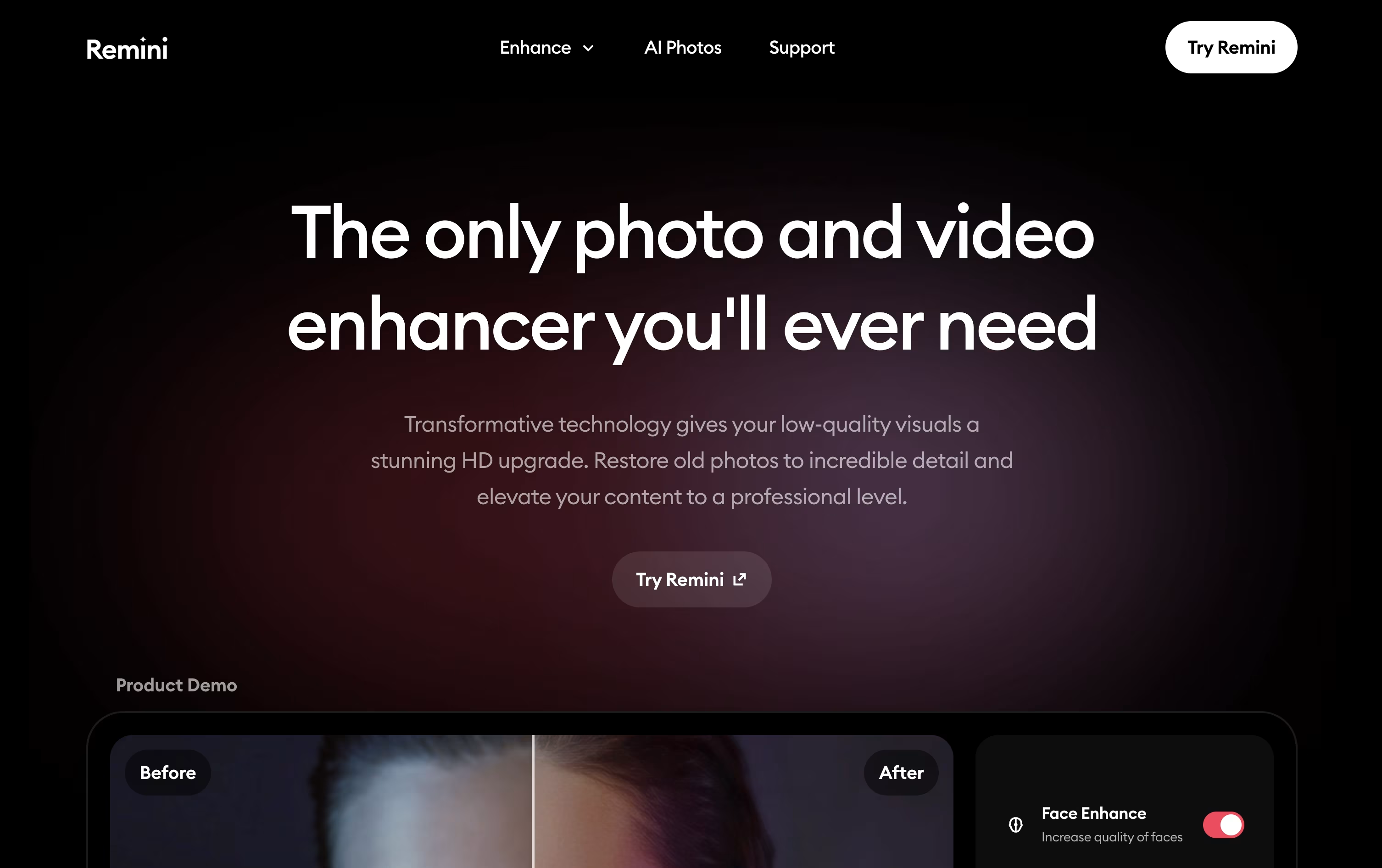 ReminiRestore Old Photos with AI Enhancement,
  HitPaw
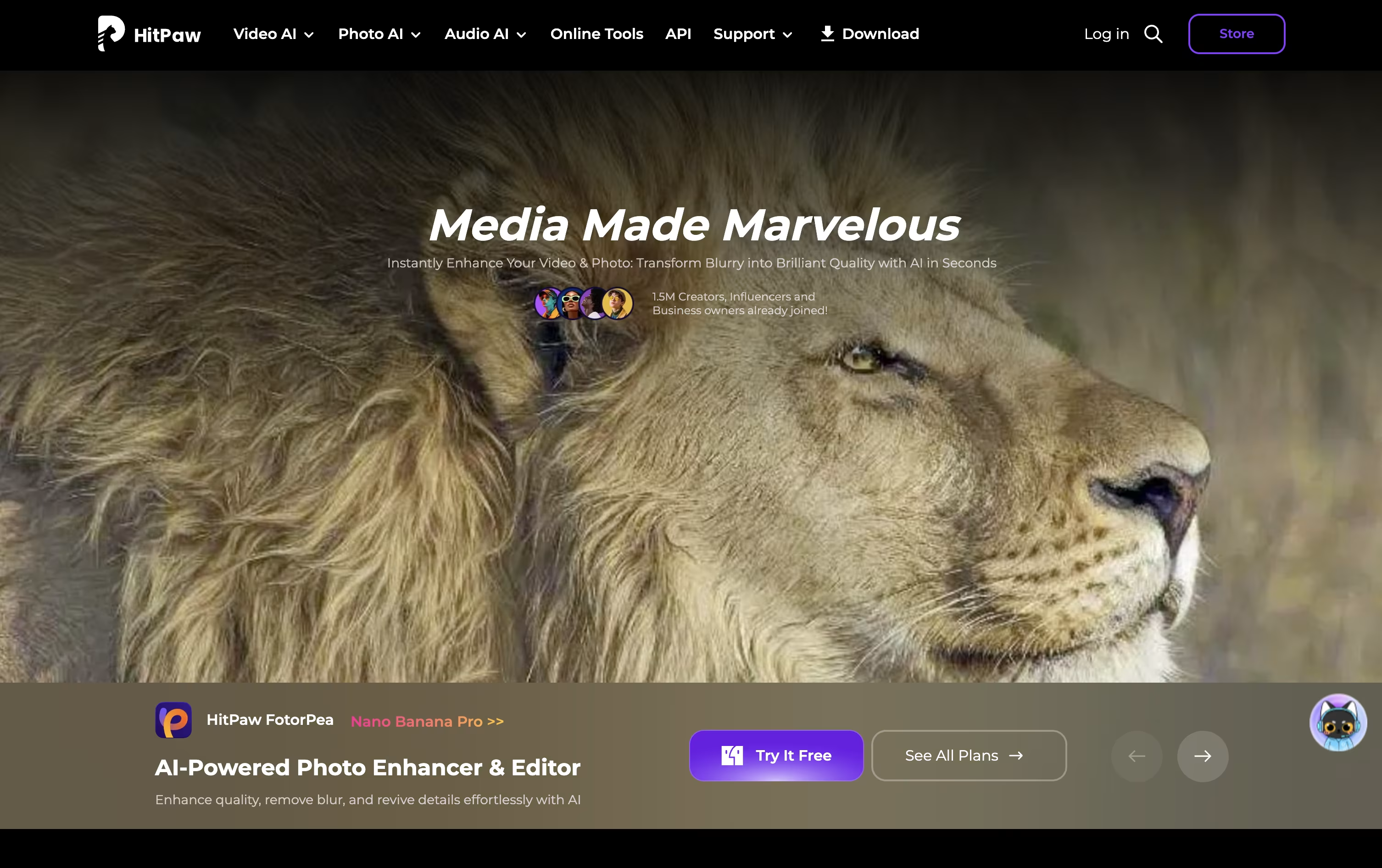 HitPawAI Photo and Video Enhancer for Everyone, and
  Topaz Labs
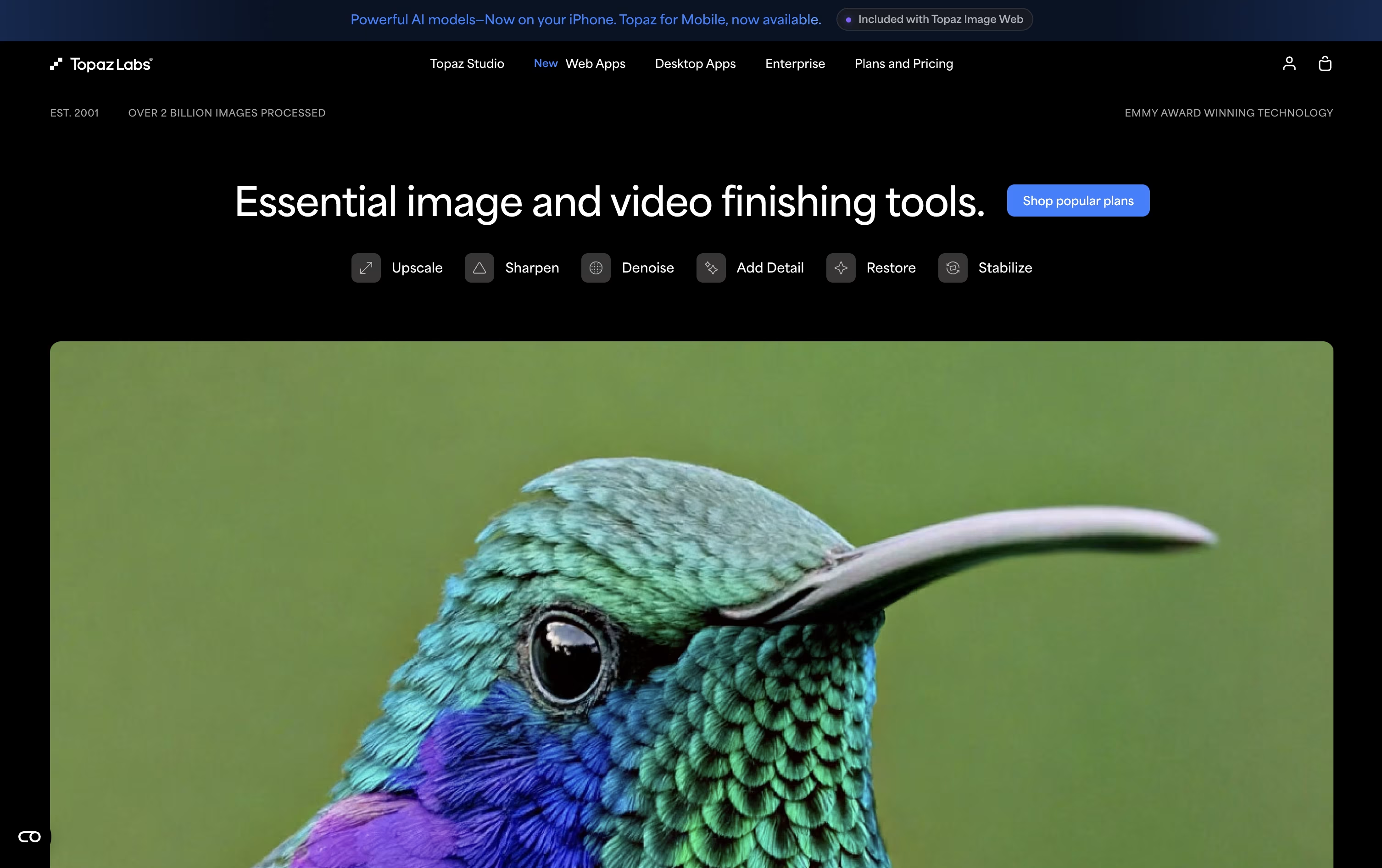 Topaz LabsAI Photo & Video Enhancement Tools are the best for AI Photo Restoration. So, let’s take a closer look at all 4 tools.

If you have old family photos that are faded, scratched, or blurry, Remini uses AI to bring them back to life, focusing heavily on making faces look natural and sharp again.
The app also handles video, smoothing out shake and grain in old clips, and it can create entirely new photos of you through its AI Photos feature, useful for headshots, fun themes, or creative portraits.
A free tier is available with ad-supported access and daily caps. The Personal plan opens up more room, starting at $6.99 a week after a short $0.99 trial, or $17.99 a month and $179.99 a year, giving up to 1,040 enhancements yearly along with basic video tools.
For heavier use, the Business plan runs $9.99 a week, $24.99 a month, or $249.99 a year and removes the enhancement cap entirely, while adding PNG and TIFF exports, bulk uploads, commercial rights, and Photoshop integration.
Monthly billing carries a 35% discount and yearly billing a 50% discount compared to paying weekly, so committing longer term saves the most money.
Remini works through its website and native iOS and Android apps, and is developed by Bending Spoons, the company behind other well known apps like Evernote and WeTransfer.
HitPaw brings together several AI tools for photo and video work under one roof, aimed at people who want quick, good-looking results without learning complex software.
Its photo tool, FotorPea, can upscale images to 4K or 8K, restore old or damaged photos, remove backgrounds and objects, and generate new images from text or reference photos.
You can try it for free first, with limited previews and no exports, before choosing a paid plan. The Monthly plan costs $25.59, the Yearly plan costs $99.99, and the Perpetual license is a one-time payment of $159.99.
As you move up the plans, your included credits grow from 100 to 500 to 800, along with higher limits on AI generation, background removal, and image restoration.
For small teams, a 5-Mac annual plan is available for $256.95, and companies needing more seats can contact HitPaw for a custom business quote with extra support benefits.
Topaz Labs makes AI powered software that cleans up and improves photos and videos people already have, rather than generating brand new images. Common uses include removing grain, sharpening blurry shots, recovering faces, and enlarging footage to much higher resolutions.
Its toolkit spans Topaz Photo, Topaz Video, Topaz Gigapixel for upscaling, the browser tools Astra and Bloom, Topaz Image Web, and a mobile app on iPhone. Editing can run entirely on your own computer for privacy, or in the cloud for speed and access to newer models.
The main plan, Topaz Studio, gives access to every app for $399 a year, or $69 month to month, and includes unlimited local rendering plus 300 monthly video cloud credits.
For studios and businesses, Studio Pro costs $799 a year, or $79 a month, and adds full commercial use, 600 video credits, higher cloud concurrency, and tools for managing team seats.
Single apps are also sold separately, and large organizations can contact Topaz directly for custom Enterprise pricing.
Photos with blur, grain, low resolution, or old damage are common problems, and VanceAI is built to fix them automatically using AI models that study each picture closely.
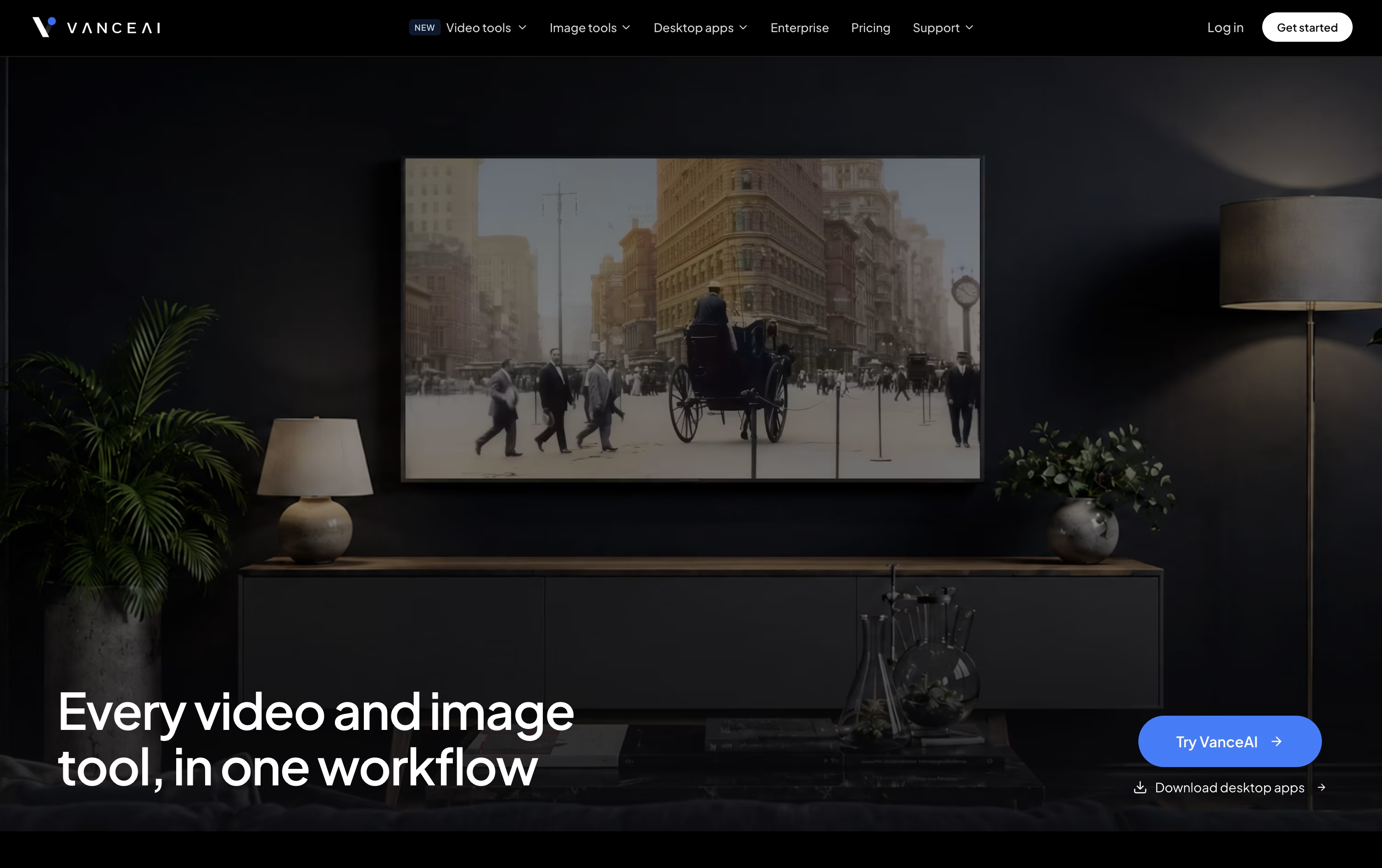
Along with fixing issues, it can remove image backgrounds, add color to black and white photos, convert pictures into cartoon or anime art, and create passport-ready photos.
On the video side, it upscales resolution, converts SDR footage to HDR, removes noise, and adds color to old clips.
Everything on the web runs through a shared credit pool. Monthly pricing begins at $18 for 200 credits, and choosing the annual option lowers that to about $9 a month.
For frequent use, the Windows desktop app processes files locally at no credit cost, with plans from $39.90 a month up to a one-time $129.90 lifetime license.
Larger teams needing automation or high volume can use the API or reach out for custom Enterprise pricing.





