

Best 8 AI Photo Editor Tools in 2026
Last Updated: September 12, 2026
Professional level photo editing traditionally required specialized software and a steep learning curve. AI Photo Editors automate common edits like retouching, color correction, and background adjustments with a level of precision that used to take real expertise.
These tools are a favorite among photographers, social media managers, and everyday users who want polished photos without mastering complex editing software. One click enhancements and smart object detection make advanced editing accessible to anyone.
 Remini
 ReminiRestore Old Photos with AI Enhancement,
  OpenArt
 OpenArtAI Studio for Images, Video and Audio, and
  HitPaw
 HitPawAI Photo and Video Enhancer for Everyone are the best for AI Photo Editor. So, let’s take a closer look at all 8 tools.

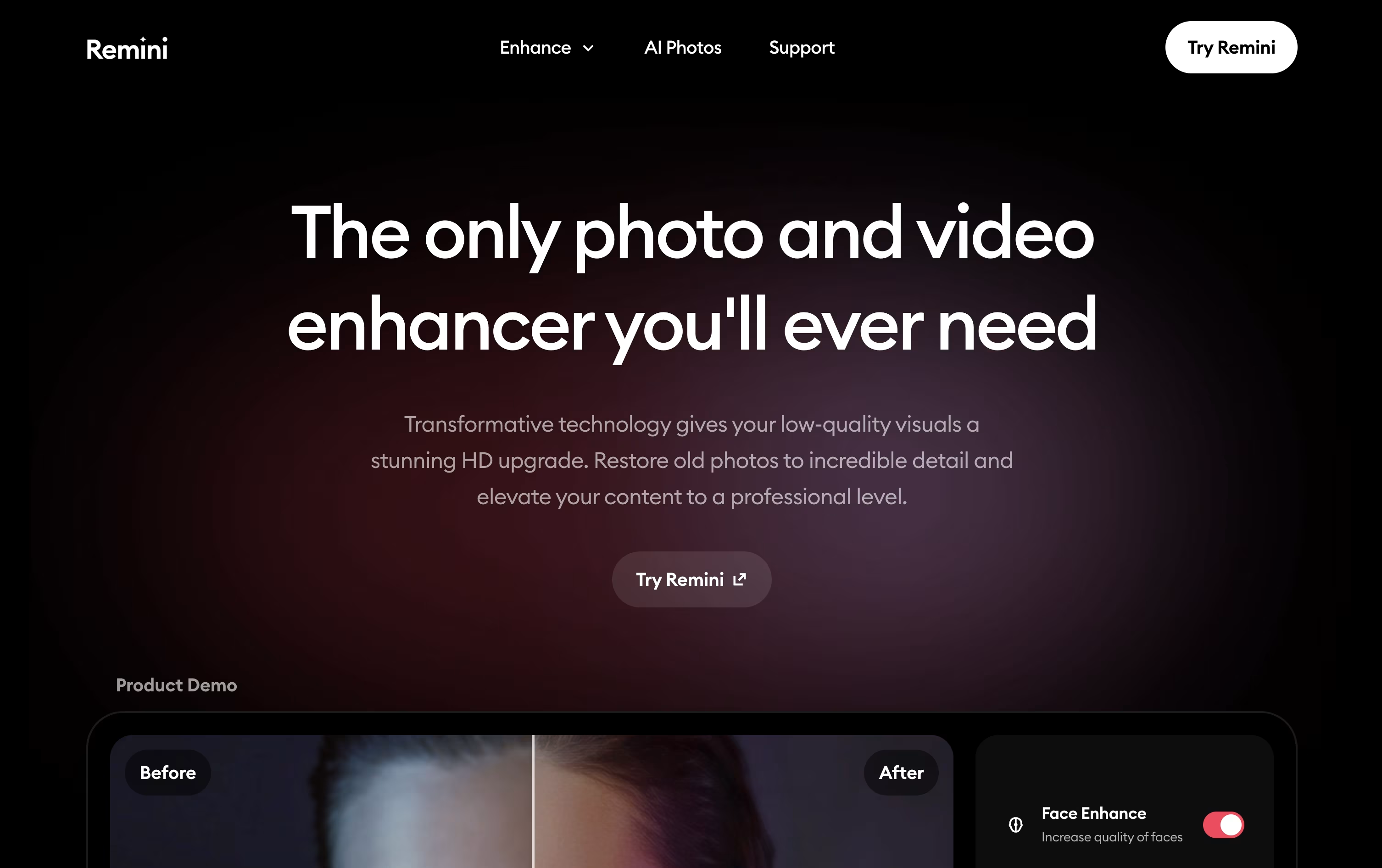
If you have old family photos that are faded, scratched, or blurry, Remini uses AI to bring them back to life, focusing heavily on making faces look natural and sharp again.
The app also handles video, smoothing out shake and grain in old clips, and it can create entirely new photos of you through its AI Photos feature, useful for headshots, fun themes, or creative portraits.
A free tier is available with ad-supported access and daily caps. The Personal plan opens up more room, starting at $6.99 a week after a short $0.99 trial, or $17.99 a month and $179.99 a year, giving up to 1,040 enhancements yearly along with basic video tools.
For heavier use, the Business plan runs $9.99 a week, $24.99 a month, or $249.99 a year and removes the enhancement cap entirely, while adding PNG and TIFF exports, bulk uploads, commercial rights, and Photoshop integration.
Monthly billing carries a 35% discount and yearly billing a 50% discount compared to paying weekly, so committing longer term saves the most money.
Remini works through its website and native iOS and Android apps, and is developed by Bending Spoons, the company behind other well known apps like Evernote and WeTransfer.
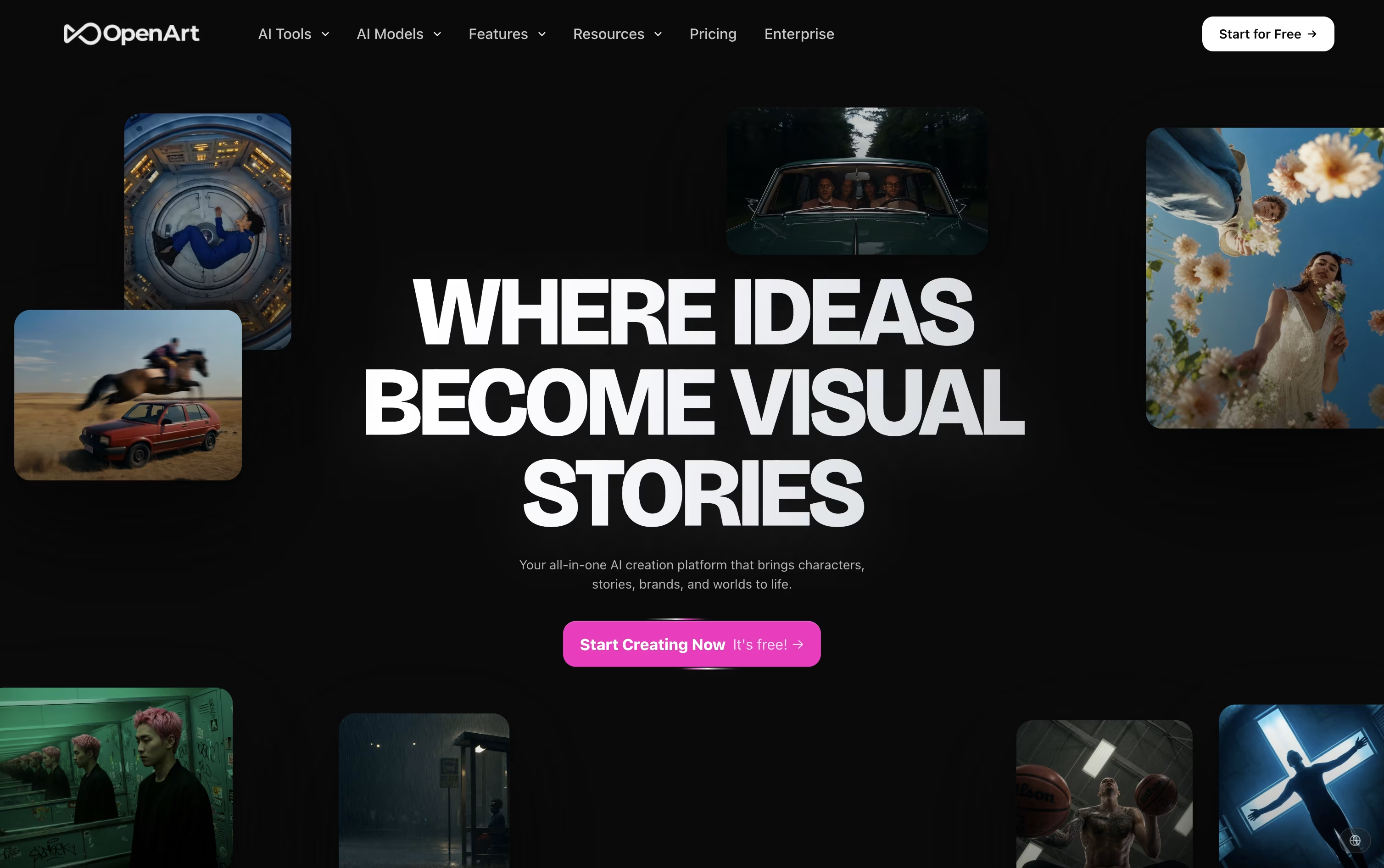
OpenArt brings image, video, audio, and character creation into a single workspace, so a project does not need to be pulled apart across separate apps.
You describe what you want in a prompt, or upload a reference photo, and the platform sends the request to one of more than 100 connected AI models for images, video, and sound.
Its character tool is one of the main draws. Build a character once and it can appear again and again across new scenes and videos while staying recognizable.
On price, the Starter plan begins at $14 a month with 4,000 credits, while the top individual plan, Wonder, costs $240 a month for 106,000 credits and extra perks like unlimited creation.
Groups can pick the Business plan, priced from $680 a month for a shared credit pool across up to 50 people, and larger organizations can ask for custom Enterprise pricing with unlimited seats.
A free trial with starter credits is available for anyone who wants to try it first.
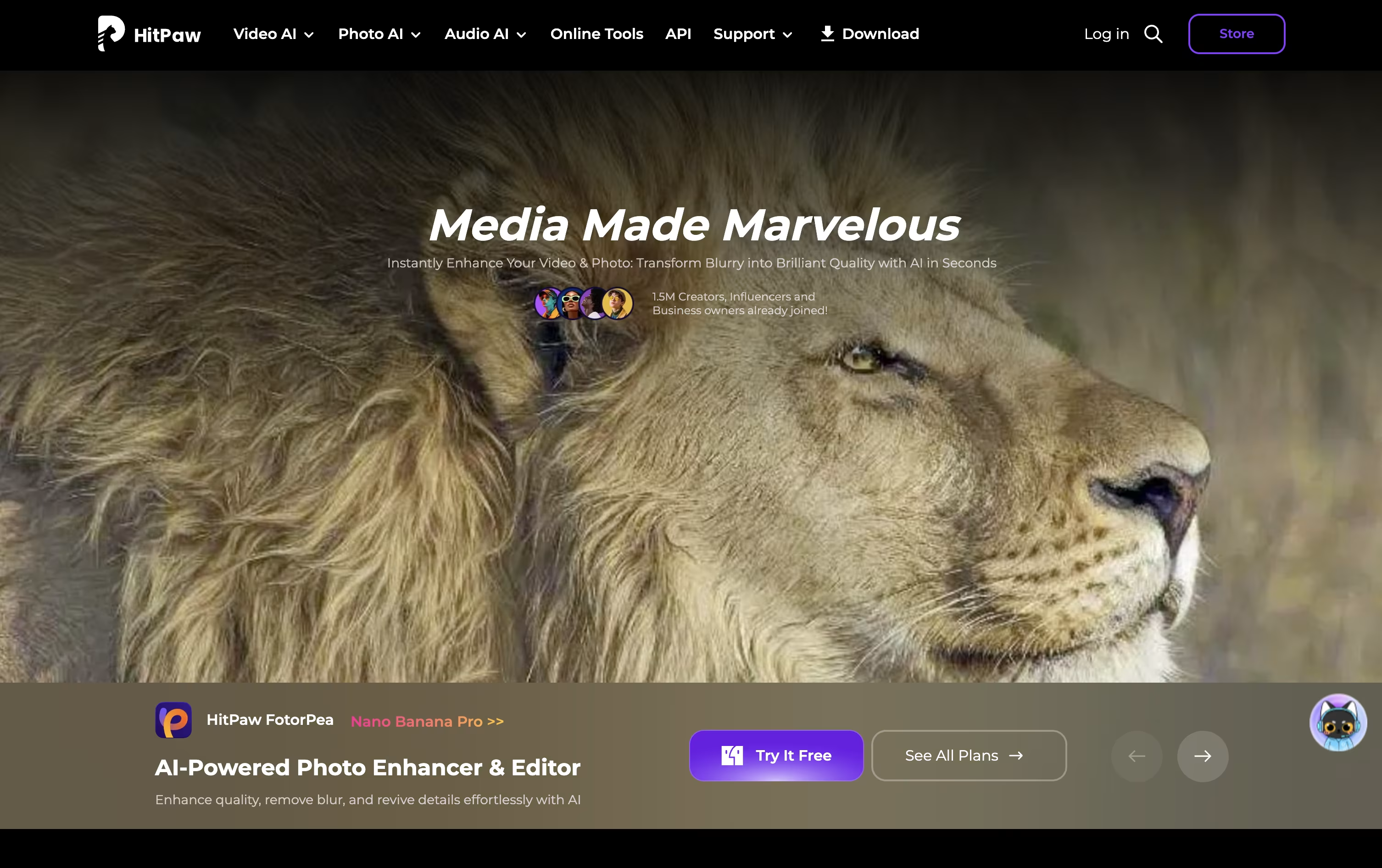
HitPaw brings together several AI tools for photo and video work under one roof, aimed at people who want quick, good-looking results without learning complex software.
Its photo tool, FotorPea, can upscale images to 4K or 8K, restore old or damaged photos, remove backgrounds and objects, and generate new images from text or reference photos.
You can try it for free first, with limited previews and no exports, before choosing a paid plan. The Monthly plan costs $25.59, the Yearly plan costs $99.99, and the Perpetual license is a one-time payment of $159.99.
As you move up the plans, your included credits grow from 100 to 500 to 800, along with higher limits on AI generation, background removal, and image restoration.
For small teams, a 5-Mac annual plan is available for $256.95, and companies needing more seats can contact HitPaw for a custom business quote with extra support benefits.
Built by Vyro AI, ImagineArt combines image, video, voice, and music creation into a single AI platform, so you are not switching between separate apps for each format.
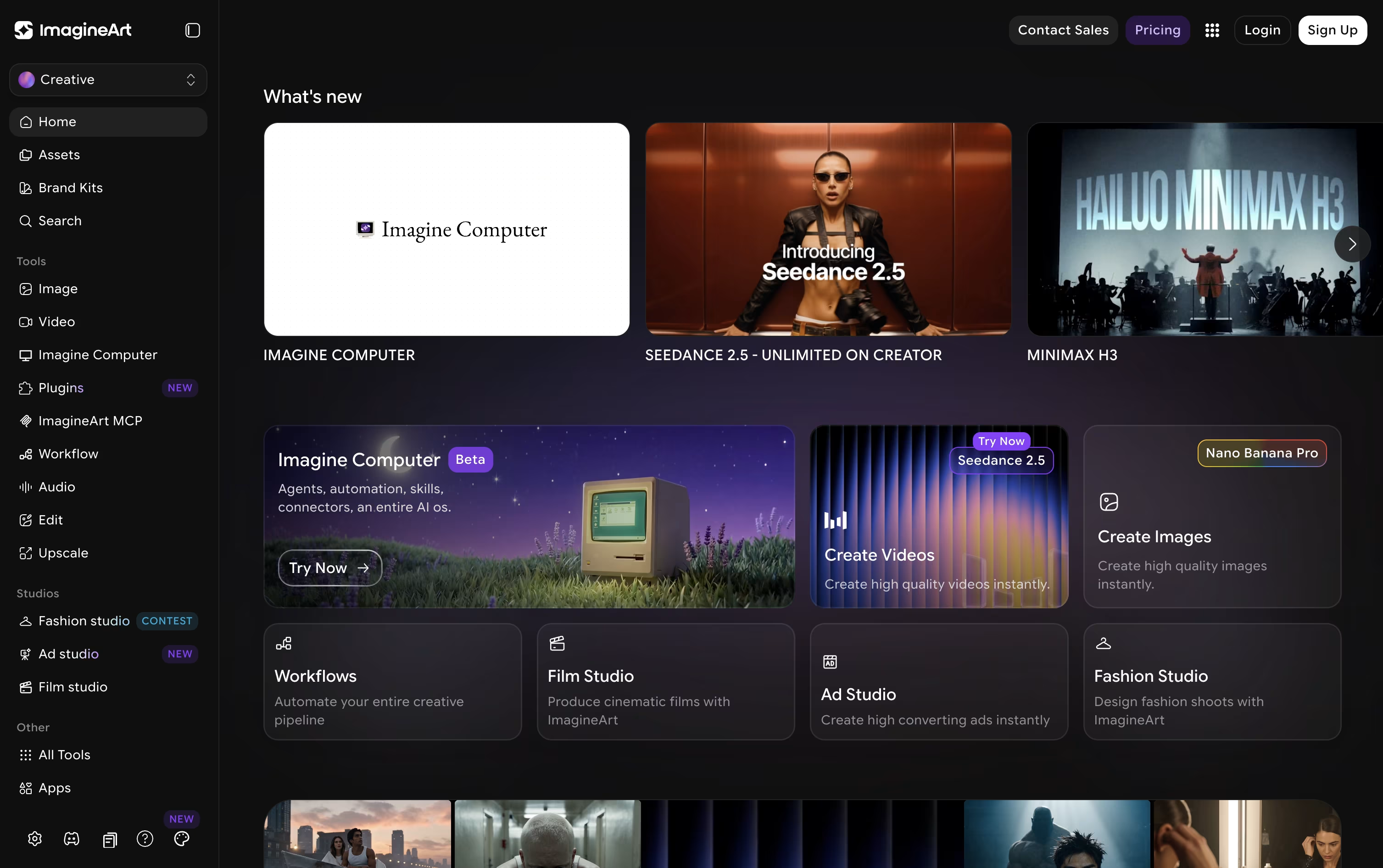
The platform pulls together many well-known AI models, such as GPT, Gemini, Claude, Seedance, and Nano Banana, and lets you access them all from one account.
For more guided output, dedicated studios cover film, advertising, and fashion projects, while Imagine Flow offers a node-based canvas for building repeatable creative pipelines.
Anyone can start free, receiving 100 credits each day with access to a small set of models.
From there, plans move from $13 a month at the Basic tier up to $250 a month for Creator, passing through Standard at $30 and the popular Ultimate plan at $50, each raising credits, concurrent generations, and model access.
Businesses can also choose Team plans or a custom-priced Enterprise plan that adds unlimited seats, single sign-on, and dedicated support.
Photos with blur, grain, low resolution, or old damage are common problems, and VanceAI is built to fix them automatically using AI models that study each picture closely.
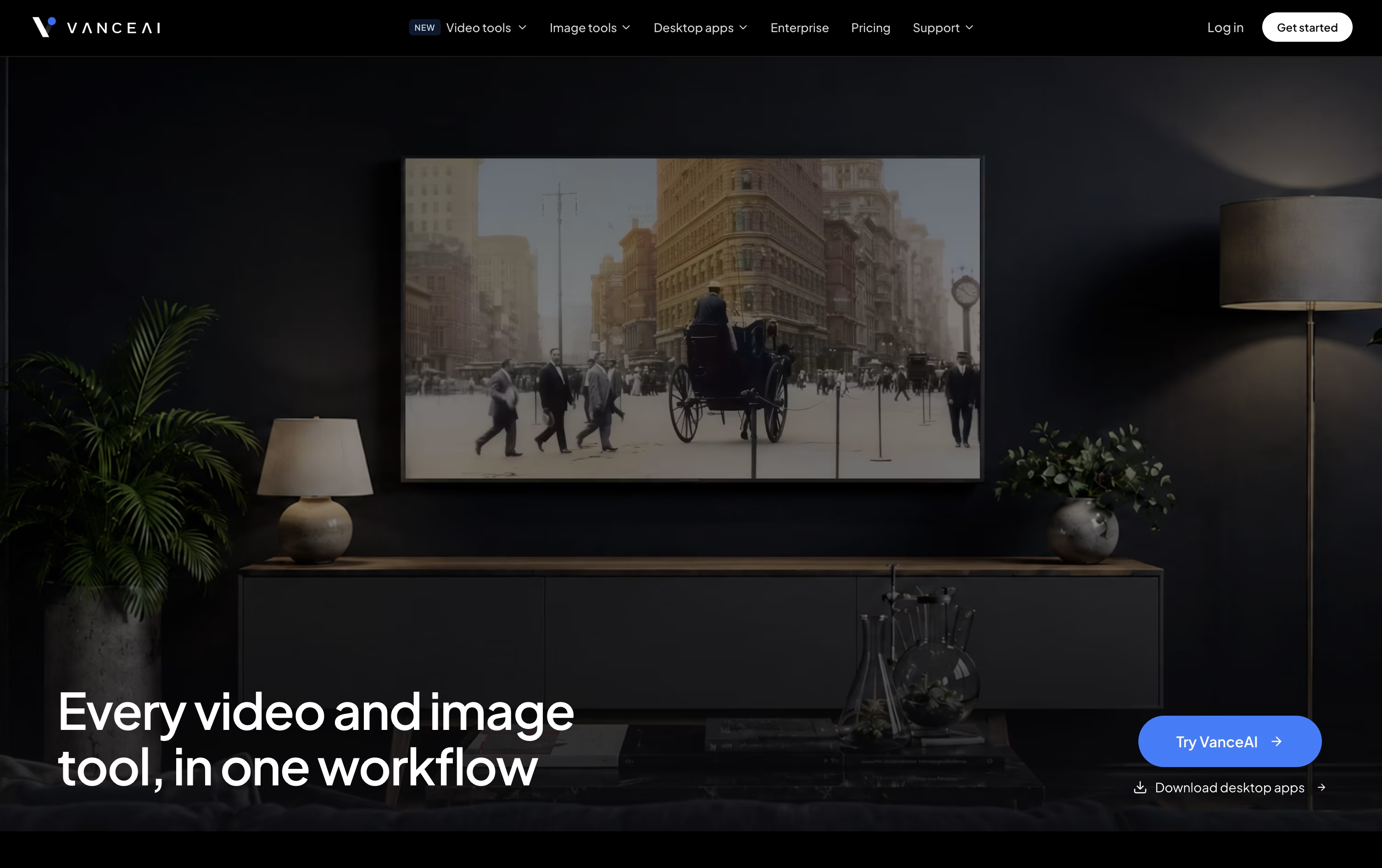
Along with fixing issues, it can remove image backgrounds, add color to black and white photos, convert pictures into cartoon or anime art, and create passport-ready photos.
On the video side, it upscales resolution, converts SDR footage to HDR, removes noise, and adds color to old clips.
Everything on the web runs through a shared credit pool. Monthly pricing begins at $18 for 200 credits, and choosing the annual option lowers that to about $9 a month.
For frequent use, the Windows desktop app processes files locally at no credit cost, with plans from $39.90 a month up to a one-time $129.90 lifetime license.
Larger teams needing automation or high volume can use the API or reach out for custom Enterprise pricing.

Getimg.ai gathers image, video, and audio creation into a single browser based workspace, cutting out the need to juggle separate apps and accounts.
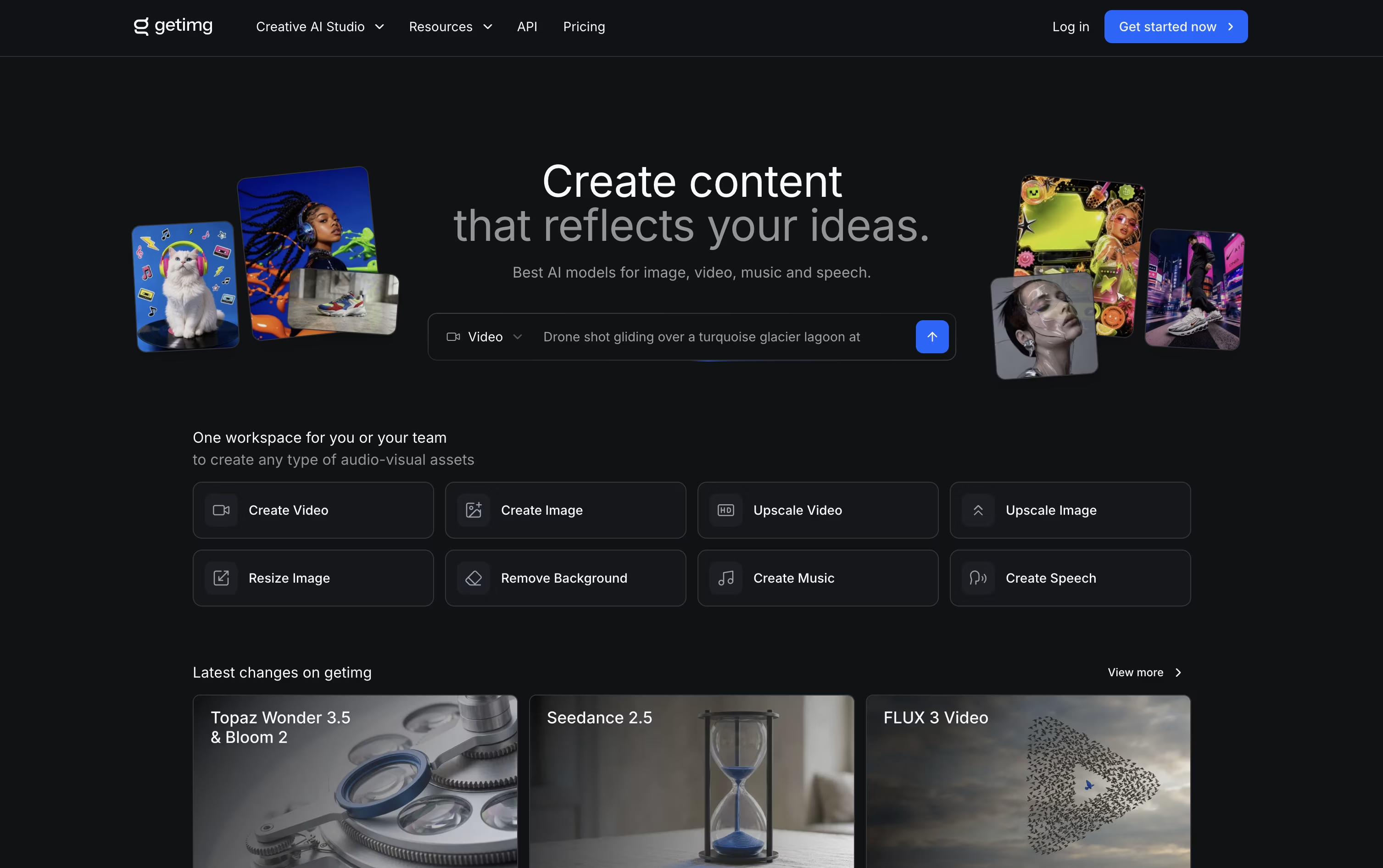
You simply describe what you need, and the platform automatically chooses a fitting AI model and refines your prompt in the background.
Editing is built in too, with one click background removal, image upscaling up to 16K, smart resizing, and video upscaling up to 4K.
Plans begin at $10 a month for the Entry tier with 3,000 credits, and move up to $30, $65, and $175 a month per seat for Core, Plus, and Ultra, each adding more credits, higher quality upscaling, and larger team access.
Choosing yearly billing lowers the price by roughly 20 percent across every plan.
Paid subscriptions also unlock full commercial rights, and a developer API with ready made SDKs is available for teams that want to build the tools into their own apps.

Krea packs image, video, and 3D generation into one browser based workspace, so creative teams don't need to jump between separate tools. It works well for designers, filmmakers, agencies, and beginners alike.
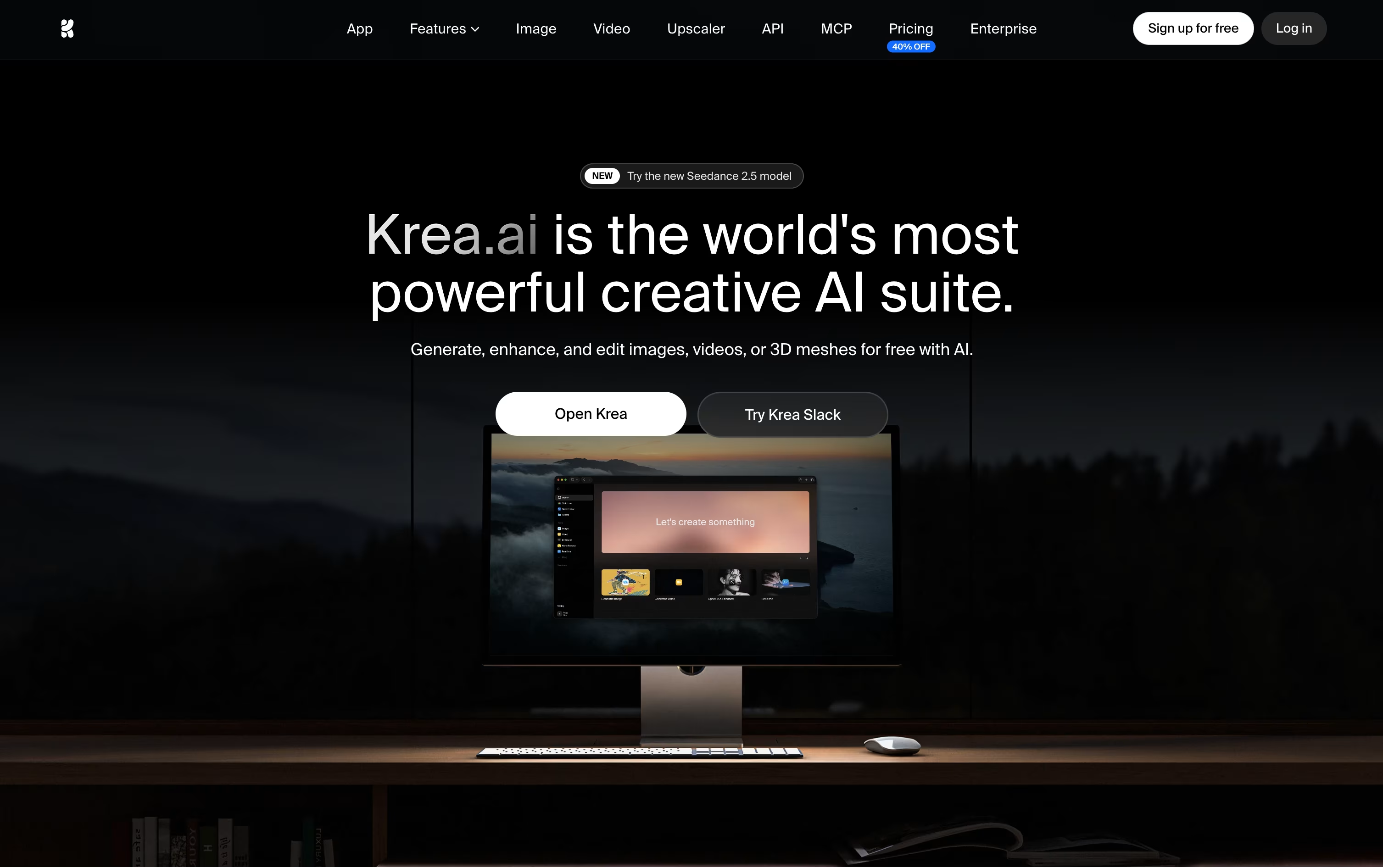
Behind the simple interface sits access to dozens of AI models, including Krea's own Krea 2, plus a realtime canvas that updates as you type, an editor for region based changes, 3D mesh generation, and a lipsync tool for talking videos.
You can also train private LoRA styles and set up automated Nodes workflows, or let Nodes Agent build a workflow from a text description.
Getting started is free, with 100 units a day and limited model access. Basic runs $9 a month, or $5 yearly, unlocking full image models and LoRA training.
Pro, the most popular tier, costs $35 a month, or $21 yearly, and adds all video models plus Nodes Agent and early feature access, while Max reaches $105 a month for unlimited concurrency and relaxed generations.
Larger teams can pick Business at $200 a month for 80,000 units and up to 50 seats, or move to Enterprise for custom pricing with SAML SSO and priority support.
Built by the team behind TikTok and CapCut, Dreamina is ByteDance's AI creative suite for turning words and pictures into finished images, videos, and talking avatars. It works right in the browser, so there is nothing to install.
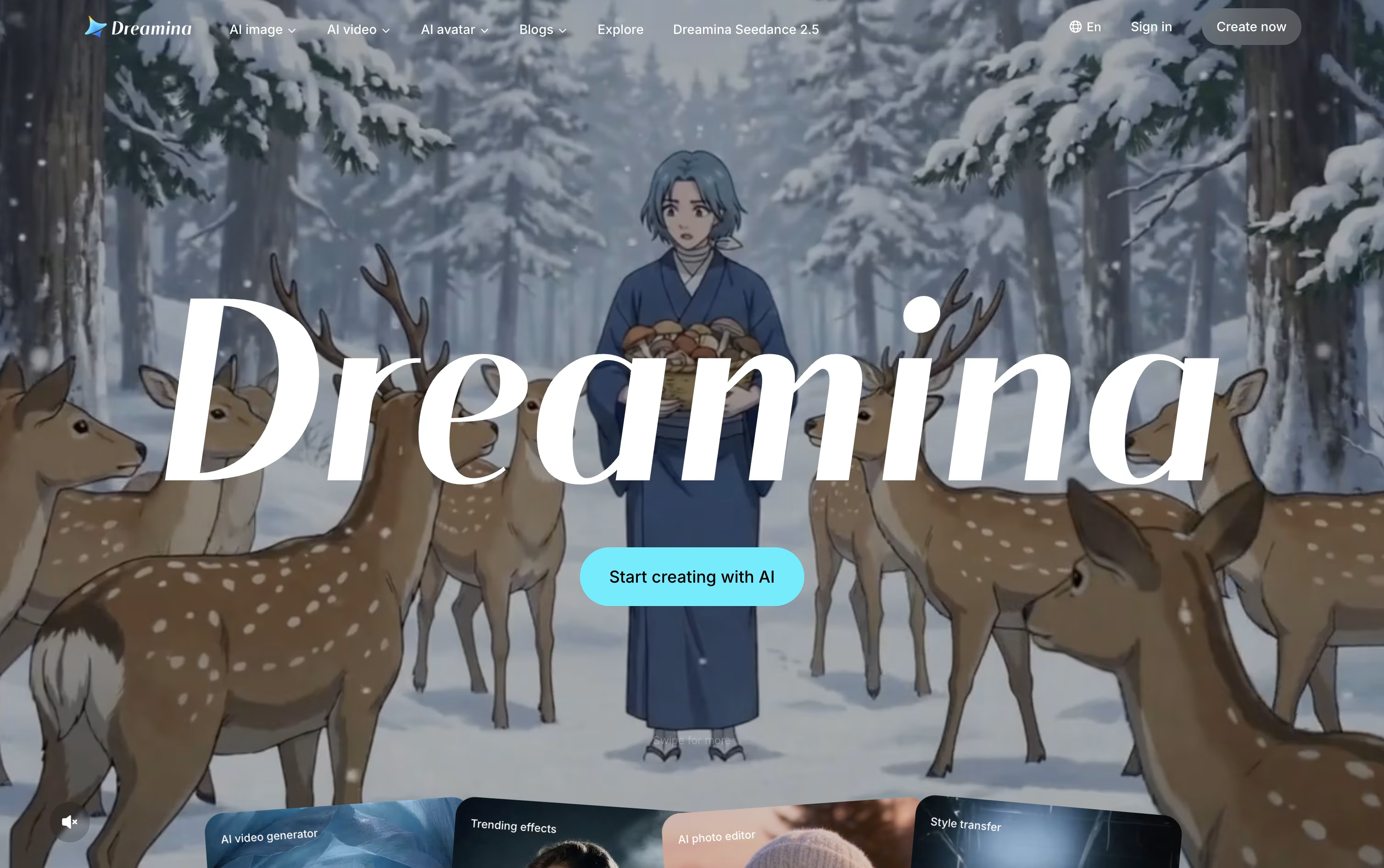
Image and video work is powered by ByteDance's Seedream and Seedance models, which keep characters consistent, handle camera motion well, and add natural audio with accurate lip sync straight out of the box.
Once something is generated, it can be sent directly into CapCut for editing, so creators skip the usual back and forth of downloading and re-uploading files between separate apps.
The Free plan costs nothing and hands out bonus credits every day. Basic runs $15 a month, or $144.99 a year, for 1,575 credits along with watermark removal and 60 FPS video.
Standard sits at $35 a month, or $334.99 a year, offering 3,885 credits with the same feature list as Basic. Advanced, at $70 a month or $669.99 a year, gives 8,645 credits, top-priority generation, and a limited-time unlimited 4K benefit.
Paying yearly instead of monthly cuts the overall cost by roughly 20% on every paid tier.




