

Best 14+ AI Website Builder Tools in 2026
Last Updated: August 27, 2026
Launching a website used to require either coding skills or a significant budget for a developer. AI Website Builders generate a full site layout, content, and design from a simple prompt, ready to customize and publish.
These tools are ideal for small businesses, freelancers, and solo entrepreneurs who need a professional site fast without hiring help. Drag and drop editing combined with AI generated starting points make launching a site more accessible than ever.
 Lovable
 LovableBuild Full Apps With Simple Prompts,
  UX Pilot
 UX PilotAI Powered UI Design & Prototyping, and
  Zite
Zite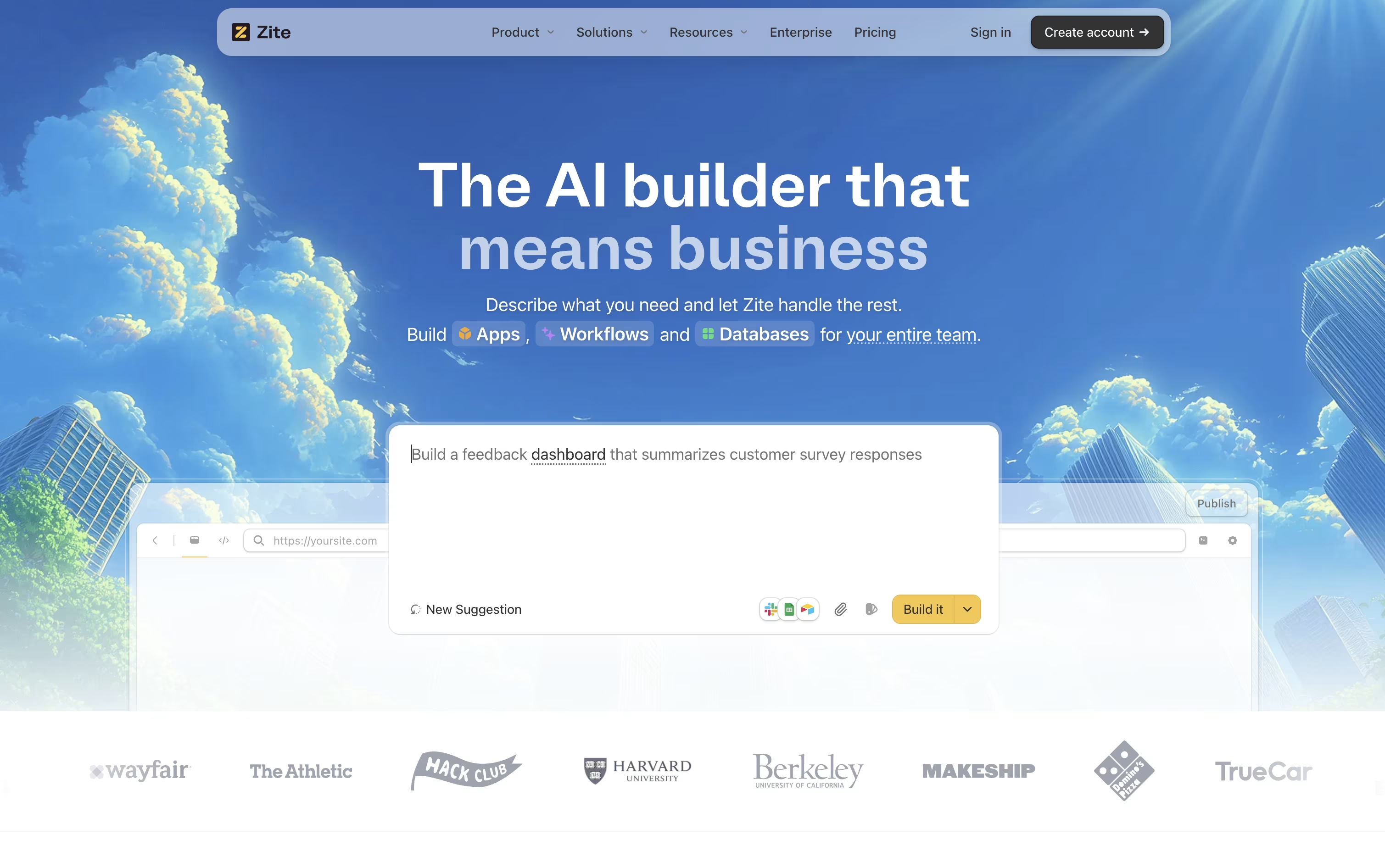 ZiteAI No-Code Platform for Business Tools are the best for AI Website Builder. So, let’s take a closer look at all 14+ tools.

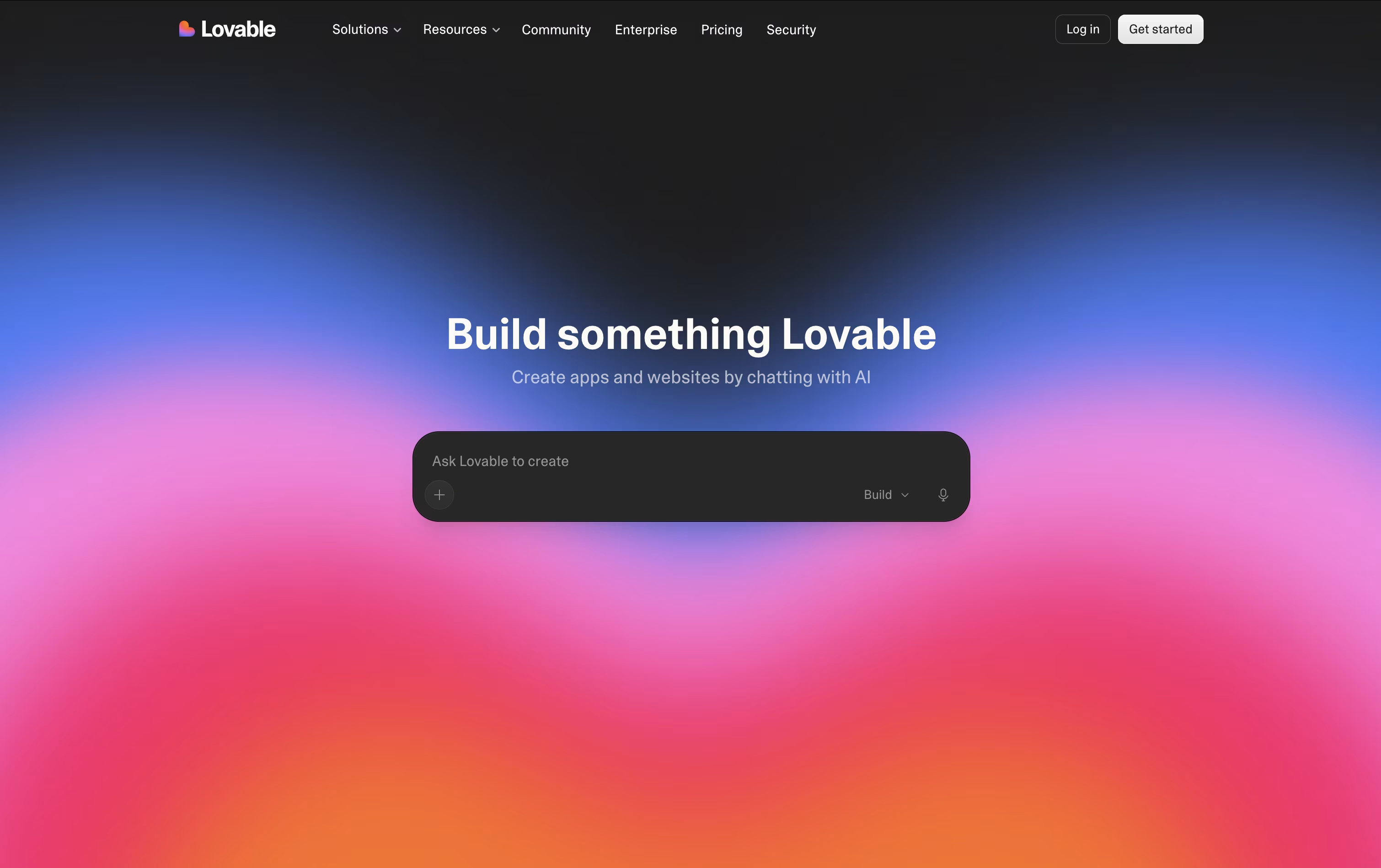
Lovable lets you build a real, working web application just by describing it in everyday language. The AI handles the frontend design, backend logic, database setup, and user login, so you do not need to write code yourself.
The platform includes its own cloud backend built on Supabase, meaning your app gets a database, file storage, and authentication without any separate setup. You can start a project from a text prompt, a screenshot, or even an existing website link.
Getting started is free, with no credit card required. If you need more, the Pro plan is $25 a month and unlocks custom domains, credit rollovers, and badge removal.
For teams, the Business plan at $50 a month adds shared workspaces, single sign on, and extra security tools. Larger companies can request Enterprise pricing for dedicated support, audit logs, and custom connectors.
When your app is ready, you can publish it with one click or sync the code to GitHub so you fully own it.
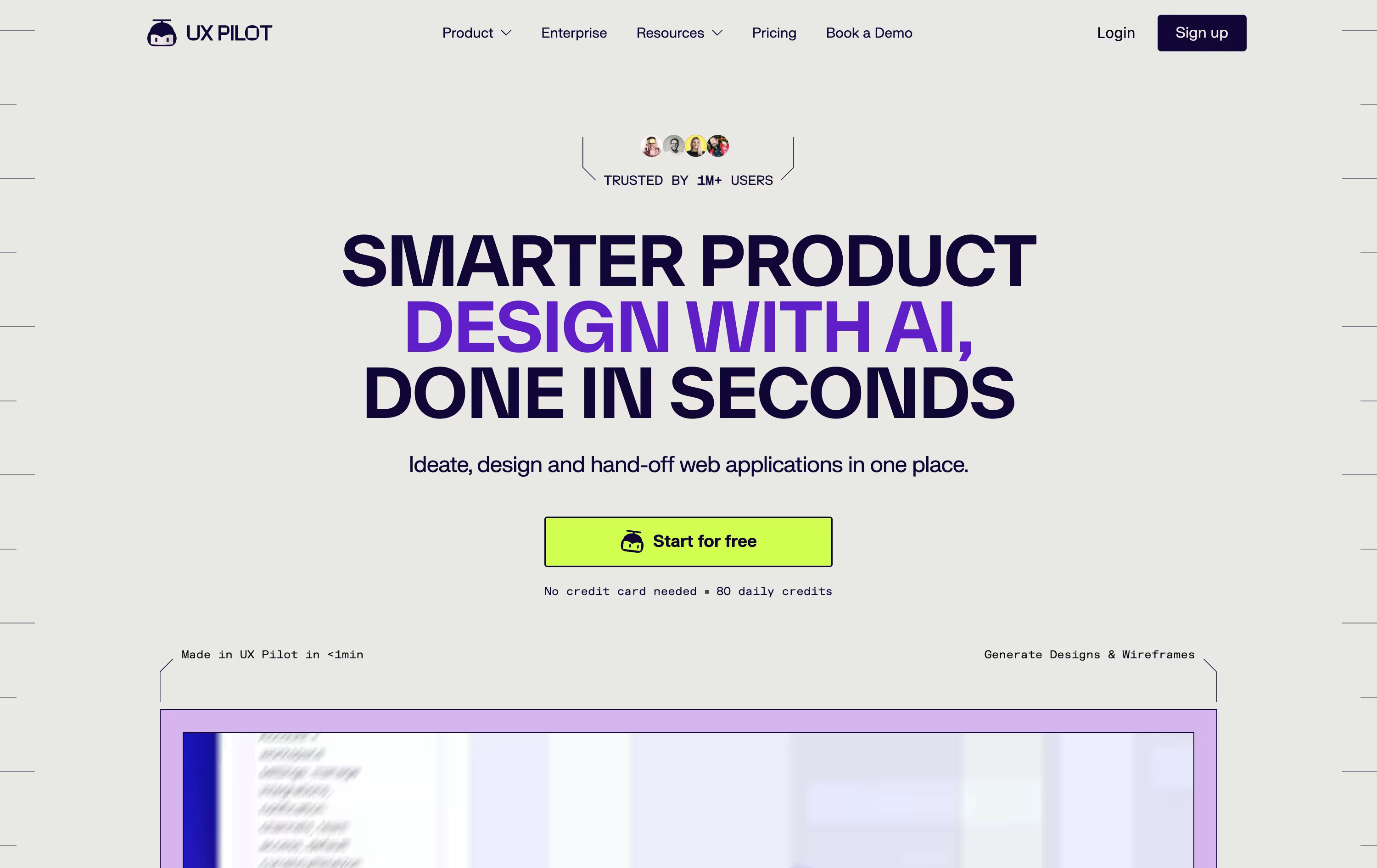
Think of UX Pilot as a design partner that takes your rough idea and turns it into real screens. Feed it a prompt, a sketch, a PRD, or a website link, and it gets to work.
First comes the wireframe, then a polished hi fi version, and if needed a full flow covering every screen in the journey. You can also spin up a working React prototype with a visual editor and live chat edits.
For Figma users, the Nodey agent builds native layers straight from your own component library, so the result already looks like your product instead of a generic template. Code export and GitHub sync round out the handoff.
Pricing starts free, with 80 credits a day and 1 project at no cost.
Pro is $29 monthly, or $19 monthly if billed yearly, unlocking 750 credits, 125 screens, and website cloning.
Teams costs $39 per user monthly, or $31 per user yearly, with shared credits and collaboration, while Enterprise offers custom pricing with brand tuned AI, SSO, and a dedicated team.
Building a business app usually means hiring developers or wrestling with complicated tools. Zite skips that by letting you describe the app you want in plain English and having AI build it for you.
The platform started life as part of Fillout, a forms company, before the team renamed it Zite in 2026 and folded in ideas around planning, visual editing, and databases from two acquired teams.
Once your app is generated, you can adjust it through chat, a visual editor, or a flowchart view of the workflow logic, and everything sits on top of a built in database with no per-user fees.
Getting started costs nothing on the Free plan, which includes 5,000 database records and 1,000 workflow runs a month.
Growing teams can move up to Pro at $19 a month, Business at $69 a month, or the Team Bundle at $300 a month, each unlocking more credits, records, and features such as custom domains and unlimited brand kits.
Larger organizations can reach out for Enterprise pricing, which adds single sign-on, audit logs, and dedicated support.

Bolt, built by StackBlitz, is a coding agent that builds full apps from simple text instructions. Type what you want, and it writes the code, installs what is needed, and opens a live preview right in the browser.
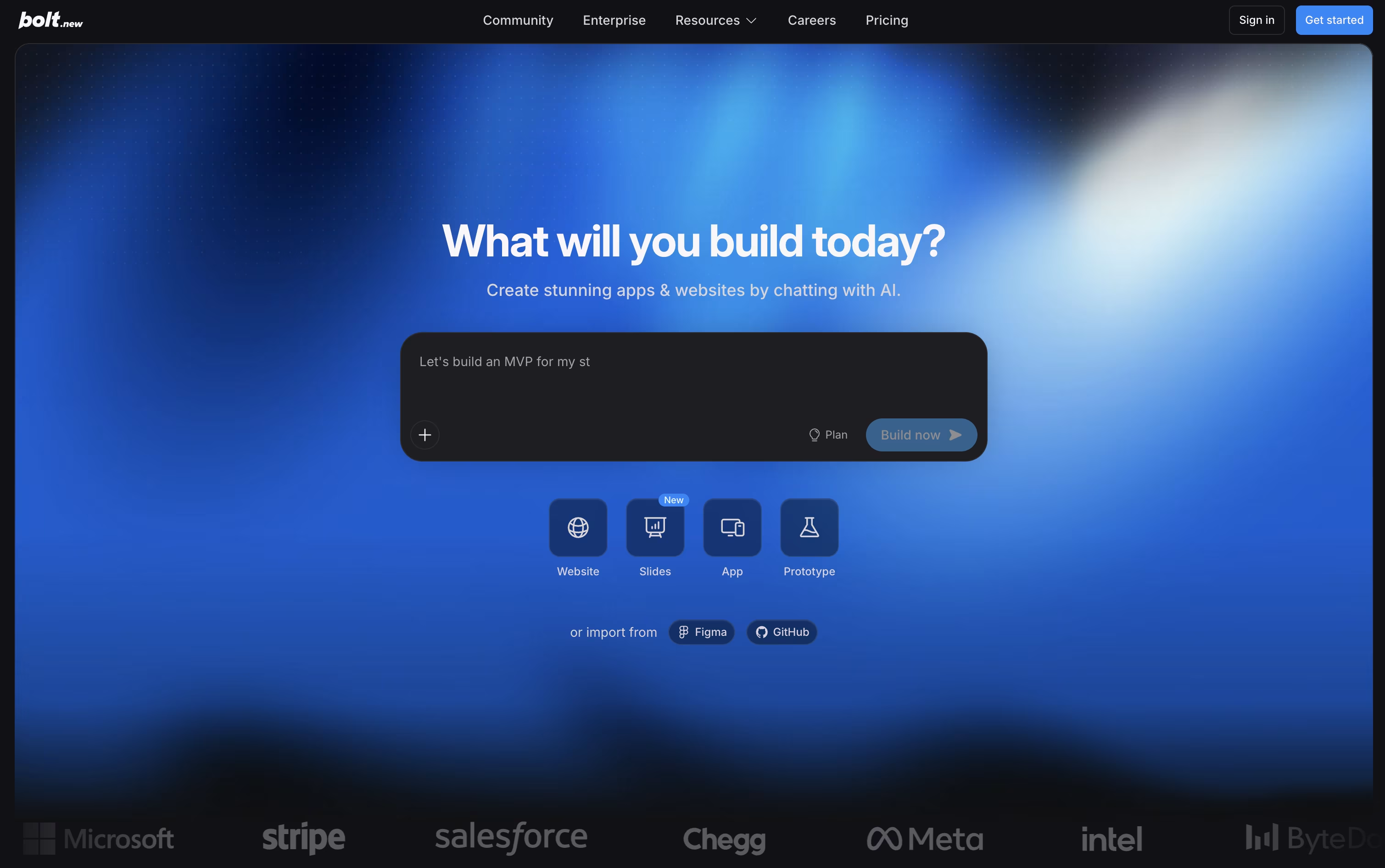
Because it runs on WebContainers, a complete coding environment inside the browser, there is nothing to install on your machine. Claude AI models power the agent, letting it scaffold projects, run servers, and correct errors as the conversation continues.
Getting started costs nothing. The Free plan includes 300K tokens a day, 1M tokens a month, website hosting, and unlimited databases, though the site shows Bolt branding.
Upgrading to Pro runs $25 a month, or $18 a month on the yearly plan. It lifts the daily token cap, gives 10M tokens a month, removes branding, and unlocks custom domains, SEO boosting, and AI image editing.
The Teams plan is $30 per member monthly, or $27 yearly, adding centralized billing and access controls, while Enterprise offers custom pricing with SSO, audit logs, and a dedicated account manager.
With built in support for Figma, GitHub, Supabase, and Stripe, Bolt suits founders, product teams, and developers who want a working app quickly while still owning the code.

Strapi is an open-source headless CMS built with Node.js that delivers content through APIs instead of traditional web pages. Think of it as a smart backend system that stores and manages your content, then sends it anywhere you need through REST or GraphQL APIs.
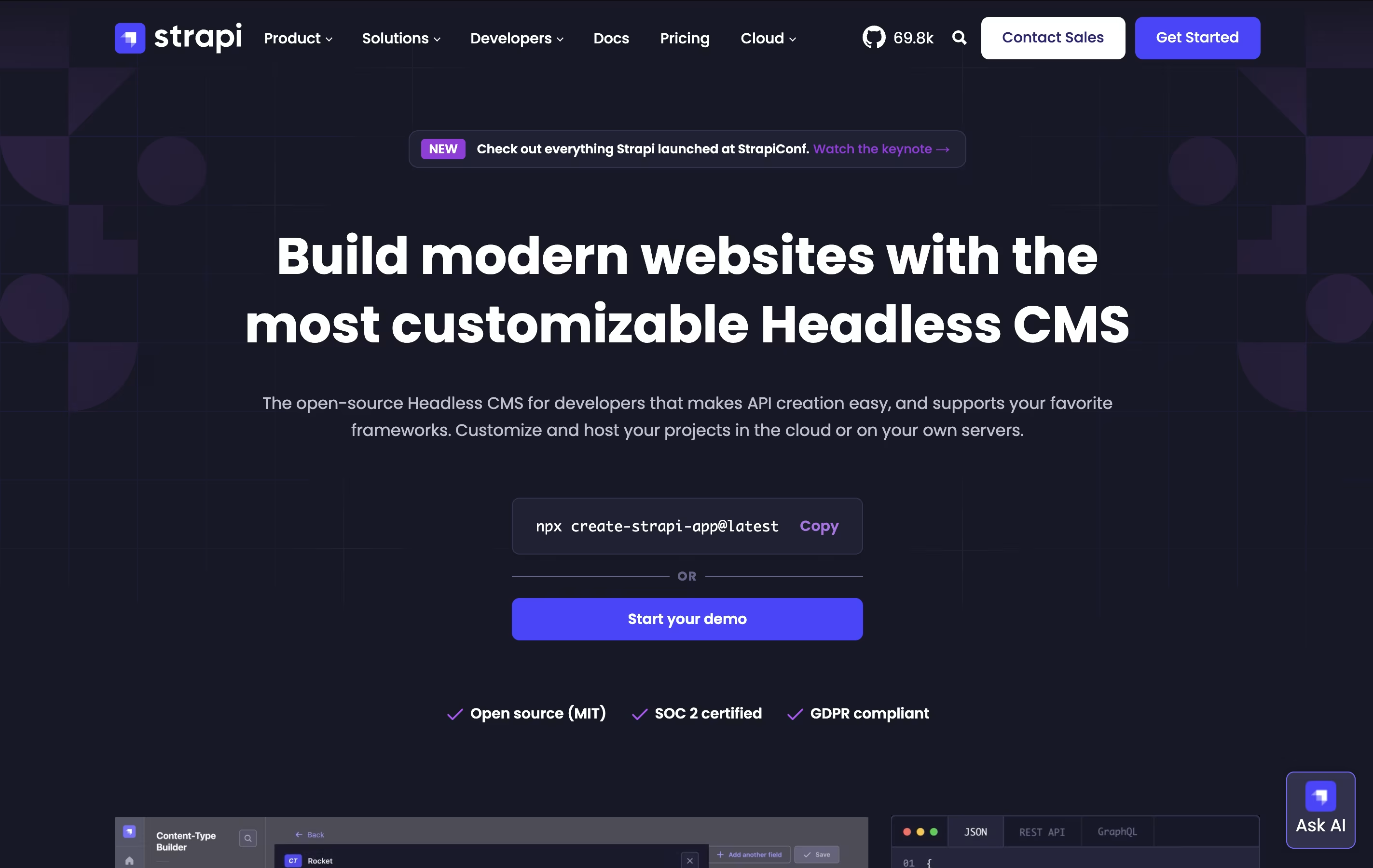
The main difference from traditional systems like WordPress is flexibility. Instead of forcing you to use specific templates, Strapi lets you build exactly what you need. You control everything: the database, the content structure, and how it all works together. Each project starts with built-in features like user management, permissions, and content organization.
Founded in 2015, Strapi has become popular with over 60,000 stars on GitHub and millions of downloads. You can host it yourself on your own servers or use Strapi Cloud for managed hosting, making it perfect for any project size.

Webiny is a serverless content management system that you install and run inside your own AWS cloud account. It's completely open-source, which means you can see how it works and change it to fit your needs.
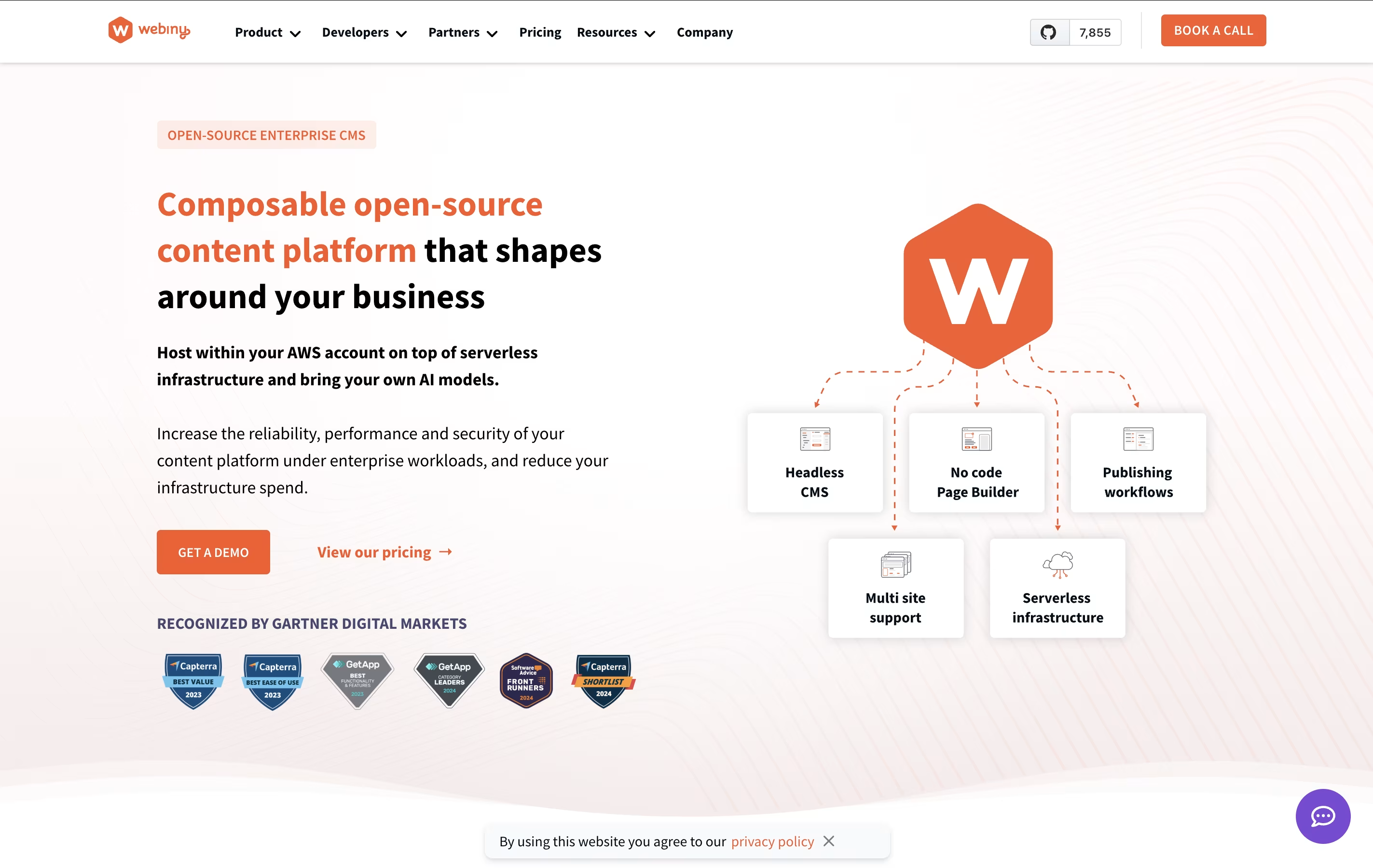
The platform includes four main tools. First, a headless CMS lets you create and store your content. Second, a page builder helps you design website pages by dragging and dropping elements without writing code. Third, a form builder makes it easy to create contact forms and surveys. Fourth, a file manager organizes all your images, videos, and documents.
Because it's serverless, you only pay for what you actually use. Your website can handle both small traffic and millions of visitors without any extra setup. The system automatically scales up or down based on your needs.
Slides is a cloud-based presentation tool that creates HTML presentations using the reveal.js framework. Instead of creating static slides, it generates interactive web presentations that can include animations, code highlighting, and multimedia content. Each presentation is stored as an HTML document, making it viewable on any device with a web browser.
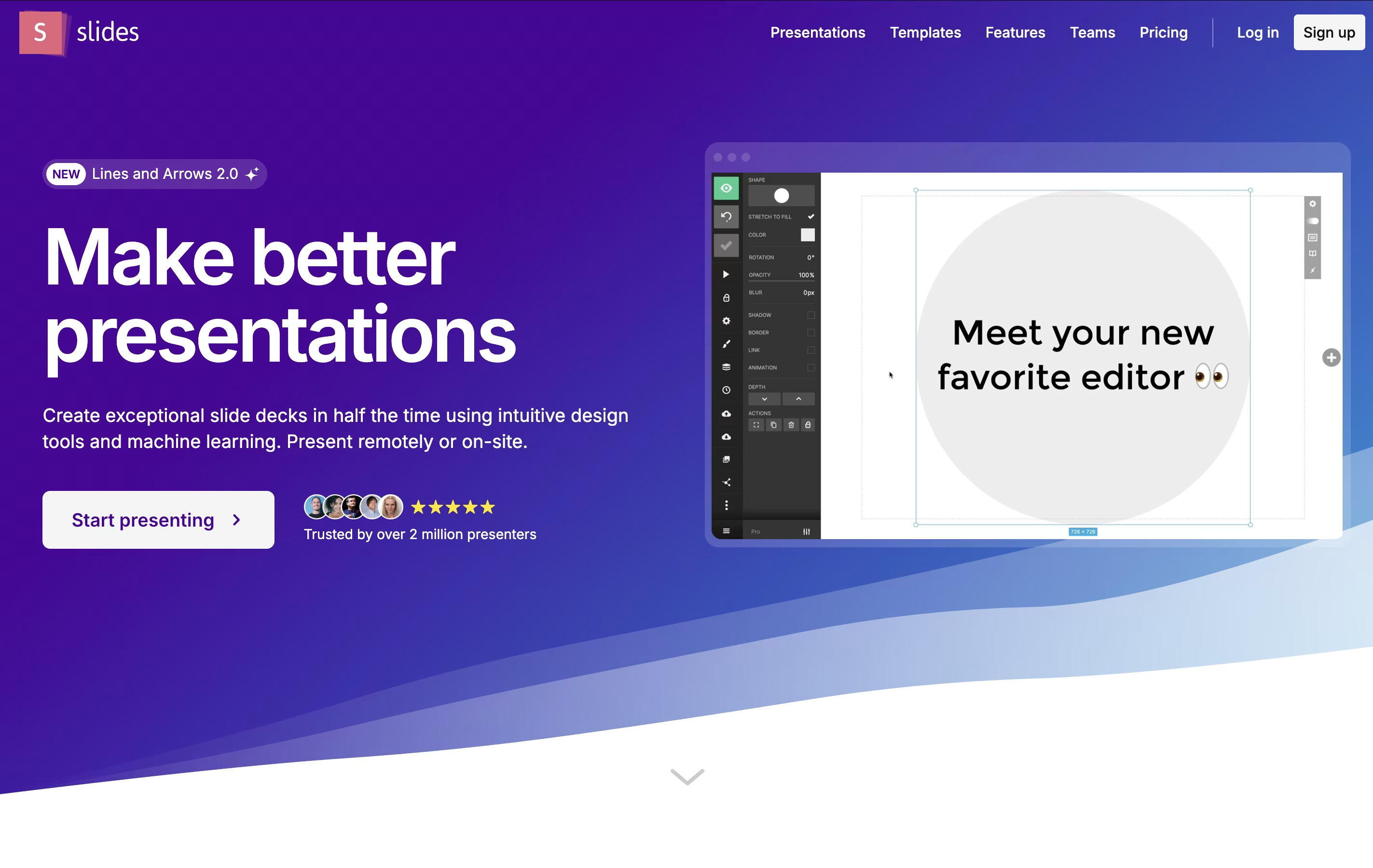
The platform offers both visual editing and code editing modes. Users can create presentations using a drag-and-drop interface or write custom HTML and CSS. Slides supports features like nested slides, speaker notes, live presenting, and real-time collaboration. Presentations can be shared via simple links, embedded on websites, or exported for offline use. The platform is particularly popular with developers because it supports syntax highlighting and allows for code demonstrations within presentations.

Landbot.io is a chatbot creation tool that works without coding skills. You use a visual drag-and-drop interface to design conversation flows, just like connecting puzzle pieces together. The platform lets you create two types of chatbots: rule-based ones that follow set paths with buttons and menus, and AI-powered ones that can understand natural language and give smart responses.
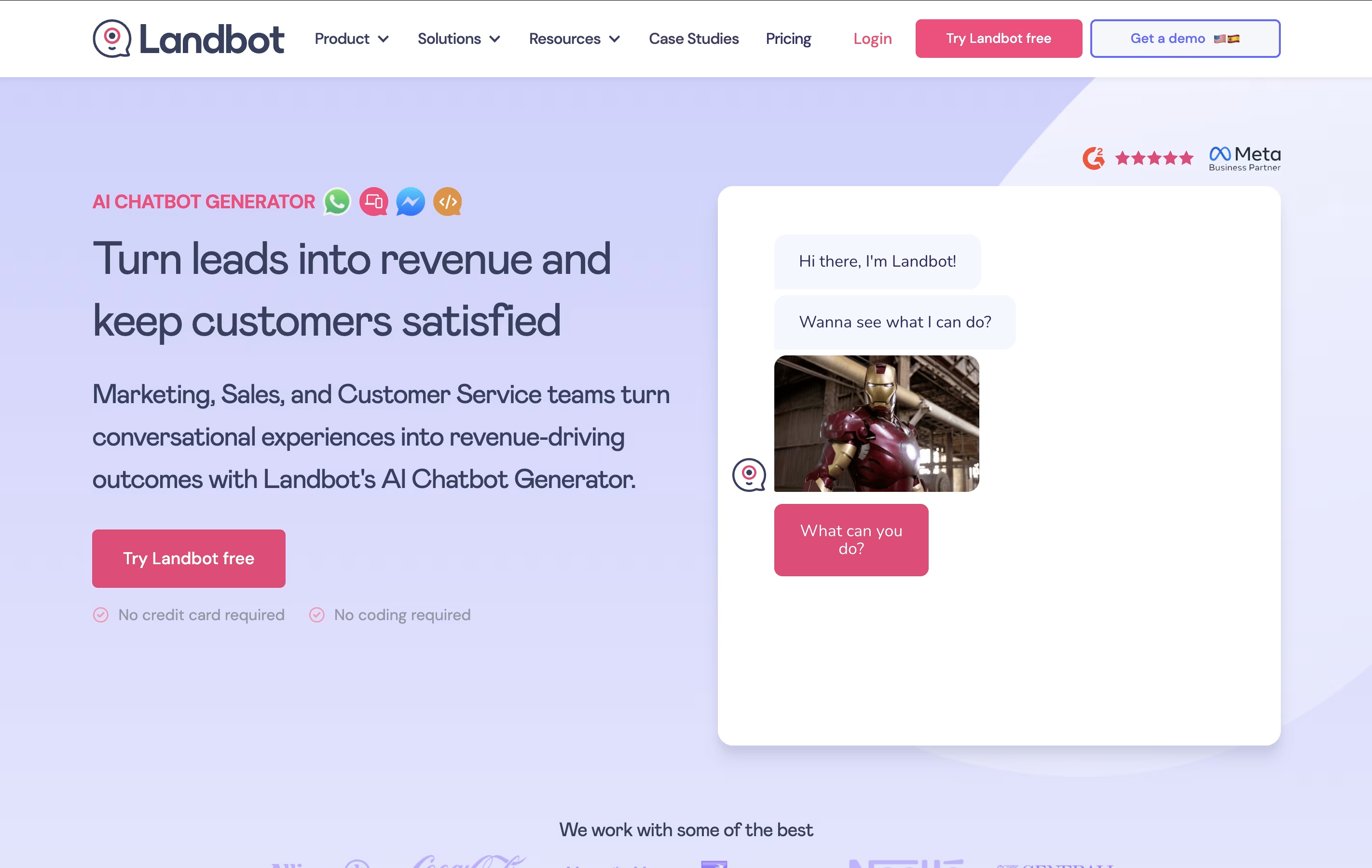
You can deploy these chatbots on your website as pop-ups, widgets, or full pages. It also supports WhatsApp and Facebook Messenger, so you can reach customers on the platforms they already use. The tool includes ready-made templates, integrations with other business software, and analytics to track how your chatbot performs and helps your business grow.

Wix lets anyone build a professional website and run a business from one dashboard, without needing to write code.
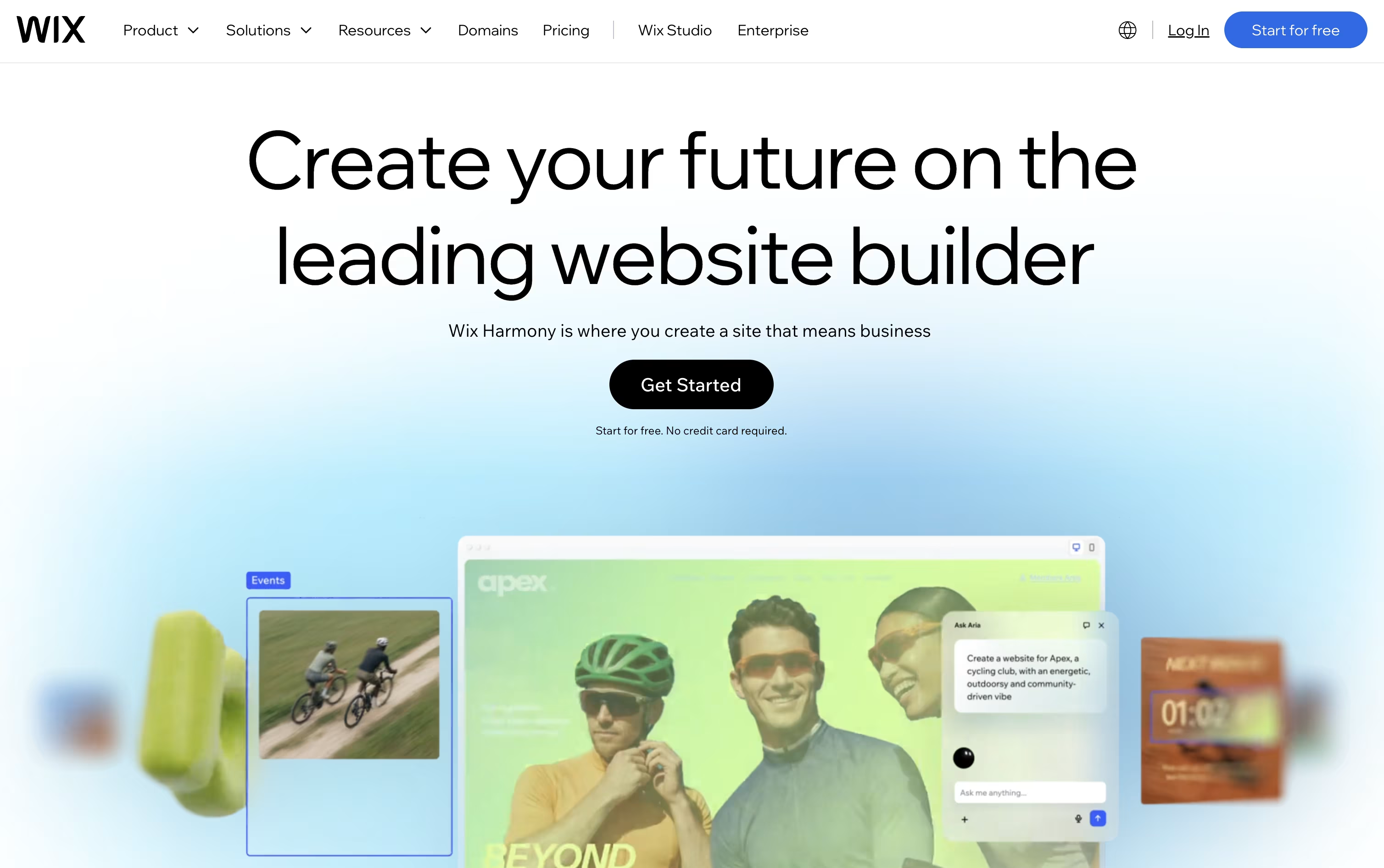
The fastest way to start is Wix Harmony, where you describe your goals in plain language and the Aria AI agent builds a complete site with layout, copy, and visuals that you can then refine by hand.
Once your site is live, built in tools cover online selling, appointment booking, event ticketing, and marketing campaigns, so you rarely need outside apps.
The Free plan costs nothing to start, while paid plans run from Light at $17 a month up to Business Elite at $159 a month, each unlocking more storage, collaborators, and advanced business features.
Agencies and developers can move up to Wix Studio for responsive design control, or use Velo and Wix Headless to build custom functionality on top of the platform.
This mix of easy AI creation and deeper technical tools is what makes Wix useful for beginners and professionals alike.
Most website projects start with a blank page and a lot of guesswork. Relume changes that by turning a short prompt into a full sitemap, then converting it into a wireframe built from real components rather than throwaway mockups.
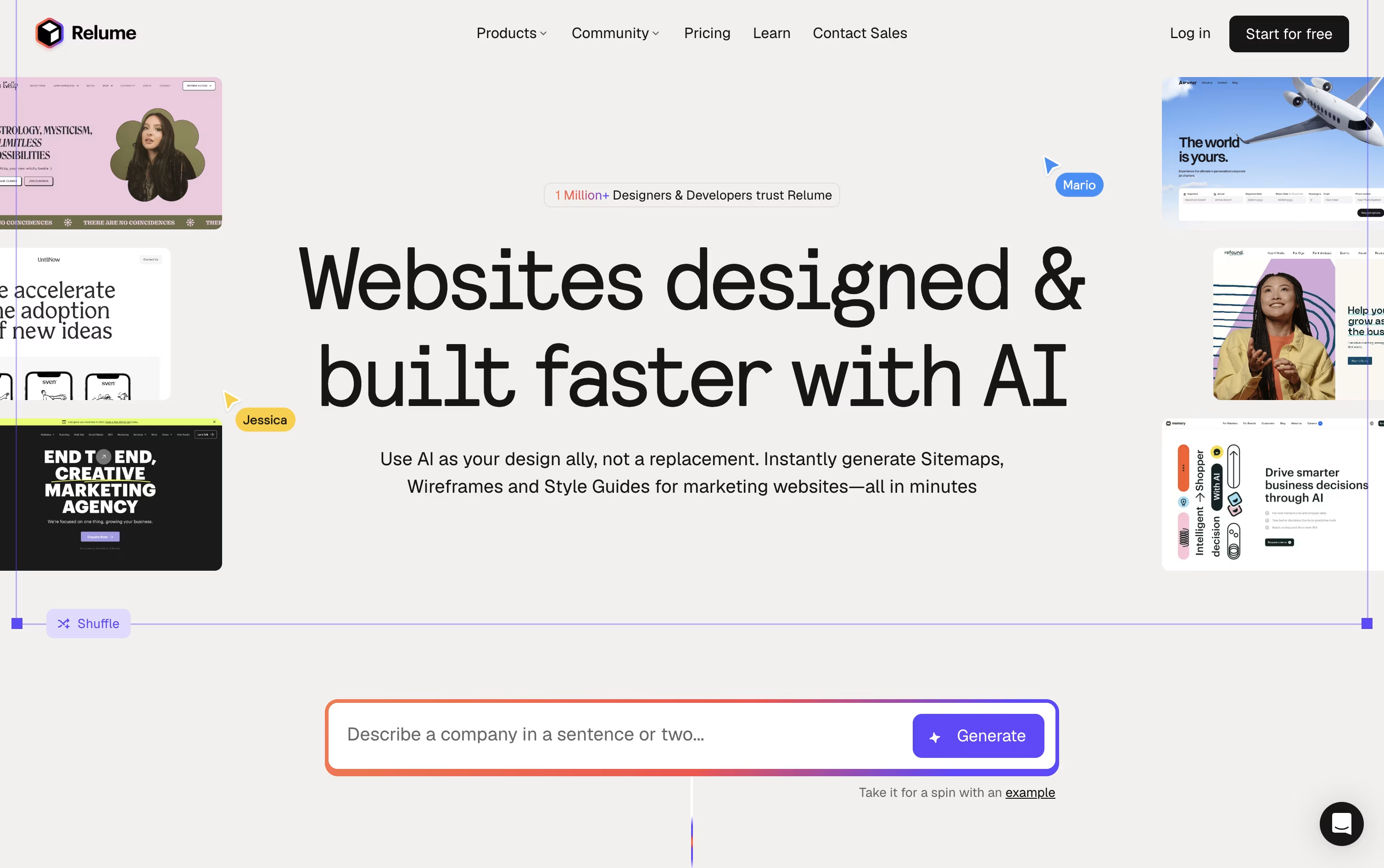
Once the structure is set, the Style Guide Builder suggests colors, fonts, and UI styles that match your brand, and you can pull from more than 1,000 components across Figma, Webflow, and React.
You can try all of this for free with 1 project and 1 page, exporting only to Figma. Moving to Starter at $26 a month, or $18 a month if billed yearly, opens up 5 pages plus Webflow and React export.
Freelancers juggling several sites usually pick Pro, at $58 a month or $40 a month billed yearly, since it drops the project and page caps entirely.
Agencies and teams can go with Team at $52 a month per person, or $36 a month per person billed yearly, with a minimum of 3 people, which layers on a shared workspace and branded client sharing.
Developers also get Relume Library MCP, a way to bring the same component library straight into AI coding tools like Cursor and VS Code.

Instead of designing a site from scratch, Readdy builds it for you from a short description, a picture, or a link to a site you admire. It fills in the layout, wording, and images, and picking from 500 plus templates works just as well if you prefer a starting point.
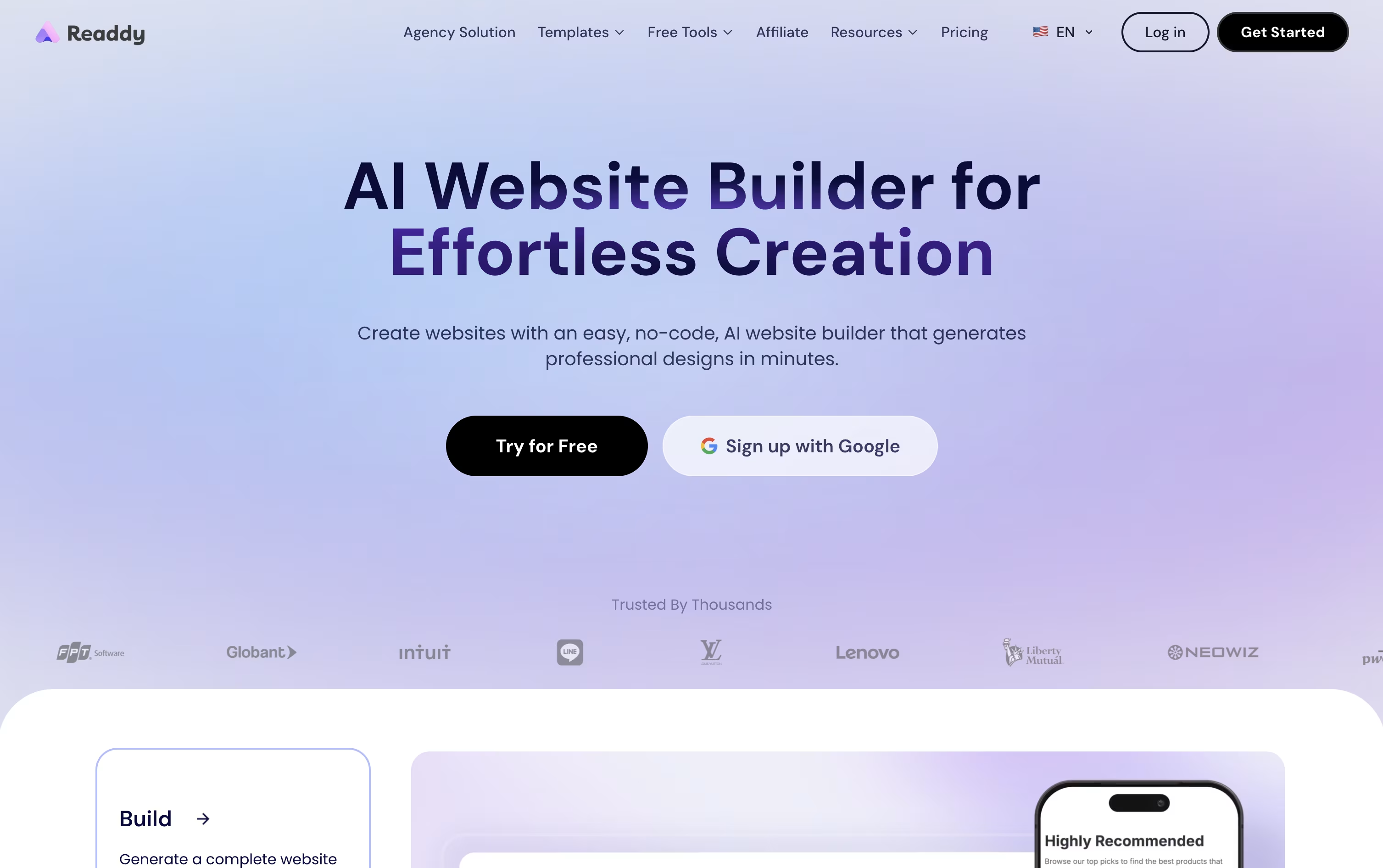
Making changes afterward is straightforward. Click on any piece of the page to edit it directly, or simply type out what you want changed and Readdy applies it. Forms, user logins, and databases come built in through the Readdy Backend, so there is no separate setup needed to collect leads or manage accounts.
A code editor is available for anyone who wants to look under the hood, showing the React, Tailwind, and TypeScript files that make up the site, and the whole project can be exported as a zip file whenever you like.
Pricing starts free with 250 credits a month, then moves to Starter at $25, Pro at $40, Agency at $120, and Agency Pro at $199 monthly, each adding more sites, storage, and features. Paying yearly can lower these prices by up to 60 percent, and an Ultimate plan covers teams that need unlimited everything.

Instead of picking a template and filling in blanks, B12 asks you to describe your business in plain words, then builds the whole site from that description in a few minutes.
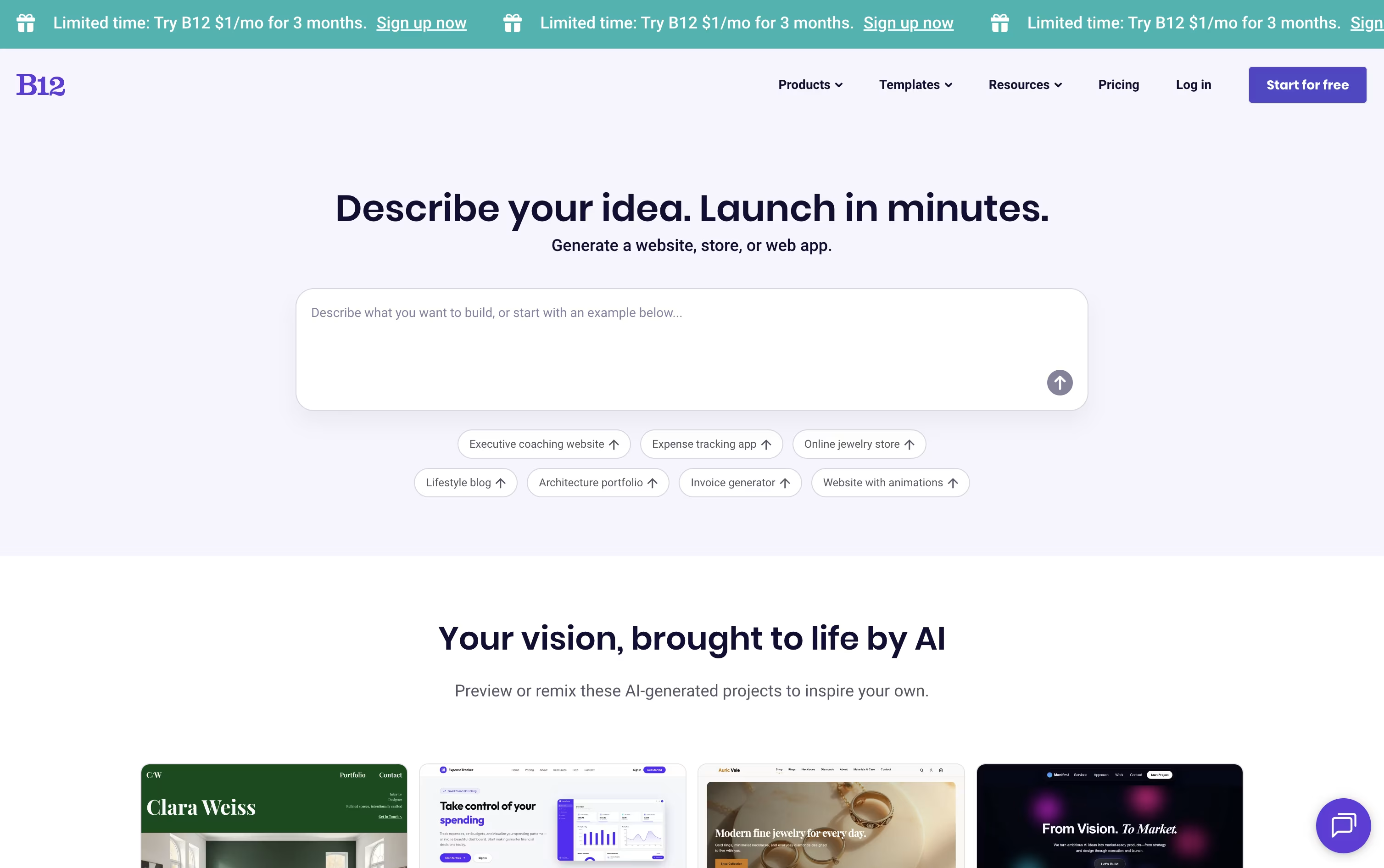
You can keep shaping the result by chatting with the AI Agent, clicking directly on page elements with Visual Edit, or opening the code when you need exact control.
Getting started costs nothing on the Free plan, which gives you a B12 subdomain and a small daily allowance of AI credits.
Moving up to the Website plan at $49 a month brings a custom domain, more credits, and analytics, and the Website plus Client Engagement plan at $78 a month adds invoicing, payments, email marketing, and a contact manager.
Businesses that prefer expert help can choose Professional at $199 a month or Advanced at $399 a month, where B12's own team builds and maintains the site, with Advanced adding extra seats and priority support.
Paying yearly instead of monthly lowers each plan's price by roughly 15 percent.

Hostinger Website Builder lets you create a full website without any coding skills, using either AI or a template. You simply describe your business and goals, and the AI Website Generator builds a complete site with layout, text, and images ready to go.
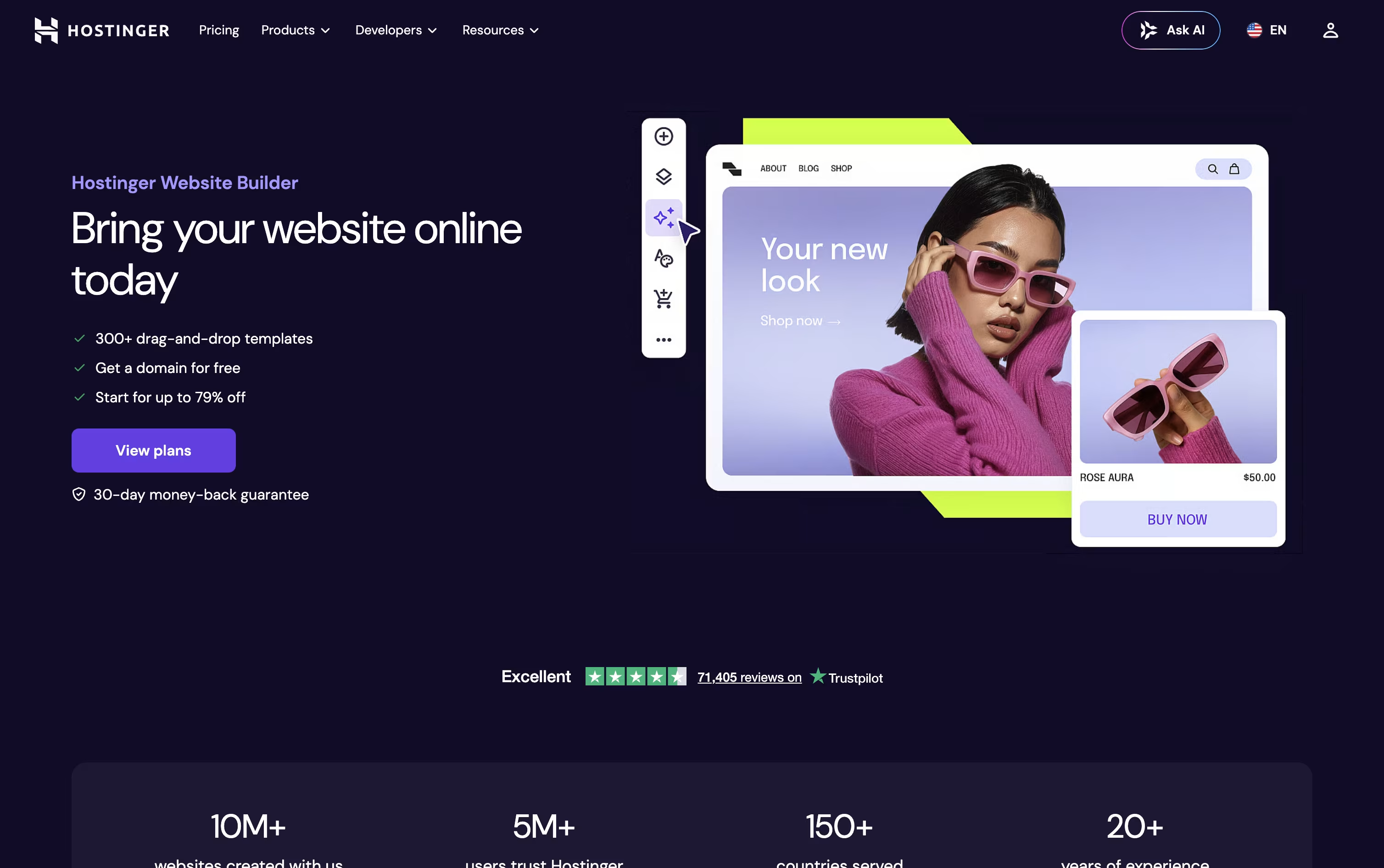
If you prefer more control, you can start with one of over 300 designer made templates and adjust it in the drag and drop editor, with separate views for desktop and mobile.
Along the way, AI tools help you write content, generate blog posts, create images and logos, and improve your SEO, while Kodee can assist with setup and everyday tasks.
The plans are priced simply. Premium starts at $2.99 a month for 3 sites, Business is $3.79 a month with online store features for up to 50 sites, and Unlimited is $4.99 a month with unlimited sites, full AI access, and no transaction fees.
Every plan comes with a free domain for the first year and free SSL included.

Instead of building a prototype by hand, Figma Make lets you type a prompt and get back a working, clickable app or interactive screen in moments. You can start from scratch or feed it an existing Figma design, image, or file for extra context.
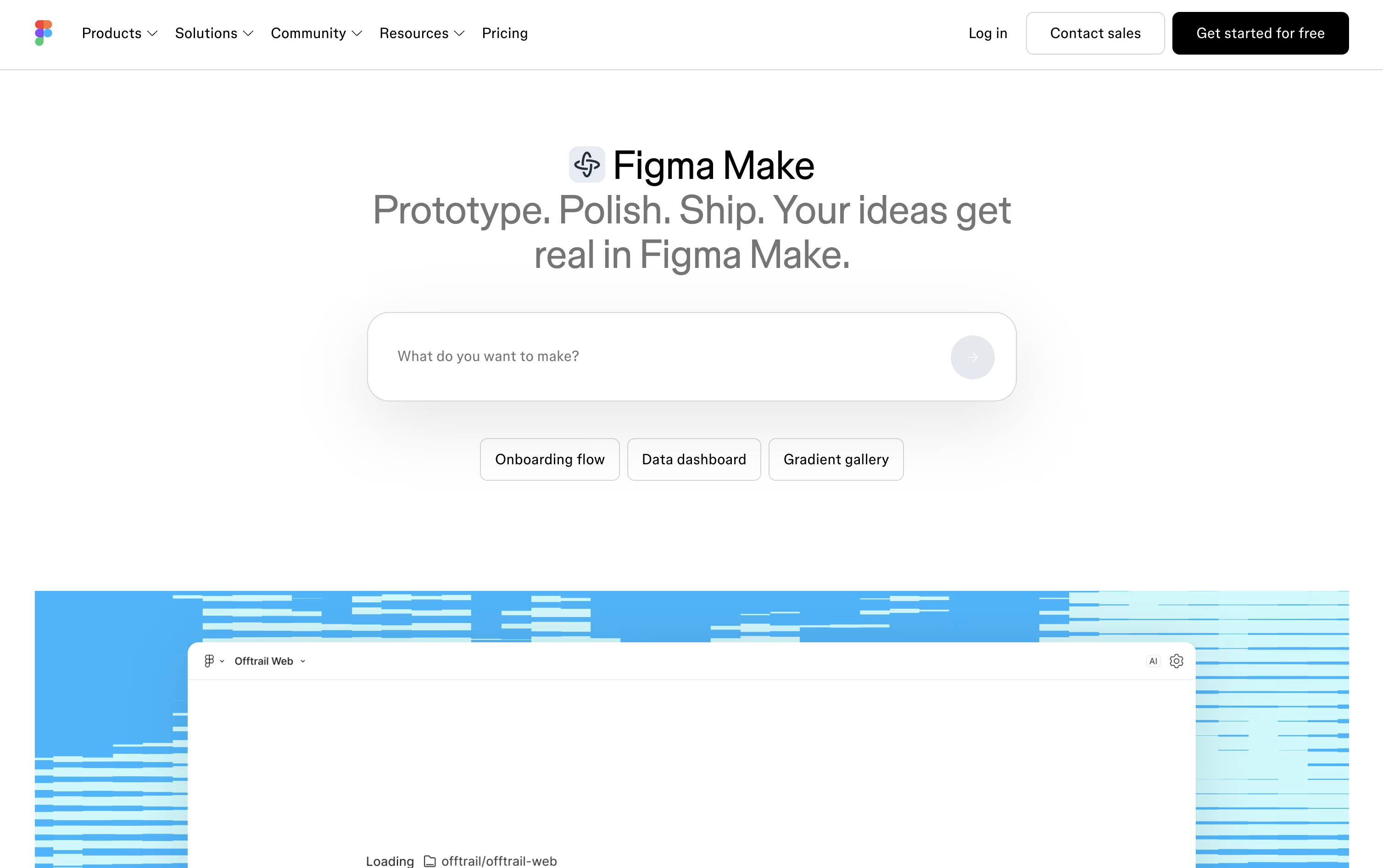
Once the first version appears, refining it is simple: keep the conversation going with follow up prompts, click on any part of the preview to tweak its style directly, or dive into the code editor for changes that need more precision. Complex projects can use plan mode, which lays out the build as a step by step plan first.
Teams stay consistent using Make kits, which package up brand styles and components, and can ground their prototypes in real data through MCP connectors to apps like Notion, GitHub, and Slack.
There is no separate price tag for Figma Make itself, it is bundled into the Full seat. Starter is free with limited daily credits, Professional Full costs $20 monthly or $16 annually with 3,000 AI credits, Organization is $55 monthly with 3,500 credits and unlimited teams, and Enterprise reaches $90 monthly with 4,250 credits and the strongest security controls.
Once you are happy with a build, share it with a public link, publish it to the Figma Community, or bring it back into Figma Design as editable layers.

Instead of chatting with one AI to write code, Atoms hands your idea to a small team of AI agents that each play a different role, like a real software company.
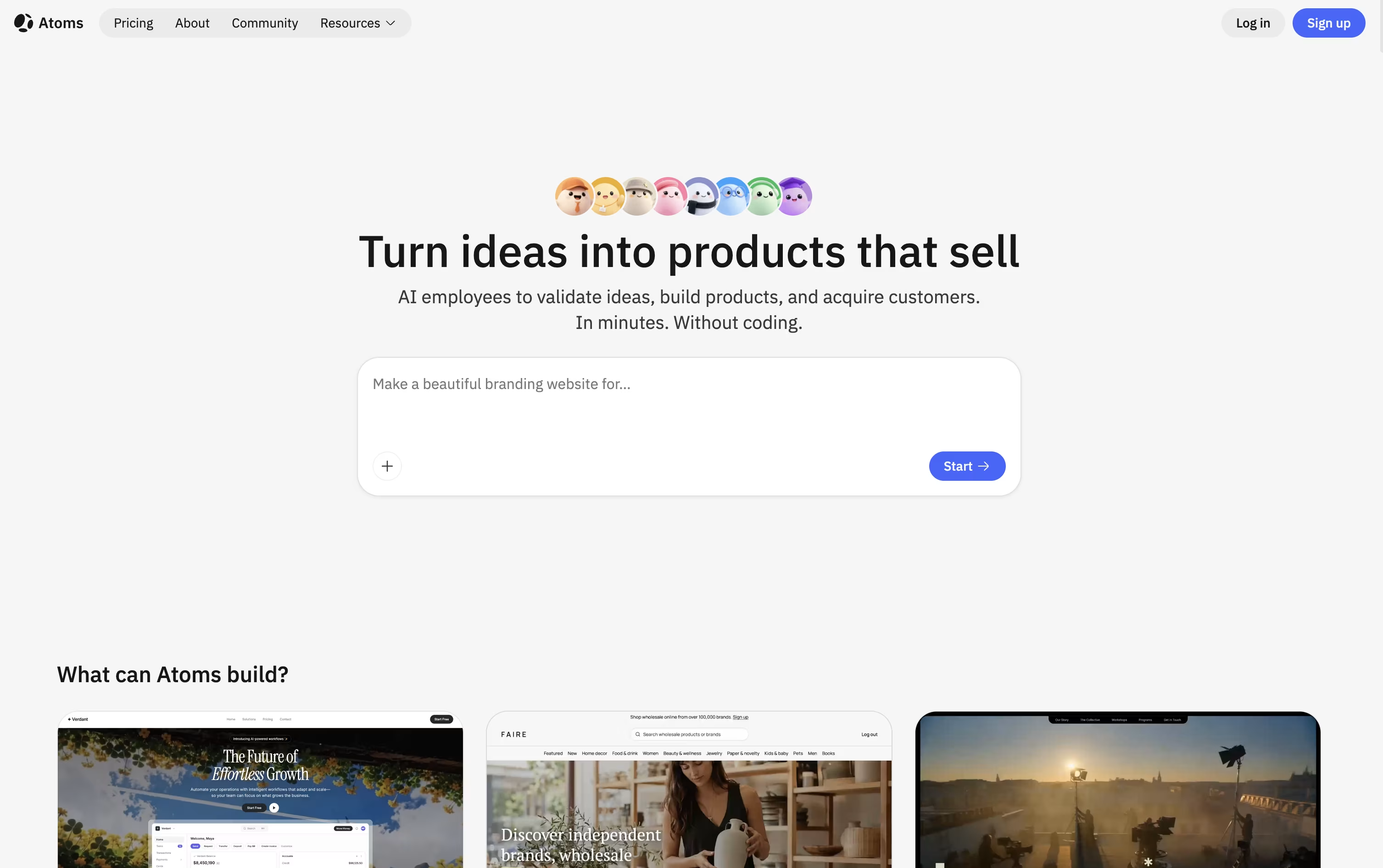
One agent researches your market, another turns your idea into a clear plan, and others handle the actual coding, covering both the frontend and backend along with login, a database, and Stripe payments.
After launch, an SEO agent optimizes your pages for search, an ads agent can run Google Ads for you, and a data agent tracks how your app is performing.
You can start for free, which gives 15 daily credits, 2 GB of storage, and 2 backend projects. The Pro plan starts at $20 a month for 100 credits and unlocks private projects, custom domains, and unlimited backend projects.
For heavier use, Max starts at $100 a month for 500 credits, offering 100 GB storage, double the compute resources, and Race Mode to compare results from multiple AI models. Choosing yearly billing saves up to 21%.
Whenever you want, you can export your project's code or sync it with GitHub, so your work is never locked inside the platform.

With Durable, you skip the usual back and forth of building a website by hand. You describe your business, and the AI builds a complete, ready-to-edit site in roughly thirty seconds, images and all.
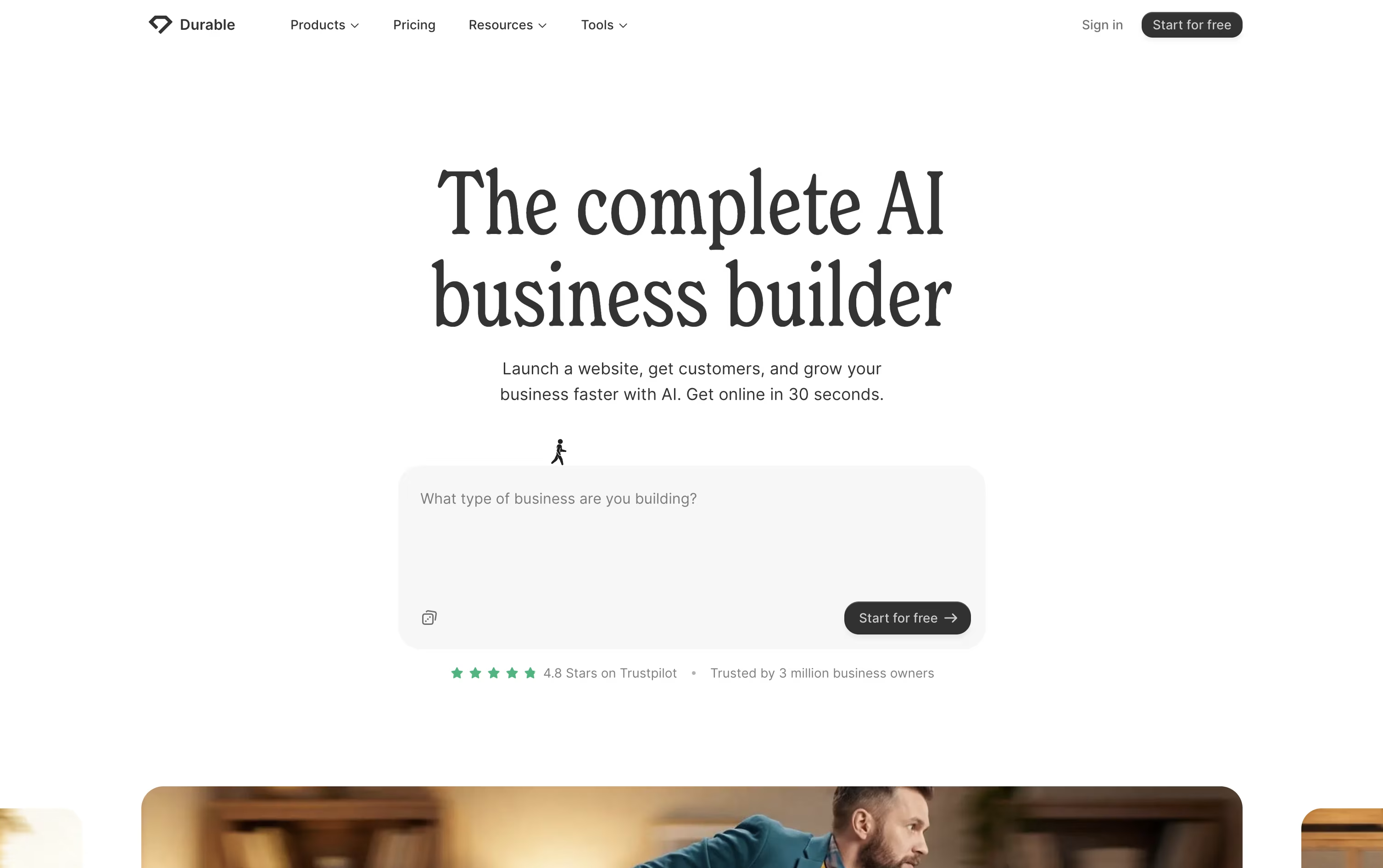
Once the site is live, Durable keeps working in the background. It comes with a CRM to track leads, an online booking tool that syncs with your calendar, and an AI assistant that can draft posts, reply to customers, and give business advice around the clock.
The free plan is a good way to try things out, offering a basic website, simple lead tracking, and a small monthly allowance of AI images and chat messages.
Stepping up to Launch, at $25 a month or $22 a month billed yearly, unlocks a more professional site, SEO and GEO tools to help you appear in Google and AI chat answers, unlimited bookings, and bigger AI limits.
The Grow plan, at $49 a month or $41 a month yearly, is built for busier teams, adding unlimited team seats, personal onboarding, and the highest AI usage limits.

Genspark AI is an advanced AI agent engine that serves as both a next-generation search platform and an autonomous task automation system. At its core, Genspark uses specialized AI agents that work together to deliver personalized, real-time results through custom-generated pages called Sparkpages.
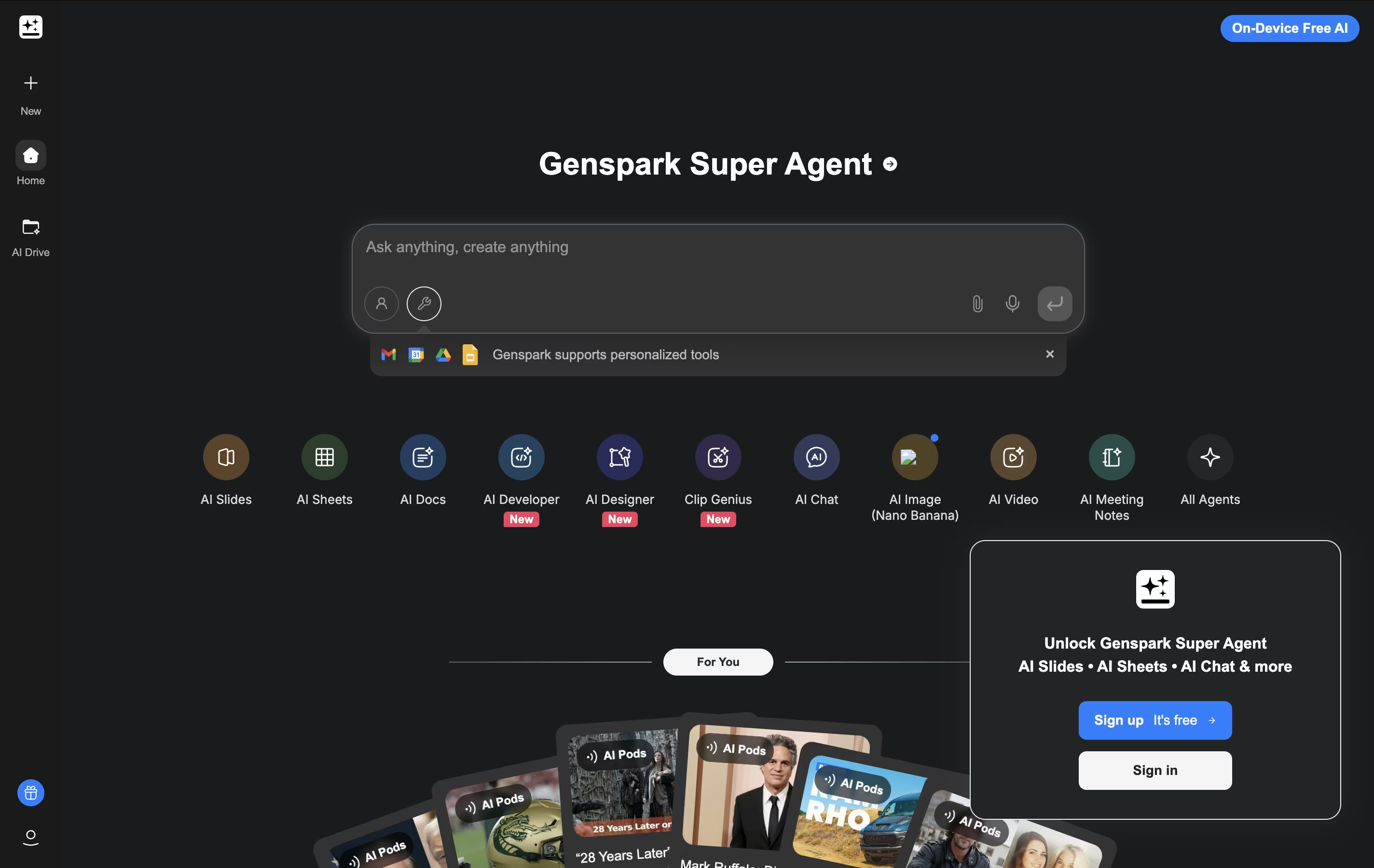
What makes Genspark unique is its Super Agent functionality. Instead of just providing information, it can actually execute tasks in the real world. The platform integrates over 80 specialized tools and combines multiple large language models (including GPT-4 and Claude) to handle everything from research and content creation to making actual phone calls and building functional websites.
The system operates on a multi-agent framework where different AI specialists handle specific types of queries and tasks. This approach ensures highly accurate, unbiased results free from commercial influences, while providing users with interactive, editable content that goes far beyond traditional search results.

Gadget is an AI-powered, full-stack development platform designed to accelerate web application development by eliminating repetitive boilerplate code and setup tasks. Think of it as a complete development environment that includes everything you need: a Node.js backend, React frontend, PostgreSQL database, and serverless hosting, all integrated and ready to use.
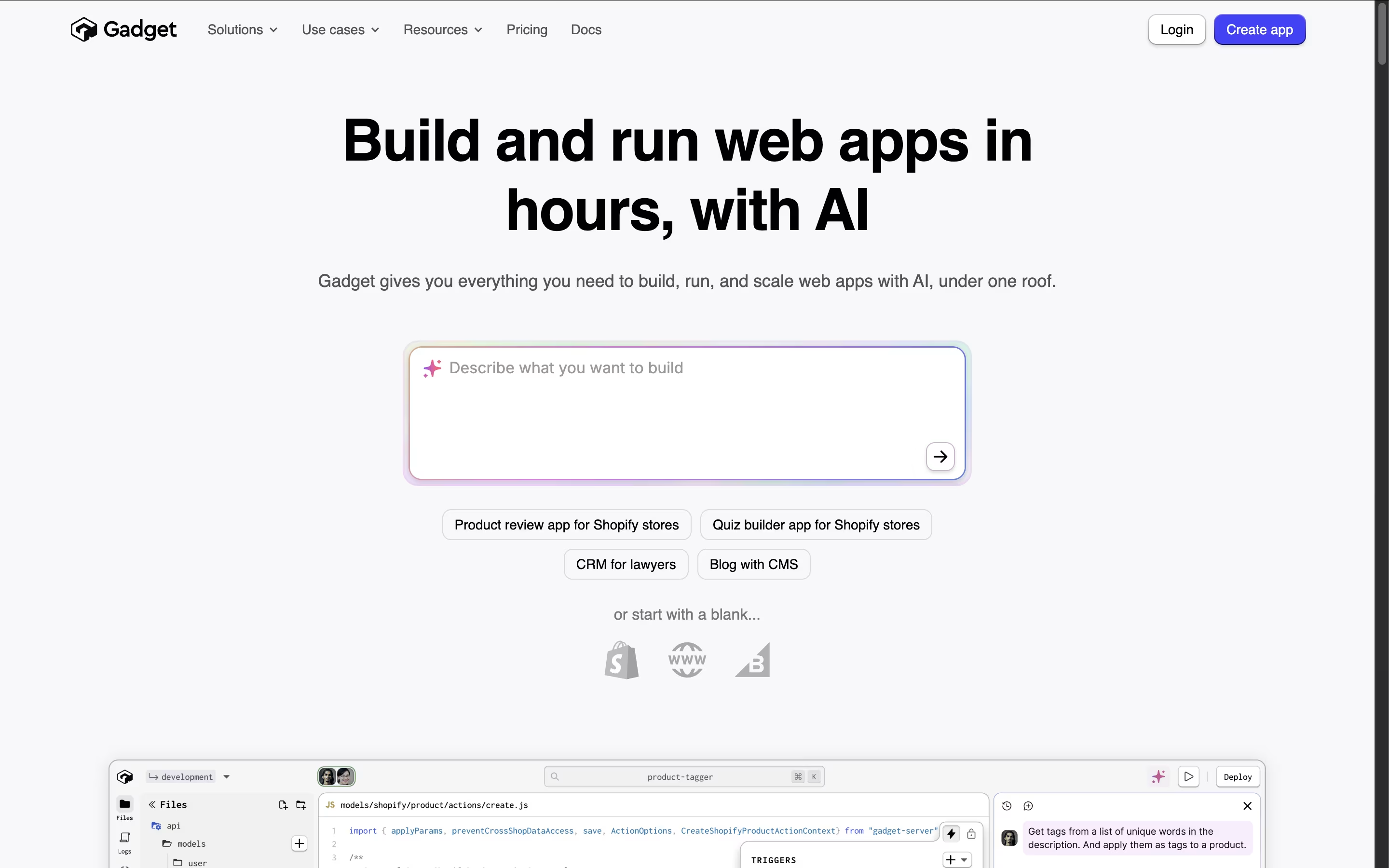
The platform automatically generates APIs, handles authentication, manages databases, and provides built-in connections to popular services like Shopify and BigCommerce. What makes Gadget special is its AI assistant that understands your specific app and helps write code, create database tables, and handle deployment tasks.
Unlike no-code tools that limit customization, Gadget gives you full control over your code while removing the tedious setup work. Founded by ex-Shopify executives, it combines best practices with smart automation to help developers build applications up to 10 times faster than traditional methods.

BuildShip is an AI-powered visual backend builder designed to help businesses and developers create scalable backend infrastructure without extensive coding knowledge. Think of it as a smart toolbox that combines no-code simplicity with low-code flexibility.
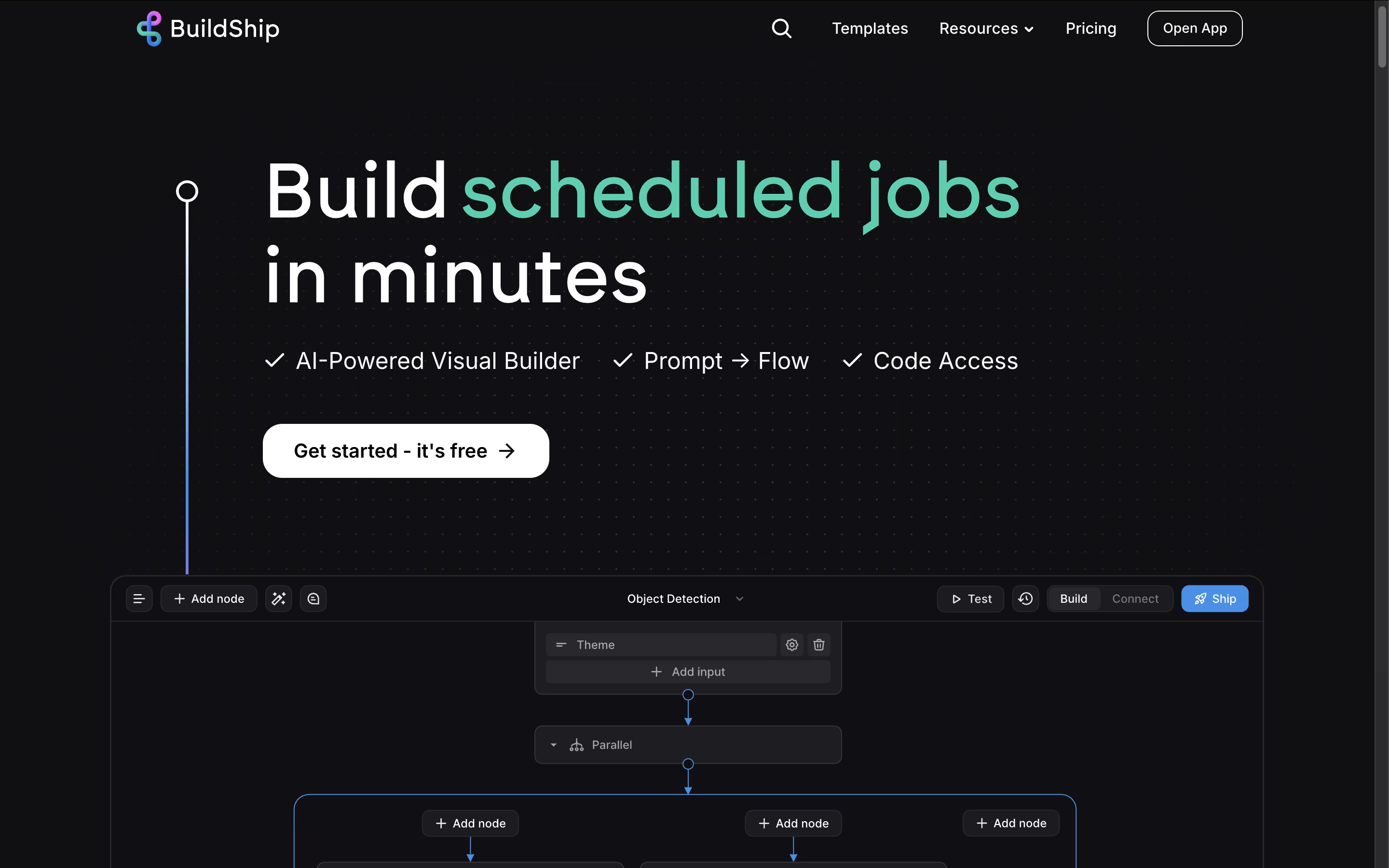
The platform uses a node-based system where you can drag and drop pre-built components or ask AI to generate custom nodes for your specific needs. It runs on Google Cloud Platform, ensuring enterprise-grade scalability and security. BuildShip connects seamlessly with popular AI models like ChatGPT, databases like Firebase and PostgreSQL, and hundreds of third-party services.
Founded in 2023 by the team behind Rowy, this platform has become popular because it eliminates the complexity of traditional backend development while giving you full control over your code when needed.

Building a website usually means learning to code or hiring someone who can. Hostinger Horizons skips that step by letting you describe your idea in normal language, through text, voice, or even a picture, and turning it into a real project.
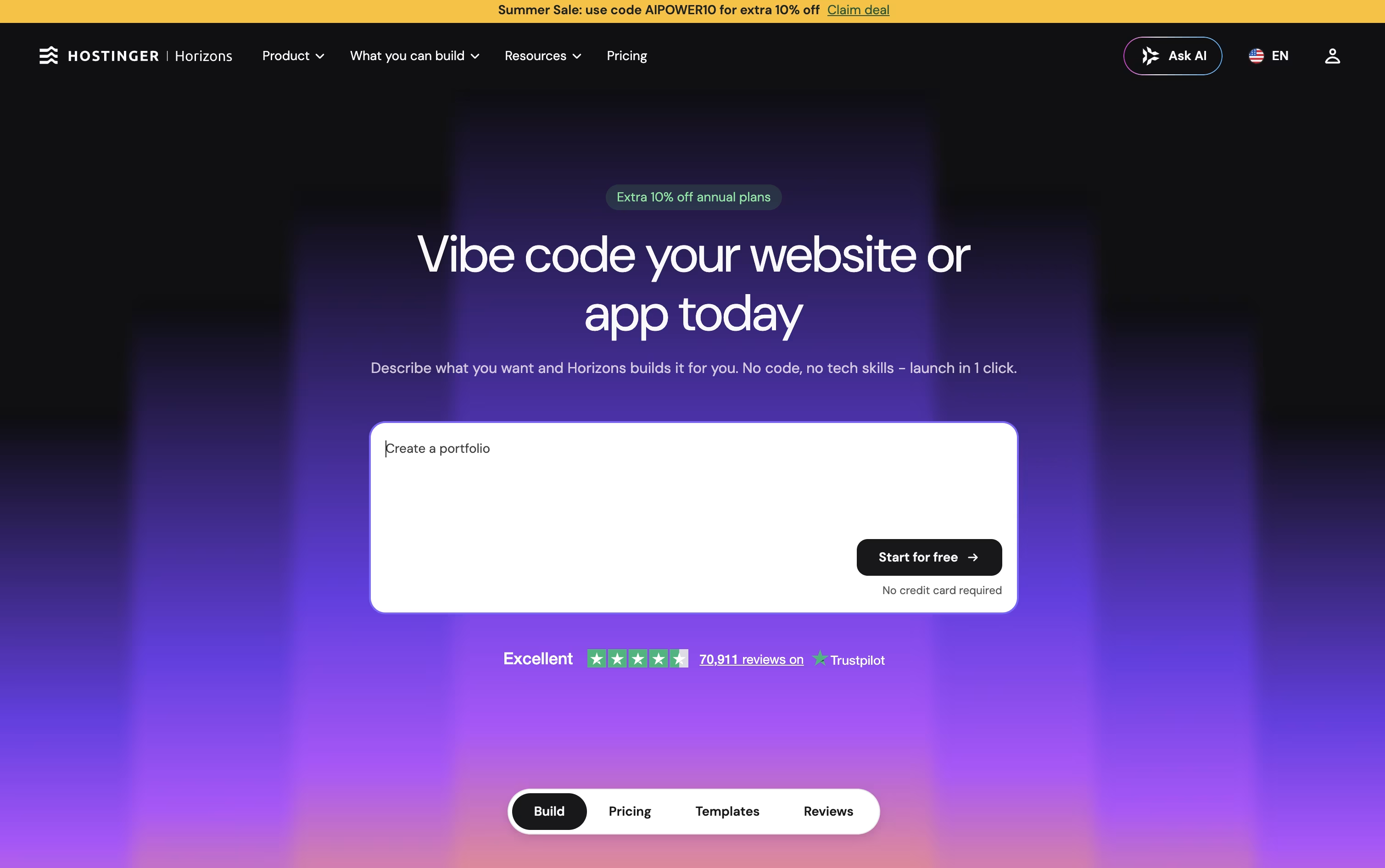
After the first version is ready, you simply keep talking to it to make changes, such as adding a login page, a store, or a chatbot. If you prefer, a full code editor is there too for hands-on edits.
Starting out is free, with 5 AI credits and no card needed. From there, the Explorer plan costs $6.99 a month for 30 credits, the Starter plan is $13.99 a month for 70 credits, and the Hobbyist plan runs $39.99 a month for 200 credits.
Paying plans throw in a free domain and hosting for the first year, quicker support, visitor analytics, and tools to sell products or subscriptions.
Every project is built with working code, so publishing takes one click and your site runs on Hostinger's own hosting, domains, and email setup.





