

Best 5 Cloud Databases Tools in 2026
Last Updated: October 24, 2025
Running a database without managing physical servers has become the default approach for most modern applications. Cloud Databases provide fully managed database infrastructure hosted in the cloud, with built in scaling and backups.
These platforms are the standard choice for developers and businesses that want reliable database infrastructure without operating their own hardware. Managed cloud databases remove much of the operational burden that used to come with running a database in house.
 Firebase
 FirebaseBuild Apps Faster with Google's Platform,
  Neon
Neon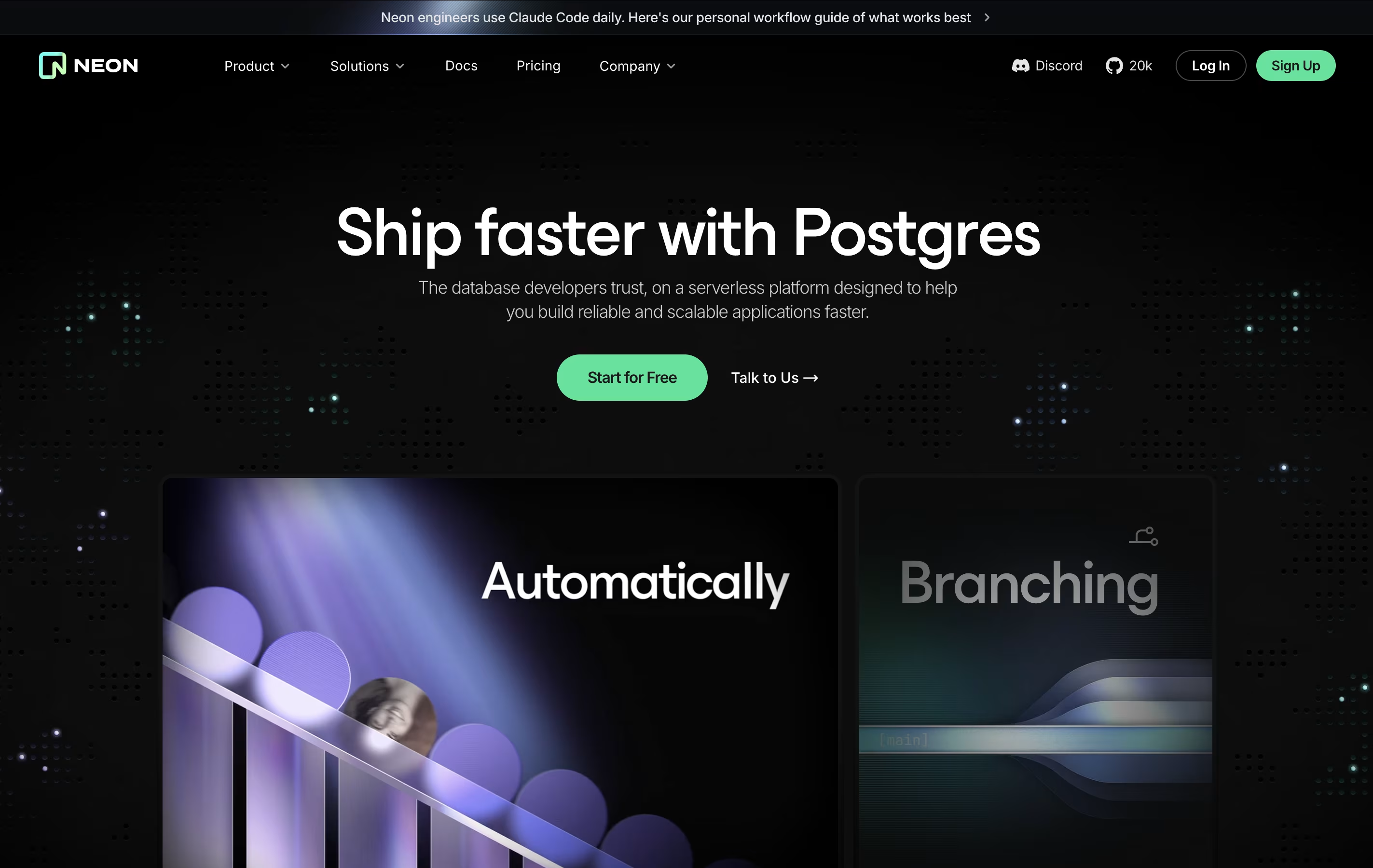 NeonServerless Postgres Database with Branching and Autoscaling, and
  PlanetScale
 PlanetScaleFast MySQL & Postgres Database Platform are the best for Cloud Databases. So, let’s take a closer look at all 5 tools.
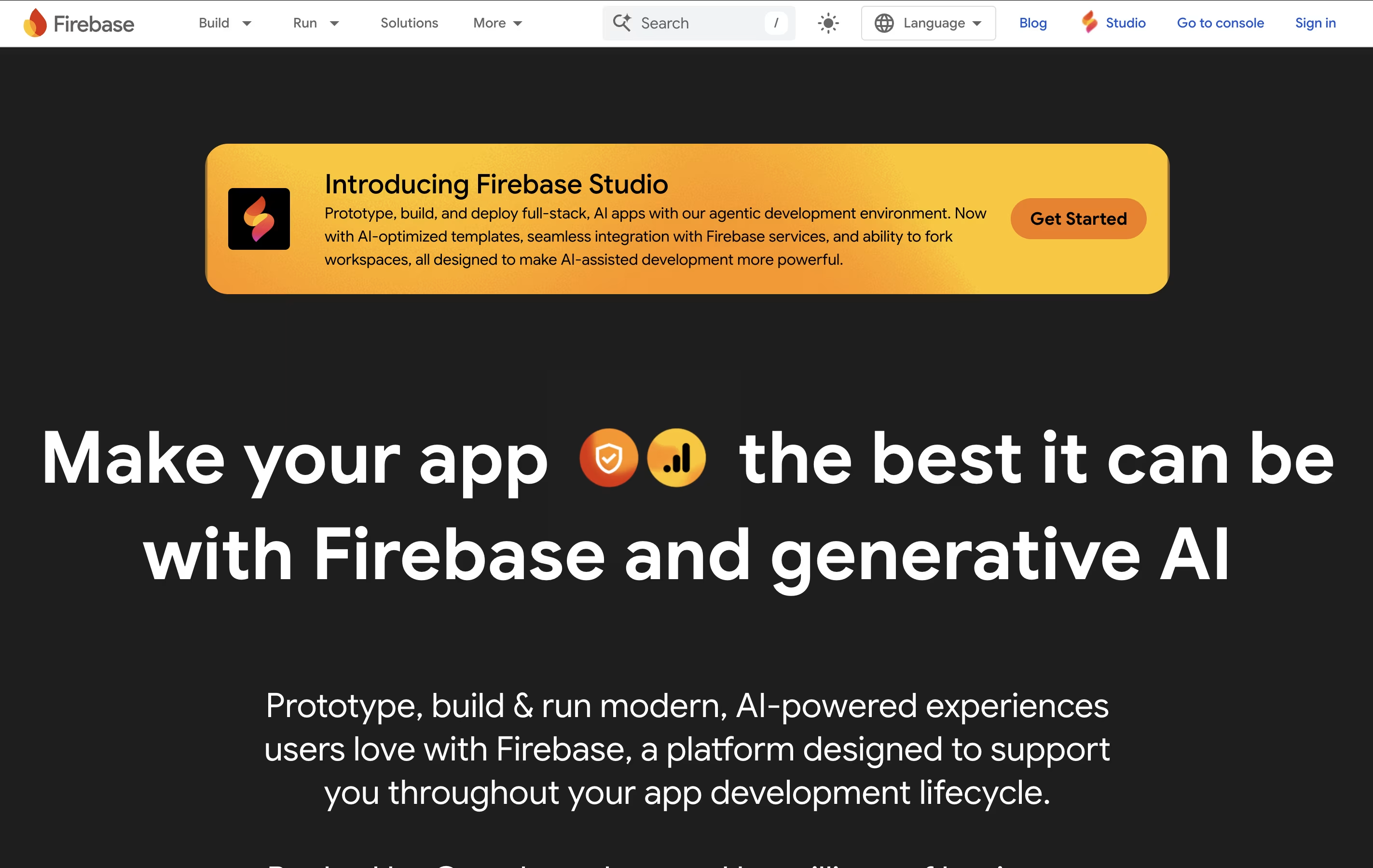
Firebase is a cloud-based platform that provides backend services for applications. Think of it as a complete toolkit that handles everything your app needs on the server side. Instead of building your own servers, databases, and authentication systems from scratch, Firebase gives you ready-to-use services.
The platform includes a real-time database where your app data updates instantly across all devices. It has user authentication that works with email, phone numbers, Google, Facebook, and other providers. Firebase also offers cloud storage for images and files, push notifications to reach users, crash reporting to find bugs, and performance tracking to see how your app runs.
All these services work together smoothly. You can pick only what you need, making it flexible for any project size from small hobby apps to large business applications.
Neon is a cloud database service built on Postgres, the most trusted open source database. It separates storage and computing power into two independent parts, allowing each to scale separately. This design means your database can grow or shrink automatically based on your needs, and it can even scale down to zero when not in use to save money.
The standout feature is database branching. Just like creating a branch in Git to test new code, you can create a branch of your database to test changes without affecting your main data. These branches are created instantly and use minimal extra storage thanks to a copy-on-write system. Neon is perfect for developers who want a powerful database without the complexity of traditional database management.
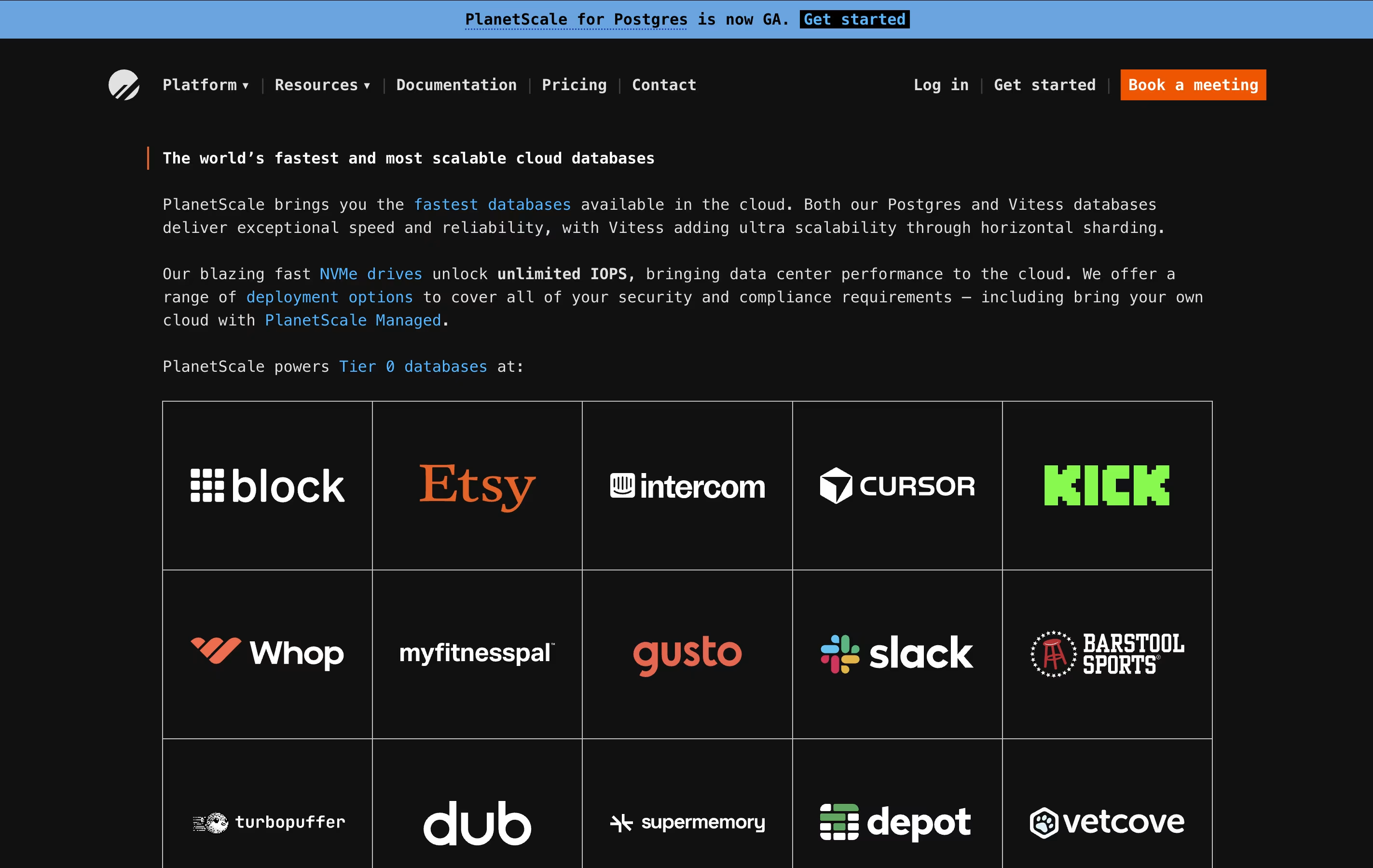
PlanetScale is a database hosting service that runs on cloud platforms like AWS and Google Cloud. It supports two database types: Vitess for MySQL workloads and native Postgres for PostgreSQL applications. Both options come with high availability built in, using one primary database and two backup copies spread across different data centers.
The platform stands out with features like database branching, which works similar to Git branches for code. You can test changes safely before applying them to production. It also includes query monitoring tools that show which database operations are slow or using too many resources.
PlanetScale offers different service levels from pay-as-you-go pricing for startups to enterprise plans where they manage databases in your own cloud account.

AWS Amplify is a set of tools and services that helps developers create full-stack applications. It includes everything needed to build an app: a place to host your website, databases to store information, user login systems, file storage, and ways to connect different parts of your app together.
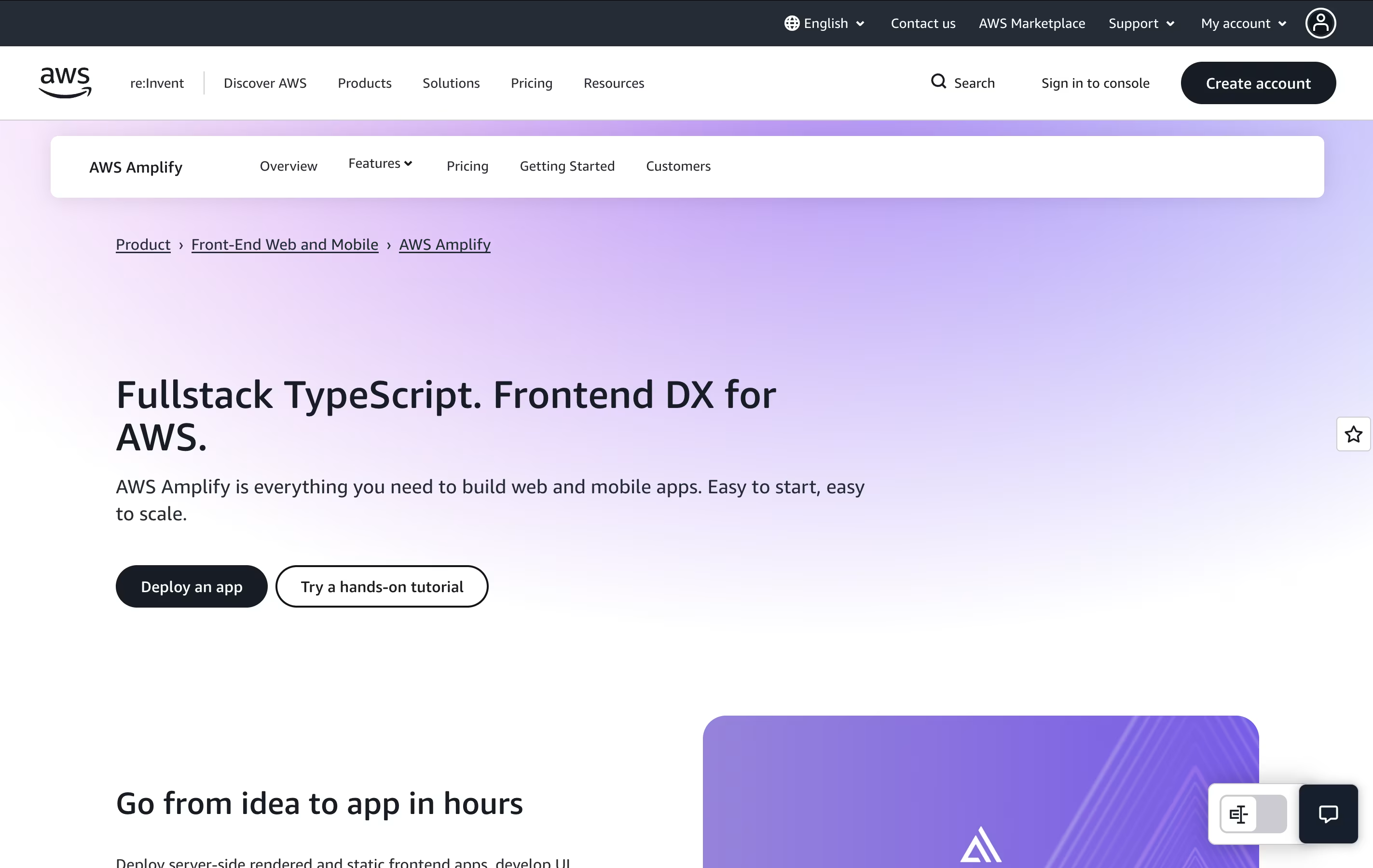
The platform uses a code-first approach, meaning you can define what you need using familiar programming languages like TypeScript. Amplify then automatically creates the right cloud resources for you. It also provides instant development environments for each team member, so developers can test changes without affecting others.
There is a generous free tier to get started, and you only pay for what you actually use beyond that. This makes it budget-friendly for both small projects and large applications.

Back4App is a Backend-as-a-Service platform that provides all the backend tools needed for mobile and web applications. You get a database, user authentication system, file storage, APIs, and server-side functions without setting up your own servers.
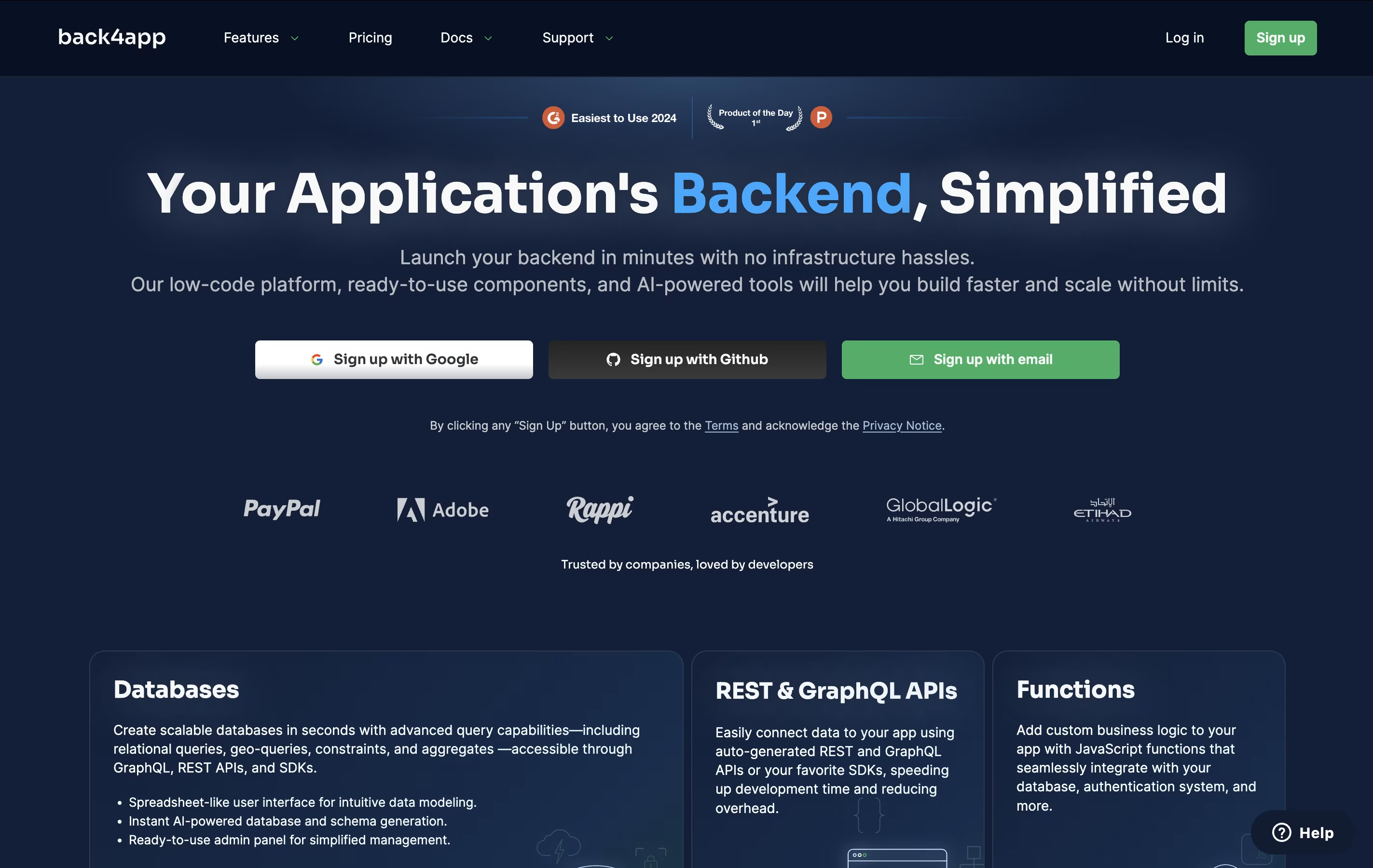
The platform uses Parse Server, which is open-source technology trusted by many developers. This means you are not locked into proprietary systems. You can choose between NoSQL and PostgreSQL databases depending on your project needs.
Back4App handles the technical infrastructure like hosting, scaling, backups, and security. You connect your frontend application through easy-to-use SDKs for JavaScript, React, Flutter, Android, iOS, and other platforms. The service offers both free and paid plans, making it accessible for projects of any size.





