ToolQuestor Logo
AWS Amplify

AWS Amplify

No reviews yet
0 Saved
Added:10/23/2025
Type:Saas
Monthly Traffic:-
Pricing:
FREEMIUMUSAGE_BASED
AI-PoweredCloud-BasedSaaSWeb-BasedAPI AvailableFree TrialDevelopers
Granola

Granola

FEATURED
OpenArt AI

OpenArt AI

FEATURED
Vidnoz AI

Vidnoz AI

FEATURED
AWS Amplify screenshot 2
AWS Amplify screenshot 3
AWS Amplify screenshot 4

What is AWS Amplify

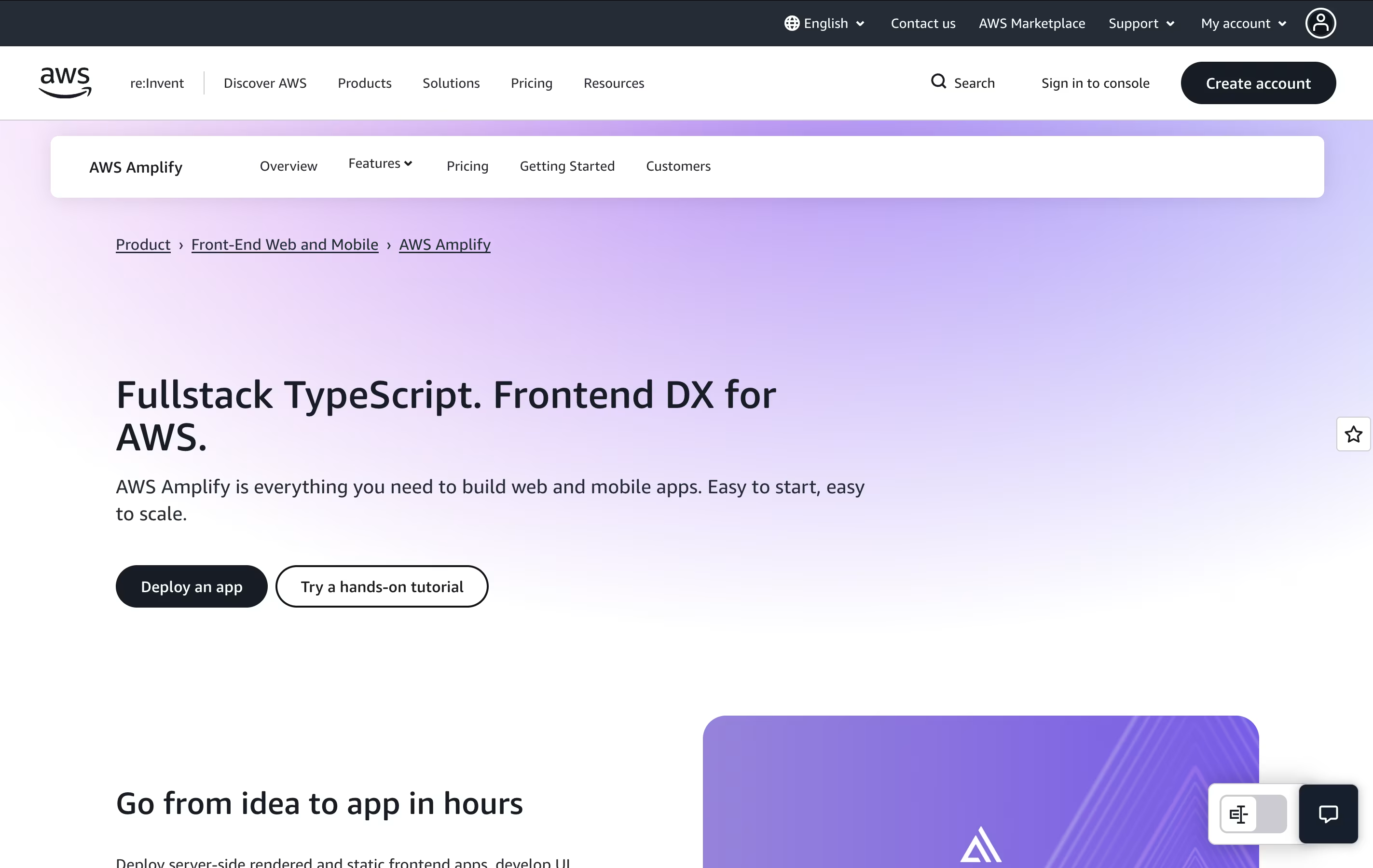
AWS Amplify is a set of tools and services that helps developers create full-stack applications. It includes everything needed to build an app: a place to host your website, databases to store information, user login systems, file storage, and ways to connect different parts of your app together.

The platform uses a code-first approach, meaning you can define what you need using familiar programming languages like TypeScript. Amplify then automatically creates the right cloud resources for you. It also provides instant development environments for each team member, so developers can test changes without affecting others.

There is a generous free tier to get started, and you only pay for what you actually use beyond that. This makes it budget-friendly for both small projects and large applications.

How to Use AWS Amplify

Getting started with AWS Amplify is straightforward. Here are the basic steps:

  • First, install the Amplify command line tool on your computer and connect it to your AWS account.

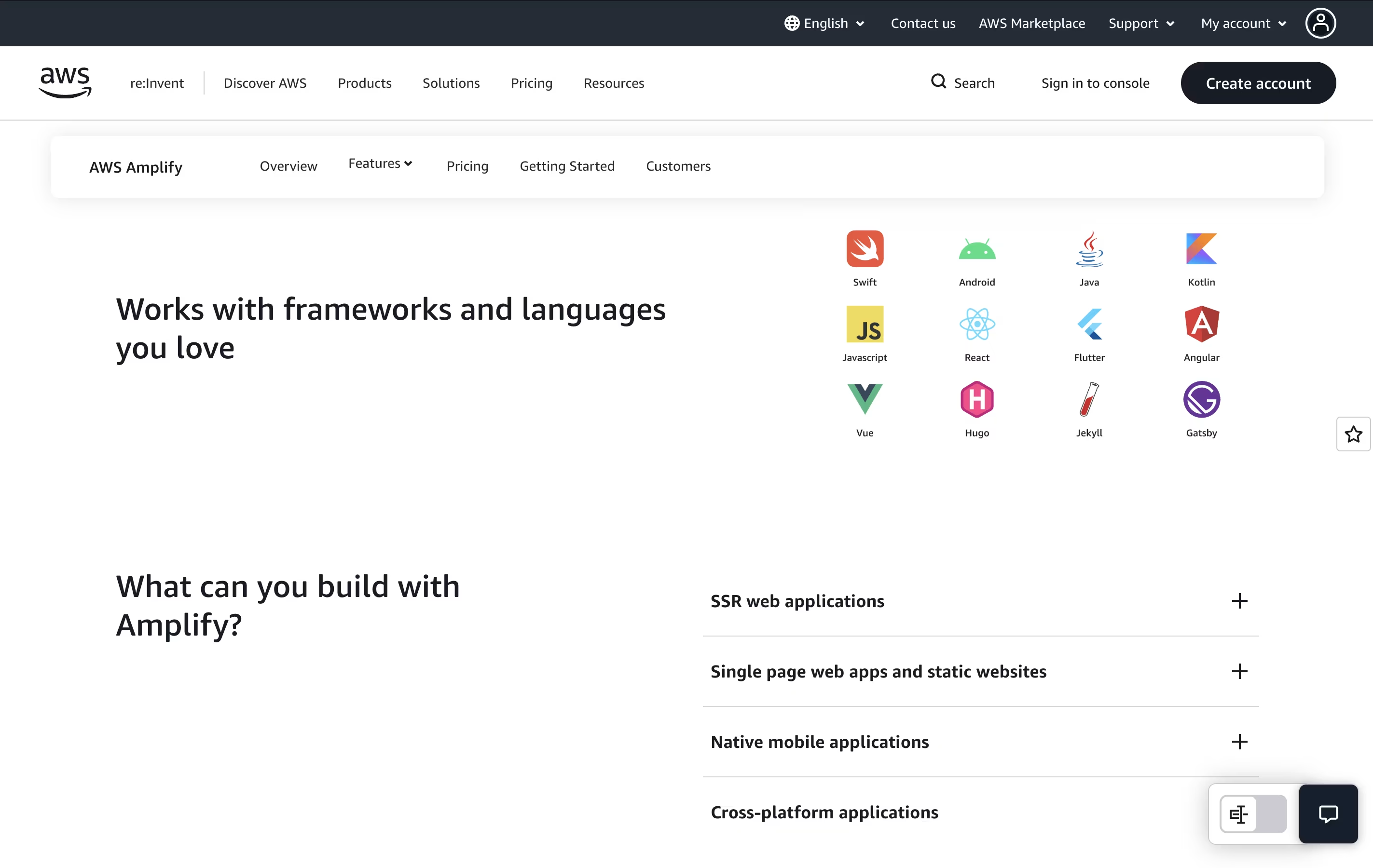
  • Create a new project or connect an existing one. You can work with React, Vue, Angular, Next.js, or mobile frameworks like Flutter and React Native.

  • Define your backend needs in TypeScript code. For example, add user authentication, create a database, or set up file storage. Amplify handles the complex setup automatically.

  • Test your app locally using sandbox environments. Each developer gets their own cloud environment for testing without affecting others.

  • When ready, connect your code repository from GitHub, GitLab, or Bitbucket. Amplify will automatically build and deploy your app whenever you push new code.

  • Use the Amplify console to manage your app, view logs, and monitor performance all in one place.

Features of AWS Amplify

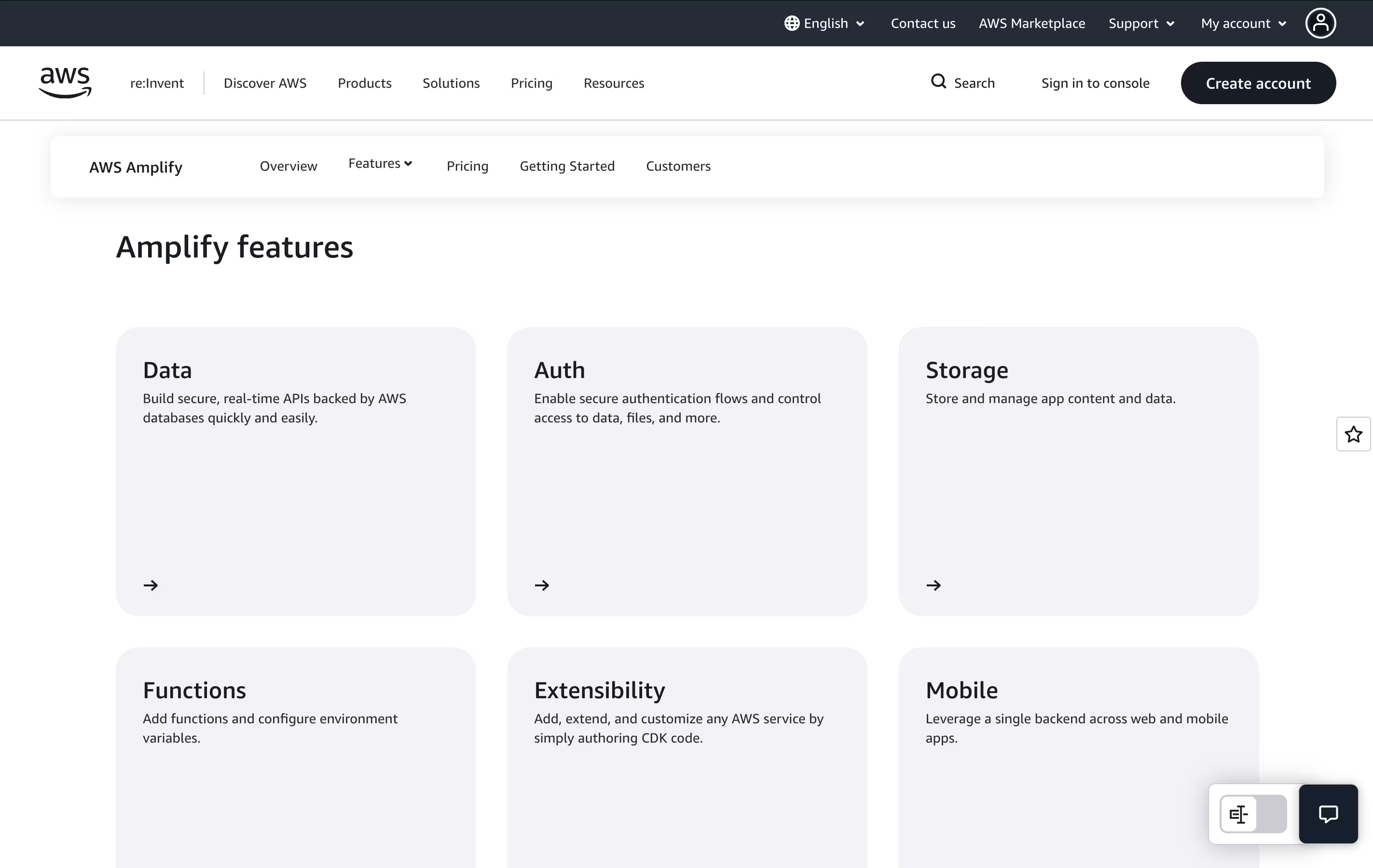
  • Full-stack TypeScript development environment

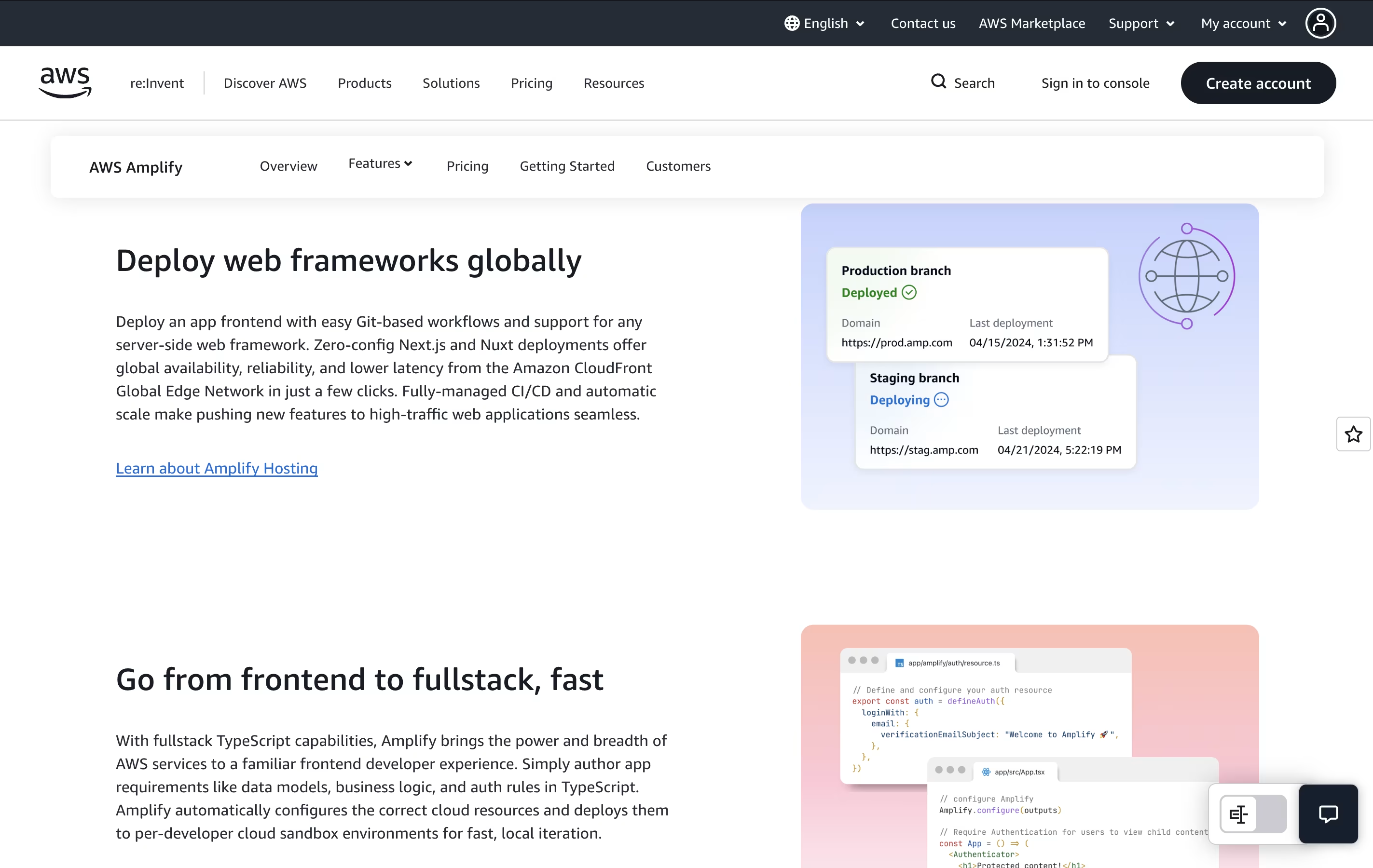
  • Automatic hosting with global CDN delivery

  • Built-in user authentication and authorization

  • Real-time GraphQL and REST APIs

  • Scalable file storage and databases

  • Per-developer cloud sandbox environments

  • Git-based continuous deployment

  • Next.js and Nuxt server-side rendering support

  • Team collaboration with branch previews

  • Integrated monitoring and analytics dashboard

AWS Amplify Pricing

Most Popular
Free Tier (12 months)

Free

What's included:
  • 1,000 build minutes per month
  • 5 GB data storage
  • 15 GB data transfer out
  • 500,000 SSR requests
  • 100 GB-hours compute time
  • All core Amplify features included
  • Access to AWS backend services free tiers
Pay As You Go - Build & Deploy

$0.01

What's included:
  • Standard build: $0.01 per minute
  • Large build: $0.025 per minute
  • XLarge build: $0.10 per minute
  • Unlimited builds
  • Multiple environments supported
  • Git-based CI/CD
Pay As You Go - Hosting

Custom

What's included:
  • Storage: $0.023 per GB per month
  • Data transfer: $0.15 per GB served
  • Free SSL certificates
  • Custom domains included
  • Global CDN delivery
  • Automatic scaling
Pay As You Go - Server-Side Rendering

Custom

What's included:
  • Requests: $0.30 per 1M requests
  • Compute: $0.20 per GB-hour
  • Next.js support
  • Nuxt support
  • Automatic scaling
  • Edge optimization
Backend Services

Custom

What's included:
  • Authentication (Cognito) - separate pricing
  • Database (DynamoDB) - separate pricing
  • Storage (S3) - separate pricing
  • APIs (AppSync/API Gateway) - separate pricing
  • Functions (Lambda) - separate pricing
  • Many services have permanent free tiers

FAQ's About AWS Amplify

Is AWS Amplify free to use?
Yes, AWS Amplify offers a 12-month free tier with 1,000 build minutes, 5 GB storage, and 15 GB data transfer monthly. Many backend services also have permanent free tiers. You only pay when you exceed these limits, making it great for learning and small projects.
What programming languages and frameworks does Amplify support?
Amplify supports JavaScript/TypeScript for backend development. For frontend, it works with React, Vue, Angular, Next.js, Nuxt, and more. Mobile developers can use React Native, Flutter, iOS (Swift), and Android (Kotlin/Java). The platform is framework-agnostic for hosting any web app.
How is AWS Amplify different from traditional hosting?
Unlike simple hosting services, Amplify provides both frontend hosting and backend infrastructure. It automatically handles build processes, creates databases, manages user authentication, and deploys globally through a CDN. Everything connects together seamlessly without manual configuration of individual AWS services.
Do I need to know AWS to use Amplify?
No, Amplify is designed for developers who may not know AWS services in depth. You write simple TypeScript code describing what you need, and Amplify automatically configures the right AWS services. However, you can access underlying AWS resources directly if you need advanced customization.
Can I use Amplify for production applications?
Yes, AWS Amplify is production-ready and used by companies of all sizes. It includes features like automatic scaling, 99.9% uptime, security compliance, team collaboration tools, and monitoring. You can start small and scale to millions of users without changing your architecture.

Share your experience with AWS Amplify

Loading...

See what users are saying about AWS Amplify

0.0

0 Reviews

5
0
4
0
3
0
2
0
1
0

No reviews yet

Be the first to review AWS Amplify

Embed AWS Amplify badges

Show your community that AWS Amplify is featured on Tool Questor. Add these beautiful badges to your website, documentation, or social profiles to boost credibility and drive more traffic.

Light Badge Preview
AWS Amplify – Build Full-Stack Apps Fast with Cloud Backend