

Best 14+ Low-Code Platforms Tools in 2026
Last Updated: September 9, 2026
Some projects need more customization than no code tools allow but still benefit from a visual, faster development approach. Low-Code Platforms combine visual builders with the option to add custom code where needed, balancing speed and flexibility.
These platforms are popular with internal tools teams and business developers who want to move fast without giving up control over complex logic. A low code approach often strikes the right balance for teams that need more than a pure no code tool can offer.
 n8n
n8n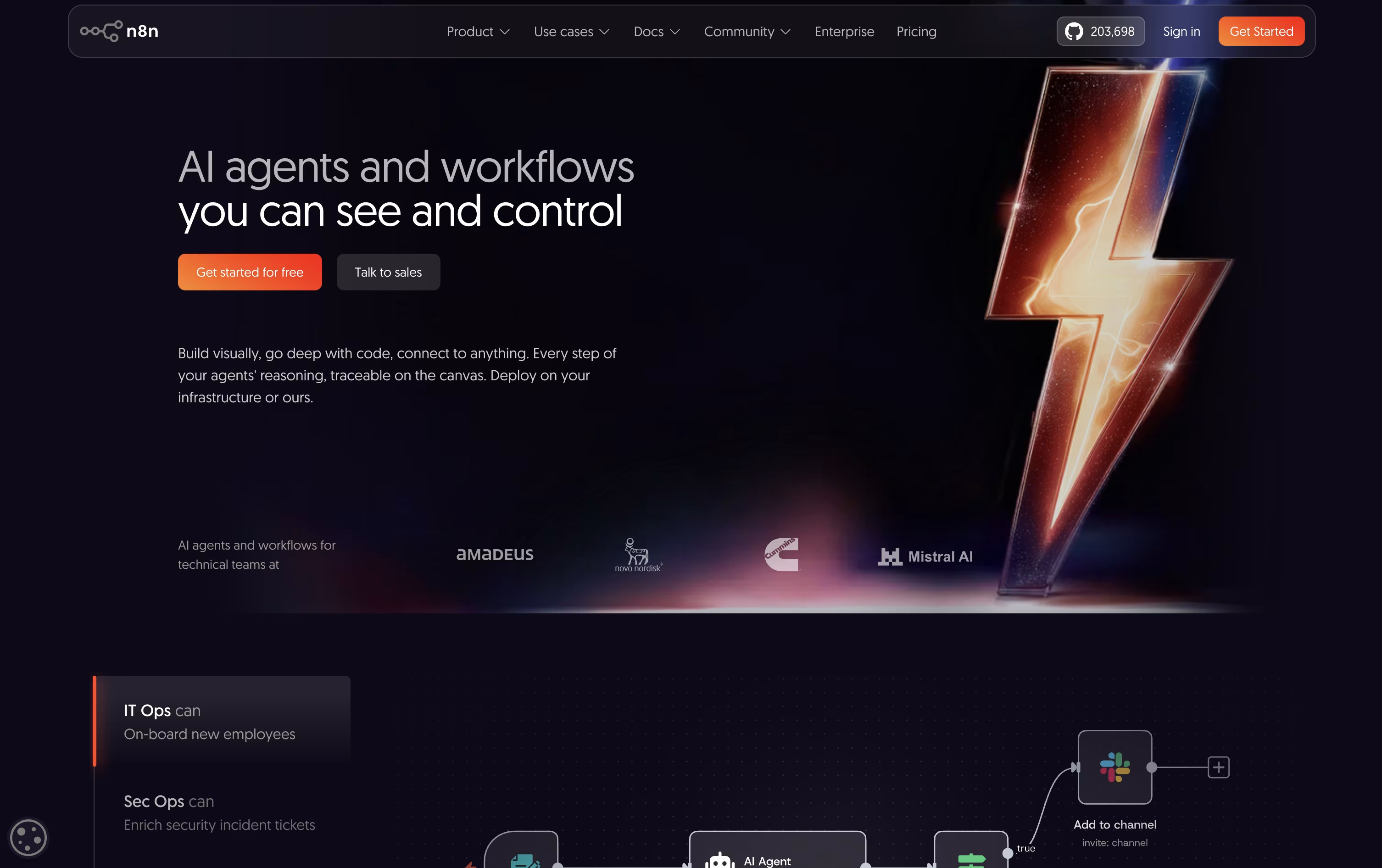 n8nAutomate Workflows with AI and Code Fast,
  Meku
Meku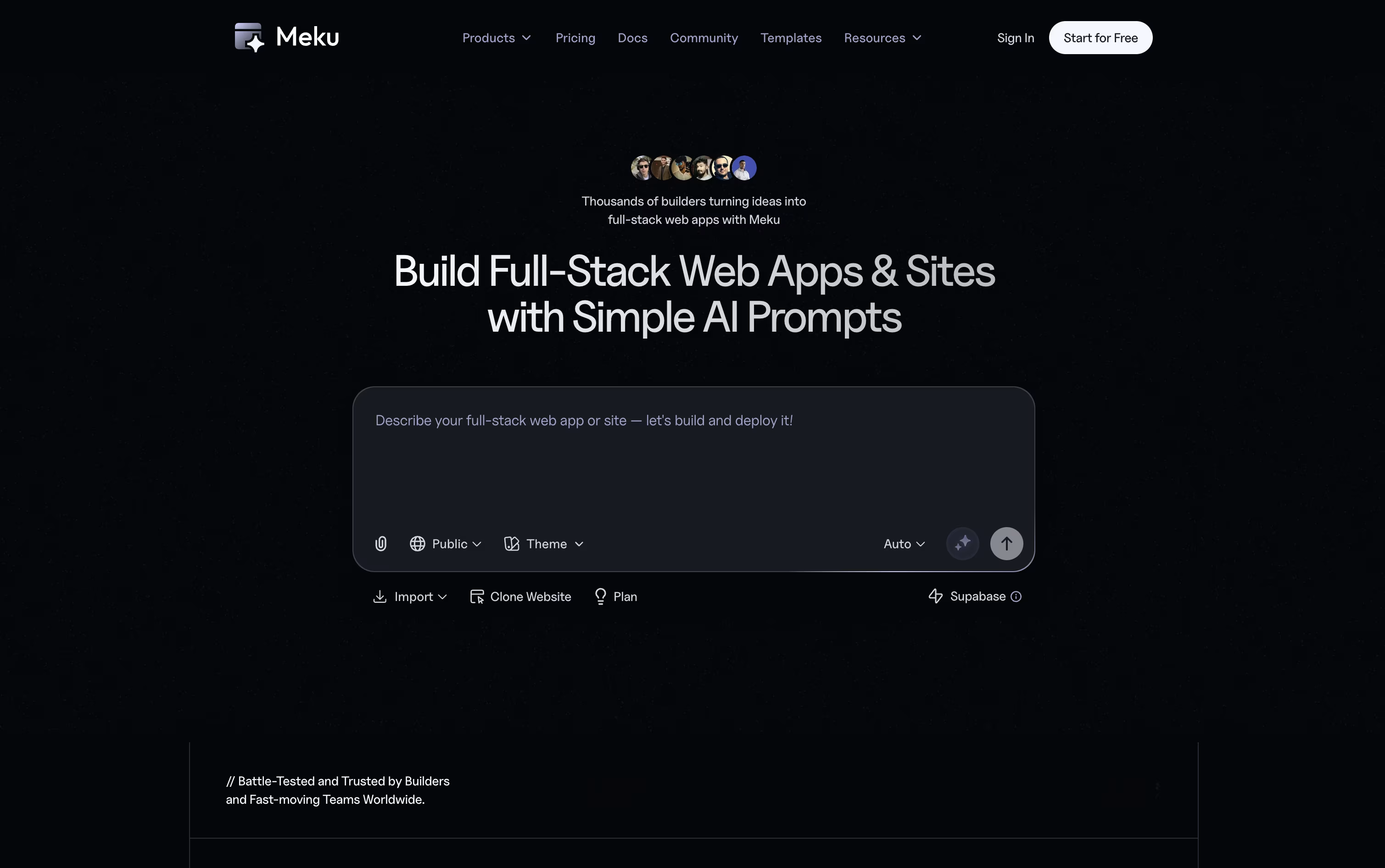 MekuBuild Real Web Apps From Simple Prompts, and
  Tempo
Tempo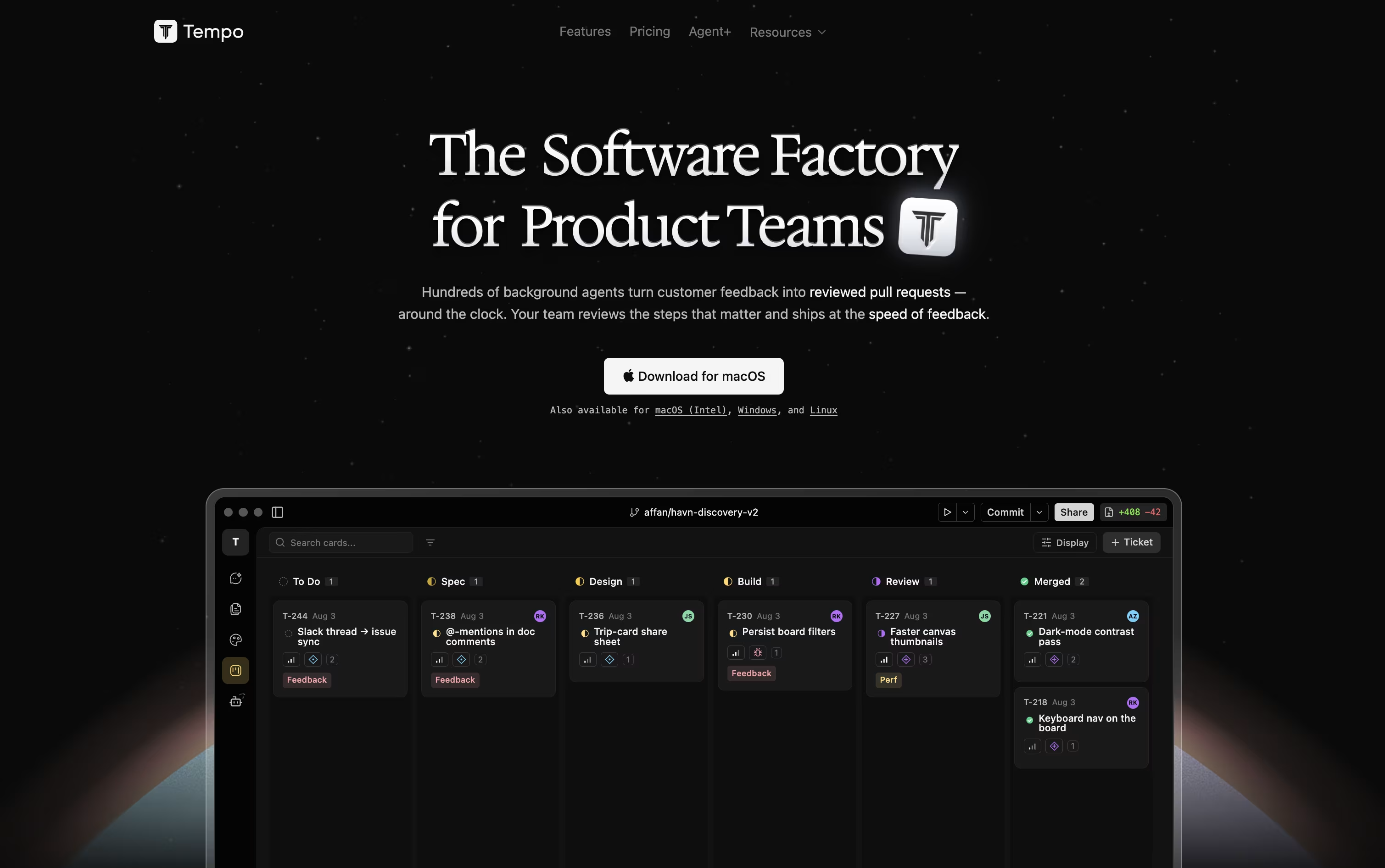 TempoCode-First Workspace for Product Teams are the best for Low-Code Platforms. So, let’s take a closer look at all 14+ tools.

n8n lets you automate work by connecting apps, data, and AI models through a visual, node based editor. Instead of separate scripts, you build one workflow that runs the whole process.
What makes it flexible is the option to stay fully visual or drop in custom JavaScript or Python code whenever you need finer control, along with strong support for AI agents and RAG style pipelines.
Rather than charging per user, n8n prices its plans by how many workflow executions you use each month. Starter starts at $24 a month, Pro is $60, and Business is $960, with a discount if you pay yearly.
Enterprise pricing is custom and built for organizations needing tighter governance, unlimited projects, and dedicated support.
You can self-host n8n for complete control of your data or use the hosted cloud version, and Starter and Pro come with a no-card-required free trial.
Meku lets you build real websites and apps just by describing what you want in plain words. It puts together a working first version in under a minute, with a clean, modern look already in place.
From there, you can shape the project through chat. Ask Meku to change a page, add a feature, or fix something, and you will see it update live as you go.
It also reads Figma files and turns them into working code, and connects with GitHub and Supabase so your project can have logins, a database, and proper version control.
The Free plan costs nothing and gives you 100 credits a month with three public projects. Starter is $16 a month, or $12 a month billed yearly, and opens up private projects, exports, and integrations.
Pro runs $25 a month with more credits and room for a bigger team, and Growth at $49 a month covers larger teams that need more projects, domains, and members.
On any paid plan you can export your code and run it anywhere, so your project is always fully yours.
Product teams often lose time switching between design tools, docs, and separate trackers. Tempo solves this by keeping design, planning, tasks, and AI agents inside one workspace connected to your actual codebase.
Its Canvas feature turns your React components into a live, editable design surface, so changes reflect the real app instead of a mockup. Docs works like a simple writing tool for specs and notes, and Issues gives you a Kanban board to track work.
AI agents can be chatted with directly, using Claude or OpenAI models, and they make code changes safely inside their own git branch. You can also build custom agents that run automatically based on triggers such as issue updates or Slack messages.
Getting started costs nothing with the Starter plan, which includes 100 AI messages a month and room for up to 10 team members. Growing teams can move to the Team plan at $20 per seat a month for unlimited issues and documents.
For companies that want features built for them, Agent+ starts at $500 a month, pairing AI agents with human engineers and designers who review every change, typically delivering within 48 to 72 hours.
Tempo is built for React, Next.js, and Expo projects, and runs as a web app or desktop app on macOS, Windows, and Linux.

FlutterFlow lets you build mobile, web, and desktop apps by dragging and dropping widgets on a screen instead of typing every line of code. Under the hood, it runs on Google's Flutter framework, so what you build is real, working software from day one.
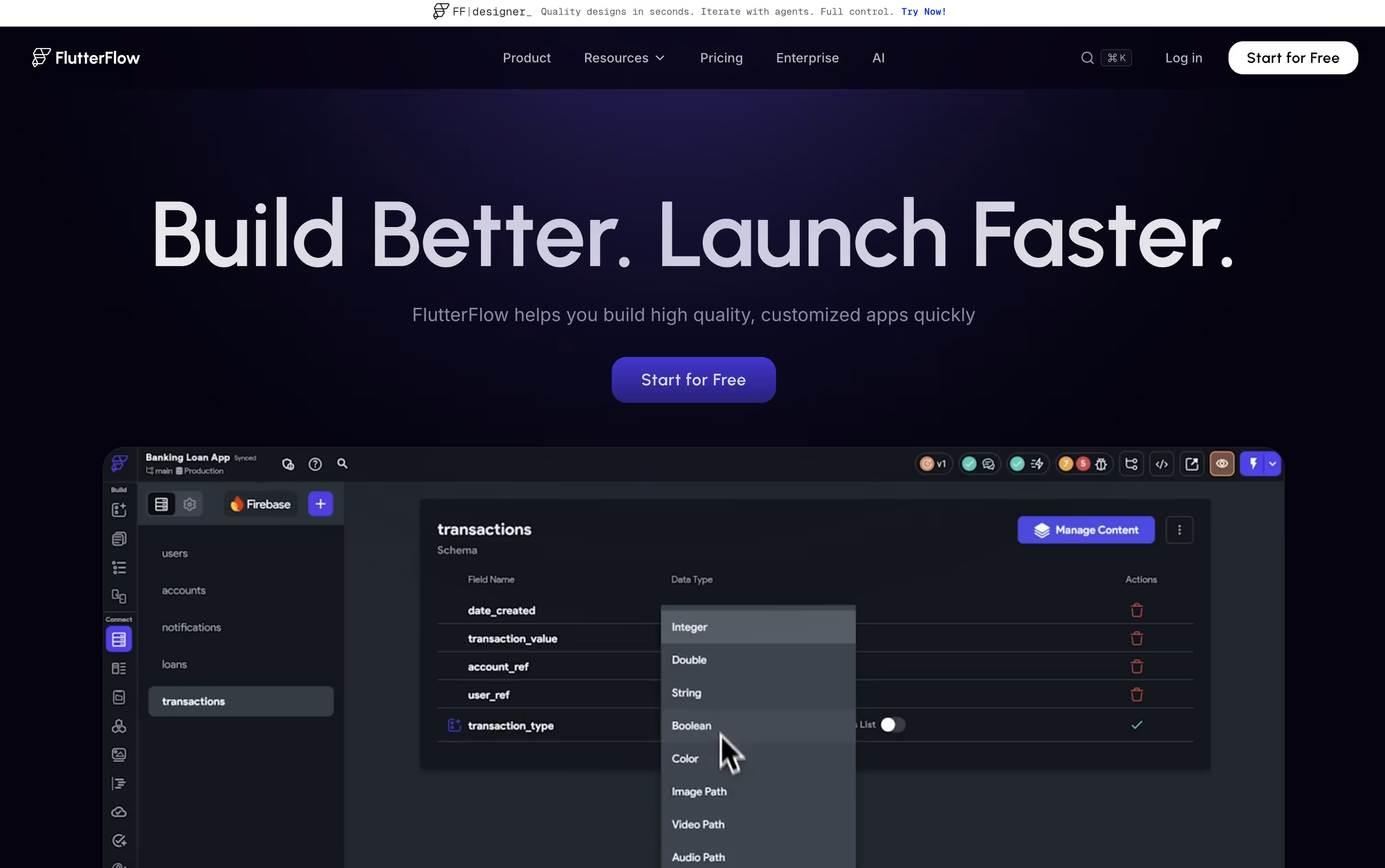
A visual logic editor handles the behind-the-scenes work, like what happens when someone taps a button or submits a form, without needing deep coding knowledge.
Your app can connect to Firebase, Supabase, or your own custom backend, and you can export the full code whenever you like, so you are never locked into the platform.
Pricing starts free for 2 small projects, then moves to $23.40 a month for unlimited projects and code downloads. Growth plans begin at $48 a month for small teams, Business starts at $90 a month for bigger teams, and Enterprise is priced on request.
Built-in AI features can generate app pages and even test your app automatically, which helps both new users and experienced developers work faster.

UI Bakery is a low-code development platform that lets you build web applications using a visual drag-and-drop interface combined with custom code when needed. Unlike pure no-code tools, UI Bakery gives developers full control through JavaScript and SQL customization while speeding up the building process significantly.
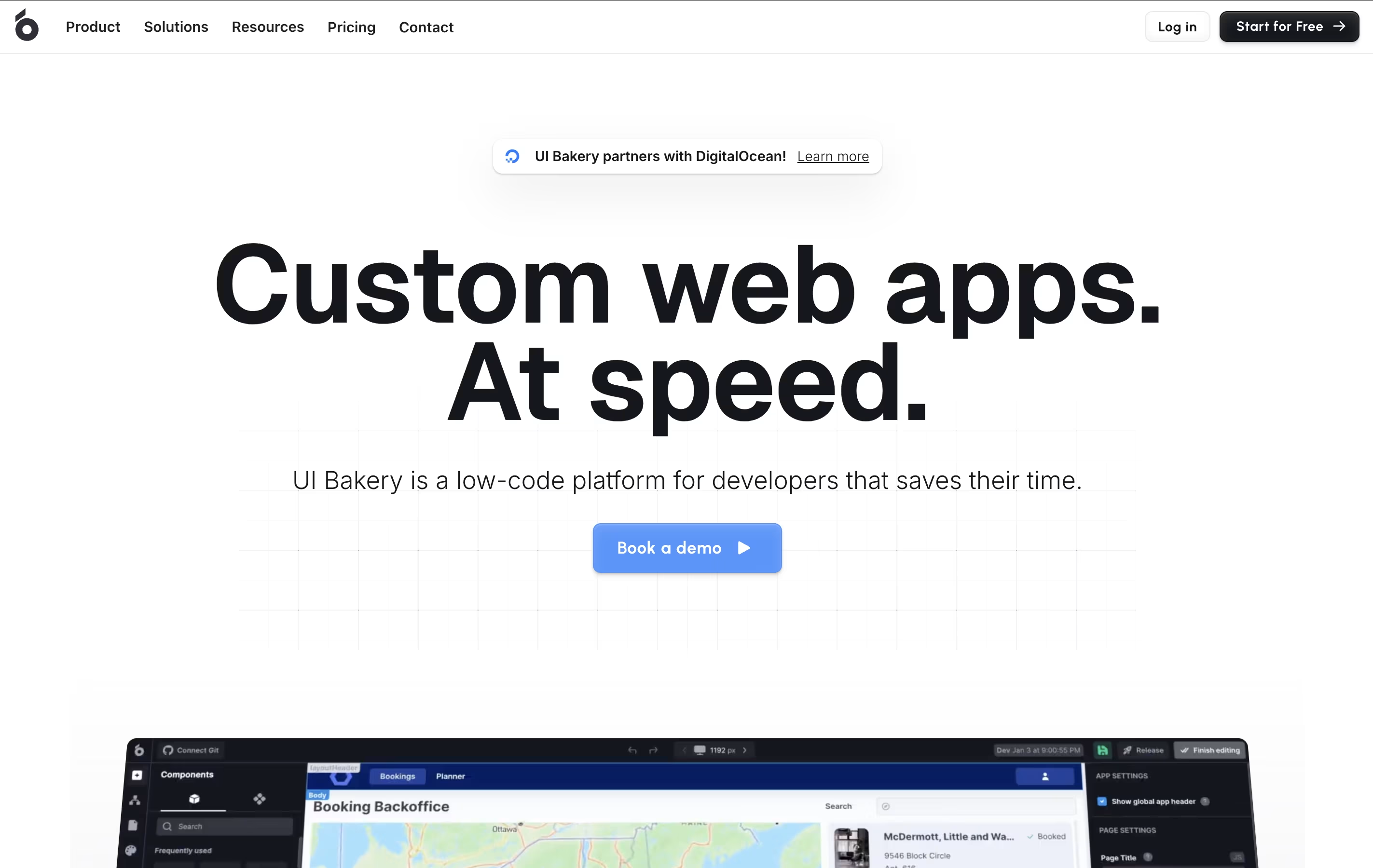
The platform includes 75+ ready-made components, templates, and connectors to popular databases and services. You can create internal tools, customer portals, admin dashboards, and vendor apps without worrying about frontend frameworks or CSS styling. UI Bakery handles deployment, version control, and user access management automatically.
Available as both cloud-hosted and self-hosted options, UI Bakery works great for teams that need compliance with data security requirements while maintaining development speed and flexibility.

Strapi is an open-source headless CMS built with Node.js that delivers content through APIs instead of traditional web pages. Think of it as a smart backend system that stores and manages your content, then sends it anywhere you need through REST or GraphQL APIs.
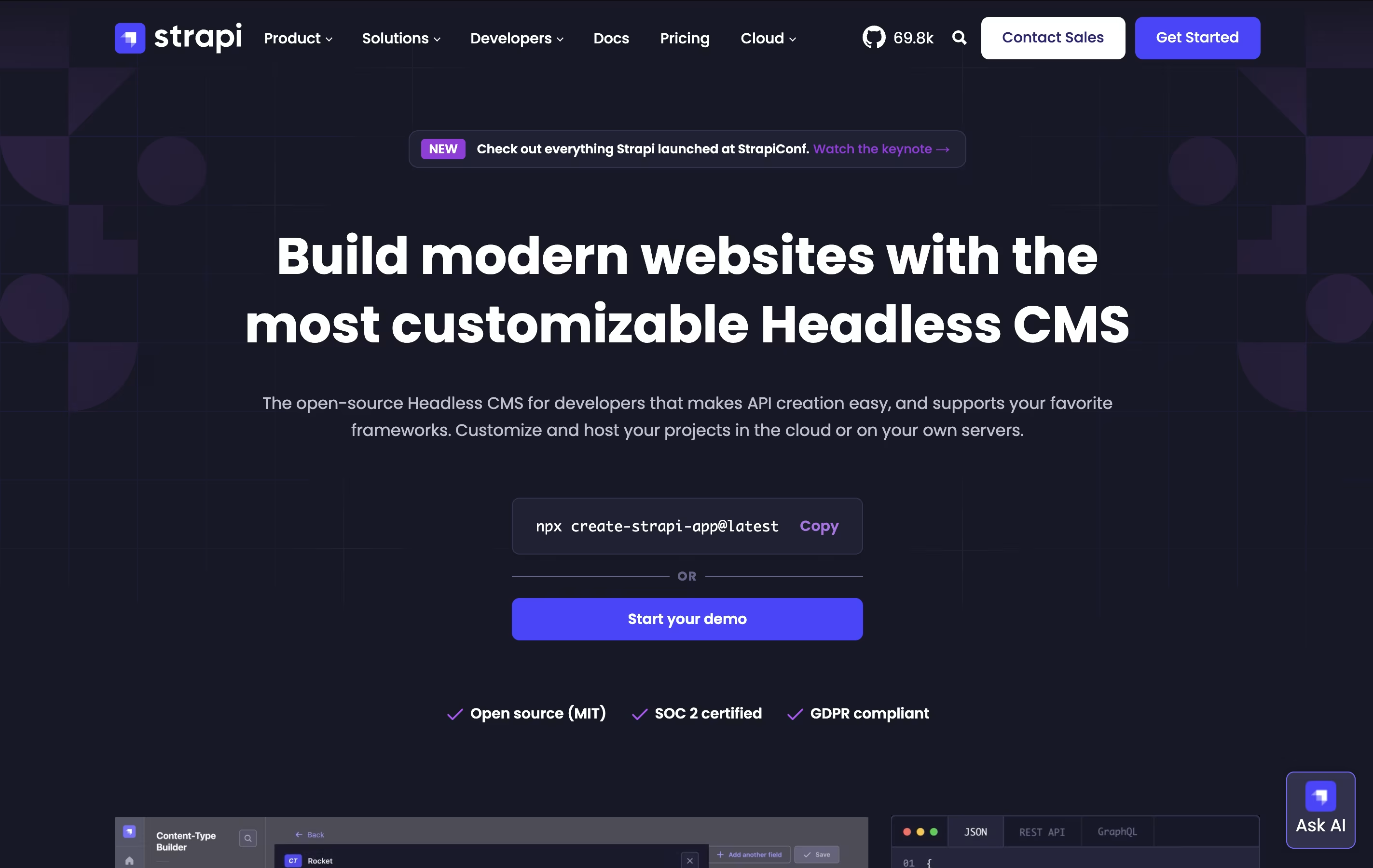
The main difference from traditional systems like WordPress is flexibility. Instead of forcing you to use specific templates, Strapi lets you build exactly what you need. You control everything: the database, the content structure, and how it all works together. Each project starts with built-in features like user management, permissions, and content organization.
Founded in 2015, Strapi has become popular with over 60,000 stars on GitHub and millions of downloads. You can host it yourself on your own servers or use Strapi Cloud for managed hosting, making it perfect for any project size.

Sanity is a content platform that stores your content as structured data and makes it available through powerful tools. Unlike traditional systems where content and design are locked together, Sanity keeps them separate. This means you create content once and use it anywhere - websites, apps, smart devices, or anywhere else you need it.
The platform has three main parts: Content Lake for storing your content as data, Sanity Studio for editing and managing content, and powerful tools for getting your content where it needs to go. It uses a special query language called GROQ that makes finding and organizing content simple and fast. Everything updates in real-time, so teams can work together without conflicts or delays.
Webiny is a serverless content management system that you install and run inside your own AWS cloud account. It's completely open-source, which means you can see how it works and change it to fit your needs.
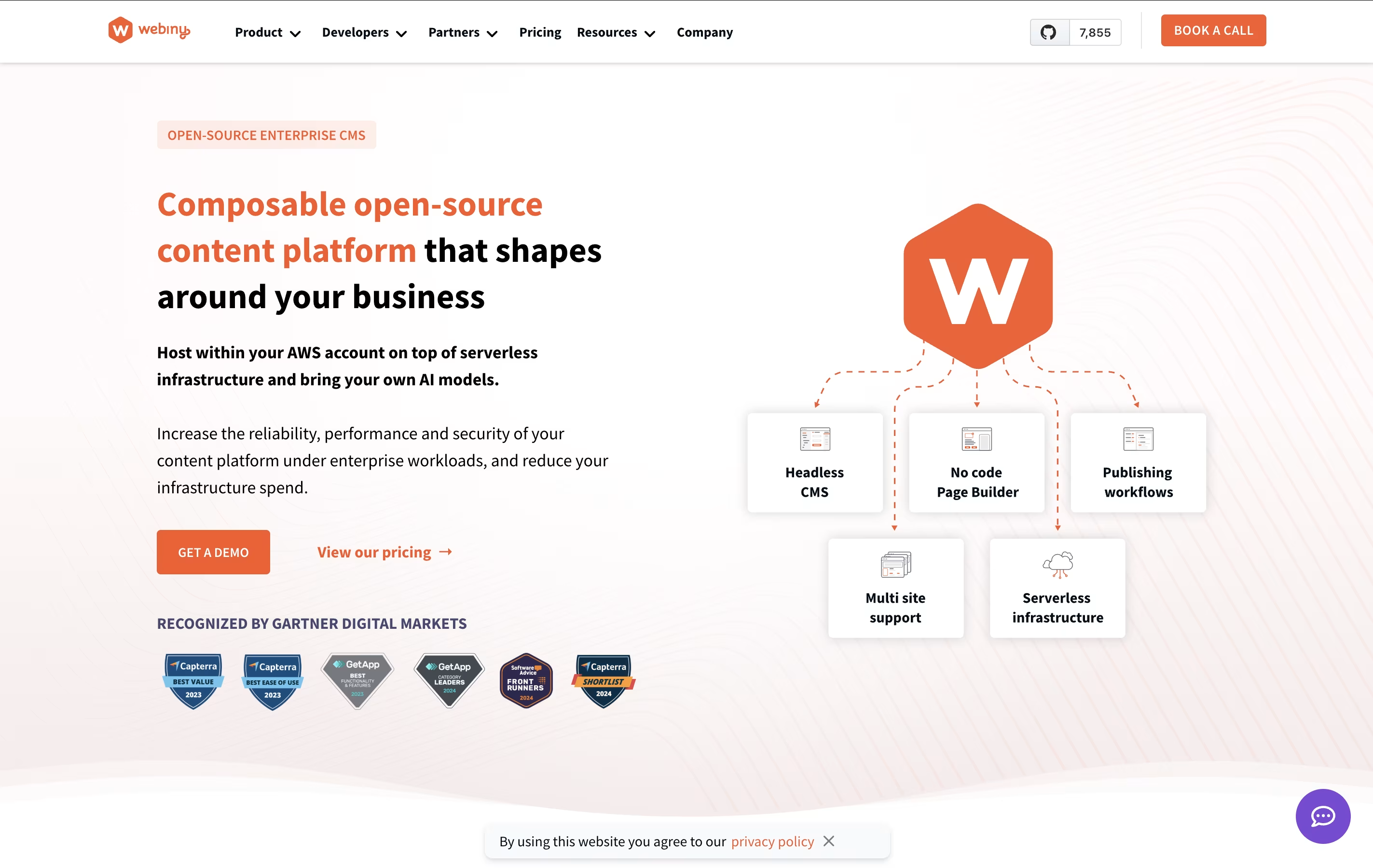
The platform includes four main tools. First, a headless CMS lets you create and store your content. Second, a page builder helps you design website pages by dragging and dropping elements without writing code. Third, a form builder makes it easy to create contact forms and surveys. Fourth, a file manager organizes all your images, videos, and documents.
Because it's serverless, you only pay for what you actually use. Your website can handle both small traffic and millions of visitors without any extra setup. The system automatically scales up or down based on your needs.

Landbot.io is a chatbot creation tool that works without coding skills. You use a visual drag-and-drop interface to design conversation flows, just like connecting puzzle pieces together. The platform lets you create two types of chatbots: rule-based ones that follow set paths with buttons and menus, and AI-powered ones that can understand natural language and give smart responses.
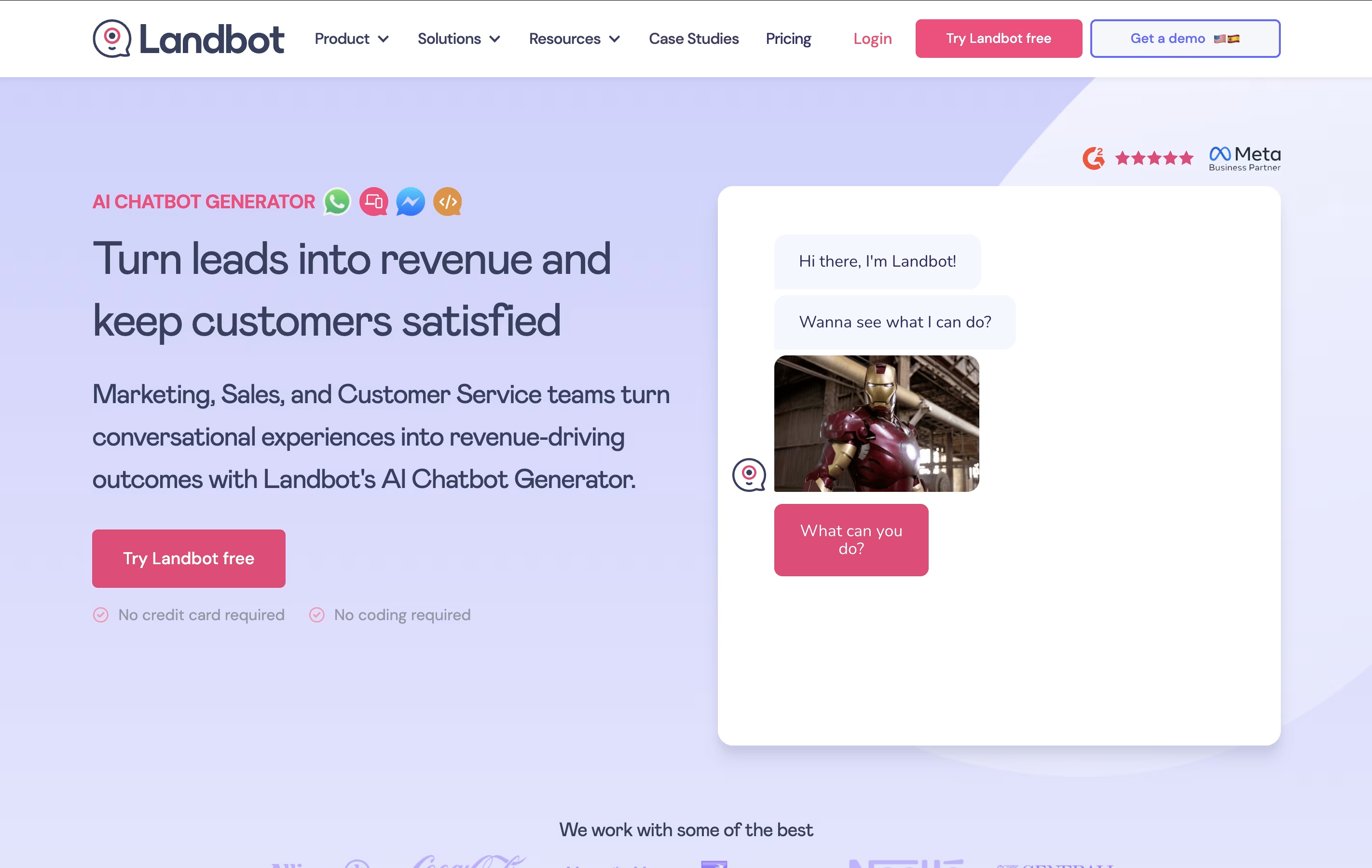
You can deploy these chatbots on your website as pop-ups, widgets, or full pages. It also supports WhatsApp and Facebook Messenger, so you can reach customers on the platforms they already use. The tool includes ready-made templates, integrations with other business software, and analytics to track how your chatbot performs and helps your business grow.
Integry is an enterprise-grade integration platform that serves as the bridge between SaaS applications and hundreds of third-party tools. Unlike traditional integration solutions, Integry focuses on embedded, user-facing integrations that work directly within your product interface.
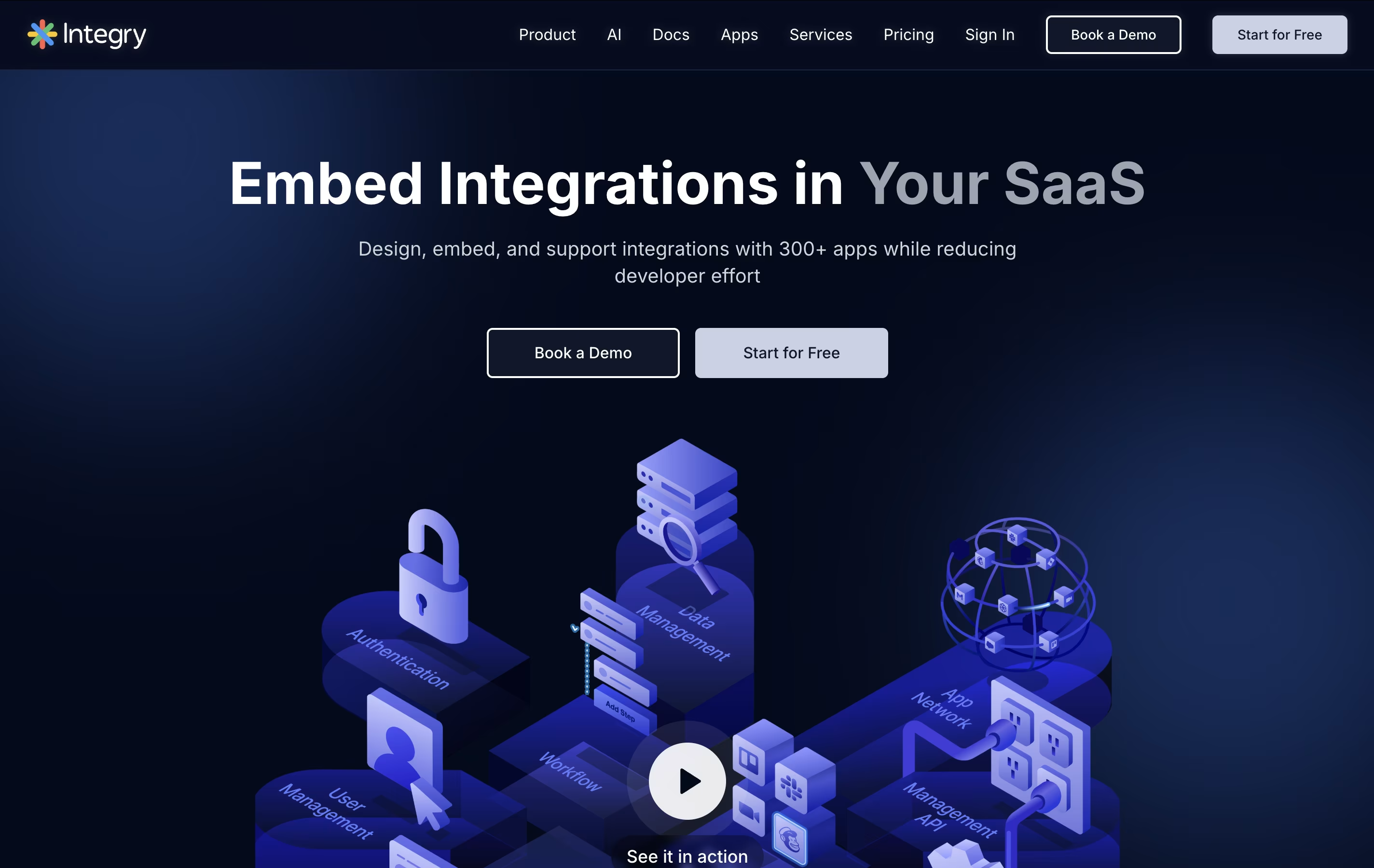
The platform offers AI-powered function calling capabilities, allowing artificial intelligence systems to predict and execute actions across different applications automatically. This makes it particularly valuable for AI agents and chatbots that need to interact with external tools.
Integry handles the complex technical aspects of integrations including OAuth authentication, data mapping, error handling, and API management. The visual programming environment lets product teams build sophisticated workflows without writing code, while the white-label components ensure the integration experience matches your brand perfectly.

CREAO is a "no-code AI app builder" that turns natural language descriptions into working software applications. When you describe your app idea in simple words, CREAO's AI automatically builds the complete application including the user interface, backend systems, database, and web hosting.
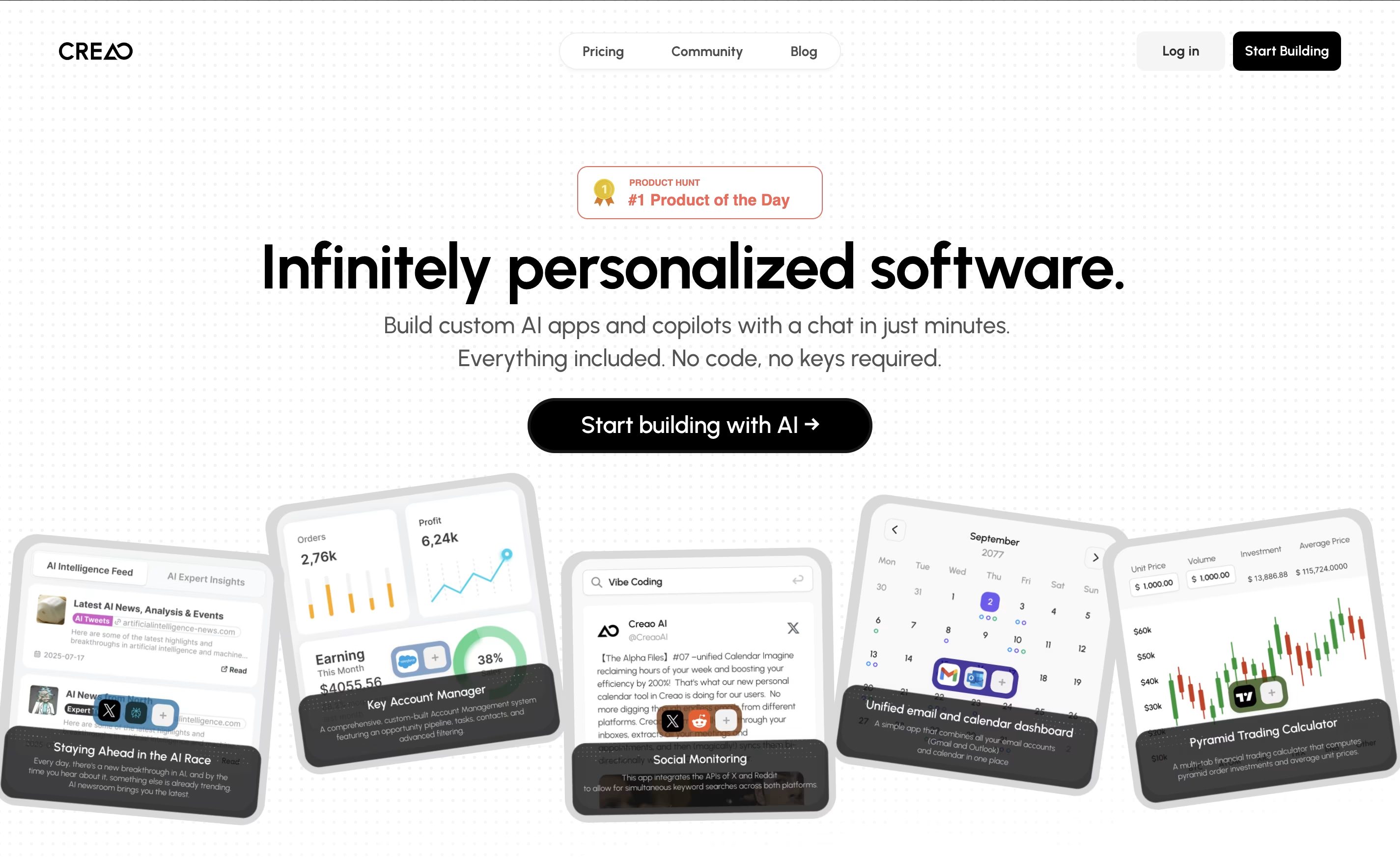
What makes CREAO special is that every app it creates is "AI-native," meaning each one includes a smart AI assistant that understands your specific workflow and data. This built-in copilot can answer questions, manage information, and help users complete complex tasks within the app.
The platform also offers easy connections to popular business tools and services, so your custom app can work alongside your existing software. This makes it perfect for creating internal business tools, customer portals, or workflow management systems.

HeyForm is a powerful open-source form builder designed to make data collection simple and engaging for everyone. Think of it as the perfect mix between user-friendly design and powerful functionality, but completely free and open-source.
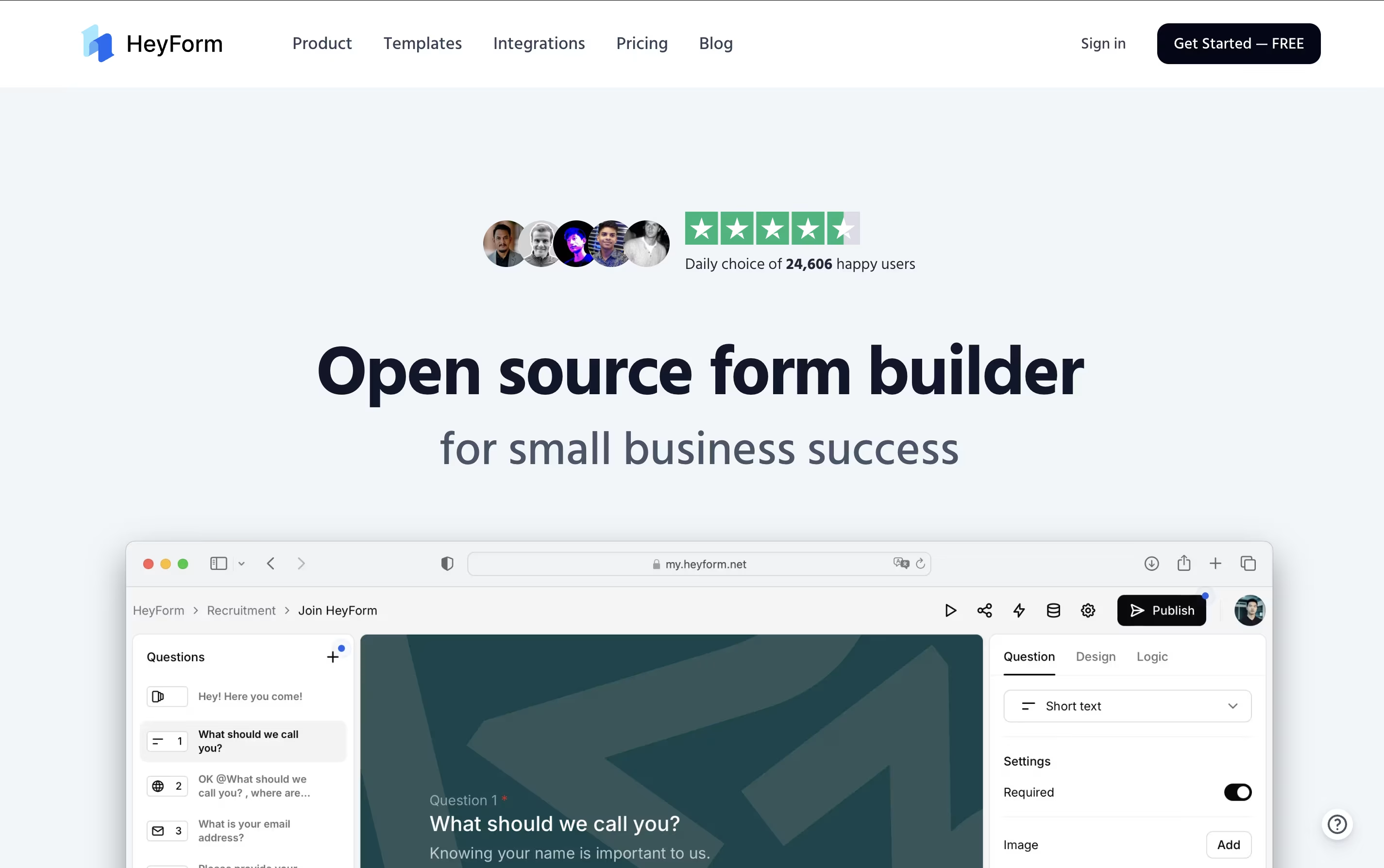
It uses modern technology to create conversational forms that feel natural and keep respondents engaged throughout the process. The main difference from regular form builders is simple: instead of creating boring, static forms, HeyForm creates interactive experiences that guide users through questions in a conversational way.
Each form includes smart features like conditional logic, custom branding, and real-time analytics, allowing you to gather better data while providing a pleasant experience for your respondents. Founded as an open-source project, HeyForm has become popular because it offers enterprise-level features for free, making professional form creation accessible to everyone from small startups to large organizations.

Roboflow is a complete computer vision development platform that makes building AI models simple and fast. Think of it as the missing piece that connects your images to working AI applications. The platform handles every step of the computer vision pipeline, from organizing your data to deploying models that can recognize objects, detect defects, or analyze scenes in real-time.
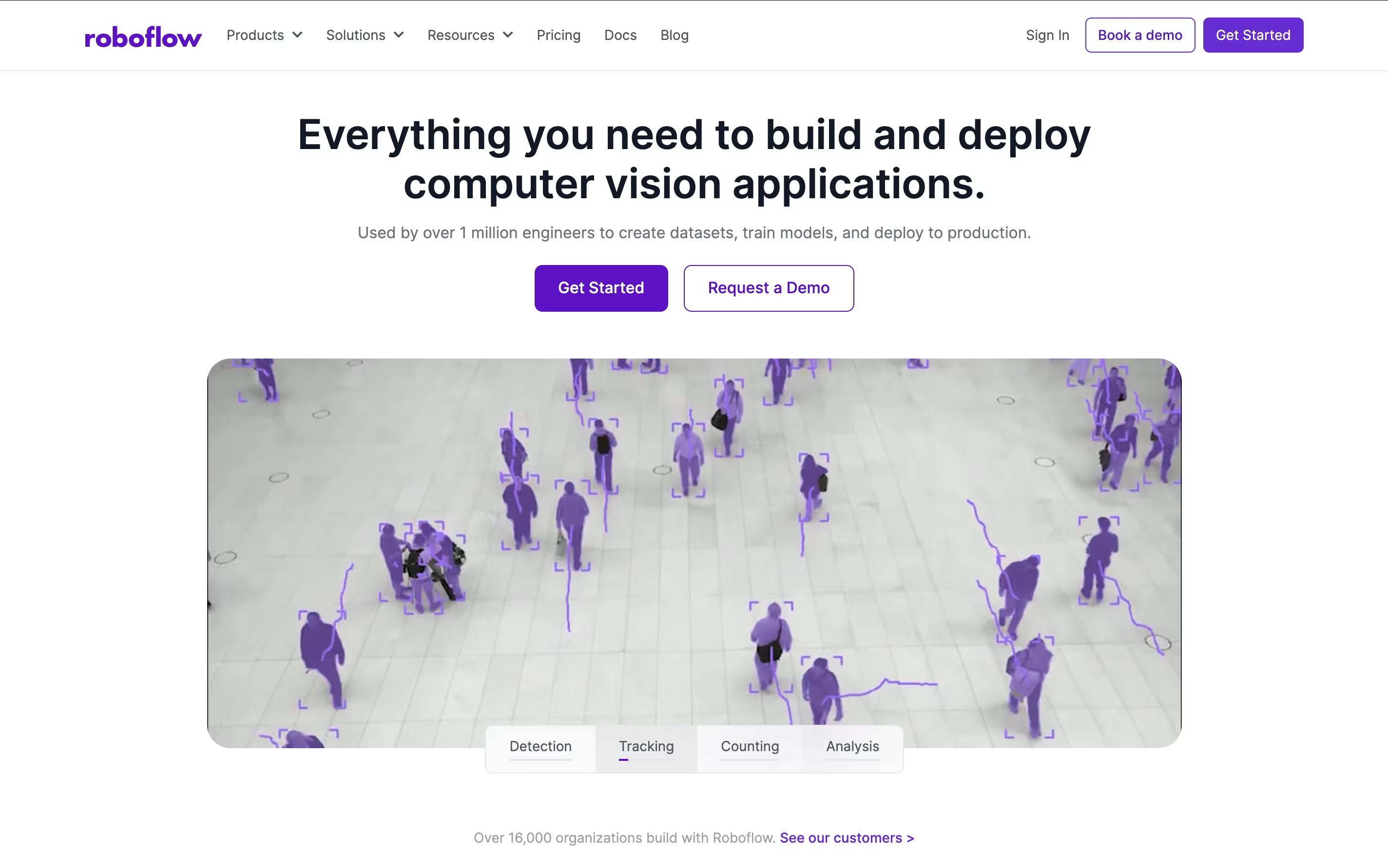
Unlike traditional approaches that require deep technical expertise, Roboflow provides user-friendly tools that work together seamlessly. You can upload images, label them with smart AI assistance, train state-of-the-art models with one click, and deploy them anywhere from cloud APIs to edge devices. The platform includes access to thousands of pre-trained models and datasets through Roboflow Universe, making it possible to start with existing solutions and customize them for your specific needs.

Robomotion blends traditional RPA with AI agents, so it can handle both exact repeatable steps and tasks that need judgment or reading unstructured data.
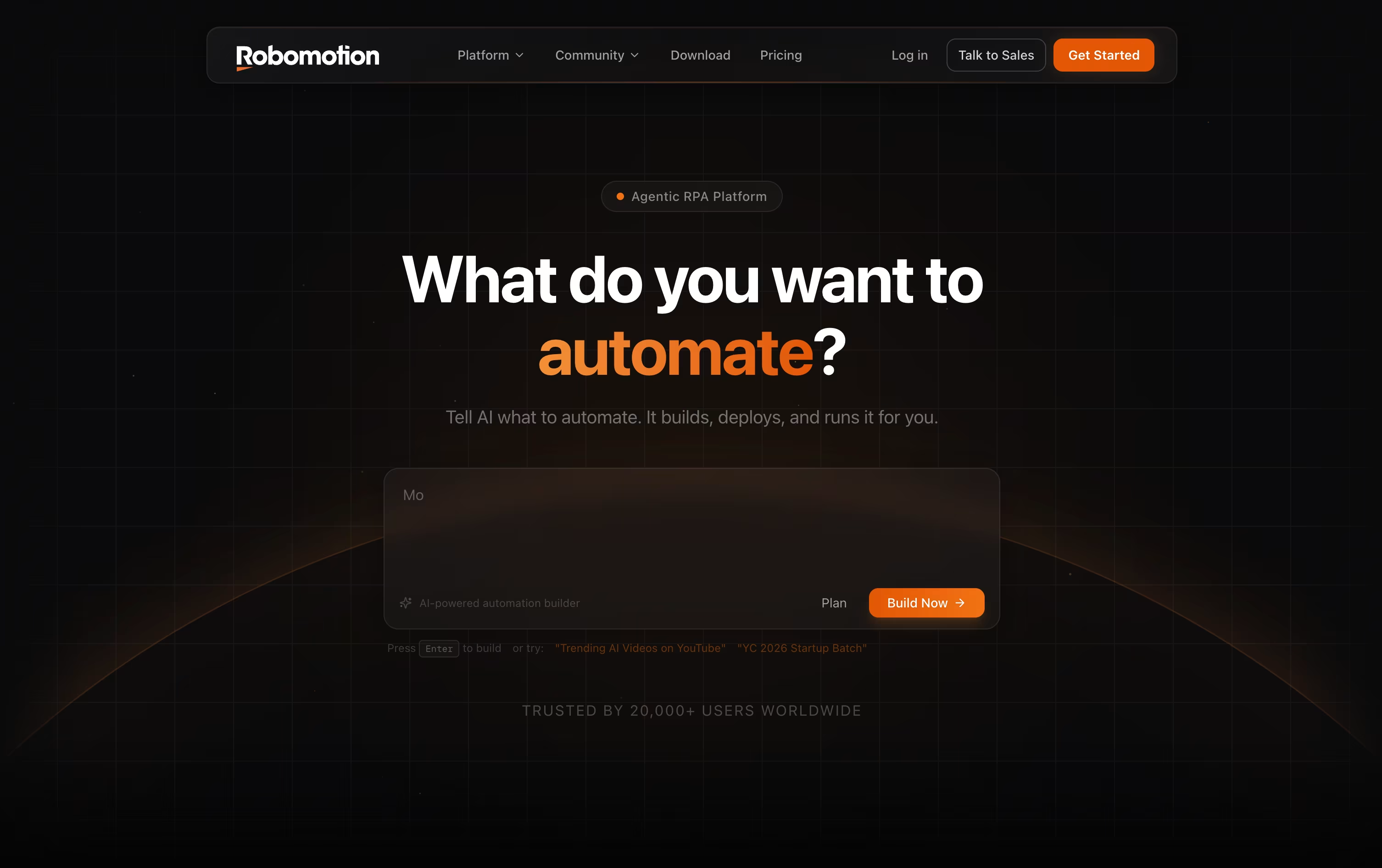
Instead of dragging every node onto the canvas yourself, you can type out what you want automated and let the AI Assistant put the flow together, which you can then edit.
Robots run on your own machine, in the cloud, or a mix of both, on Windows, macOS, Linux, and even Raspberry Pi.
The Cloud Free plan costs nothing and includes a 14 day trial, while Solo runs $49 a month, Pro is $129 a month, and Team costs $399 a month for growing teams.
If you need everything to live inside your own infrastructure, Self-Hosted plans start at $499 a month for Starter and $999 a month for Growth, with an Enterprise tier priced on request.
More than 220 integrations plus support for OpenAI, Gemini, and Claude models mean it can plug into CRMs, banks, tax portals, and other everyday business systems.
If you have outgrown simple no-code tools, Latenode gives you a visual builder plus real code, so you are not stuck when a workflow gets complicated. Nodes snap together on a canvas to form automations, AI agents, and data pipelines.
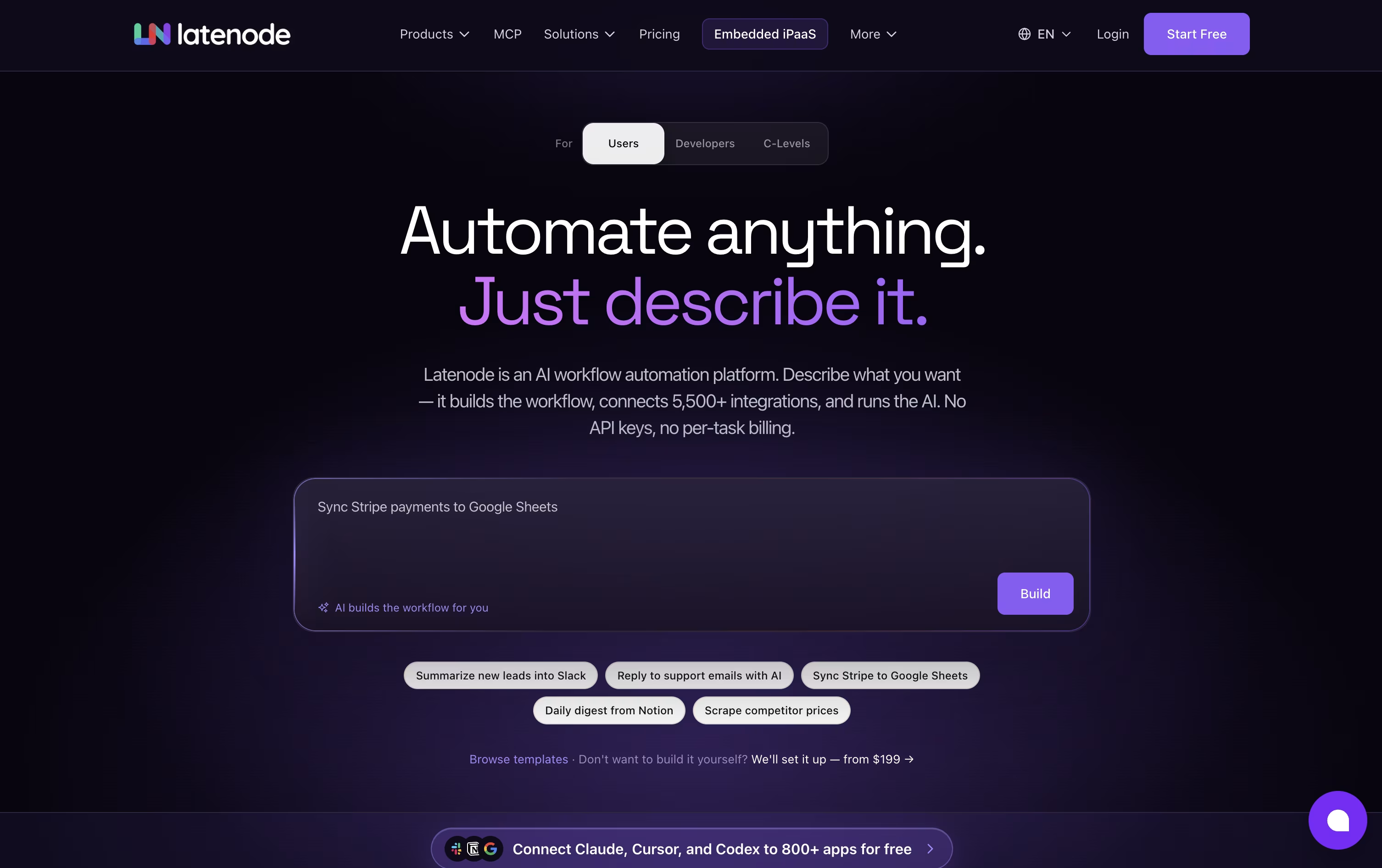
You can write JavaScript with NPM packages inside any step, and an AI Copilot is on hand to help generate or debug that code. There is also an AI Builder that can turn a written description of what you want into a ready scenario.
Access to hundreds of AI models, including GPT, Claude, and Gemini, is built right in, so you don't need to sign up for each one separately. Latenode also links to over 1,200 apps, plus tools for browser automation, document search through RAG, and an MCP server for external AI clients.
Cost is tied to runtime, measured in CPU seconds, instead of the number of nodes in a scenario. The Free plan hands you 10,000 CPU seconds every month at no charge.
Once you need more room, Pay as you go keeps that same free allowance, then bills a small, shrinking rate per extra CPU second, while opening up unlimited scenarios and longer execution windows.
Nodes that use paid outside providers are billed separately with Plug-n-Play tokens at $1 each, so those costs never get mixed into your runtime bill.

Retool is a low-code platform that simplifies building internal business applications. Instead of writing thousands of lines of code, you use pre-built components like tables, forms, buttons, and charts. You can arrange these visually and connect them to your databases, spreadsheets, or other systems.
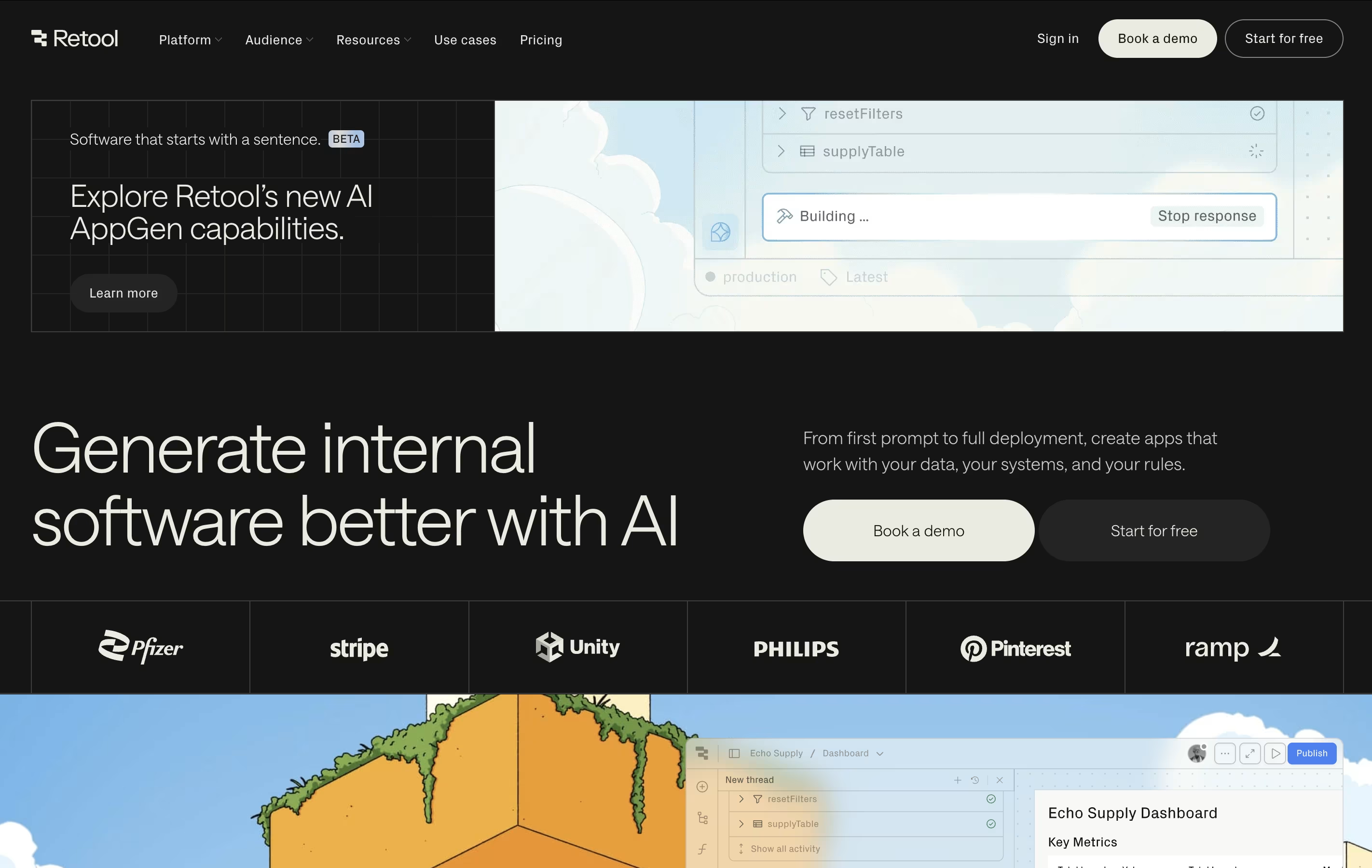
The platform works for creating many types of tools: admin panels for managing users, customer support dashboards, inventory systems, approval workflows, and data analysis tools. It bridges the gap between no-code simplicity and full coding power.
Retool supports both web and mobile applications. It includes features for workflows, automation, and even building tools powered by artificial intelligence. The platform handles security, permissions, and deployment automatically, so you can focus on solving business problems rather than managing servers.

ToolJet is a low-code development platform designed for creating internal business applications. Instead of building everything from scratch with traditional coding, you use a visual drag-and-drop builder with ready-made components like tables, charts, forms, and buttons.
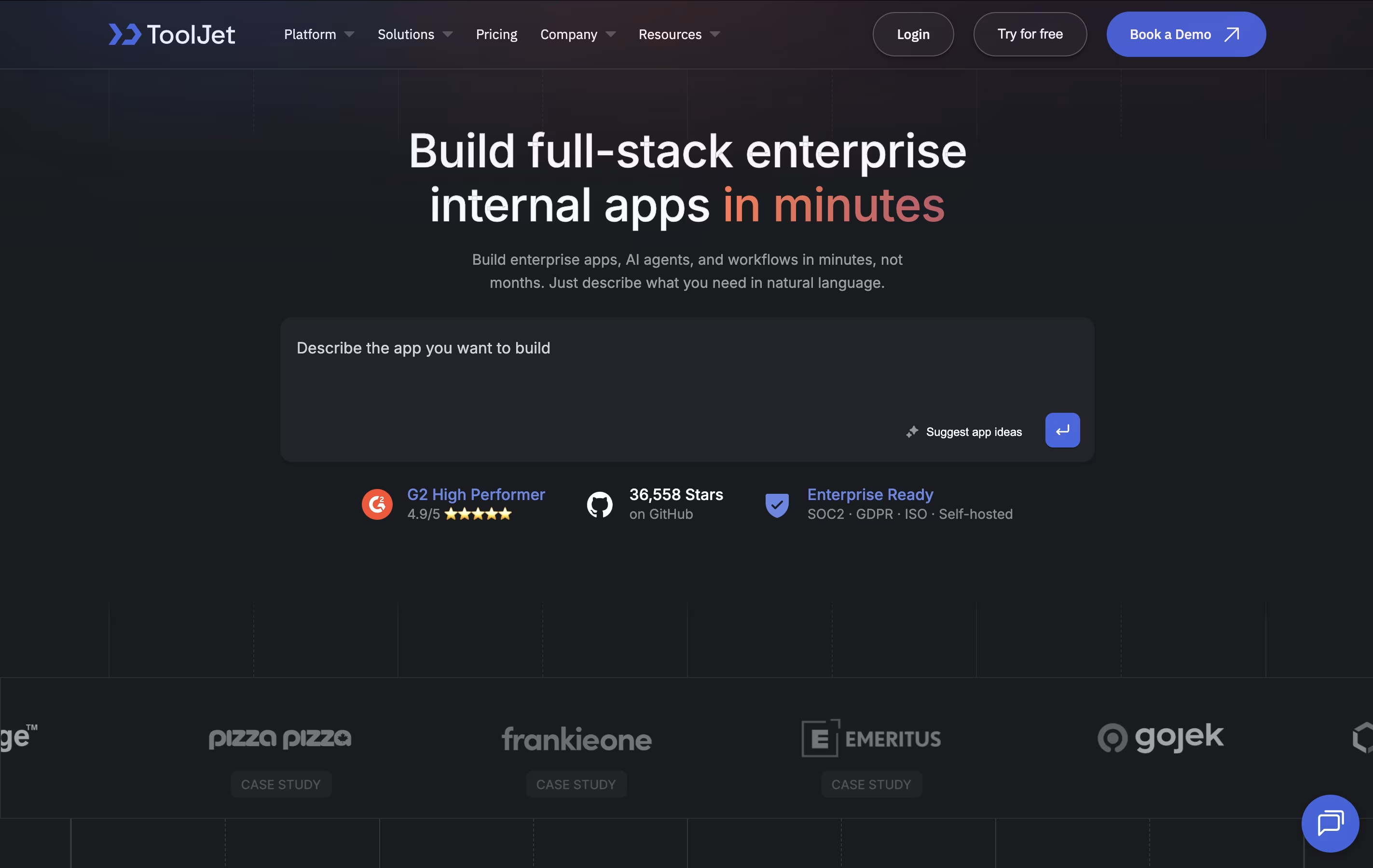
The platform connects to over 75 different data sources including databases like PostgreSQL and MongoDB, cloud storage, and popular business tools. What makes ToolJet special is its AI features that can generate entire applications from simple text descriptions. You can also write custom JavaScript or Python code when you need more control.
ToolJet offers both a cloud-hosted version and self-hosted options, giving you flexibility in how you deploy your applications. The open-source community edition is free, while paid plans add enterprise features.

Windmill is a developer platform that combines code with visual workflow building. You can write scripts in Python, TypeScript, Go, Bash, or SQL, and the platform automatically creates user interfaces for them. Unlike traditional low-code tools, Windmill lets you use real code while still providing visual tools for non-developers.
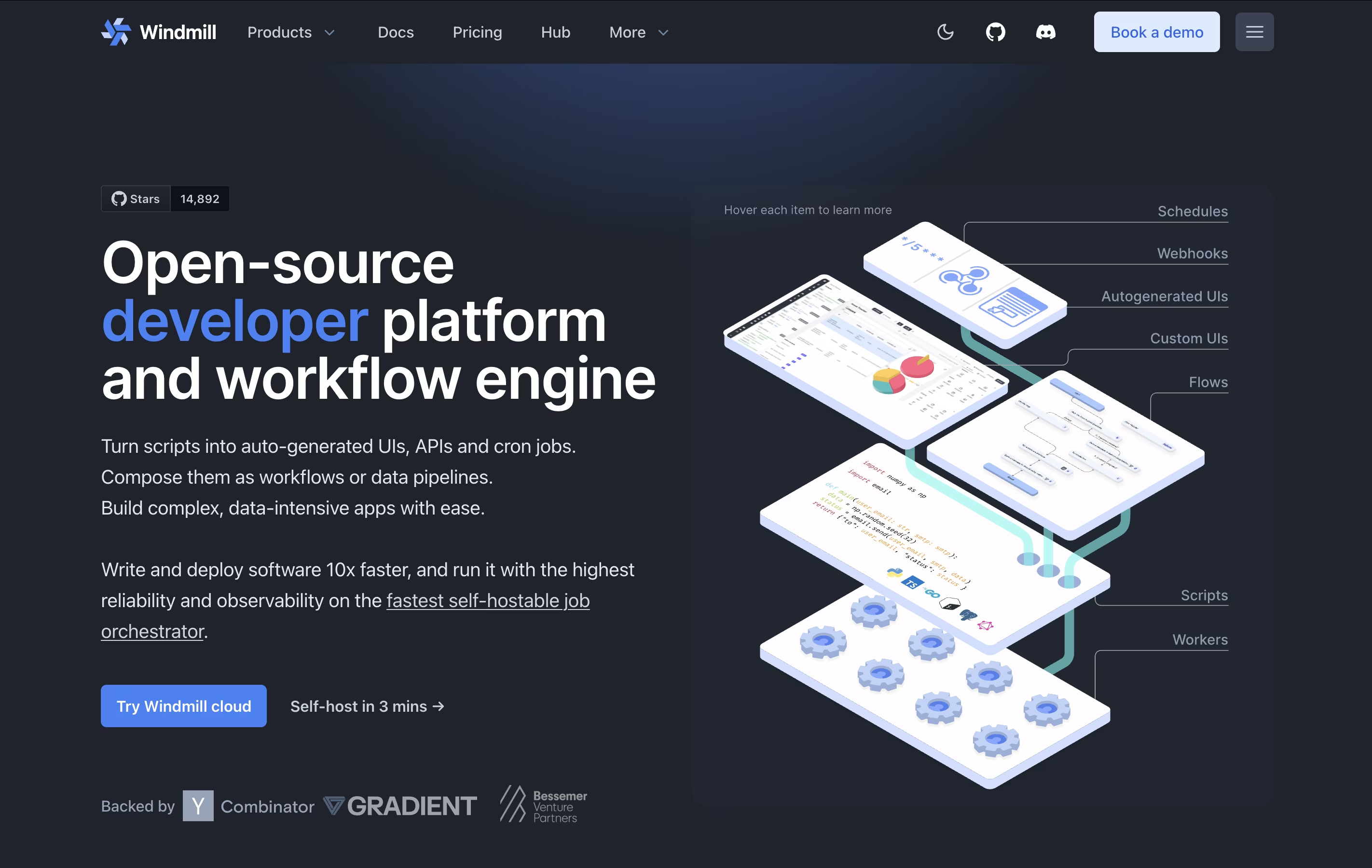
The platform works as a workflow engine that connects different scripts together. You can schedule tasks, create APIs from your scripts, and build custom apps with a drag-and-drop interface. Windmill supports both cloud hosting and self-hosting on your own servers.
There are free and paid versions. The free version includes unlimited script creation and basic features, while paid plans offer more executions, advanced support, and enterprise features like audit logs.
Budibase is an "open-source low-code platform" designed specifically for building internal business applications. This means you can create tools like admin panels, approval workflows, data dashboards, and form-based apps without writing extensive code.
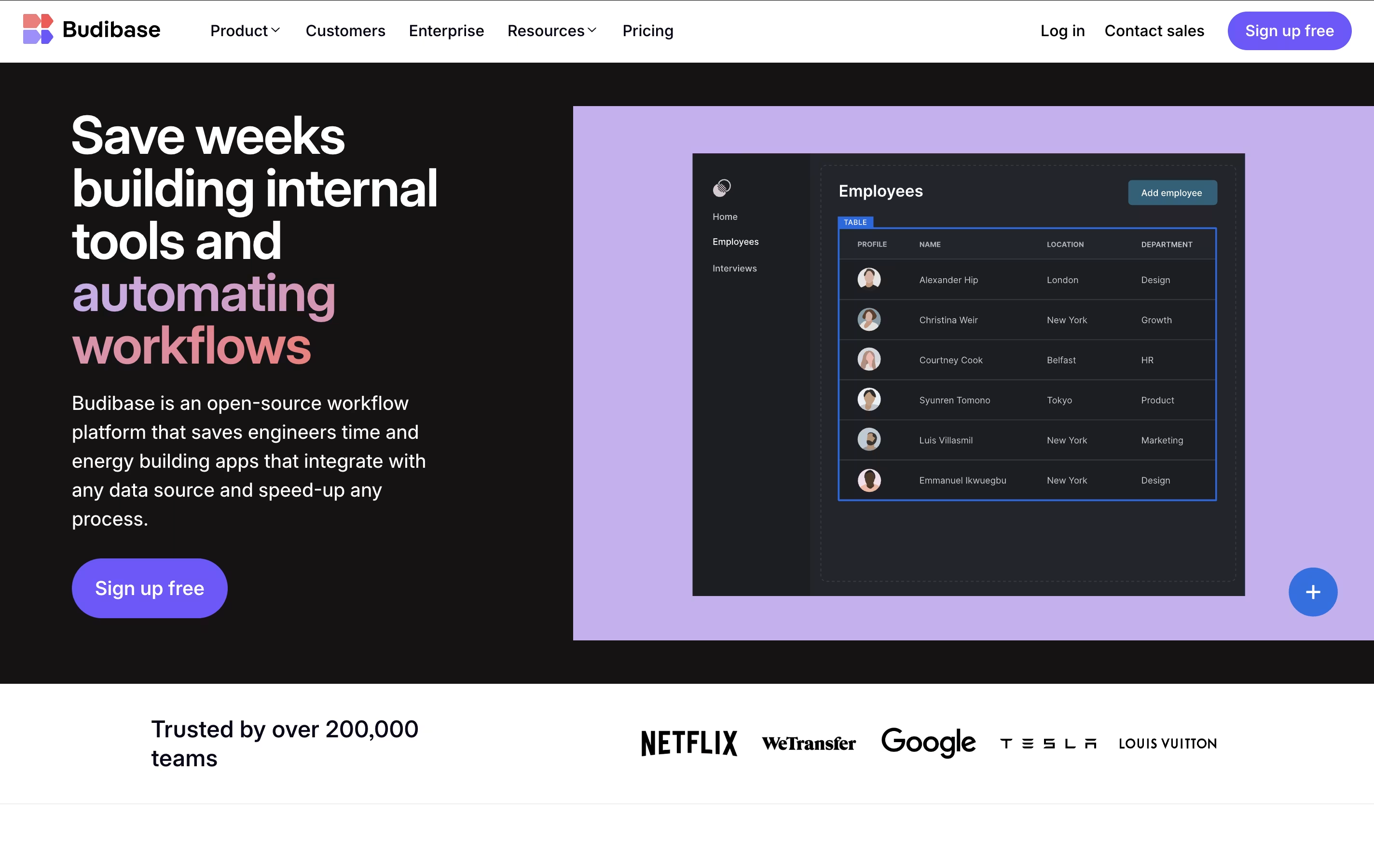
The platform works by connecting to your existing data sources - whether that's a SQL database, spreadsheet, or external API - and letting you build responsive user interfaces on top of that data. What makes Budibase unique is its complete approach: it includes a visual app builder, built-in database, automation engine, and hosting options all in one package.
The open-source nature means you can self-host it for free, customize the platform, and maintain full control over your data and applications.





