

Best 5 Open Source AI Coding Tools in 2026
Last Updated: November 1, 2026
Open Source AI Coding tools give developers full visibility into how the underlying models and systems work, with the freedom to inspect, modify, and self host the code as needed. This transparency makes them a strong fit for teams that value control over their tools and want to avoid vendor lock in.
These projects are often driven by active developer communities that contribute improvements, plugins, and integrations, keeping the tools evolving quickly. For developers who want to customize their AI coding setup or run models on their own infrastructure, open source options provide flexibility that closed platforms cannot match.
 Qwen Code
 Qwen CodeOpen Source Terminal Coding Agent,
  OpenCode
 OpenCodeYour Free Open Source Coding Agent, and
  Zed
Zed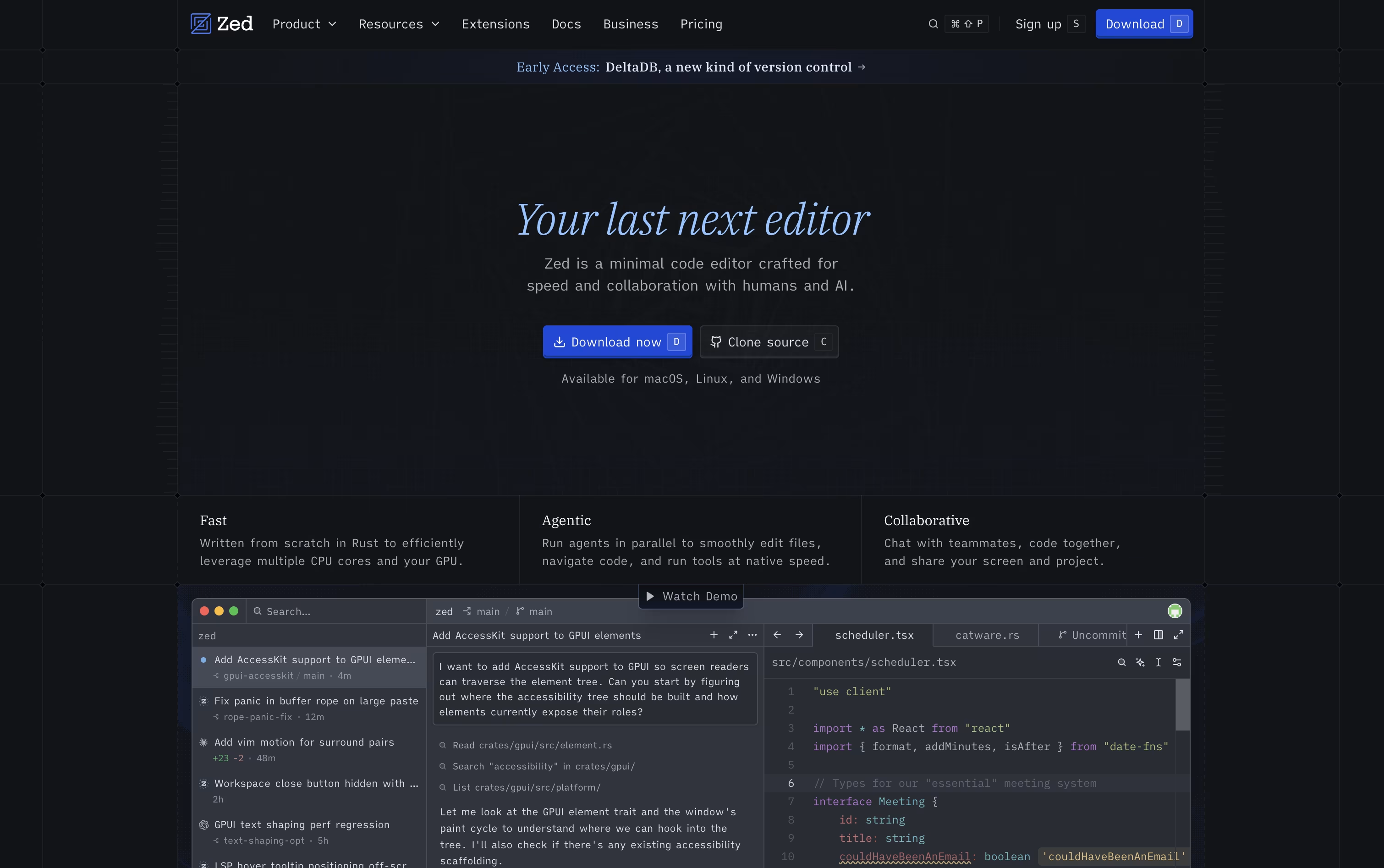 ZedRust Code Editor with AI and Collaboration are the best for Open Source AI Coding. So, let’s take a closer look at all 5 tools.
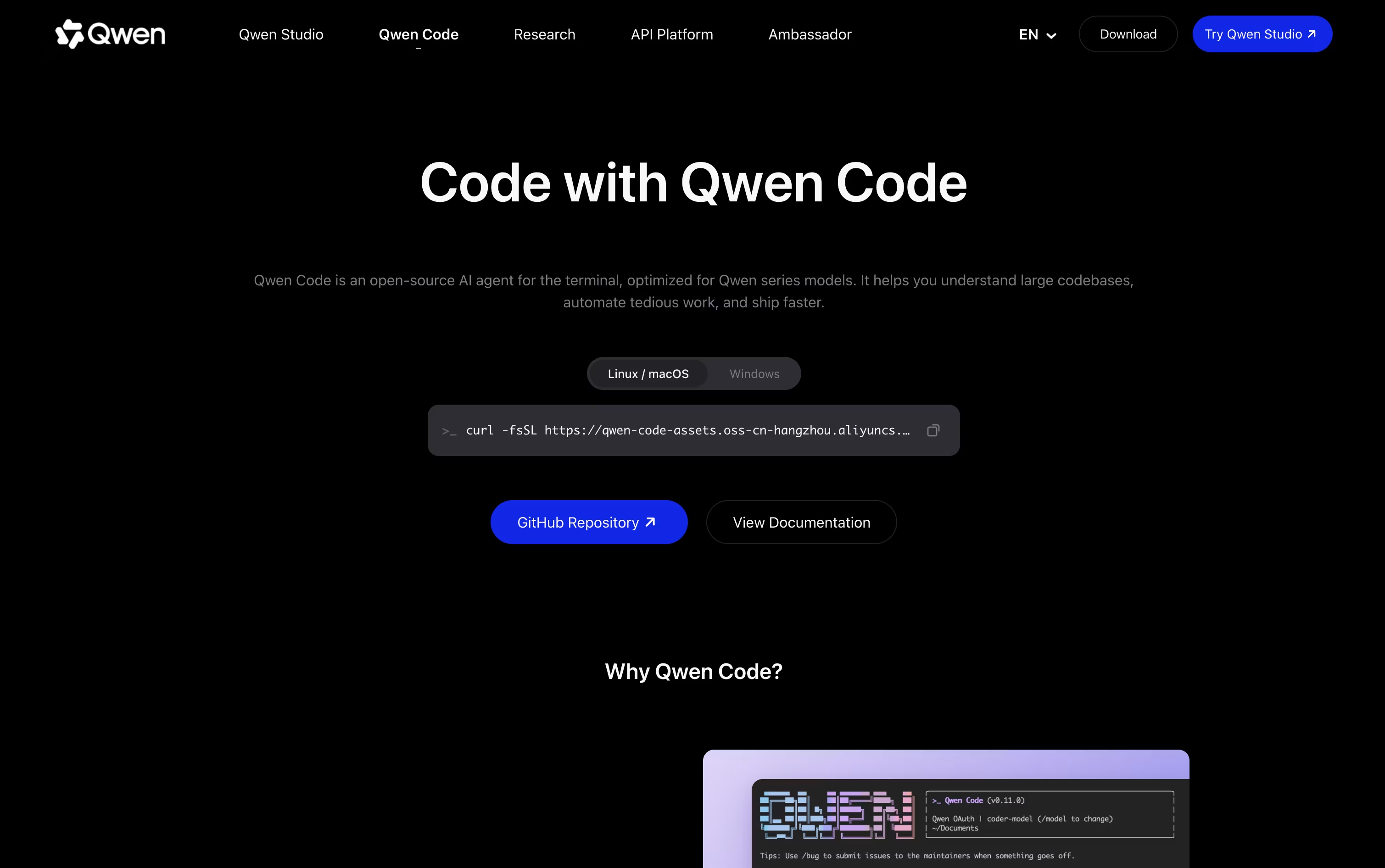
Qwen Code lets you type out what you want in plain English and watches it plan the work, write the code, and test that it runs, all from your terminal.
It is open source and not locked to one model provider, so alongside its home base of Qwen models, it also connects to OpenAI, Anthropic, Gemini, DeepSeek, and local models through Ollama or vLLM.
You are not stuck in the command line either. A desktop app covers macOS, Windows, and Linux, and there are companion extensions for VS Code, JetBrains, and Zed.
Solo developers can start with the Lite plan at $6 a month, then move up to Standard at $18 or Pro at $68 a month as they need more credits and more agents running at once.
Teams instead pick from seat based pricing, $20 per seat a month for Standard, $75 for Pro, or $200 for Max, each unlocking more monthly credits and access to models such as GLM-5, MiniMax-M2.5, and DeepSeek-V3.2.
Since it runs on an Apache-2.0 license, teams that want more control can also self host it or build their own tools on top of it.
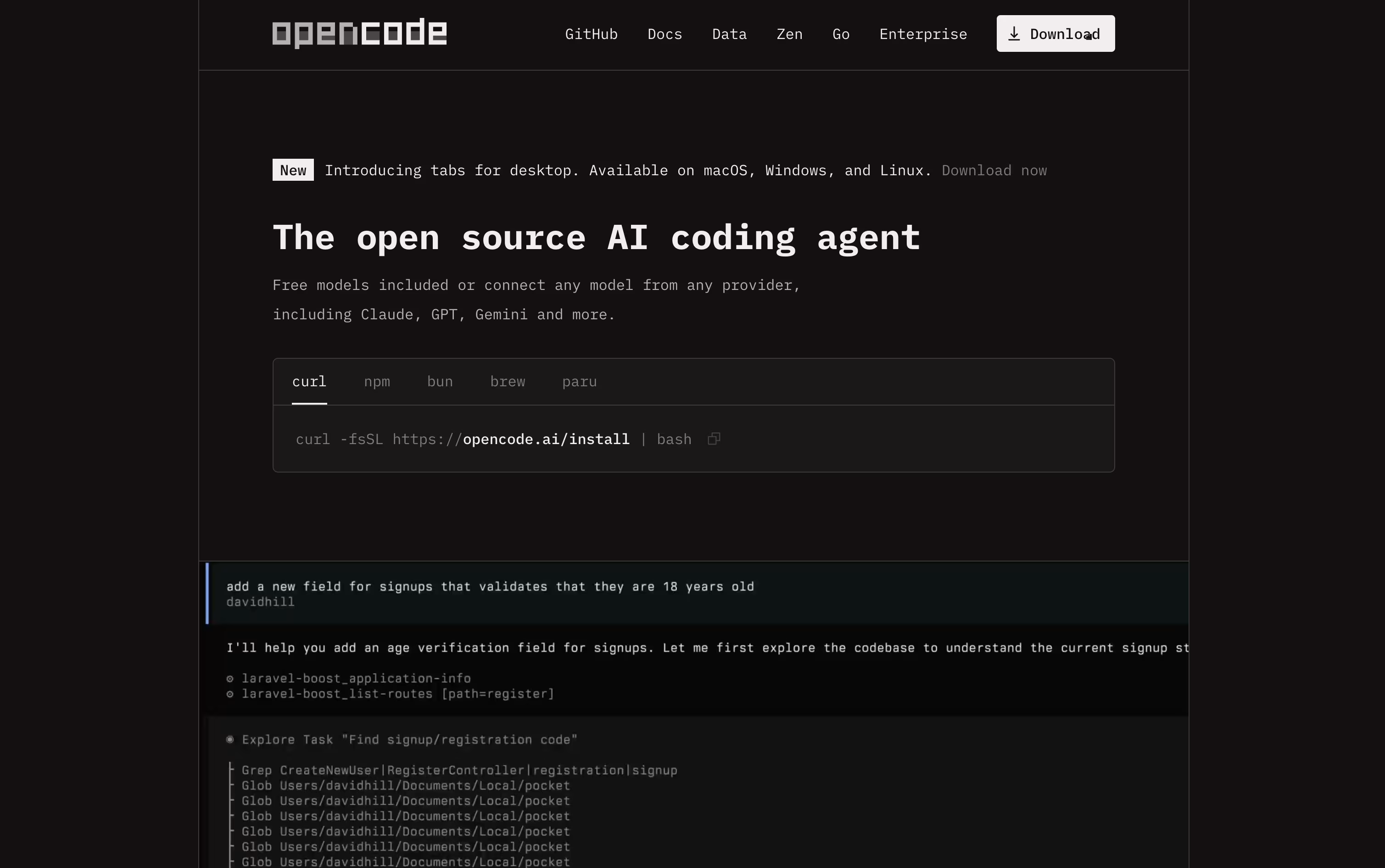
Think of OpenCode as an AI teammate that lives in your terminal, desktop, code editor, or browser. Instead of just autocompleting lines, it reads your codebase, plans out a fix or feature, and then does the work itself using file editing, search, and shell tools.
It is completely free and open source under the MIT license, and it never stores your code or project data, which makes it a good fit for developers and teams that care about privacy.
You can connect it to over seventy five AI providers, from paid services like OpenAI and Anthropic to free local models such as Ollama, so there is a setup for every budget.
If you want reliable access to strong open source coding models without managing your own API keys, the OpenCode Go plan is available for $5 in the first month, then $10 a month afterward, with no contract and easy cancellation.
Go includes generous request limits across models like Kimi K3, GLM-5.2, Qwen3.7 Max, and DeepSeek V4 Pro, refreshed on a rolling five hour basis, with extra credit available if you ever need more.
Zed is a code editor built to move as fast as you think. Written in Rust with a custom graphics engine, it keeps typing, scrolling, and searching smooth even on large codebases.
It also supports real-time collaboration, letting teammates see each other's cursors and edits live, and it comes with built-in AI agents that can search, edit, and fix code across a project from a simple written request.
The Personal plan is free forever, offering 2,000 accepted edit predictions and unlimited use with your own API keys or outside agents such as Claude Agent and Codex.
Stepping up to Pro costs $10 a month and unlocks unlimited edit predictions plus $5 of built-in AI usage, with any extra usage billed after that.
Teams needing more control can choose Business at $30 per seat a month, which adds org-wide AI policies, governance, spend visibility, and role-based access.

Kilo Code is an AI coding agent built to feel the same wherever you use it, whether that is your code editor, a terminal window, the cloud, or your phone, with sessions that carry over between them.
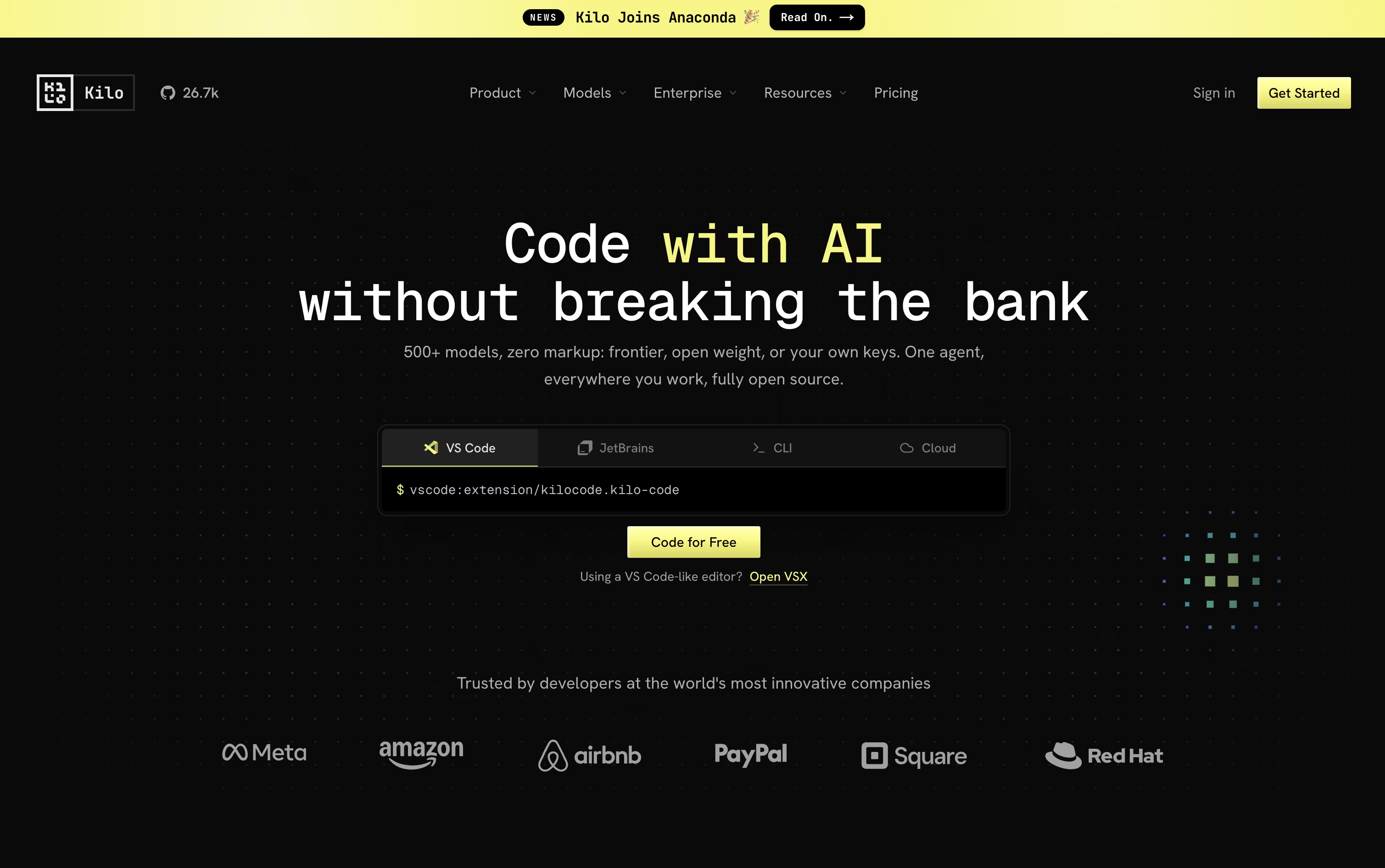
Give it a task in plain language and it breaks the work down, changes code across many files, runs commands, and checks its own results, switching between coding, planning, debugging, and review modes as needed.
Model choice is wide open too, with access to over 500 AI models from more than 60 providers. You can bring your own provider keys or run local models, and Kilo never adds a markup on top of what the provider charges.
Using Kilo Code as an individual is free, and that includes the open source VS Code extension, the JetBrains plugin, and the CLI. You only pay separately for the AI models and cloud compute you actually use.
For groups that want shared billing and usage reporting, the Teams plan is $15 per user each month, and larger companies can request Enterprise pricing that adds SSO, audit logs, and dedicated support.

Think of Cline as a coding partner that lives right inside your editor. It looks through your codebase, works out how the files connect, and takes on tasks you describe in plain English, whether that means fixing a bug or building out a new feature.
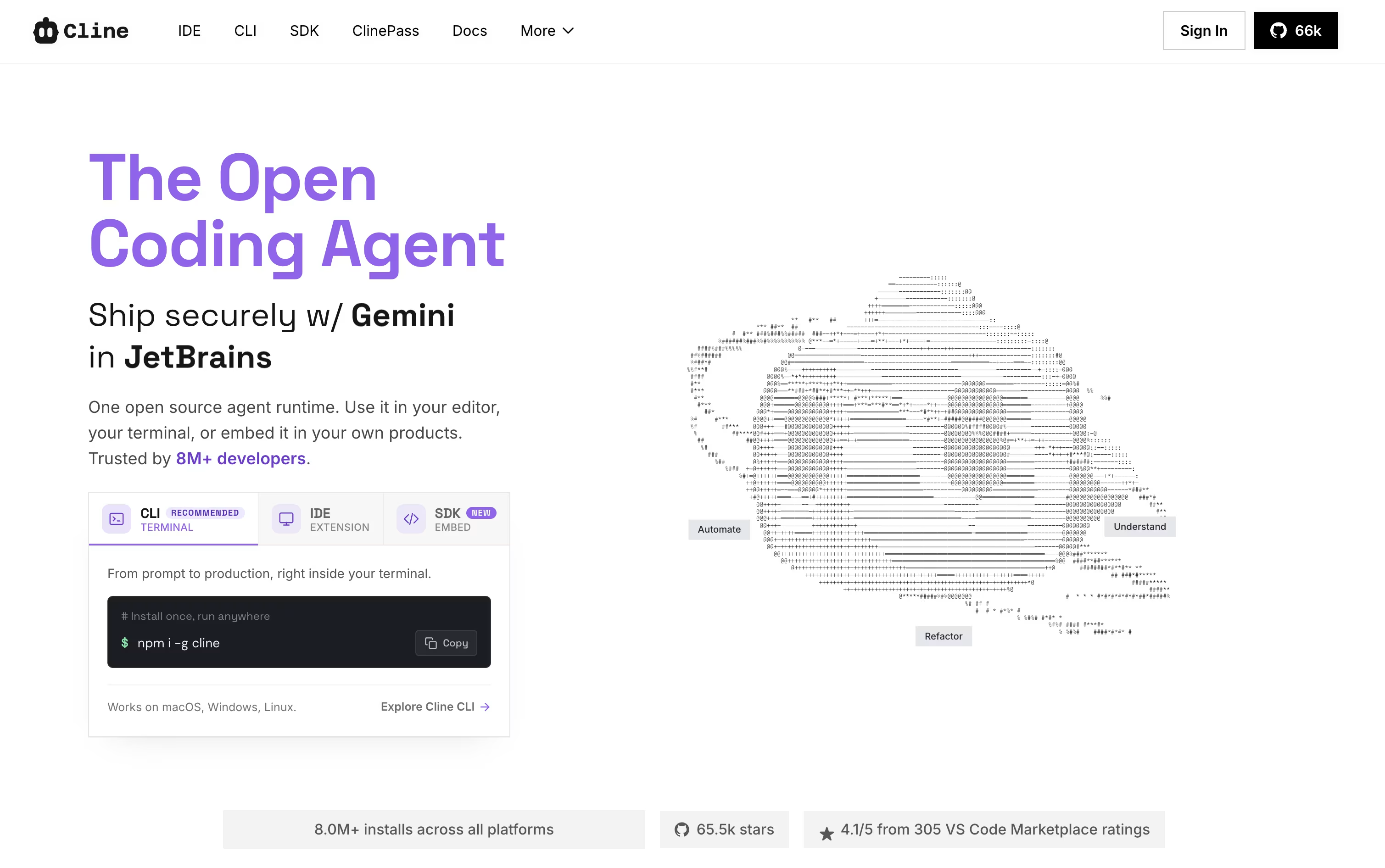
Two modes shape how it works. Plan mode looks around the project and lays out an approach first, while Act mode does the actual work, one step at a time, with your approval built in unless you switch on auto-approve.
It is not limited to editing files either. Cline can run terminal commands, open a browser to check how a web page behaves, and link up with outside tools and services through MCP. Every change comes with a checkpoint, so undoing something is simple.
Using the open-source edition costs nothing beyond what you spend on your own AI provider, whether that is OpenAI, Anthropic, Google, or others. If you would rather skip managing API keys, ClinePass is available for $4.99 in the first month and $9.99 a month after that, bundling in a set of open-weight models.
Larger teams can move to the Enterprise plan instead, which brings single sign-on, centralized billing, access controls, audit logs, and dedicated support, all priced individually by contacting sales.



