ToolQuestor Logo
Fumadocs
No reviews yet
0 Saved
Added:10/25/2025
Type:Saas
Monthly Traffic:-
Pricing:
FREE
Open SourceSelf-HostedFreeDevelopersCode
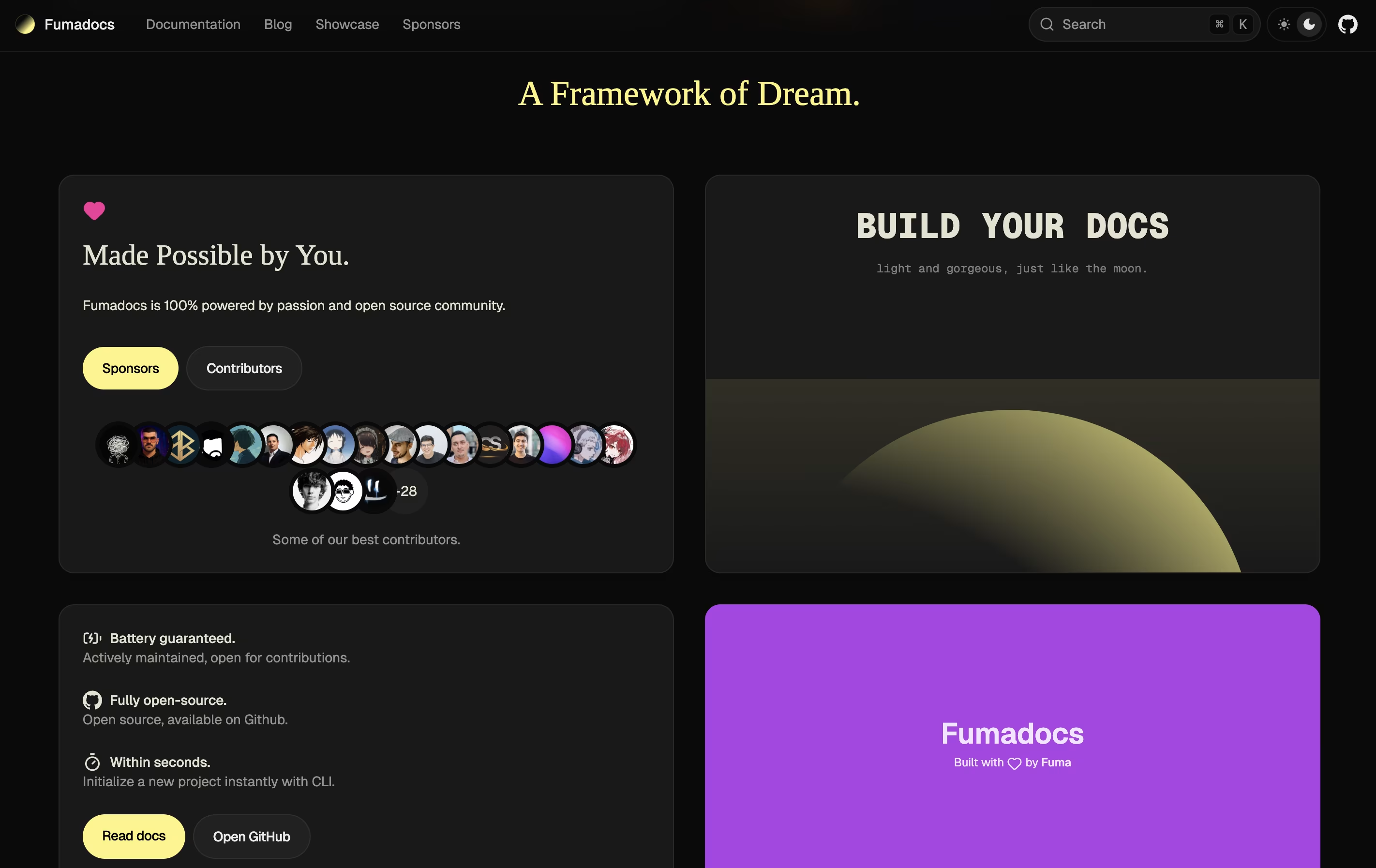
Fumadocs screenshot 2
Fumadocs screenshot 3
Fumadocs screenshot 4
Fumadocs screenshot 5

What is Fumadocs

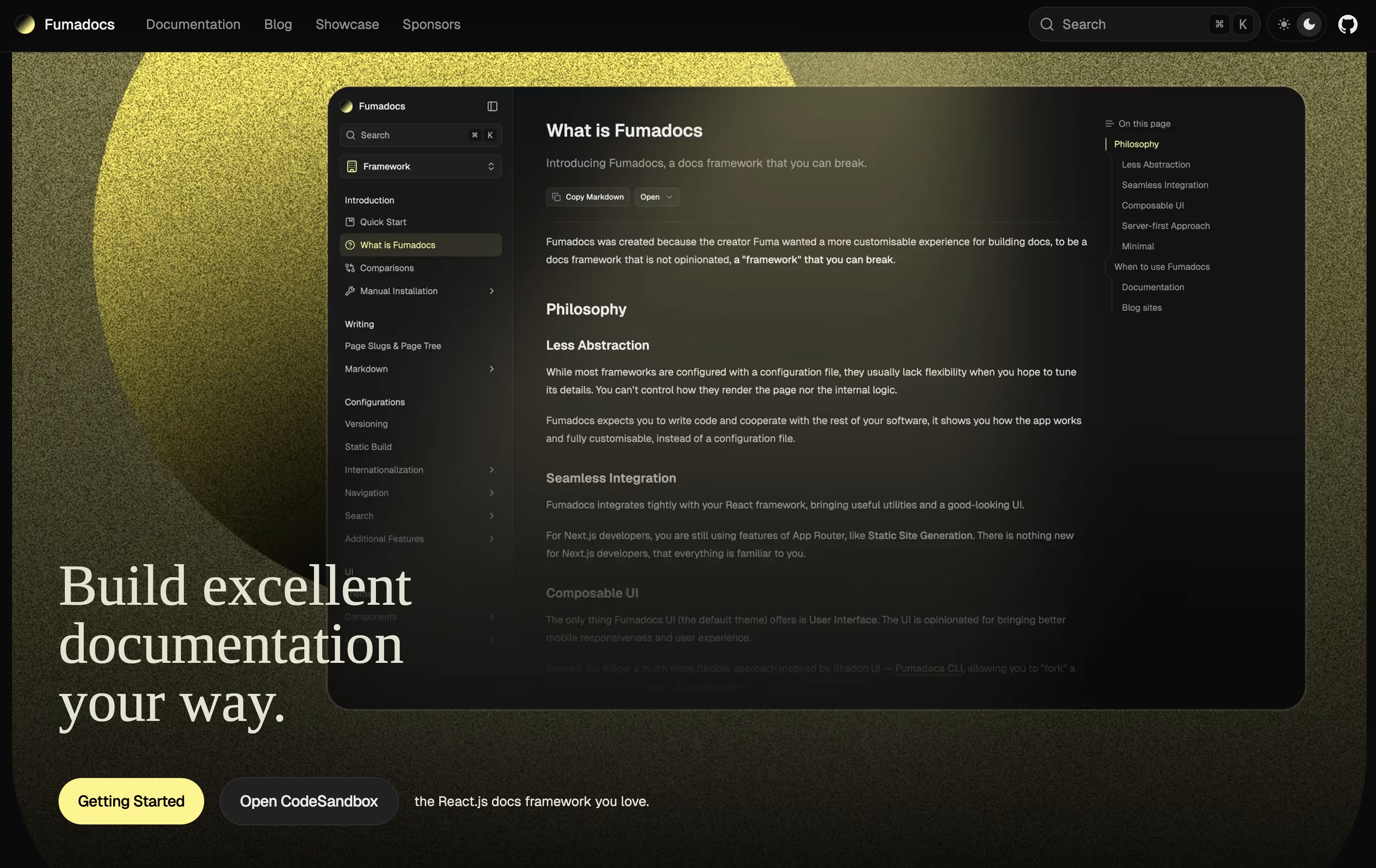
Fumadocs is a documentation framework that helps developers build professional documentation sites using React and Next.js. Unlike traditional documentation tools, it gives you complete control over your content and design while handling the complex parts automatically.

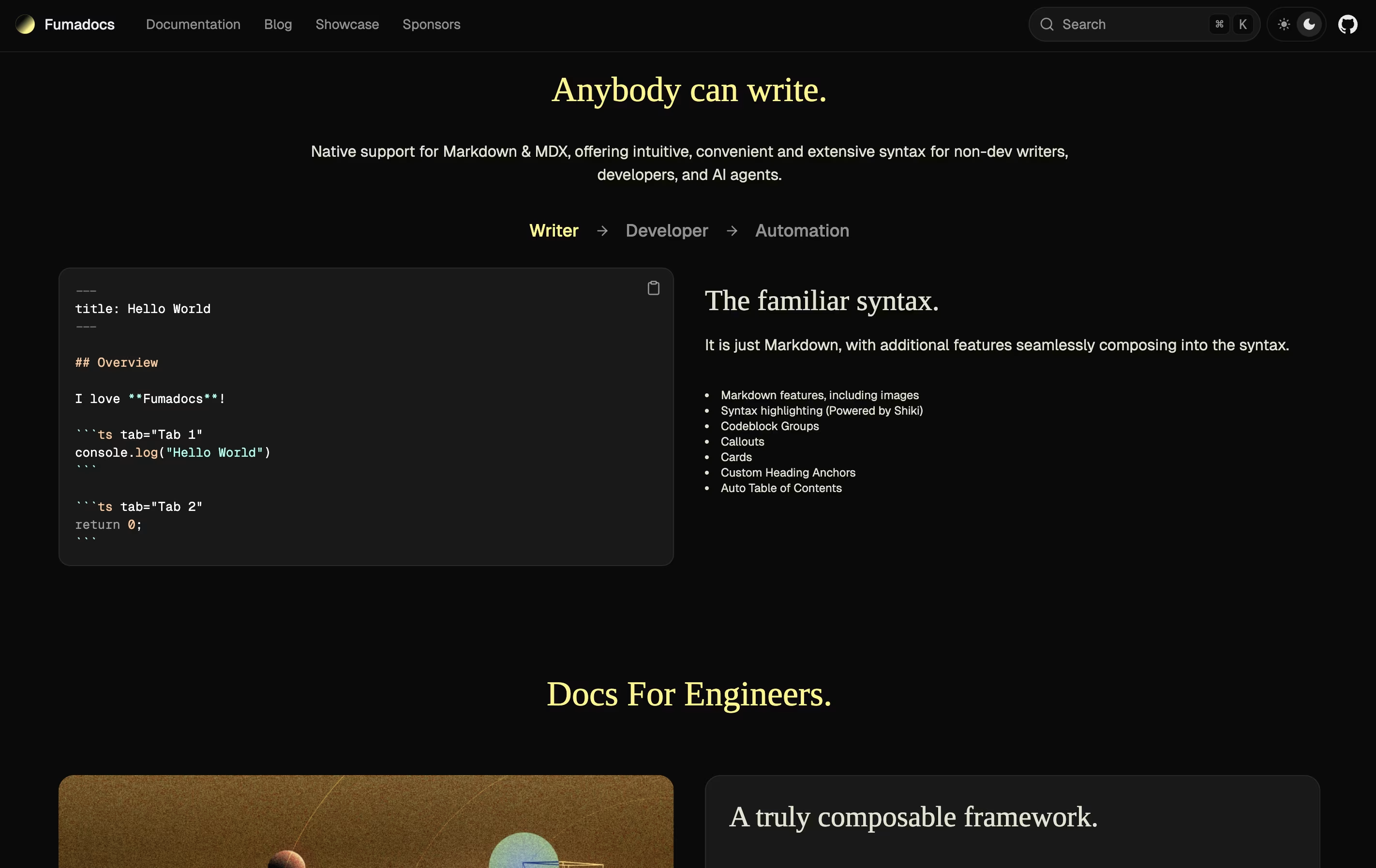
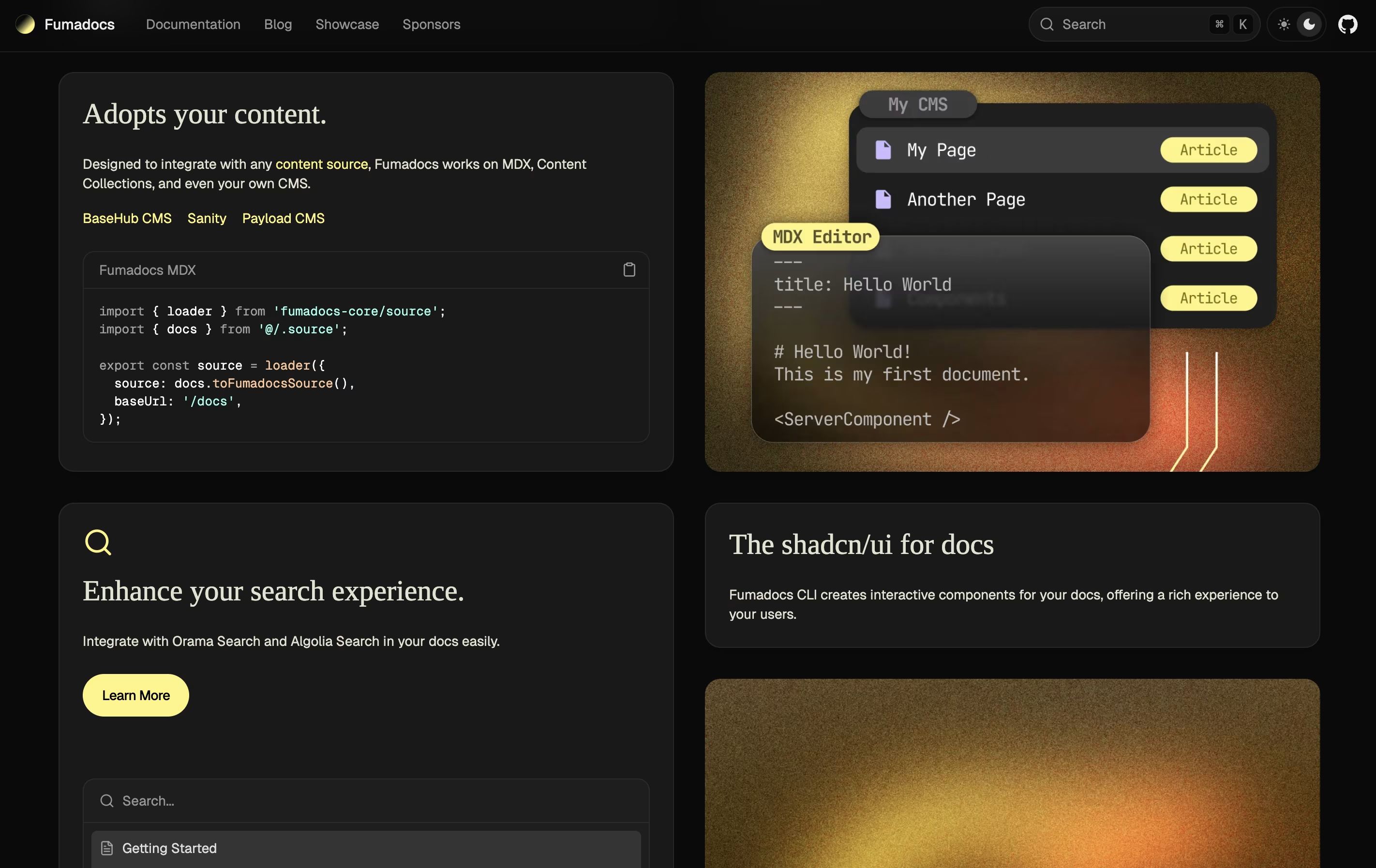
It supports writing content in Markdown and MDX, which means you can use simple text formatting or add interactive React components. The framework includes built-in search, syntax highlighting, and beautiful pre-designed themes. It also works with any content source, whether you store your docs in files, a database, or a content management system.

Fumadocs is built around three parts: a content layer for managing your docs, a core library for features like search, and a UI library for beautiful components. You can use just what you need.

How to Use Fumadocs

Getting started with Fumadocs is straightforward. Here are the steps:

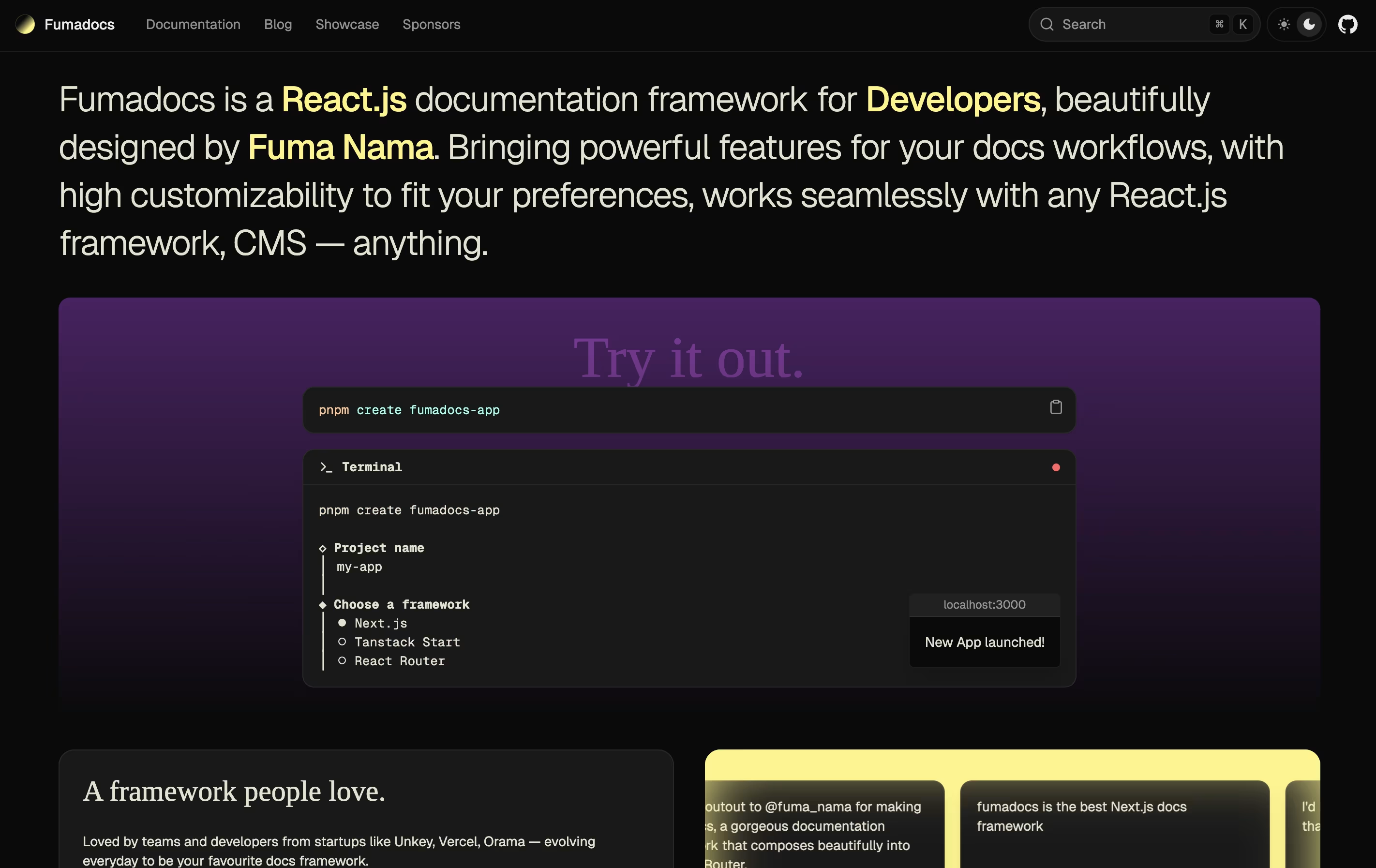
  • Install the framework by running the command npm create fumadocs-app in your terminal. Choose your preferred React framework and content source when prompted.

  • Write your content in MDX files inside the docs folder. Use simple Markdown syntax with the option to add React components for interactive elements.

  • Customize the appearance using Tailwind CSS. You can change colors, layouts, and styles to match your brand without learning a new system.

  • Add search functionality by connecting Orama or Algolia search with just a few lines of code. The framework handles the rest automatically.

  • Use the CLI tool to add interactive components like tabs, callouts, and code blocks with the command npx @fumadocs/cli add.

  • Deploy your site to Vercel, Netlify, or any hosting service that supports Next.js applications.

Features of Fumadocs

  • Free and open-source framework

  • Works with Next.js, React Router, and other React frameworks

  • Write content in Markdown and MDX

  • Built-in search with Orama and Algolia support

  • OpenAPI documentation generator

  • TypeScript Twoslash integration

  • Beautiful pre-designed UI components

  • Command-line tool for easy setup

  • Syntax highlighting with Shiki

  • Highly customizable with Tailwind CSS

Fumadocs Pricing

Most Popular
Open Source

Free

What's included:
  • Complete documentation framework
  • Unlimited documentation sites
  • MDX and Markdown support
  • Built-in search integration
  • OpenAPI documentation generator
  • TypeScript Twoslash support
  • Beautiful UI components
  • CLI tool included
  • Syntax highlighting
  • Full source code access

FAQ's About Fumadocs

Is Fumadocs completely free to use?
Yes, Fumadocs is 100% free and open source. There are no subscription fees, usage limits, or costs. You can use it for any project, personal or commercial, without paying anything. Your only potential cost is hosting, which can also be free with services like Vercel or Netlify.
What React frameworks does Fumadocs work with?
Fumadocs officially supports Next.js, Tanstack Start, React Router, and Waku. It is designed to work with any React framework because it separates content handling from the UI layer. Next.js is the most commonly used and has the best documentation.
Can I use Fumadocs without knowing React?
Basic React knowledge is helpful but not required for simple documentation sites. You can write all your content in Markdown, which is just formatted text. However, if you want to customize the design or add interactive features, some React knowledge will be useful.
How does Fumadocs compare to Docusaurus or GitBook?
Fumadocs is more flexible and modern than Docusaurus because it uses React Server Components and gives you full control over the code. Unlike GitBook, it is completely free and self-hosted. Fumadocs is perfect if you want a beautiful design out of the box but still want the ability to customize everything.
Can I migrate from another documentation tool to Fumadocs?
Yes, Fumadocs provides migration guides for popular tools like Mintlify. Since it uses standard MDX format, you can usually move your existing Markdown files with minimal changes. The Fumadocs documentation includes specific guides for switching from other platforms.

Share your experience with Fumadocs

Loading...

See what users are saying about Fumadocs

0.0

0 Reviews

5
0
4
0
3
0
2
0
1
0

No reviews yet

Be the first to review Fumadocs

Embed Fumadocs badges

Show your community that Fumadocs is featured on Tool Questor. Add these beautiful badges to your website, documentation, or social profiles to boost credibility and drive more traffic.

Light Badge Preview