

Best 12+ Tools for Technical Documentation Generation in 2026
Last Updated: November 8, 2025
Producing accurate technical documentation manually takes considerable time to keep current as systems change. Technical Documentation Generation tools automatically produce docs based on code or system structure.
Developers and technical writers use documentation generation to keep technical references accurate with less manual effort.
 ClickHelp
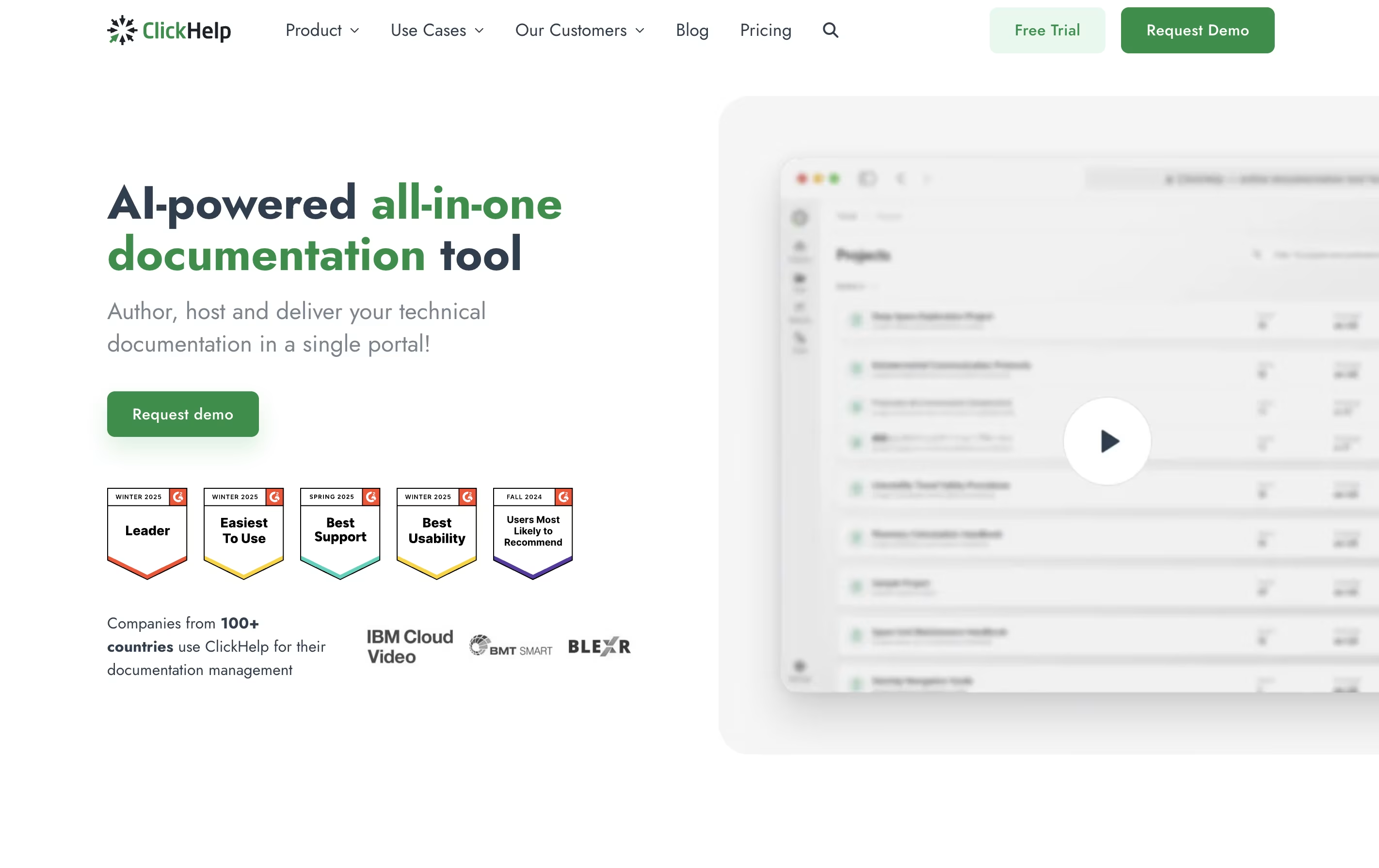 ClickHelpCloud Documentation Tool for Technical Writing Teams,
  Heretto
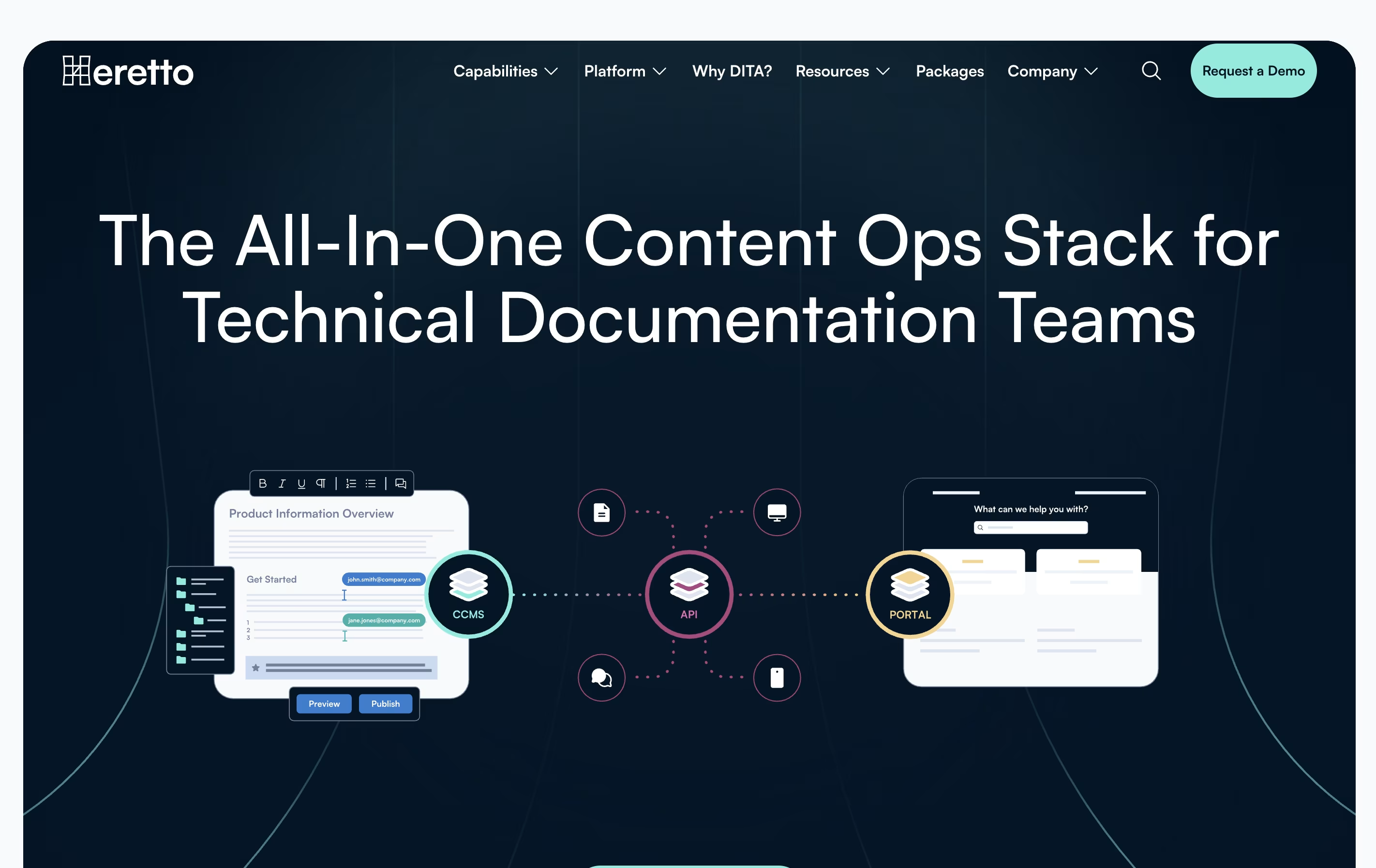 HerettoAI-Powered Content Platform for Technical Documentation, and
  DeepDocs
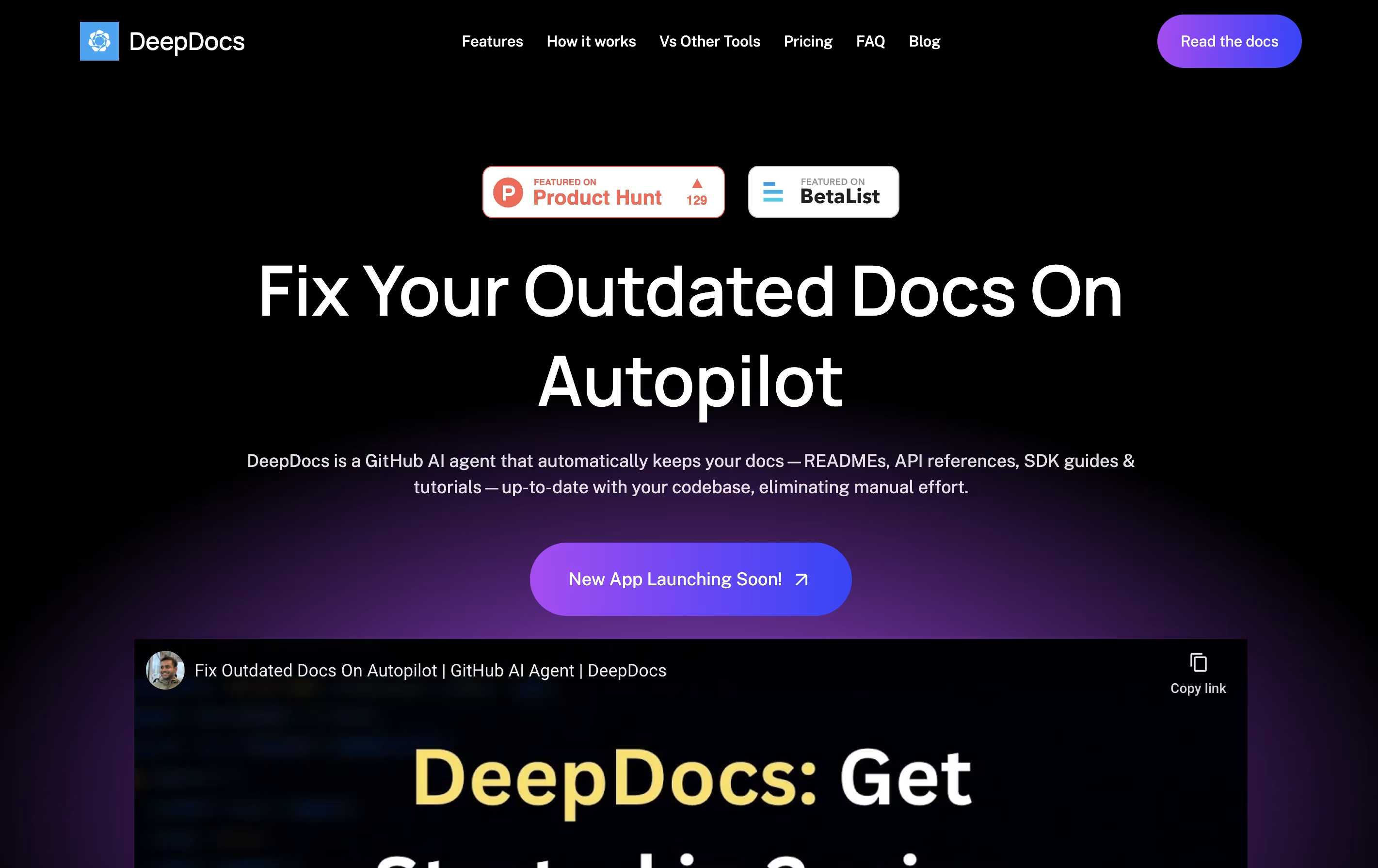 DeepDocsAI-Powered GitHub Documentation Automation Tool are the best for Technical Documentation Generation. So, let’s take a closer look at all 12+ tools.
ClickHelp is an online tool that lets you write, store, and publish documentation without leaving your web browser. Unlike traditional software that you install on your computer, ClickHelp runs entirely online and stores everything in the cloud.
The platform includes an easy-to-use editor similar to Microsoft Word, so you can start writing without a long learning process. You can add images, videos, tables, and code samples to your documentation. ClickHelp also supports creating different versions of the same content for different audiences or products.
One major benefit is real-time teamwork. Multiple people can work on documentation at once, leave comments, and track changes. When you are ready, you can publish your content instantly to your own branded documentation website or export it as PDFs and other file types.
Heretto is a complete solution for managing technical content throughout your organization. At its core is a Component Content Management System that breaks documents into small, reusable pieces instead of managing full pages. This approach lets you update content once and see changes everywhere it appears.
The platform offers three main products working together. First, the CCMS handles content creation and management. Second, Deploy API lets you send content to any website or app through an interface. Third, Portal creates branded help websites for customers.
Heretto works entirely in the cloud, so teams can access it anywhere with internet. It supports multiple languages, tracks all changes to your content, and lets many people work on the same documents without conflicts.
DeepDocs is a GitHub AI agent that maintains your technical documentation in perfect sync with your codebase. When you commit code changes, it scans your entire repository to find documentation that needs updates and makes the necessary changes automatically.
Unlike traditional documentation generators that create files from scratch, DeepDocs updates only the sections that need changing while keeping your original style and formatting intact. It works with popular documentation tools like Docusaurus, Mintlify, MkDocs, and Read the Docs.
DeepDocs offers a free version for personal projects with 10 scan credits monthly, and a Pro version for teams that ship code frequently, providing 100 scan credits per month and support for up to five documentation files or folders at once.

Documentation AI is a tool that helps you create professional documentation for your products and APIs. You can write content using a simple editor, and it automatically makes everything look polished and professional. Unlike basic documentation tools, it adds smart features like an AI assistant that answers questions directly on the page.
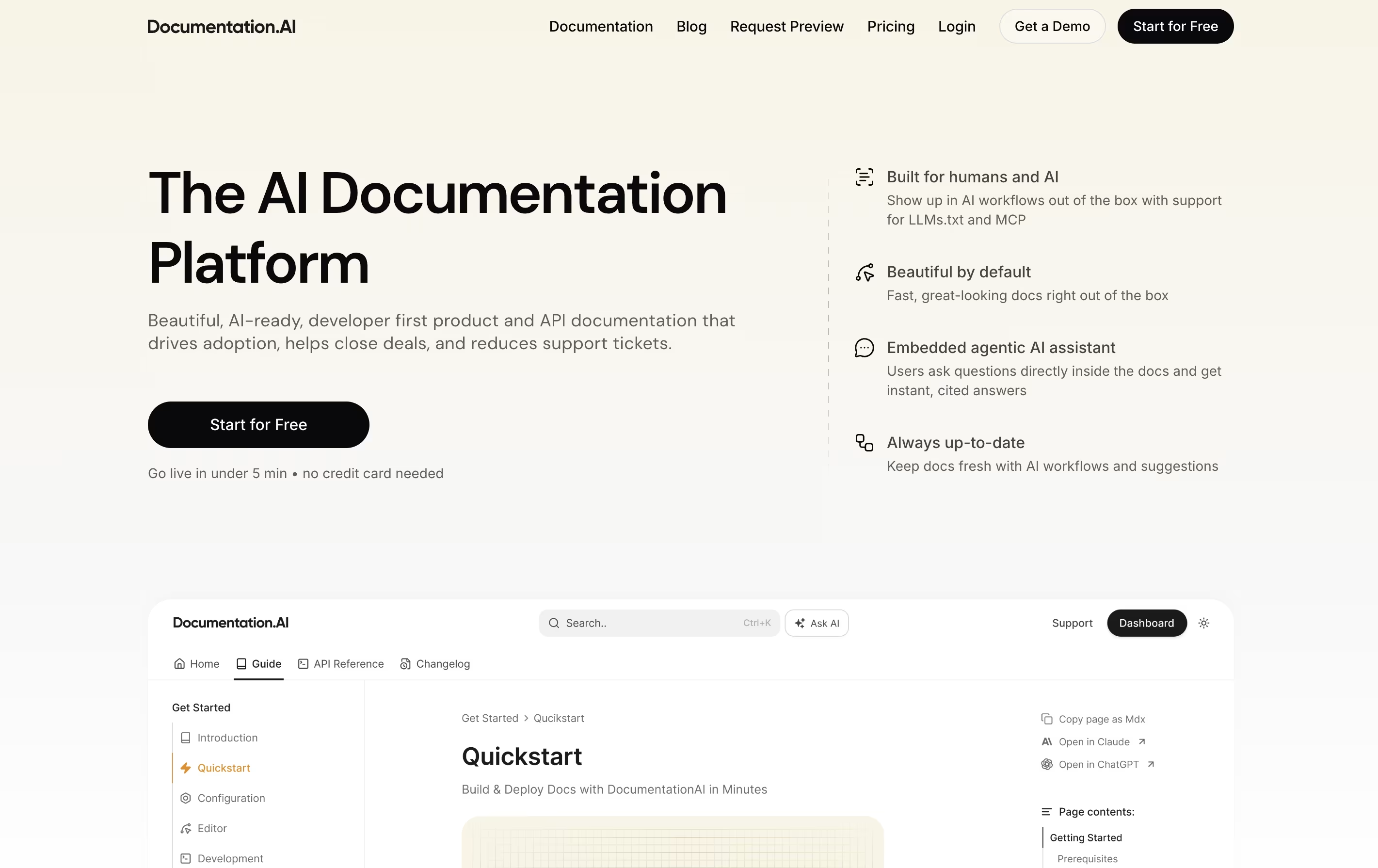
The platform focuses on three main things: beautiful design that works everywhere, speed that scores perfect on performance tests, and AI features that help both humans and chatbots understand your content. It supports modern formats like Markdown and connects with popular developer tools.
There's a free plan to start, and paid plans add more features like extra editor seats, advanced AI queries, and team permissions for growing businesses.

Vrite is a content management platform designed specifically for technical writing. It offers a modern editor that works like familiar tools such as Notion, but adds features developers need. You can write in a visual editor while also having access to code blocks with syntax highlighting and formatting.
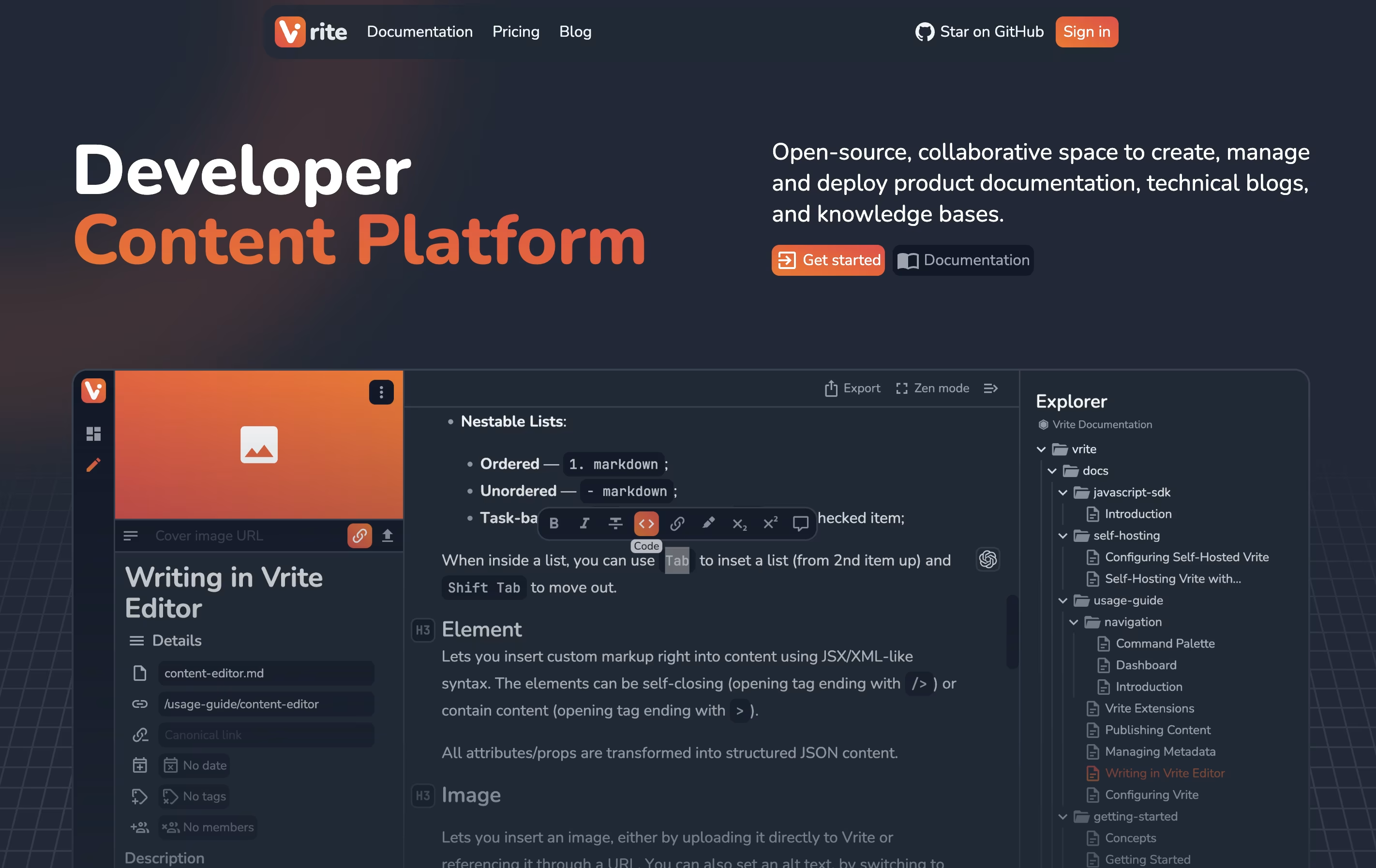
The platform includes a dashboard where you organize content using Kanban boards or table views. This helps teams track what's being written, what needs review, and what's ready to publish. Vrite connects with GitHub for version control and supports extensions that add more functionality.
The platform includes AI-powered search that helps find information in your content quickly. You can either use their cloud version or install it on your own servers for complete data control.

Doctave is a documentation platform that combines the flexibility of writing in Markdown with the power of professional documentation hosting. You write your documentation in plain text files, store them in Git alongside your code, and Doctave takes care of turning them into beautiful, searchable documentation websites.
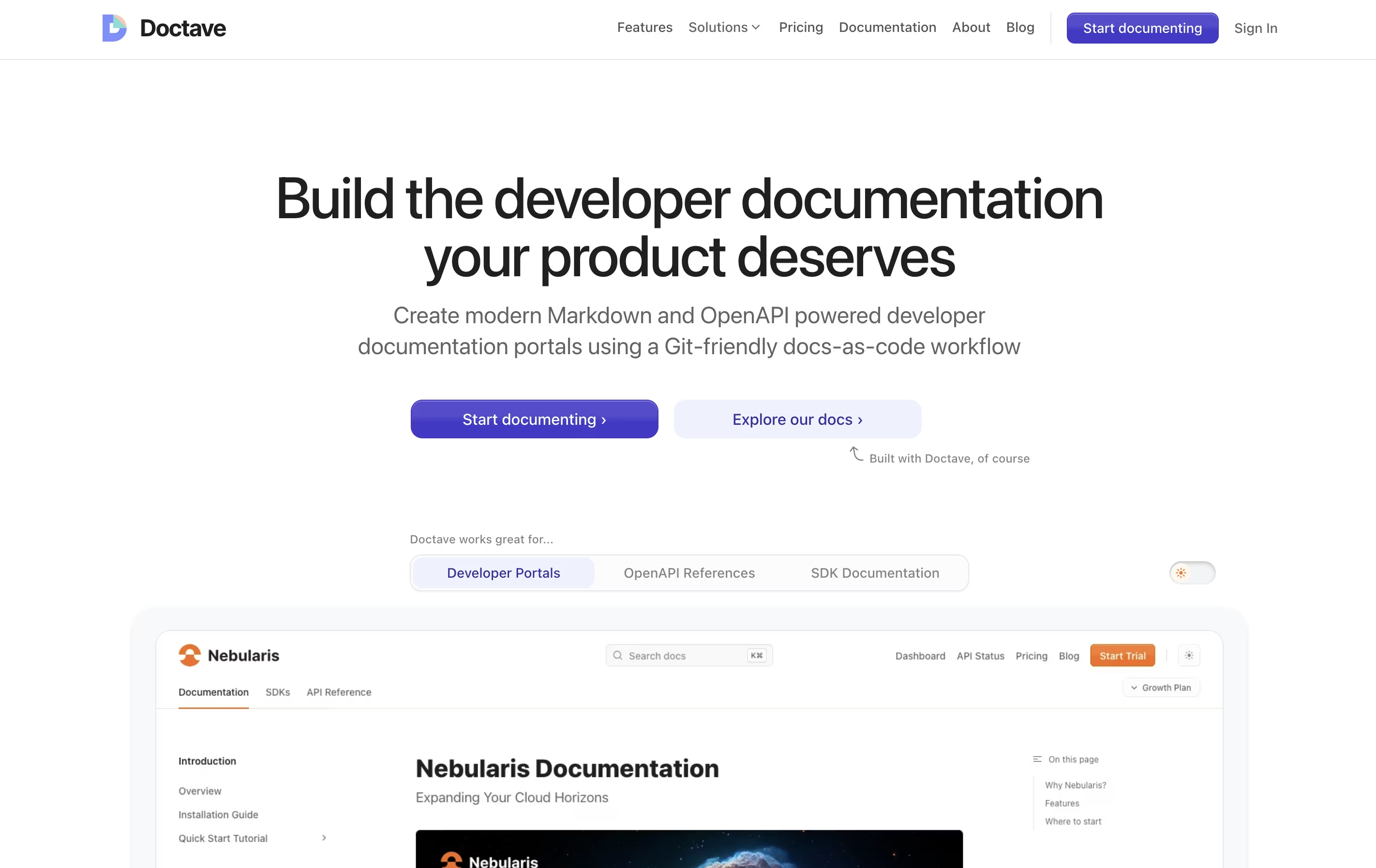
The platform supports both regular Markdown guides and OpenAPI specifications for API documentation. It automatically creates preview environments when you make changes, so your team can review updates before publishing. Everything stays in your Git repository, giving you full version control over your documentation.
Doctave Studio is the companion desktop application that provides real-time previews, auto-complete suggestions, broken link checking, and spell checking. Together, these tools help teams create documentation that stays current and accurate.

Docsie is a tool that helps you create and organize documentation for your products, services, or internal processes. You can write guides, manuals, and help articles in one place, then publish them to a website where your team or customers can find answers.
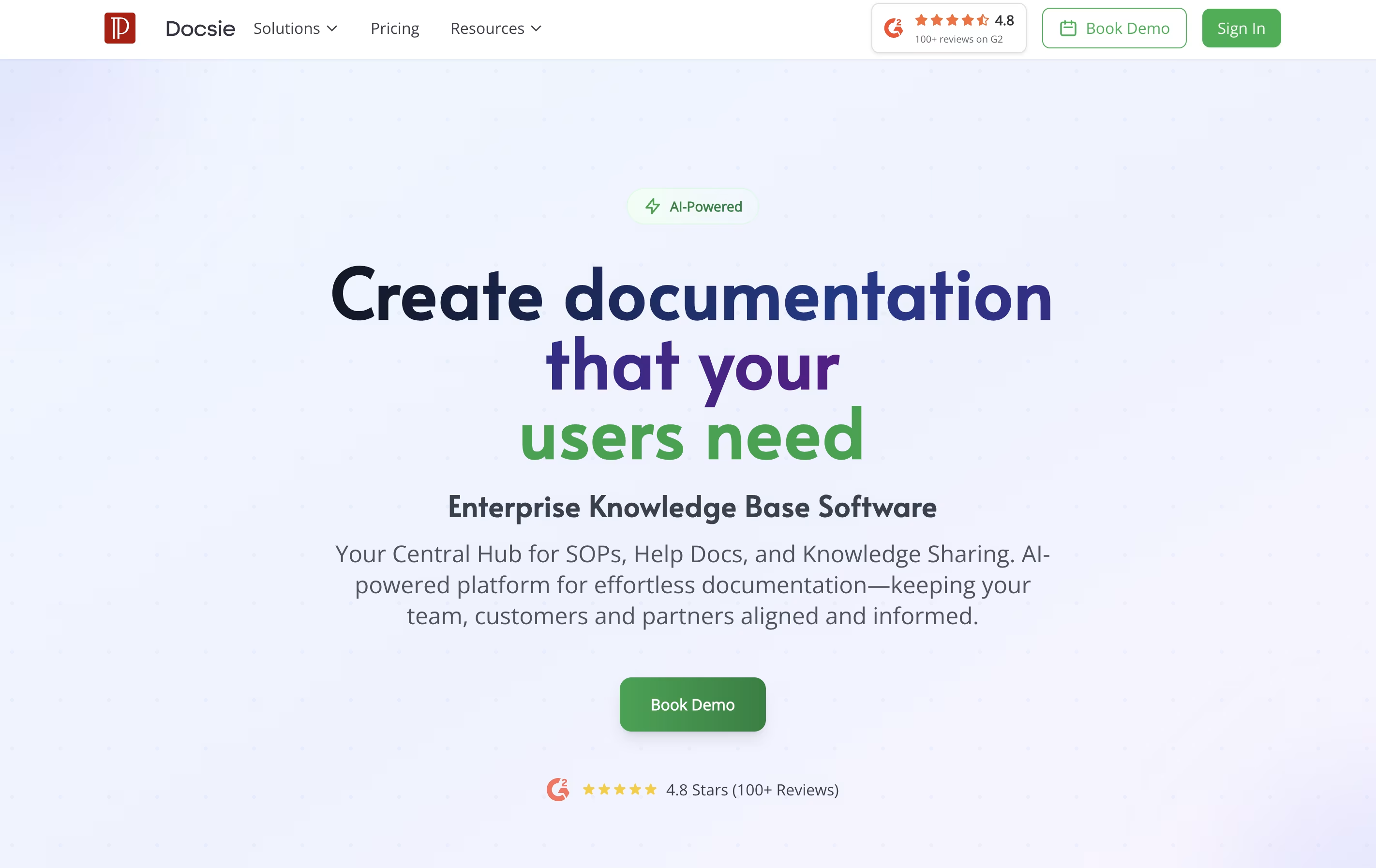
Unlike traditional document tools, Docsie uses AI to help write content, automatically translates text into different languages, and creates chatbots that answer questions based on your documentation. It also tracks who reads what, so you can improve your content based on real usage.
The platform includes a simple editor, version control to track changes, team collaboration features, and ways to embed documentation directly into your website or app. There are free and paid plans to fit different needs.

Hashnode is a free content creation platform where developers can start and manage blogs on their own domain. You get a powerful editor that supports both Markdown and visual editing modes, making it easy to write technical articles with code blocks, images, and embedded content. The platform handles all the technical details like hosting, SSL certificates, and CDN delivery automatically.
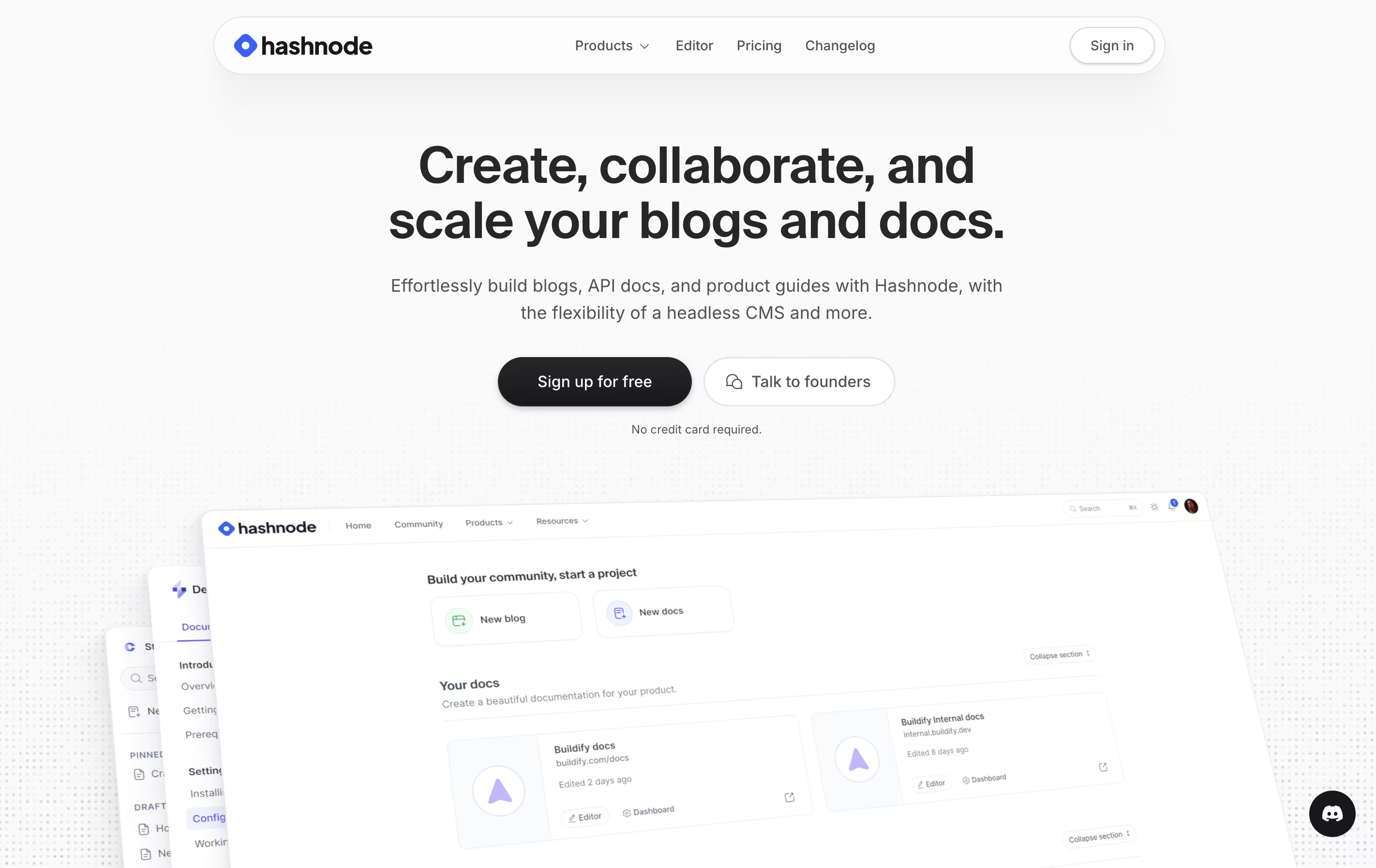
You can customize your blog appearance, connect it to your domain, or start with a free Hashnode subdomain. The platform includes AI-powered writing assistance to help with drafting, editing, and optimizing content. There are paid plans for teams that need collaboration features, advanced analytics, and priority support. Individual creators can use all essential features completely free.

Docusaurus is a static site generator built with React and Node.js. It takes your Markdown files and creates a complete documentation website with all the features users expect. Unlike building a website from scratch, Docusaurus handles the hard parts for you.
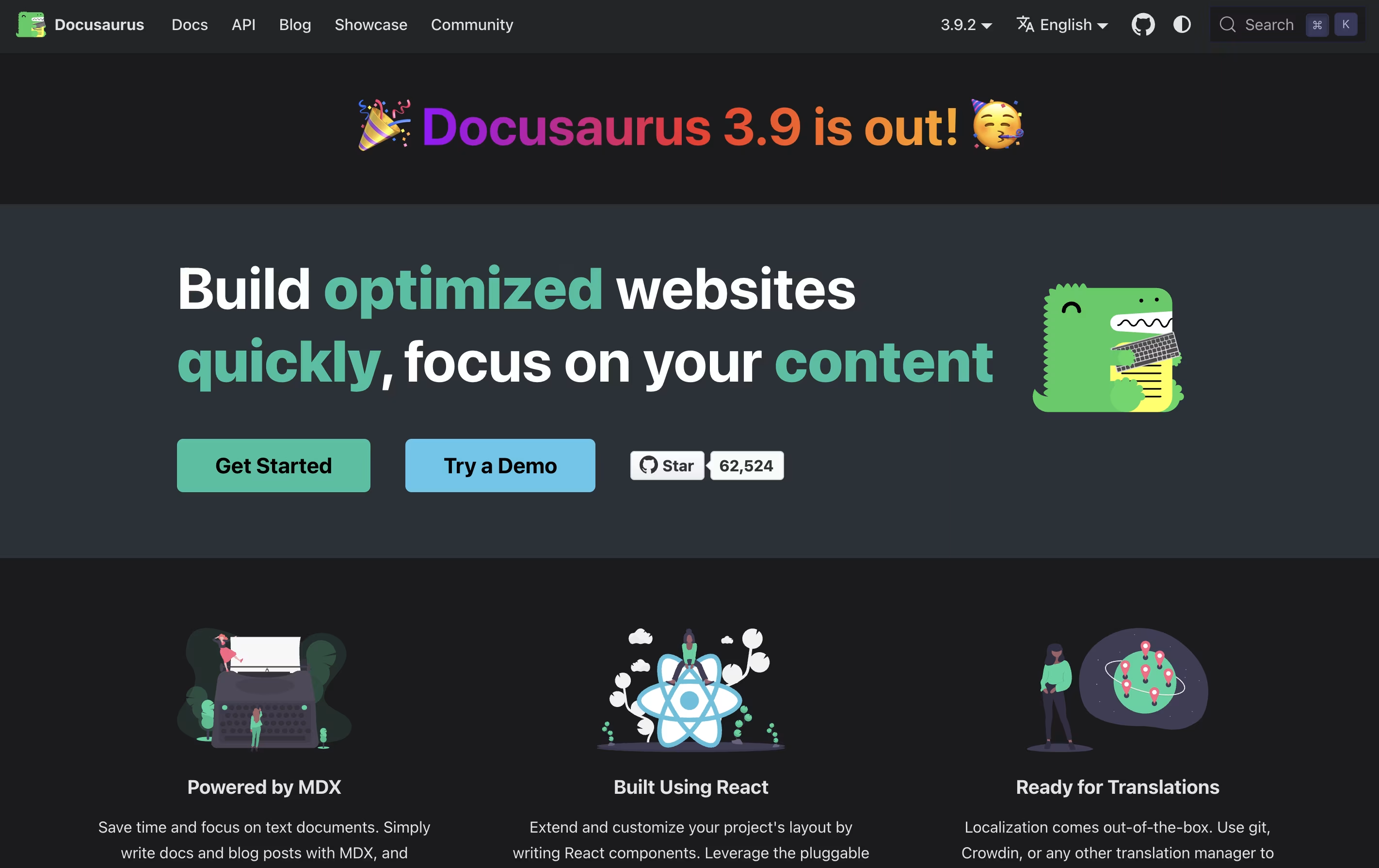
The tool uses MDX, which means you can add interactive React components right inside your Markdown files. This makes your documentation more engaging without extra work. It comes with built-in search powered by Algolia, version management for different product releases, and support for over 70 languages through translation tools.
Because it creates static files, your documentation loads fast and can be hosted anywhere. The sites work great on mobile devices and follow modern web standards for speed and accessibility.

Astro Starlight is a documentation theme built on the Astro web framework. It provides a ready-made structure for creating documentation websites that are fast, accessible, and easy to maintain. Unlike other documentation tools, Starlight ships minimal JavaScript to the browser, resulting in faster load times and better performance.
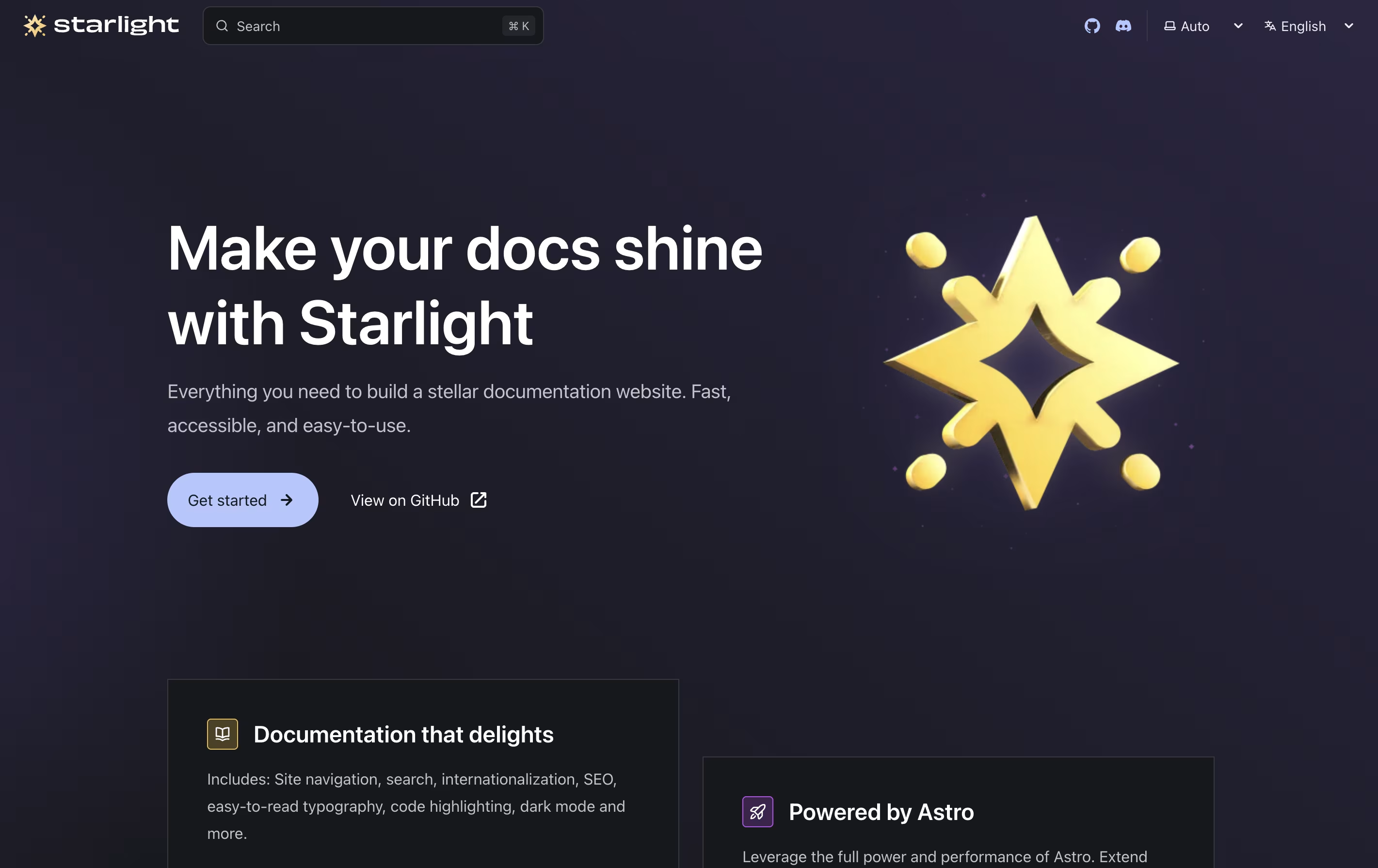
The tool supports writing content in Markdown, MDX, and Markdoc formats, giving you flexibility in how you create your documentation. It includes automatic navigation generation, built-in search powered by Pagefind, and responsive design that works on all devices. Starlight also supports multiple languages out of the box, making it suitable for global documentation projects. The theme is highly customizable through configuration files, allowing you to match your brand while keeping the simplicity of setup.

MkDocs is a documentation generator that converts Markdown files into complete static HTML websites. You write your content in Markdown, which is a simple text format that anyone can learn in minutes. MkDocs then processes these files and creates a full website with navigation, search, and beautiful design.
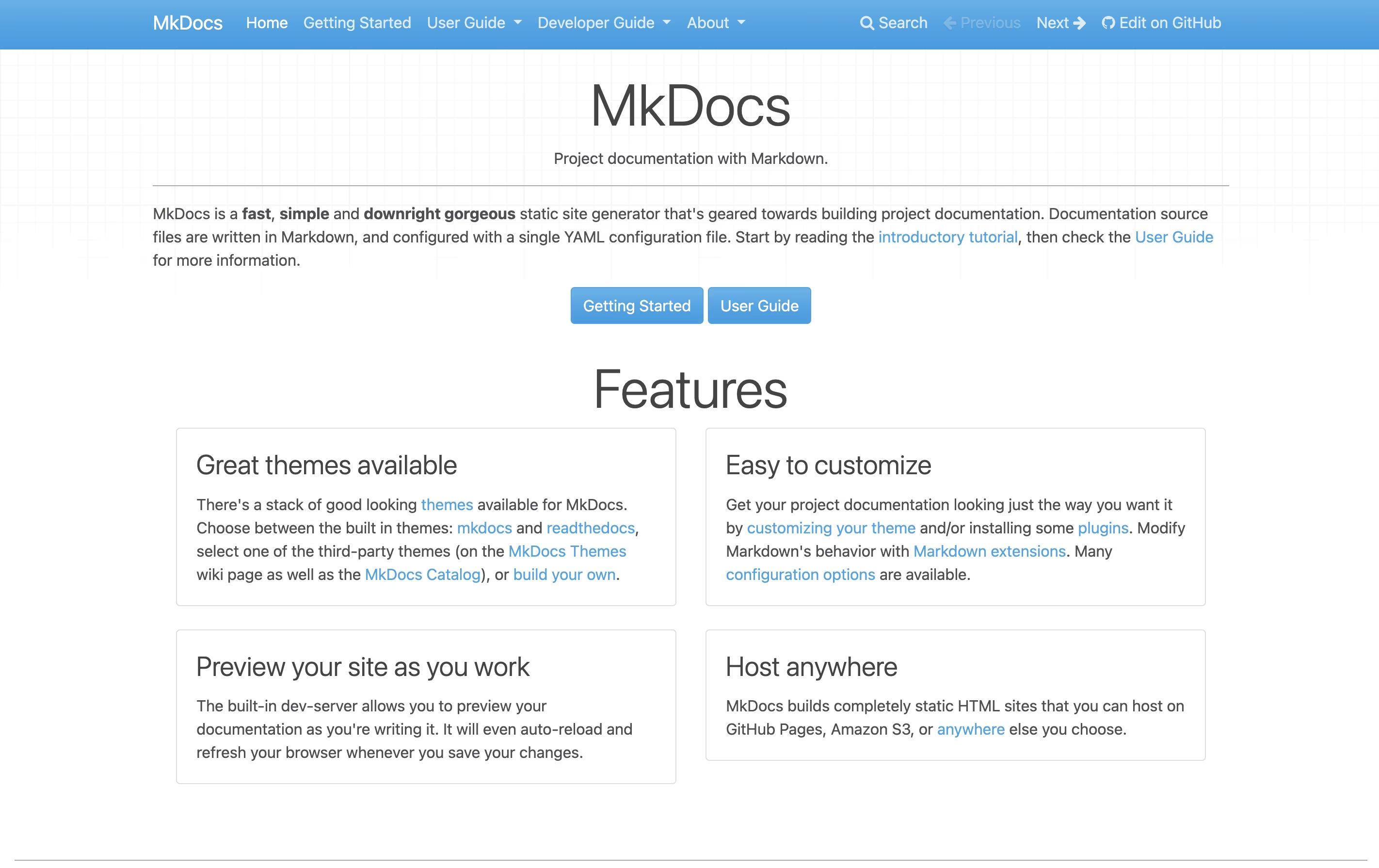
The tool includes a built-in development server that shows you live previews as you type. This means you see changes immediately without manually refreshing your browser. MkDocs comes with two built-in themes and supports many community-created themes like the popular Material for MkDocs.
Since MkDocs creates static files, your documentation loads quickly and can be hosted anywhere without needing complex server setups or databases.

NoDocs is a web-based platform that makes creating documentation easy. You type and format your content just like you would in a word processor, and it automatically turns into professional-looking web pages. You do not need any coding skills to use it.
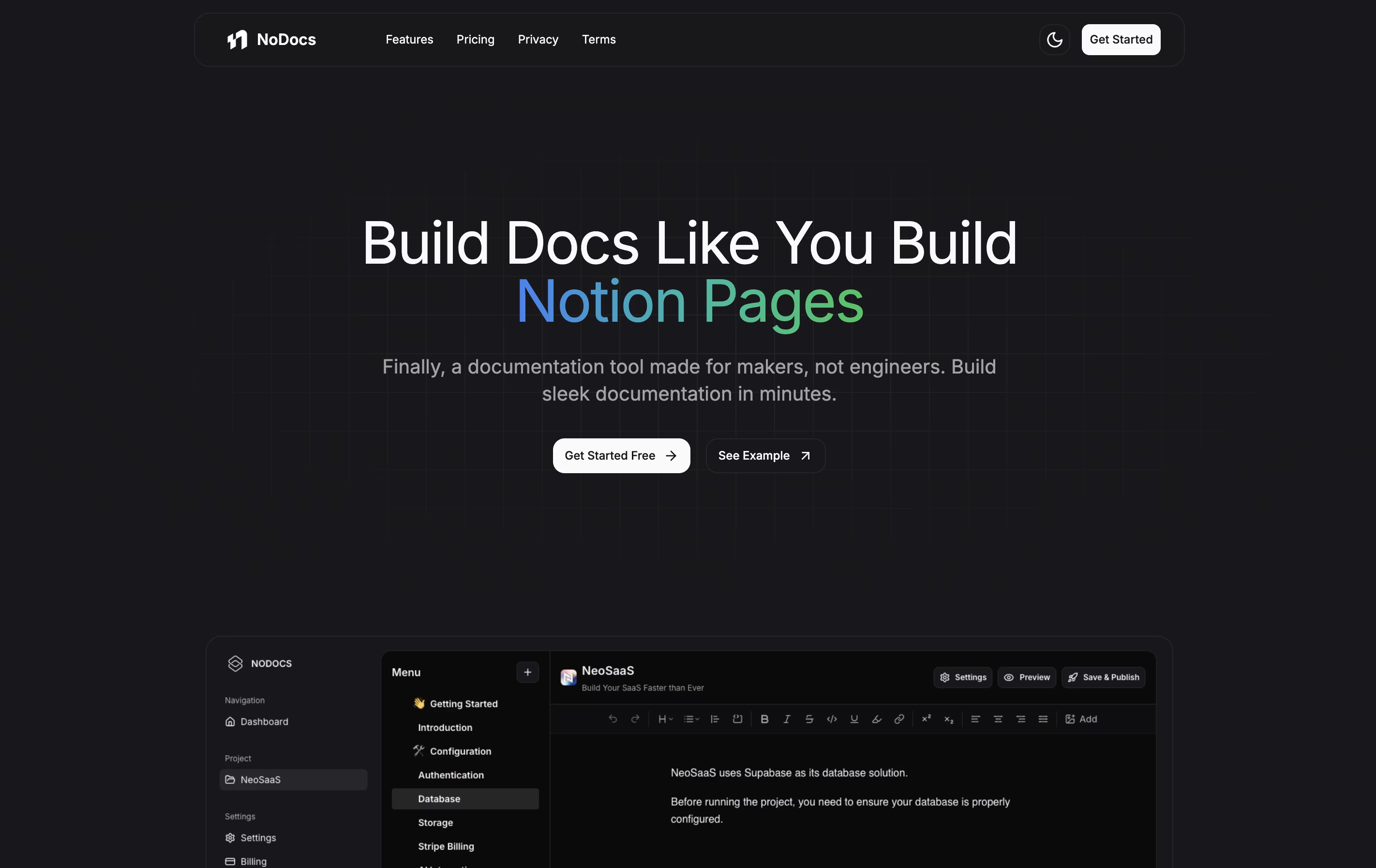
The tool includes everything you need: a simple editor, the ability to organize pages into sections, custom domain support, and different themes including dark mode. It also has AI features that help you write better content and suggest improvements as you type.
There are three plans available: a free version to try it out, a Pro plan for small teams with more features, and a Plus plan for unlimited projects and pages. Each plan includes different features to match your needs.

Fumadocs is a documentation framework that helps developers build professional documentation sites using React and Next.js. Unlike traditional documentation tools, it gives you complete control over your content and design while handling the complex parts automatically.
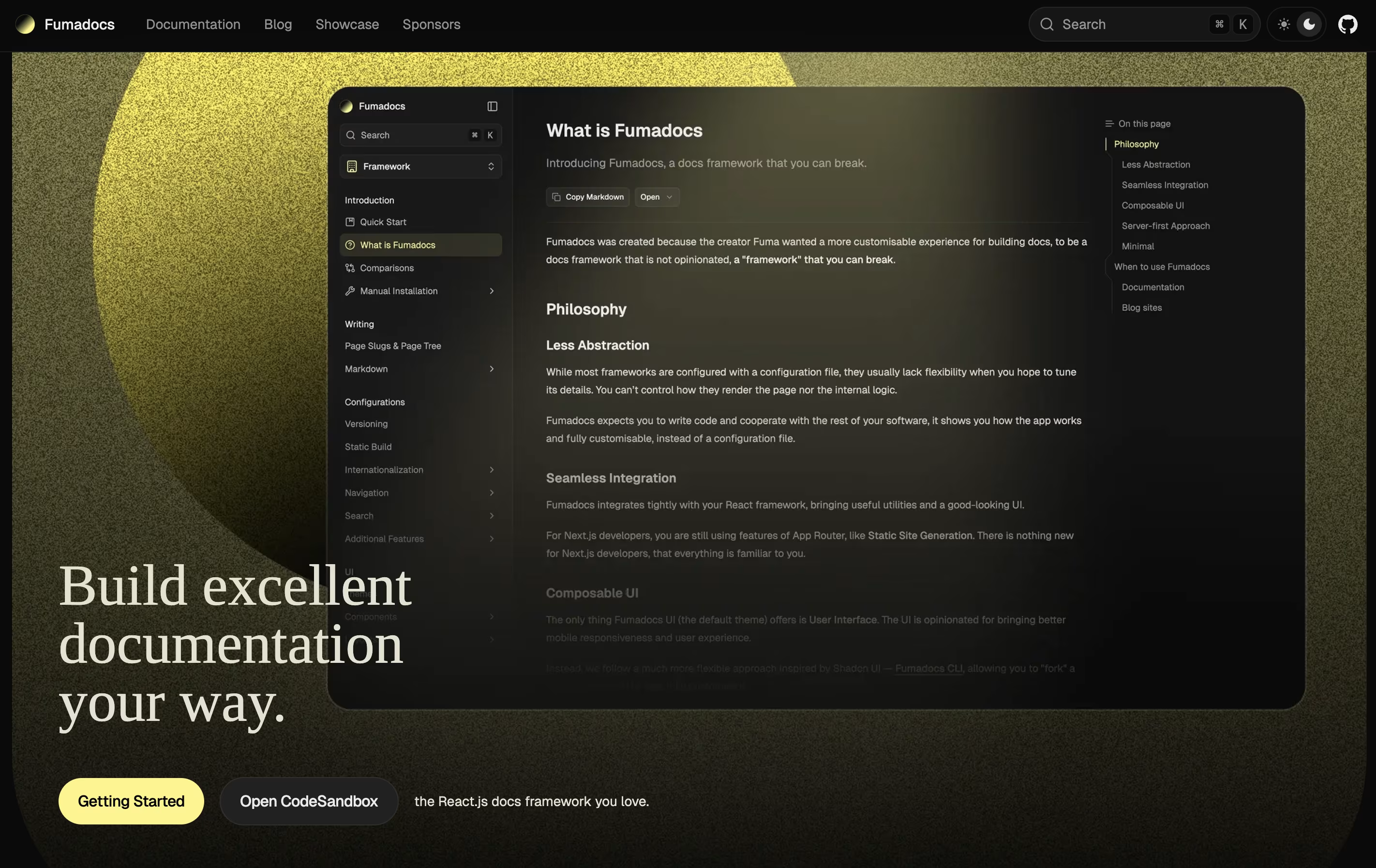
It supports writing content in Markdown and MDX, which means you can use simple text formatting or add interactive React components. The framework includes built-in search, syntax highlighting, and beautiful pre-designed themes. It also works with any content source, whether you store your docs in files, a database, or a content management system.
Fumadocs is built around three parts: a content layer for managing your docs, a core library for features like search, and a UI library for beautiful components. You can use just what you need.
xyd is a documentation framework that lets you create professional documentation websites without wrestling with complex tools. It comes with six beautiful built-in themes you can use right away, or you can customize every part to match your brand. The framework automatically generates documentation from your OpenAPI, GraphQL, TypeScript, and React code specifications.
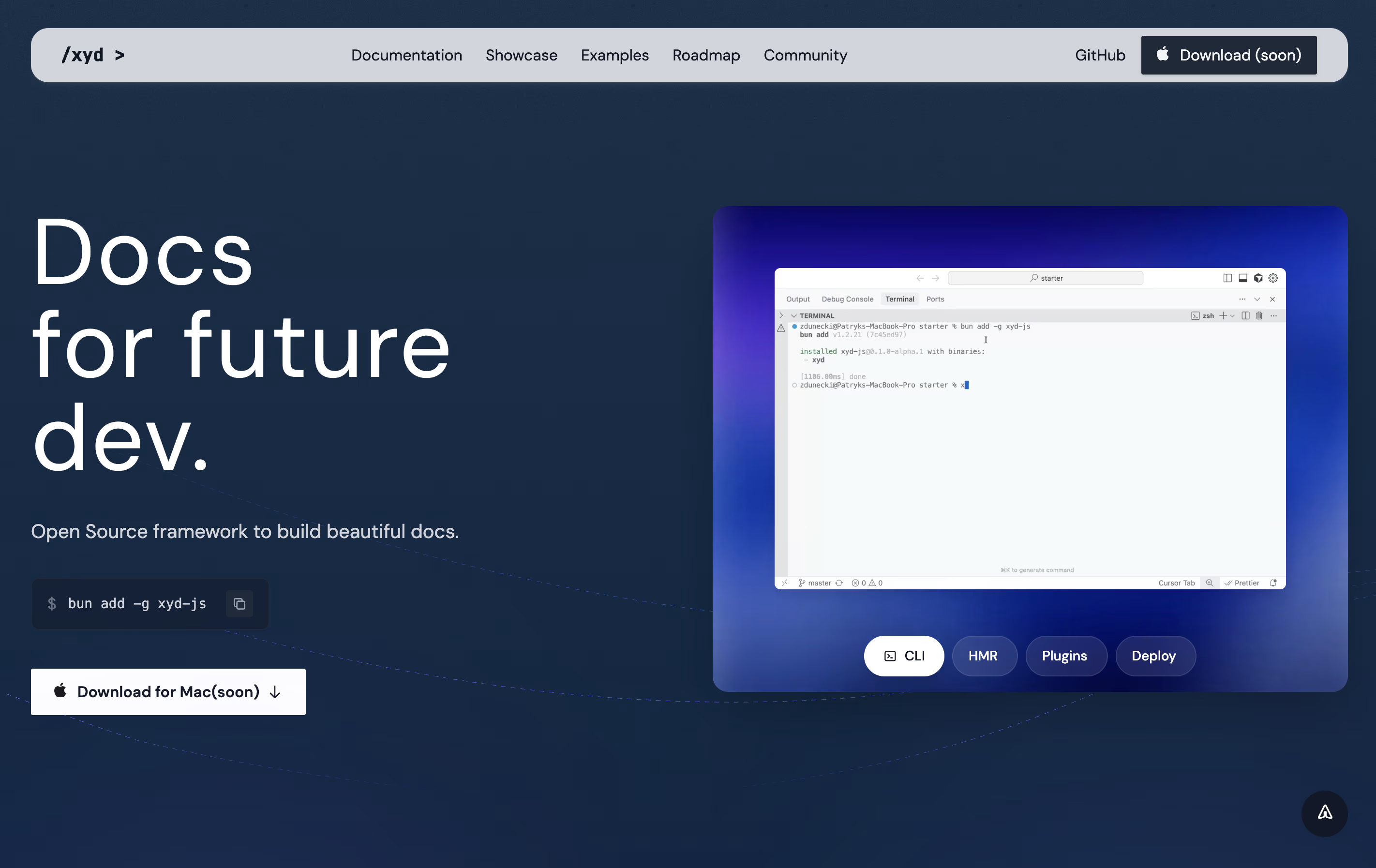
Unlike other documentation tools, xyd includes everything you need from the start. You get full-text search with smart suggestions, built-in analytics to track how people use your docs, live chat integration, and even A/B testing capabilities. The development server starts instantly with hot reload, so you see changes immediately. Built by developers for developers, xyd removes the boring parts of making documentation so you can focus on writing great content.
GitBook is a cloud-based tool designed specifically for creating documentation. Think of it as a specialized writing platform where you can build everything from simple user guides to complex API documentation. The platform uses a block-based editor, similar to modern website builders, making it easy to add text, images, code examples, and other content without coding knowledge.
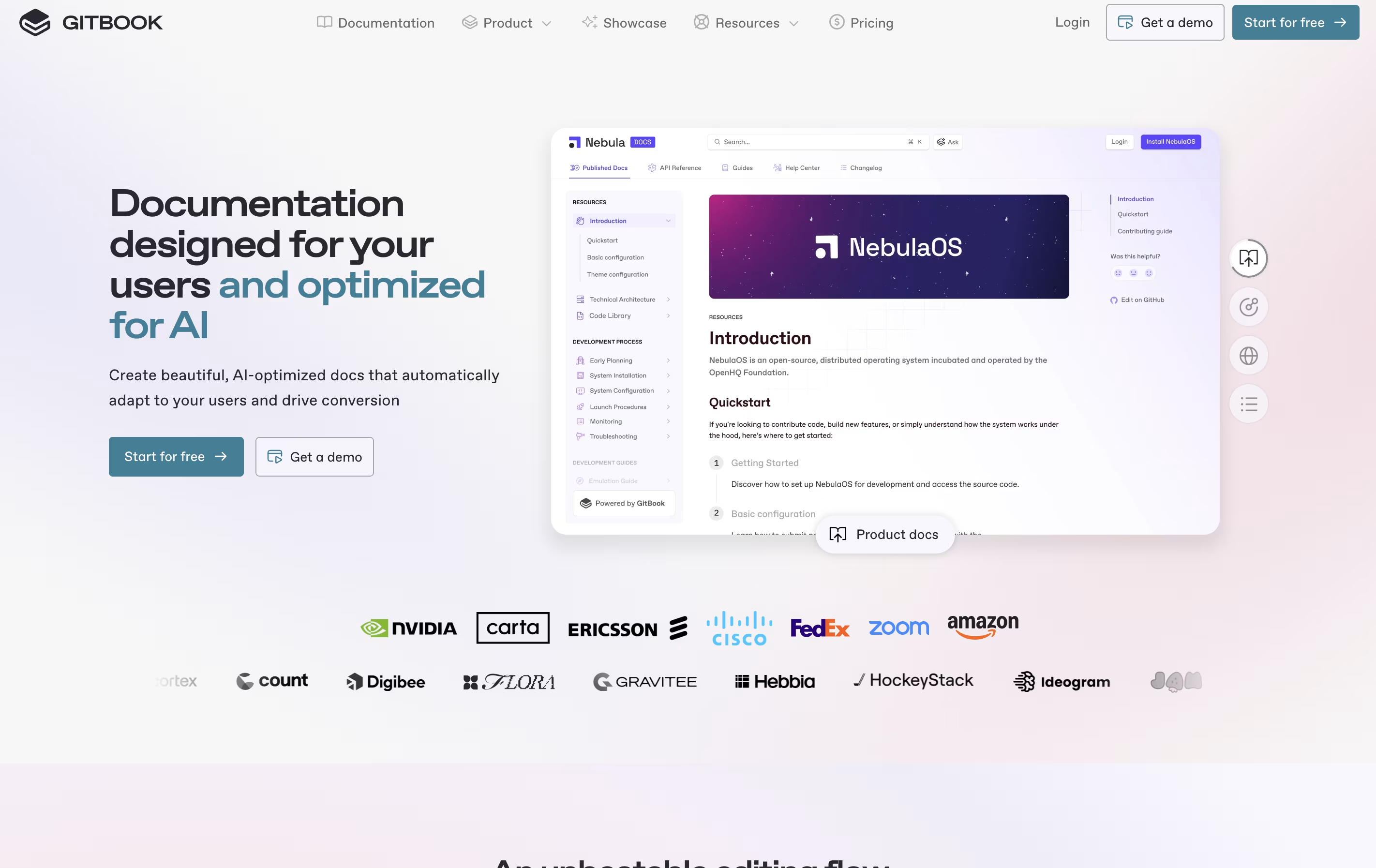
What sets GitBook apart is its two-way sync with GitHub and GitLab. This means developers can write documentation directly in their code editor, while content teams work in GitBook's visual interface. Everything stays synchronized automatically. The platform also includes AI features that help users find information quickly and assist in creating content. You can publish documentation publicly or keep it private with password protection.





