

Best 11 Tools for Internal Tool Building in 2026
Last Updated: August 4, 2026
Many internal needs, like a custom dashboard or approval workflow, do not require a full engineering build from scratch. Internal Tool Building tools let teams build custom internal applications without extensive coding.
Operations and internal teams use internal tool builders to solve specific workflow needs quickly.
 Basedash
 BasedashAI-Powered Business Intelligence Platform,
  Budibase
 BudibaseOpen-Source Low-Code Platform for Internal Apps, and
  Retool
 RetoolBuild Internal Tools 10x Faster are the best for Internal Tool Building. So, let’s take a closer look at all 11 tools.

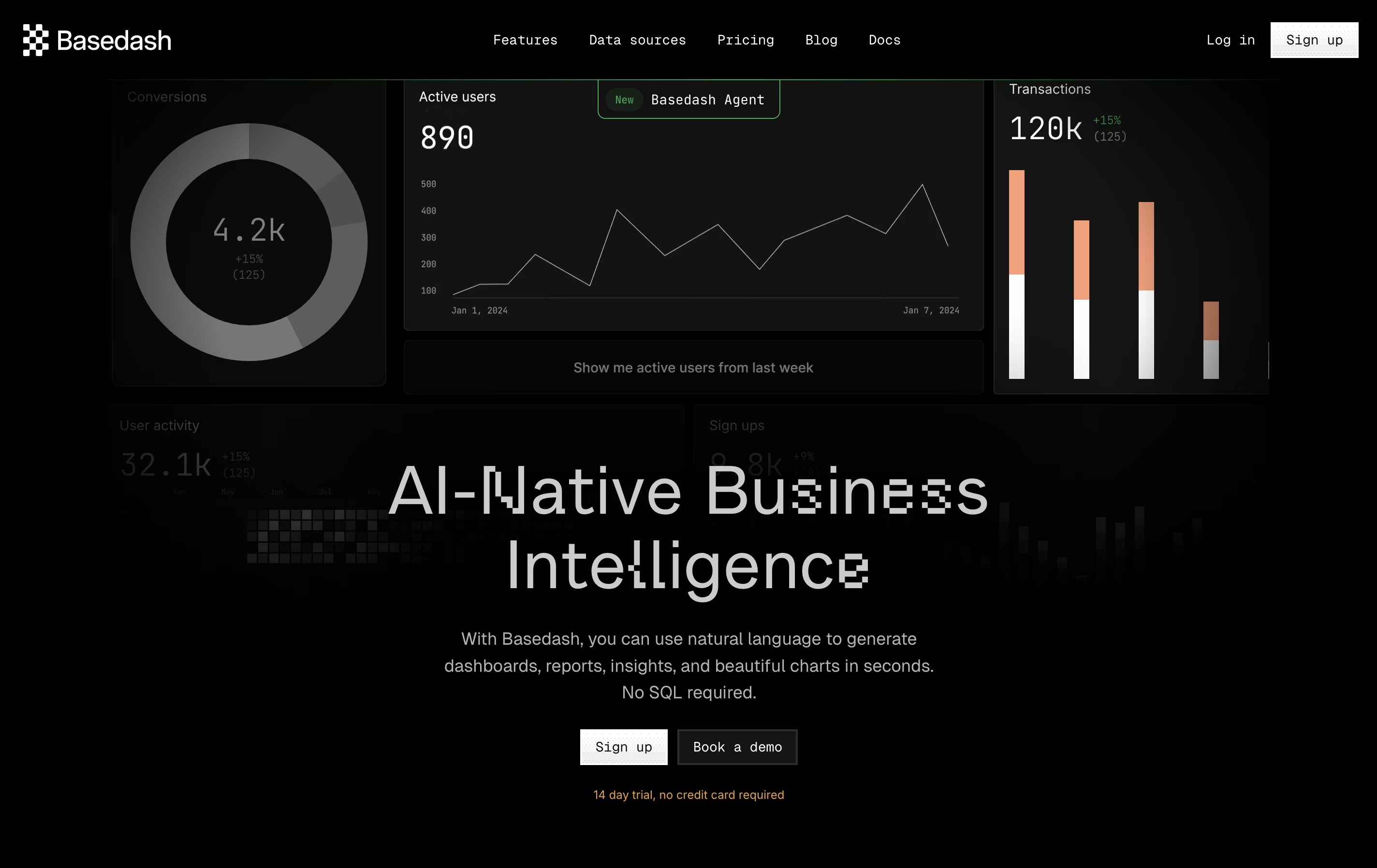
Basedash is an AI-powered platform that turns your database into a collaborative workspace for visualizing, editing, and exploring data without any coding knowledge. Think of it as having a conversation with your data – you ask questions in plain English, and Basedash creates charts, dashboards, and admin panels automatically.
The platform works by connecting directly to your database or data warehouse, then using artificial intelligence to understand your data structure and relationships. You can create custom CRM systems, build business intelligence dashboards, generate reports, and manage your data through an intuitive interface that feels like using a spreadsheet.
What sets Basedash apart is its natural language processing capabilities. Instead of writing SQL queries or learning complex tools, you simply tell it what you want to see, and it creates the visualization for you instantly.
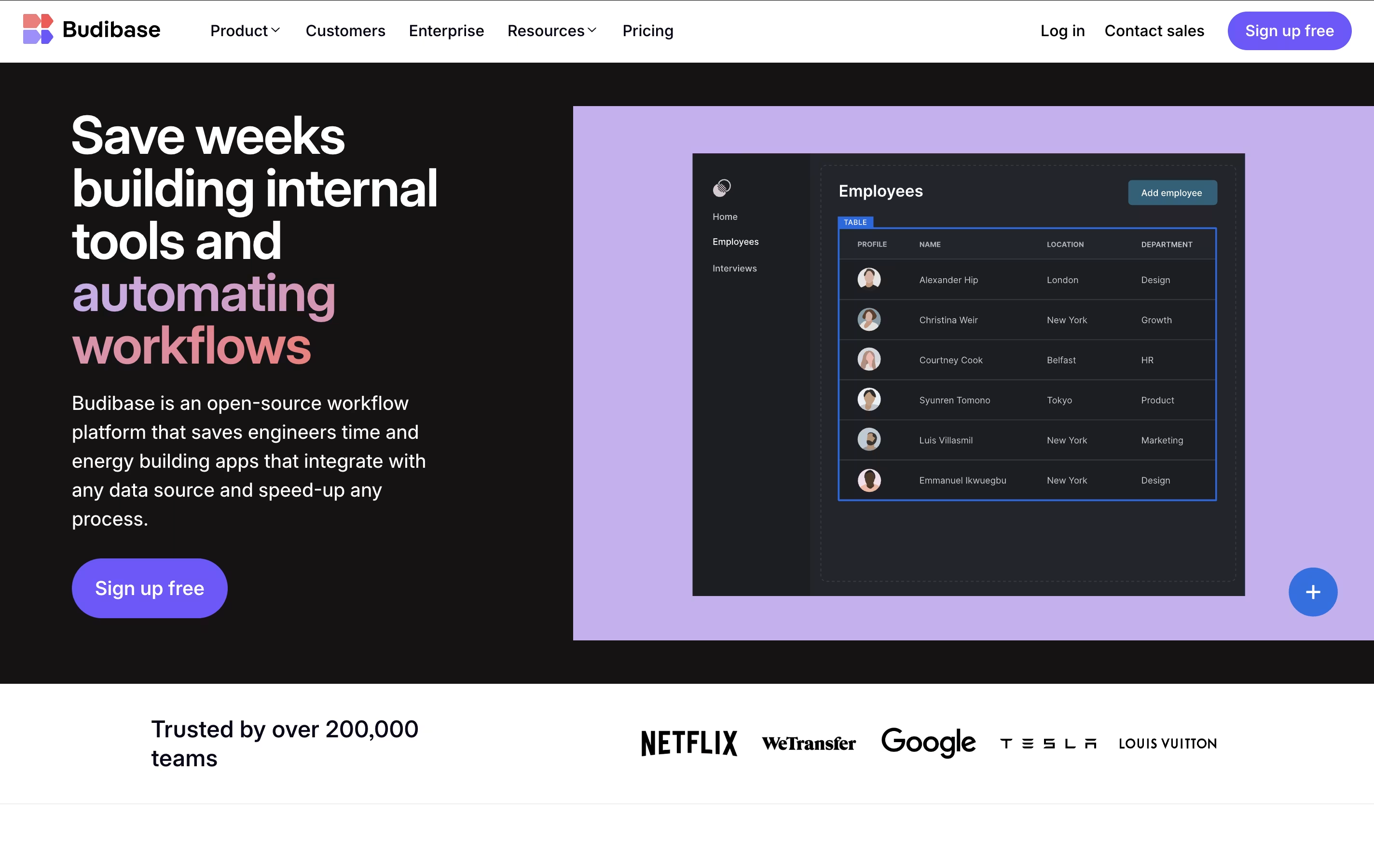
Budibase is an "open-source low-code platform" designed specifically for building internal business applications. This means you can create tools like admin panels, approval workflows, data dashboards, and form-based apps without writing extensive code.
The platform works by connecting to your existing data sources - whether that's a SQL database, spreadsheet, or external API - and letting you build responsive user interfaces on top of that data. What makes Budibase unique is its complete approach: it includes a visual app builder, built-in database, automation engine, and hosting options all in one package.
The open-source nature means you can self-host it for free, customize the platform, and maintain full control over your data and applications.
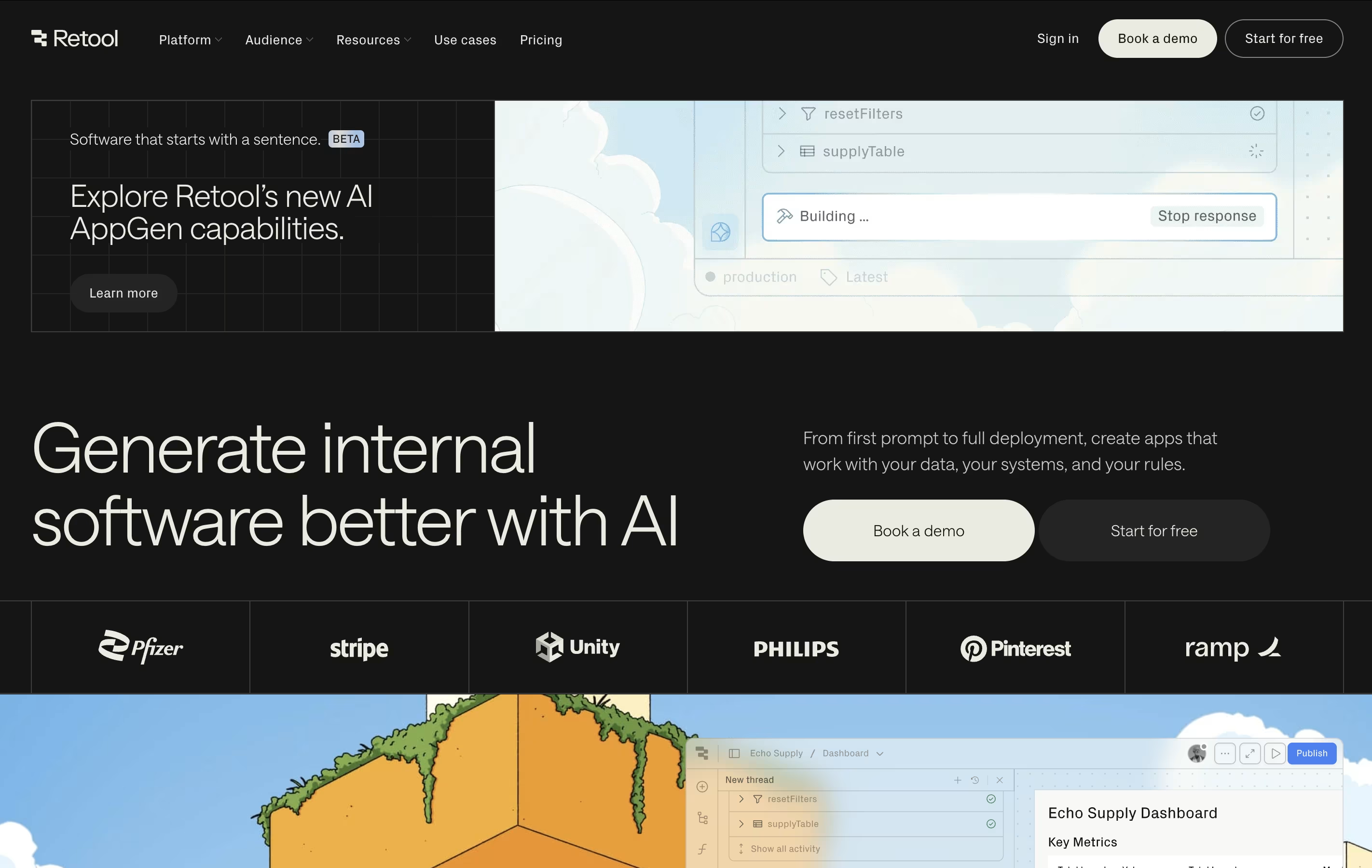
Retool is a low-code platform that simplifies building internal business applications. Instead of writing thousands of lines of code, you use pre-built components like tables, forms, buttons, and charts. You can arrange these visually and connect them to your databases, spreadsheets, or other systems.
The platform works for creating many types of tools: admin panels for managing users, customer support dashboards, inventory systems, approval workflows, and data analysis tools. It bridges the gap between no-code simplicity and full coding power.
Retool supports both web and mobile applications. It includes features for workflows, automation, and even building tools powered by artificial intelligence. The platform handles security, permissions, and deployment automatically, so you can focus on solving business problems rather than managing servers.

Building a business app usually means hiring developers or wrestling with complicated tools. Zite skips that by letting you describe the app you want in plain English and having AI build it for you.
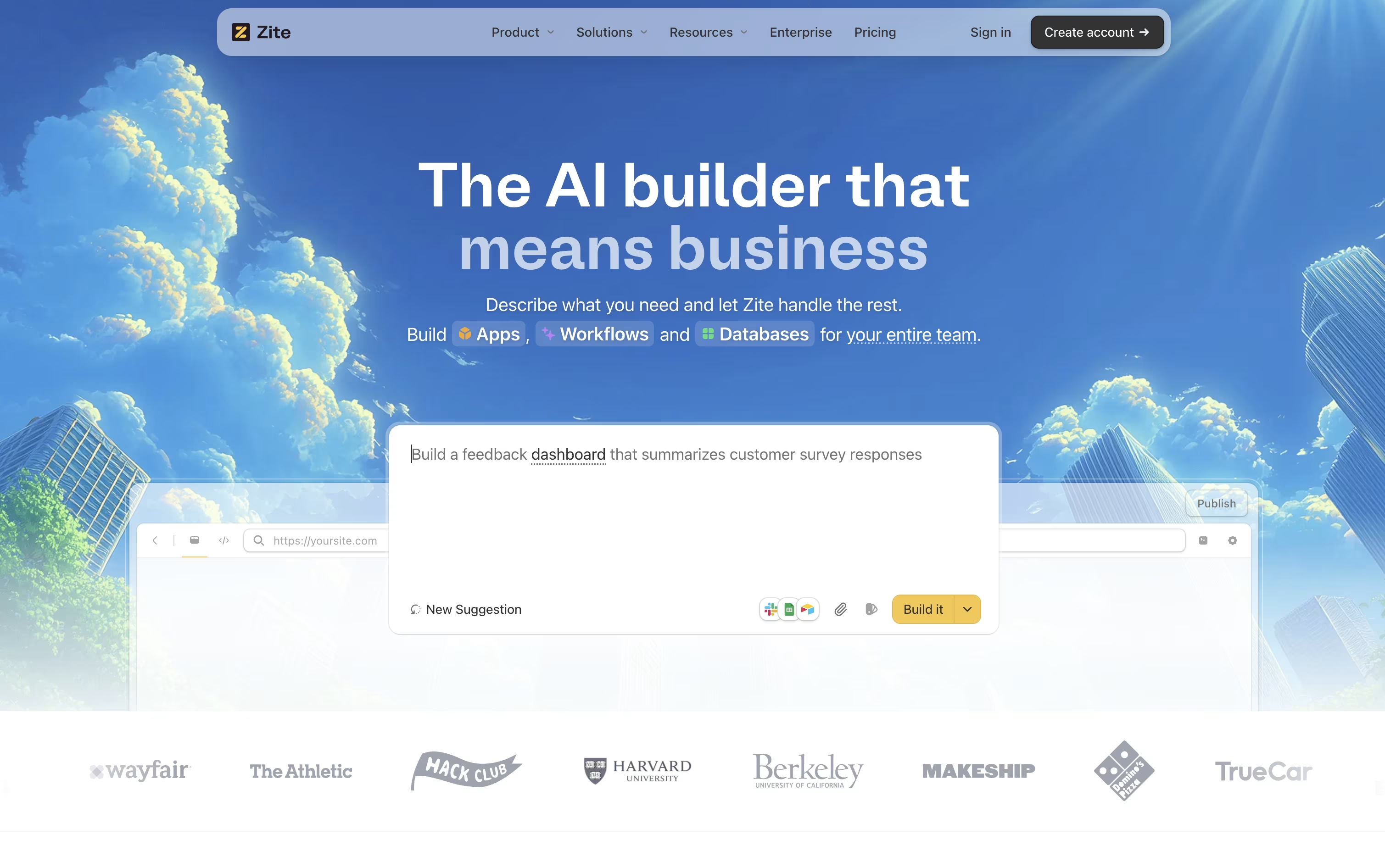
The platform started life as part of Fillout, a forms company, before the team renamed it Zite in 2026 and folded in ideas around planning, visual editing, and databases from two acquired teams.
Once your app is generated, you can adjust it through chat, a visual editor, or a flowchart view of the workflow logic, and everything sits on top of a built in database with no per-user fees.
Getting started costs nothing on the Free plan, which includes 5,000 database records and 1,000 workflow runs a month.
Growing teams can move up to Pro at $19 a month, Business at $69 a month, or the Team Bundle at $300 a month, each unlocking more credits, records, and features such as custom domains and unlimited brand kits.
Larger organizations can reach out for Enterprise pricing, which adds single sign-on, audit logs, and dedicated support.

Softr helps teams build working business software, such as portals, CRMs, and internal tools, without needing a development team.
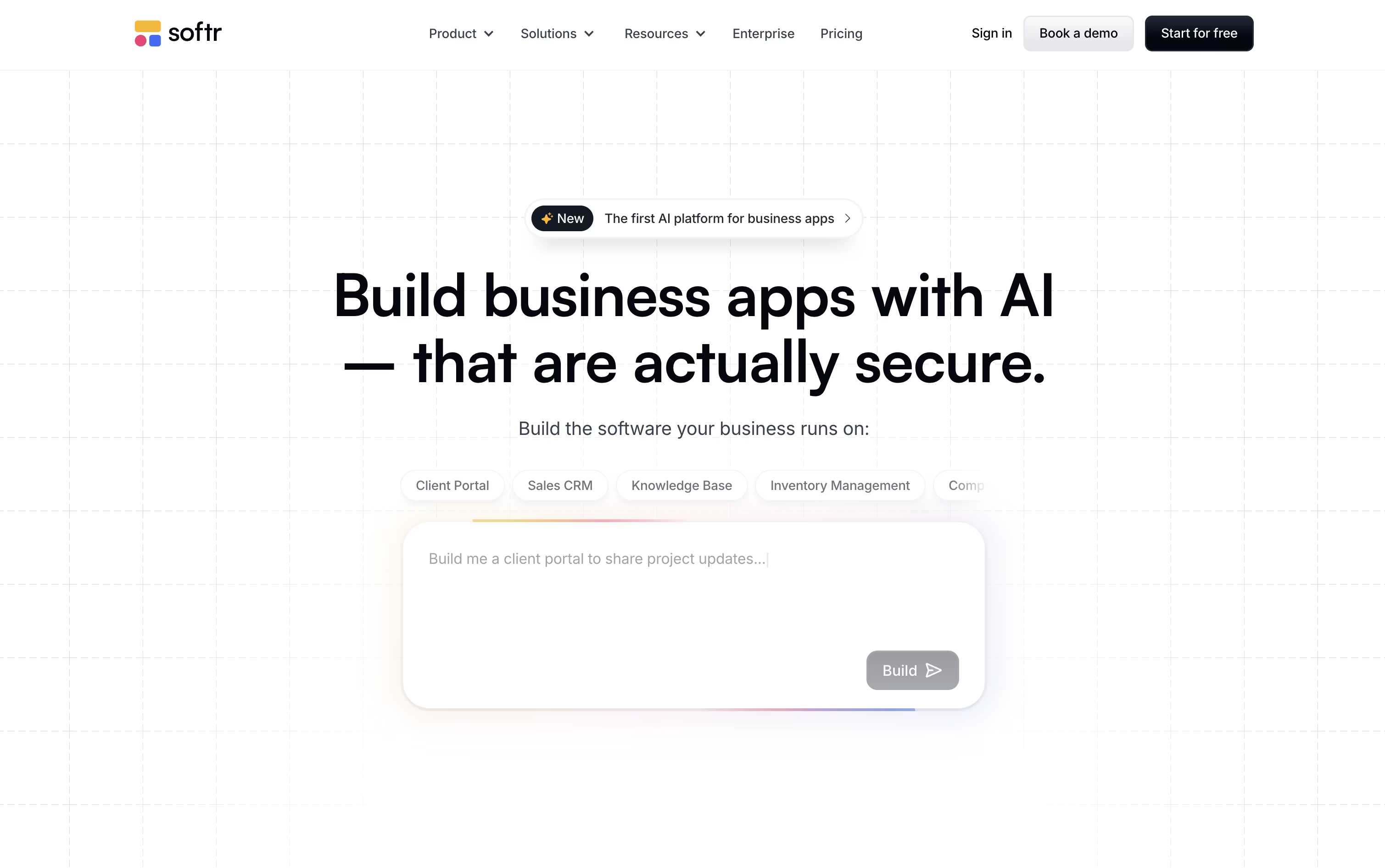
Instead of coding everything by hand, you can chat with the AI Co-Builder about the app you want, or build it yourself with drag and drop blocks for lists, forms, charts, and more.
Under the hood, Softr includes a fast native database, AI agents that can fill in or clean up your records, and automation workflows that connect actions across your app and other tools like Salesforce or Google Sheets.
On pricing, the Free plan costs nothing, Basic runs $59 a month, Professional is $167 a month, and Business is $323 a month, each cheaper when paid yearly. Larger organizations can reach out for custom Enterprise pricing.
Because it is SOC 2 certified and GDPR ready, Softr fits teams that need dependable, secure software rather than a throwaway prototype.

Building a real app usually means hiring developers or learning to code yourself. Floot skips both by letting you describe your idea in plain language and building the app for you, backend and all.
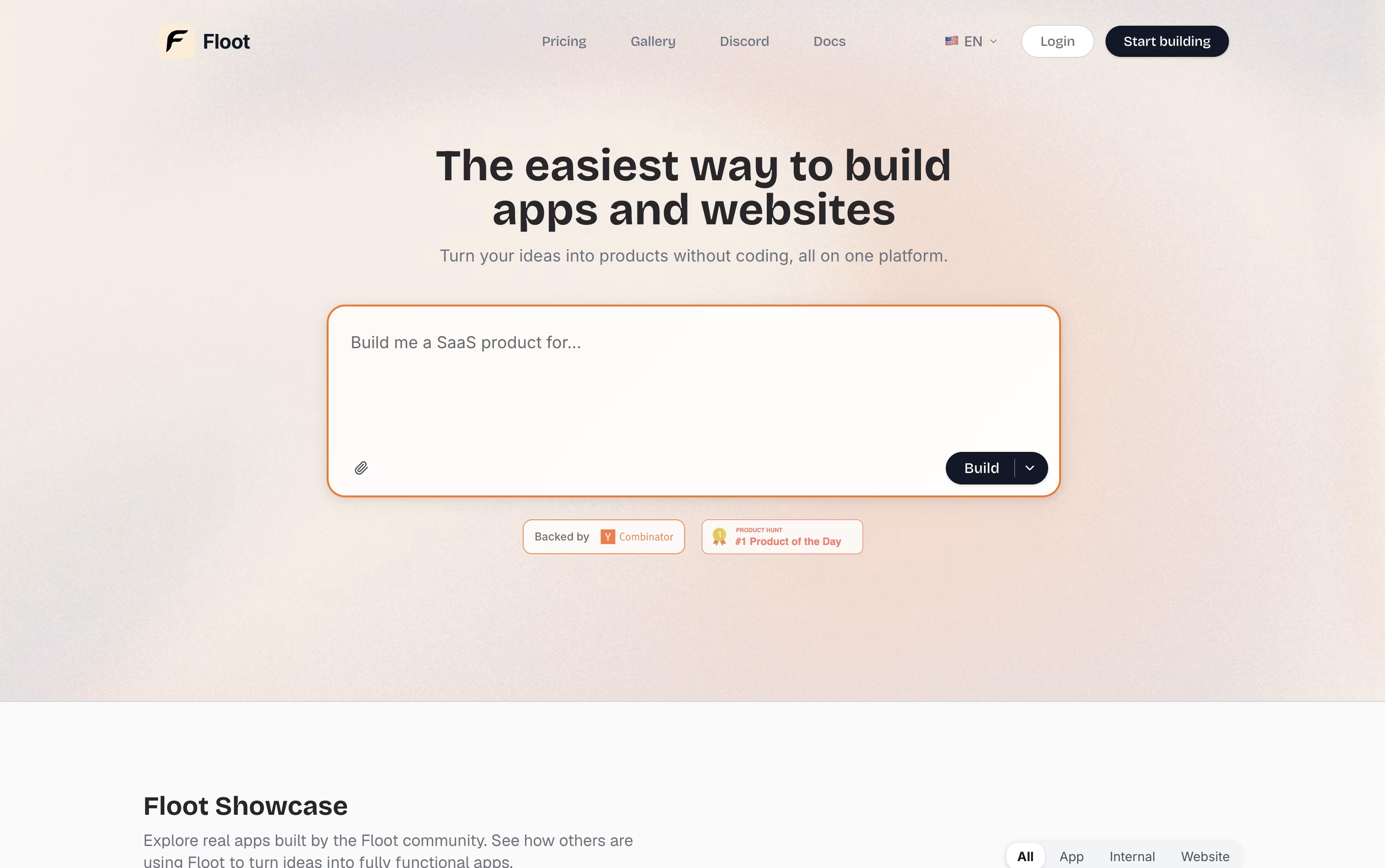
The platform was founded in 2025 by engineers who previously worked at Retool and AWS, and it was built specifically for AI-driven app creation rather than adapted from older coding tools.
Beyond the basic build, Floot adds hosting, a database editor, user logins, SEO tools, and realtime features like live chat and push notifications, so the finished app can serve real customers.
Getting started costs nothing. The Free plan gives you 3,000 AI credits and a small hosting allowance to test your first project.
When you are ready to grow, the Pro plan begins at $25 a month for 25,000 credits, with a $100 a month option for 100,000 credits. It unlocks custom domains, SEO tools, and mobile app export.
Businesses with bigger needs can choose the Enterprise plan, which starts at a $20,000 yearly commitment and includes custom features and dedicated support.

CREAO is a "no-code AI app builder" that turns natural language descriptions into working software applications. When you describe your app idea in simple words, CREAO's AI automatically builds the complete application including the user interface, backend systems, database, and web hosting.
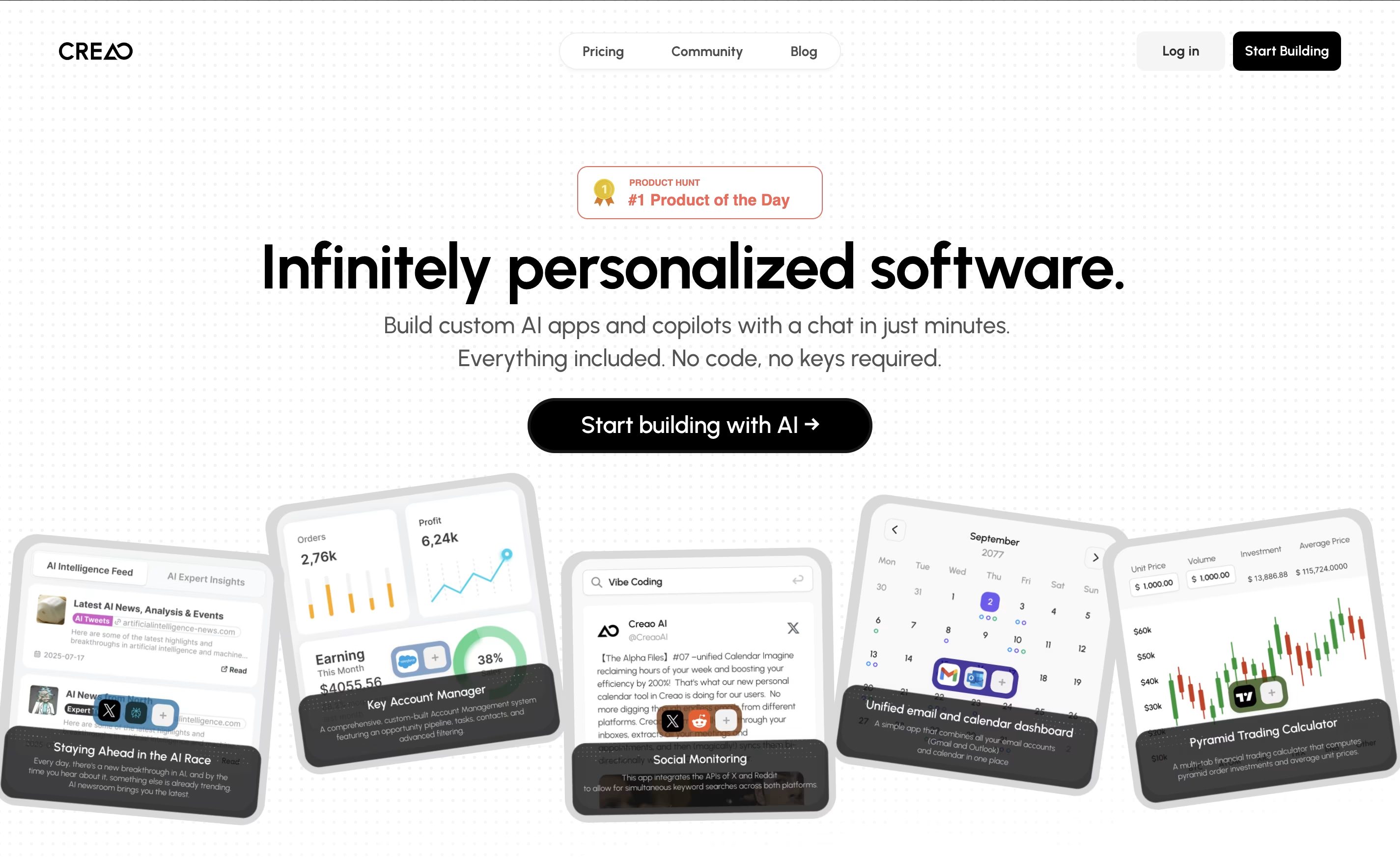
What makes CREAO special is that every app it creates is "AI-native," meaning each one includes a smart AI assistant that understands your specific workflow and data. This built-in copilot can answer questions, manage information, and help users complete complex tasks within the app.
The platform also offers easy connections to popular business tools and services, so your custom app can work alongside your existing software. This makes it perfect for creating internal business tools, customer portals, or workflow management systems.

A lot of people jump straight into building without stepping back to ask what they should actually build and who will use it. Rocket tries to fix that by combining research, app building, and competitor tracking in one connected workspace.
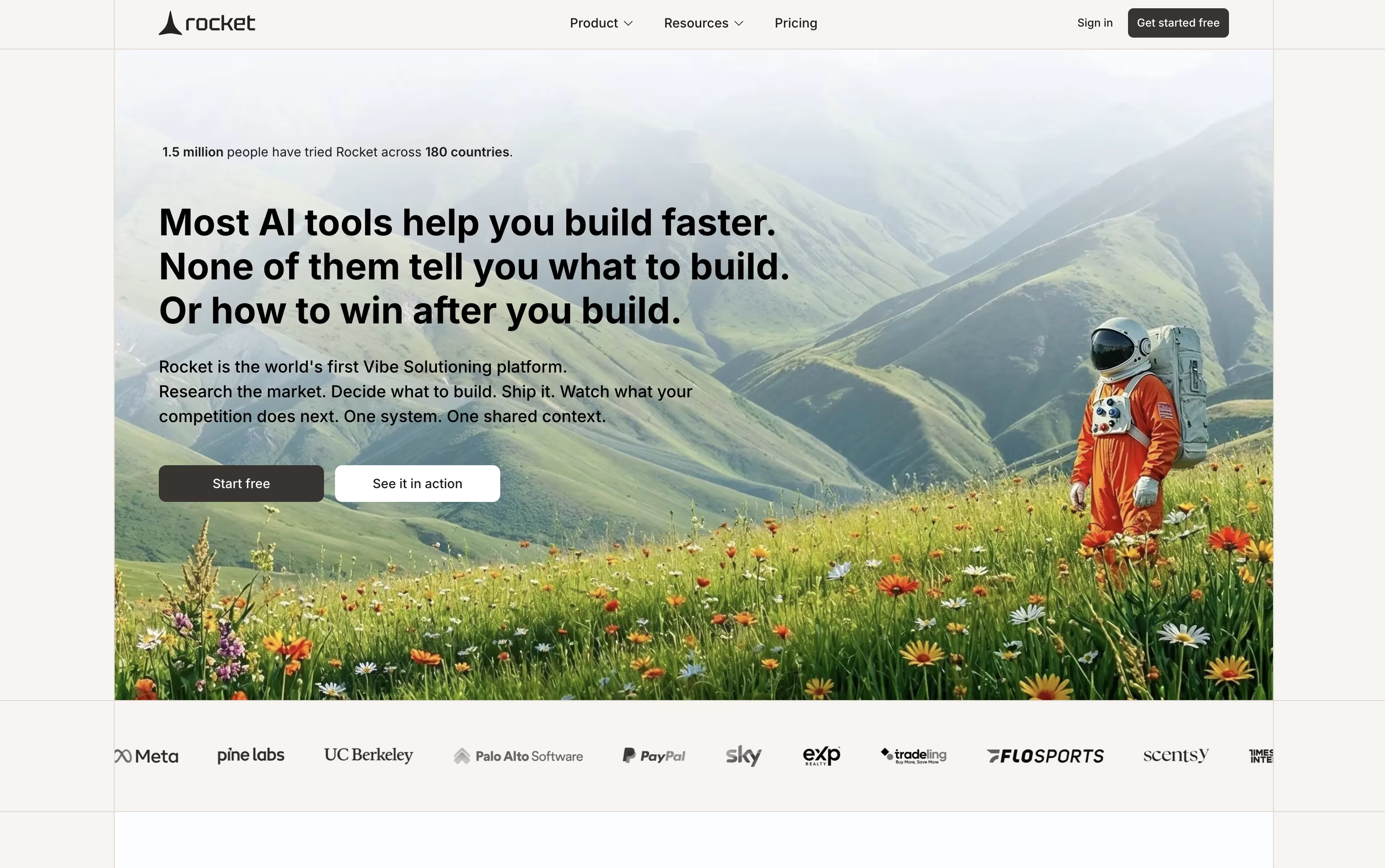
The research side, called Solve, takes any market question and turns it into a clear, evidence backed brief covering strategy, growth ideas, and product direction, which can be exported and shared right away.
The building side, called Build, turns everyday language, a Figma file, or a GitHub repo into a real website, web app, mobile app, or online store, built on solid frameworks like Next.js and Flutter instead of a quick mockup.
The Intelligence side keeps watch on competitors in the background, sending daily updates about pricing changes, new features, and marketing moves.
The Free plan gives newcomers 20 credits to try things out, while Pro, Rocket, and Booster plans add more monthly credits, deeper research, and enterprise features such as single sign on and premium support as needs grow.
Because everything shares the same project context, a finding from research can shape what gets built, and a competitor signal can point straight to the next update.

Instead of hiring a developer or piecing together separate tools, Base44 lets you describe an app in plain English and get a working version back right away.
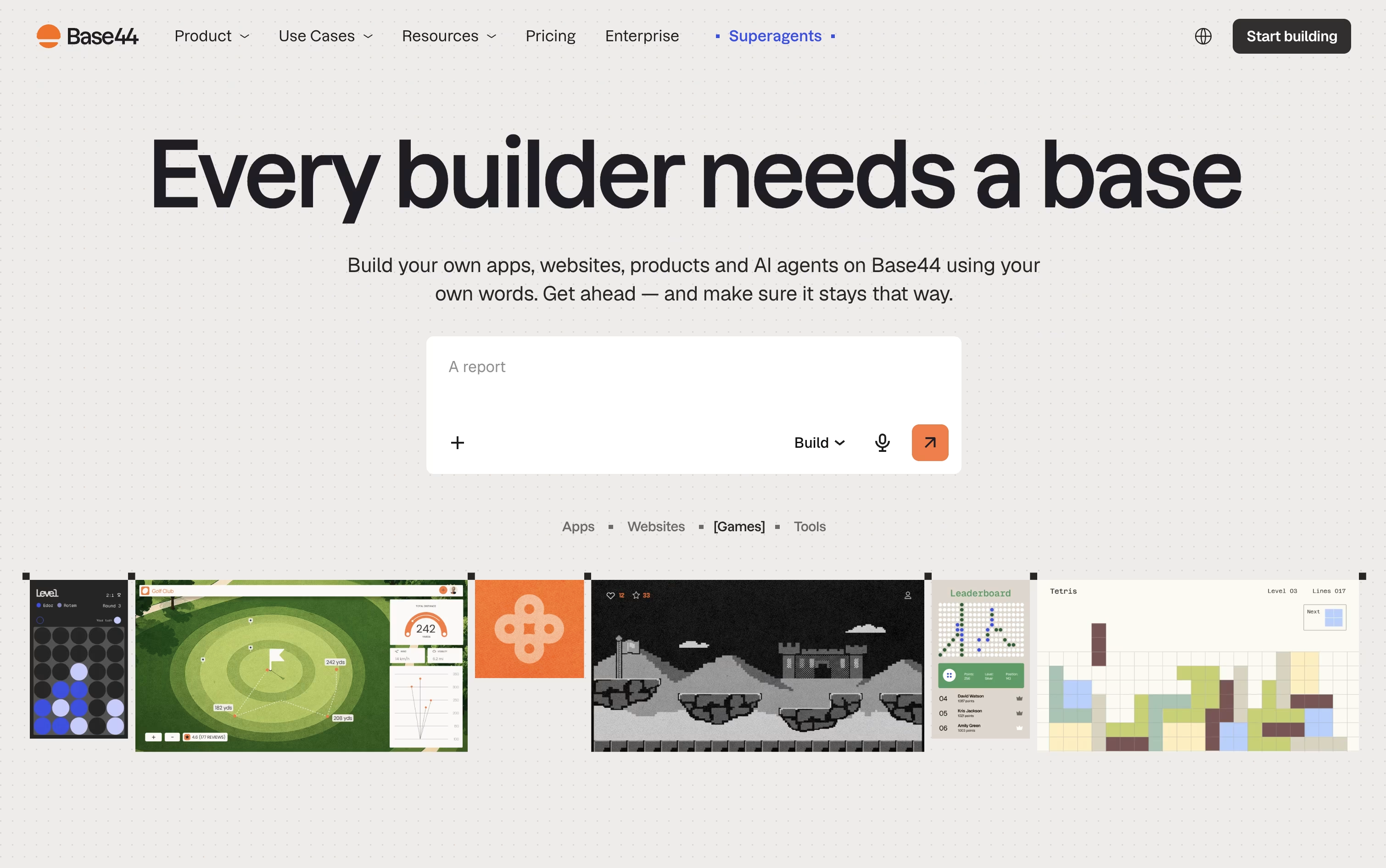
It handles the pages, the database, the login system, and the backend logic in one go, and you refine it further just by chatting with the AI.
Trying it out costs nothing, the free plan gives you 25 message credits a month and room for up to 5 apps.
Once you need more, the Starter plan at $20 a month removes the app limit and opens up code editing, while the Builder plan at $50 a month adds backend functions, AI model choice, and custom domains.
Pro and Elite raise the credit caps for heavier use, and Base44 also builds Superagents, AI helpers that handle tasks like follow-ups and scheduling on their own.
Larger organizations can move to a custom-priced Enterprise plan with single sign-on and dedicated support.
Gadget is an AI-powered, full-stack development platform designed to accelerate web application development by eliminating repetitive boilerplate code and setup tasks. Think of it as a complete development environment that includes everything you need: a Node.js backend, React frontend, PostgreSQL database, and serverless hosting, all integrated and ready to use.
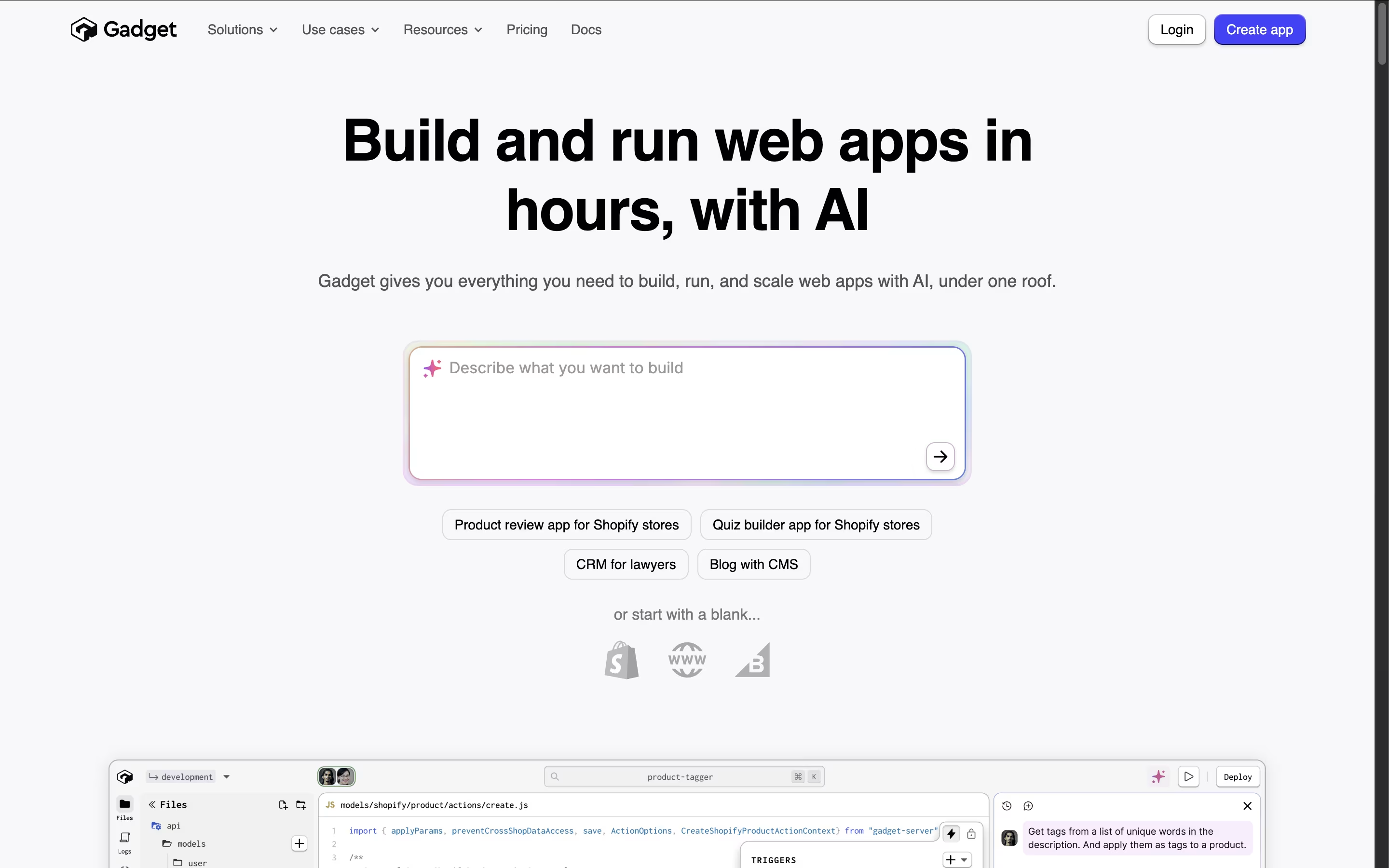
The platform automatically generates APIs, handles authentication, manages databases, and provides built-in connections to popular services like Shopify and BigCommerce. What makes Gadget special is its AI assistant that understands your specific app and helps write code, create database tables, and handle deployment tasks.
Unlike no-code tools that limit customization, Gadget gives you full control over your code while removing the tedious setup work. Founded by ex-Shopify executives, it combines best practices with smart automation to help developers build applications up to 10 times faster than traditional methods.
Airtable is a no-code platform that works like a supercharged spreadsheet with database capabilities. You can store, organize, and connect different types of information while creating custom views like grids, calendars, forms, and boards to see your data in different ways.
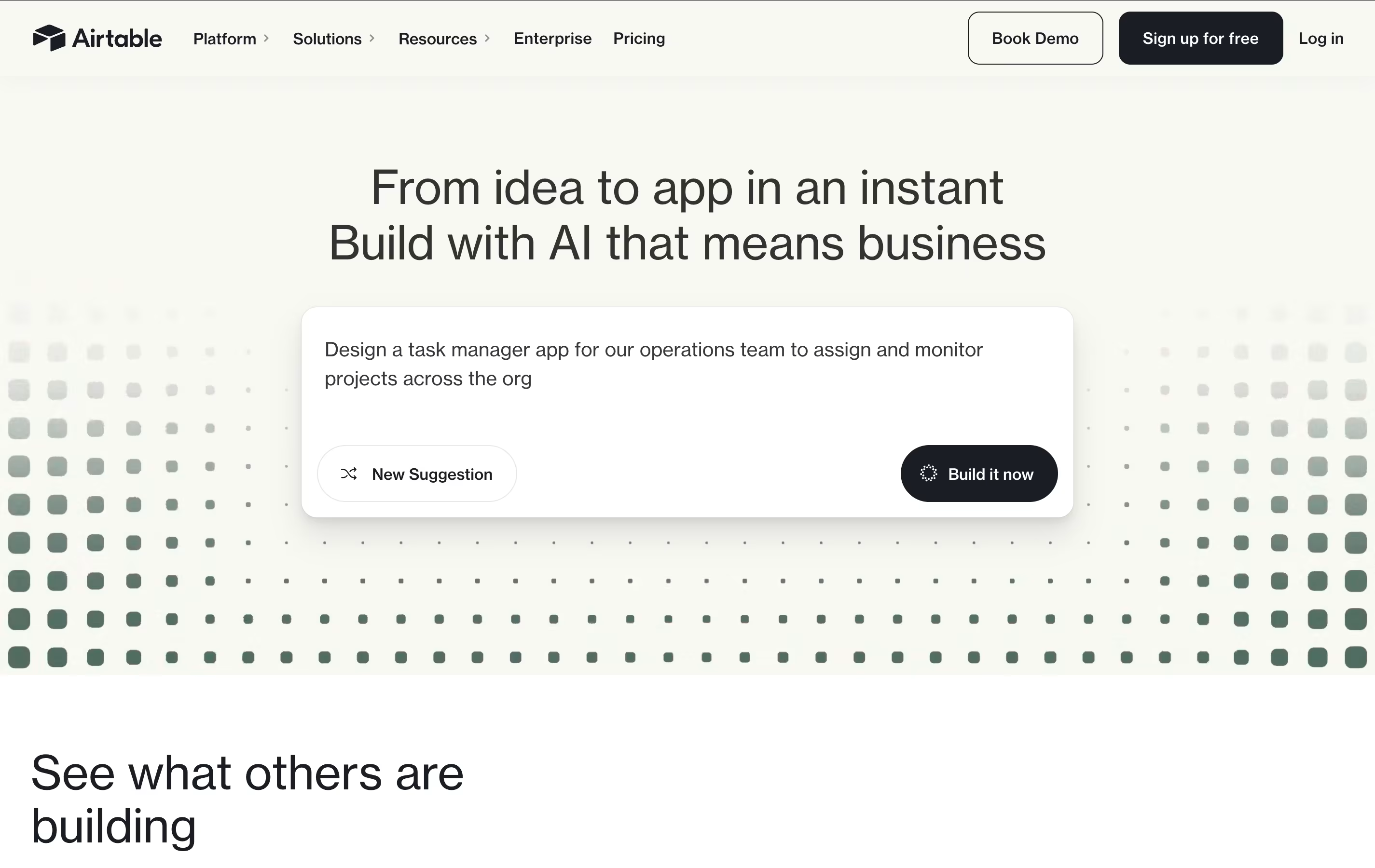
What makes Airtable special is its ability to link related information across different tables. For example, you can connect customer records to their orders, or link project tasks to team members. This creates a web of connected data that gives you a complete picture of your business operations.
The platform includes built-in automation, AI features, and hundreds of integrations with other business tools. Teams use Airtable for project management, customer tracking, content planning, inventory management, and many other business processes. It requires no technical skills to get started, making it accessible to everyone on your team.




