

Best 8 Tools for Animation Production in 2026
Last Updated: August 25, 2026
Bringing static visuals to life with motion adds a layer of engagement that still images cannot match. Animation Production tools handle everything from simple motion graphics to more complex character animation, without requiring frame-by-frame manual work.
Motion designers, marketers, and educators use animation tools to create explainer videos, social content, and visual storytelling that holds attention longer than static content.
 Wondershare
 WondershareCreative Software for Video Editing, PDF Management & More,
  Luma AI
 Luma AICreative AI Video and Image Platform, and
  Artlist
 ArtlistAI Video, Music & Stock Creative Tools are the best for Animation Production. So, let’s take a closer look at all 8 tools.

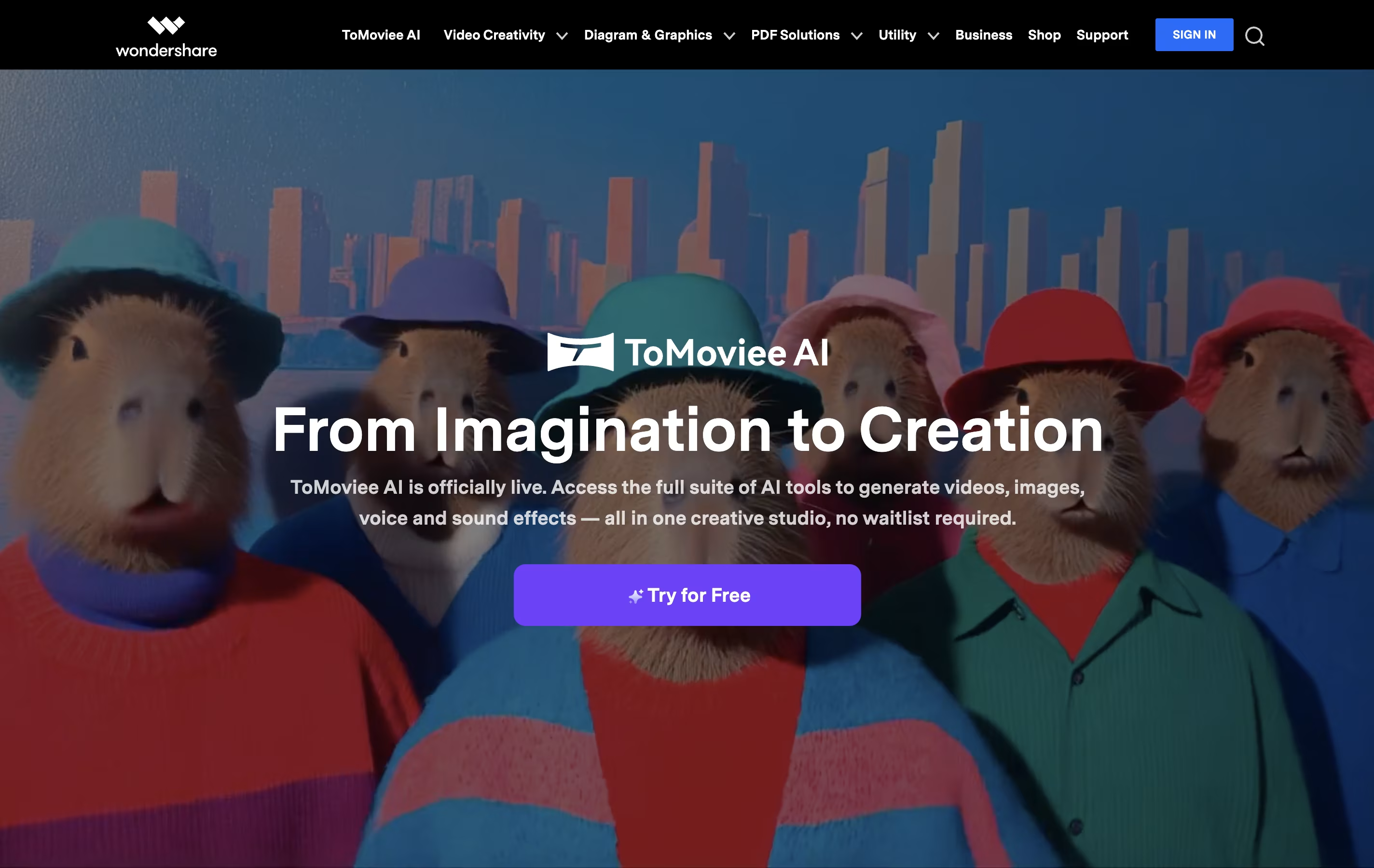
Wondershare is a software company that develops easy-to-use applications for creative professionals, businesses, and everyday users. Their main products solve common digital problems like editing videos, managing PDF documents, recovering lost data, and creating visual content.
The company operates as a Software-as-a-Service provider, offering both desktop applications and web-based tools. Their most popular products include Filmora for video editing, PDFelement for PDF tasks, Recoverit for data recovery, and Dr.Fone for mobile device management. Many tools now include AI features to make complex tasks simpler.
Wondershare focuses on user-friendly design, making professional-grade software accessible to people without technical backgrounds. They offer various pricing options including free versions, monthly subscriptions, annual plans, and lifetime licenses to fit different needs and budgets.
Luma AI lets you describe a creative task and have its AI agents research, generate, and polish the result across video, image, and audio formats.
Luma Agents sits at the core of the platform, pulling together models such as Ray for video and Uni for images while keeping a consistent brand look. With Luma Skills, any workflow you build can be saved and reused on future work instead of starting from scratch.
The newest video model, Ray 3.2, allows up to sixteen keyframes in a single clip, lets you edit existing footage with Modify Video, reshape aspect ratios with Reframe, and export in native HDR for color grading.
On the pricing side, the Plus plan starts at $30 a month with 10,000 credits, while Pro at $90 a month and Ultra at $300 a month unlock more credits and greater agent usage. Choosing yearly billing cuts the cost by up to 20 percent.
Larger teams can move to the Team or Enterprise plan, both quoted individually, which bring in team management, shared credit pools, analytics, and single sign-on.
Every actual generation, whether video, image, or audio, is billed from your credit balance based on the model and quality chosen.
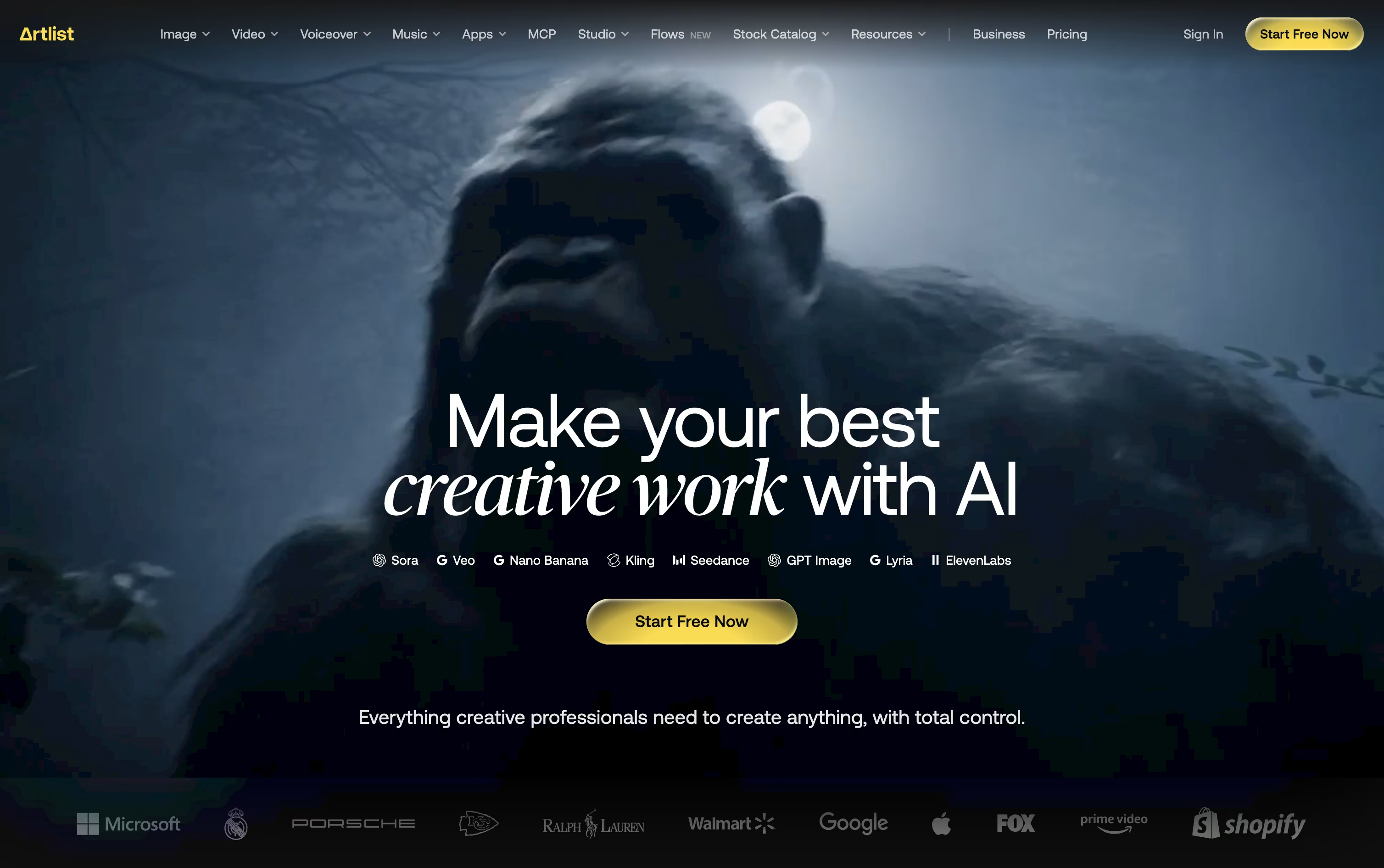
Artlist works as a single home for both stock assets and AI generation, aimed at creators who don't want to jump between separate apps.
Its library covers royalty free music, sound effects, footage, templates, and LUTs, while the AI Toolkit handles text to image, text to video, voiceover, avatar, and dubbing generation across 100+ models.
The AI Suite has three main paid tiers. AI Starter runs $19.99 a month with 16,500 credits, AI Core is $39.99 a month with 40,000 credits and the Most Popular label, and AI Creator is $69.99 a month with 80,000 credits. Paying yearly drops these to $11.99, $23.99, and $41.67 a month.
Separately, the Stock Catalog starts at $9.99 a month for Music & SFX, moves up to $50.66 a month for Max, and $399 a month for Max Business teams, both on annual billing.
Custom Business options exist for both the AI Suite and Stock Catalog, offering unlimited generations, enterprise security, SSO, and a dedicated account manager at custom pricing.
Editors can also reach Artlist through Premiere Pro, After Effects, and DaVinci Resolve plugins, or generate assets directly inside Claude via the Artlist MCP integration.

Rather than being built around a single AI model, Higgsfield works as a layer on top of many models such as Seedance, Nano Banana, Kling, and Google Veo, adding its own camera and character tools for a more filmmaker friendly result.

Anyone can try it for free, though the free tier is limited to one job at a time and does not allow commercial use.
The first paid step is Basic at $9 a month, giving 120 credits, commercial rights, and quicker generation speeds.
Pro is the bigger upgrade at $29 a month, or $23 a month when billed yearly, since it opens up the complete Seedance lineup and removes the cap on marketplace apps.
Max sits at the top for individuals at $79 a month, or $59 annually, with 1,800 credits and the highest concurrency for video and image jobs.
Businesses can move to Team or Scale for shared seats and credits, or contact sales for a custom Enterprise plan with SSO, dedicated capacity, and compliance support.

Built by the team behind TikTok and CapCut, Dreamina is ByteDance's AI creative suite for turning words and pictures into finished images, videos, and talking avatars. It works right in the browser, so there is nothing to install.

Image and video work is powered by ByteDance's Seedream and Seedance models, which keep characters consistent, handle camera motion well, and add natural audio with accurate lip sync straight out of the box.
Once something is generated, it can be sent directly into CapCut for editing, so creators skip the usual back and forth of downloading and re-uploading files between separate apps.
The Free plan costs nothing and hands out bonus credits every day. Basic runs $15 a month, or $144.99 a year, for 1,575 credits along with watermark removal and 60 FPS video.
Standard sits at $35 a month, or $334.99 a year, offering 3,885 credits with the same feature list as Basic. Advanced, at $70 a month or $669.99 a year, gives 8,645 credits, top-priority generation, and a limited-time unlimited 4K benefit.
Paying yearly instead of monthly cuts the overall cost by roughly 20% on every paid tier.

OpenArt brings image, video, audio, and character creation into a single workspace, so a project does not need to be pulled apart across separate apps.
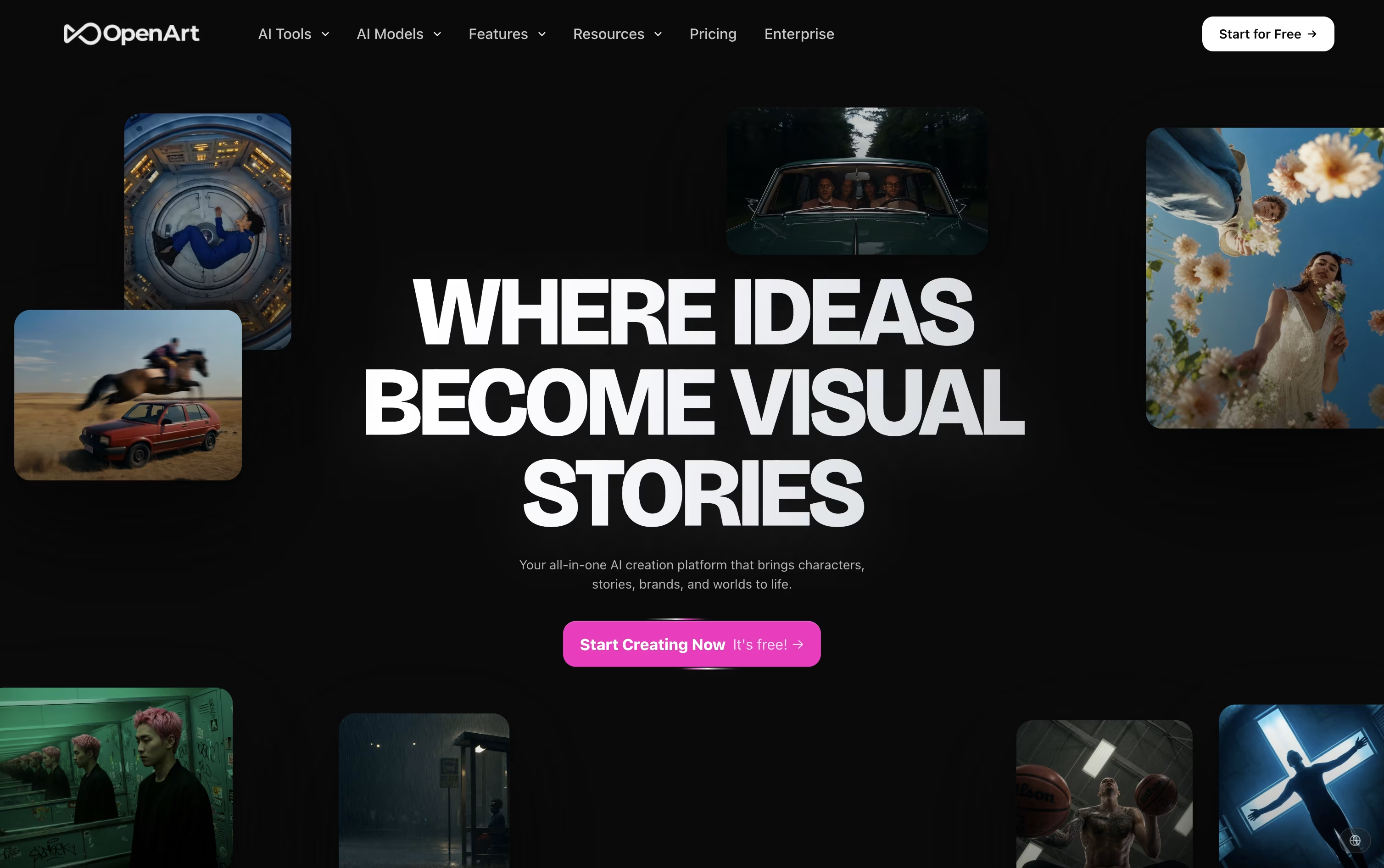
You describe what you want in a prompt, or upload a reference photo, and the platform sends the request to one of more than 100 connected AI models for images, video, and sound.
Its character tool is one of the main draws. Build a character once and it can appear again and again across new scenes and videos while staying recognizable.
On price, the Starter plan begins at $14 a month with 4,000 credits, while the top individual plan, Wonder, costs $240 a month for 106,000 credits and extra perks like unlimited creation.
Groups can pick the Business plan, priced from $680 a month for a shared credit pool across up to 50 people, and larger organizations can ask for custom Enterprise pricing with unlimited seats.
A free trial with starter credits is available for anyone who wants to try it first.
Genially is an online tool for creating interactive digital content. You can make presentations, infographics, escape rooms, quizzes, and marketing materials that people can click, explore, and interact with. Unlike traditional tools like PowerPoint, everything you create becomes interactive and animated.

The platform works entirely in your web browser with no downloads required. You start by choosing from over 1,000 professionally designed templates or creating from scratch. Then you add your content using simple drag-and-drop tools. The magic happens when you add interactions - clicking on elements can reveal pop-ups, play videos, show animations, or navigate to different pages.
Genially offers both free and paid plans. The free version lets you create unlimited content with basic features, while paid plans unlock advanced tools, premium templates, and team collaboration features.

Movavi Video Editor is desktop software that lets you edit videos with drag-and-drop simplicity. You can cut and trim clips, add music and effects, create titles, and export finished videos ready for sharing. The software includes AI-powered features like background removal, noise reduction, and motion tracking that work automatically.
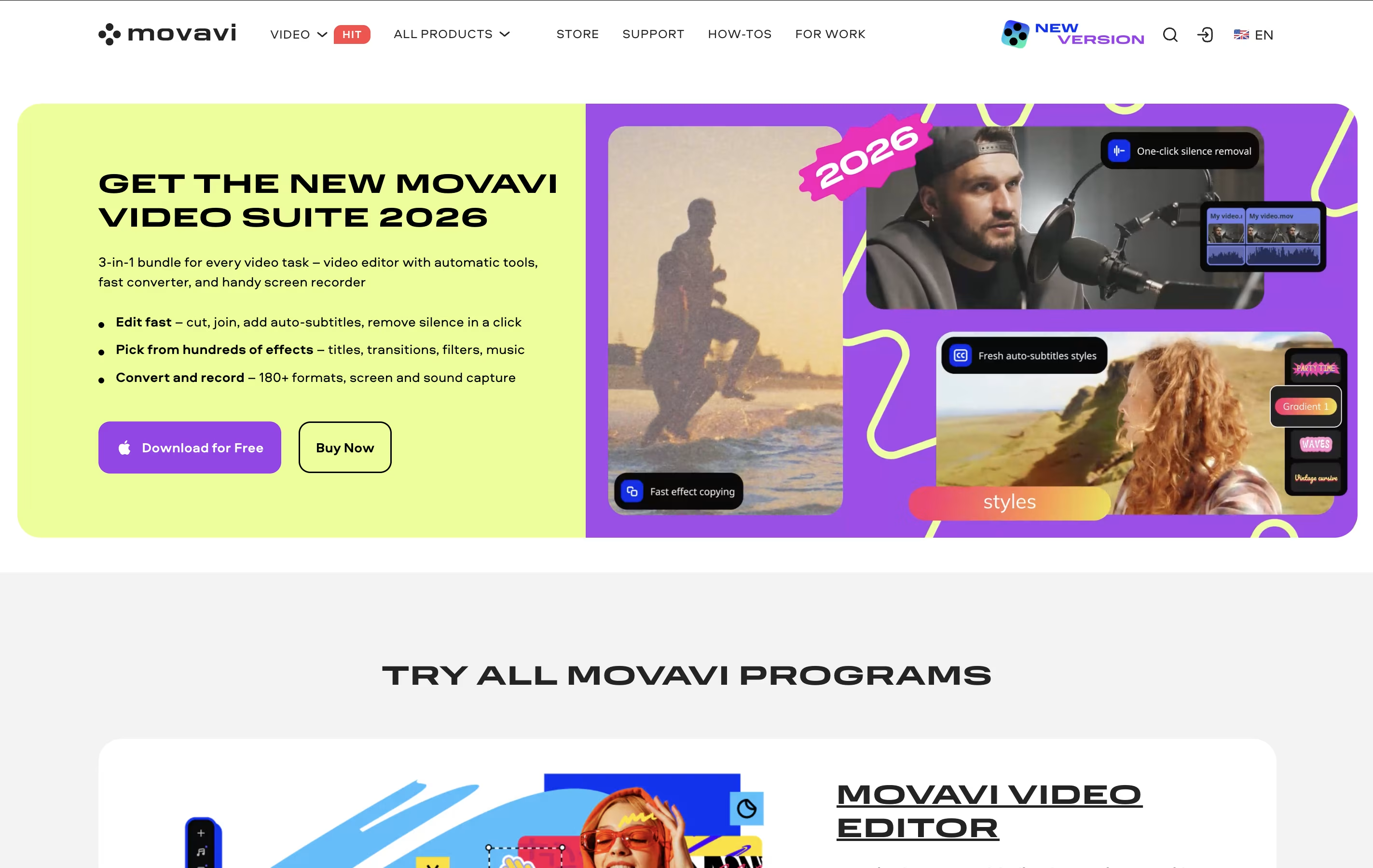
Unlike complicated professional editors, Movavi focuses on making video editing quick and easy. It comes with hundreds of built-in effects, transitions, filters, and music tracks so you don't need to find these separately. The interface is clean and organized, with most tools visible on the main screen.
There's a free version you can try, but it adds watermarks to videos and limits exports to 60 seconds. The full version removes these limits and unlocks all features.




