

Best 3 Tools for GIF Creation in 2026
Last Updated: November 18, 2025
A short looping clip often communicates something faster than a screenshot or written explanation. GIF Creation tools help capture and convert short clips into shareable GIFs.
People use GIF creation for quick, visual communication in chats, docs, or social posts.
 Kap
Kap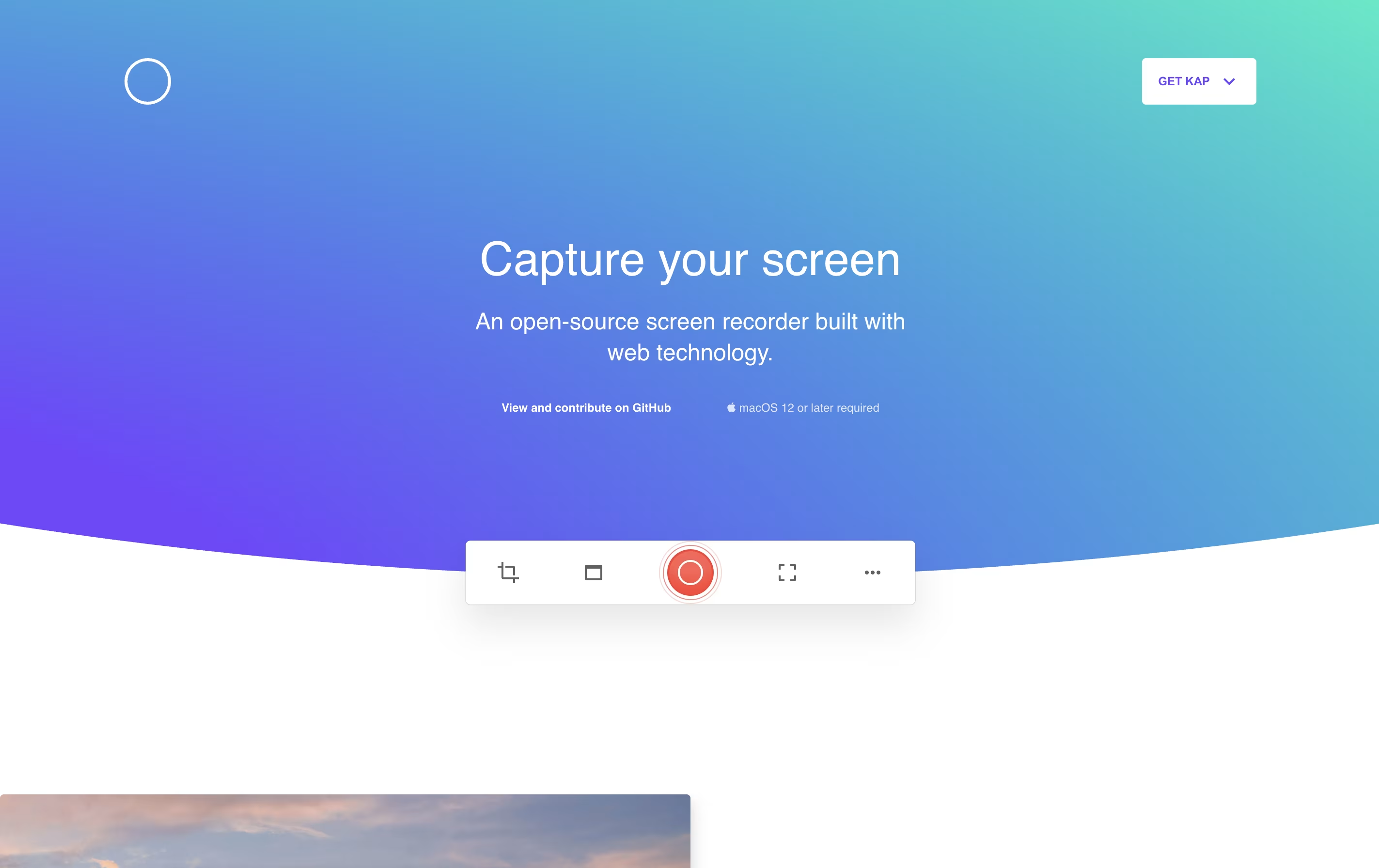 KapFree Open-Source Screen Recorder for Mac,
  ShareX
 ShareXFree Screenshot & Screen Recording Tool, and
  CleanShot X
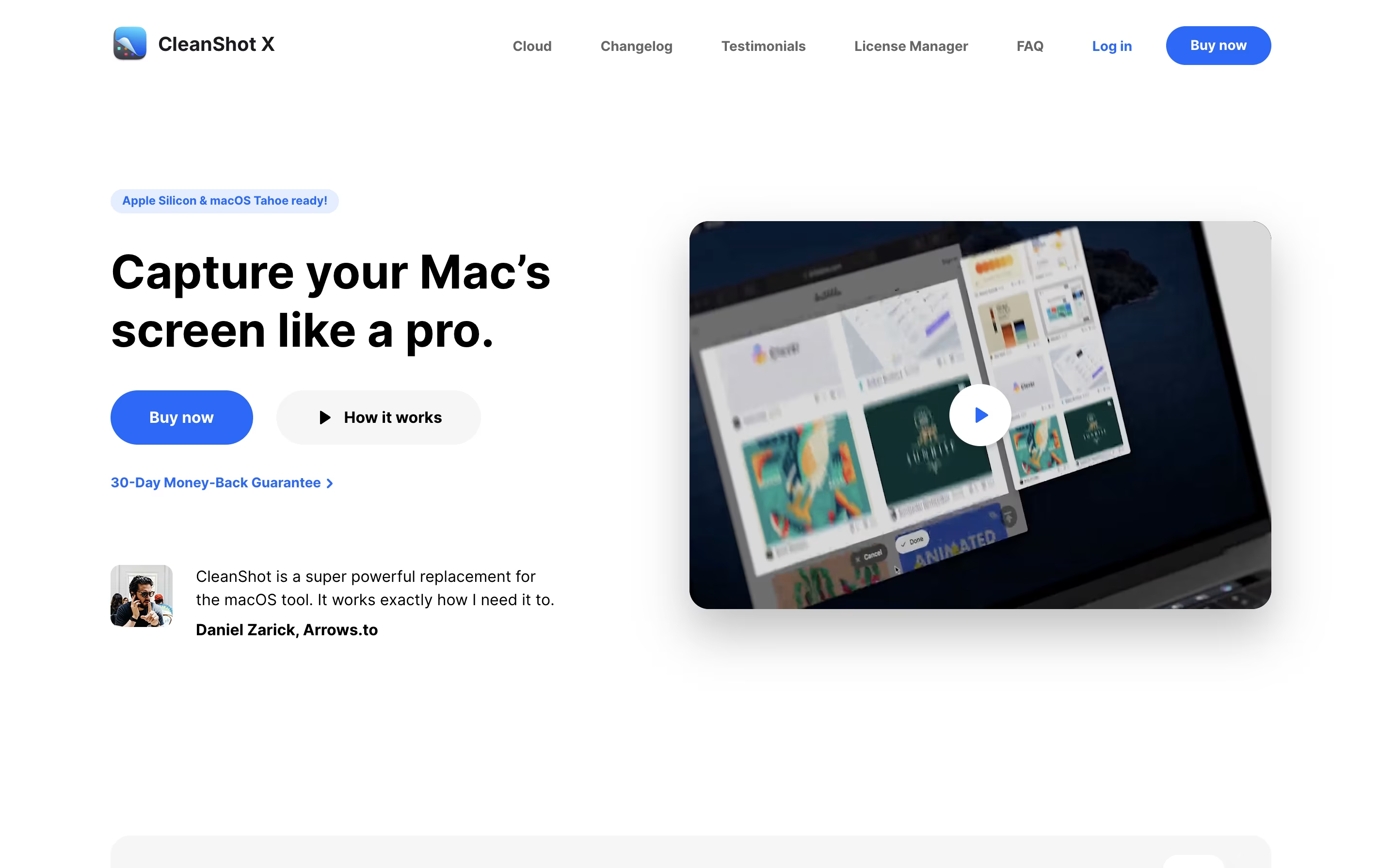 CleanShot XProfessional Mac Screenshot Tool are the best for GIF Creation. So, let’s take a closer look at all 3 tools.
Kap is a desktop screen recording application exclusively for Mac computers. It allows you to capture your screen activity and save it in different formats like GIF, MP4, WebM, or APNG. The application lives in your menu bar and activates quickly with a keyboard shortcut.
Unlike heavy commercial screen recorders, Kap focuses on being fast and lightweight. It uses minimal system resources while still producing high-quality recordings. The tool includes basic editing features like trimming and the ability to highlight mouse clicks during recordings.
One standout feature is its plugin system, which lets you extend functionality. You can add plugins to upload directly to services like Giphy or share your recordings instantly. Being completely free and open-source, anyone can use it without limitations.
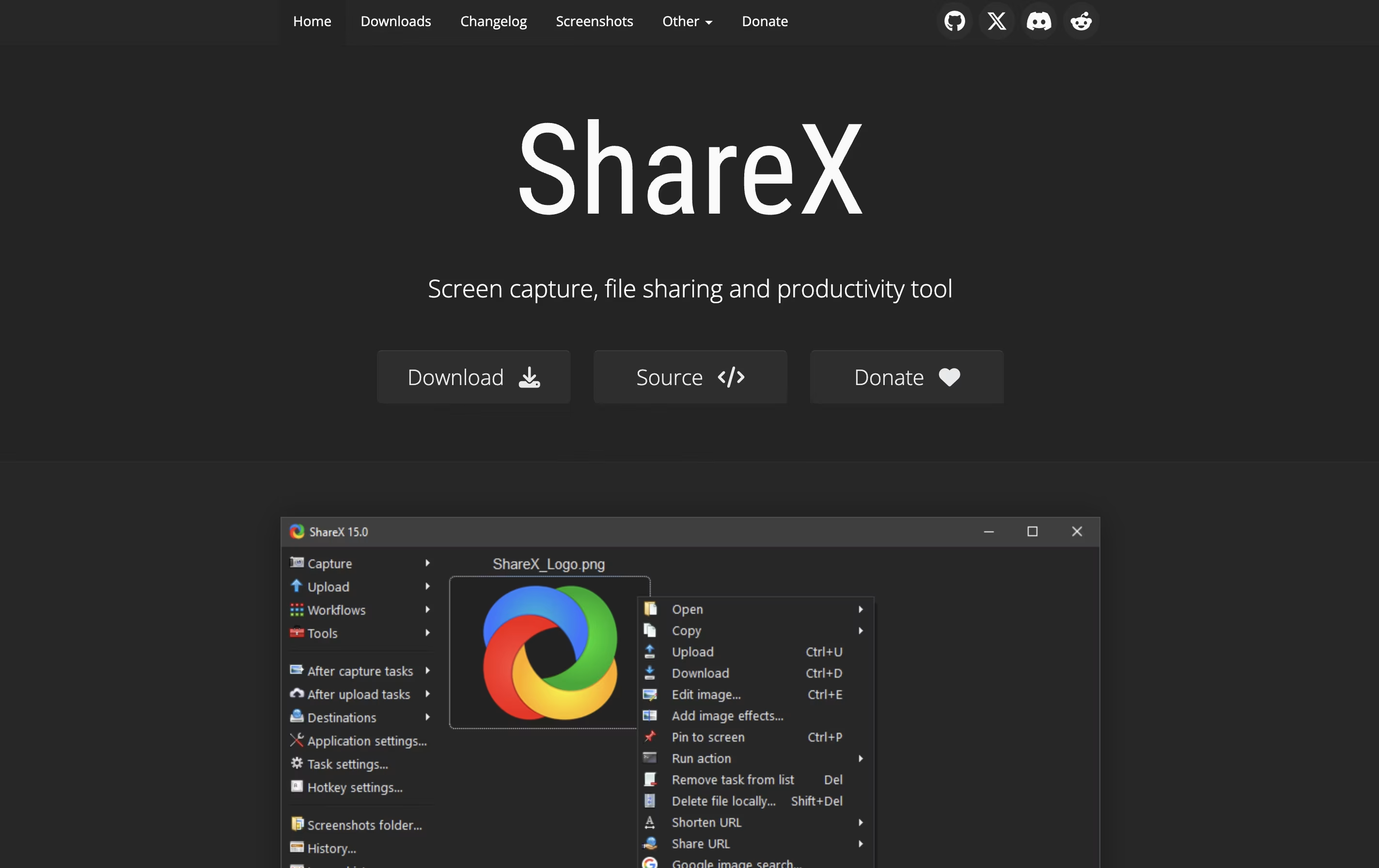
ShareX is a Windows application that captures your screen and helps you share content online. You can take screenshots of your full screen, a specific window, or any custom area you select. The software also records screen videos in different formats, including regular videos and animated images.
What makes ShareX different from simple screenshot tools is its extra features. It includes a built-in image editor where you can add arrows, text, shapes, and effects to your captures. The software can automatically upload your screenshots to image hosting sites like Imgur, cloud storage like Google Drive, or your own server.
ShareX is lightweight, runs quietly in the background, and uses keyboard shortcuts for quick access. Everything is customizable to match how you work.
CleanShot X is an all-in-one screenshot and screen recording application designed for macOS. It goes far beyond basic screen capture by offering professional editing tools, cloud storage, and intelligent features that save time and improve the quality of your captures.
You can take screenshots of specific areas, full screens, windows, or even entire scrolling pages. The app includes a built-in editor with annotation tools like arrows, text, shapes, highlights, and blur effects. It can also hide desktop icons automatically, add custom backgrounds, and freeze your screen to capture tricky elements like dropdown menus.
For screen recordings, CleanShot X lets you create videos or GIFs with system audio, mouse clicks, and keyboard shortcuts visible. Everything integrates smoothly with its cloud service for instant sharing via links.





