



ShareX
Free Screenshot & Screen Recording Tool
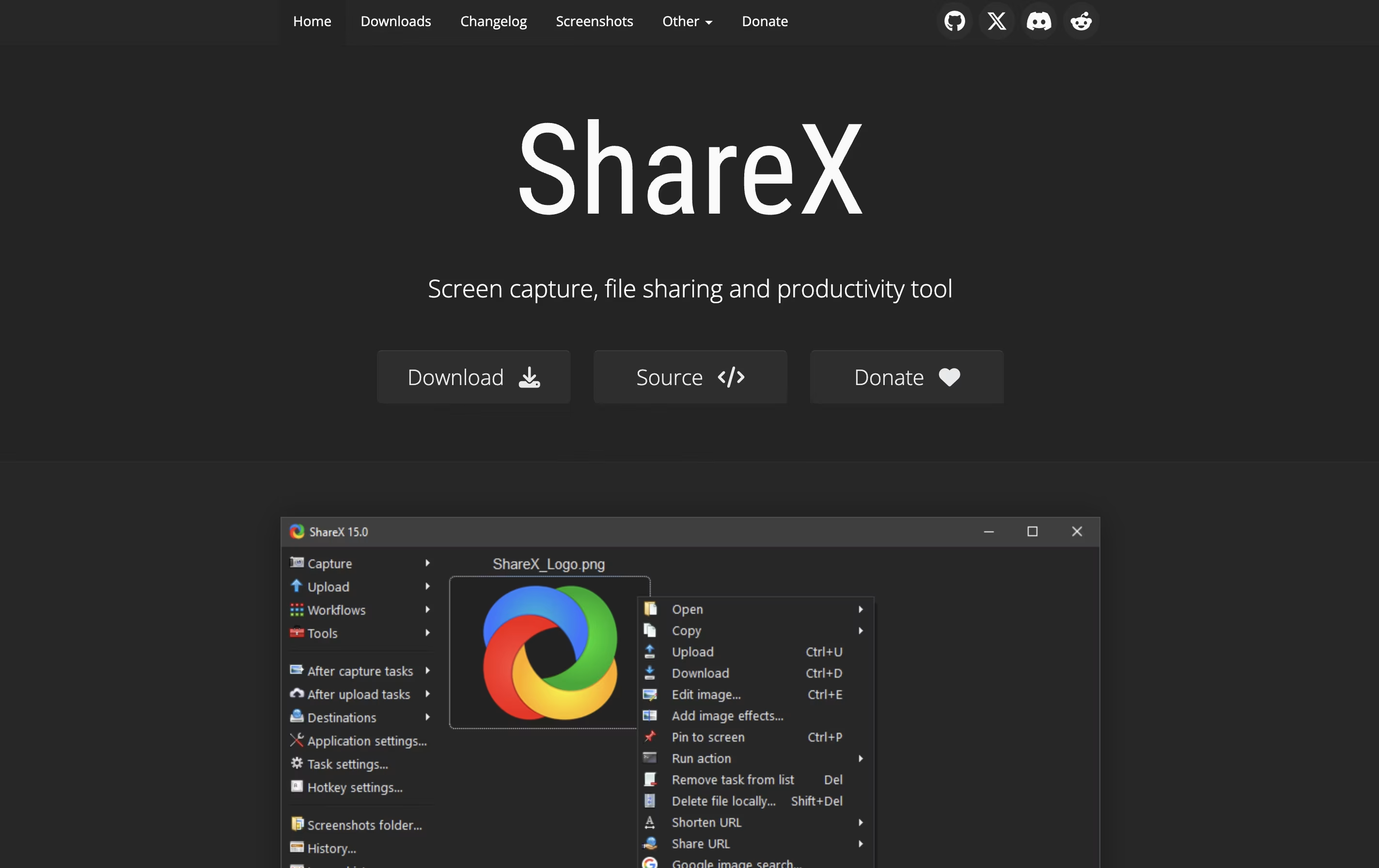
ShareX is a free, open-source screen capture and file sharing tool for Windows that lets you capture, edit, and share instantly.


What is ShareX
ShareX is a Windows application that captures your screen and helps you share content online. You can take screenshots of your full screen, a specific window, or any custom area you select. The software also records screen videos in different formats, including regular videos and animated images.
What makes ShareX different from simple screenshot tools is its extra features. It includes a built-in image editor where you can add arrows, text, shapes, and effects to your captures. The software can automatically upload your screenshots to image hosting sites like Imgur, cloud storage like Google Drive, or your own server.
ShareX is lightweight, runs quietly in the background, and uses keyboard shortcuts for quick access. Everything is customizable to match how you work.
Features of ShareX
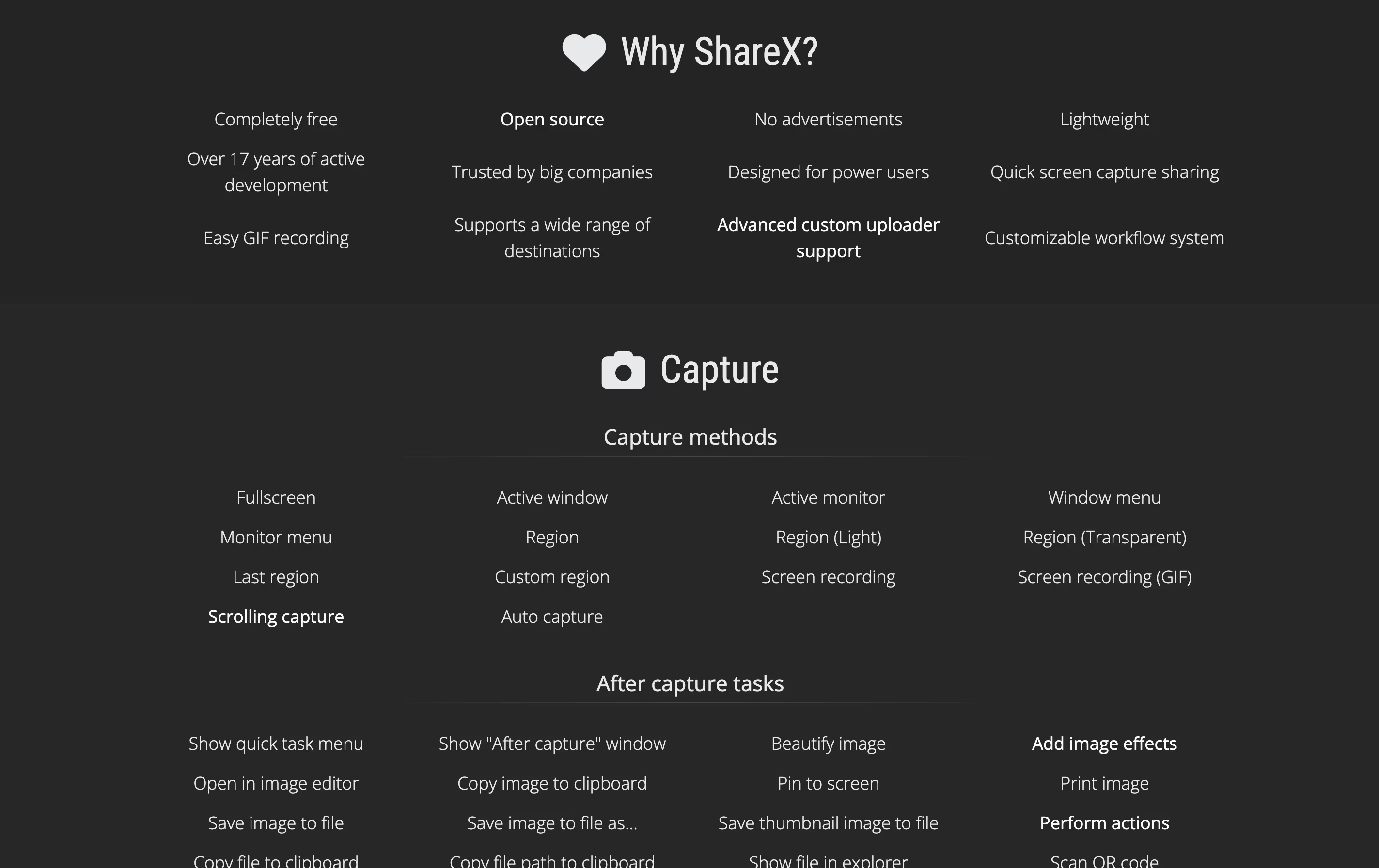
Multiple screenshot capture methods
Screen recording in video and animated image formats
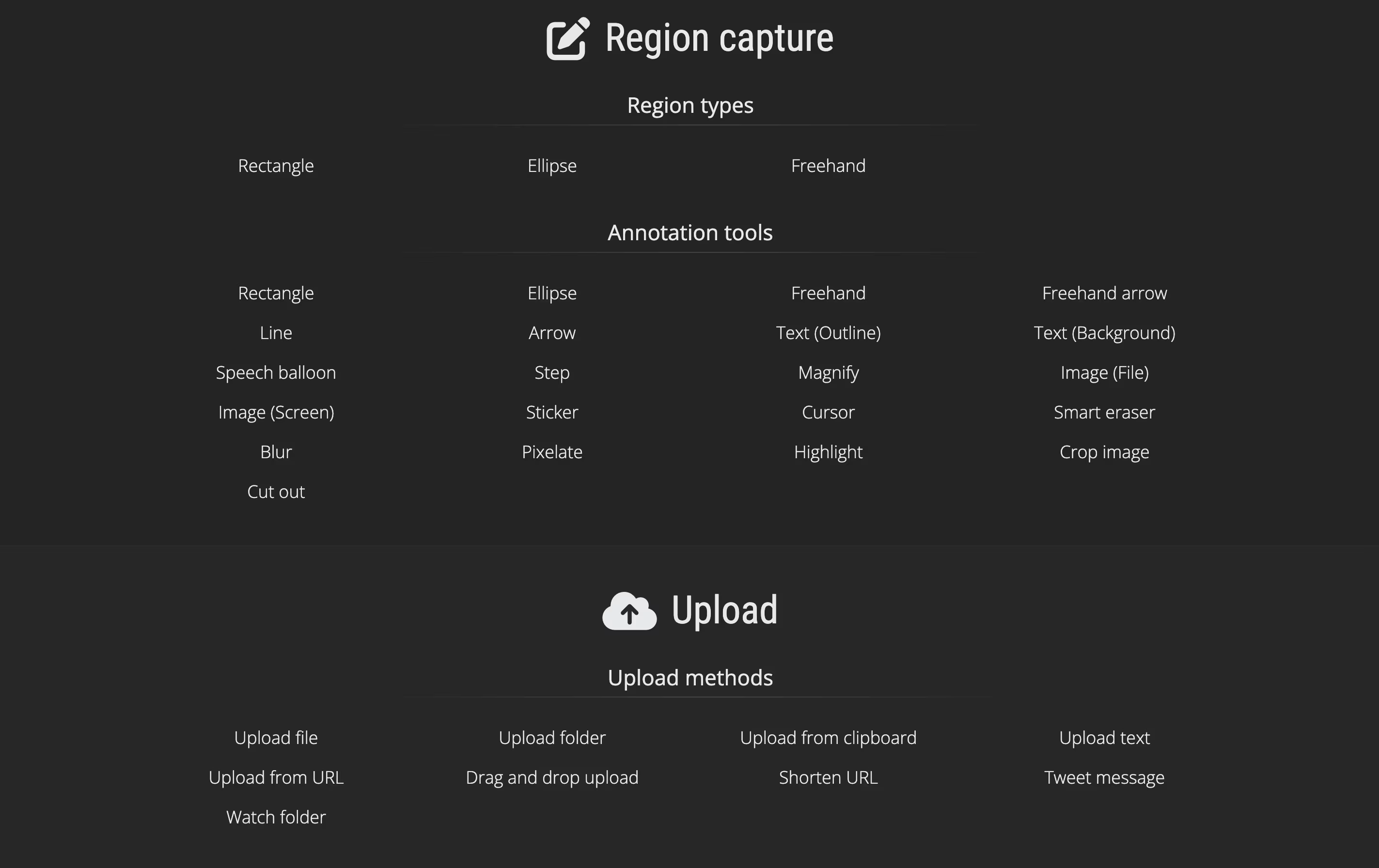
Built-in annotation and editing tools
Scrolling capture for long web pages
Automatic upload to 80+ destinations
OCR text recognition
Color picker and screen ruler
Workflow automation and custom actions
Keyboard shortcut customization
Image effects and beautify tools
Free and open source
ShareX Pricing
Free
- Unlimited screenshot captures
- Screen recording (video and GIF)
- Built-in image editor with annotation tools
- Upload to 80+ destinations
- Scrolling capture for long pages
- OCR text recognition
- Color picker and productivity tools
- Workflow automation
ShareX Repository
View on Github| Stars | 40,062 |
| Forks | 3,963 |
| Repository Age | 13 years |
| Last Commit | 6 hours ago |
FAQ's About ShareX










See what users are saying about ShareX
0 Reviews
No reviews yet
Be the first to review ShareX