



Kap
Free Open-Source Screen Recorder for Mac
Kap is a free, open-source screen recorder for macOS that captures and exports high-quality screen recordings in multiple formats effortlessly.




What is Kap
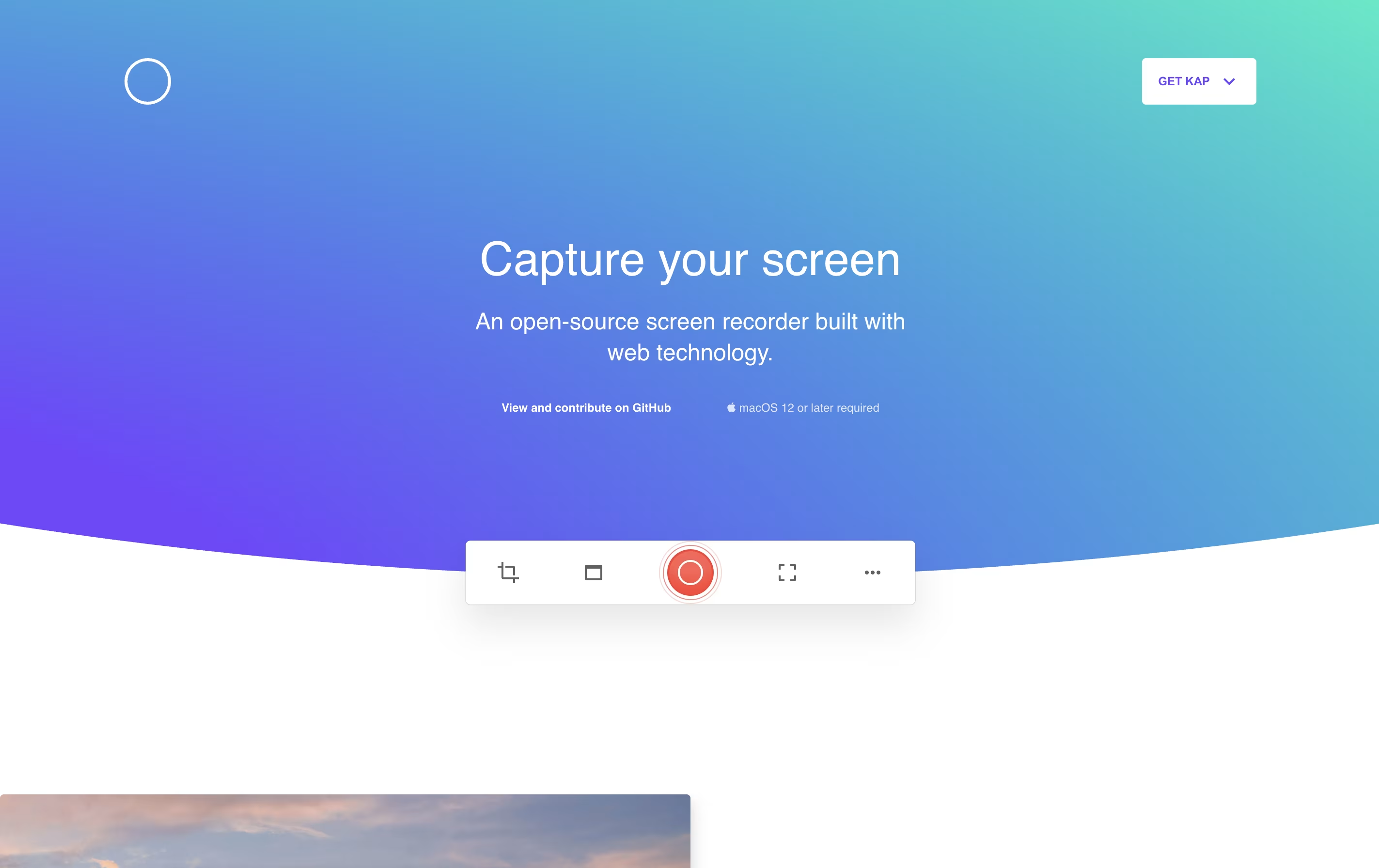
Kap is a desktop screen recording application exclusively for Mac computers. It allows you to capture your screen activity and save it in different formats like GIF, MP4, WebM, or APNG. The application lives in your menu bar and activates quickly with a keyboard shortcut.
Unlike heavy commercial screen recorders, Kap focuses on being fast and lightweight. It uses minimal system resources while still producing high-quality recordings. The tool includes basic editing features like trimming and the ability to highlight mouse clicks during recordings.
One standout feature is its plugin system, which lets you extend functionality. You can add plugins to upload directly to services like Giphy or share your recordings instantly. Being completely free and open-source, anyone can use it without limitations.
Features of Kap
Free and open-source screen recorder for macOS
Export as GIF, MP4, WebM, or APNG formats
Record full screen, windows, or custom areas
Include audio from system or microphone
Highlight mouse clicks in recordings
Built-in trimming and basic editing tools
Plugin support for quick sharing services
Keyboard shortcuts for fast workflow
Lightweight with minimal resource usage
Apple Silicon optimized
Kap Pricing
Free
- Unlimited screen recordings
- Export to GIF, MP4, WebM, APNG
- Audio recording support
- Mouse click highlighting
- Built-in trimming tool
- Plugin system for extensions
- Record full screen or custom areas
- Keyboard shortcuts
Kap Use Cases
Kap Repository
View on Github| Stars | 19,394 |
| Forks | 900 |
| Repository Age | 10 years |
| Last Commit | 1 year ago |
FAQ's About Kap









See what users are saying about Kap
0 Reviews
No reviews yet
Be the first to review Kap