

Best 2 Tools for Software Demo Creation in 2026
Last Updated: November 9, 2025
Recording exactly how software works in action is often clearer than a written explanation. Software Demo Creation tools help capture and present software functionality as a guided recording.
Product and sales teams use software demos to show, rather than tell, how a product works.
 Screen Studio
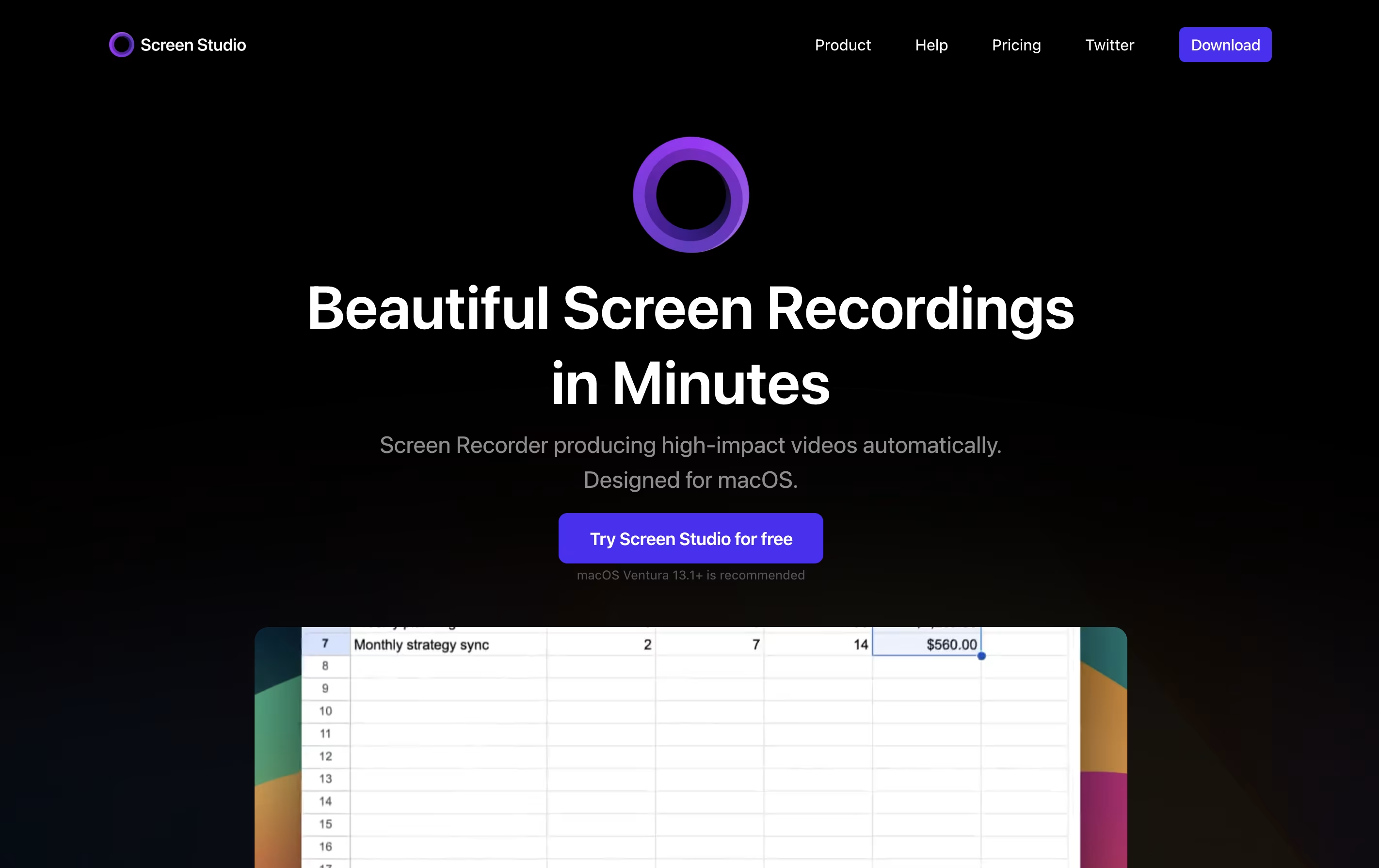 Screen StudioProfessional Mac Screen Recorder and
  Focusee
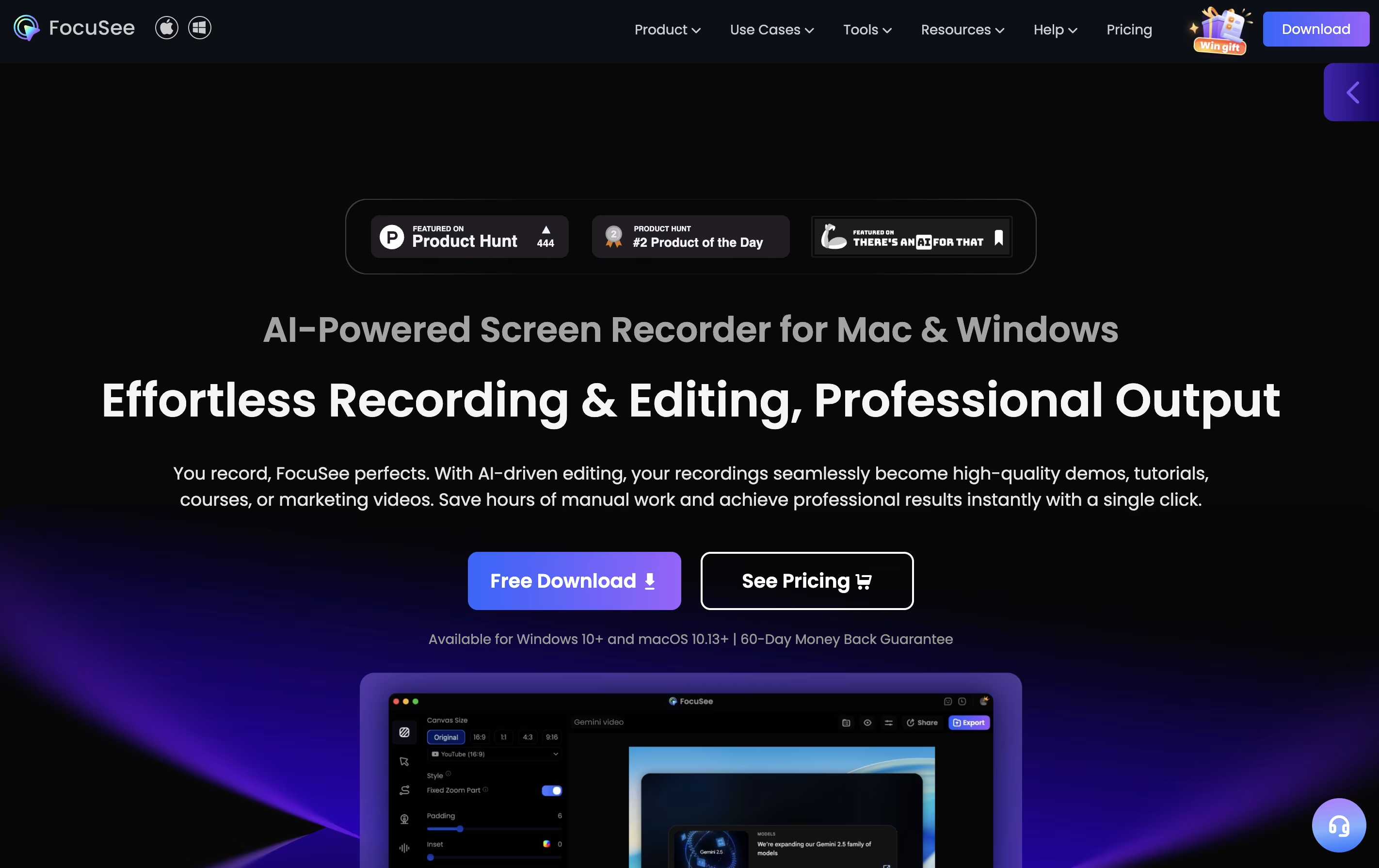 FocuseeAI Screen Recorder with Auto Zoom & Instant Editing are the best for Software Demo Creation. So, let’s take a closer look at both tools.
Screen Studio is a screen recording application designed for macOS users. It captures everything happening on your screen and automatically enhances the video to look professional. Unlike basic screen recorders, it does not just record; it improves your recording with automatic zoom when you click, smooth cursor movement, and beautiful animations.
The tool works by following your cursor and zooming in on important actions, making it easier for viewers to see what you are doing. You can record your entire screen, a specific window, or just a selected area. It also lets you record your webcam, microphone audio, and system sounds at the same time. After recording, you can make quick edits, add different backgrounds, and export your video in various formats including high-quality 4K videos or smaller GIF files.
Focusee is a screen recording and video editing program that runs on your computer. When you record your screen, it watches where you click and automatically zooms in to show important details. This happens without any extra work from you.
The software records your screen, webcam, and voice all at once. After recording, it gives you a video that looks professionally edited, complete with smooth movements, nice backgrounds, and clear focus on key actions. You can customize colors, add effects, and change the layout to match your style.
Focusee also includes new artificial intelligence features that remove background noise, delete awkward pauses, add captions in over 50 languages, and even create virtual presenters so you don't need to appear on camera yourself.





