

Best 6 Tools for Wireframe Creation in 2026
Last Updated: August 15, 2026
Before any visual design work begins, it helps to map out the basic structure of a screen or page. Wireframe Creation tools let designers sketch out layout and functionality at a rough, low-fidelity level.
UX designers and product teams use wireframes to test structure and flow before investing time in detailed visual design.
 Overflow
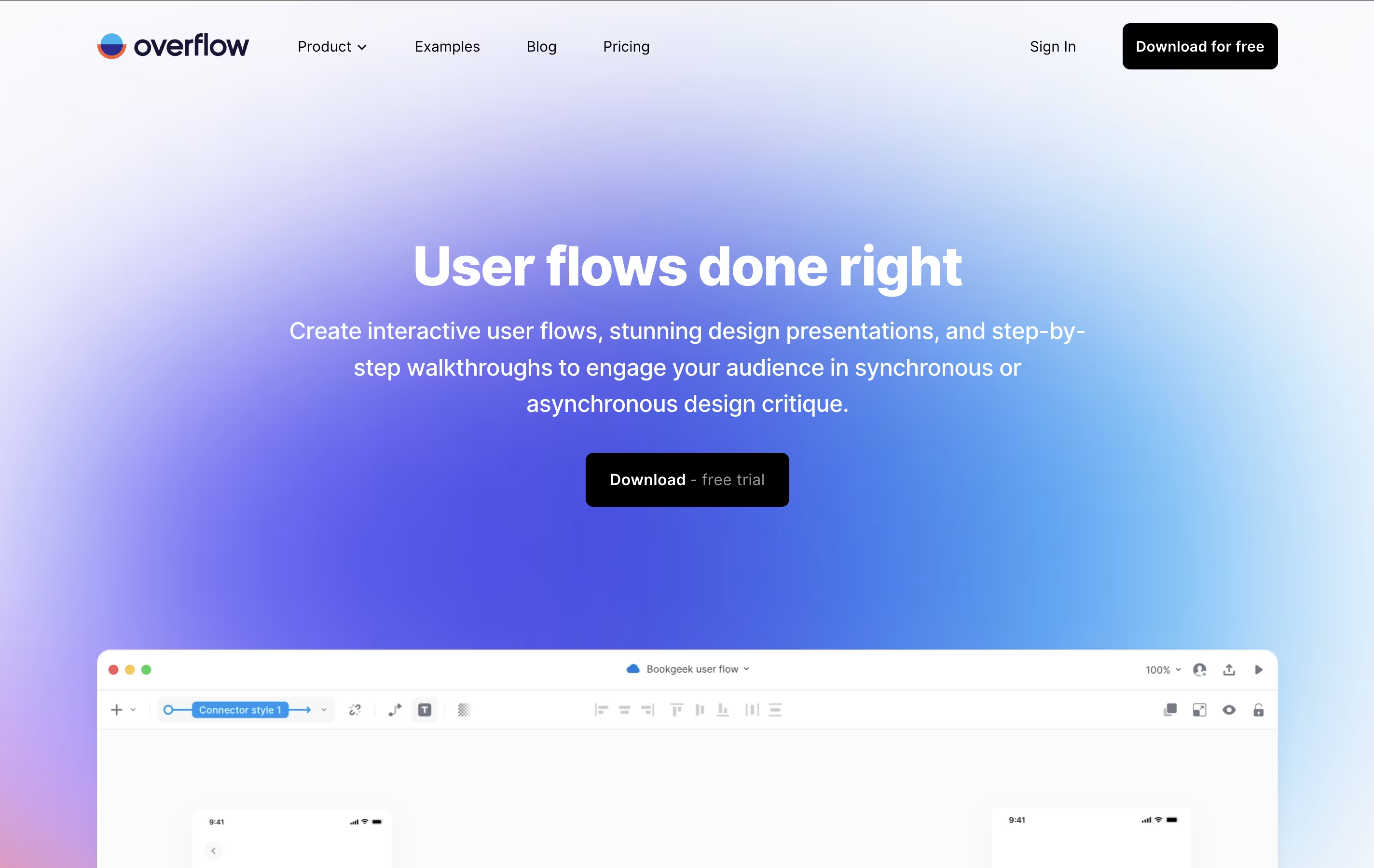 OverflowUser Flow Diagrams for Design Teams,
  Relume
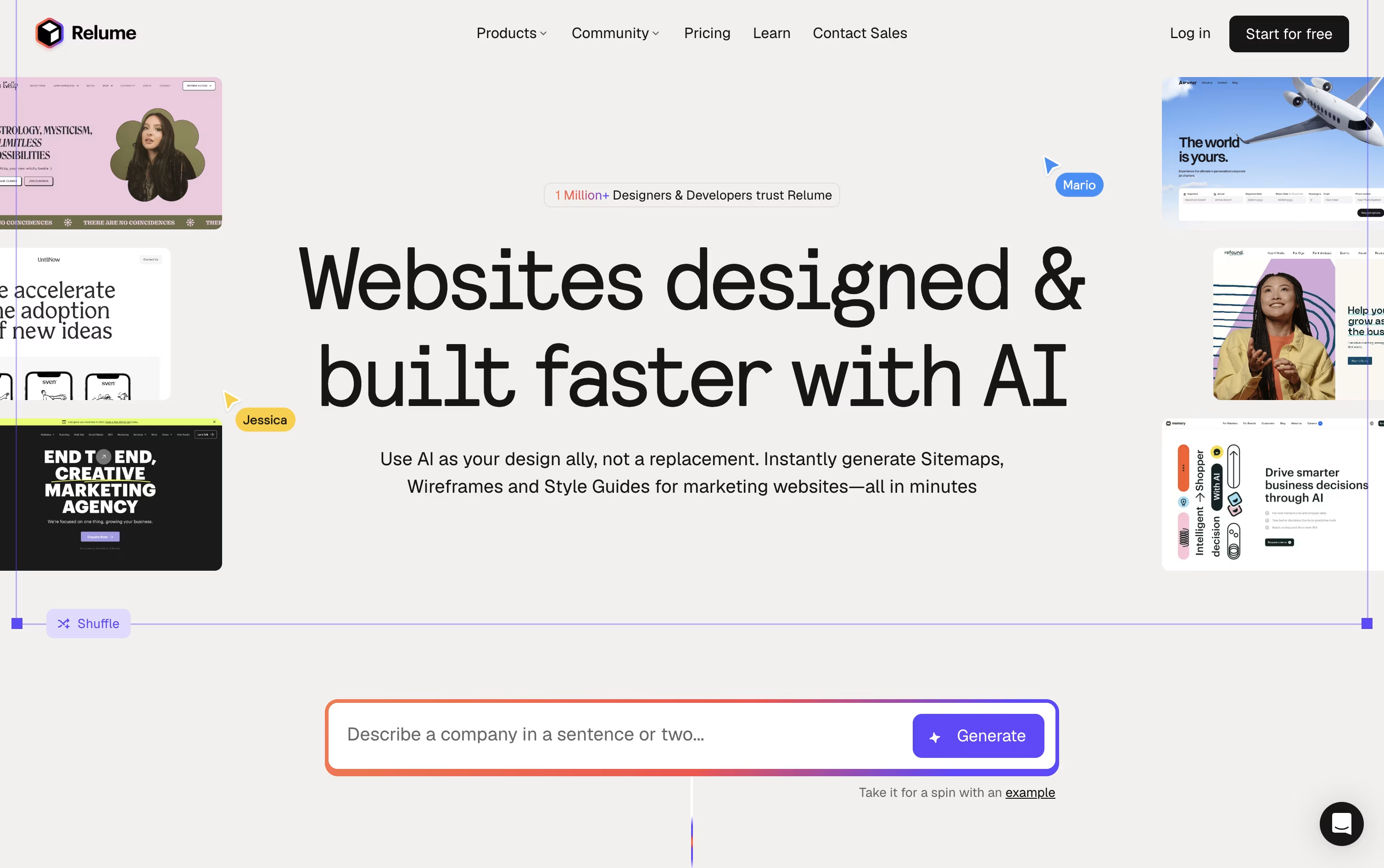 RelumeAI Website Builder & Component Library, and
  UX Pilot
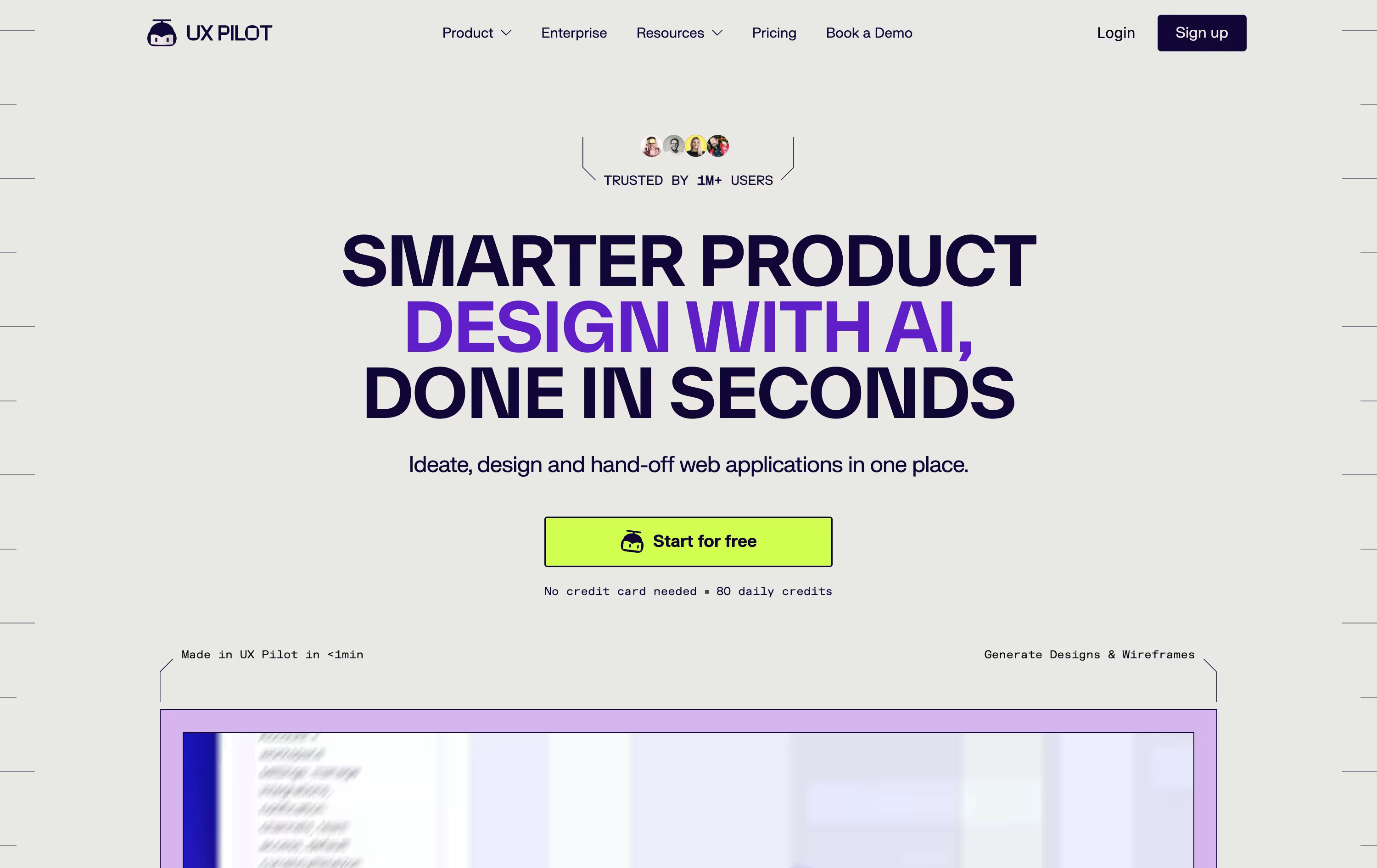 UX PilotAI Powered UI Design & Prototyping are the best for Wireframe Creation. So, let’s take a closer look at all 6 tools.

Overflow is a specialized user flow diagramming tool designed to help product designers and teams create interactive presentations from their existing designs. Think of it as a bridge between your design tools and your presentation needs.
The main difference from other diagramming tools is simple: instead of building flows from basic shapes, Overflow uses your actual design screens and connects them with smart connectors. It integrates seamlessly with popular design tools, allowing you to sync artboards and automatically transfer layers without recreating anything.
Each user flow includes interactive elements, device skins, annotations, and smooth navigation features. Founded by the team behind Proto.io, this tool has gained popularity among 500,000+ designers worldwide because it saves time and creates more engaging presentations. You can present your designs like a story, switching between bird's eye view and detailed screen-by-screen walkthroughs.
Most website projects start with a blank page and a lot of guesswork. Relume changes that by turning a short prompt into a full sitemap, then converting it into a wireframe built from real components rather than throwaway mockups.
Once the structure is set, the Style Guide Builder suggests colors, fonts, and UI styles that match your brand, and you can pull from more than 1,000 components across Figma, Webflow, and React.
You can try all of this for free with 1 project and 1 page, exporting only to Figma. Moving to Starter at $26 a month, or $18 a month if billed yearly, opens up 5 pages plus Webflow and React export.
Freelancers juggling several sites usually pick Pro, at $58 a month or $40 a month billed yearly, since it drops the project and page caps entirely.
Agencies and teams can go with Team at $52 a month per person, or $36 a month per person billed yearly, with a minimum of 3 people, which layers on a shared workspace and branded client sharing.
Developers also get Relume Library MCP, a way to bring the same component library straight into AI coding tools like Cursor and VS Code.
Think of UX Pilot as a design partner that takes your rough idea and turns it into real screens. Feed it a prompt, a sketch, a PRD, or a website link, and it gets to work.
First comes the wireframe, then a polished hi fi version, and if needed a full flow covering every screen in the journey. You can also spin up a working React prototype with a visual editor and live chat edits.
For Figma users, the Nodey agent builds native layers straight from your own component library, so the result already looks like your product instead of a generic template. Code export and GitHub sync round out the handoff.
Pricing starts free, with 80 credits a day and 1 project at no cost.
Pro is $29 monthly, or $19 monthly if billed yearly, unlocking 750 credits, 125 screens, and website cloning.
Teams costs $39 per user monthly, or $31 per user yearly, with shared credits and collaboration, while Enterprise offers custom pricing with brand tuned AI, SSO, and a dedicated team.

Turning a rough idea into something you can actually show a client or teammate is what Visily is built for. Type out what you want, upload a screenshot, or sketch it out, and the AI builds an editable design around it.
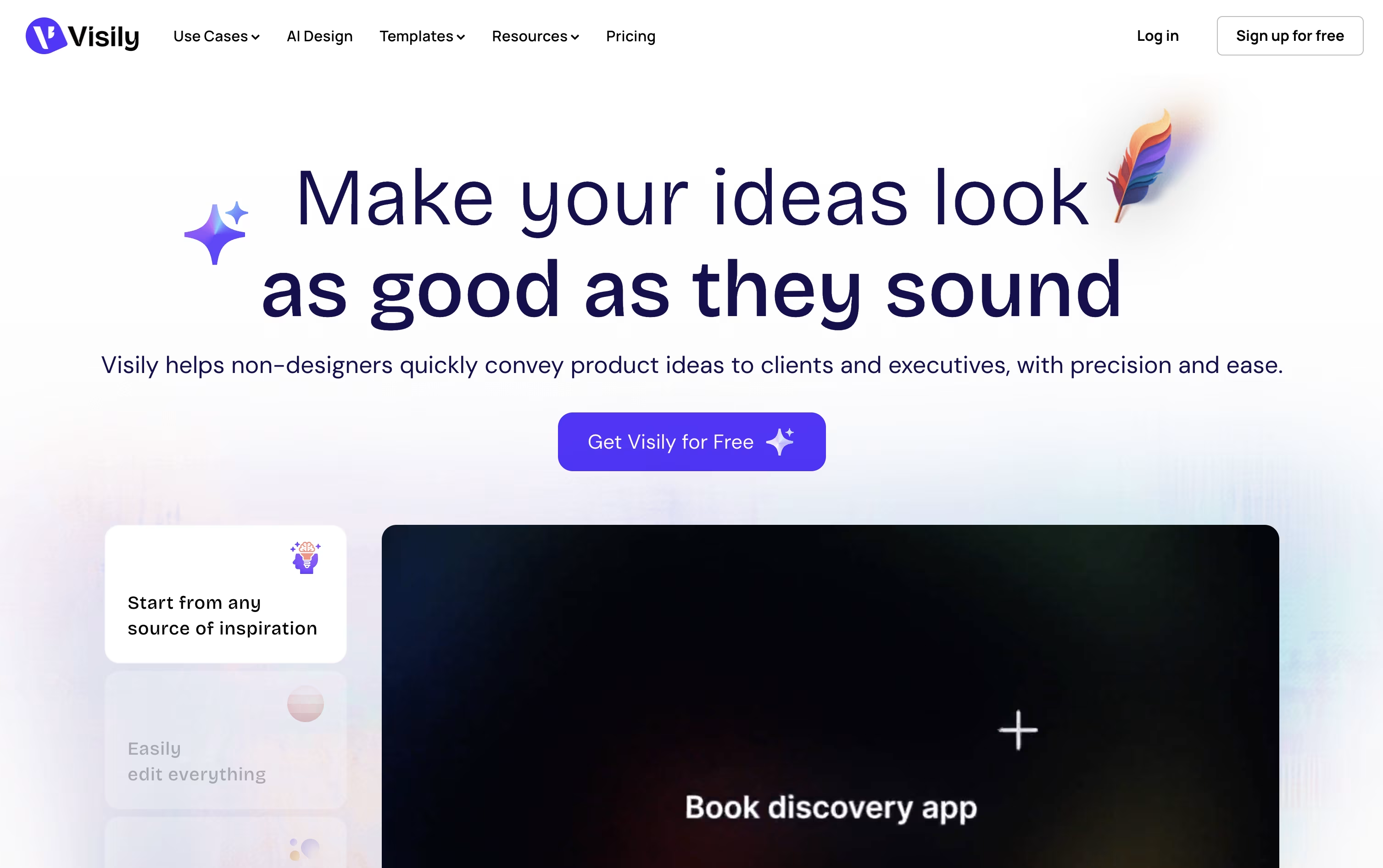
The same canvas handles diagrams and flowcharts too, and you can convert those straight into screen designs. Once a design is in place, you can wire up links, hover states, and screen transitions so it behaves like a working app.
Because everything lives on a shared board, your whole team can comment, chat, and edit at the same time, and updates can flow into Slack, Notion, or Jira automatically.
Pricing starts free with the Starter plan and its 300 monthly AI credits. Pro moves you to $14 per editor a month with unlimited boards and Figma export, while Business at $29 per editor a month adds custom teams and single sign-on. Enterprise pricing is custom.
Every design stays fully editable, so you can keep refining it, hand it to Figma for polish, or generate code straight from the layout.

Think of Uizard as a way to sketch an idea and have it turn into a real, clickable design almost instantly. You can type what you want, drop in a screenshot, or photograph a napkin sketch, and the AI called Autodesigner builds an editable prototype from it.
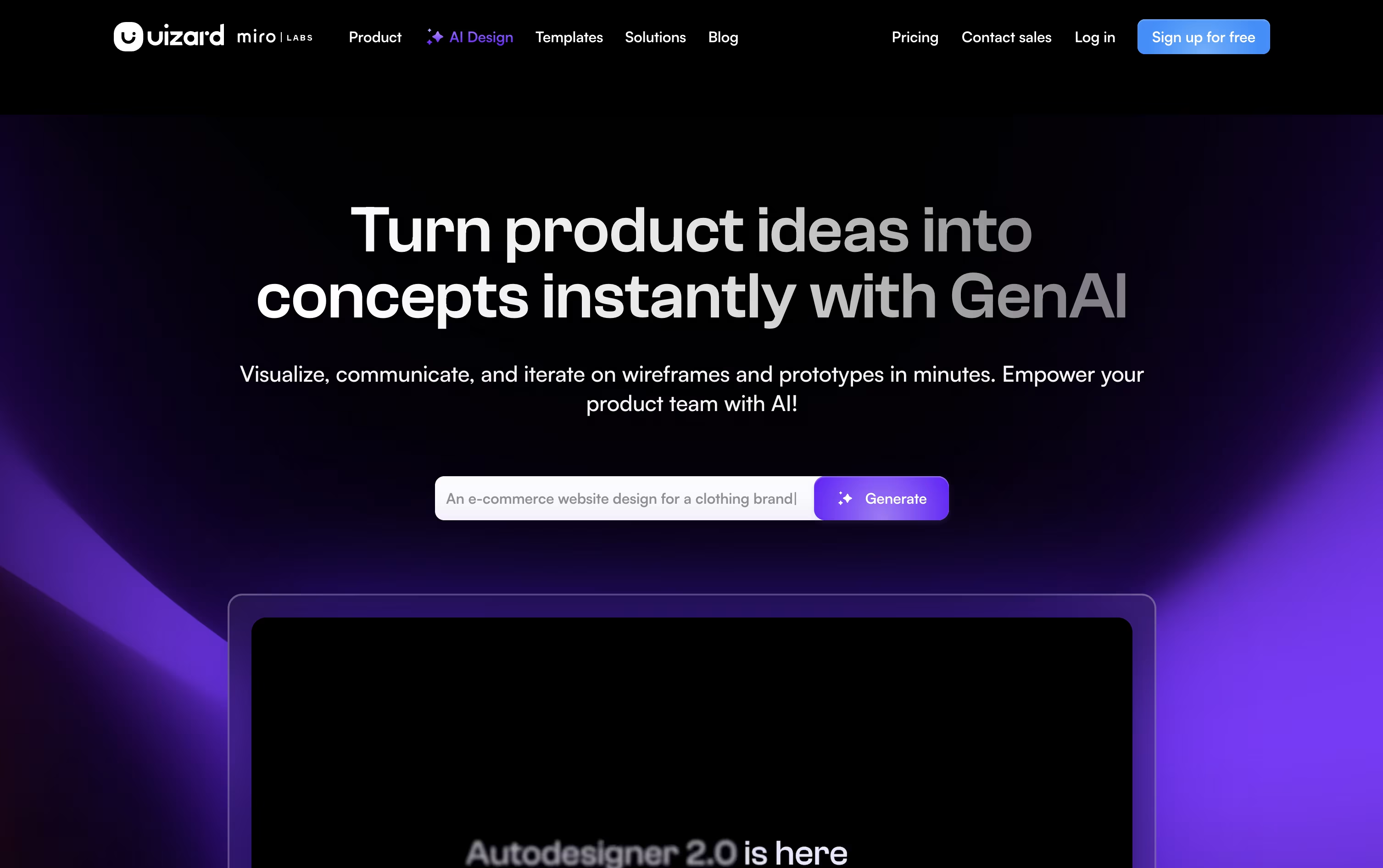
Once a design exists, you keep shaping it with simple text commands, switch between a rough wireframe view and a polished mockup, or restyle the whole project with a generated theme.
A Screenshot Scanner rebuilds any app or site you show it into editable layers, and a Focus Predictor guesses where a viewer's eyes will land on the screen, which is handy for placing buttons and headlines.
Pricing starts at $0 on the Free plan, covering 3 AI generations and 2 projects a month. Pro runs $19 a month, or $12 if billed yearly, and unlocks 500 AI generations, 100 projects, and code handoff in React and CSS.
Larger teams can move to Business at $39 a month for 5,000 AI generations and a custom brand kit, or contact sales for an Enterprise plan with unlimited use and dedicated support.
Now part of Miro after a 2024 acquisition, Uizard still runs as its own browser based app aimed at product teams, founders, and anyone who needs a prototype without deep design skills.

Banani acts as an AI design copilot, turning a simple prompt, screenshot, sketch, or PRD into a working set of UI screens in minutes rather than days.
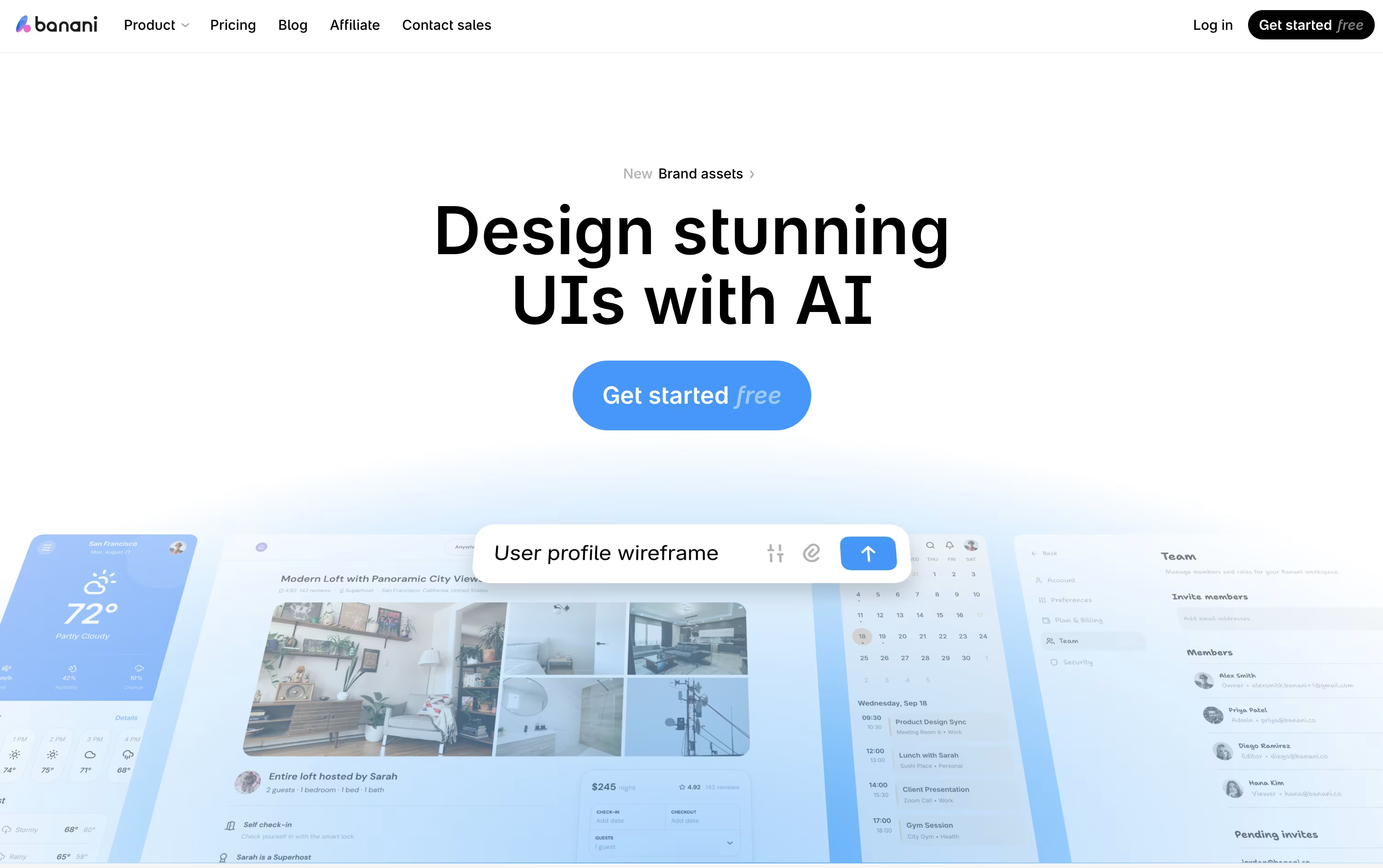
It is aimed at founders, product managers, and non-designers who need clean, on-brand interfaces fast, without needing deep design skills.
Once generated, every screen can be refined through chat, letting you tweak colors, layout, or wording, or click through elements to build out a full interactive flow.
Getting started is free, with 12 credits a month and 3 a day. Moving to Plus costs $20 monthly, or $12 a month if billed yearly, unlocking agent mode and unlimited Figma export.
Heavier use is covered by Pro at $50 a month, or $30 yearly, with unlimited credits and priority support, while Enterprise brings custom pricing, SSO, and tailored integrations for larger teams.
Finished work can move straight into Figma or code, and MCP support means tools like Claude Code or Cursor can pull designs in directly.