



Overflow
User Flow Diagrams for Design Teams
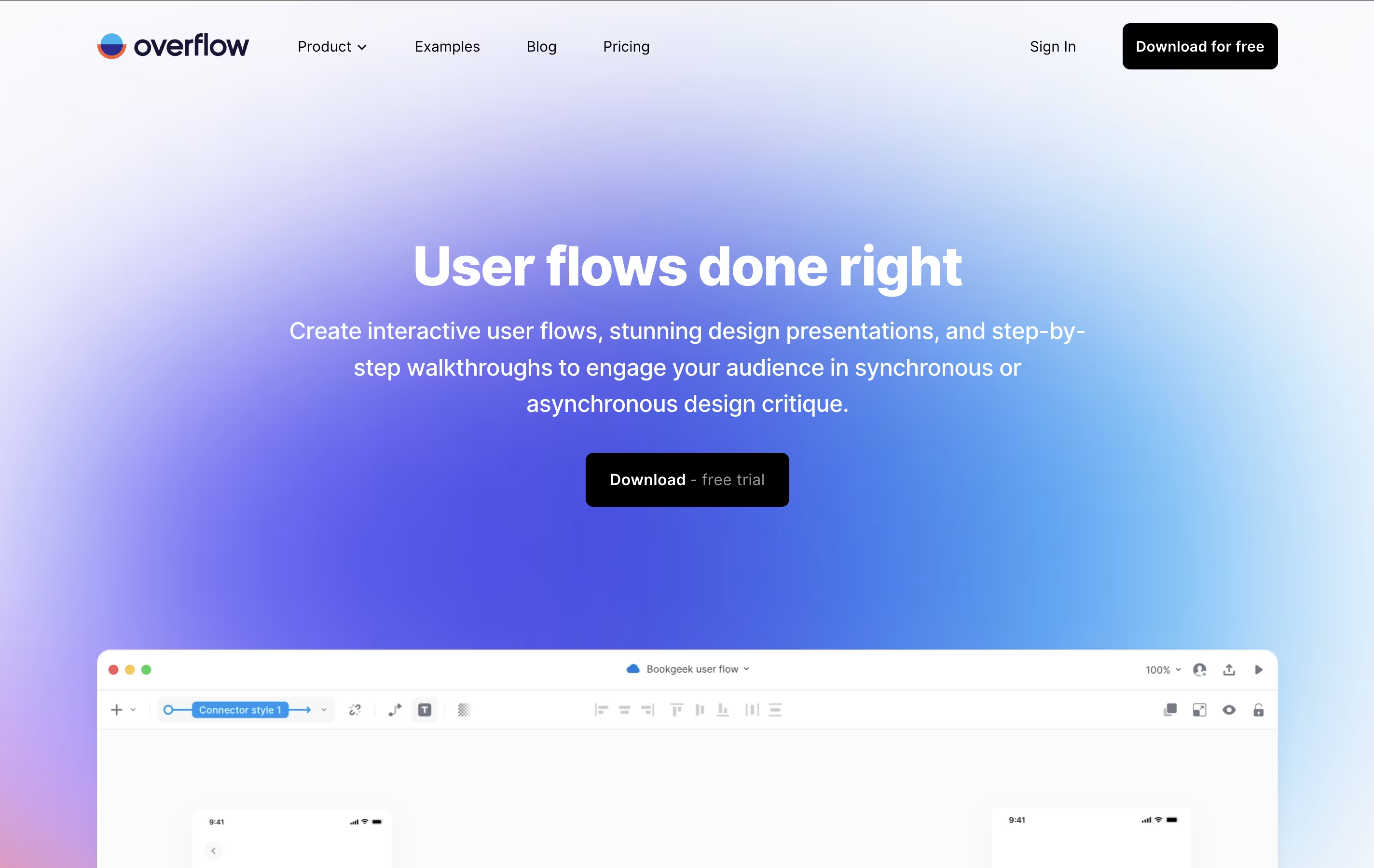
Overflow is a user flow diagramming tool that turns designs into interactive presentations for design teams.

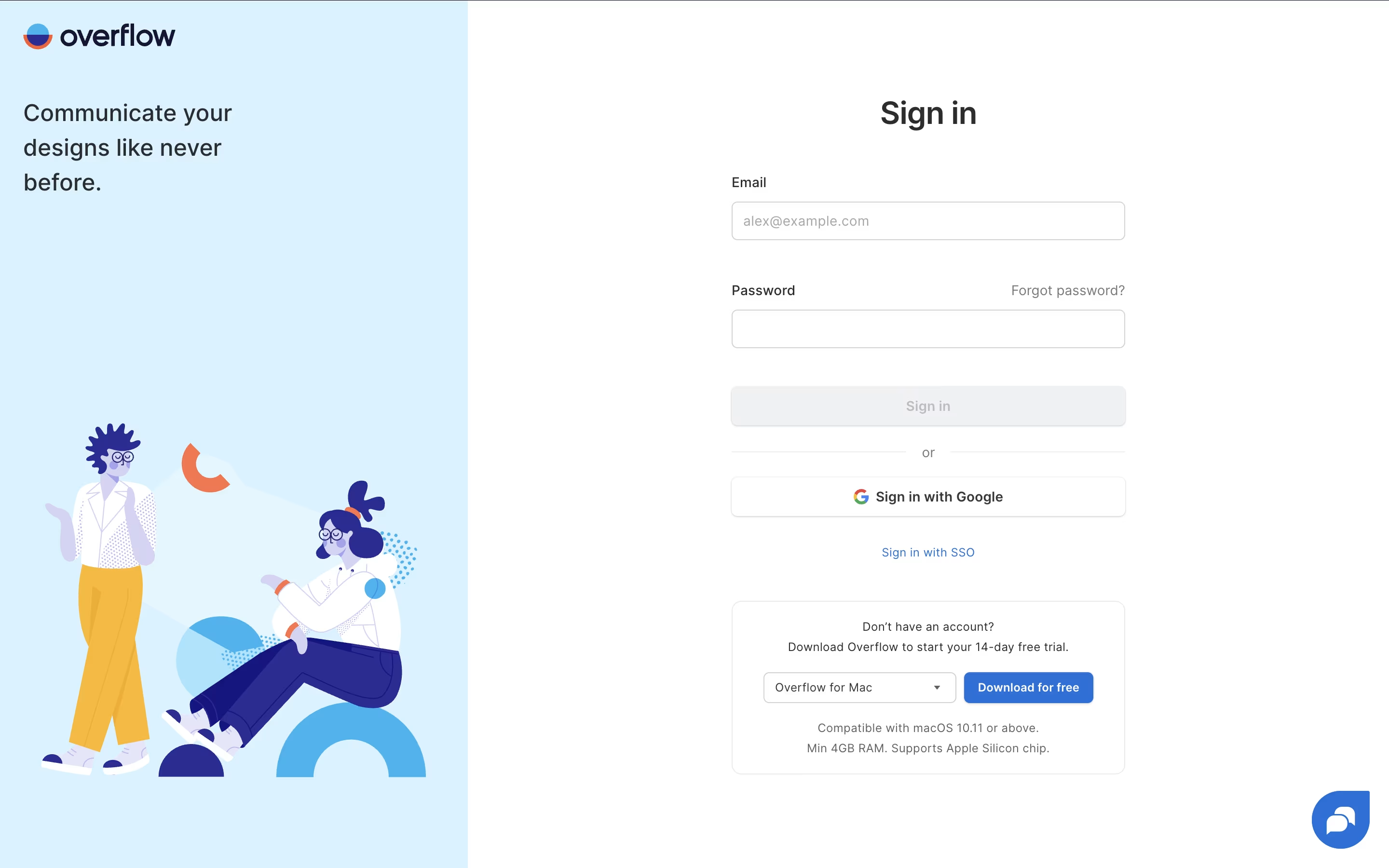


What is Overflow
Overflow is a specialized user flow diagramming tool designed to help product designers and teams create interactive presentations from their existing designs. Think of it as a bridge between your design tools and your presentation needs.
The main difference from other diagramming tools is simple: instead of building flows from basic shapes, Overflow uses your actual design screens and connects them with smart connectors. It integrates seamlessly with popular design tools, allowing you to sync artboards and automatically transfer layers without recreating anything.
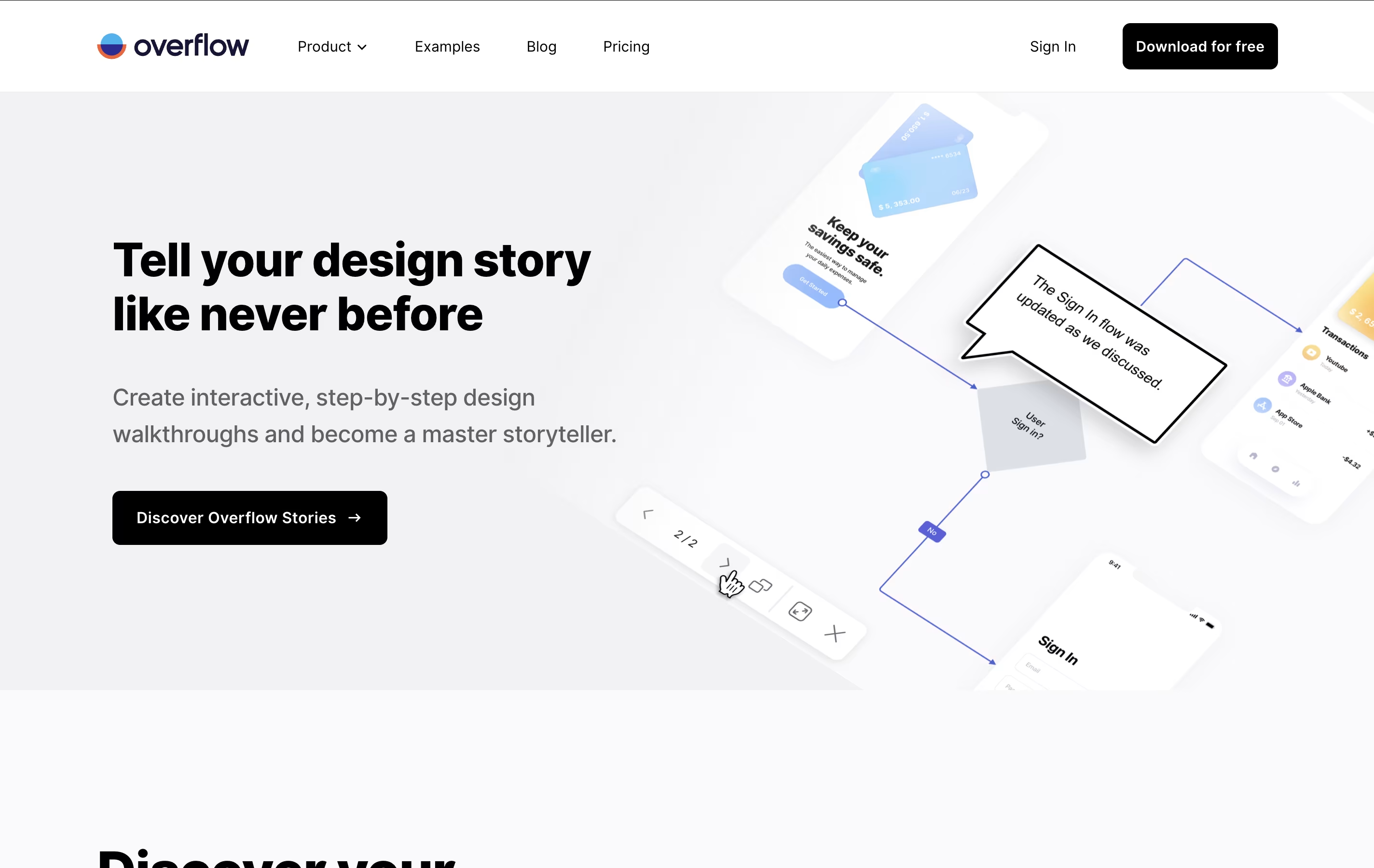
Each user flow includes interactive elements, device skins, annotations, and smooth navigation features. Founded by the team behind Proto.io, this tool has gained popularity among 500,000+ designers worldwide because it saves time and creates more engaging presentations. You can present your designs like a story, switching between bird's eye view and detailed screen-by-screen walkthroughs.
Features of Overflow
Integrates with Figma, Sketch, Adobe XD, Photoshop
Interactive user flow diagrams with device skins
Cloud sharing with password protection
Team collaboration and version control
Multiple presentation modes (flow, prototype, story)
Export to PDF, PNG, and web embedding
Desktop apps for Mac and Windows
Commenting and feedback collection
Global styling and brand consistency
14-day free trial available
Overflow Pricing
Free Trial
- 14-day free trial
- Full access to all features
- No credit card required
- Desktop app for Mac and Windows
- Cloud sharing capabilities
- Design tool integrations
- Unlimited documents during trial
Pro
- 1GB Cloud storage per user
- Unlimited documents
- Desktop app for Mac and Windows
- Figma, Sketch, Adobe XD, Photoshop sync
- Team collaboration and sharing
- Export to PDF and PNG
- Embed in websites and tools
- Version history
Enterprise
- Everything in Pro
- Advanced security permissions
- Single Sign-On (SSO/SAML)
- Unlimited users
- Pre-approved external reviewers
- Priority support
- Custom invoicing
- Bank transfer payments
Overflow Use Cases
FAQ's About Overflow



See what users are saying about Overflow
0 Reviews
No reviews yet
Be the first to review Overflow