

Best 12+ Tools for Custom App Development in 2026
Last Updated: September 9, 2026
Custom App Development lets you build your own tools and integrations on top of the platform using its API. Instead of waiting for a feature to be added, teams with development resources can create workflows, dashboards, or automations tailored exactly to how they work.
This is especially useful for agencies and larger brands that need to connect social media scheduling with internal systems like CRMs, reporting tools, or client portals. It gives technical teams the flexibility to extend the platform far beyond its default features.
 Emergent
 EmergentBuild Full-Stack Apps with AI Agents,
  Lovable
 LovableBuild Full Apps With Simple Prompts, and
  Zite
Zite ZiteAI No-Code Platform for Business Tools are the best for Custom App Development. So, let’s take a closer look at all 12+ tools.

Emergent turns a written idea into a real, working application. You explain what you need in everyday English, and a group of AI agents handles the planning, design, coding, testing, and deployment on your behalf.
The system builds the entire application, covering the visual design, backend rules, database structure, and account logins, so you are not left with just a frontend mockup.
Getting started is free, with 10 credits included each month and access to the core tools. Moving up to Standard costs $20 monthly, or $17 monthly when paid yearly, and adds private hosting plus GitHub syncing.
The Pro tier runs $200 a month, or $167 a month annually, and gives you a much larger 1 million token memory window, the ability to build your own custom agents, and 750 credits a month.
Companies needing tighter control can move to Business or Enterprise, both priced on request, which bring in single sign on, access controls, audit trails, and private cloud deployment.
With built in connections to GitHub, Stripe, and Supabase and support for both web and mobile builds, Emergent suits solo founders, agencies, and teams that want working software without a long build cycle.
Lovable lets you build a real, working web application just by describing it in everyday language. The AI handles the frontend design, backend logic, database setup, and user login, so you do not need to write code yourself.
The platform includes its own cloud backend built on Supabase, meaning your app gets a database, file storage, and authentication without any separate setup. You can start a project from a text prompt, a screenshot, or even an existing website link.
Getting started is free, with no credit card required. If you need more, the Pro plan is $25 a month and unlocks custom domains, credit rollovers, and badge removal.
For teams, the Business plan at $50 a month adds shared workspaces, single sign on, and extra security tools. Larger companies can request Enterprise pricing for dedicated support, audit logs, and custom connectors.
When your app is ready, you can publish it with one click or sync the code to GitHub so you fully own it.
Building a business app usually means hiring developers or wrestling with complicated tools. Zite skips that by letting you describe the app you want in plain English and having AI build it for you.
The platform started life as part of Fillout, a forms company, before the team renamed it Zite in 2026 and folded in ideas around planning, visual editing, and databases from two acquired teams.
Once your app is generated, you can adjust it through chat, a visual editor, or a flowchart view of the workflow logic, and everything sits on top of a built in database with no per-user fees.
Getting started costs nothing on the Free plan, which includes 5,000 database records and 1,000 workflow runs a month.
Growing teams can move up to Pro at $19 a month, Business at $69 a month, or the Team Bundle at $300 a month, each unlocking more credits, records, and features such as custom domains and unlimited brand kits.
Larger organizations can reach out for Enterprise pricing, which adds single sign-on, audit logs, and dedicated support.

A lot of people jump straight into building without stepping back to ask what they should actually build and who will use it. Rocket tries to fix that by combining research, app building, and competitor tracking in one connected workspace.
The research side, called Solve, takes any market question and turns it into a clear, evidence backed brief covering strategy, growth ideas, and product direction, which can be exported and shared right away.
The building side, called Build, turns everyday language, a Figma file, or a GitHub repo into a real website, web app, mobile app, or online store, built on solid frameworks like Next.js and Flutter instead of a quick mockup.
The Intelligence side keeps watch on competitors in the background, sending daily updates about pricing changes, new features, and marketing moves.
The Free plan gives newcomers 20 credits to try things out, while Pro, Rocket, and Booster plans add more monthly credits, deeper research, and enterprise features such as single sign on and premium support as needs grow.
Because everything shares the same project context, a finding from research can shape what gets built, and a competitor signal can point straight to the next update.
Think of Google AI Studio as a free workshop for Google's Gemini models. You can chat with a model, tweak its settings, and see how it responds, all inside your browser with no setup needed.
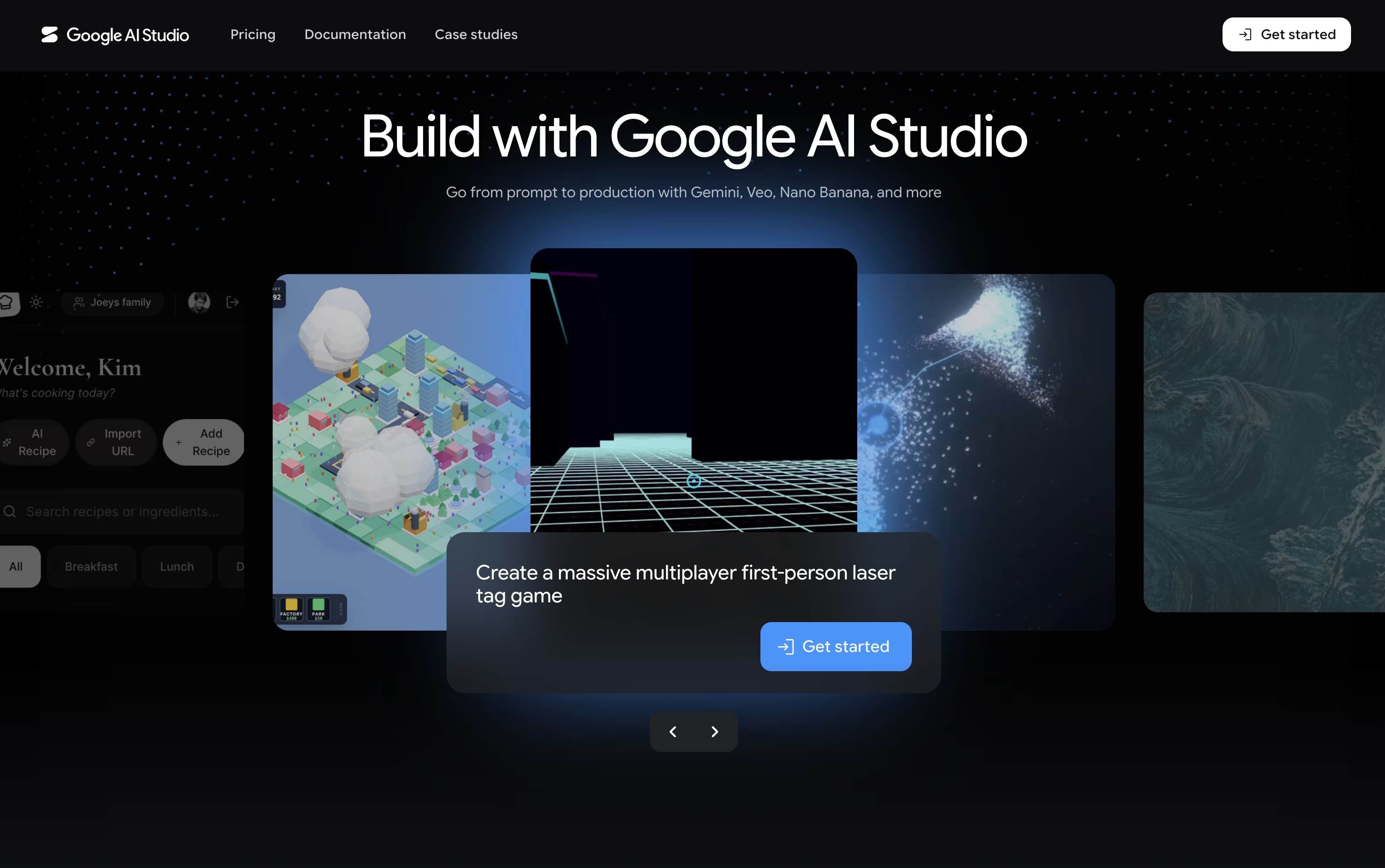
It goes beyond text too, letting you create images, video, audio, and music, and even hold live voice and video conversations with the AI through Gemini Live.
The standout feature is Build mode, where describing an app in everyday language produces a working React or Android app, along with a live preview you can adjust just by describing the change.
Getting started costs nothing on the Free plan, though usage is limited. The Paid plan bills by the token, so a model like Gemini 3.6 Flash runs about $1.50 per million input tokens and $7.50 per million output tokens, and it adds higher limits and batch discounts.
Larger organizations can move to the Enterprise plan for dedicated support, stronger security, and pricing built around their scale.

Meku lets you build real websites and apps just by describing what you want in plain words. It puts together a working first version in under a minute, with a clean, modern look already in place.
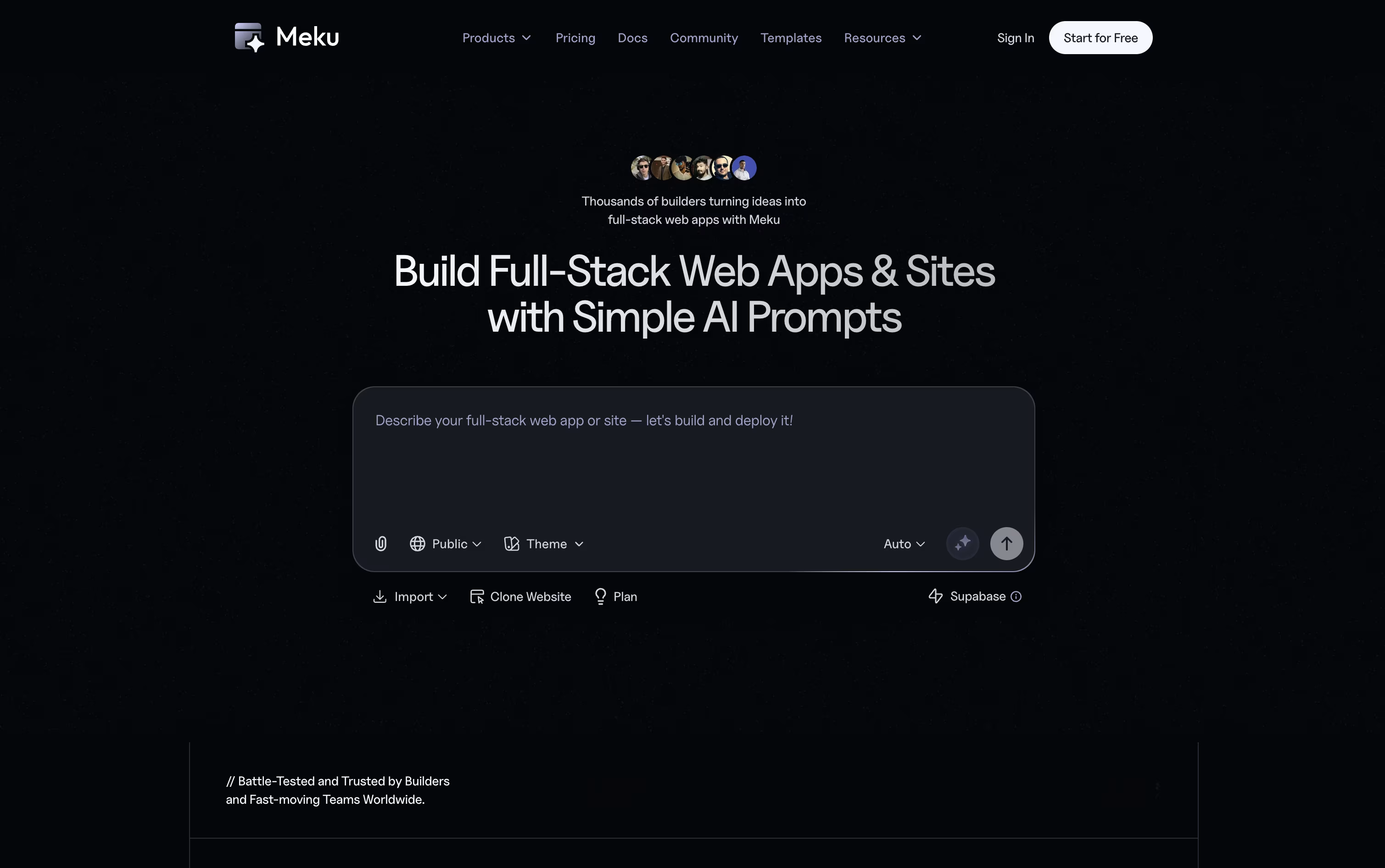
From there, you can shape the project through chat. Ask Meku to change a page, add a feature, or fix something, and you will see it update live as you go.
It also reads Figma files and turns them into working code, and connects with GitHub and Supabase so your project can have logins, a database, and proper version control.
The Free plan costs nothing and gives you 100 credits a month with three public projects. Starter is $16 a month, or $12 a month billed yearly, and opens up private projects, exports, and integrations.
Pro runs $25 a month with more credits and room for a bigger team, and Growth at $49 a month covers larger teams that need more projects, domains, and members.
On any paid plan you can export your code and run it anywhere, so your project is always fully yours.

Instead of a plain chat box, camelAI gives its agent a real computer that keeps running and remembers your project. You type what you want in plain English, and it builds a complete application, covering the frontend, backend, database, and API in one go.
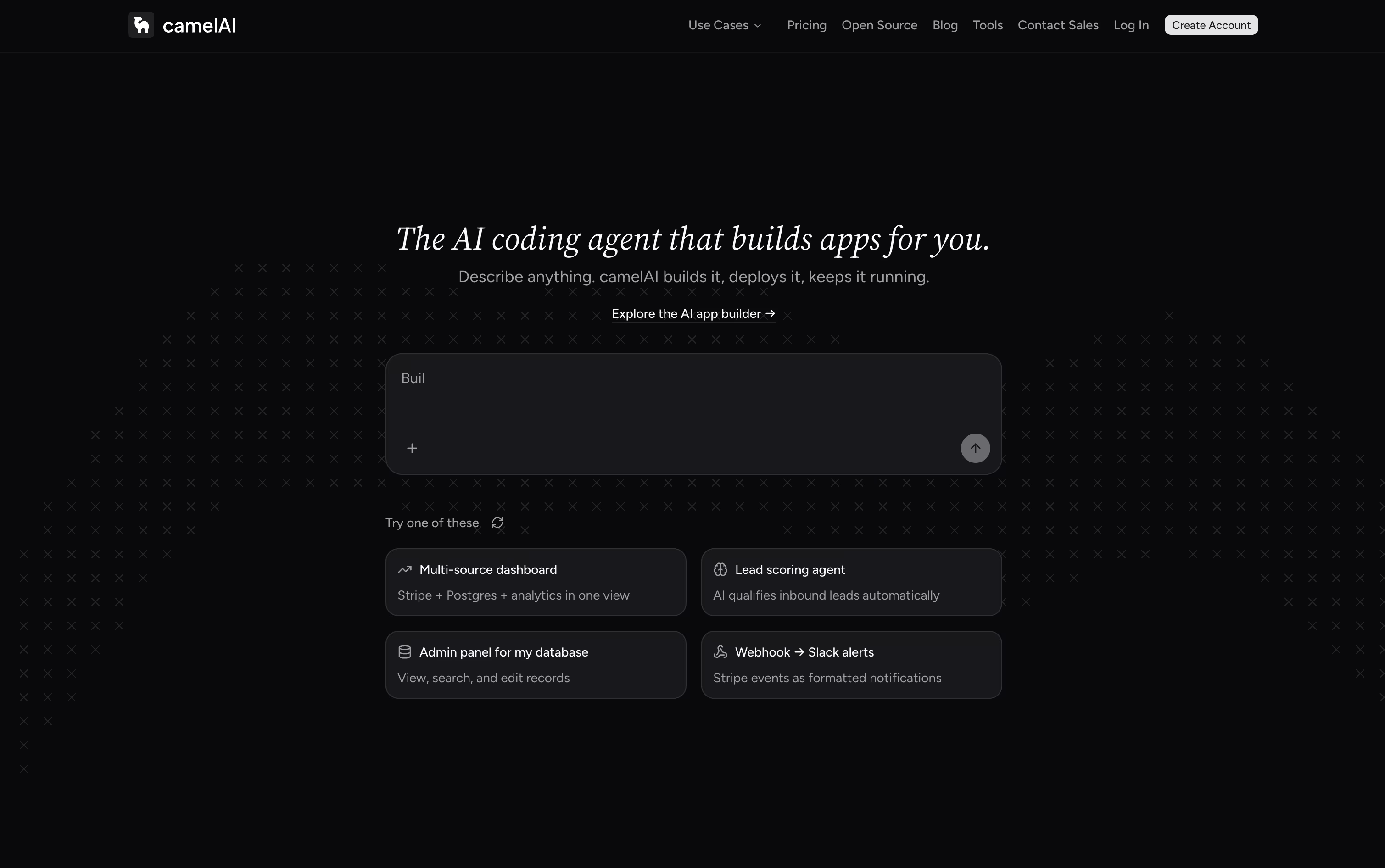
The finished app is published to a live URL right away, with SSL and domain setup handled automatically. Because the workspace saves your files and history, the agent already knows your project when you come back, and you can chat with it over email or Slack too.
Over 50 integrations come ready to use, such as Postgres, Stripe, HubSpot, and Slack, and you can schedule the agent to run jobs on its own, like checking Stripe metrics or emailing a summary report.
Getting started is free, with the Free plan giving 1 workspace, 3 apps, and 5 GB storage using your own API key. The Starter plan runs $10 a month, and the Pro plan, the most popular option, is $40 a month with unlimited apps and domains.
For teams, the Team plan costs $50 per seat monthly with a 3 seat minimum, adding shared workspaces and role based permissions. Enterprise plans are custom priced and include SSO, dedicated support, and compliance features.
Every paid plan comes with a 7 day free trial, and an open source, self hostable version of camelAI is on the way as well.

Product teams often lose time switching between design tools, docs, and separate trackers. Tempo solves this by keeping design, planning, tasks, and AI agents inside one workspace connected to your actual codebase.
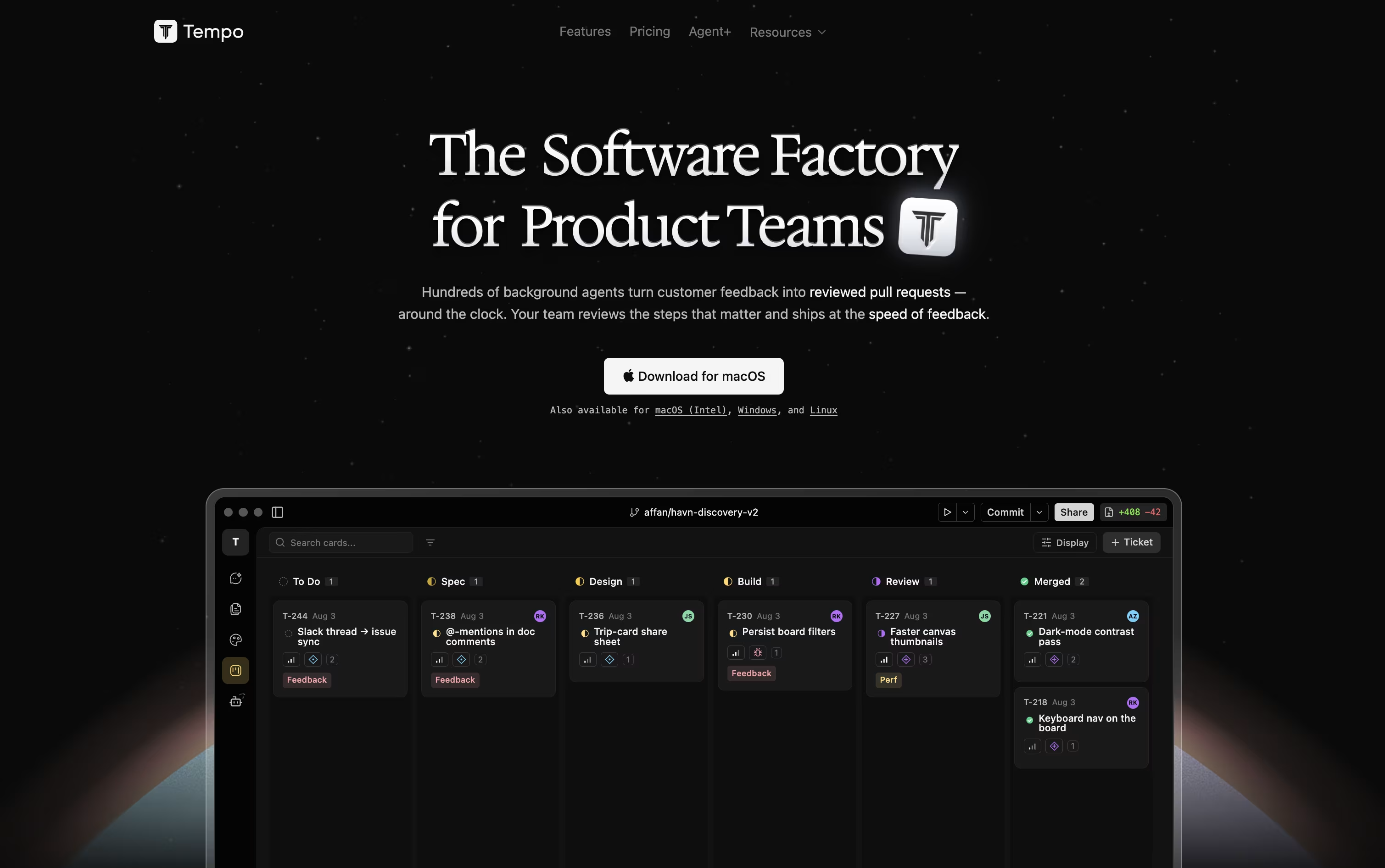
Its Canvas feature turns your React components into a live, editable design surface, so changes reflect the real app instead of a mockup. Docs works like a simple writing tool for specs and notes, and Issues gives you a Kanban board to track work.
AI agents can be chatted with directly, using Claude or OpenAI models, and they make code changes safely inside their own git branch. You can also build custom agents that run automatically based on triggers such as issue updates or Slack messages.
Getting started costs nothing with the Starter plan, which includes 100 AI messages a month and room for up to 10 team members. Growing teams can move to the Team plan at $20 per seat a month for unlimited issues and documents.
For companies that want features built for them, Agent+ starts at $500 a month, pairing AI agents with human engineers and designers who review every change, typically delivering within 48 to 72 hours.
Tempo is built for React, Next.js, and Expo projects, and runs as a web app or desktop app on macOS, Windows, and Linux.

Think of Manus as an assistant that actually does the work instead of just talking about it. You describe a goal, and it breaks the job into steps, then uses a browser, code, and files to carry it out.
It handles research at scale, builds working websites and apps from a plain description, writes and designs full slide decks, and creates images, video, or music when needed. Since tasks run in the cloud, you can walk away and get notified when it finishes, or stay and guide it along the way.
It fits into tools you already use too, connecting with Slack, email, and Google Drive, plus a Browser Operator that works inside your own browser using your saved logins.
On pricing, the Standard plan is $20 a month with 4,000 credits, the Customizable plan is $40 a month with 8,000 credits, and the Productivity plan is $200 a month with 40,000 credits and a free cloud computer included. Paying yearly saves 17 percent.
Larger teams can move to custom business plans, which come with stronger security and compliance certifications built in.

FlutterFlow lets you build mobile, web, and desktop apps by dragging and dropping widgets on a screen instead of typing every line of code. Under the hood, it runs on Google's Flutter framework, so what you build is real, working software from day one.
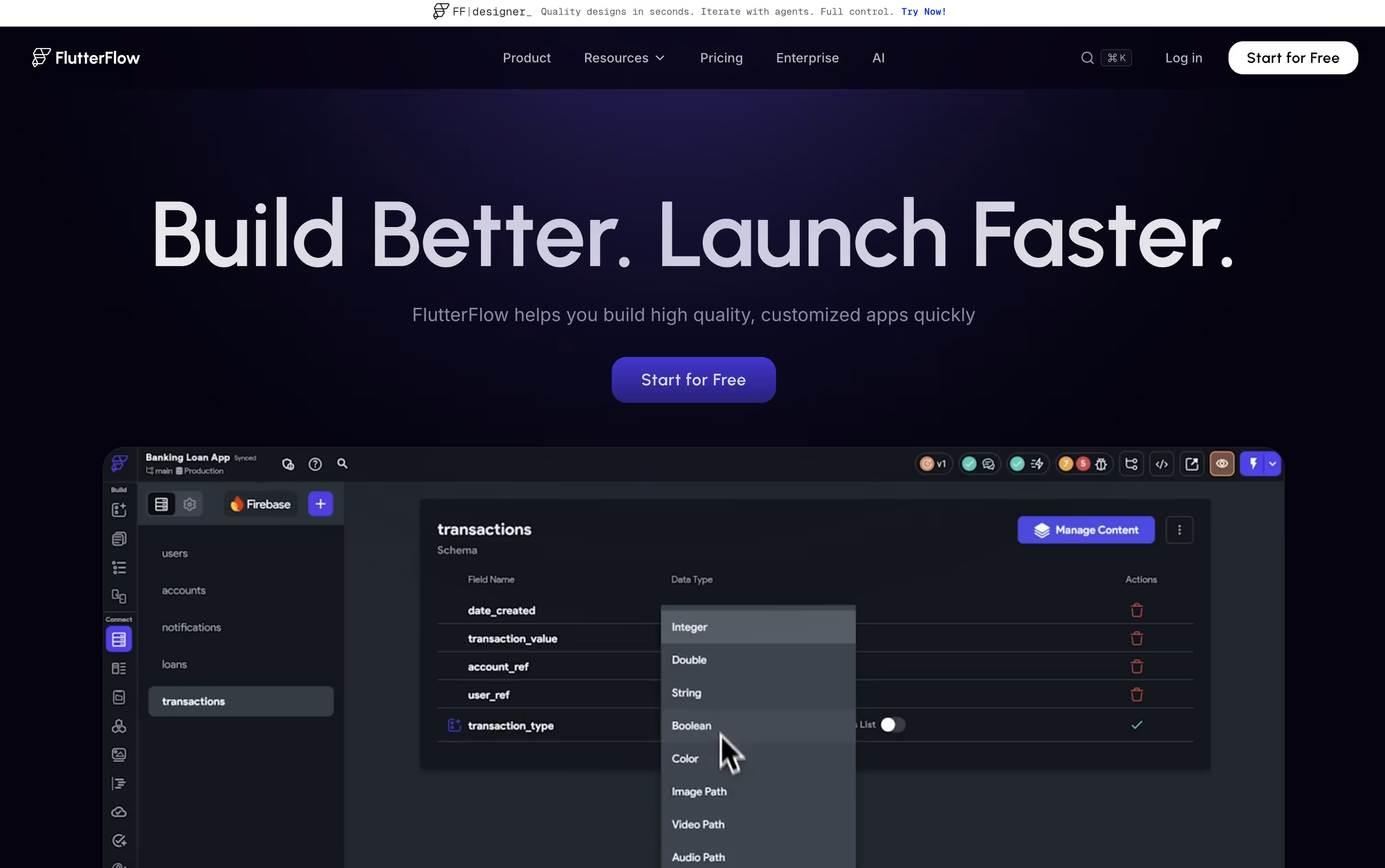
A visual logic editor handles the behind-the-scenes work, like what happens when someone taps a button or submits a form, without needing deep coding knowledge.
Your app can connect to Firebase, Supabase, or your own custom backend, and you can export the full code whenever you like, so you are never locked into the platform.
Pricing starts free for 2 small projects, then moves to $23.40 a month for unlimited projects and code downloads. Growth plans begin at $48 a month for small teams, Business starts at $90 a month for bigger teams, and Enterprise is priced on request.
Built-in AI features can generate app pages and even test your app automatically, which helps both new users and experienced developers work faster.

Building a website usually means juggling JavaScript, HTML, CSS, and a separate backend. Reflex removes that split by letting you write the entire app, interface and logic, in one Python codebase.
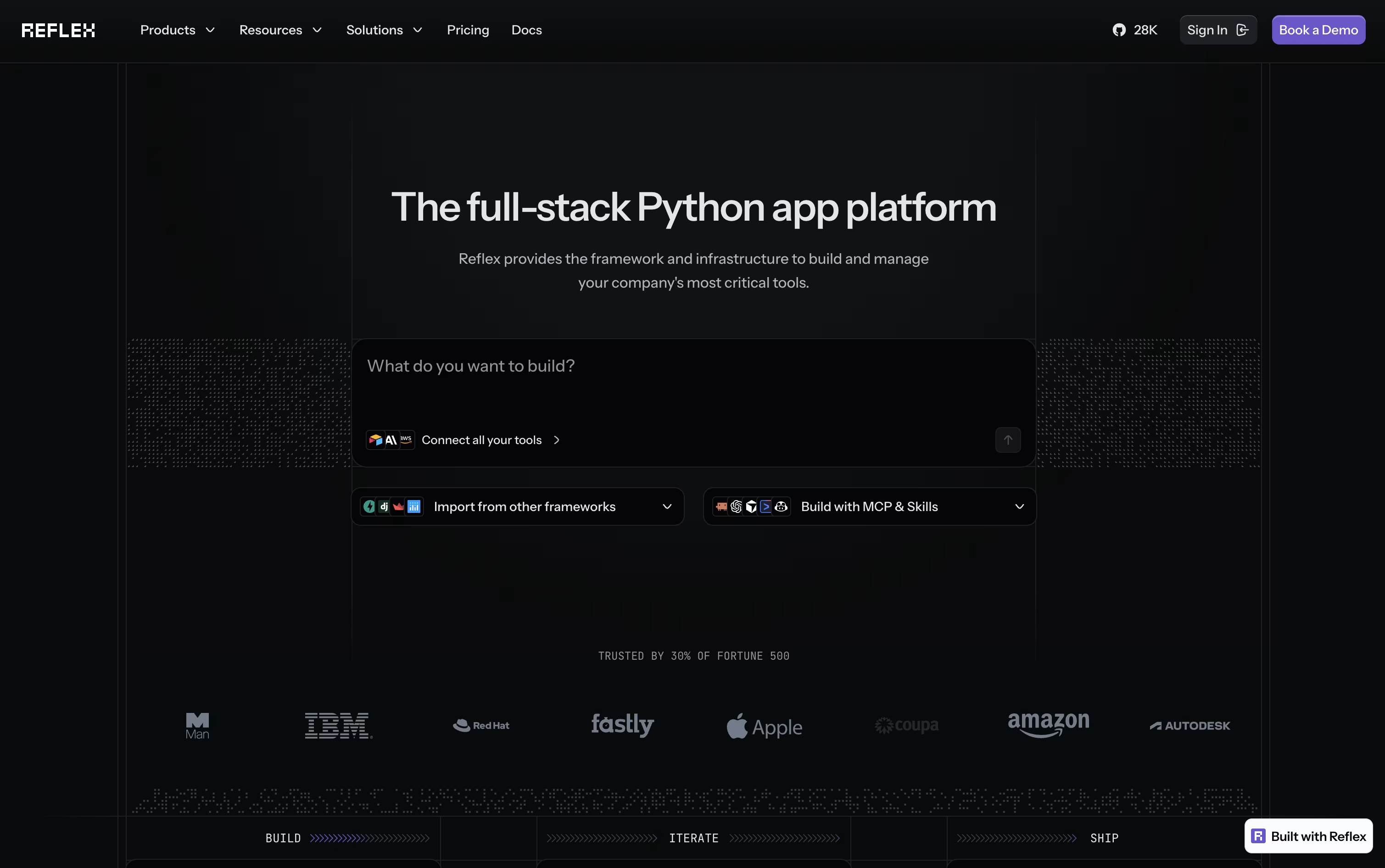
Your Python components get converted into a React frontend automatically, while a FastAPI backend handles the logic. WebSockets keep the two connected in real time, so any change in your data appears on screen right away.
If you would rather not code from scratch, the built-in AI Builder can generate a full working app from a short description or even a screenshot, along with basic tests.
Getting started is free, with 50 monthly credits and one hosted app included. Stepping up to Pro brings 2,000 credits, 10 hosted apps, and custom domains for $200 a month, though it is priced at just $3 a month for a limited time.
For companies that need more control, the Enterprise plan adds dedicated infrastructure, team workspaces, and security features like SSO and HIPAA support, with pricing built around each organization's needs.

Building an app usually means hiring developers or learning to code. Bubble skips that step by letting you design, connect, and launch a real app visually.
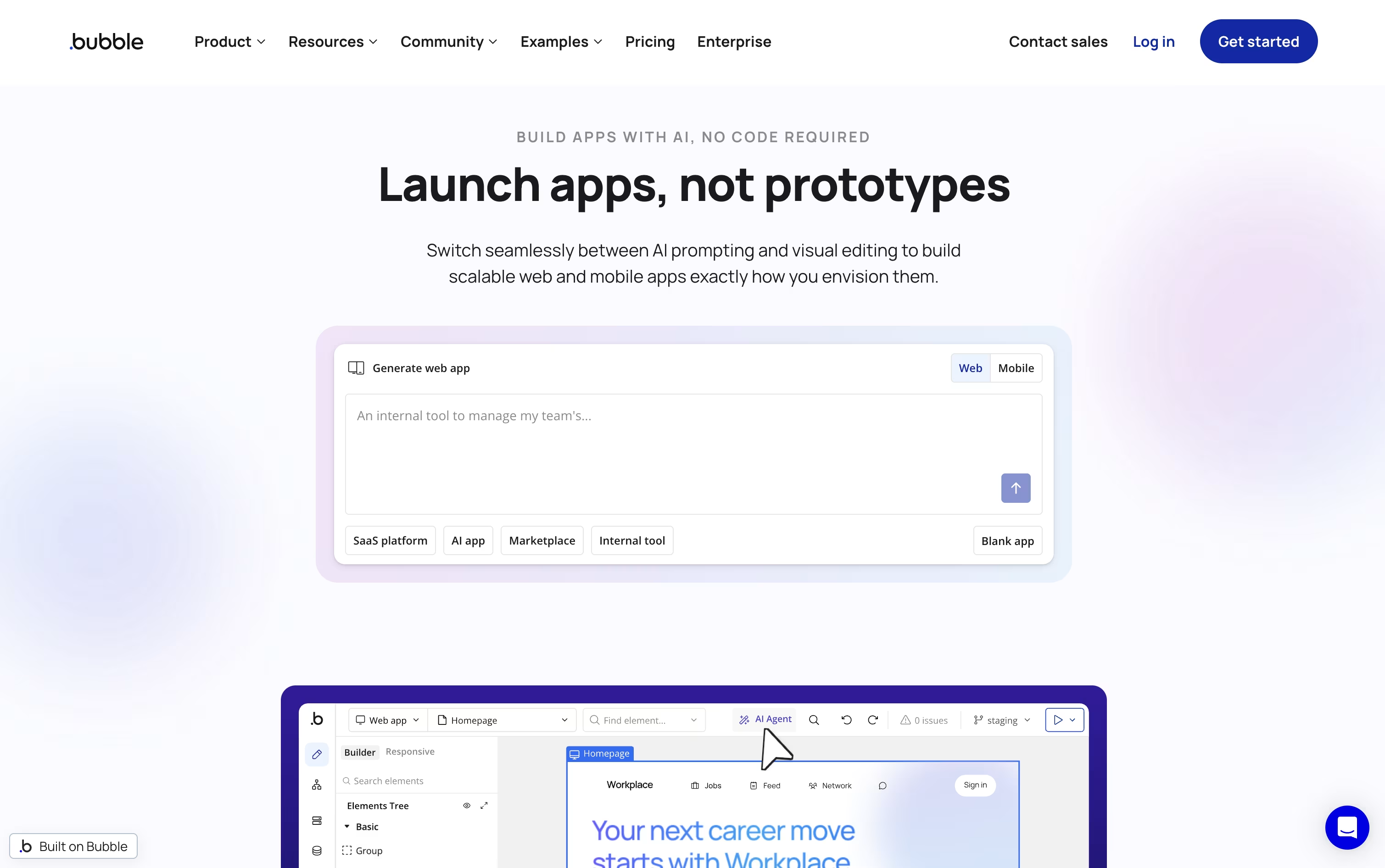
Its editor includes a built-in database, a drag-and-drop interface, and a workflow system for defining what happens when users interact with your app.
You can describe your app to the AI App Generator and get a working starting point in minutes, then keep editing visually or with help from the in-editor AI Agent.
Because Bubble also builds native iOS and Android apps from the same project, your web and mobile apps share one database and one set of workflows.
The Free plan costs nothing and is meant for early development. Starter begins at $69 a month, Growth at $249 a month, and Team at $649 a month, each with a lower annual rate. Larger teams can talk to sales for custom Enterprise pricing.
Backed by AWS hosting, SOC 2 Type II compliance, and a large plugin marketplace, Bubble is built for apps meant to grow.

With Anything, you describe the app you want in plain words, and the AI handles the coding, the database, the login screen, and the payments behind the scenes.
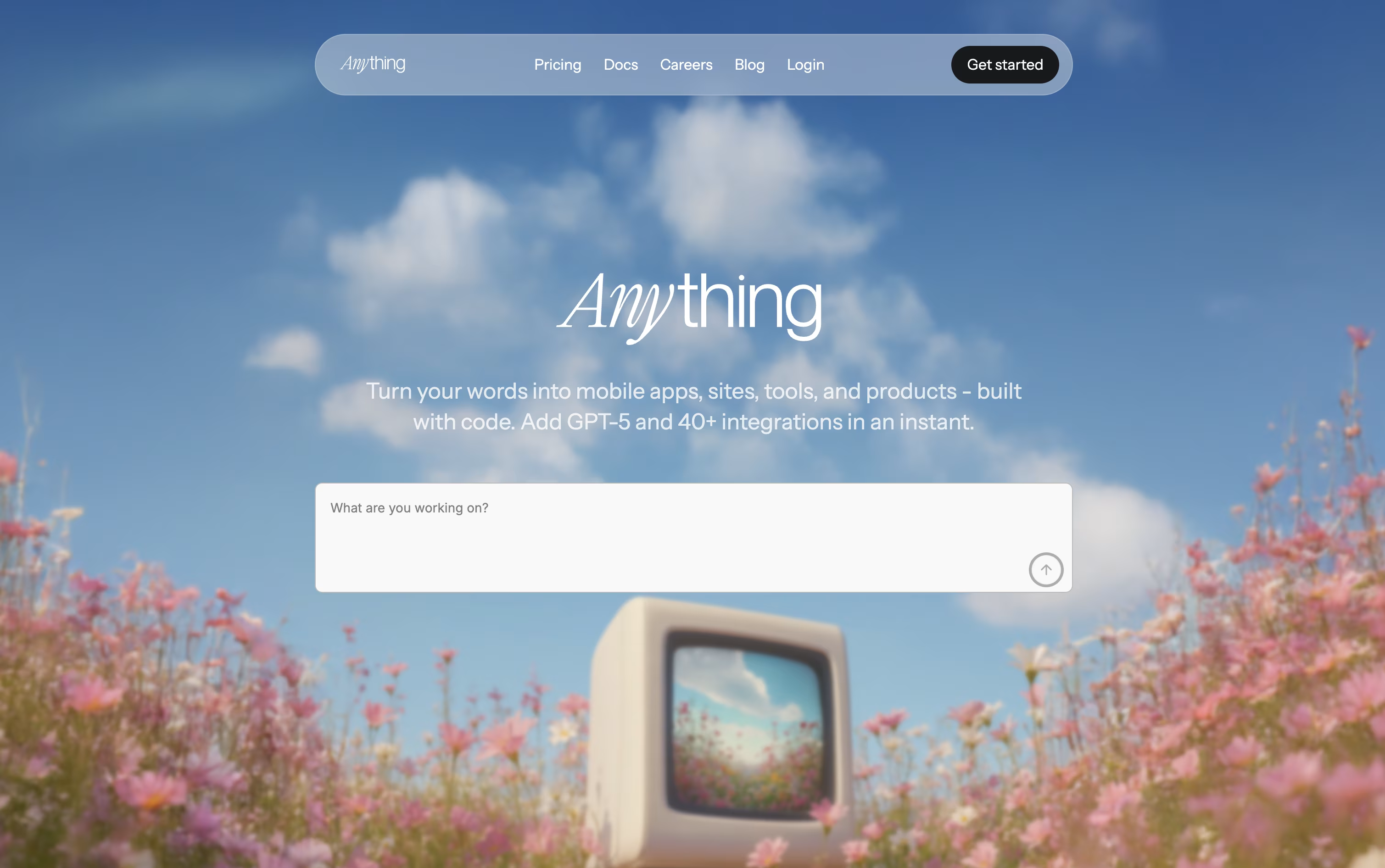
One project can produce a website, a web app, and native iPhone and Android apps at the same time, all sharing the same backend.
Getting started costs nothing, since the free plan lets you build public projects with community support.
Moving up, the Pro 20K plan is $24 a month, or $19 a month if billed yearly, and unlocks 20,000 AI credits, private projects, custom domains, and no Anything branding.
Teams with bigger needs can pick the MAX plan, starting at $239 a month for 220,000 credits, or $199 a month yearly, which adds parallel AI agents, automated testing, and faster support.
The standout feature is Anything Max, which tests the app itself like a real visitor, catches errors, and fixes them without you asking.

Instead of hiring a developer or learning to code, Rork lets you build a real app just by chatting with an AI agent. You explain what the app should do, and the agent designs the screens, writes the code, and fixes bugs as you go.
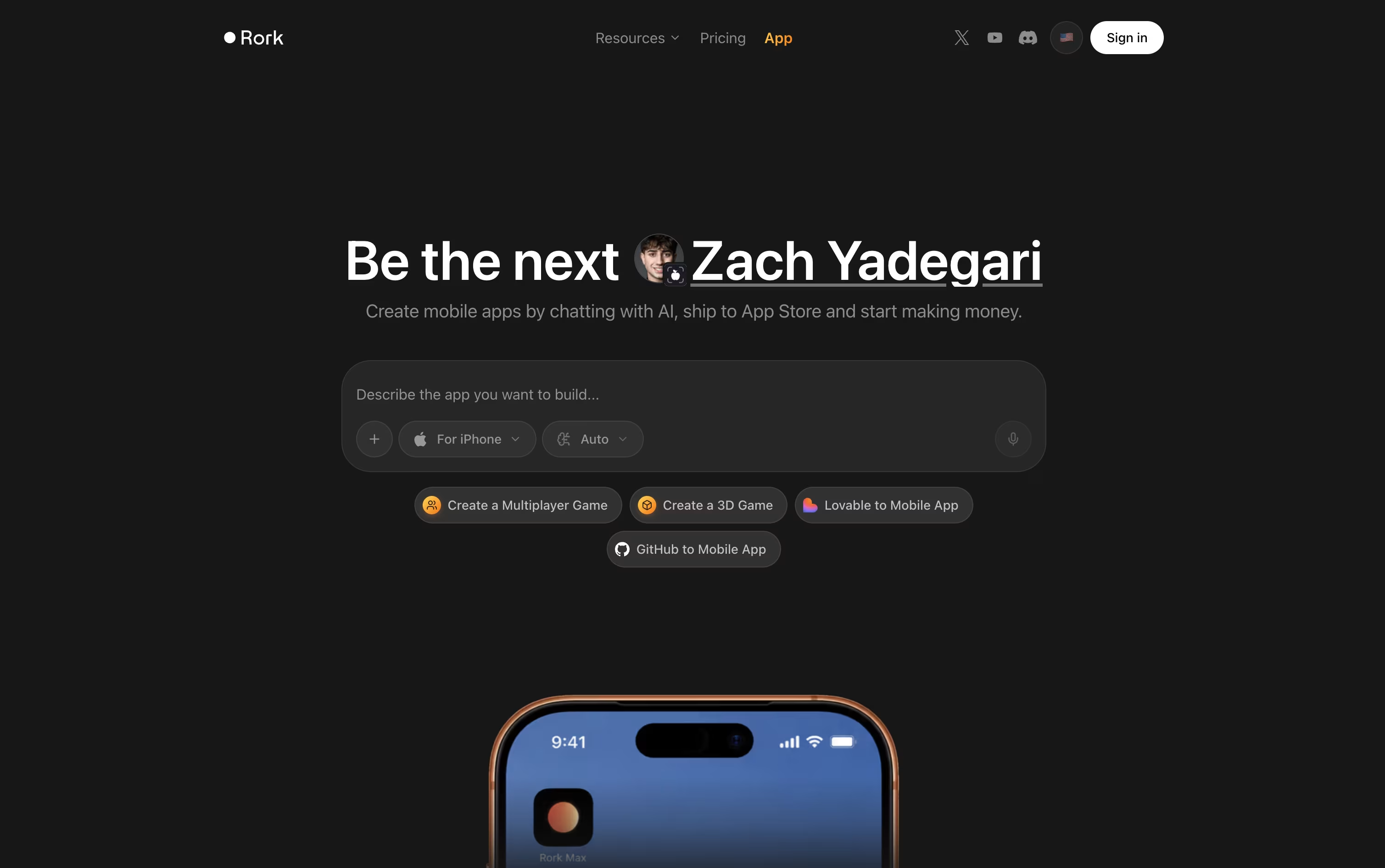
Two modes are available. Rork Pro creates apps using React Native and Expo that work across iOS, Android, and web. Rork Max compiles fully native SwiftUI apps built specifically for Apple devices, unlocking features like widgets, Live Activities, and support for Apple Watch and Vision Pro.
Getting started is free, with 5 AI credits a month and a short trial of Rork Max included, ideal for small experiments.
The Pro plan is $20 a month with 100 credits and adds private projects along with native Android builds. Rork Max begins at $200 a month for 1,000 credits, and larger credit tiers are available for heavier use.
Every paid plan adds tools for connecting your own database, adding logins and payments, and exporting your full project through GitHub. Once finished, Rork also helps you submit the app to the App Store and Google Play.

Replit lets you build real software just by typing or speaking what you have in mind. The AI Agent takes it from there, planning the work, writing the code, setting up the database, testing the result, and getting it ready to publish, all without you needing to set up anything yourself.
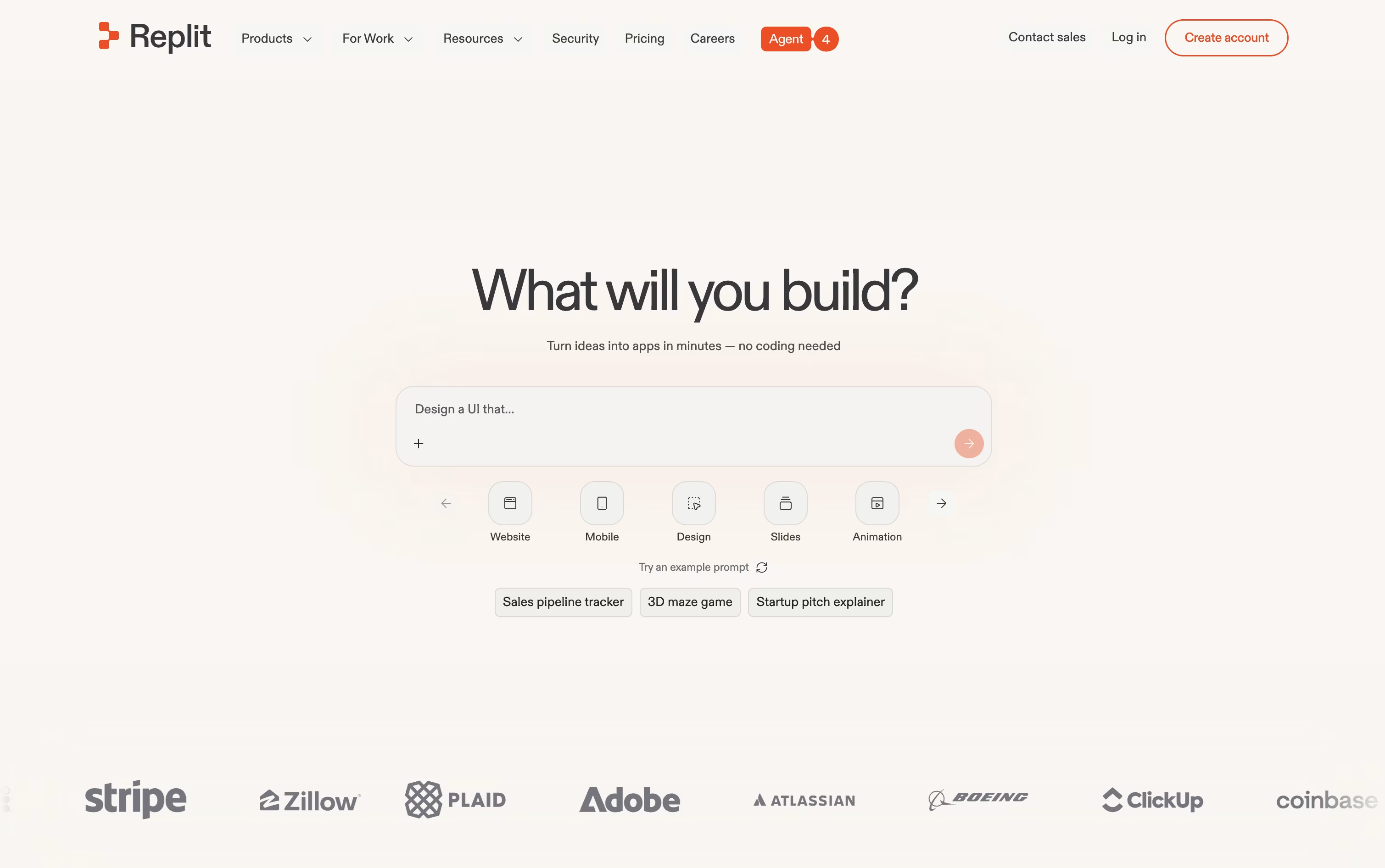
One project can hold many kinds of output at once, such as a website, a mobile app, a slide deck, or a short video, and the Infinite Canvas gives you a visual way to design and adjust things as you go. When a project is big, Parallel Agents can split up the work and handle several parts at the same time.
Anyone can start for free on the Starter plan, which includes daily Agent credits and one published project.
Stepping up to Core runs $20 a month, or $18 a month if you pay yearly, and brings more credits, room for 5 collaborators, and 2 agents working together.
The Pro plan, at $100 a month or $90 a month yearly, is built for professional teams, offering the strongest AI models, 10 parallel agents, and 28 days of database rollbacks.
Larger companies can move to Enterprise for custom pricing with SSO, extra privacy controls, and dedicated support.

Softr helps teams build working business software, such as portals, CRMs, and internal tools, without needing a development team.
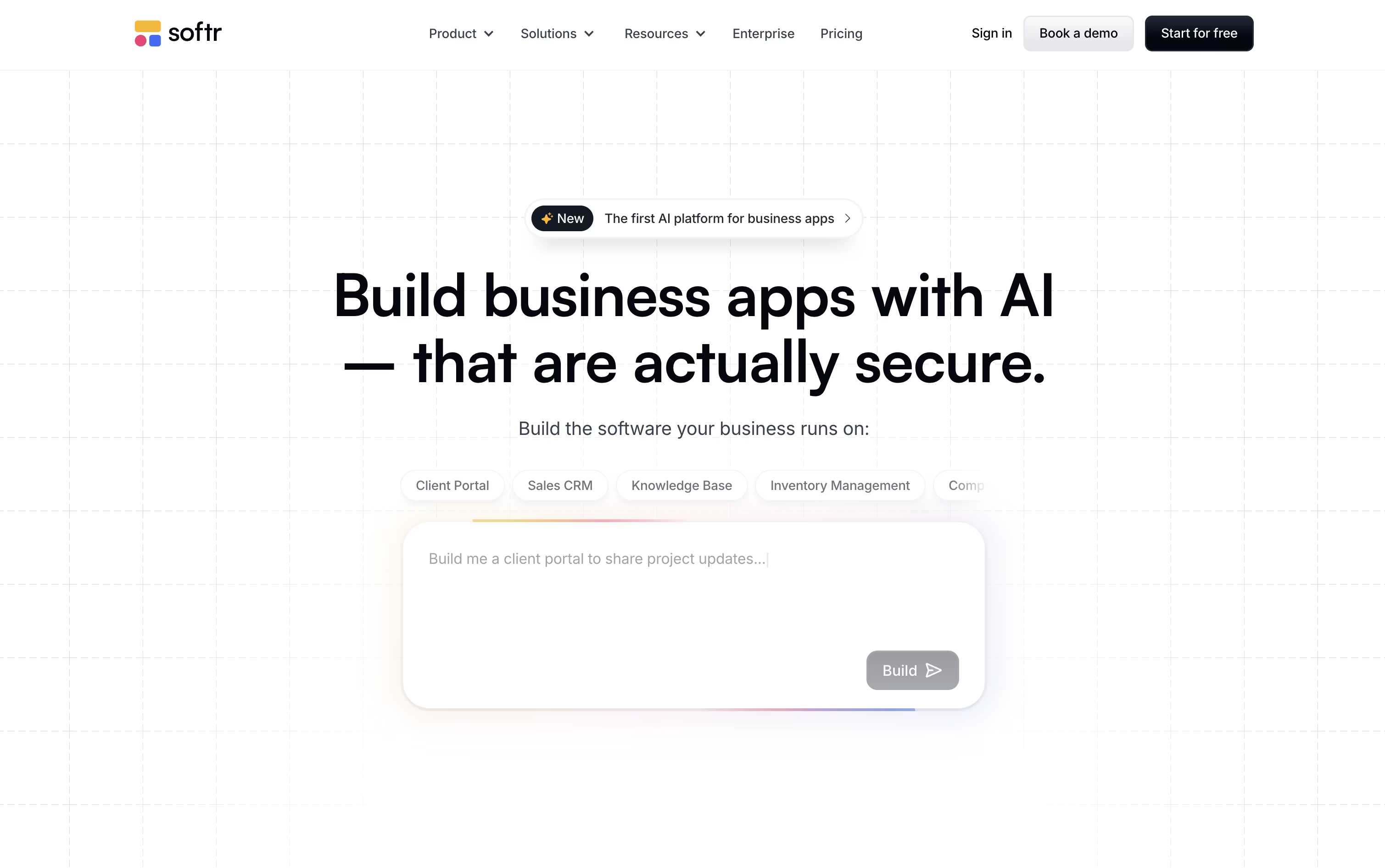
Instead of coding everything by hand, you can chat with the AI Co-Builder about the app you want, or build it yourself with drag and drop blocks for lists, forms, charts, and more.
Under the hood, Softr includes a fast native database, AI agents that can fill in or clean up your records, and automation workflows that connect actions across your app and other tools like Salesforce or Google Sheets.
On pricing, the Free plan costs nothing, Basic runs $59 a month, Professional is $167 a month, and Business is $323 a month, each cheaper when paid yearly. Larger organizations can reach out for custom Enterprise pricing.
Because it is SOC 2 certified and GDPR ready, Softr fits teams that need dependable, secure software rather than a throwaway prototype.

Bolt, built by StackBlitz, is a coding agent that builds full apps from simple text instructions. Type what you want, and it writes the code, installs what is needed, and opens a live preview right in the browser.
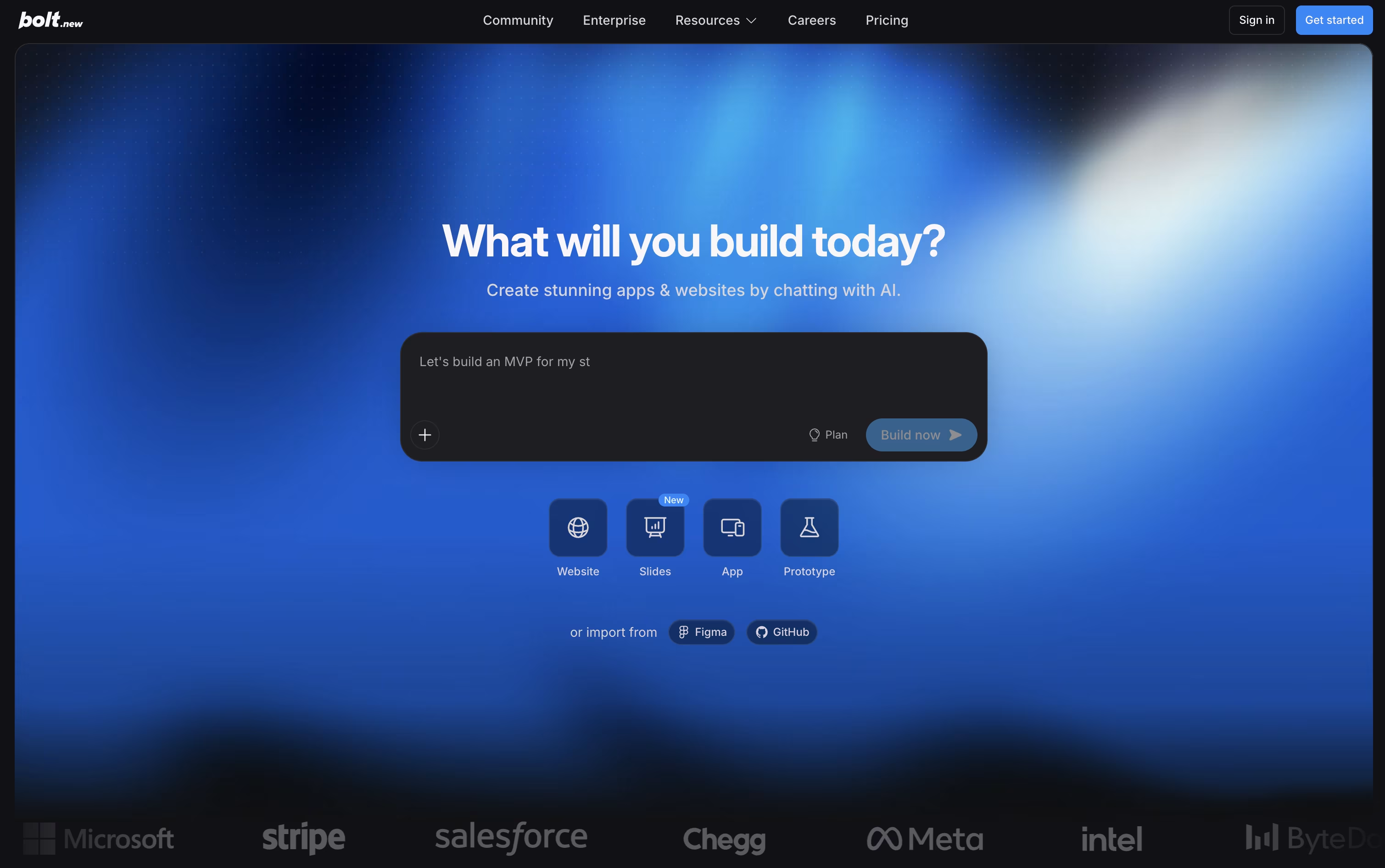
Because it runs on WebContainers, a complete coding environment inside the browser, there is nothing to install on your machine. Claude AI models power the agent, letting it scaffold projects, run servers, and correct errors as the conversation continues.
Getting started costs nothing. The Free plan includes 300K tokens a day, 1M tokens a month, website hosting, and unlimited databases, though the site shows Bolt branding.
Upgrading to Pro runs $25 a month, or $18 a month on the yearly plan. It lifts the daily token cap, gives 10M tokens a month, removes branding, and unlocks custom domains, SEO boosting, and AI image editing.
The Teams plan is $30 per member monthly, or $27 yearly, adding centralized billing and access controls, while Enterprise offers custom pricing with SSO, audit logs, and a dedicated account manager.
With built in support for Figma, GitHub, Supabase, and Stripe, Bolt suits founders, product teams, and developers who want a working app quickly while still owning the code.

Instead of hiring a developer or piecing together separate tools, Base44 lets you describe an app in plain English and get a working version back right away.
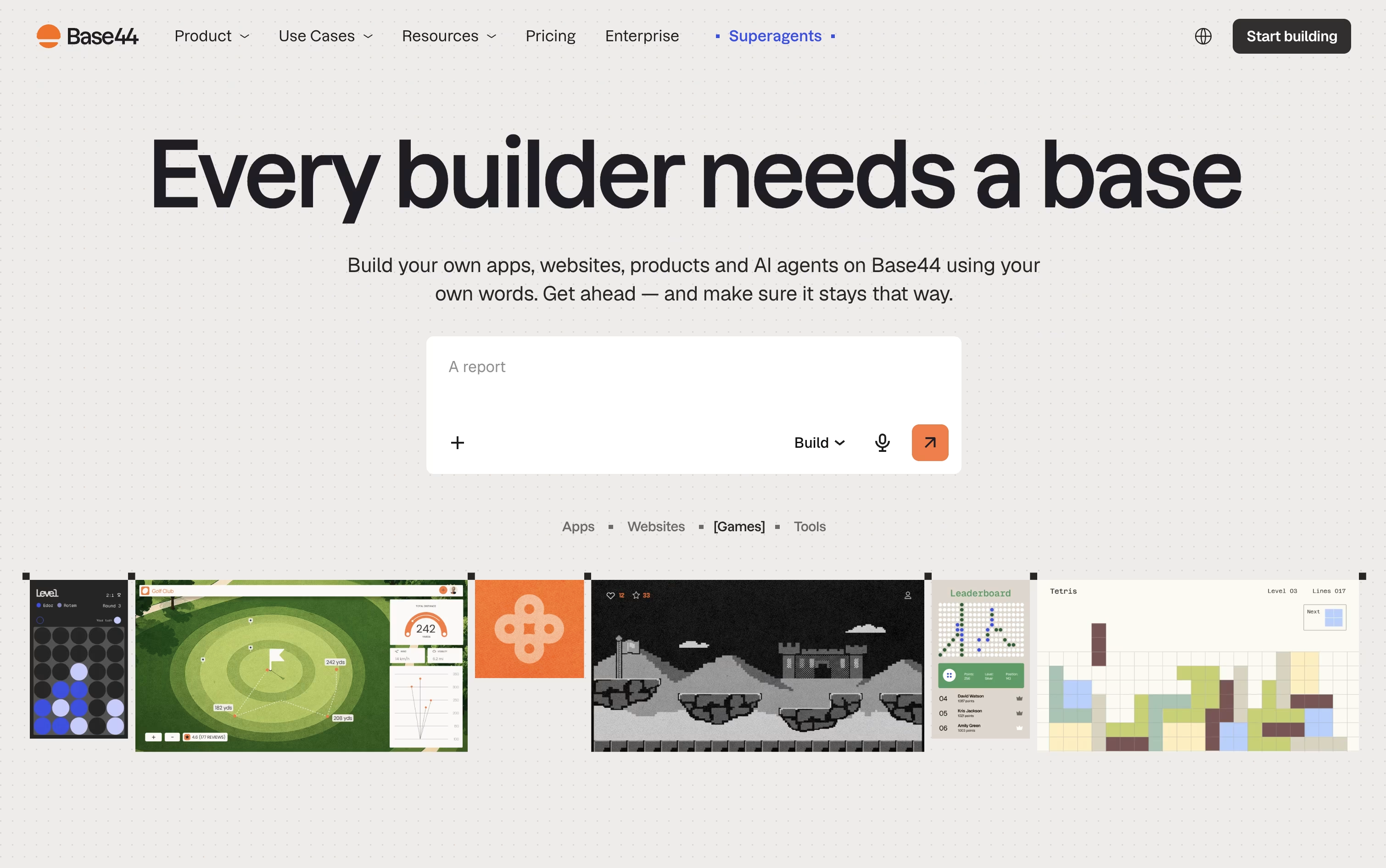
It handles the pages, the database, the login system, and the backend logic in one go, and you refine it further just by chatting with the AI.
Trying it out costs nothing, the free plan gives you 25 message credits a month and room for up to 5 apps.
Once you need more, the Starter plan at $20 a month removes the app limit and opens up code editing, while the Builder plan at $50 a month adds backend functions, AI model choice, and custom domains.
Pro and Elite raise the credit caps for heavier use, and Base44 also builds Superagents, AI helpers that handle tasks like follow-ups and scheduling on their own.
Larger organizations can move to a custom-priced Enterprise plan with single sign-on and dedicated support.

Instead of designing a site from scratch, Readdy builds it for you from a short description, a picture, or a link to a site you admire. It fills in the layout, wording, and images, and picking from 500 plus templates works just as well if you prefer a starting point.
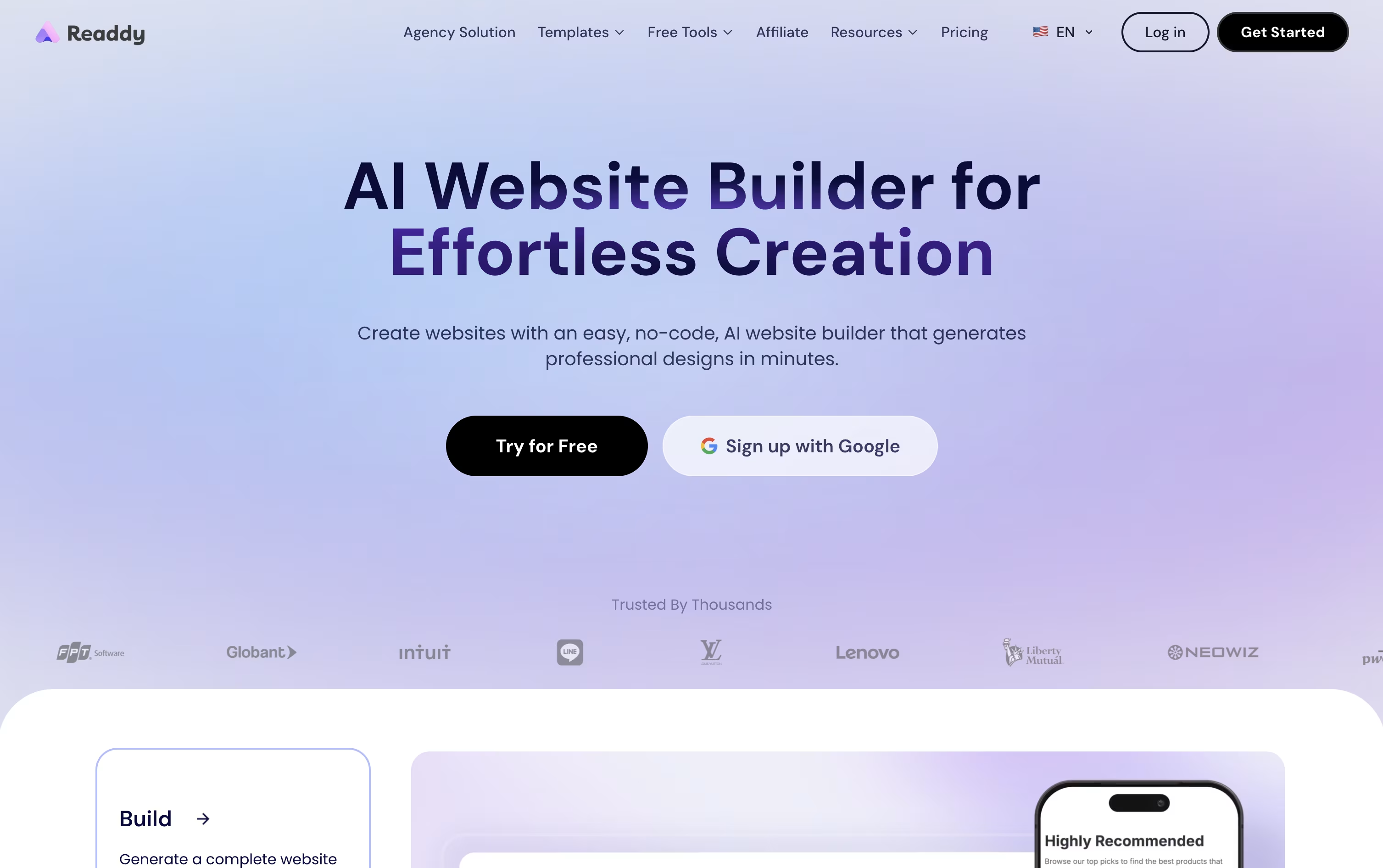
Making changes afterward is straightforward. Click on any piece of the page to edit it directly, or simply type out what you want changed and Readdy applies it. Forms, user logins, and databases come built in through the Readdy Backend, so there is no separate setup needed to collect leads or manage accounts.
A code editor is available for anyone who wants to look under the hood, showing the React, Tailwind, and TypeScript files that make up the site, and the whole project can be exported as a zip file whenever you like.
Pricing starts free with 250 credits a month, then moves to Starter at $25, Pro at $40, Agency at $120, and Agency Pro at $199 monthly, each adding more sites, storage, and features. Paying yearly can lower these prices by up to 60 percent, and an Ultimate plan covers teams that need unlimited everything.
Adalo lets you build and publish apps for phones and the web without writing code. You can describe your app to the AI assistant, Ada, and it will lay out the screens and database for you, or you can build everything by hand on the drag-and-drop canvas.
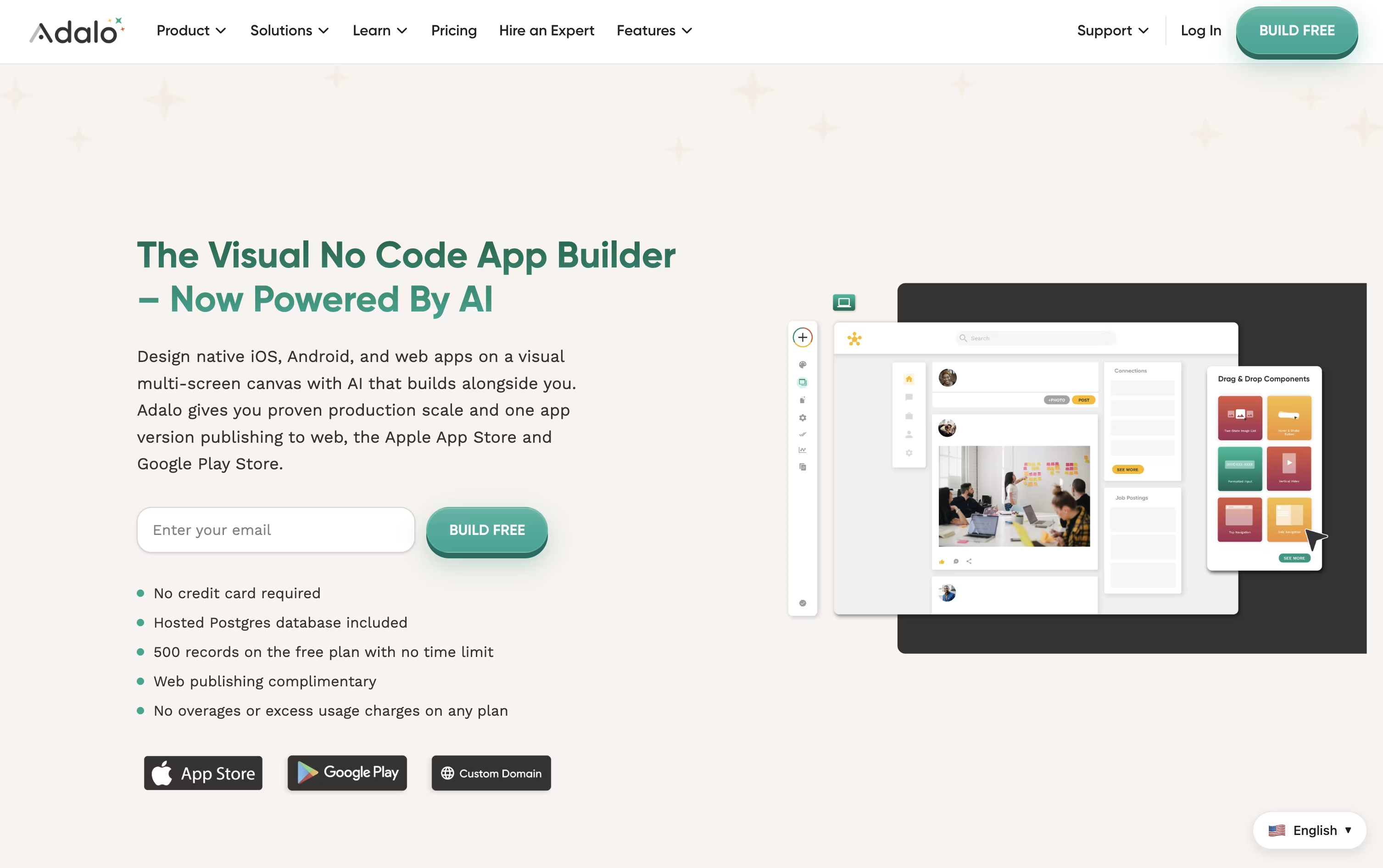
A hosted database comes built in, and you can link outside data sources such as Google Sheets, Airtable, or your own APIs when you need more.
Getting started costs nothing. The free plan gives you unlimited screens and test apps so you can learn the tool and try out ideas before paying anything.
Once you are ready to launch, plans starting at $45 a month unlock web publishing, custom domains, and app store publishing for iOS and Android.
Higher plans, Professional at $65 a month and Team at $200 a month, add custom actions, outside integrations, push notifications, and API access as your app grows.
For bigger needs, Adalo Blue offers a fully managed service with dedicated infrastructure and custom development.

Instead of chatting with one AI to write code, Atoms hands your idea to a small team of AI agents that each play a different role, like a real software company.
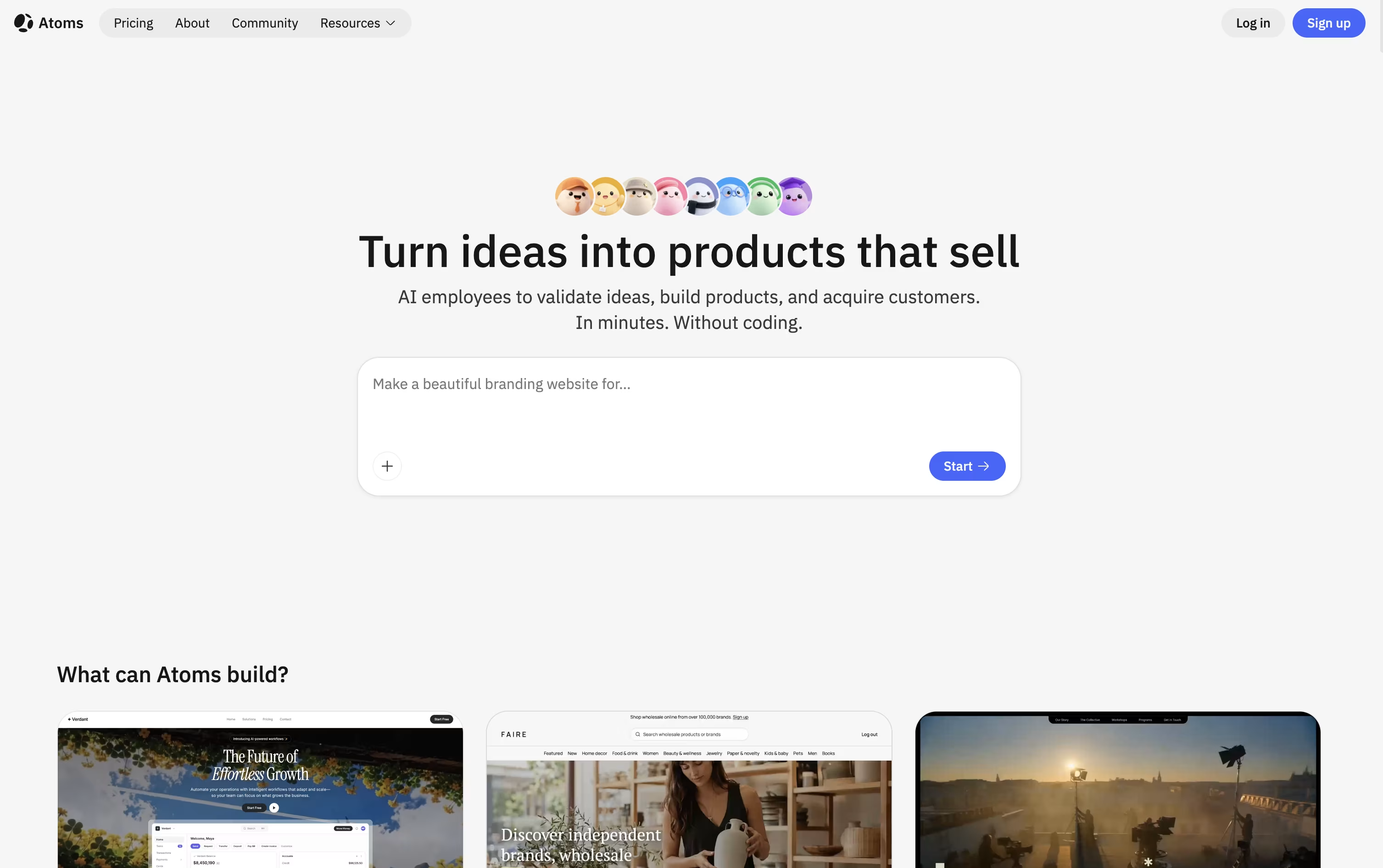
One agent researches your market, another turns your idea into a clear plan, and others handle the actual coding, covering both the frontend and backend along with login, a database, and Stripe payments.
After launch, an SEO agent optimizes your pages for search, an ads agent can run Google Ads for you, and a data agent tracks how your app is performing.
You can start for free, which gives 15 daily credits, 2 GB of storage, and 2 backend projects. The Pro plan starts at $20 a month for 100 credits and unlocks private projects, custom domains, and unlimited backend projects.
For heavier use, Max starts at $100 a month for 500 credits, offering 100 GB storage, double the compute resources, and Race Mode to compare results from multiple AI models. Choosing yearly billing saves up to 21%.
Whenever you want, you can export your project's code or sync it with GitHub, so your work is never locked inside the platform.

With Capacity, you describe your app idea the way you would explain it to a friend, and an AI Co-Founder takes it from there. It asks a few questions about what you are building and who it is for, then generates a full app with a frontend, backend, database, and login already wired together.
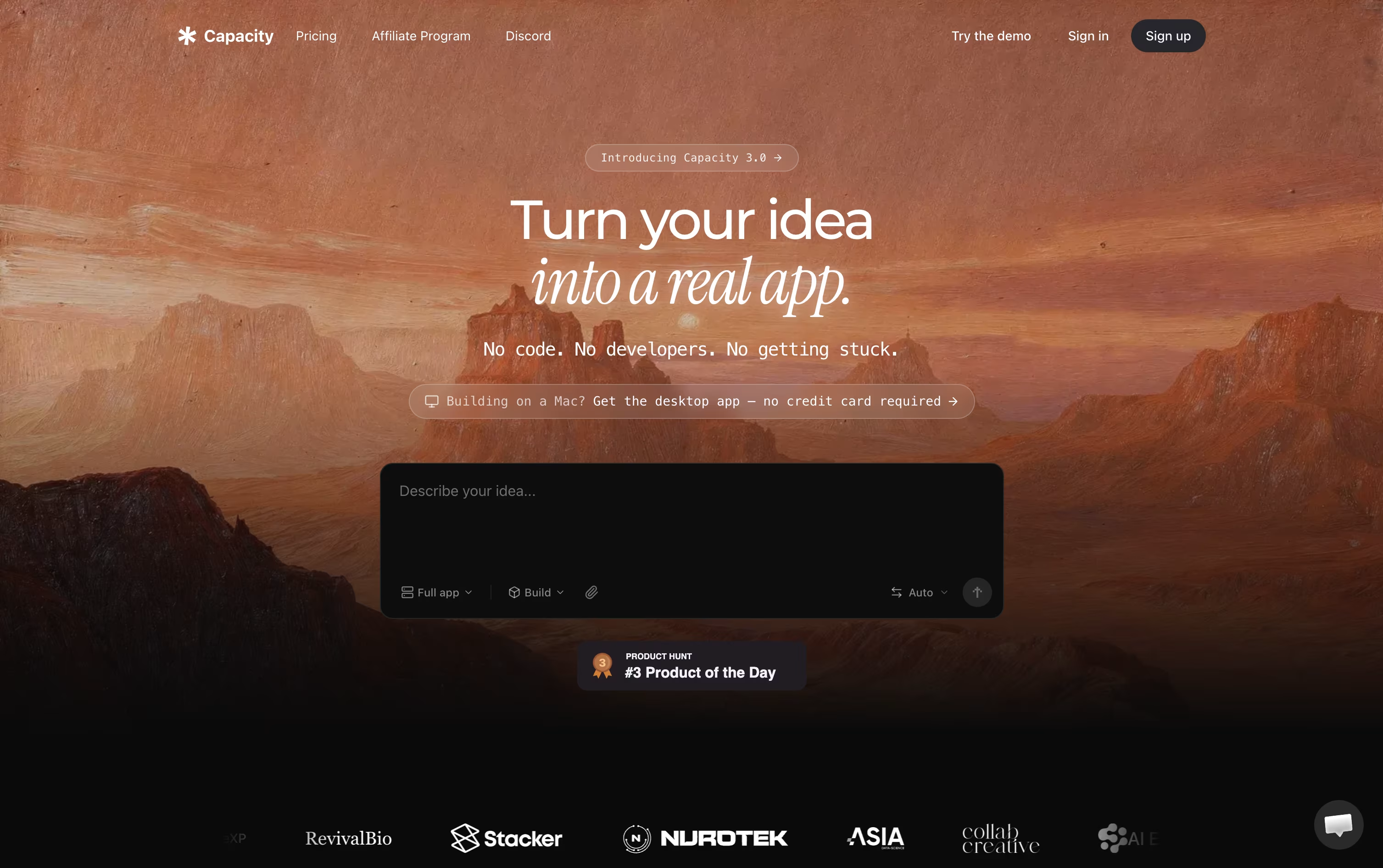
You can iterate quickly in Vibe Mode, or use Spec Mode to lay out a clear plan before anything gets built.
Once your app is live, you can preview it, chat to make changes, and publish with a single click. Matching iOS and Android apps can also be generated from the same project.
Plans start at $25 a month for the Starter tier with 100 credits, and scale up to $299 a month for the Business plan with 1,000 credits and a dedicated success manager.
One-time credit packs are also available from $9 if you prefer not to subscribe.
Your code always belongs to you, and full export is available at any time.

With Durable, you skip the usual back and forth of building a website by hand. You describe your business, and the AI builds a complete, ready-to-edit site in roughly thirty seconds, images and all.
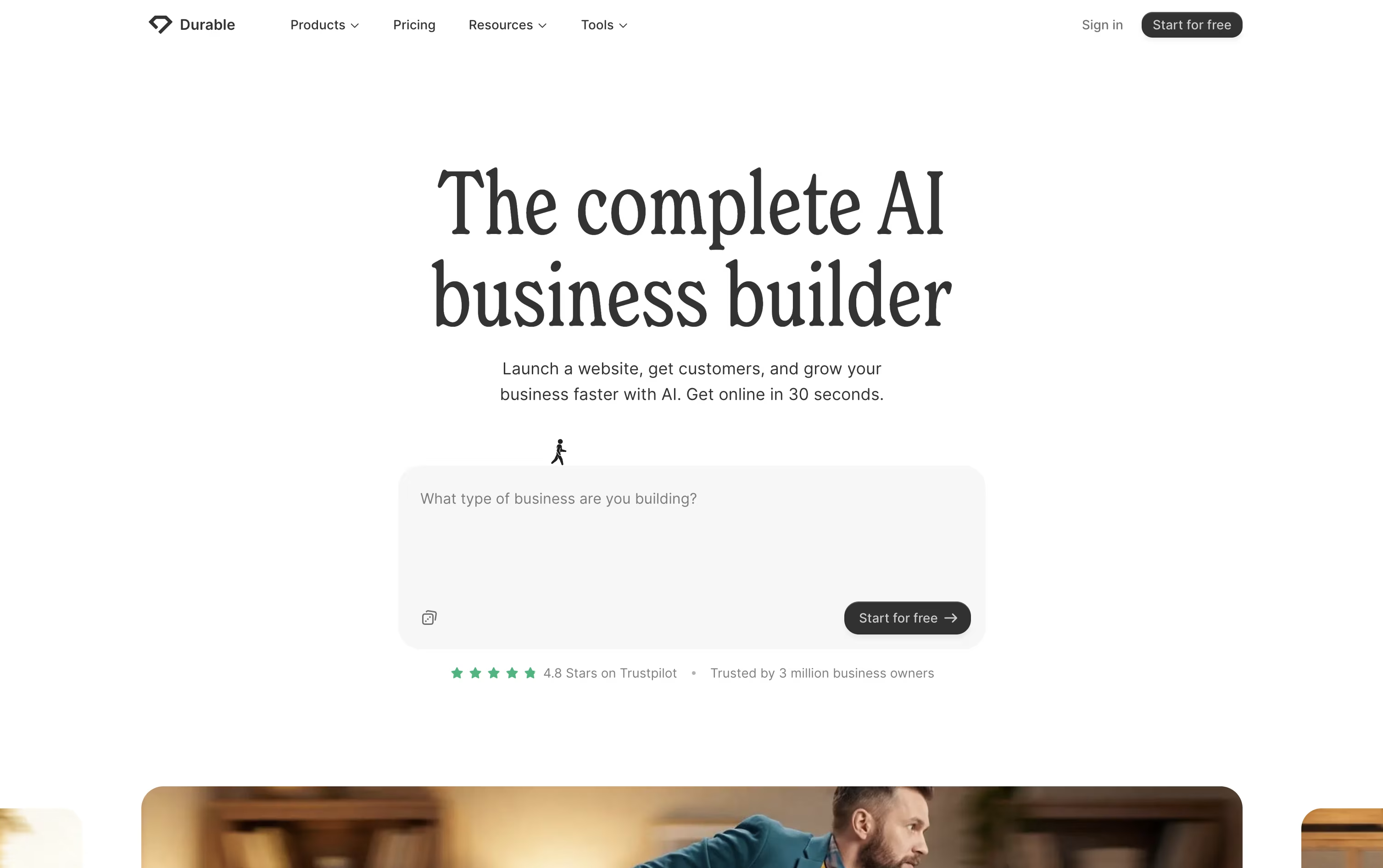
Once the site is live, Durable keeps working in the background. It comes with a CRM to track leads, an online booking tool that syncs with your calendar, and an AI assistant that can draft posts, reply to customers, and give business advice around the clock.
The free plan is a good way to try things out, offering a basic website, simple lead tracking, and a small monthly allowance of AI images and chat messages.
Stepping up to Launch, at $25 a month or $22 a month billed yearly, unlocks a more professional site, SEO and GEO tools to help you appear in Google and AI chat answers, unlimited bookings, and bigger AI limits.
The Grow plan, at $49 a month or $41 a month yearly, is built for busier teams, adding unlimited team seats, personal onboarding, and the highest AI usage limits.

Glide lets you build business apps without writing code. You start with a spreadsheet, a database, or even just a written description, and Glide turns it into a working app with screens, forms, and automations already set up.
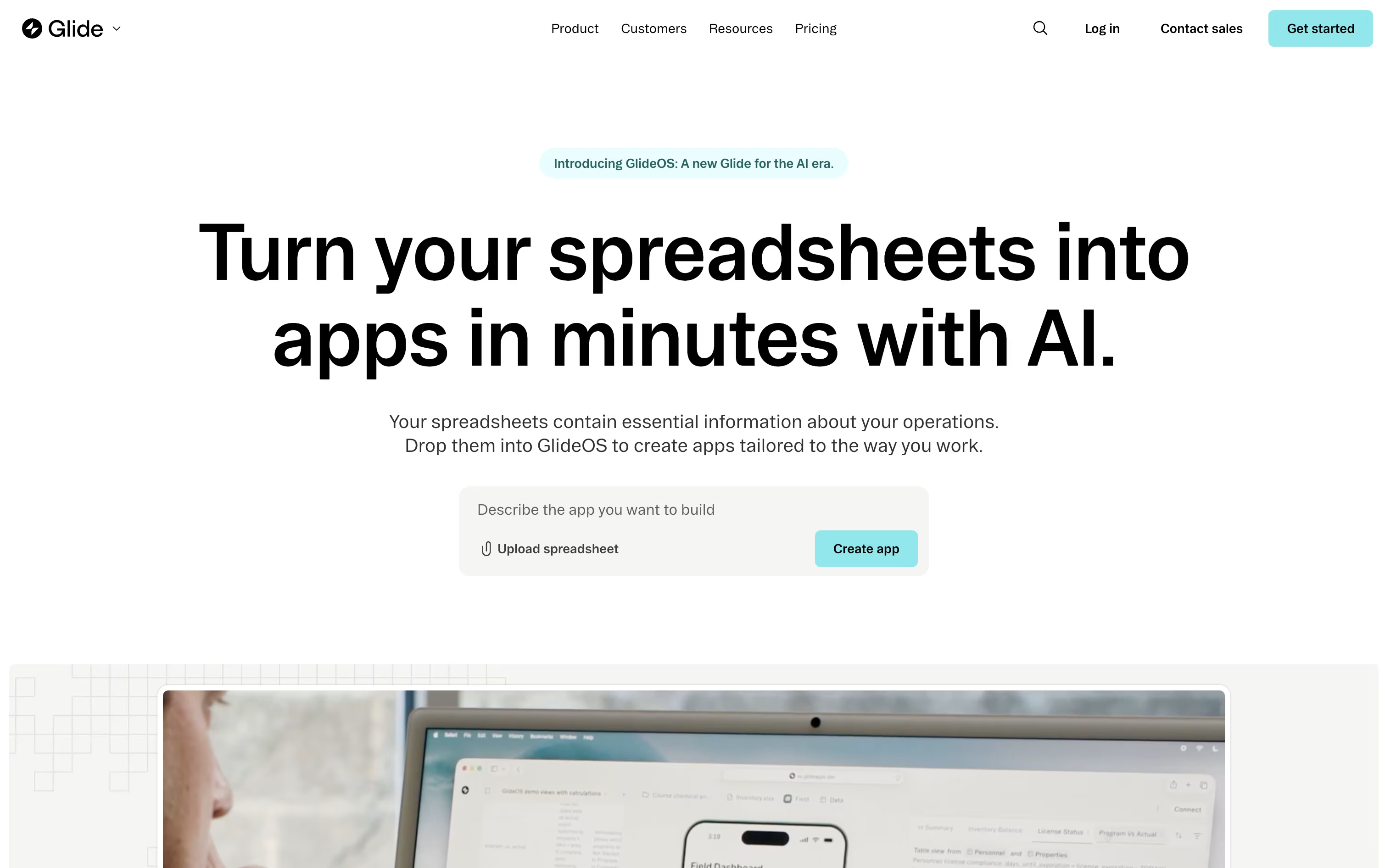
Its newer AI system, GlideOS, studies your uploaded spreadsheet, including formulas and formatting, asks a few questions about how you work, and puts together a usable app in about 5 minutes. From there, you simply chat with it to add pages or change features.
The Free plan costs nothing and supports unlimited draft apps with up to 25,000 rows. Solo builders can upgrade to Explorer at $19 a month or Maker at $49 a month on yearly billing, both unlocking published apps, custom branding, and more users.
Businesses that need a shared workspace can choose the Business plan at $199 a month, billed yearly, which comes with a 14 day free trial, unlimited apps, 30 users, workflows, and API access.
Enterprise pricing is custom and brings single sign-on, dedicated connectors, and a dedicated account manager for larger teams.
Because Glide links to Google Sheets, Airtable, and SQL databases, it suits inventory tools, sales apps, dashboards, and internal portals.

Building a real app usually means hiring developers or learning to code yourself. Floot skips both by letting you describe your idea in plain language and building the app for you, backend and all.
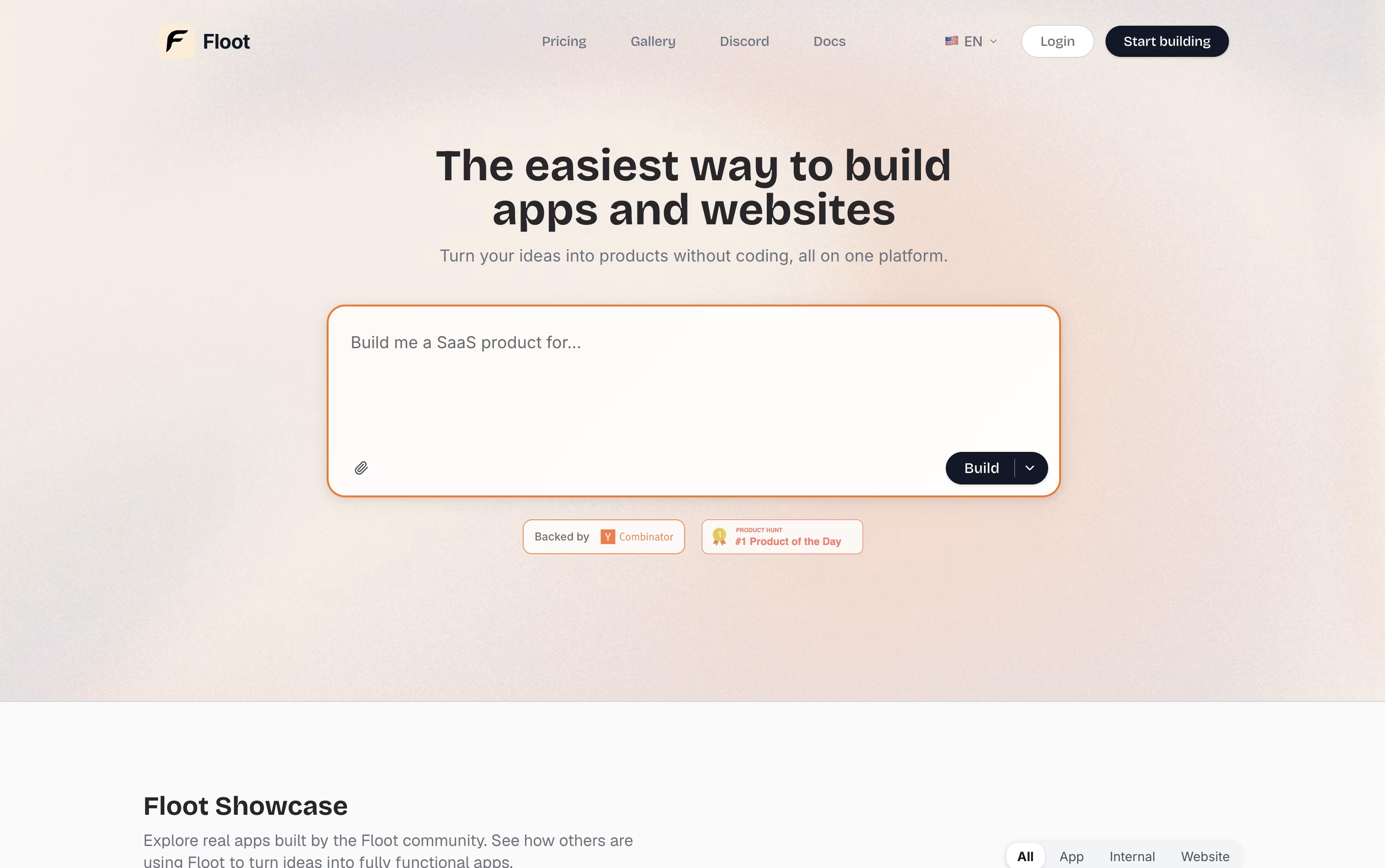
The platform was founded in 2025 by engineers who previously worked at Retool and AWS, and it was built specifically for AI-driven app creation rather than adapted from older coding tools.
Beyond the basic build, Floot adds hosting, a database editor, user logins, SEO tools, and realtime features like live chat and push notifications, so the finished app can serve real customers.
Getting started costs nothing. The Free plan gives you 3,000 AI credits and a small hosting allowance to test your first project.
When you are ready to grow, the Pro plan begins at $25 a month for 25,000 credits, with a $100 a month option for 100,000 credits. It unlocks custom domains, SEO tools, and mobile app export.
Businesses with bigger needs can choose the Enterprise plan, which starts at a $20,000 yearly commitment and includes custom features and dedicated support.

Building an app with Shipper.now starts with typing your idea in plain English, whether that is a website, a mobile app, a browser extension, or a chat bot. The AI reasons through the whole project, planning the database, designing the screens, writing the code, and catching its own mistakes.
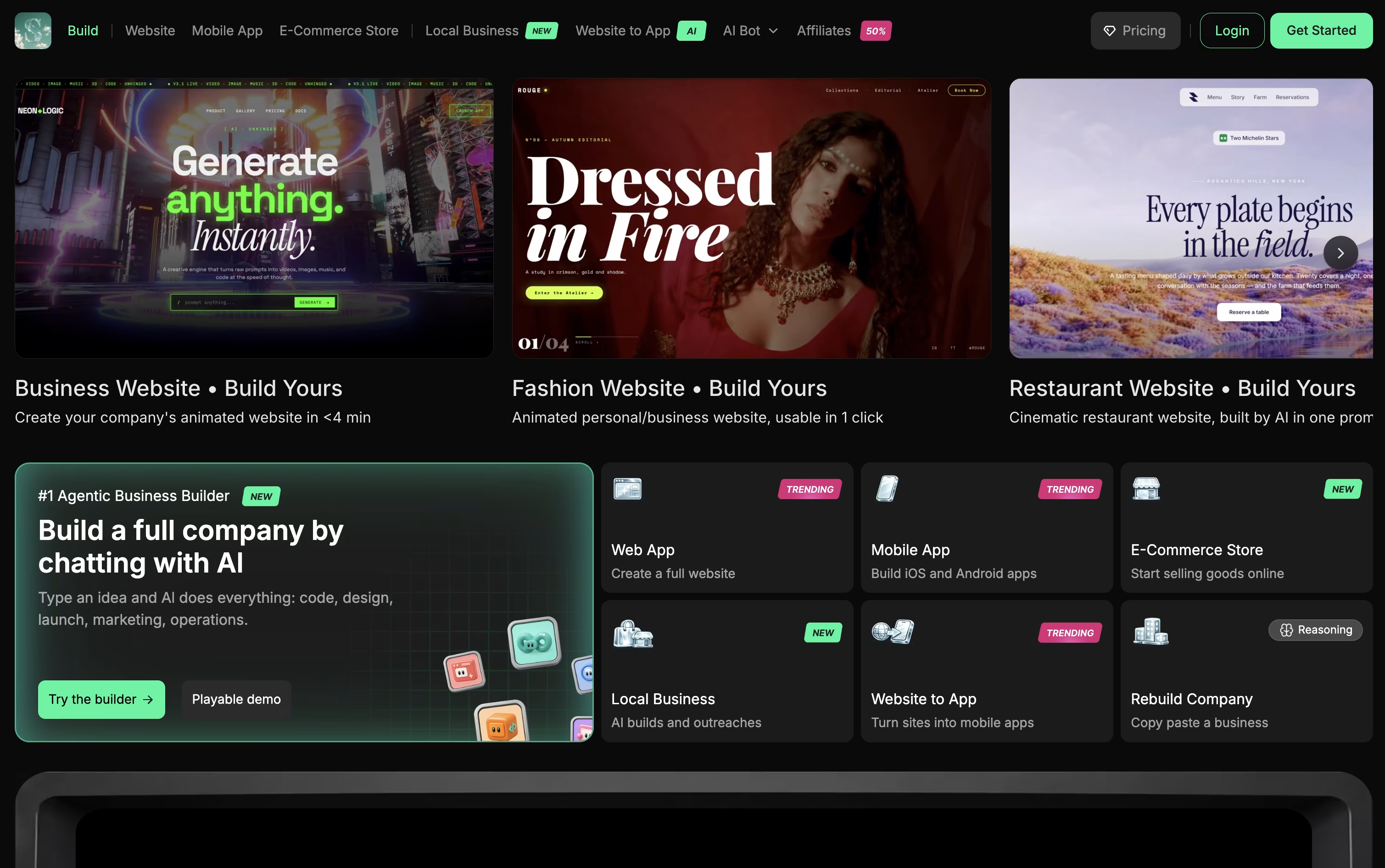
Rather than just generating code, Shipper.now leans into the idea of an AI co-founder. Its separate Shipper Advisor feature works like a consultant, reviewing your project and suggesting improvements to product, growth, and marketing.
You can try it for free before paying anything. The Pro plan starts at $25 a month with 100 credits, and higher tiers go up to 20,000 credits for $5,000 a month, adding connectors, advanced design options, unlimited teammates, and the AI Advisor.
Shipper Max is built for heavier use, starting at $200 a month for 500 credits and reaching $400 a month for 1,000 credits. It brings priority support, AI Employees, and access to models such as Claude Opus, Gemini, and DeepSeek.
When your app is ready, Shipper takes care of hosting, the database, and logins, and you can point a custom domain at your finished product.

With Softgen, you describe the app you want in everyday language, and the AI handles the planning and coding for you. A quick request like a SaaS dashboard with billing and analytics becomes a real, working project.
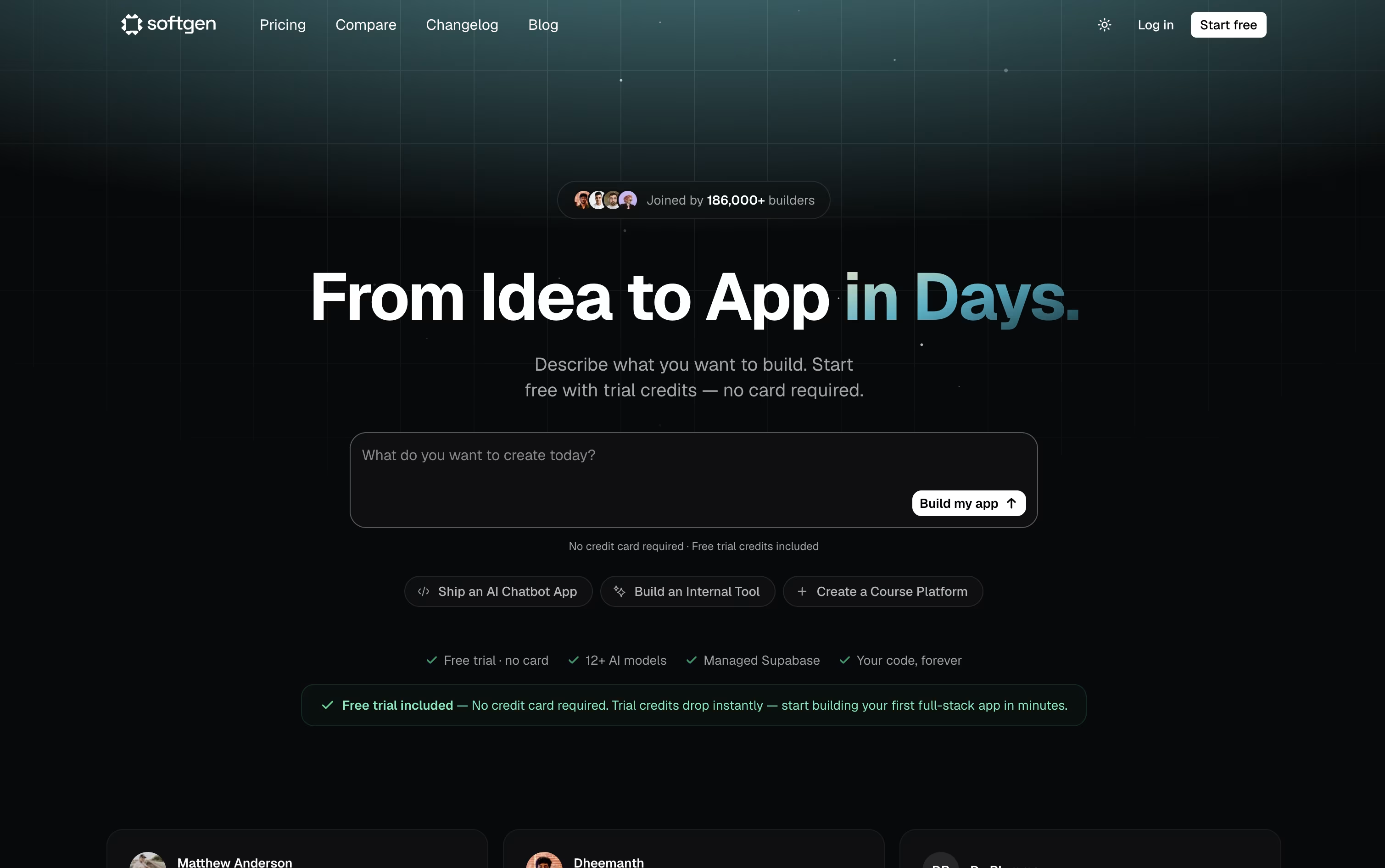
The platform writes the frontend and backend together, sets up the database and login system, and gives you a live preview so you can watch it come together. Further changes just take another chat message.
You can pick from over 12 AI models, including Claude 4.5, GPT 5.4, and Gemini 3.1 Pro, and every project comes with a managed Supabase database, custom domain support, and a Kanban style project board.
Your project is stored as a genuine GitHub repository, so you always own the code and can open it in any editor. Deployment goes straight to your own Vercel account with a single click.
The Starter plan is 25 dollars a month with 500 credits and 10 projects, while the Pro plan is 49 dollars a month with 1,500 credits, unlimited projects, and priority support.
Since the code and hosting belong to you, the app you build stays live even after your subscription ends.

Building a website usually means learning to code or hiring someone who can. Hostinger Horizons skips that step by letting you describe your idea in normal language, through text, voice, or even a picture, and turning it into a real project.
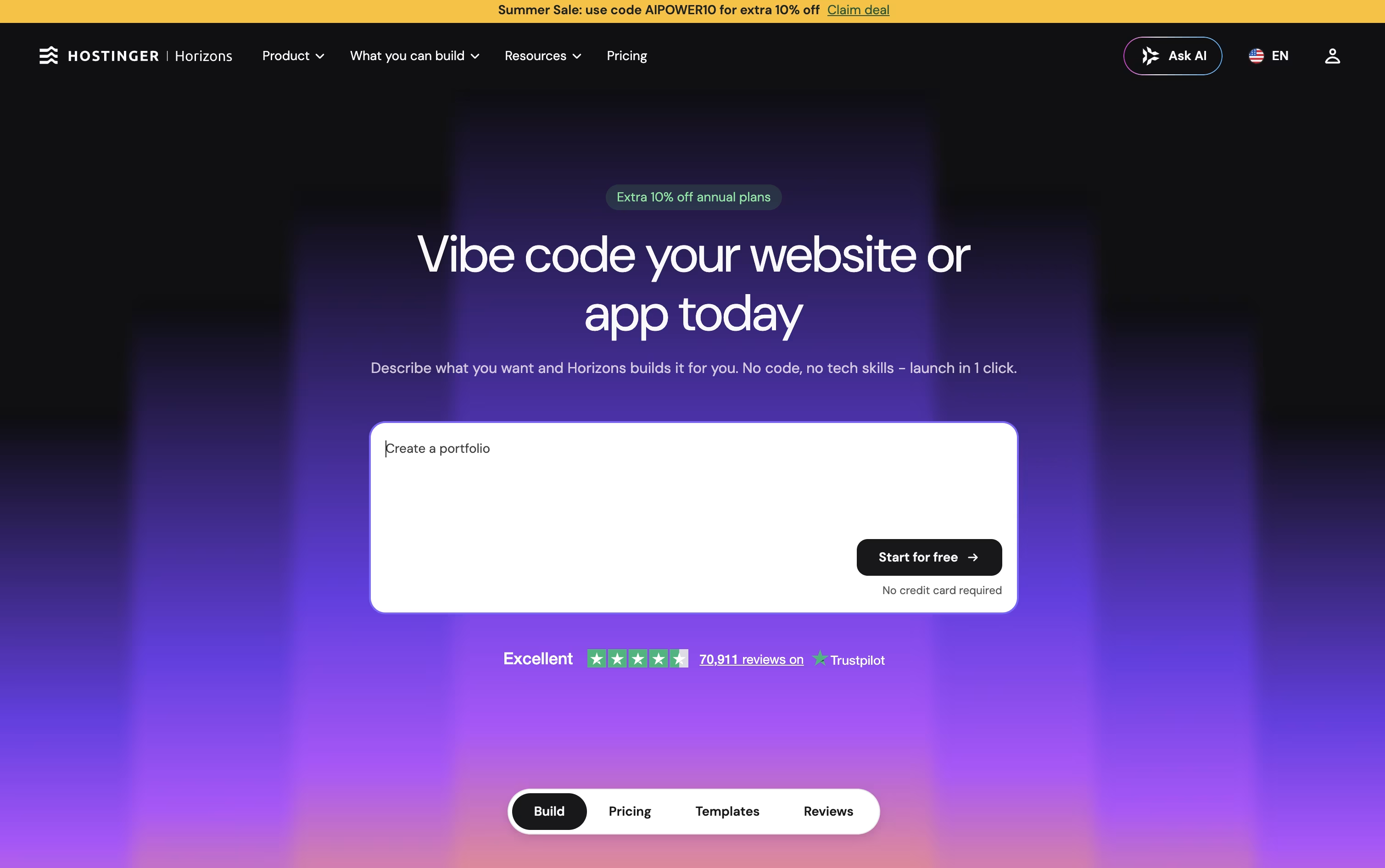
After the first version is ready, you simply keep talking to it to make changes, such as adding a login page, a store, or a chatbot. If you prefer, a full code editor is there too for hands-on edits.
Starting out is free, with 5 AI credits and no card needed. From there, the Explorer plan costs $6.99 a month for 30 credits, the Starter plan is $13.99 a month for 70 credits, and the Hobbyist plan runs $39.99 a month for 200 credits.
Paying plans throw in a free domain and hosting for the first year, quicker support, visitor analytics, and tools to sell products or subscriptions.
Every project is built with working code, so publishing takes one click and your site runs on Hostinger's own hosting, domains, and email setup.