

Best 4 Tools for Faceless Video Content Creation in 2026
Last Updated: August 28, 2026
Not every creator wants to be on camera, and that no longer has to limit what gets published. Faceless Video Content Creation tools combine stock or AI-generated visuals, text overlays, and synthetic voiceovers to produce complete videos without a single shot of a real person.
This approach has become popular for niche channels covering facts, stories, finance, or motivation, where the content itself carries the audience rather than a personal brand. It also lets one person run several channels at once, since production no longer depends on filming time or camera presence.
 Steve AI
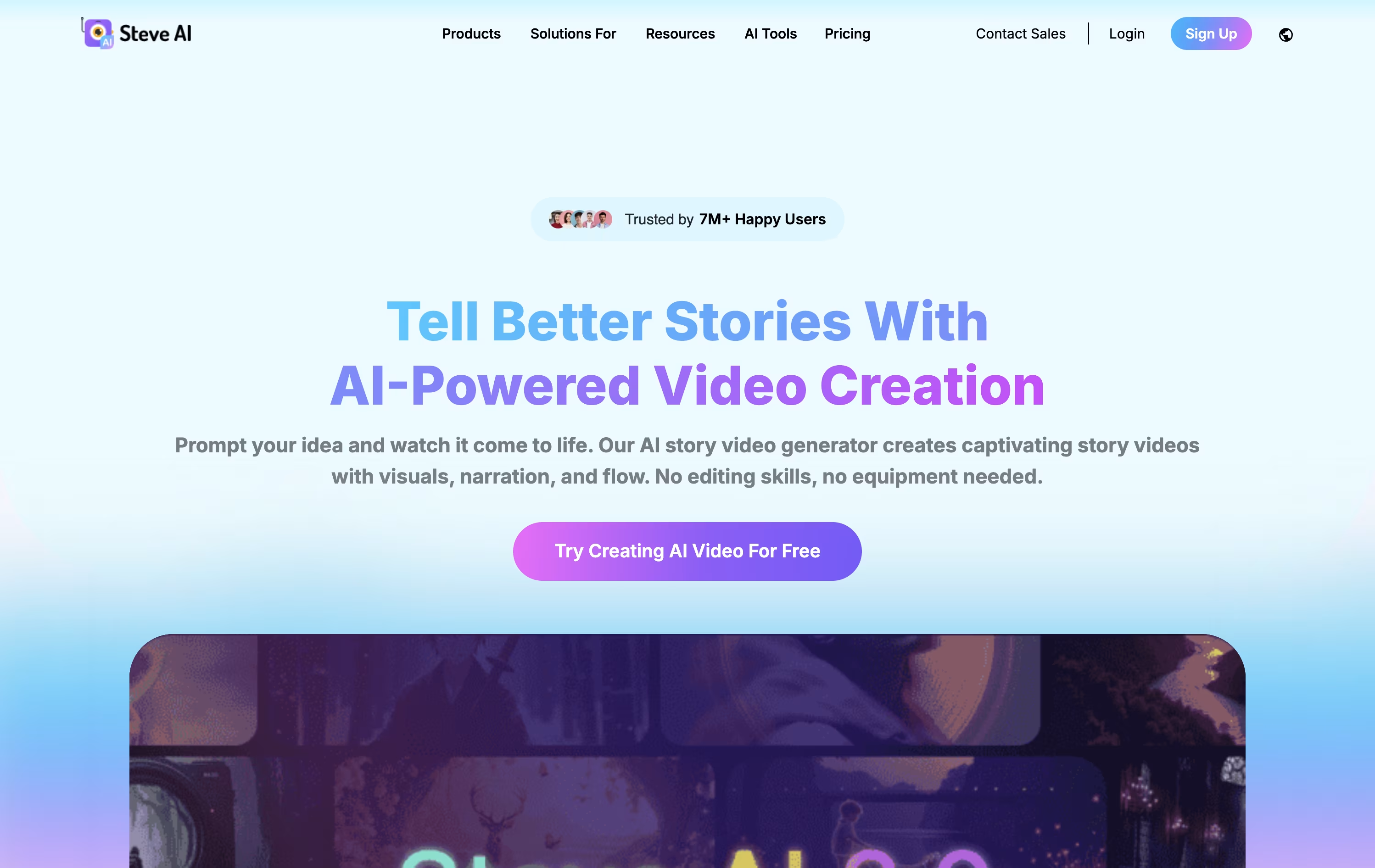 Steve AIAI-Powered Video Creation Made Easy,
  Fliki
Fliki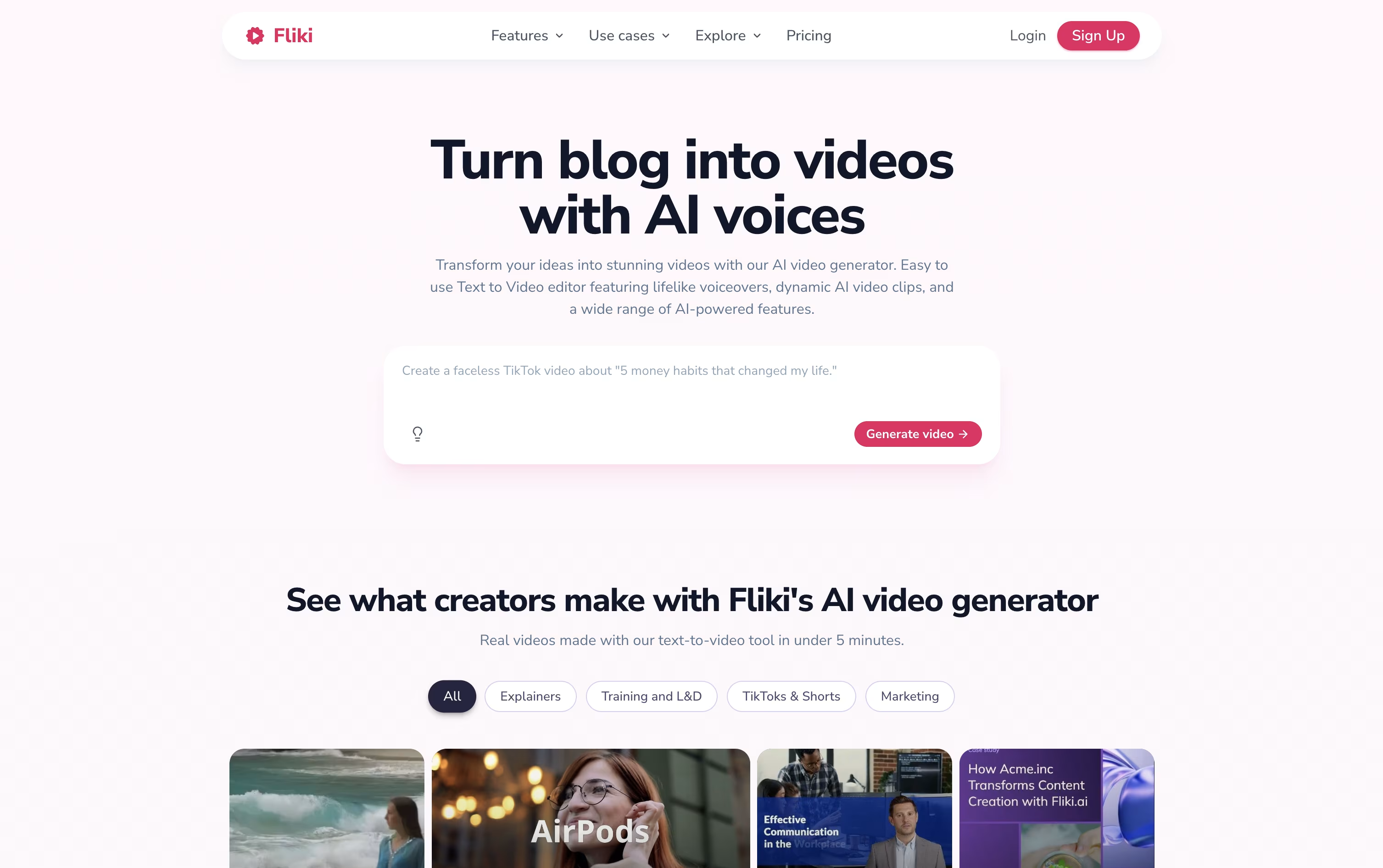 FlikiCreate AI Videos with Lifelike Voices, and
  InVideo
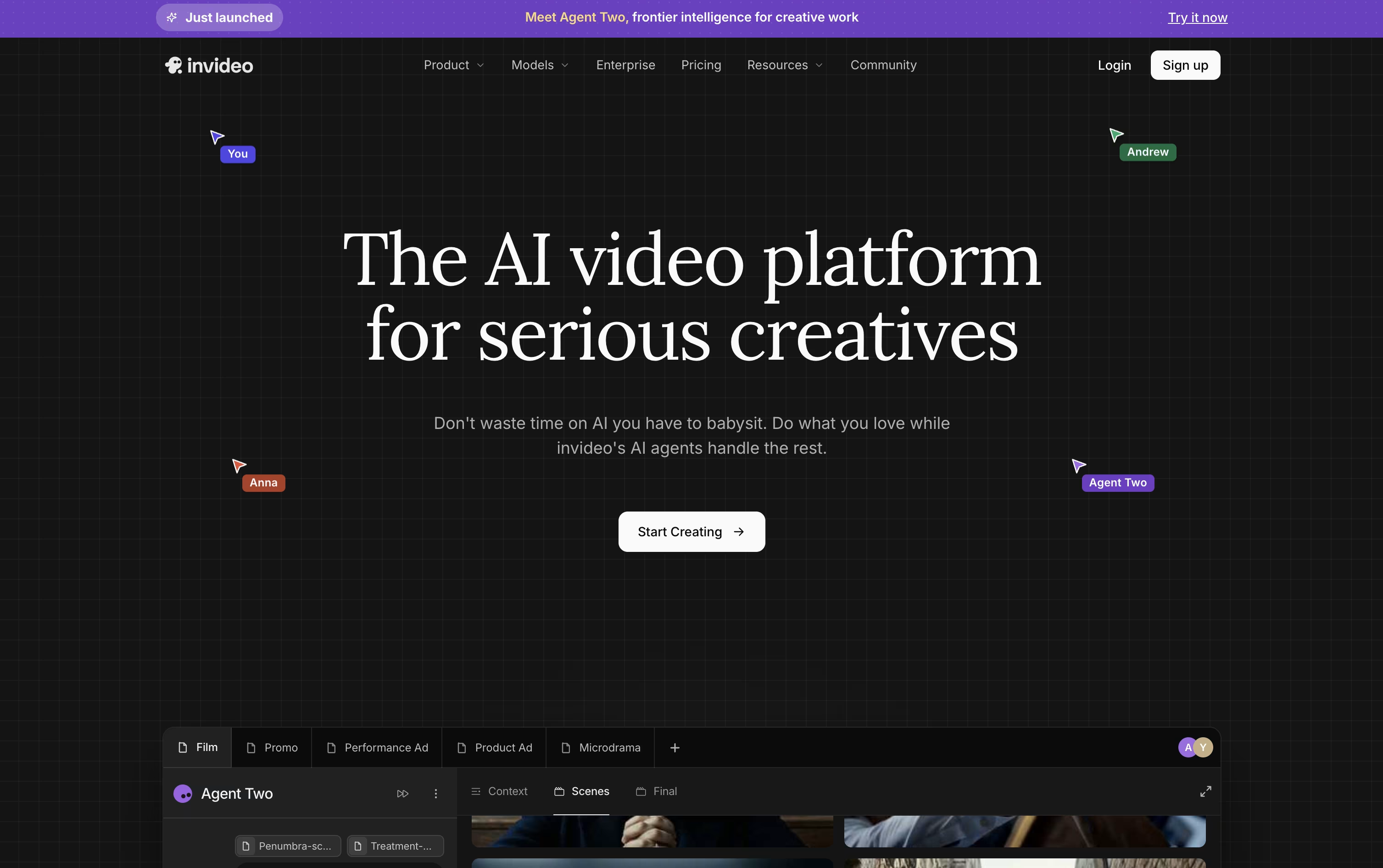 InVideoAI Agents That Make Your Videos Fast are the best for Faceless Video Content Creation. So, let’s take a closer look at all 4 tools.

Making a video usually means a camera, a script, and hours of editing. Steve AI skips most of that by turning text, a blog link, audio, or a short prompt into a ready video.
The AI handles the script, matches scenes with visuals, adds a voice track, music, and captions, so a video that would normally take a day can be ready in minutes.
There are more than seven visual styles to pick from, animated characters, generative AI scenes, and live-action stock clips, along with Google Veo 3 access for short realistic clips.
The Starter plan costs $29 a month, or $19 a month if billed yearly, and includes 100 minutes of AI video plus 1080p output with no watermark.
Stepping up to Pro at $59 a month or the Recommended Generative AI plan at $129 a month brings more render minutes, 2K video, and voices that sound close to human.
For bigger needs, Enterprise offers custom pricing with 4K video, team tools, dedicated infrastructure, and commercial reselling rights.
Instead of filming or recording anything, Fliki lets you type a script, paste a blog link, or upload a PowerPoint and get back a finished video.
Behind the scenes it draws on thousands of realistic AI voices across 80+ languages, AI avatars, auto generated subtitles, and a library of stock and AI made visuals and music.
The editor itself is browser based, with a scene rail and full timeline, and Copilot, an AI assistant that follows plain language instructions to edit scenes, add music, or write a script.
Anyone can start on the Free plan, which includes a handful of monthly credits and 720p exports with a watermark.
Moving up to Standard at $28 a month unlocks 180 credits, 1080p video up to 15 minutes, 1,000 voices, and commercial rights, and Premium at $88 a month pushes this further to 600 credits, 40 minute videos, over 2,000 voices, avatars, and API access.
Larger organizations can request Enterprise pricing for custom credits, branded templates, and a dedicated account manager.
Rather than producing a single AI clip at a time, InVideo AI directs a crew of AI agents to build a full video from a prompt, script, or even a URL. It plans the scenes, generates visuals, writes and voices the script, and adds music and captions automatically.
The Agent Two system keeps track of characters, settings, and style across an entire project, so you are not stuck re-explaining details for every new scene. Expert Agents can be assigned roles like storyboard artist or VFX lead, and Playbooks store custom rules the agents should always follow.
On the individual side, Plus starts at $20 a month with 75 credits, while Max, Generative, and Elite step up to $100, $200, and $1,000 a month with more credits, avatars, and storage at each level.
Small to mid-sized teams of 2 to 30 people can pick seat-based pricing at $50 or $500 per seat monthly, and larger companies can request custom Enterprise pricing that adds security features like SSO and SOC2 compliance.
Since every paid tier includes over 200 AI models and access to stock libraries such as iStock, the real difference between plans comes down to credits, storage, and how many people are working on the account.

Turning a blog post or script into a finished video usually means learning editing software. Pictory skips that step by letting the AI handle scene building, visuals, captions, and voiceover from whatever text or file you give it.
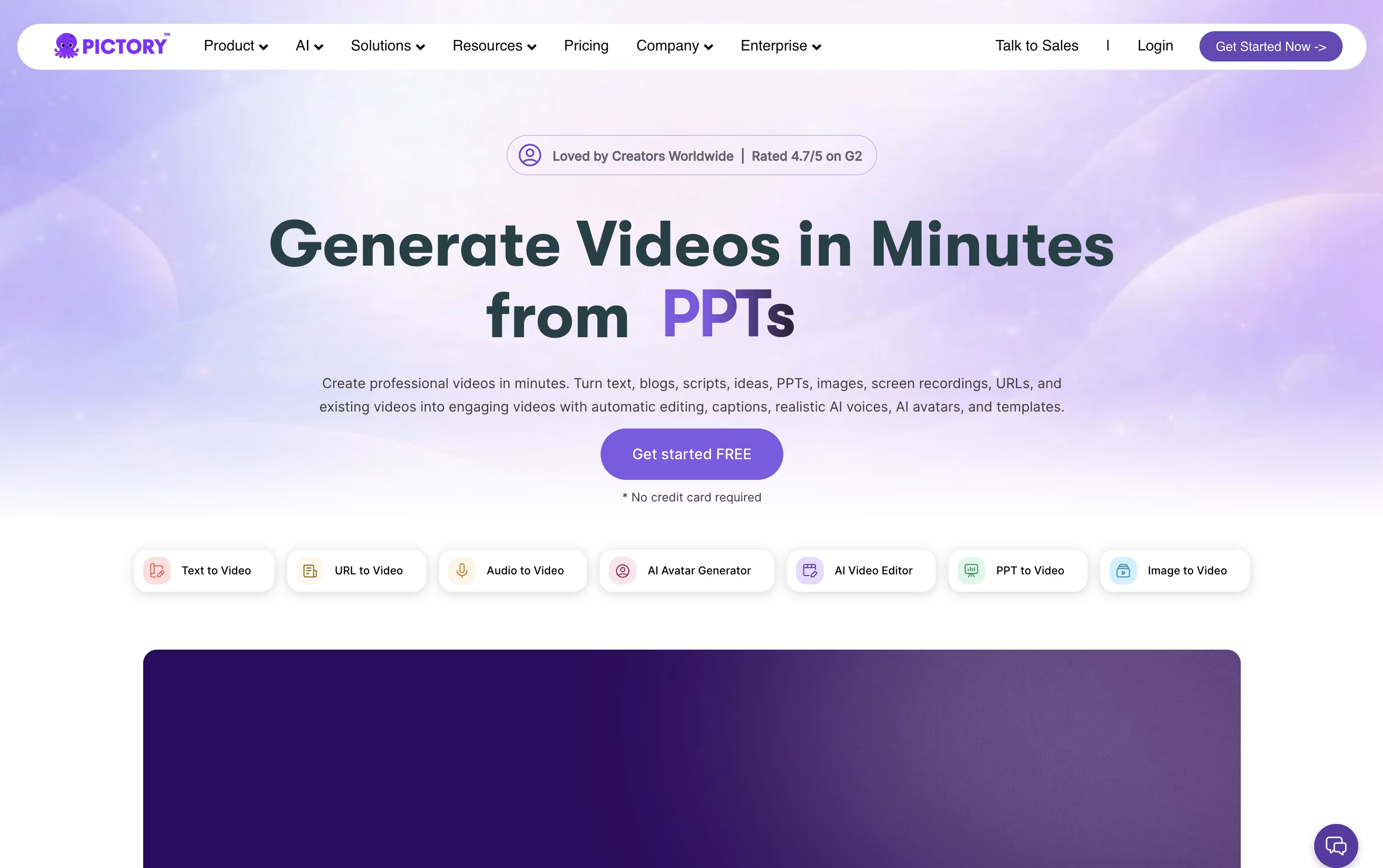
Once the draft video is ready, a scene-based editor lets you swap visuals, adjust timing, or apply your brand colors and logo without dragging clips on a timeline.
Features like AI avatars, voice cloning, and text-based editing, where deleting a word deletes that part of the video, make the platform useful for marketers, educators, and content teams alike.
Pricing starts with Starter at $29 a month, dropping to $25 a month on the annual plan, covering 200 video minutes and 5 GB of storage.
Professional runs $59 a month and adds custom avatars and voice cloning, while Team at $199 a month supports 3 or more users sharing one workspace.
Larger organizations get custom Enterprise pricing with SSO, dedicated support, and Pictory Central for interactive video hosting, and everyone can start with a 14 day free trial.