

Best 6 Tools for UI Design Implementation in 2026
Last Updated: August 15, 2026
Turning a design file into a working interface is where a lot of small details either get preserved or lost. UI Design Implementation tools help translate visual designs into functioning code as accurately as possible.
Frontend developers use implementation tools to make sure the final product matches the original design intent closely.
 Builder.io
 Builder.ioAI-Powered Visual Development Tool,
  Locofy
 LocofyAI Design to Code for Frontend Teams, and
  v0
v0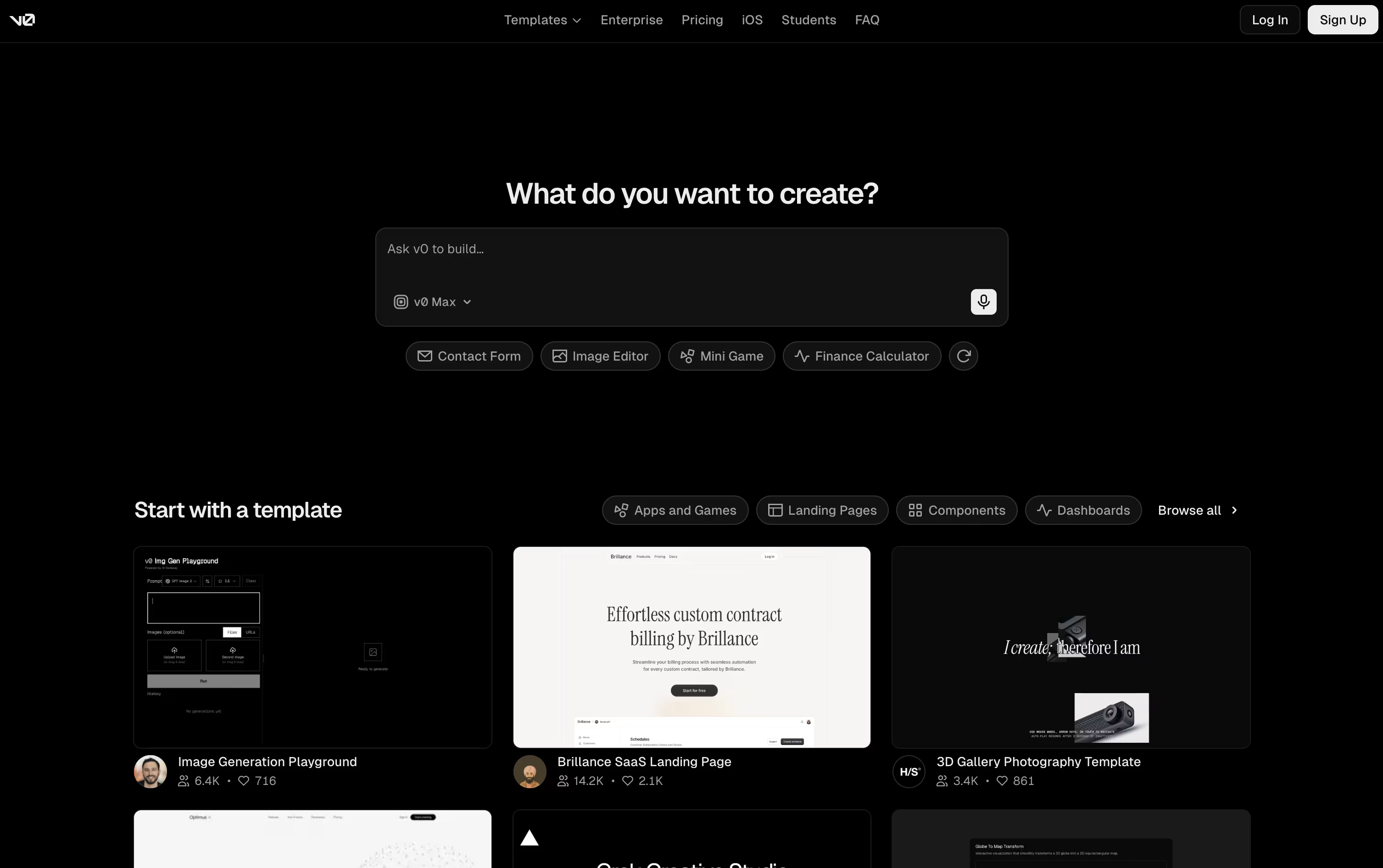 v0Vercel's AI Agent for Full-Stack Web Apps are the best for UI Design Implementation. So, let’s take a closer look at all 6 tools.

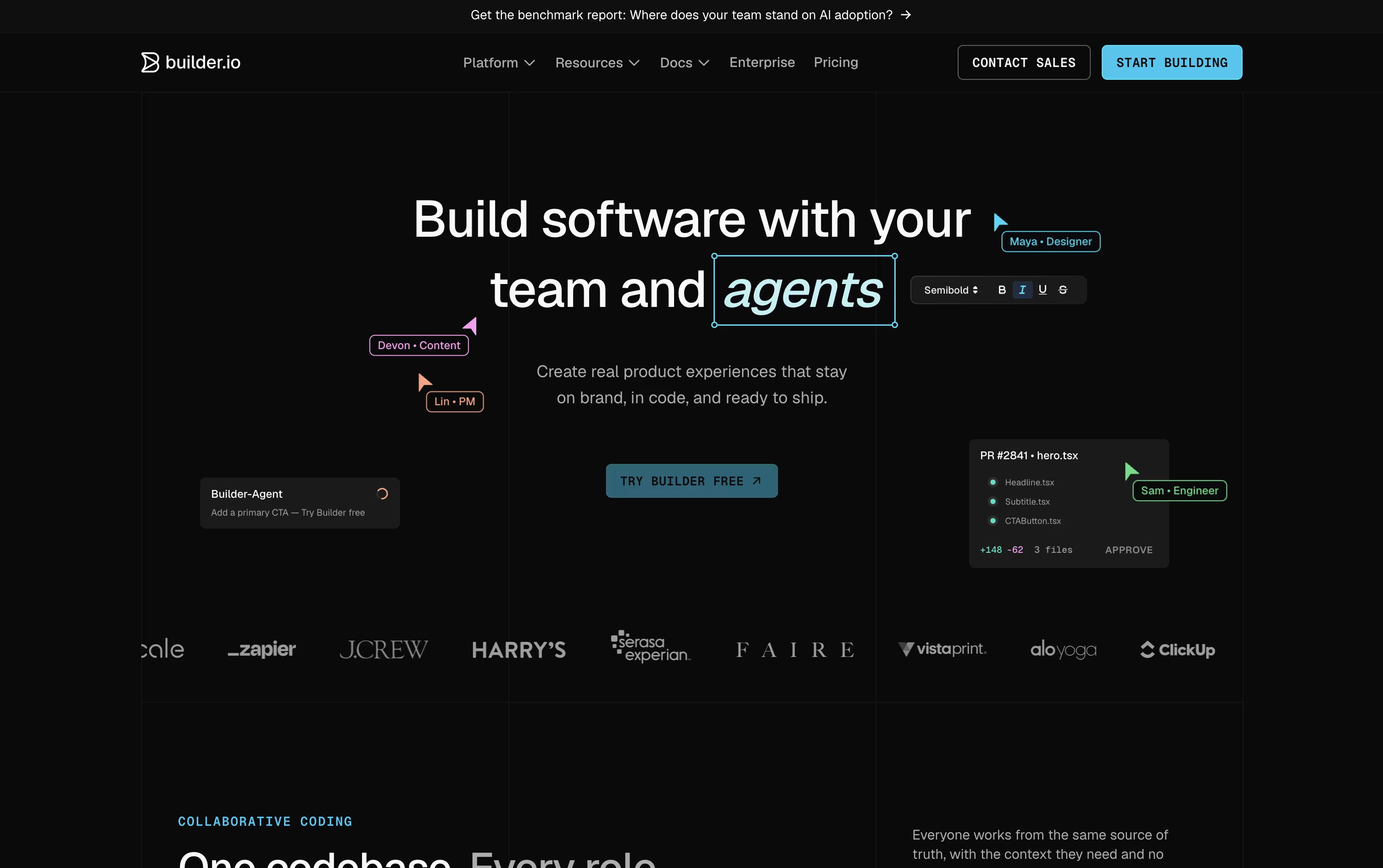
Instead of building throwaway prototypes, Builder.io works directly inside your real codebase and design system, so visual changes and AI-generated work turn into code your team can actually merge.
Fusion is built for apps, features, and UIs, starting from a prompt, a Figma design, or an existing branch. Publish is a separate visual headless CMS for content and marketing teams.
The Free plan gives one user 60 monthly Agent Credits to try things out. Pro costs $30 a user a month and adds more credits, rollover, and built-in MCP servers.
Team costs $50 a user a month and unlocks roles, commenting, peer reviews, and priority support for up to 20 users per space.
Paying yearly drops those prices to $24 and $40 a user a month.
Enterprise is custom priced and adds SSO, RBAC, private infrastructure, and dedicated onboarding support for large organizations.
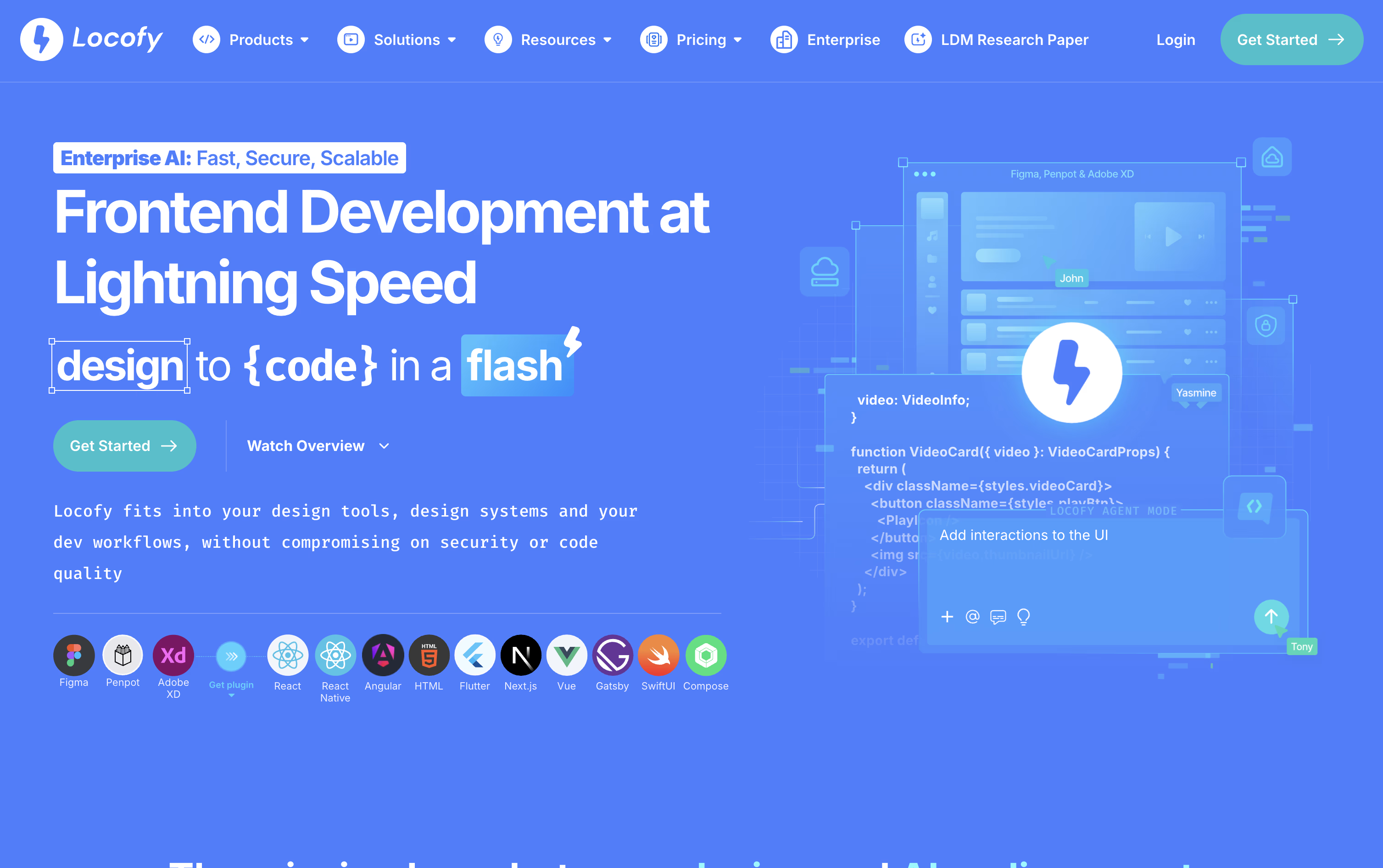
Instead of turning a Figma or Penpot design into code by hand, Locofy generates it for you, ready to hand off to a developer or an AI coding agent.
Behind the scenes, it runs on Large Design Models built specifically for reading designs, trained on a huge number of real projects so the output stays clean, responsive, and structured the way a developer would expect.
You can start from the Figma or Penpot plugin, a pasted design link, the command line, or directly inside tools like Cursor and Claude Code through MCP. From there, Agent Mode allows you to keep improving the code with plain language prompts, and teams can store their own standards as Skills to reuse later.
On pricing, the Free plan gives new users 7 days of Hobby features before rolling into the paid Hobby plan at $40 a month. Stepping up to Pro at $80 a month brings more tokens, a higher frame limit per project, and a guarantee that content is never used for training.
Enterprises get custom pricing along with private or self hosted deployment, GitHub syncing, and a dedicated support team.
Think of v0 as an AI teammate from Vercel that turns your ideas into working web apps. Type a prompt, drop in an image or Figma design, and it builds real code with Next.js, React, Tailwind CSS, and shadcn/ui.
It goes beyond a simple layout. v0 plans out the task, builds the frontend and backend, links up databases and APIs, and shows you a live preview you can actually click through.
From there, you keep improving the app with more prompts, the Design Mode visual editor, or the built-in code editor. It syncs with GitHub too, handling branches, commits, and pull requests along the way.
Starting out is free, with the Free plan giving you $5 in credits, GitHub sync, Design Mode, and Vercel deployment, capped at 7 messages a day.
For more usage, Plus runs $30 per user a month with access to every model and team sharing tools, while Business is $100 per user a month and turns off training by default.
Companies that need single sign-on, role controls, and support guarantees can move to the Enterprise plan, priced individually.
Magic Patterns helps product teams turn ideas into working screens without waiting on a full design-to-code cycle. Type out what you want in plain words, or drop in a screenshot or PRD, and it generates an interactive prototype that already looks like part of your product.
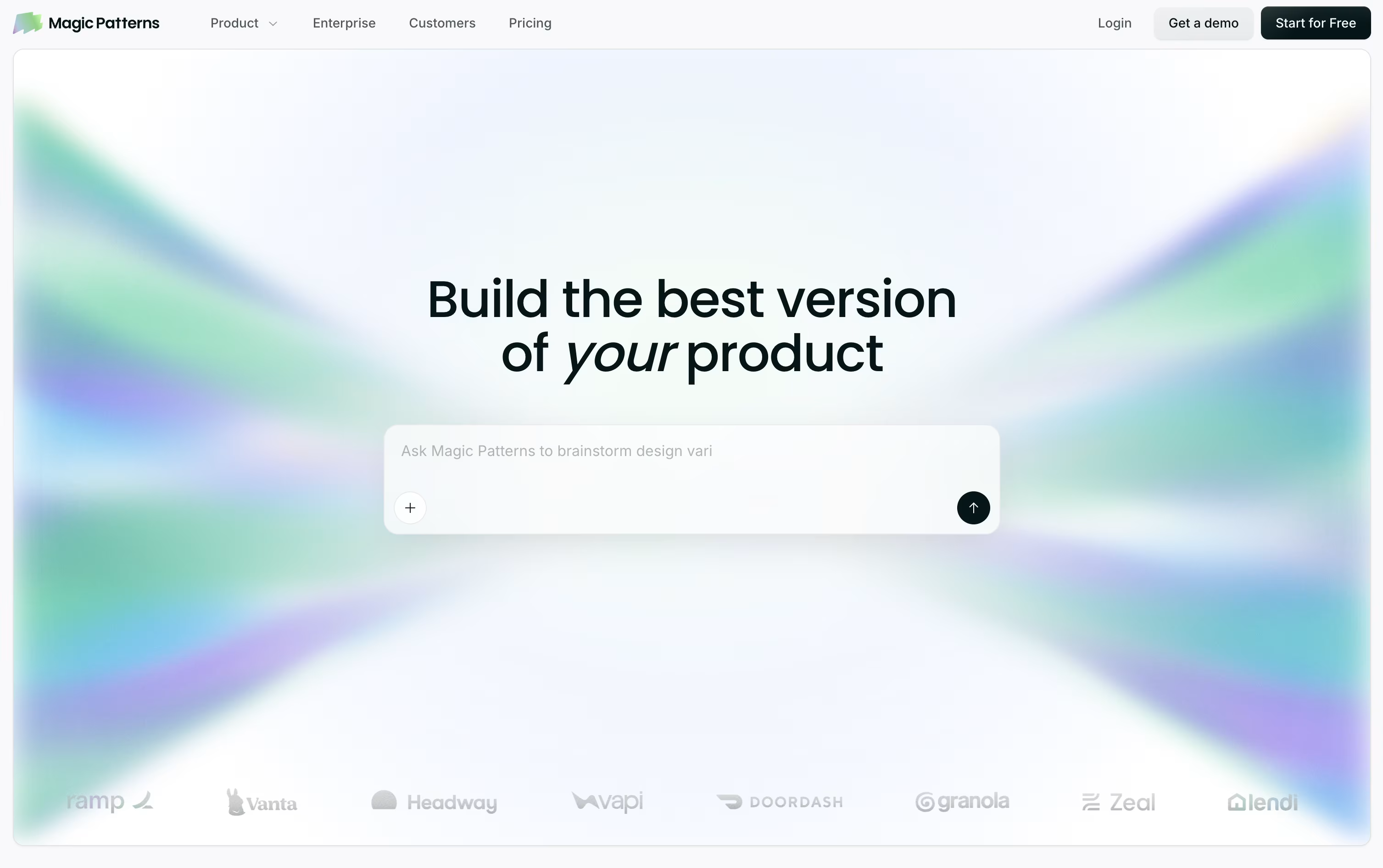
Instead of a flat picture of a screen, it builds real React, TypeScript, and Tailwind code underneath, so what you get is close to production-ready rather than a rough sketch.
It can also pull in your existing design system from Figma, Storybook, GitHub, or even a live website, then keep reusing those same components and colors on every new screen.
On the pricing side, a free plan gives you 100 monthly credits to explore the tool. Starter runs $20 per seat monthly, or $17 with annual billing, and unlocks GitHub sync, MCP support, and a 10-user workspace.
Business steps up to $100 per seat monthly, or $85 annually, adding the newest AI models, SSO, and usage reporting, while Enterprise is priced individually and layers on custom credit pools and dedicated support.
With code export, Figma export, and MCP handoff built in, teams can move from concept to engineering-ready work in one continuous flow.

Banani acts as an AI design copilot, turning a simple prompt, screenshot, sketch, or PRD into a working set of UI screens in minutes rather than days.
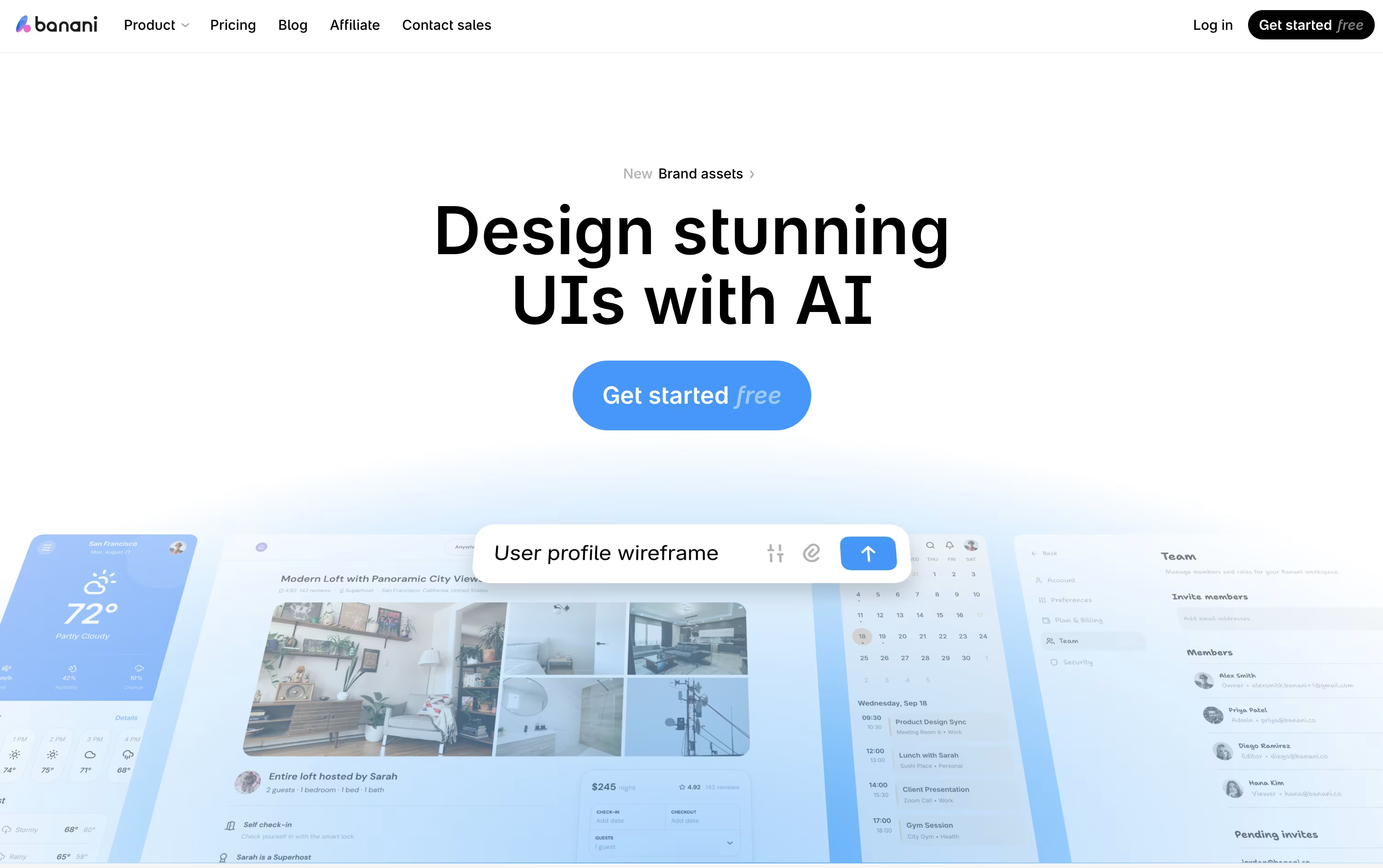
It is aimed at founders, product managers, and non-designers who need clean, on-brand interfaces fast, without needing deep design skills.
Once generated, every screen can be refined through chat, letting you tweak colors, layout, or wording, or click through elements to build out a full interactive flow.
Getting started is free, with 12 credits a month and 3 a day. Moving to Plus costs $20 monthly, or $12 a month if billed yearly, unlocking agent mode and unlimited Figma export.
Heavier use is covered by Pro at $50 a month, or $30 yearly, with unlimited credits and priority support, while Enterprise brings custom pricing, SSO, and tailored integrations for larger teams.
Finished work can move straight into Figma or code, and MCP support means tools like Claude Code or Cursor can pull designs in directly.
Google Stitch is Google Labs' free AI powered design tool. Instead of building screens from scratch, you type a description, drop in a sketch or screenshot, or talk to the canvas, and Stitch generates a working UI design using Google's Gemini models.
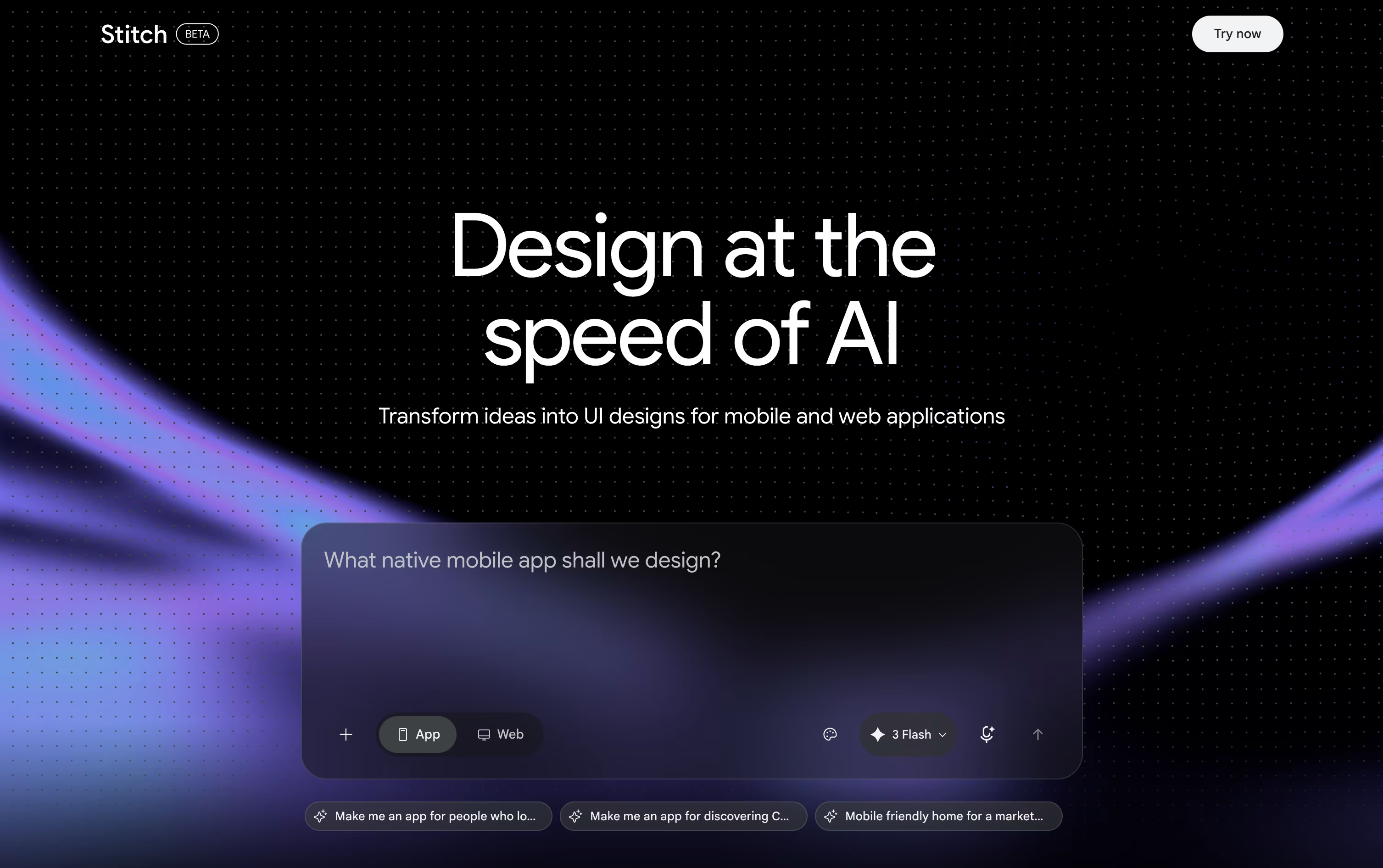
Its core idea is vibe design, letting you start from a rough goal or mood and explore several directions instead of locking into one plan too early.
Every project lives on an infinite canvas, where the Design Agent keeps track of your full history so edits stay consistent across screens. You can also link screens together to preview an interactive flow.
Finished work can move straight into Figma, export as ready to use code, or be saved as a portable DESIGN.md design system file.
Right now, Stitch has no paid tier at all. Anyone with a Google account can use it free, though a daily credit limit controls how many designs you can create before it resets.





