

Best 3 Tools for API Version Control in 2026
Last Updated: October 4, 2025
An API that changes without warning can break every application depending on it. API Version Control tools help manage multiple versions of an API so changes do not disrupt existing integrations.
Development teams use version control to introduce changes safely while keeping older integrations working.
 Insomnia
 InsomniaOpen-Source API Client for REST, GraphQL & More,
  Bruno
Bruno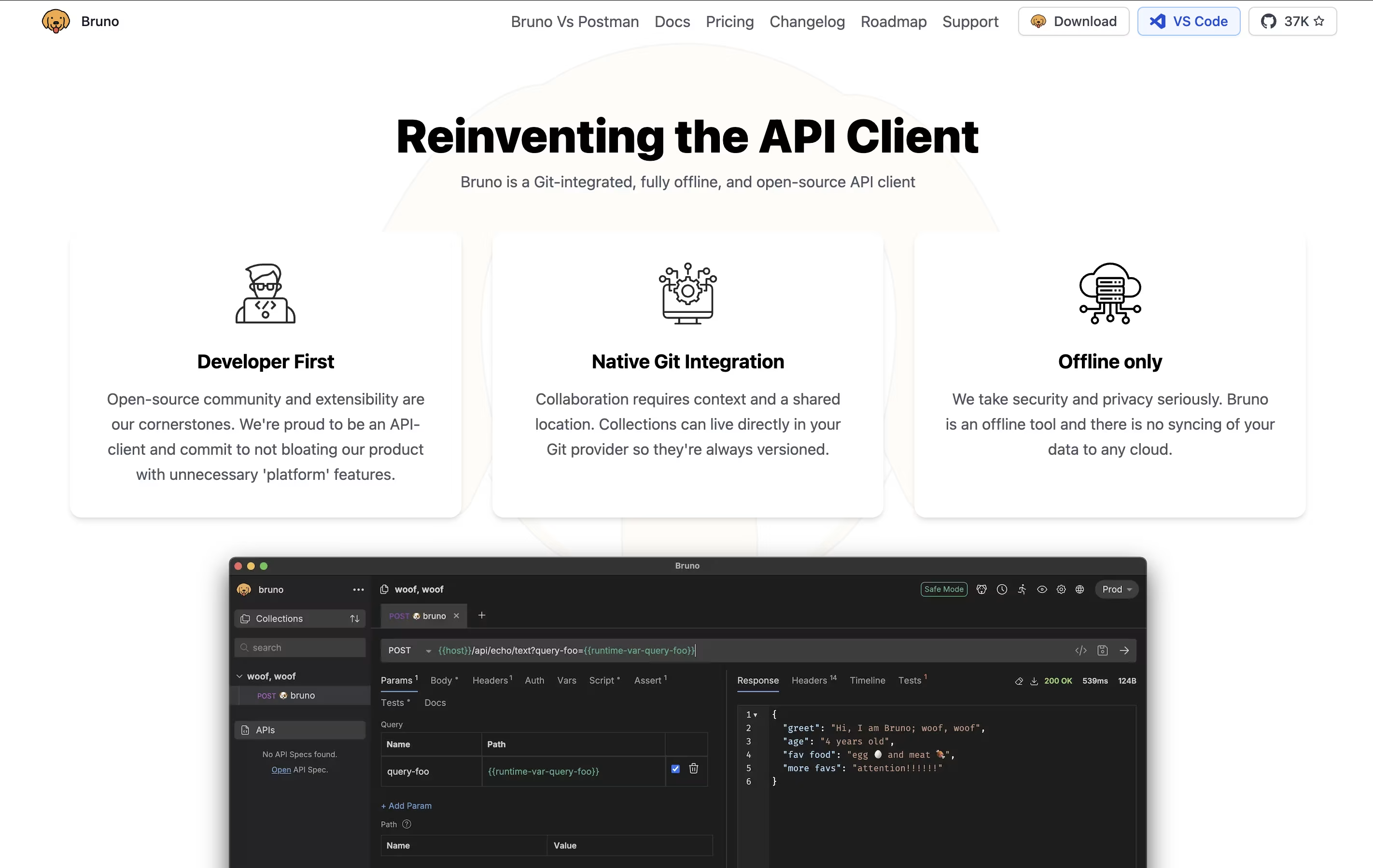 BrunoFast Offline API Client for Developers, and
  Postman
 PostmanComplete API Development Platform for Testing & Collaboration are the best for API Version Control. So, let’s take a closer look at all 3 tools.
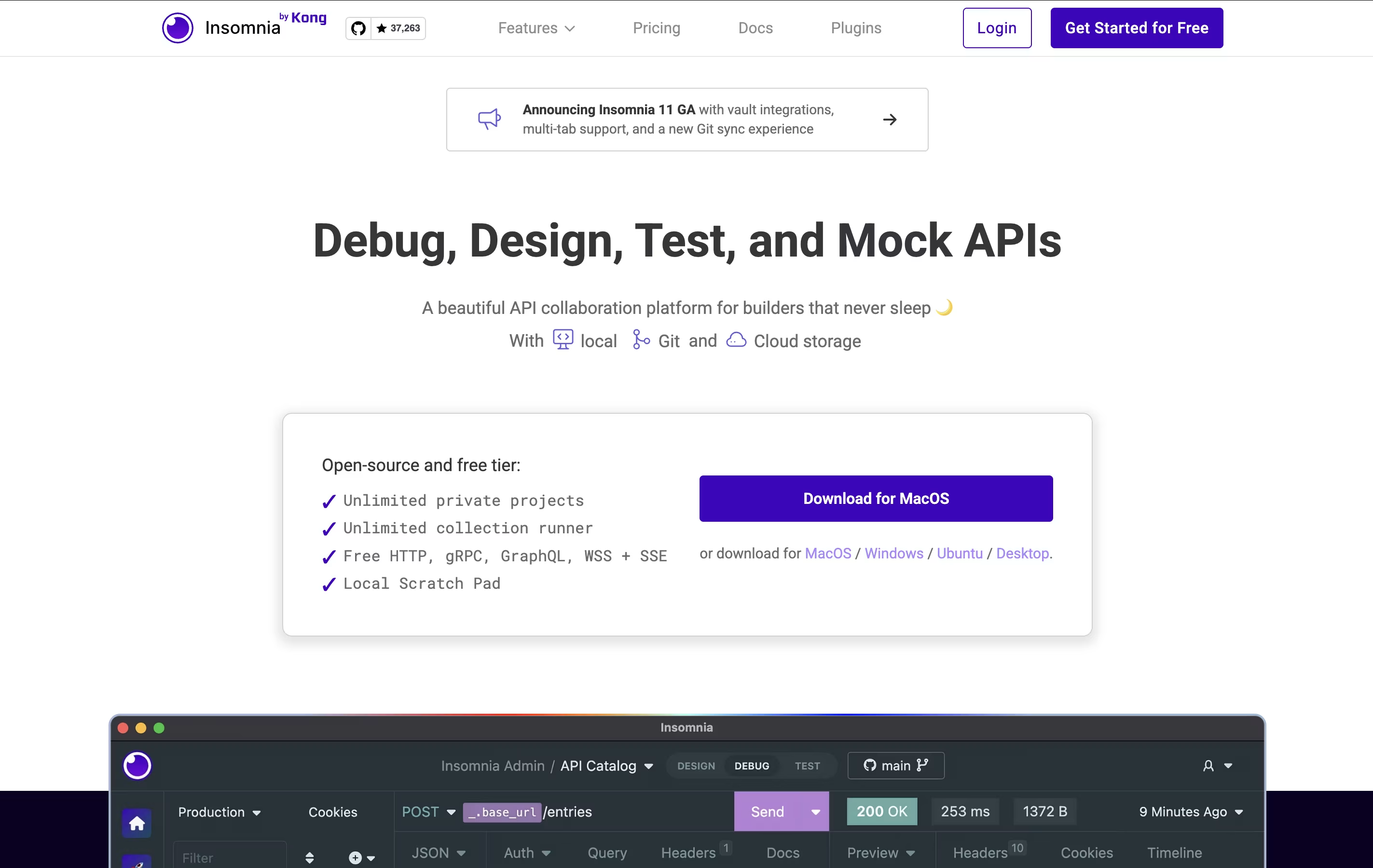
Insomnia is a desktop application that lets you test and work with APIs. Think of it as a specialized tool for developers who need to send requests to APIs and check the responses they get back. It supports all major API types, so you don't need different tools for different projects.
The tool includes helpful features like environment variables (which let you switch between different settings easily), code generation (which creates code snippets you can use), and authentication helpers (which handle login details). You can also create mock servers to test your APIs before they're fully built.
Insomnia offers both free and paid versions. The free version works great for most individual developers, while paid plans add team features and extra tools.
Bruno is an "offline-first API client" that revolutionizes how developers test and manage APIs. Instead of forcing you to create accounts or store data in the cloud, Bruno saves everything directly on your device using a simple text format called "Bru."
This approach means your API collections, tests, and sensitive data never leave your computer unless you choose to share them. Bruno supports all major API types including REST, GraphQL, and gRPC, making it versatile for any project.
The tool integrates seamlessly with Git and other version control systems, allowing teams to collaborate on API collections just like they do with code. Bruno also includes JavaScript-based testing, environment management, and command-line support for automation and continuous integration workflows.
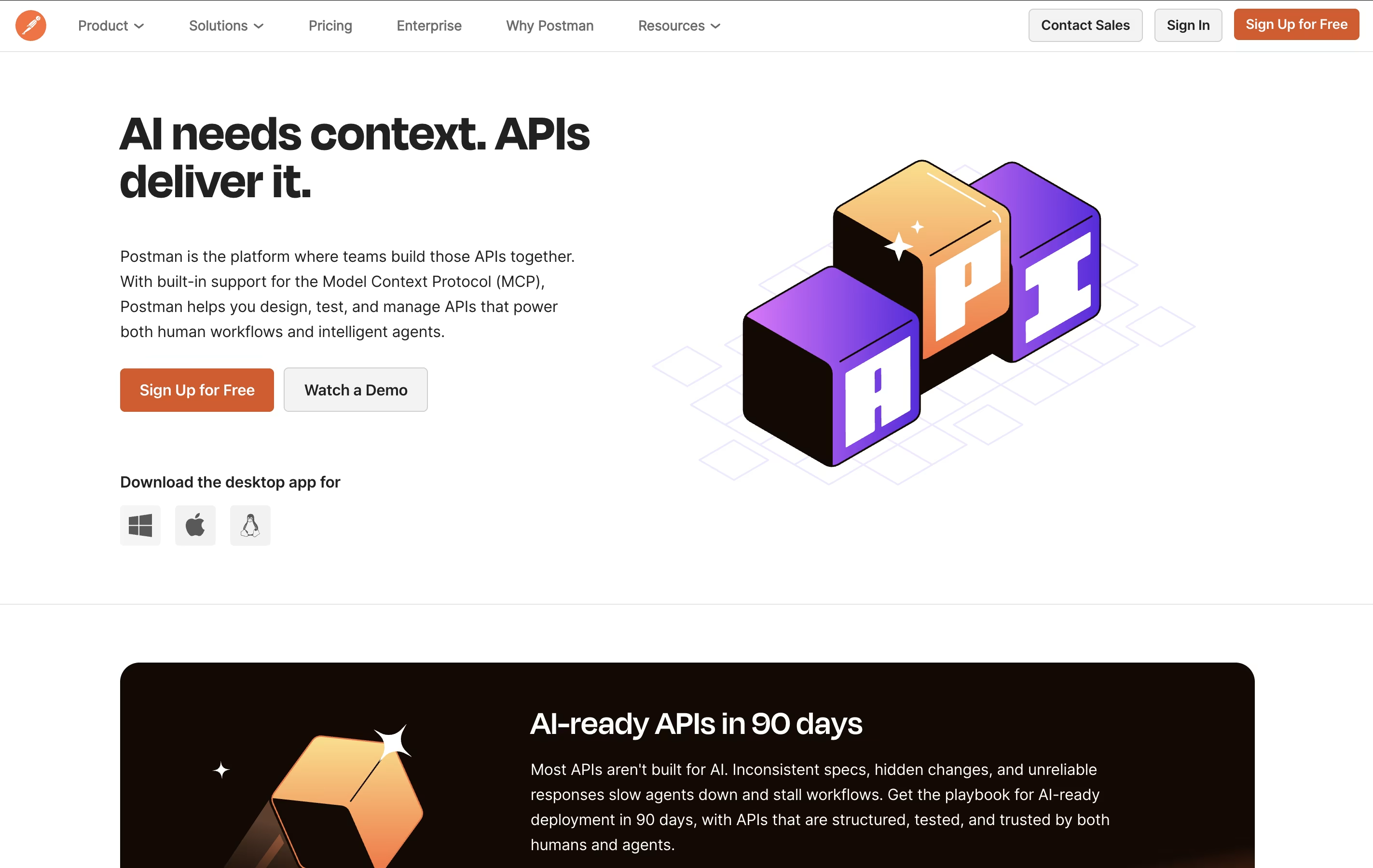
Postman is an all-in-one platform for working with APIs throughout their entire lifecycle. It provides tools to send API requests, view responses, write tests, create documentation, and monitor performance. Unlike basic HTTP clients, Postman offers a complete environment where teams can organize their work into collections, share them with teammates, and automate testing.
The platform includes an easy-to-use interface where you can build requests without writing code, though it also supports advanced scripting when needed. Postman works as a desktop app, web app, or through command-line tools for automation. It integrates with popular development tools and supports team collaboration through workspaces, making it ideal for both individual developers and large organizations building complex API systems.





