

Kinde vs Clerk: Features, Pricing and User Reviews 2026
Kinde
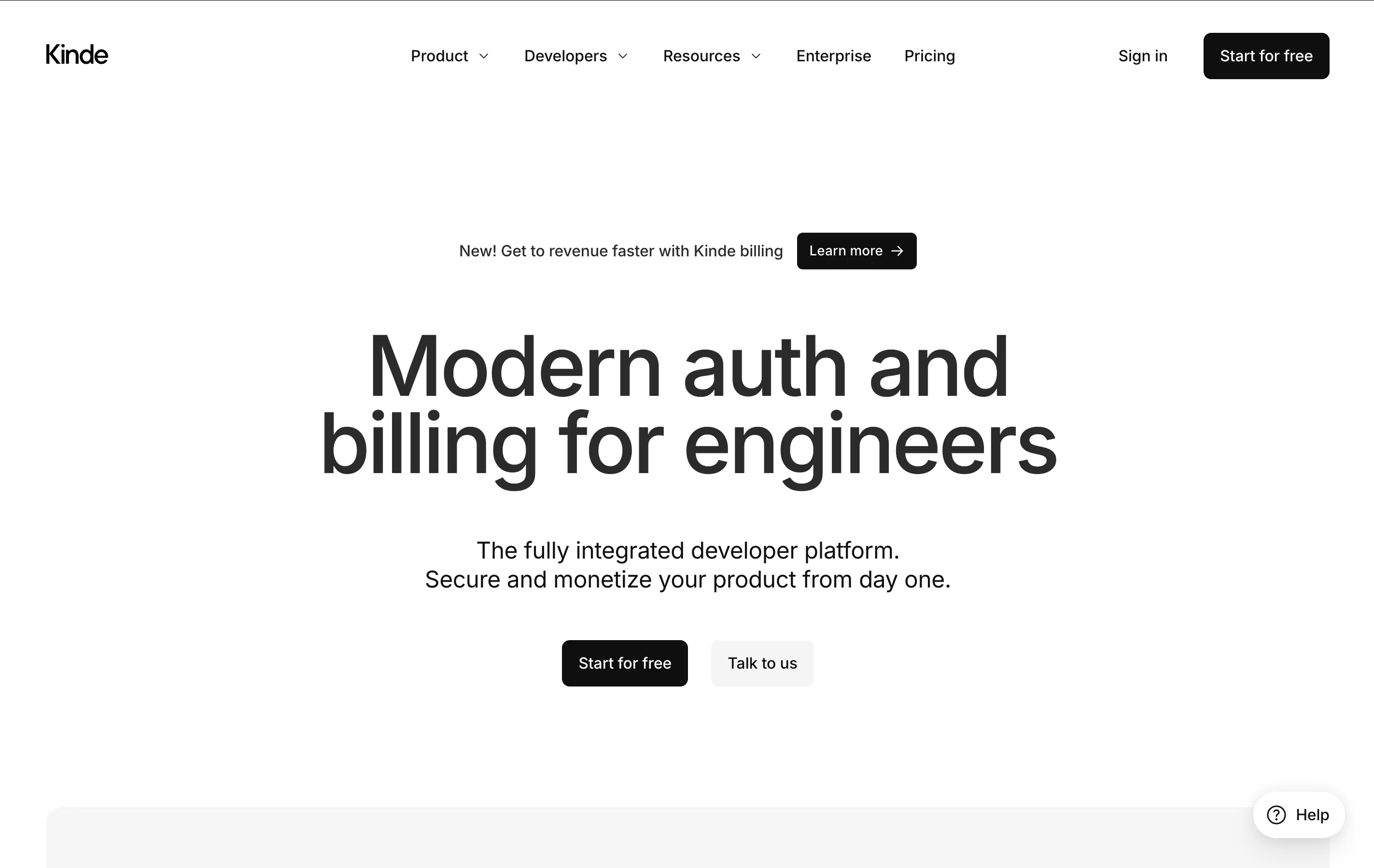
Simple Authentication and User Management for Developers

Clerk
Complete Authentication for Modern Apps
Kinde
Simple Authentication and User Management for Developers
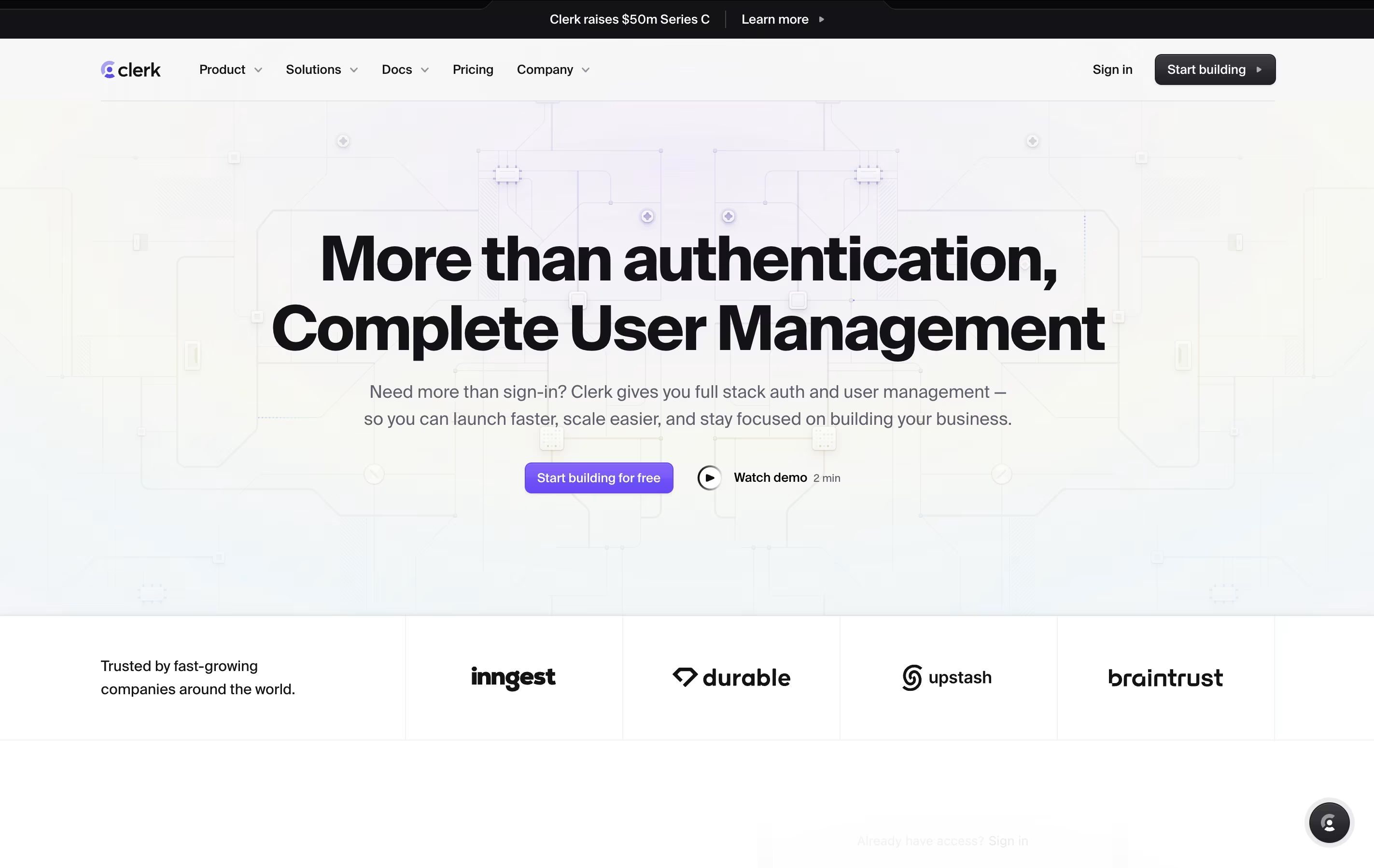
Clerk
Complete Authentication for Modern Apps
What are Kinde and Clerk?
Kinde is an all-in-one platform that handles authentication and user management for your applications. It lets you add secure login systems, manage user permissions, organize customers into groups, and track feature access all from one dashboard.
The platform supports different login methods like passwords, magic codes sent by email, social media accounts, and business single sign-on. It also includes tools for managing teams, setting up different user roles, and controlling which features each customer can access.
What makes Kinde different is that it combines multiple tools into one. Instead of using separate services for login, billing, and feature control, you get everything in one place. This saves time during setup and makes it easier to manage as your business grows.
Clerk is an authentication platform that handles all aspects of user identity and access control. You get pre-built login screens, user profile pages, and account management tools that you can customize to match your brand. Unlike basic auth solutions, Clerk provides advanced features out of the box.
It supports multiple sign-in methods including passwords with breach detection, social logins from providers like Google and GitHub, email codes, and SMS verification. For business applications, Clerk includes organizations with roles and permissions, allowing you to build team-based features easily.
The platform also handles security requirements like multi-factor authentication, session management, and device tracking. Everything is managed through a dashboard where you can monitor users, configure settings, and access detailed analytics.
Features of Kinde and Clerk
Password and passwordless login options
Social media and enterprise single sign-on
Multi-factor authentication for security
Built-in organization and team management
Role-based access control
Feature flags for controlled releases
Billing and subscription management
Custom branding and domains
Complete API for developers
Works with all major programming languages
Pre-built authentication components and user interfaces
20+ social login providers including Google and GitHub
Multi-factor authentication with SMS and authenticator apps
Password authentication with automatic breach detection
Organizations with roles and permissions for teams
Enterprise SSO with SAML and OAuth support
Session management and device tracking
Webhooks and API access for custom integrations
SOC 2 and HIPAA compliance
Free tier with 10,000 monthly active users
Use Cases of Kinde and Clerk
Pricing of Kinde and Clerk
Kinde offers transparent pricing that grows with your business:
The Free plan costs nothing and includes up to 10,500 monthly active users. You get all basic features including authentication, organizations, feature flags, and standard support. This plan works great for getting started and testing.
The Pro plan costs $25 per month and removes limits on users and organizations. You keep the 10,500 free monthly active users, then pay only for additional usage. This plan adds API keys and removes Kinde branding.
The Plus plan at $75 monthly includes enterprise single sign-on for free, six different environments, and priority features. You also get discounts on transaction fees and user costs.
The Scale plan costs $250 per month and provides the most advanced features including custom domains for each organization, custom email settings, and complete security reports. This plan offers the biggest discounts for high-volume usage.
Clerk offers flexible pricing to support projects of all sizes. The free plan includes 10,000 monthly active users with all core features, pre-built components, and custom domain support. Users who sign up but never return are completely free.
The Pro plan charges just $0.02 per monthly active user after your first 10,000 free users. Pro includes removing Clerk branding, allowlist and blocklist features, and customizable session duration.
For advanced needs, add-ons cost $100 per month each. The Enhanced Authentication add-on provides multi-factor auth, device tracking, and enterprise SSO. The Enhanced Administration add-on includes user impersonation and audit logs.
Organizations start at $1 per monthly active organization after your first 100 free, with unlimited members per organization in Pro.
Enterprise plans offer custom pricing with 99.99% uptime guarantees, support SLAs, HIPAA compliance, dedicated Slack support, and onboarding assistance. Startup discounts are available through partners like Y Combinator and Stripe Atlas.
FAQs: Kinde vs Clerk
Reviews: Kinde vs Clerk
Based on 0 reviews
Based on 0 reviews
Compare Kinde With Other Tools
Logto
Open-Source Authentication Platform with SSO and RBAC

Better Auth
Free TypeScript Authentication

Auth0
Secure Authentication & User Login Platform by Okta
FusionAuth
Developer Authentication Platform

Stack Auth
Open-Source Authentication Platform for Developers
Auth.js
Free Open-Source Authentication Library

LoginRadius
Secure Identity & Access Management

Descope
Drag & Drop Authentication Platform

WorkOS
Enterprise Authentication for Developers
Compare Clerk With Other Tools
Logto
Open-Source Authentication Platform with SSO and RBAC
Auth.js
Free Open-Source Authentication Library
Better Auth
Free TypeScript Authentication
FusionAuth
Developer Authentication Platform
Stack Auth
Open-Source Authentication Platform for Developers
LoginRadius
Secure Identity & Access Management
Auth0
Secure Authentication & User Login Platform by Okta
WorkOS
Enterprise Authentication for Developers

Okta
Cloud Identity and Access Management Platform





