

SMTP.com vs Resend: Features, Pricing and User Reviews 2026

What are SMTP.com and Resend?

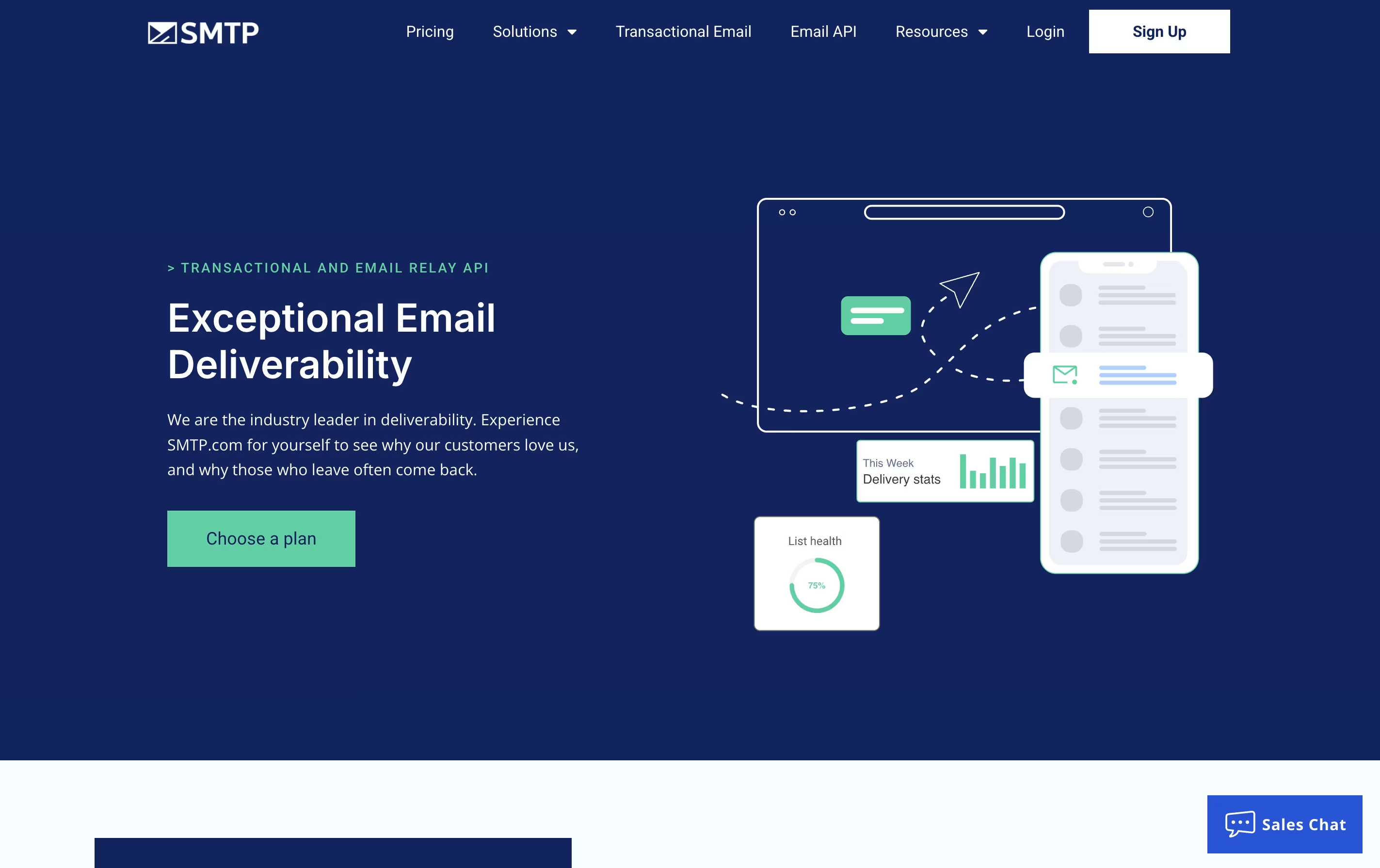
SMTP.com is an email delivery platform that sends your business emails through their servers instead of your own. This means better delivery rates because they maintain good relationships with email providers and follow all the technical rules needed for emails to land in inboxes.
The service handles transactional emails, which are automatic messages sent when someone takes an action on your website or app. Examples include welcome emails, purchase receipts, shipping updates, and account notifications.
SMTP.com provides both an API and standard SMTP relay service, so it works with almost any website or application. The platform includes detailed reports showing which emails were sent, opened, or bounced. You also get access to expert support whenever you need help with email delivery issues or setup questions.

Resend is an email API service that helps developers send emails from their applications. Think of it as the delivery system for your app's emails - whether that's password resets, welcome messages, or marketing campaigns.
The platform offers two main services: sending individual emails through their API, and sending marketing emails to groups of contacts. You can use any programming language, as Resend provides ready-made code libraries for Node.js, Python, Ruby, Go, PHP, Java, and more.
One standout feature is the React Email integration. This lets you build email templates using React components, which is much easier than writing traditional HTML email code. Resend also includes tools to track delivery, monitor email opens and clicks, and ensure your emails reach inboxes instead of spam folders.
Features of SMTP.com and Resend
Professional email relay service for businesses
API and SMTP access for easy integration
Dedicated IP addresses available
Real-time delivery and performance reporting
Reputation Defender add-on for list monitoring
24/7 expert technical support included
High volume email handling capability
WordPress plugin compatibility
SPF, DKIM, and DMARC authentication
30-day free trial with 50,000 emails
Developer-friendly REST API with multiple SDKs
React Email integration for modern templates
Real-time webhooks for email events
Domain verification and authentication tools
Deliverability monitoring and analytics
Transactional and marketing email support
Batch sending and scheduling
Email tracking (opens, clicks, bounces)
Audience management tools
Test mode for development
Multi-region email sending
GDPR and SOC 2 compliant
Use Cases of SMTP.com and Resend
Pricing of SMTP.com and Resend
SMTP.com offers flexible pricing based on how many emails you send each month. All plans include the same features with different email volume limits.
The service provides a 30-day free trial that lets you send up to 50,000 emails to test the platform before committing to a paid plan.
Essential Plan ($25/month): Sends 50,000 emails monthly with shared IP addresses and includes API access, detailed reporting, and expert support.
Starter Plan ($80/month): Handles 100,000 emails per month with a dedicated IP address for better sender reputation control.
Growth Plan ($300/month): Designed for growing businesses, allows 500,000 emails monthly with dedicated IP and all features.
Business Plan ($500/month): Supports 1,000,000 emails per month with dedicated infrastructure.
High Volume Senders: Custom pricing for businesses sending over 250 million emails monthly, including dedicated platform instance and scalable infrastructure. The Reputation Defender add-on costs an extra 20% of your plan price.
Resend offers flexible pricing for both individual emails and marketing campaigns.
Transactional Email Plans:
Free Plan: Send up to 3,000 emails per month with a 100 emails per day limit. Includes ticket support, 1 domain, and 1-day data retention.
Pro Plan ($20/month): Send 50,000 emails monthly with no daily limits. Includes 10 domains, 3-day data retention, and ticket support.
Scale Plan ($90/month): Get 100,000 emails per month with 1,000 domains, 7-day data retention, and Slack support. Dedicated IP available as an add-on.
Enterprise Plan: Custom pricing based on your needs with priority support, flexible retention, unlimited domains, and dedicated IPs included.
Marketing Email Plans:
Free Plan: Manage 1,000 contacts with unlimited broadcast sending, 1 audience, and 1 domain.
Pro Marketing ($40/month): Handle 5,000 contacts with unlimited broadcasts, audiences, and domains. Includes Slack support and marketing analytics.
Enterprise Marketing: Custom pricing with unlimited contacts, broadcasts, audiences, and priority support with dedicated IPs included.
FAQs: SMTP.com vs Resend
Reviews: SMTP.com vs Resend
Based on 0 reviews
Based on 0 reviews
Compare SMTP.com With Other Tools

Mailgun
Powerful Email API for Developers

SMTP2Go
Reliable Email Delivery Service with Global Reach

Amazon SES
Cloud Email Service for Sending and Receiving Emails at Scale

SendGrid
Email Delivery Platform for Businesses

Brevo
All-in-One Email Marketing, SMS & CRM Platform

ImprovMX
Simple Email Forwarding for Your Domain

MailerSend
Powerful Email API & SMTP for Developers

Maileroo
Email Delivery & Marketing Platform

Postmark
Fast and Reliable Email Delivery Service for Developers
Compare Resend With Other Tools
Postmark
Fast and Reliable Email Delivery Service for Developers
Mailgun
Powerful Email API for Developers
MailerSend
Powerful Email API & SMTP for Developers
SendGrid
Email Delivery Platform for Businesses
Maileroo
Email Delivery & Marketing Platform
SMTP2Go
Reliable Email Delivery Service with Global Reach
Amazon SES
Cloud Email Service for Sending and Receiving Emails at Scale

Mailjet
Email Marketing Platform for Teams
Brevo
All-in-One Email Marketing, SMS & CRM Platform





