ToolQuestor Logo
SMTP.com
No reviews yet
0 Saved
Added:11/7/2025
Type:Saas
Monthly Traffic:-
Pricing:
SUBSCRIPTIONUSAGE_BASED
Cloud-BasedAPI AvailableIntegrationAutomationEmail Marketing
Vidnoz AI

Vidnoz AI

FEATURED
BASE44

BASE44

FEATURED
Bubble

Bubble

FEATURED
SMTP.com screenshot 2
SMTP.com screenshot 3
SMTP.com screenshot 4
SMTP.com screenshot 5

What is SMTP.com

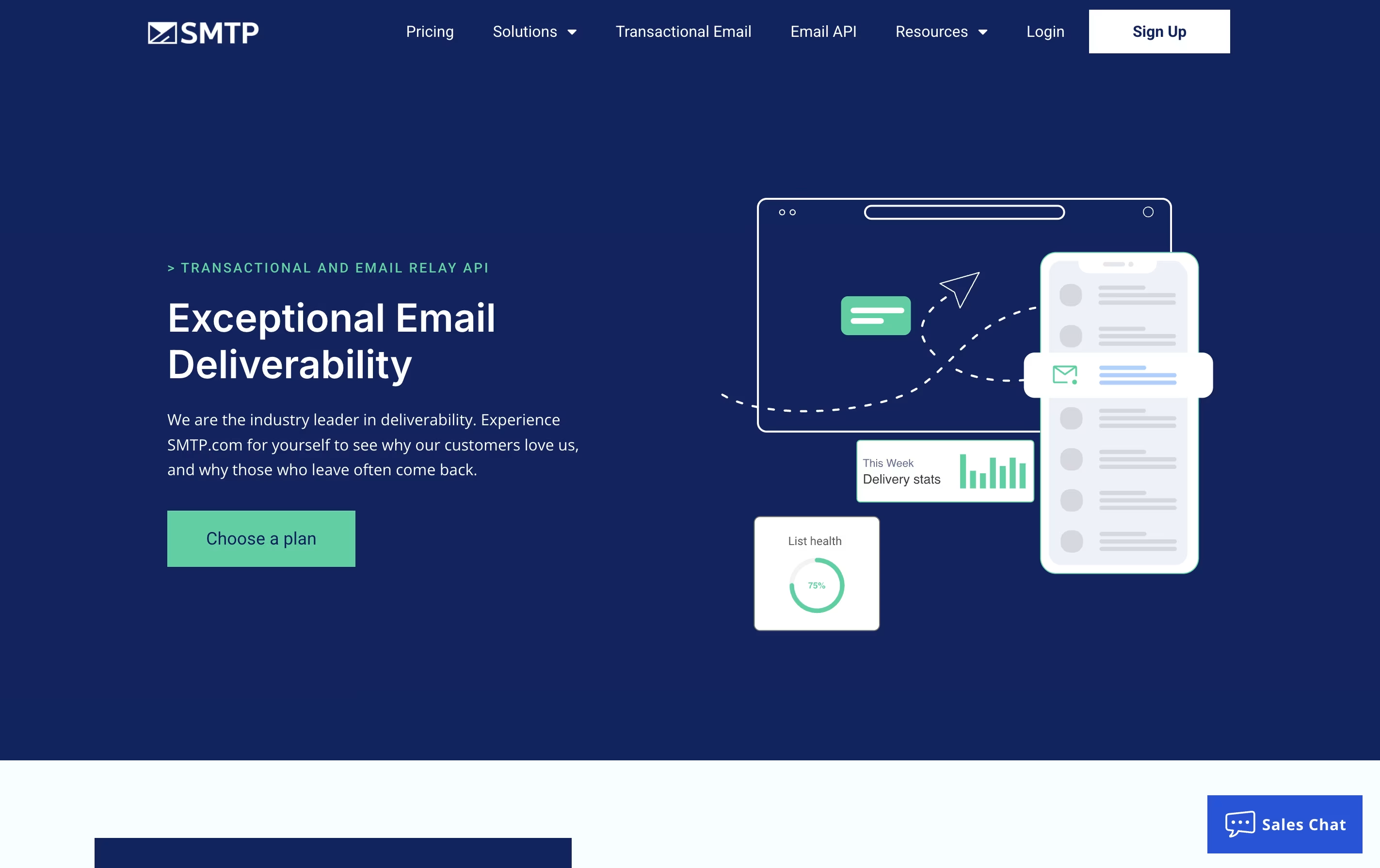
SMTP.com is an email delivery platform that sends your business emails through their servers instead of your own. This means better delivery rates because they maintain good relationships with email providers and follow all the technical rules needed for emails to land in inboxes.

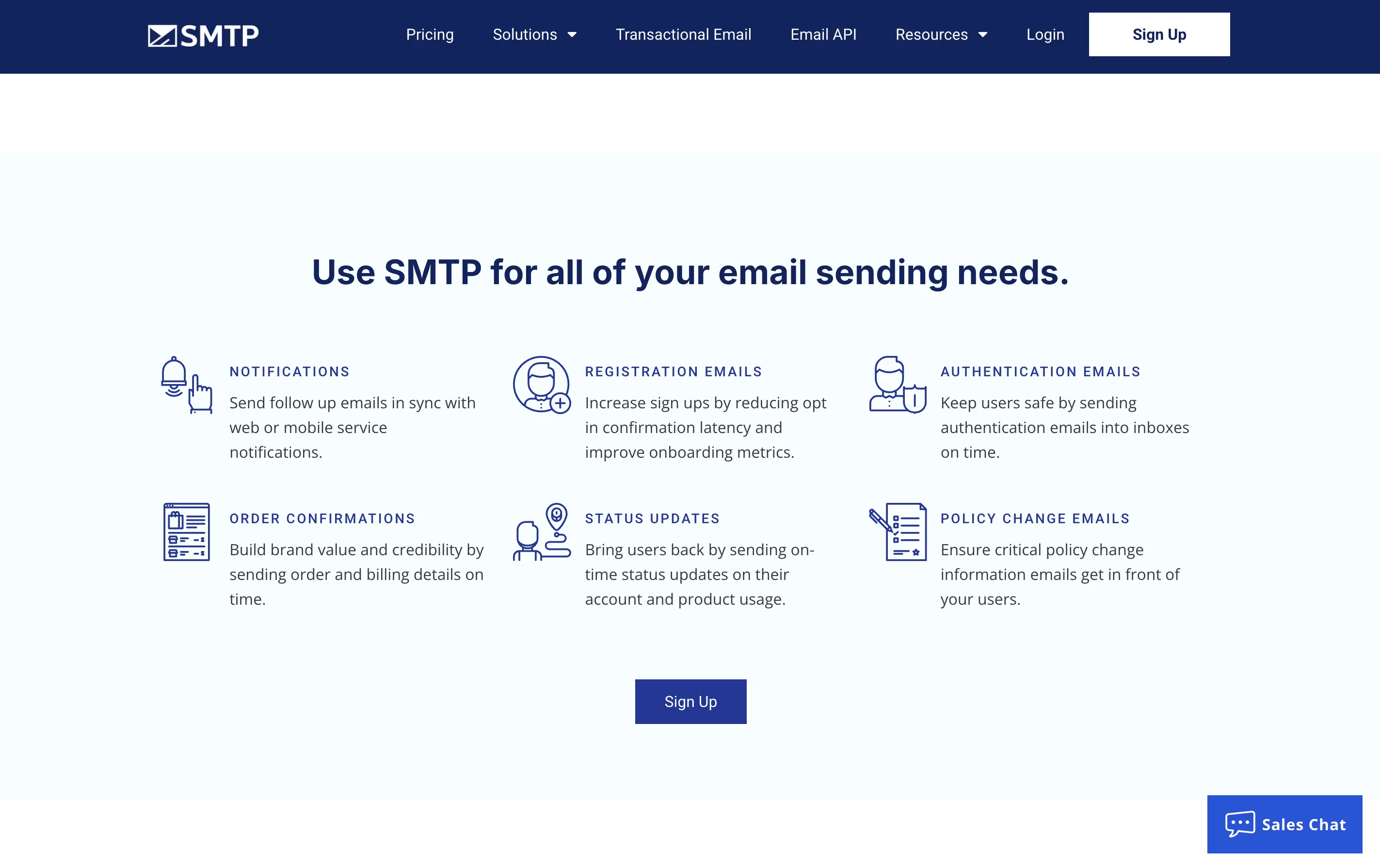
The service handles transactional emails, which are automatic messages sent when someone takes an action on your website or app. Examples include welcome emails, purchase receipts, shipping updates, and account notifications.

SMTP.com provides both an API and standard SMTP relay service, so it works with almost any website or application. The platform includes detailed reports showing which emails were sent, opened, or bounced. You also get access to expert support whenever you need help with email delivery issues or setup questions.

How to Use SMTP.com

Getting started with SMTP.com is simple. Here are the steps to begin sending emails:

  • Sign up for an account on the SMTP.com website and complete the registration. You get a 30-day free trial with 50,000 emails to test the service.

  • Verify your sending domain by adding DNS records that SMTP.com provides. This step proves you own the domain and improves email delivery.

  • Connect your website or app using either the SMTP relay settings or the API. SMTP.com provides clear setup guides for popular platforms like WordPress, Shopify, and custom applications.

  • Configure your email settings including the from address and any needed templates or formatting.

  • Start sending and monitor your emails through the dashboard. You can see delivery reports, open rates, bounce information, and other helpful data.

  • For WordPress users, install the WP Mail SMTP plugin to connect easily without touching any code.

Features of SMTP.com

  • Professional email relay service for businesses

  • API and SMTP access for easy integration

  • Dedicated IP addresses available

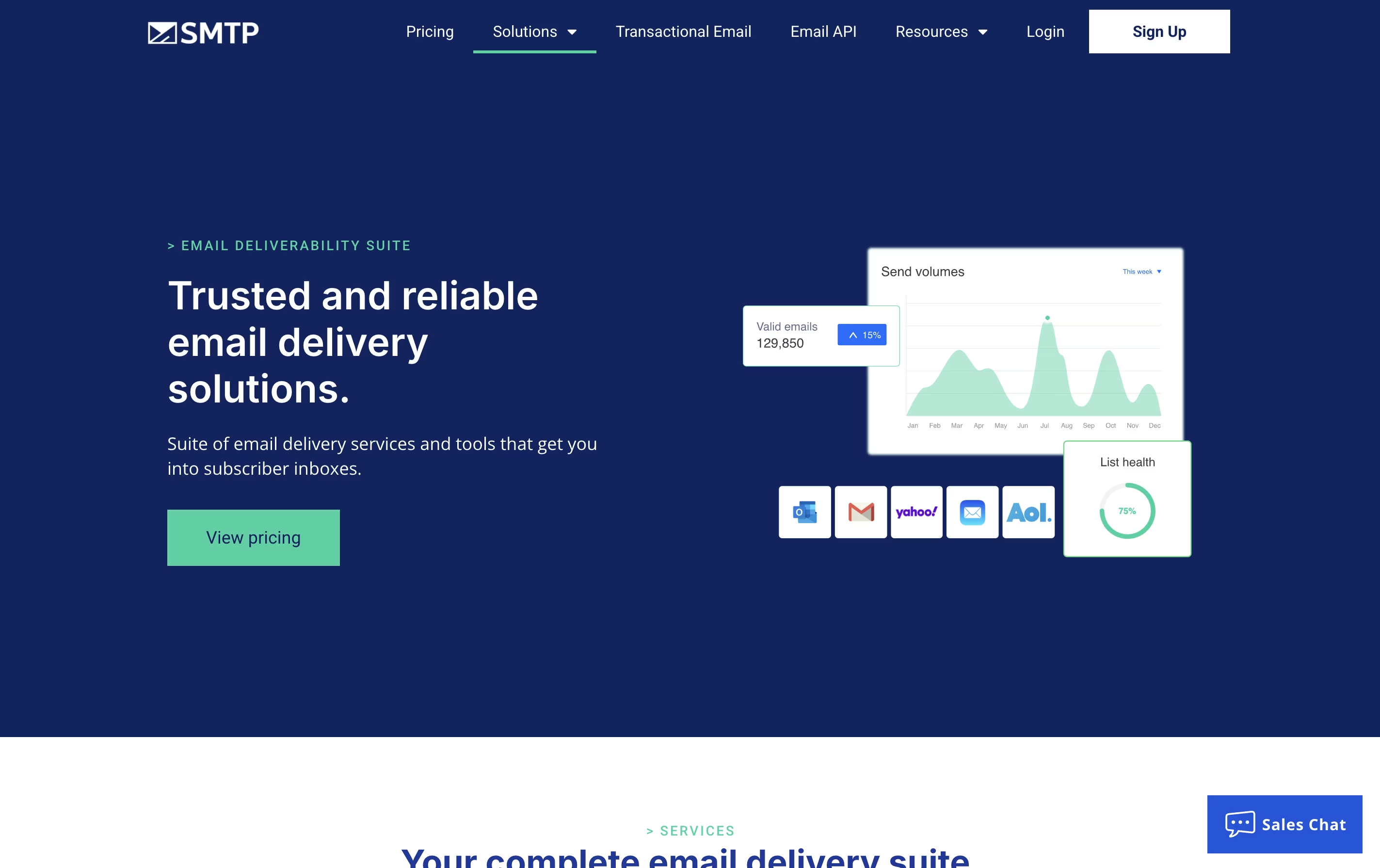
  • Real-time delivery and performance reporting

  • Reputation Defender add-on for list monitoring

  • 24/7 expert technical support included

  • High volume email handling capability

  • WordPress plugin compatibility

  • SPF, DKIM, and DMARC authentication

  • 30-day free trial with 50,000 emails

SMTP.com Pricing

Free Trial

Free

What's included:
  • 30-day trial period
  • 50,000 emails included
  • Shared IP addresses
  • Email Relay API access
  • Detailed reporting
  • Expert support
Essential

$25 /mo

What's included:
  • 50,000 emails per month
  • Shared IP addresses
  • Email Relay API
  • Reliable expert support
  • Detailed reporting
  • Reputation Defender (add-on available)
Starter

$80 /mo

What's included:
  • 100,000 emails per month
  • Dedicated IP address
  • Email Relay API
  • Reliable expert support
  • Detailed reporting
  • Reputation Defender (add-on available)
Most Popular
Growth

$300 /mo

What's included:
  • 500,000 emails per month
  • Dedicated IP address
  • Email Relay API
  • Reliable expert support
  • Detailed reporting
  • Reputation Defender (add-on available)
Business

$500 /mo

What's included:
  • 1,000,000 emails per month
  • Dedicated IP address
  • Email Relay API
  • Reliable expert support
  • Detailed reporting
  • Reputation Defender (add-on available)
High Volume Senders

Custom

What's included:
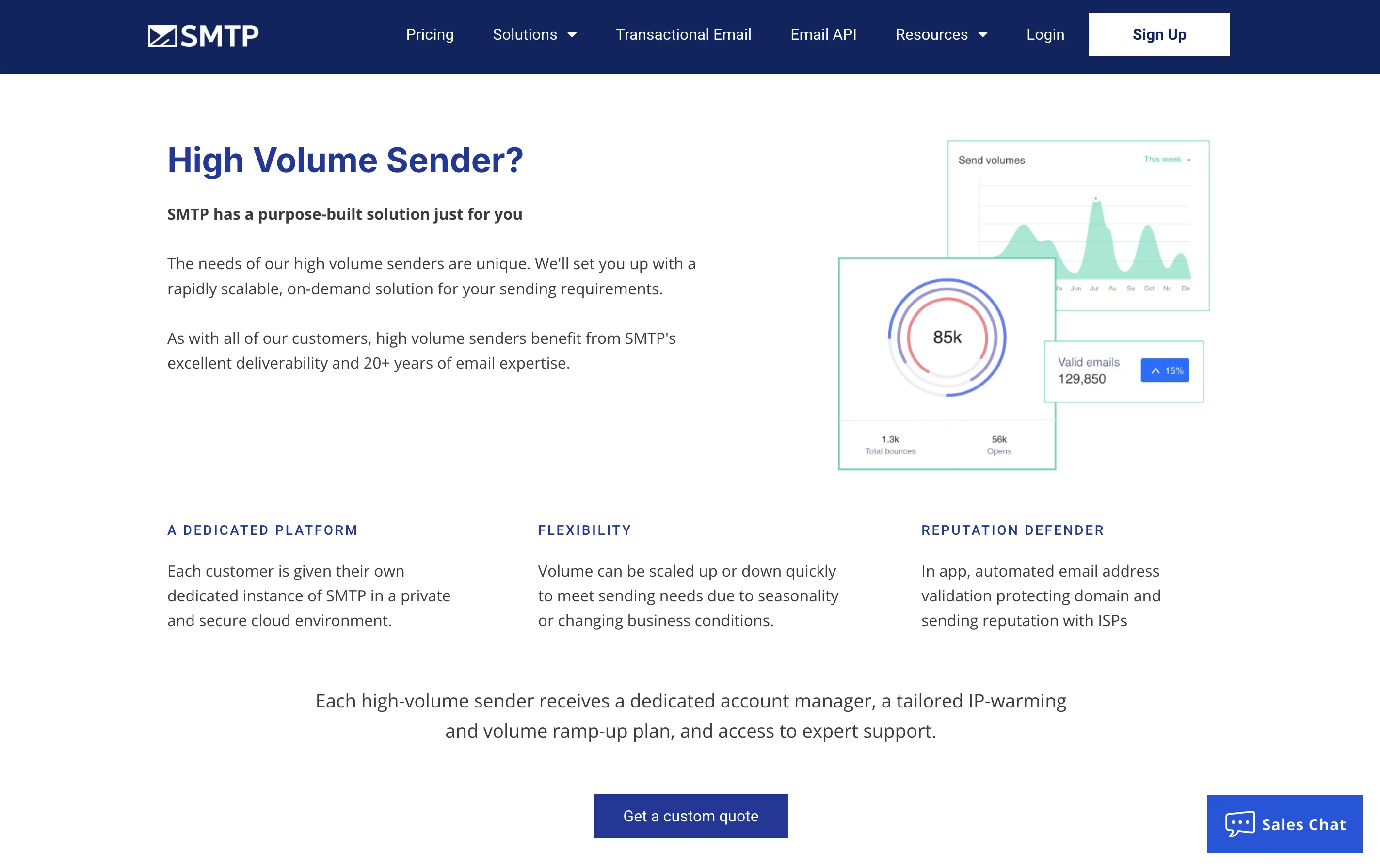
  • Minimum 250 million emails per month
  • Dedicated instance of SMTP platform
  • 100% dedicated IP and MTA
  • No shared mail queue
  • Dedicated and scalable API
  • Callbacks/webhooks and notifications
  • On-demand statistics aggregation
  • Priority support

FAQ's About SMTP.com

What is SMTP.com used for?
SMTP.com is used to send transactional emails like order confirmations, password resets, account notifications, and shipping updates. It ensures these emails reach customer inboxes reliably instead of being blocked or ending up in spam folders.
How much does SMTP.com cost?
SMTP.com starts at $25 per month for 50,000 emails on the Essential plan. Pricing scales with volume: $80/month for 100,000 emails, $300/month for 500,000 emails, and $500/month for 1 million emails. A 30-day free trial is available.
Does SMTP.com work with WordPress?
Yes, SMTP.com works perfectly with WordPress through the WP Mail SMTP plugin. This popular plugin makes it easy to connect your WordPress site to SMTP.com without any coding, ensuring all your site emails are delivered reliably.
What is a dedicated IP address and do I need one?
A dedicated IP address is an IP that only you use for sending emails, giving you complete control over your sender reputation. You need one if you send high volumes or want maximum control. It's included in plans starting at $80/month.
What is Reputation Defender?
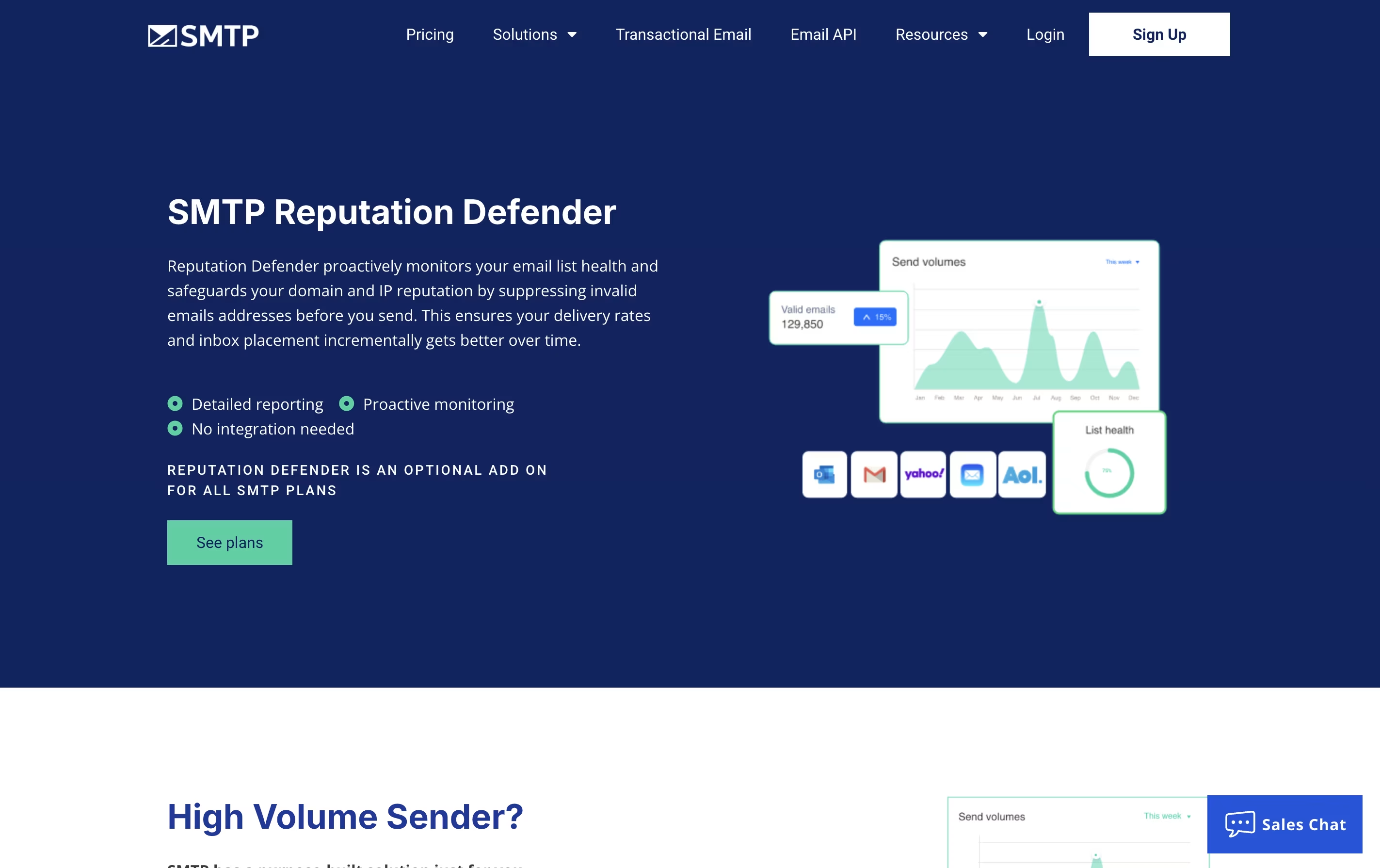
Reputation Defender is an optional add-on that actively monitors your email list health and sender reputation. It identifies problematic email addresses that could hurt your delivery rates and provides reports to help you maintain a clean sending list.

Share your experience with SMTP.com

Loading...

See what users are saying about SMTP.com

0.0

0 Reviews

5
0
4
0
3
0
2
0
1
0

No reviews yet

Be the first to review SMTP.com

Embed SMTP.com badges

Show your community that SMTP.com is featured on Tool Questor. Add these beautiful badges to your website, documentation, or social profiles to boost credibility and drive more traffic.

Light Badge Preview