

Best 10 CodeAnt AI Alternatives in 2026
Last Updated: August 19, 2026
CodeAnt AI is a security platform that both attacks and defends your code. AI agents study your repositories, cloud setup, and history to find issues that are actually exploitable, not just theoretical warnings.
It reviews every pull request with full codebase context, pointing out bugs, security risks, and quality issues, then offers one click fixes along with clear summaries and diagrams.
The best alternative to CodeAnt AI is  CodeRabbit
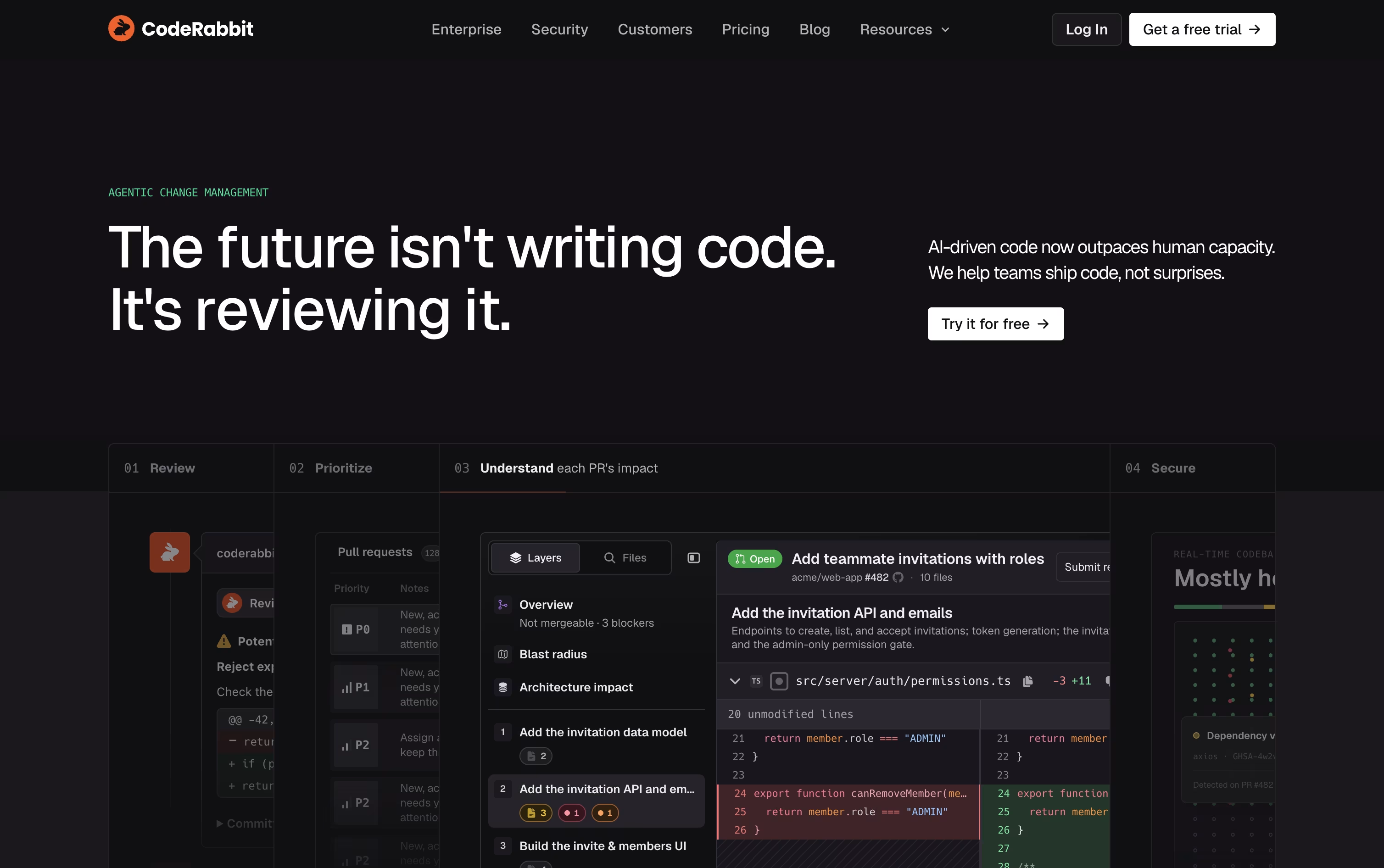 CodeRabbitAI-Powered Code Review for Teams.
  Greptile
 GreptileAI Code Review for Every Pull Request and
  Bugbot
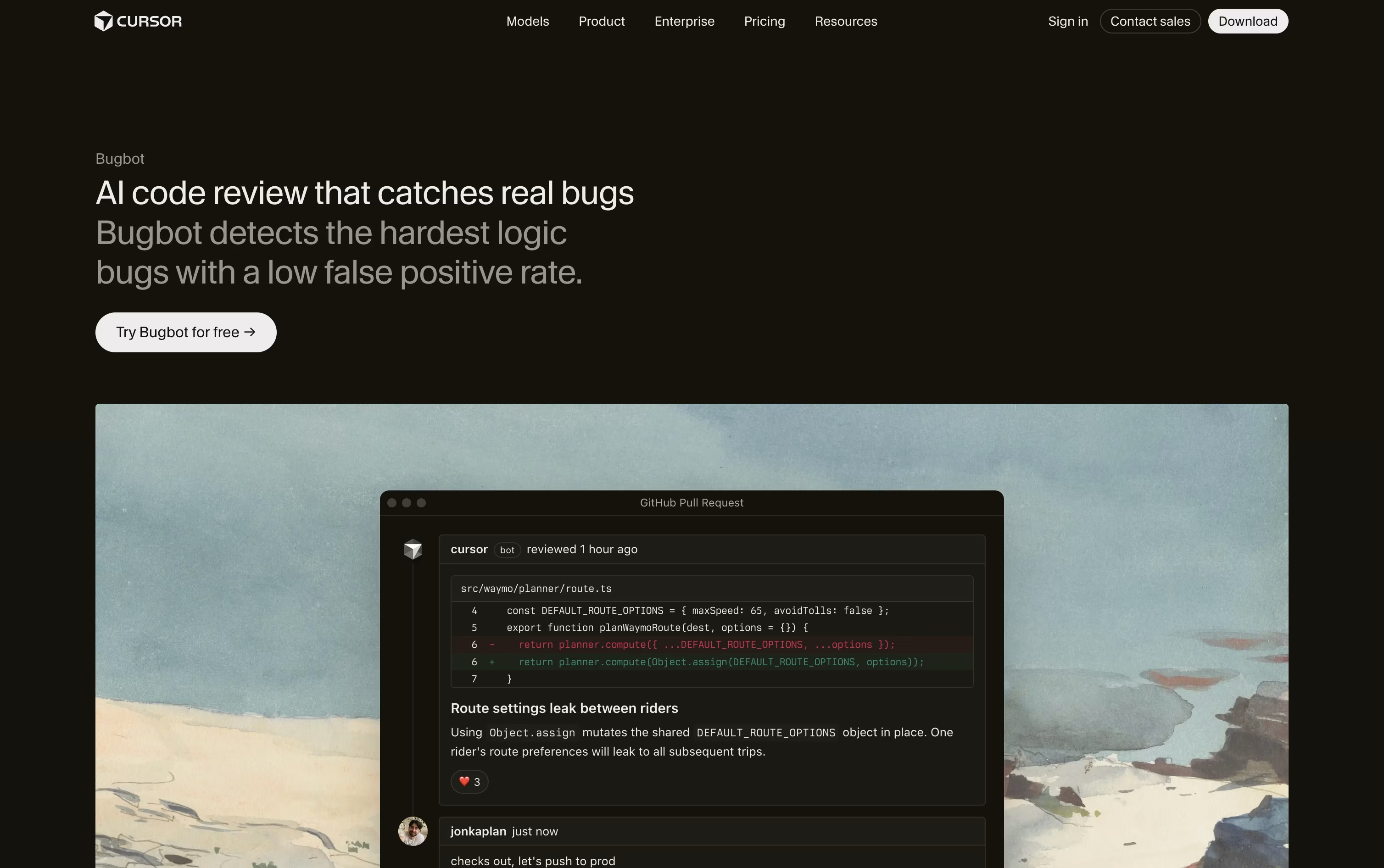 BugbotAI Powered Code Review Agent by Cursor are also among the best options for Automated Pull Request Review.
So, here are the 10 best alternatives to CodeAnt AI:

CodeRabbit is an AI code review tool that checks pull requests and local changes before they get merged. It reads through your code like a senior engineer, leaving line by line comments, summaries, and diagrams that explain what changed and why it matters.
Under the hood, it mixes large language models with more than 40 linters and security scanners, plus knowledge of your codebase and past feedback, so it catches bugs, security gaps, and style issues that are easy to miss.
It works inside GitHub, GitLab, Bitbucket, and Azure DevOps, and also plugs into VS Code, Cursor, Windsurf, the CLI, and chat tools like Slack and Discord, so feedback shows up wherever your team already works.
Pricing starts with a free plan for public, open source repositories. The Pro plan costs $30 per user each month, or $24 per user a month billed yearly, and covers agentic PR and CLI reviews, one-click fixes, and learnings.
Pro Plus costs $60 per user monthly, or $48 billed yearly, and adds multi-repo analysis, custom pre-merge checks, unit test generation, and post-merge actions.
Enterprise pricing is custom and adds SSO, custom RBAC, audit logging, API access, and self-hosting, with a 14-day free trial available on the paid plans.
Greptile is an AI code reviewer that reads your entire codebase, not just the lines changed in a pull request, so it can spot bugs that touch other files, callers, and dependencies.
A group of specialised AI agents checks each change for logic errors, security gaps, performance issues, and style problems, then posts clear comments with fixes and confidence scores, usually within a few minutes.
An optional feature called TREX can write and run real tests in a safe sandbox to catch bugs that only show up while the code is actually running.
Pricing starts with a free Starter plan for individual developers, offering unlimited repositories and 50 review credits a month. The Pro plan costs $30 per seat per month, includes a 14 day free trial, unlimited users, and custom rules.
Larger teams can move to the Enterprise plan, which uses custom pricing and adds self hosting, SSO and SAML, and dedicated support. Open source projects and early stage startups can also qualify for free access or a 50% discount.
Bugbot is an AI agent from Cursor that reviews your pull requests before they get merged. It connects to GitHub or GitLab, reads the code changes, and looks for real problems like logic bugs, security issues, and unit mismatches, not just small style issues.
Once turned on, Bugbot comments directly inside the pull request with a clear explanation and often a suggested fix. Engineers can send any issue straight into the Cursor editor or a Background Agent to fix it automatically.
Teams can write custom rules in a BUGBOT.md file or through the dashboard, so Bugbot checks for their own standards and known problem patterns.
Bugbot comes with the free Hobby plan on limited usage. Paid Individual plans start at $20 a month and add usage based Bugbot reviews, while Teams plans at $40 per user a month include full agentic code reviews with shared context. Enterprise pricing is custom and adds pooled usage, SCIM, and audit logs.

Macroscope works like a helper for engineering teams that live on GitHub. It quietly reviews pull requests, points out real bugs before they ship, and writes summaries of what changed and why.
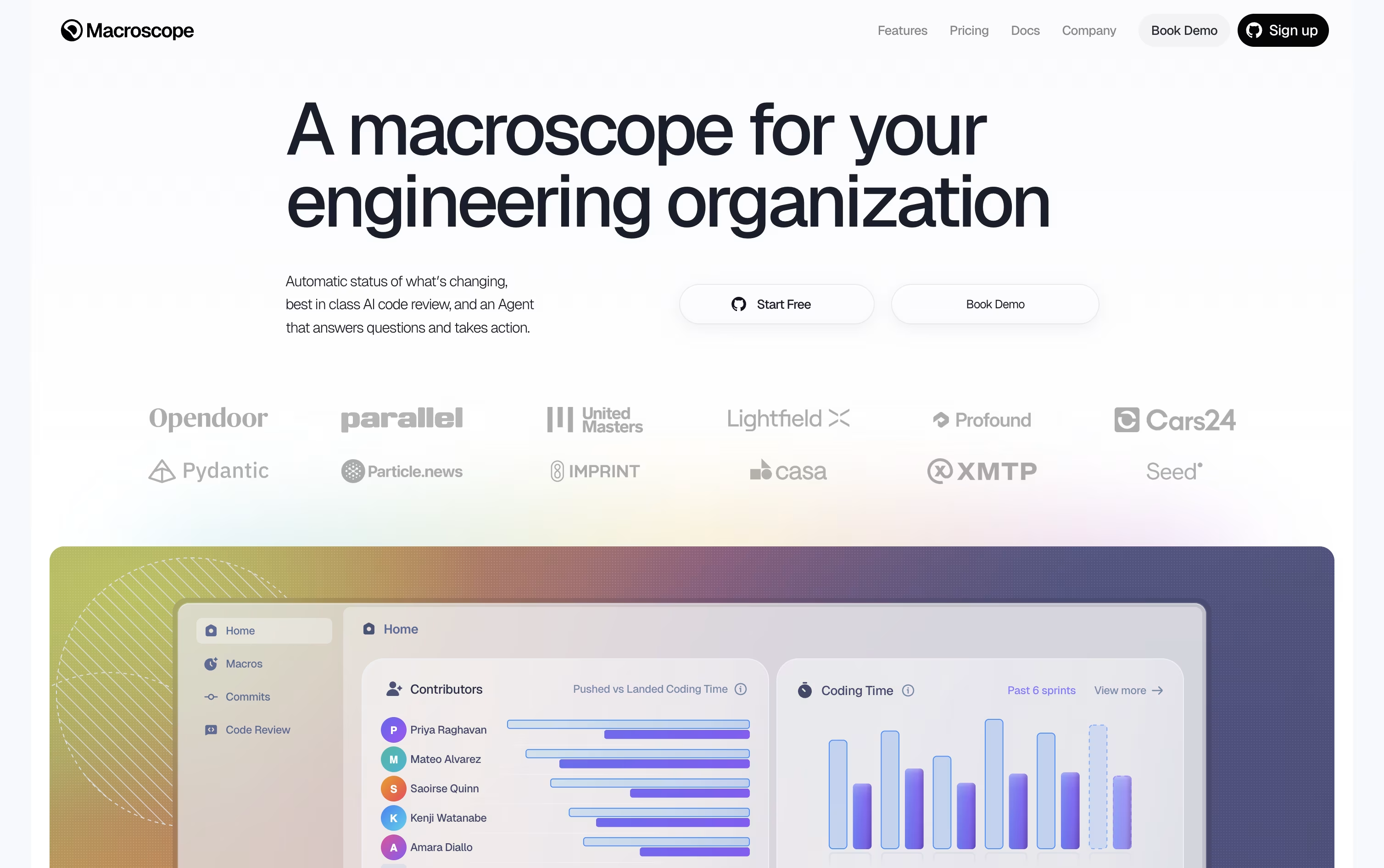
Under the hood, it maps the codebase into a graph of how files and functions relate, so its answers are grounded in the actual code rather than guesses.
Beyond reviews, it gives leaders a live picture of what shipped through weekly digests, and it runs an agent in Slack or GitHub that can answer questions or even open a fix.
Pricing is usage based. Code review is billed by the size of the change, status updates are billed per commit, and the agent is billed per credit used.
New teams get $100 of free usage to test things out, while larger organizations can move to a custom Enterprise plan with priority support and extra agreements.

Codacy is a code quality and security platform built for teams that write code with the help of AI tools. It scans your code for bugs, security holes, and messy patterns, then gives you clear feedback right where you work.
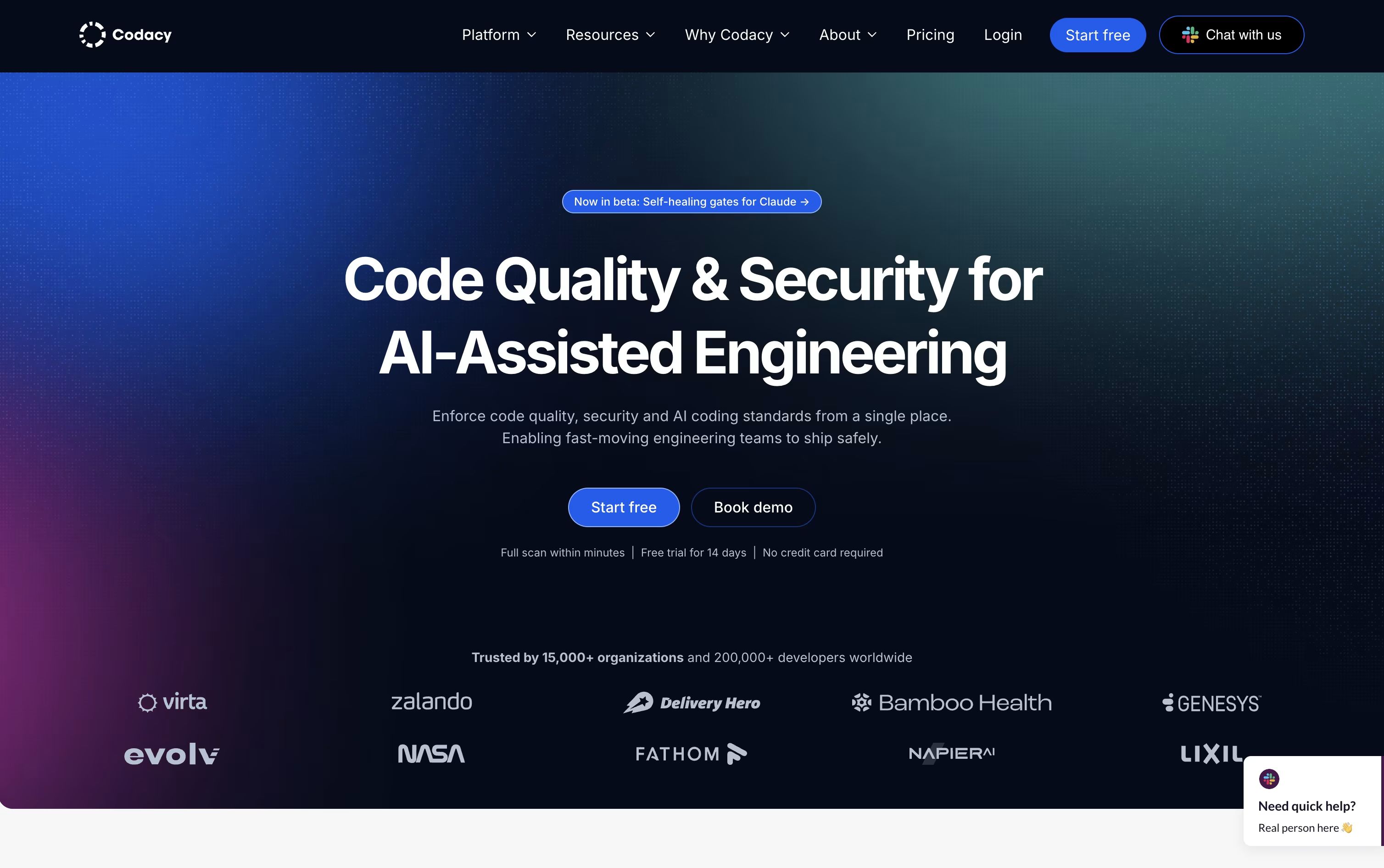
A big part of Codacy is watching over AI generated code. It checks output from tools like Copilot and Claude Code in real time, and blocks risky changes before they land in your codebase.
The Developer plan is free forever and gives individual coders real-time scanning and AI guardrails inside their editor.
The Team plan costs $21 per developer a month, or $18 a month when billed yearly, and covers teams of up to 30 developers with cloud scanning, pull request reviews, and shared coding standards.
Larger companies can get custom Business pricing, which adds unlimited private projects, license and container scanning, single sign-on, and dedicated support.
A 14 day free trial is available with no credit card needed.
DeepSource is a code review tool built for both developers and AI coding agents. It scans pull requests using thousands of built in rules, then adds an AI agent on top to catch bugs and security issues that simple rules would miss.
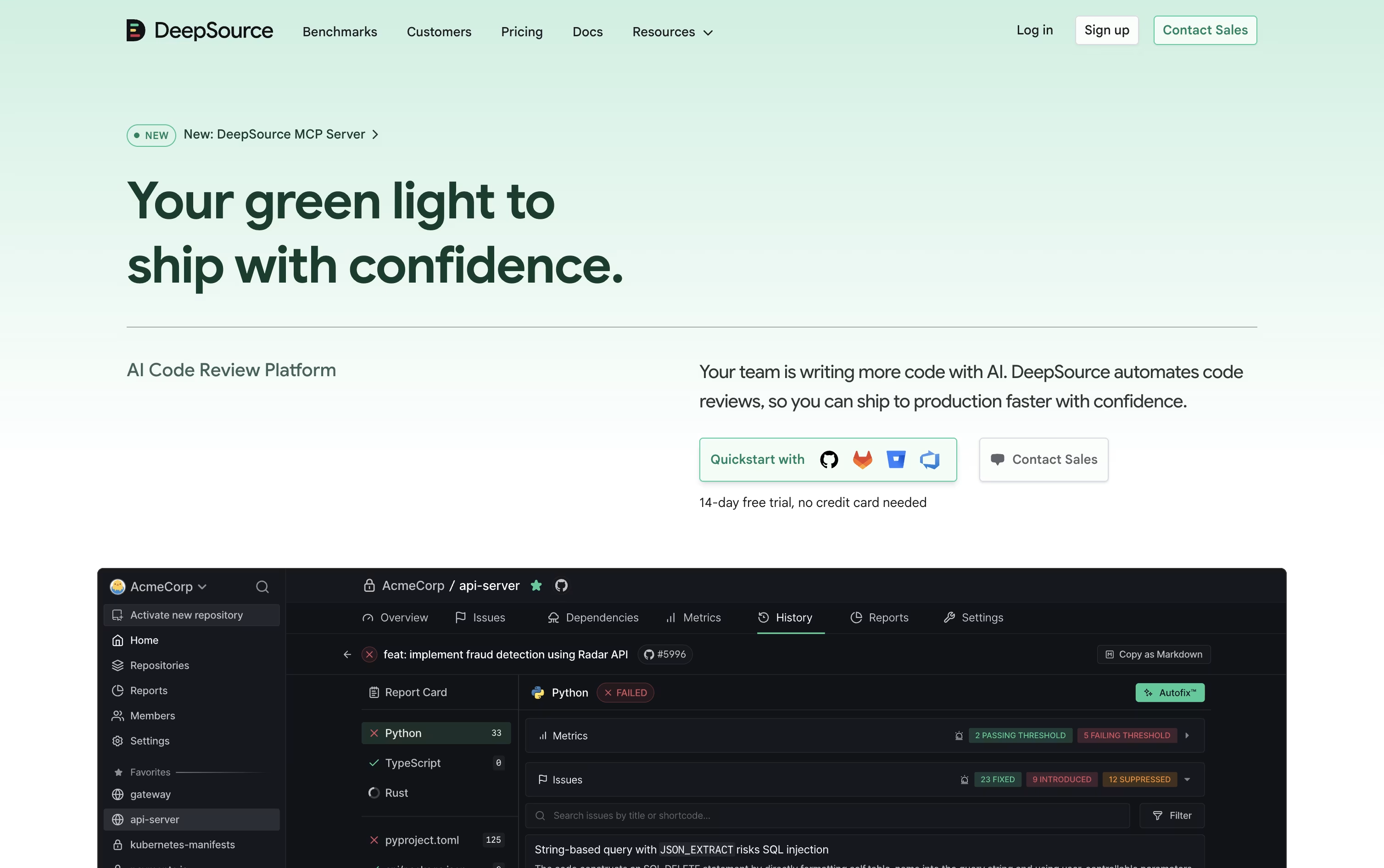
Beyond basic code review, it checks for exposed secrets, risky open source dependencies, license problems, and gaps in test coverage. Many of these issues can be fixed automatically through its Autofix feature, which suggests a verified patch you can apply right away.
It connects to GitHub, GitLab, Bitbucket, and Azure DevOps, and plugs into Slack, Jira, and editors like VS Code. An MCP server also lets AI agents such as Claude Code read review results and fix pull requests on their own.
Pricing starts with a free plan for open source projects. The Team plan costs $30 per user a month, or $24 per user a month if billed yearly, and includes AI Review credits, dependency scanning, and priority support.
Companies with bigger needs can move to the Enterprise plan, which adds self hosted deployment, single sign on, and the option to bring your own AI model keys, all at custom pricing.
A 14 day free trial with bonus AI Review credits is available, and no credit card is required to try it out.

Cubic is an AI code review platform made for teams handling large, complex codebases. It plugs into GitHub and reviews every pull request within seconds, calling out real bugs, security issues, and logic problems instead of low value comments.
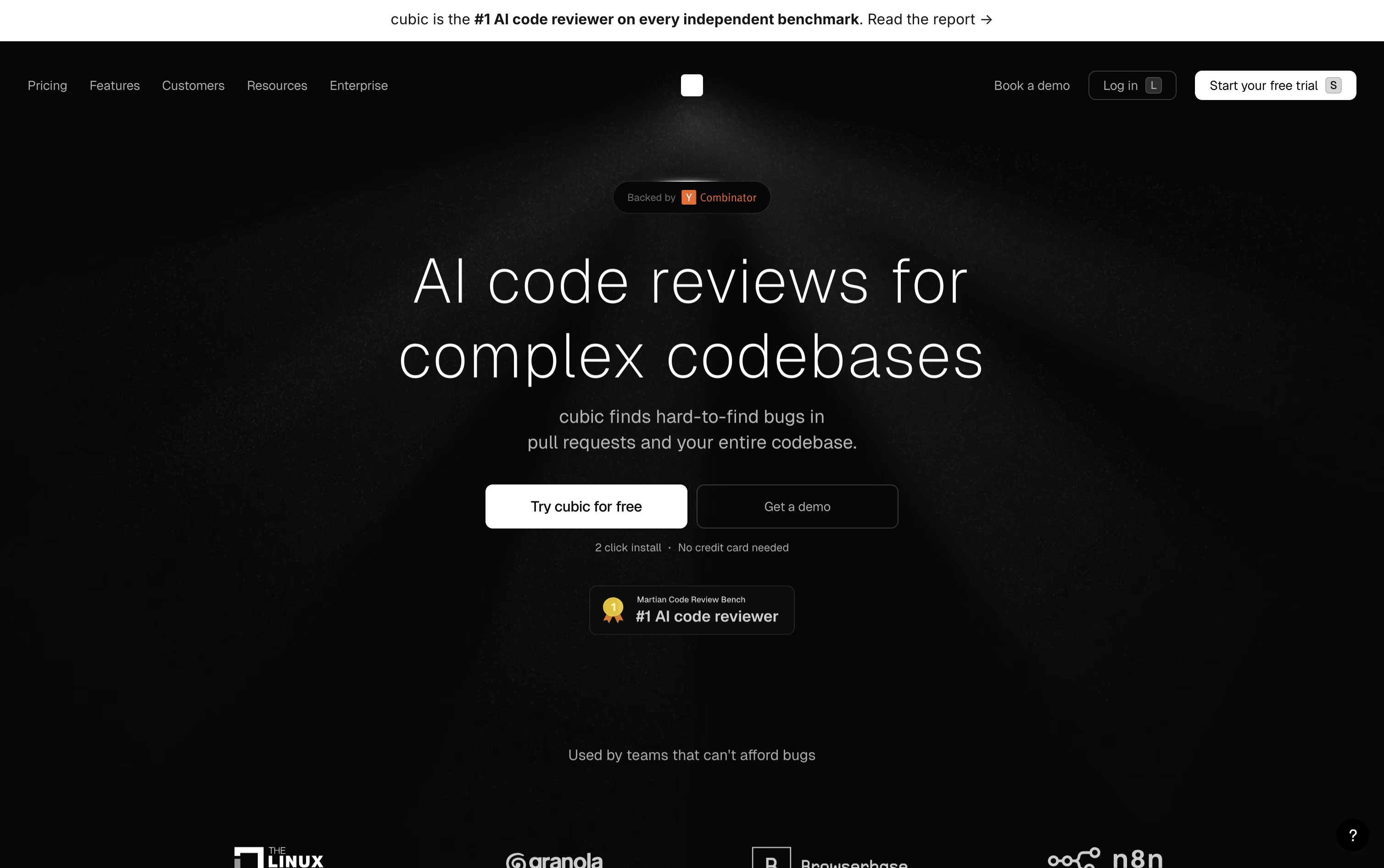
Beyond single pull requests, Cubic runs full codebase scans using swarms of AI agents that check each finding across files before flagging it, so teams see fewer false alerts.
Teams can write custom rules in plain English, and Cubic learns from senior engineers past reviews and ongoing feedback. It also builds a searchable AI wiki of the codebase, complete with diagrams, that stays current.
The Starter plan is free and includes 20 PR reviews a month. Team costs $30 per developer monthly when billed yearly, and Pro costs $79 per developer monthly, adding faster reviews, codebase scans, and more agents. Enterprise offers custom pricing with SSO and dedicated support. Cubic is also free for open source projects.

Qodo is an AI code review platform built for teams dealing with fast-moving, AI-generated code. It looks at your whole codebase and pull request history, not just the diff, so it can catch bugs, security issues, and missing tests that a quick glance would miss.
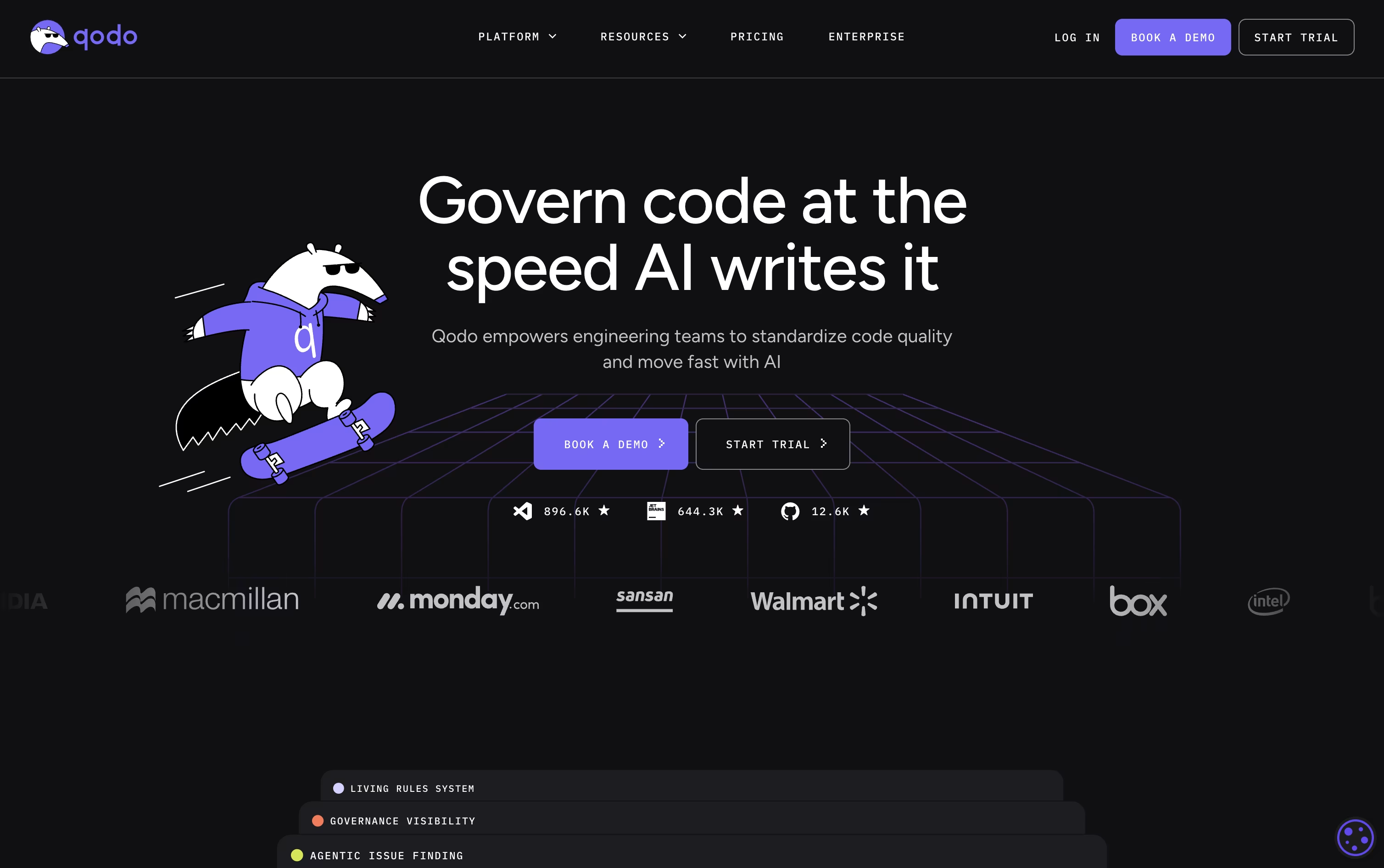
It runs inside your IDE as you write code, on every pull request in your Git provider, and through a command line tool for automation and CI/CD.
A living rules system lets teams turn their own coding standards into checks that apply to human developers and AI coding agents alike, with a dashboard that tracks how well those rules are being followed.
Pricing starts with a 14-day free trial with unlimited reviews and no credit card. After that, Pro Team plans run on credits priced at $0.012 each, with packs around $30, $60, and $240 a month depending on review volume, no annual contract required.
Larger organizations with 30 or more users can move to Enterprise, which adds single sign-on, audit logs, on-premises deployment, and priority support at custom pricing.

Sourcery sits inside your IDE and on your pull requests, catching bugs, security issues, and messy code before they slip through. It writes plain summaries, draws diagrams of what changed, and leaves line by line comments you can act on right away.
Inside the editor, it offers real-time refactoring hints, a code quality score for every function, and a chat assistant that understands the files you are working in.
It is free for open source repos with security scans for up to 3 repositories. The Pro plan costs $12 per seat a month and adds private repo reviews plus scanning for 10 repositories.
Team, priced at $24 per seat a month, brings daily scans, repo analytics, and the option to bring your own AI model. Enterprise adds self-hosting and priority support at custom pricing.
Because it clones code only briefly and never trains models on it, teams can adopt it without worrying about their code being stored or reused.

Graphite is a pull request and code review tool that plugs into GitHub and helps teams break large changes into smaller, connected pull requests known as a stack.
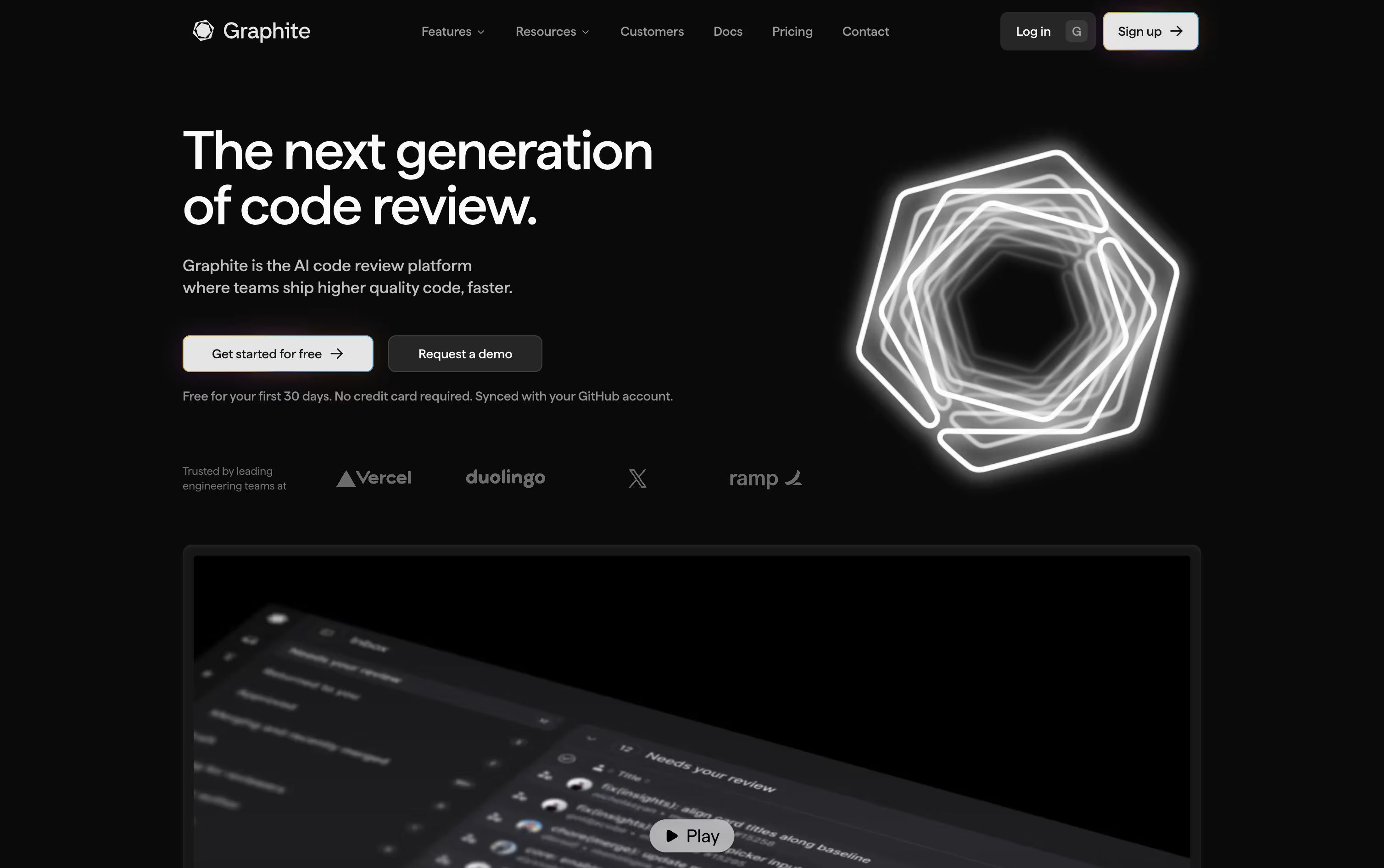
Each pull request in the stack gets its own focused review, and Graphite automatically handles the tricky Git work like rebasing when earlier changes update.
An AI reviewer checks every pull request for bugs, security issues, and style problems, and an AI chat built into the pull request page can answer questions or help fix failing tests.
The Hobby plan is free for personal projects, Starter costs $25 a user a month, and Team costs $50 a user a month, both with a 20 percent discount when billed yearly.
Team unlocks unlimited AI reviews and chat, automations, and a merge queue, while Enterprise adds custom pricing, single sign on, audit logs, and premium support for larger companies.


