

Best 14+ Magnific Alternatives in 2026
Last Updated: August 25, 2026
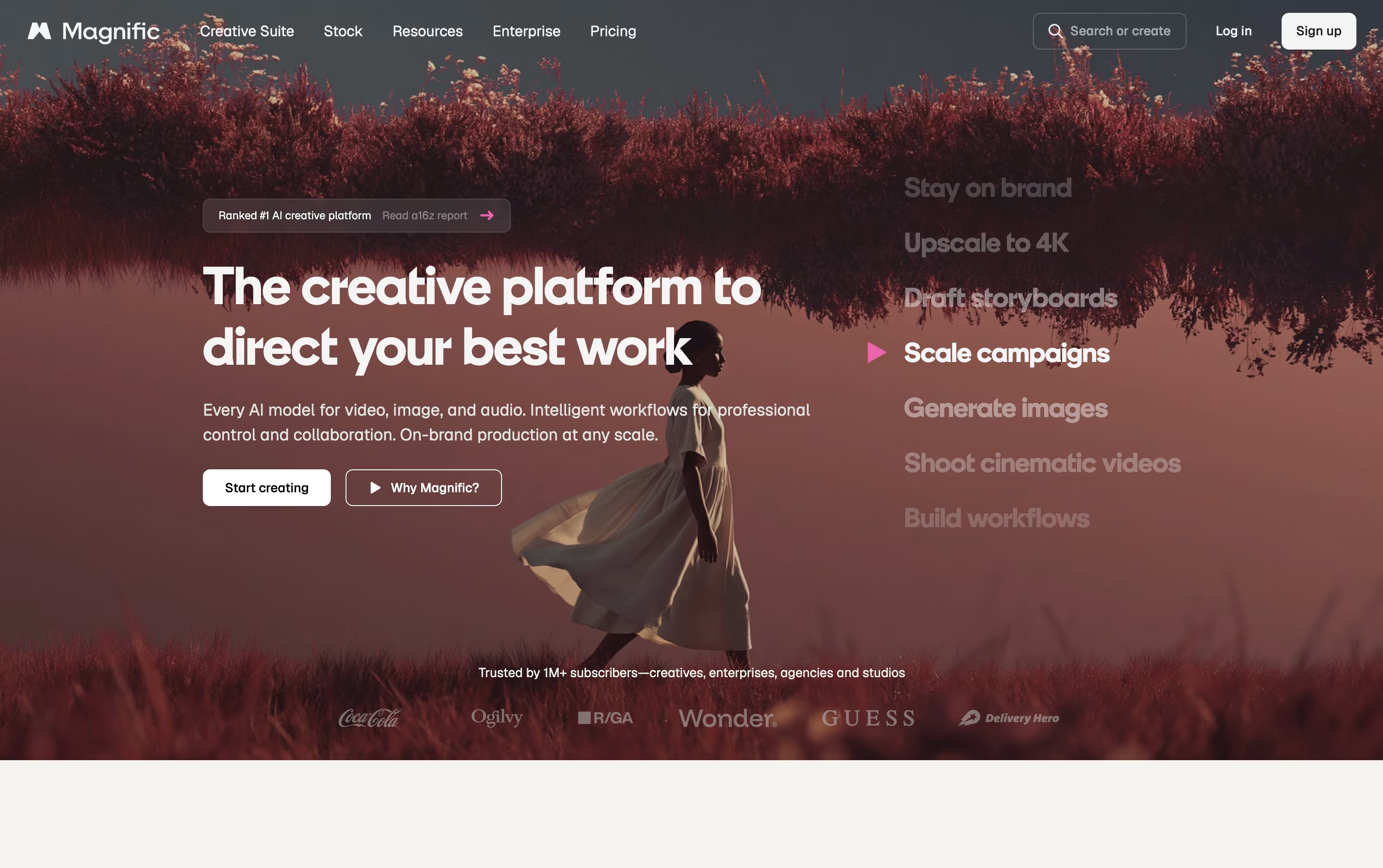
Magnific, formerly known as Freepik, is an all-in-one AI creative platform for generating, editing, and upscaling images, video, audio, and 3D content.
It brings together leading AI models for image and video generation, the original Magnific upscaler for turning low-res images into sharp, detailed results, and tools for audio, voice, and 3D work, all under one credit system.
The best alternative to Magnific is  OpenArt
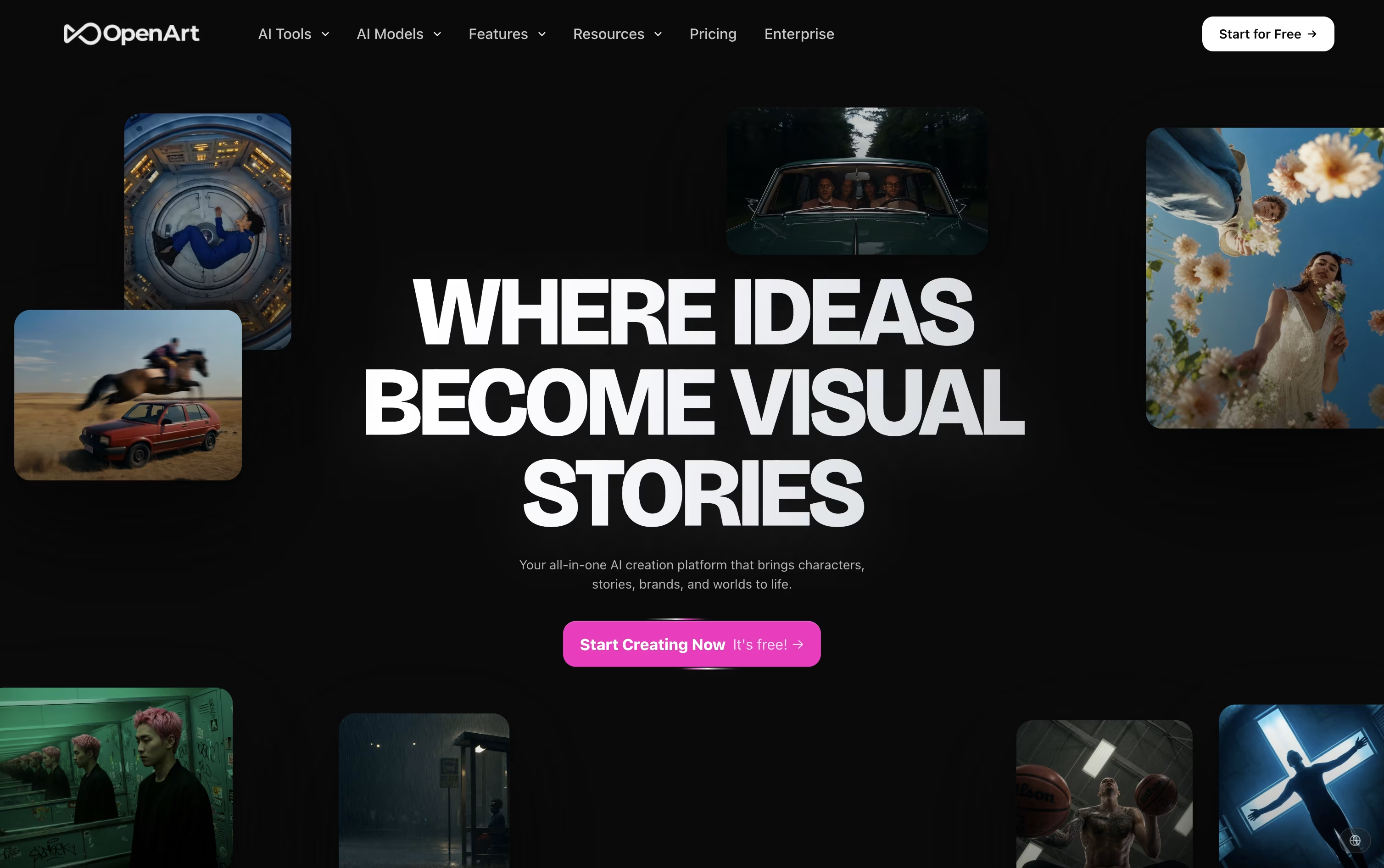 OpenArtAI Studio for Images, Video and Audio.
  Leonardo AI
 Leonardo AICreate AI Images, Video & 3D Art and
  Krea
Krea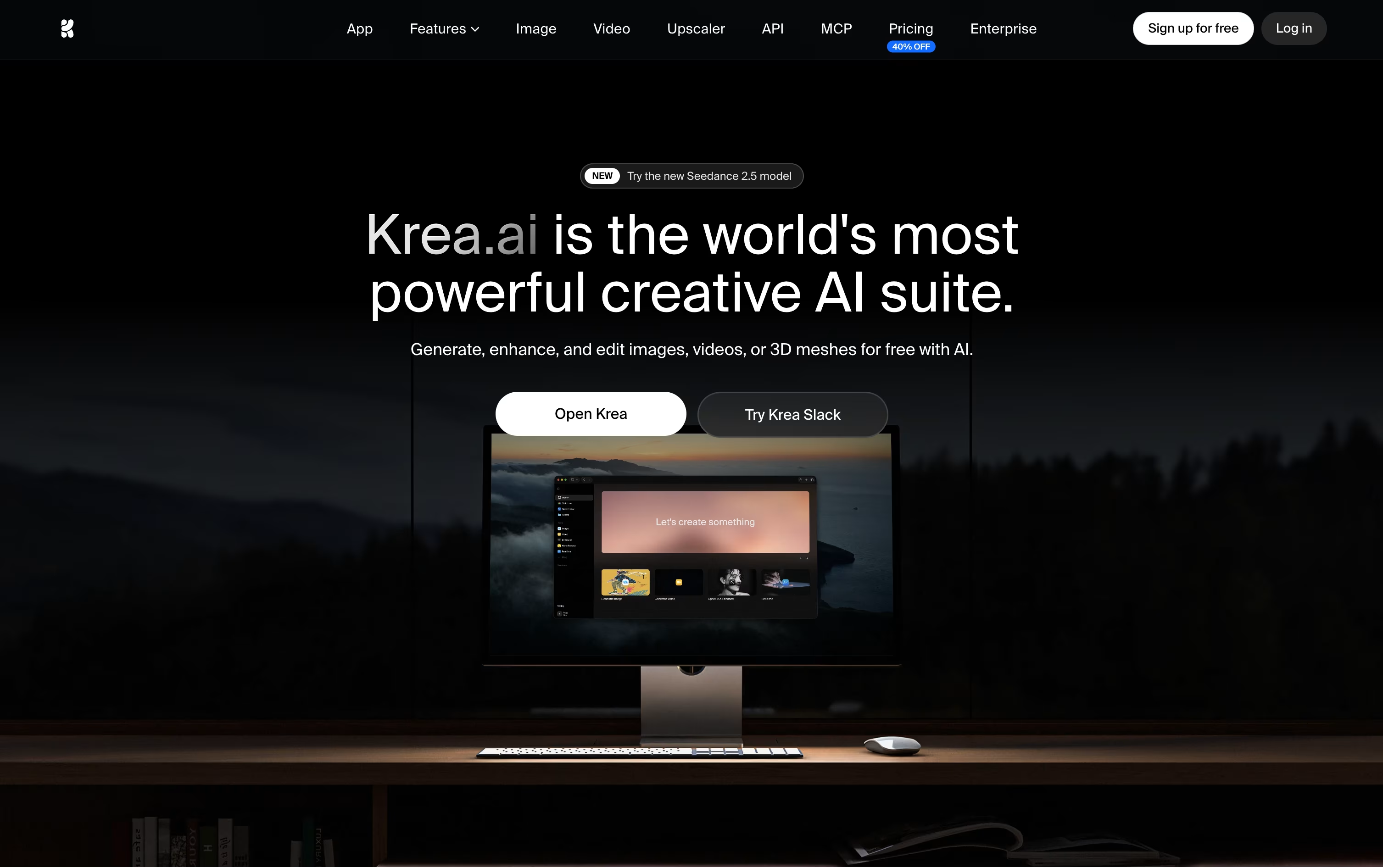 KreaCreative Suite for Images and Video are also among the best options for Content Creation.
So, here are the 12+ best alternatives to Magnific:

OpenArt is a creative studio built around AI. Instead of using separate apps for pictures, video, and sound, you do all of it inside one shared workspace with one library of files.
You type what you want in plain words, or upload a photo to work from, and OpenArt turns it into an image or a short video using one of over 100 connected AI models.
A standout part of the platform is its character tool. Once you build a character, you can bring it into new scenes, outfits, and videos and it still looks like the same character.
Pricing starts at $14 a month for the Starter plan with 4,000 monthly credits, moving up through Plus and Pro to the Wonder plan at $240 a month with 106,000 credits.
Teams can choose the Business plan from $680 a month for shared credits across up to 50 people, while larger companies can reach out for Enterprise pricing with unlimited seats and extra security controls.
A free trial with starting credits lets you test the tool before you choose a paid plan.
Leonardo AI is a creative studio that turns text prompts, sketches, and reference images into finished images, short videos, and 3D models. It is built for people who need repeatable results, not just random one-off pictures.
Along with generation, it offers a Realtime Canvas for sketch-to-art, an editing workspace for masking and extending images, an upscaler built for AI images, and tools to train your own custom model on your own photos or art.
A free plan gives 150 fast tokens a day with basic quality and one collection. Paid Solo plans start at Essential for $12 a month, moving up to Premium at $30 and Ultimate at $60, each adding more tokens, private generations, unlimited collections, and more monthly AI model training.
Team plans start at $72 a month for 3 seats, with shared tokens and unlimited relaxed generation on selected models. There is also a pay as you go API with no fixed monthly fee, plus a custom API plan for larger workloads.
Leonardo AI is SOC 2 accredited, and generations stay private and are not used for training by default.
Krea is a web based AI creative suite that brings image, video, and 3D generation into one simple workspace. Instead of switching between many separate apps, you can create, edit, upscale, and animate your work from a single interface built for designers, filmmakers, and creative teams.
The platform gives you access to dozens of leading AI models, including its own Krea 2 model, alongside tools like a realtime canvas that updates images as you type, a canvas based photo editor, 3D generation, and lipsync for talking videos. You can also train your own custom LoRA styles and automate workflows with visual Nodes.
Krea starts with a free plan offering 100 units a day with limited model access. The Basic plan costs $9 a month, or $5 a month billed yearly, and unlocks full image models and LoRA training.
The Pro plan, marked as most popular, costs $35 a month, or $21 a month yearly, and adds every video model along with Nodes Agent and early feature access. The Max plan reaches $105 a month, or $63 a month yearly, with unlimited concurrency and unlimited relaxed generations.
For teams, Business costs $200 a month for 80,000 units and up to 50 seats, while Enterprise offers custom pricing with SAML SSO, priority support, and advanced security for larger organizations.
ImagineArt is an all-in-one AI creative suite from Vyro AI that turns text prompts into images, videos, voice, and music.
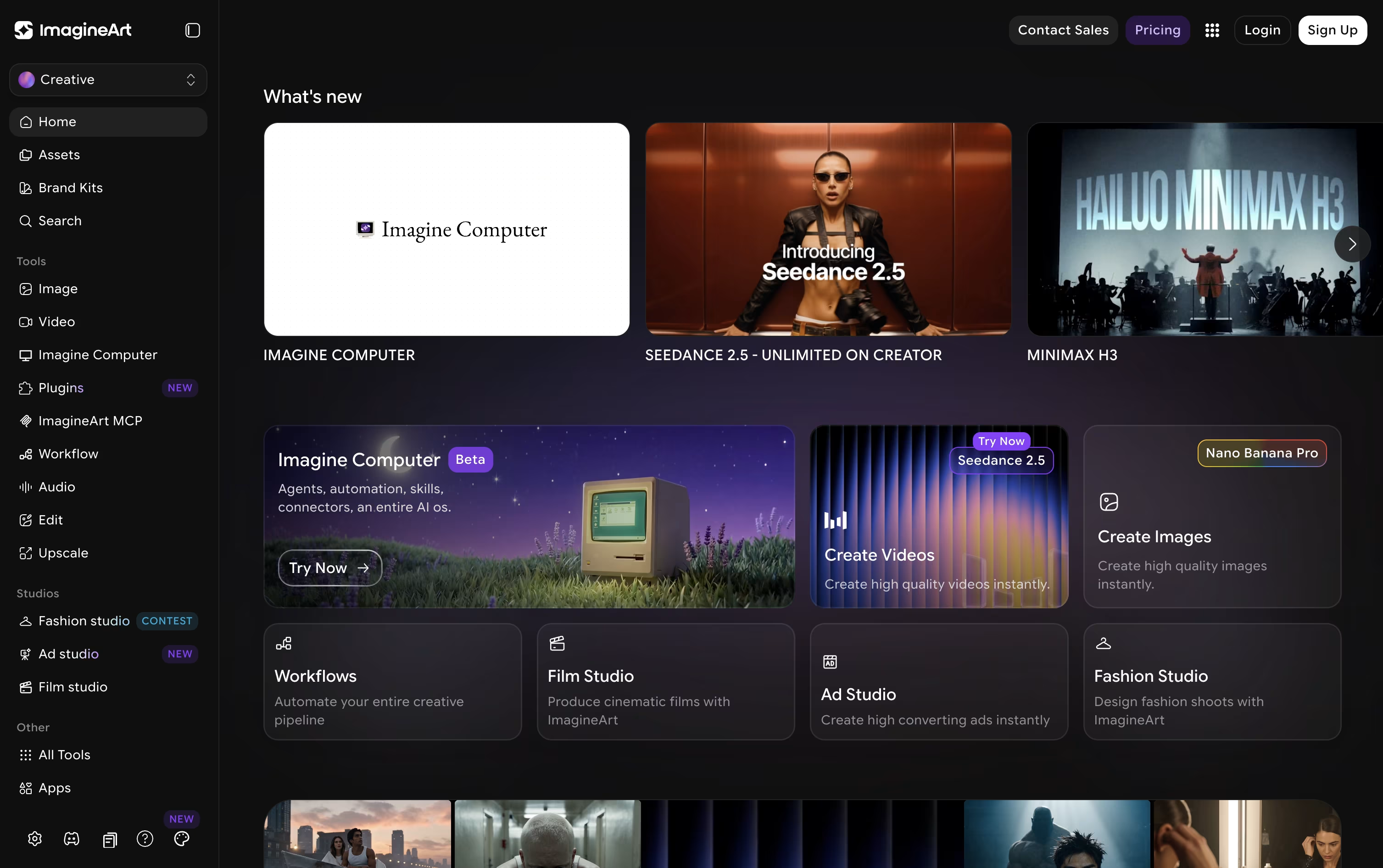
Instead of juggling separate subscriptions, you get access to many leading models, including GPT, Gemini, Claude, Runway, and Kling, all inside one workspace.
Specialized studios like Film Studio, Ad Studio, and Fashion Studio help you build cinematic scenes, ads, and fashion looks with guided templates, while node-based Imagine Flow lets you build custom automated workflows.
A free plan gives 100 credits daily with access to limited models such as ImagineArt 1.0 Lite and Flux Dev.
Paid Individual plans start at $13 a month for Basic and go up to $250 a month for Creator, with Standard at $30 and Ultimate, the most popular option, at $50 a month, each adding more credits, concurrency, and unlimited access to top models.
Teams and Enterprise plans add shared workspaces, custom concurrency, and enterprise-grade security for larger organizations.

Getimg.ai is a browser based workspace that puts image, video, and audio generation in one place, so you do not need separate tools for each task.
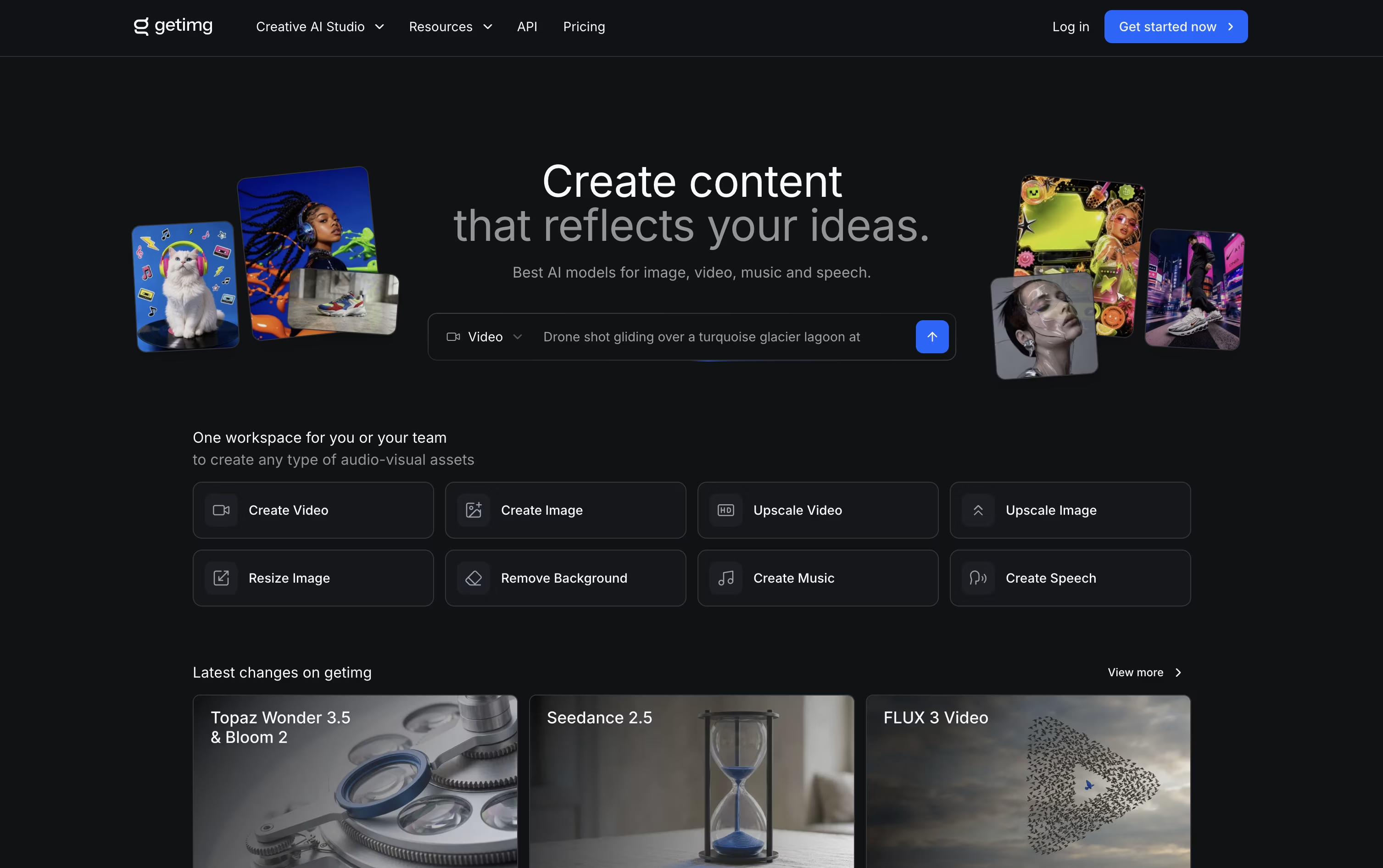
You describe what you want in plain text, and the platform picks a suitable AI model and sharpens your prompt automatically.
Along with generation, it offers editing tools such as background removal, image upscaling up to 16K, resizing, and video upscaling up to 4K.
Pricing starts at $10 a month for the Entry plan with 3,000 credits, rising to $30, $65, and $175 a month per seat for Core, Plus, and Ultra, which add more credits, higher upscaling, and more team seats.
Yearly billing saves about 20 percent on every plan, and paid plans come with full commercial rights.
A built in developer API and SDKs also let teams add the same generation tools into their own products.

Midjourney lets you describe an image or short video in plain words and get back a finished result in seconds. It is built and run by an independent team, not a big tech company, and works through its website or Discord.
Once you get results, you can pick a favorite, ask for changes, upscale it, or turn a still image into a short video clip using built in editing tools.
Every plan is paid, starting at $10 a month for the Basic plan with about 200 image jobs a month. The $30 a month Standard plan adds unlimited slower generations and HD video.
Pro at $60 a month and Mega at $120 a month add more fast generation time, more images at once, and Stealth Mode so your work stays private.
Paying yearly instead of monthly cuts the cost by 20% on every plan.
Overall, it is a strong pick for anyone who wants fast, good looking AI images and short videos without needing design skills.

Runway is a cloud based AI platform for creating and editing video, image, and audio content. Instead of switching between many separate tools, you get a wide range of AI models in one workspace.
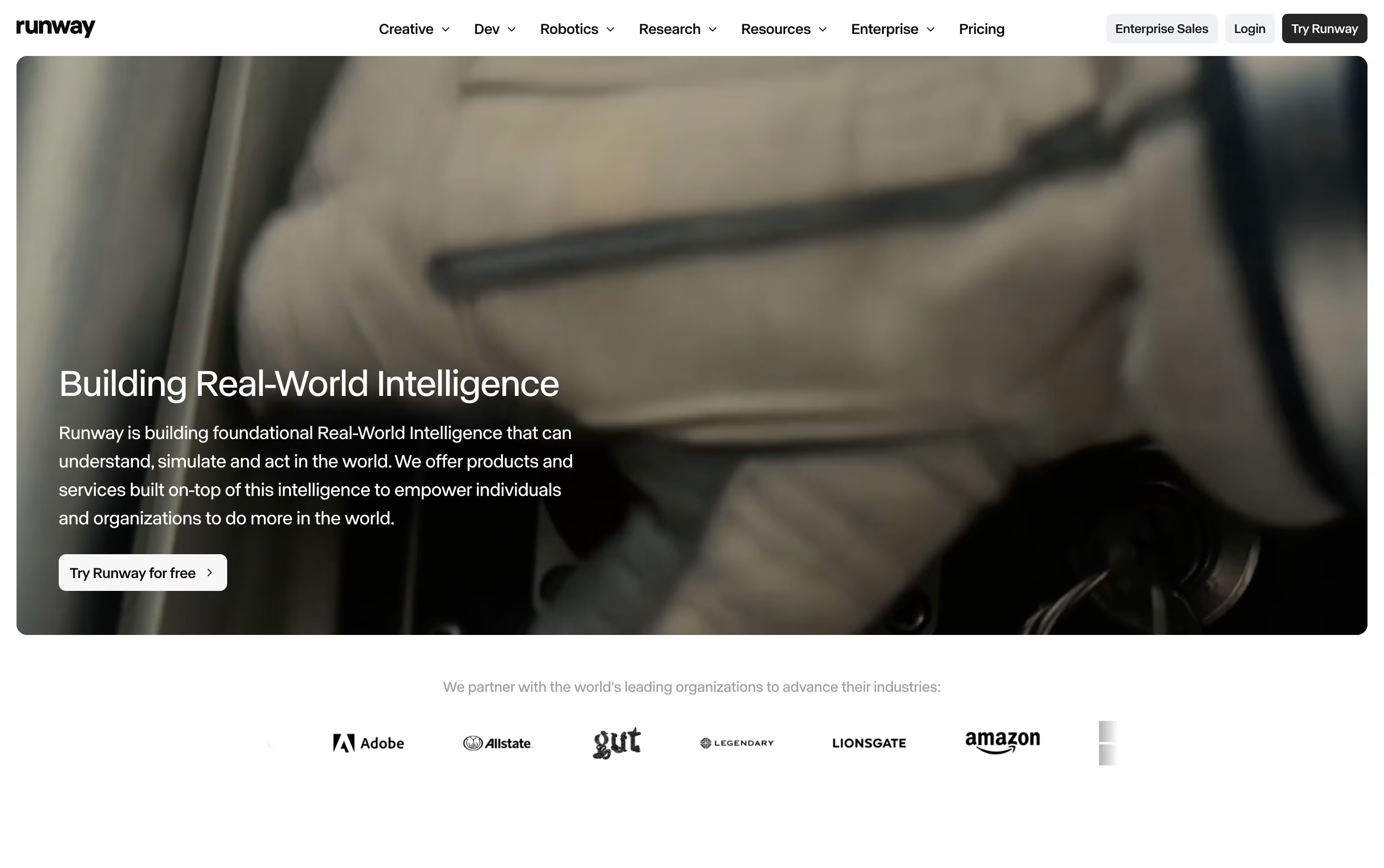
You can turn a text prompt or a single image into a short video clip. With Aleph, you can change one frame or describe an edit, and that change applies across the whole clip while the original motion and lighting stay the same.
Act-Two lets you drive a character's body movement, expression, and lip sync from a reference performance video, and the Runway Agent can help put together full marketing campaigns from a simple description.
Pricing starts with a Free plan that gives 125 credits one time, which never expire. Standard costs $15 a month for 625 credits, Pro costs $35 a month for 2,250 credits plus custom voices and more storage, and Max costs $95 a month for 9,500 credits with credit rollover and early access to new models.
Enterprise plans are custom, adding single sign-on, analytics, and priority support for larger teams.
Developers can also use Runway Dev, a pay as you go option starting at $0.05 per second of video, to build these AI tools directly into other apps.
Higgsfield brings together dozens of leading AI models under one roof, so you do not need separate apps for images, videos, and edits. It adds its own camera control, character consistency, and lighting tools on top, aiming for a more cinematic look than a typical AI generator.

The free plan lets you test the platform with one video and one image job at a time, though commercial use is not included.
Paid plans start with Basic at $9 a month for 120 credits, commercial use, and faster generation. Pro costs $29 a month, or $23 a month billed yearly, and unlocks the full Seedance model lineup along with unlimited marketplace apps.
Max, at $79 a month or $59 annually, raises the credit pool to 1,800 and removes most generation limits, offering the lowest cost per credit.
Teams can choose Team or Scale plans with shared credit pools and seat based pricing, while Enterprise offers custom pricing with dedicated capacity, SSO, and security features like SOC 2 compliance.

Adobe Firefly is a generative AI studio from Adobe that turns text prompts into images, videos, audio, and vector graphics. It works as a standalone web app, mobile apps for iOS and Android, and directly inside Photoshop, Illustrator, Premiere Pro, and other Creative Cloud apps.
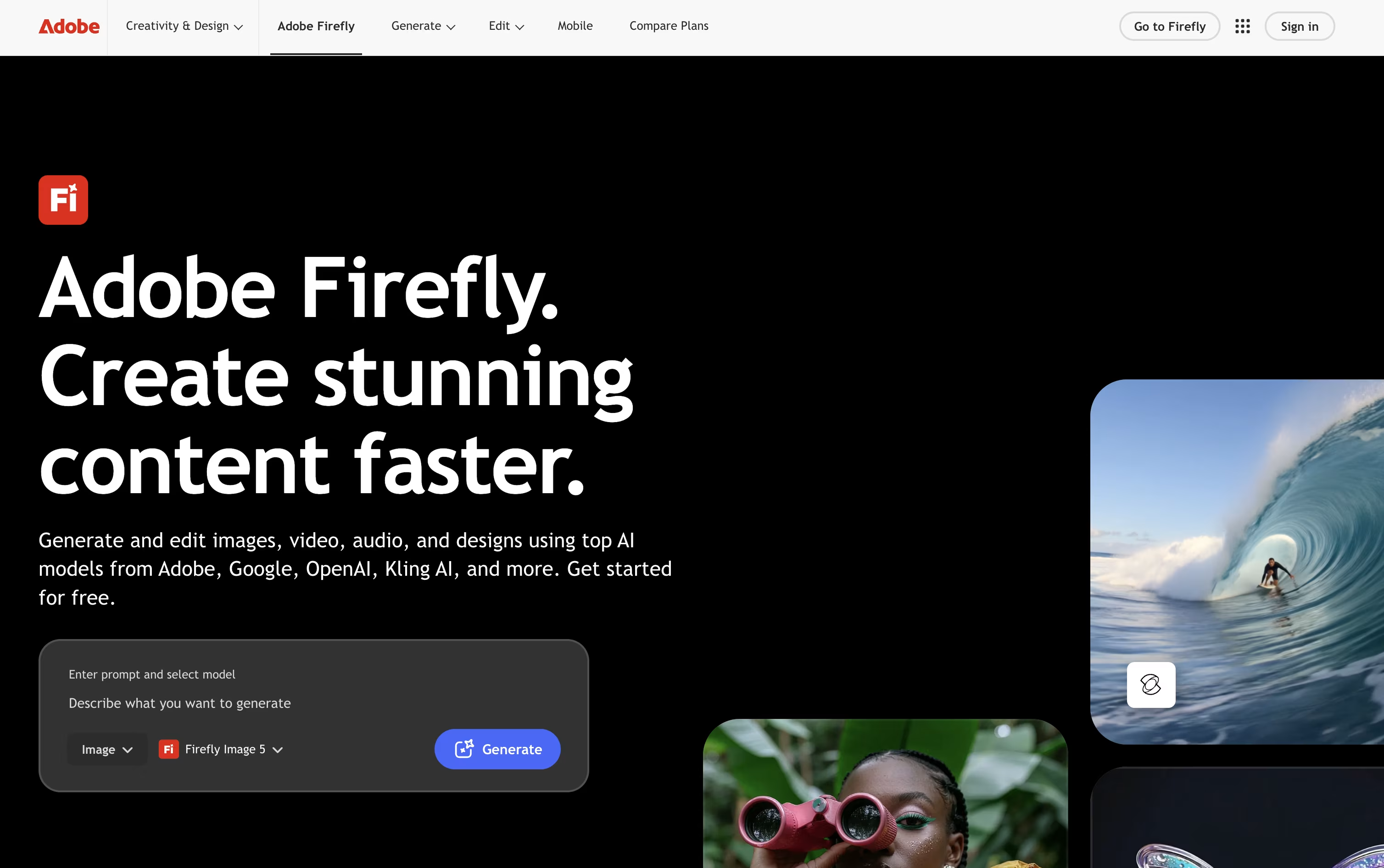
With Firefly you can generate pictures from a description, use Generative Fill to add or remove objects from a photo, turn text into short video clips, create background music, generate sound effects, and even translate a video into another language while keeping the original voice.
Firefly Boards gives teams a shared canvas for mood boards and storyboards, and the newer AI Assistant lets you describe a goal in plain language while Firefly handles the multi step workflow across different Adobe tools.
A free plan lets anyone try daily generations across image, video, and audio using popular models like Nano Banana and Luma Ray3.14. Paid plans start at Firefly Standard for $9.99 a month with 2,000 credits, moving up to Firefly Pro at $19.99 a month with full Photoshop access, Firefly Pro Plus at $34.97 a month, and Firefly Premium at $139.91 a month with unlimited access to the Firefly Video Model.
Business plans are priced per license, starting at $19.99 a month, billed annually, and include admin tools plus 24x7 support. Since Firefly is trained on licensed content, its outputs are considered safe for commercial use.

Dreamina is ByteDance's all-in-one AI creative platform, built by the team behind TikTok and CapCut. It turns text prompts, photos, and short clips into finished images, videos, and talking avatars, all from one browser-based workspace.
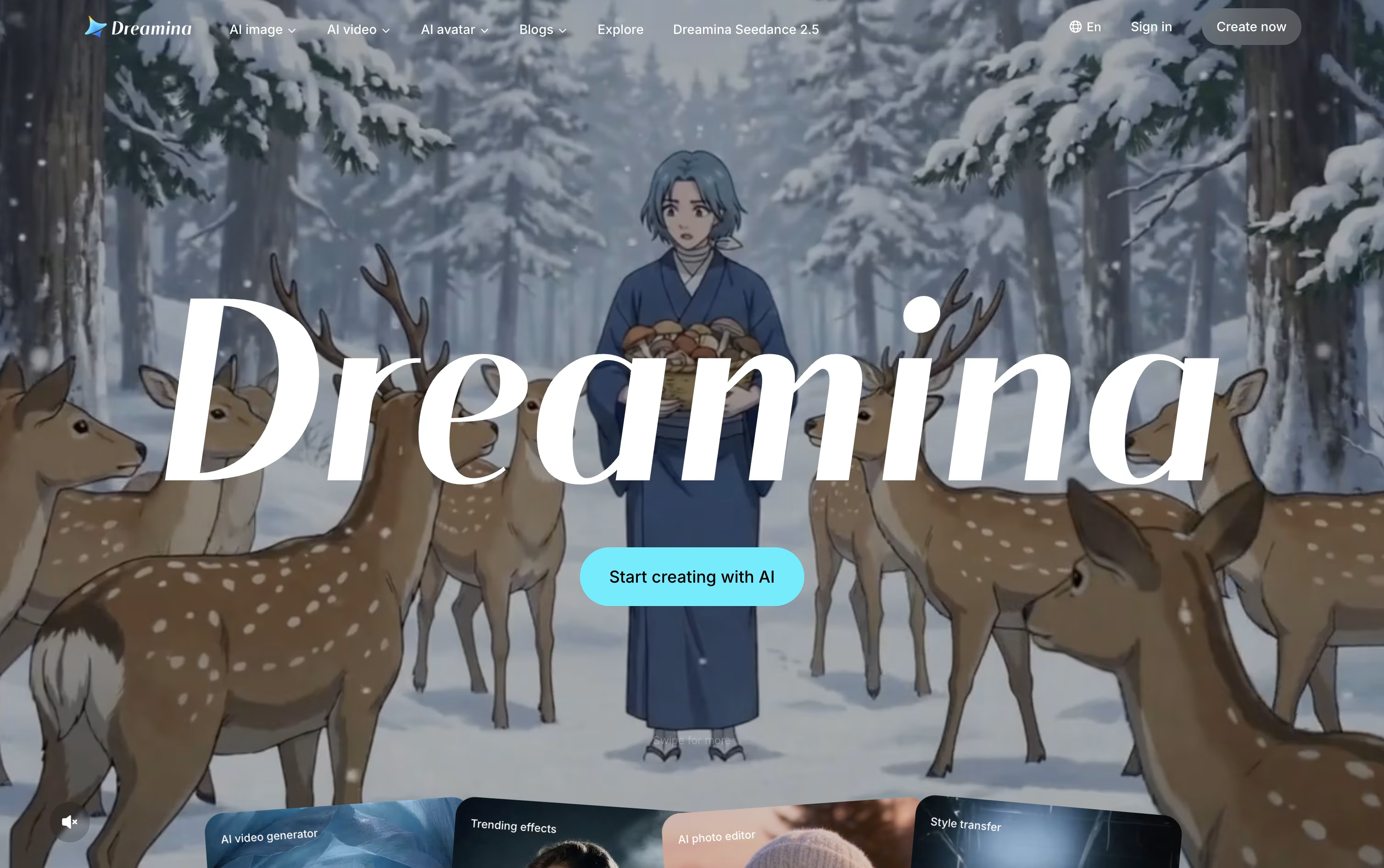
Under the hood, it runs on ByteDance's Seedream models for image work and Seedance models for video and motion. These models support strong character consistency, realistic camera movement, and native audio with lip sync, so results feel polished without extra editing.
Everything you create can move straight into CapCut for further editing, cutting out the need to download and re-upload files between apps. This makes Dreamina especially useful for social content, ads, product visuals, and short-form video.
Pricing starts with a Free plan that gives daily bonus credits at no cost. The Basic plan is $15 a month, or $144.99 a year, and includes 1,575 credits plus watermark-free downloads and 60 FPS video.
The Standard plan costs $35 a month, or $334.99 a year, for 3,885 credits with the same feature set. The Advanced plan, at $70 a month or $669.99 a year, adds 8,645 credits, the highest-priority queue, and temporary unlimited 4K generation.
Yearly billing saves about 20% across all paid plans compared to paying monthly.

Luma AI is a creative platform where you describe what you need and its AI agents handle the research, generation, and refinement across video, image, and audio.
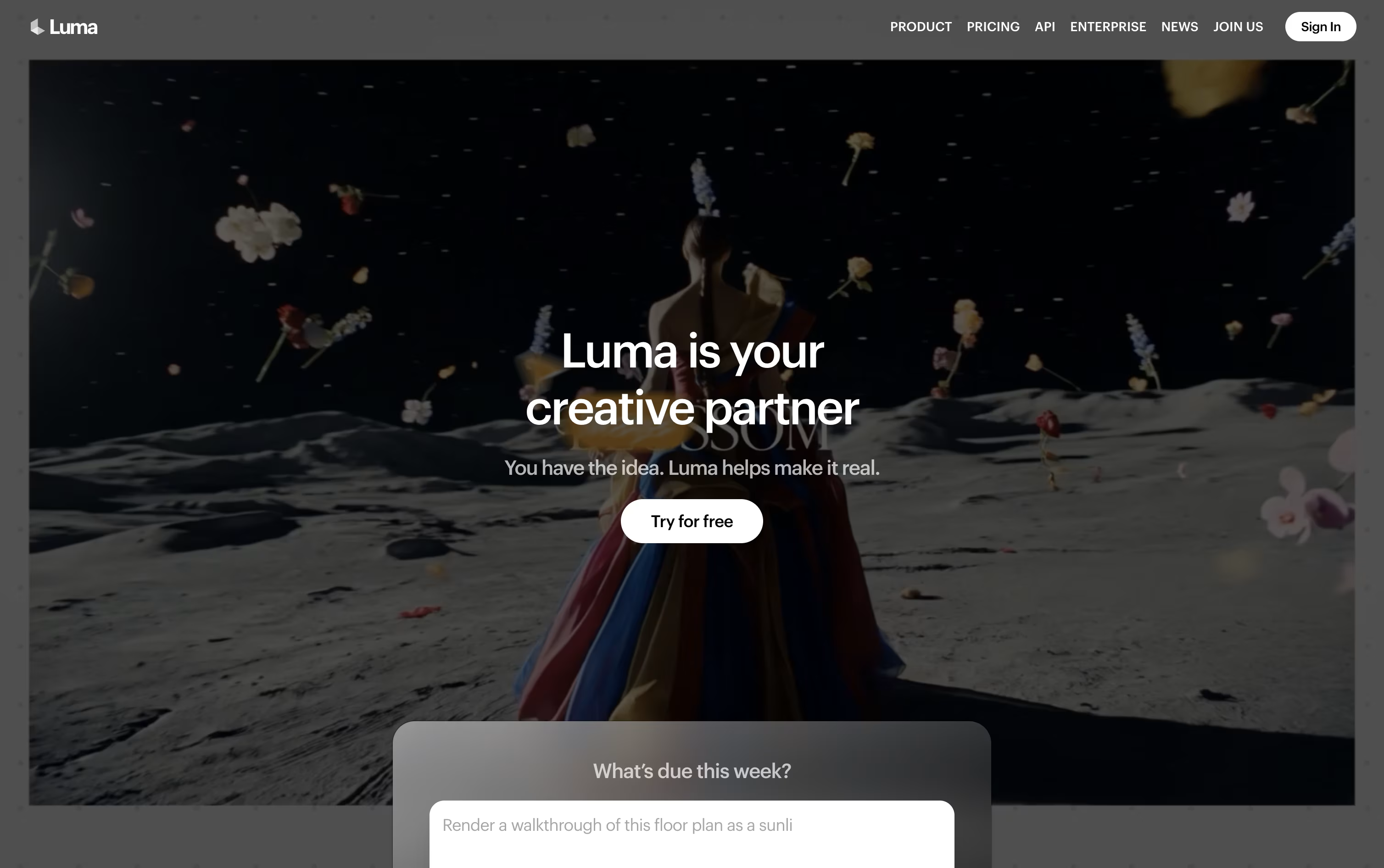
At the center of the platform is Luma Agents, which coordinates in-house models like Ray for video and Uni for images while keeping your brand style consistent. Luma Skills let you turn any workflow into a reusable tool you can run again on new projects.
Ray 3.2, the latest video model, supports up to sixteen keyframes per clip, footage editing through Modify Video, aspect ratio changes with Reframe, and native HDR output for professional color work.
Individual pricing starts with the Plus plan at $30 a month for 10,000 credits, moving up to Pro at $90 a month and Ultra at $300 a month for higher credit limits and faster agent usage. Paying yearly saves up to 20 percent on all three tiers.
Teams and larger companies can choose the Team or Enterprise plan, both priced on request, which add member management, shared credits, usage reports, and single sign-on.
Beyond subscriptions, actual video, image, and audio generation draws from your credit balance, with costs varying by model, resolution, and length.

Artlist brings stock media and AI generation together in one platform built for video creators, filmmakers, and brands.
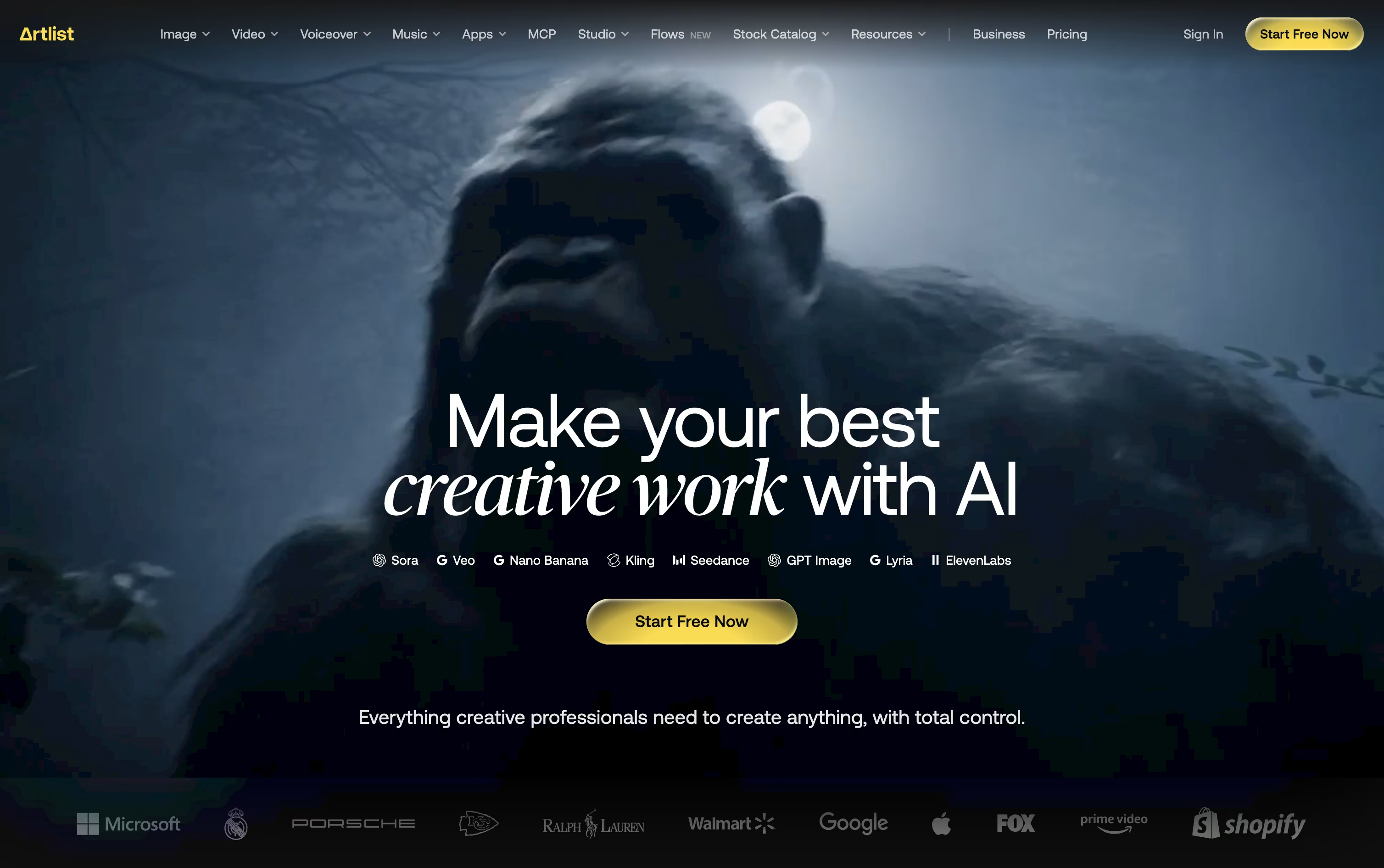
The stock side includes royalty free music, sound effects, footage, templates, and LUTs, all licensed for commercial use. The AI side covers image, video, music, voiceover, avatar, and dubbing generation through more than 100 models, plus 70+ ready made Apps for quick effects.
Pricing splits into an AI Suite and a Stock Catalog. AI Starter costs $19.99 a month, AI Core is $39.99 a month and is the most popular option, and AI Creator is $69.99 a month, each with more credits and higher output limits than the last. Yearly billing lowers these to $11.99, $23.99, and $41.67 a month.
The Stock Catalog starts at $9.99 a month for Music & SFX, with Max at $50.66 a month and Max Business at $399 a month for teams, both billed yearly.
Larger teams and agencies can move to Custom Business plans, which add unlimited generations, legal indemnification, SSO, and a dedicated account manager, with pricing available on request.
A Claude MCP integration also lets people generate images and videos straight from a chat, without opening Artlist separately.

Hailuo AI, built by MiniMax, turns a text prompt or a photo into a short video. It pays close attention to realistic motion, natural body movement, and small facial expressions, so clips look smooth rather than robotic.
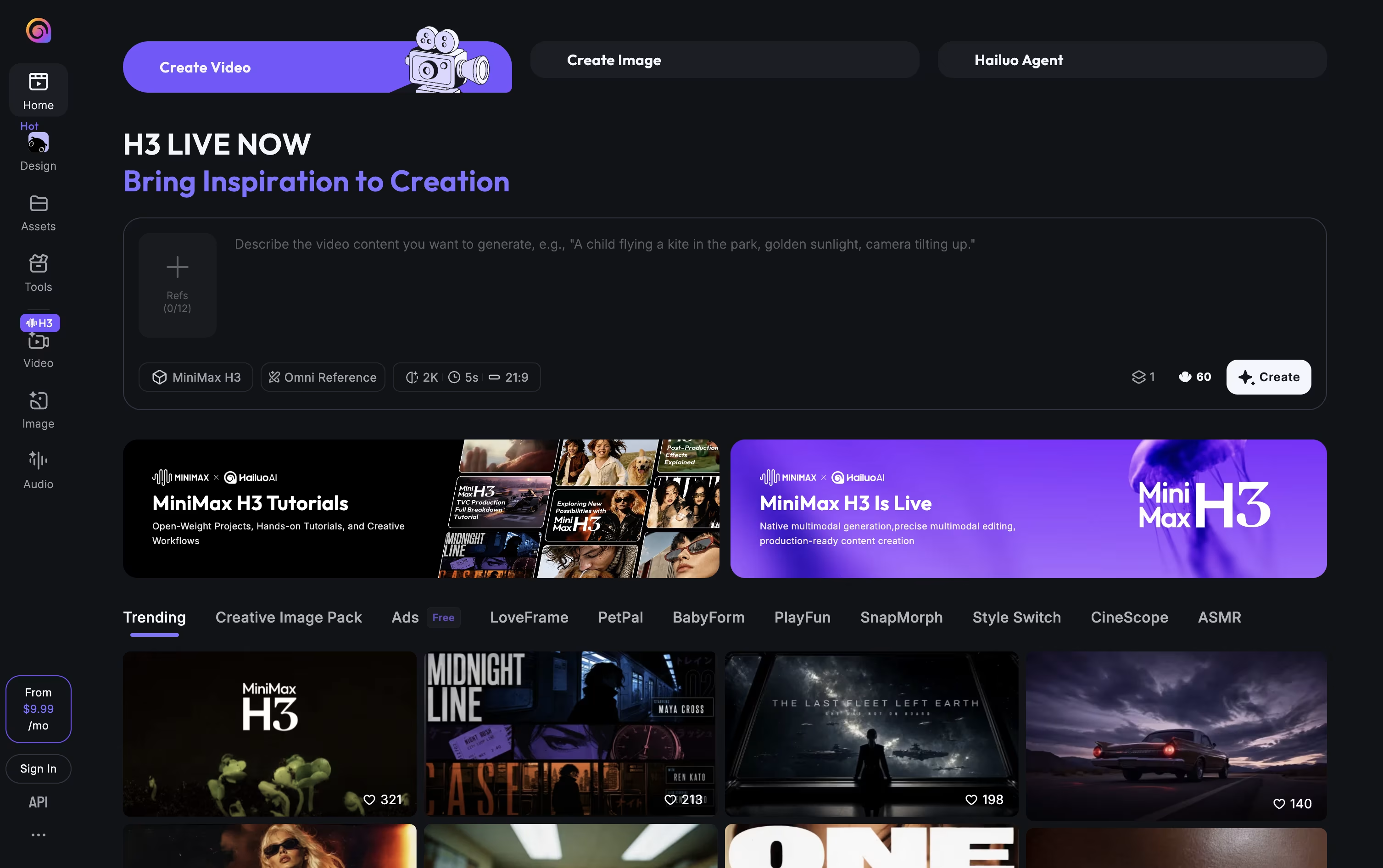
You can guide a video with a start frame and an end frame, or type camera moves like zoom, pan, or tracking shot straight into your prompt. A character reference feature keeps the same face and look across several clips.
Beyond video, it also creates still images, relights photos with the Light Studio tool, and can add music, lip sync, or upscale existing footage. An Agent mode can plan and build a video for you from a short description.
It works on the web, on Android and iPhone apps, and through a developer API.
There is a free plan with trial credits to start. Paid plans run from about $10.50 a month up to $216 a month, each adding more monthly credits, higher video quality, and wider access to extra AI image models. Paying yearly lowers the monthly cost on every paid plan.
Pollo AI is a multi-model creative platform that turns text, photos, or product links into videos, images, avatars, and audio. Rather than relying on one AI model, it connects you to many leading video and image models from a single browser-based workspace.
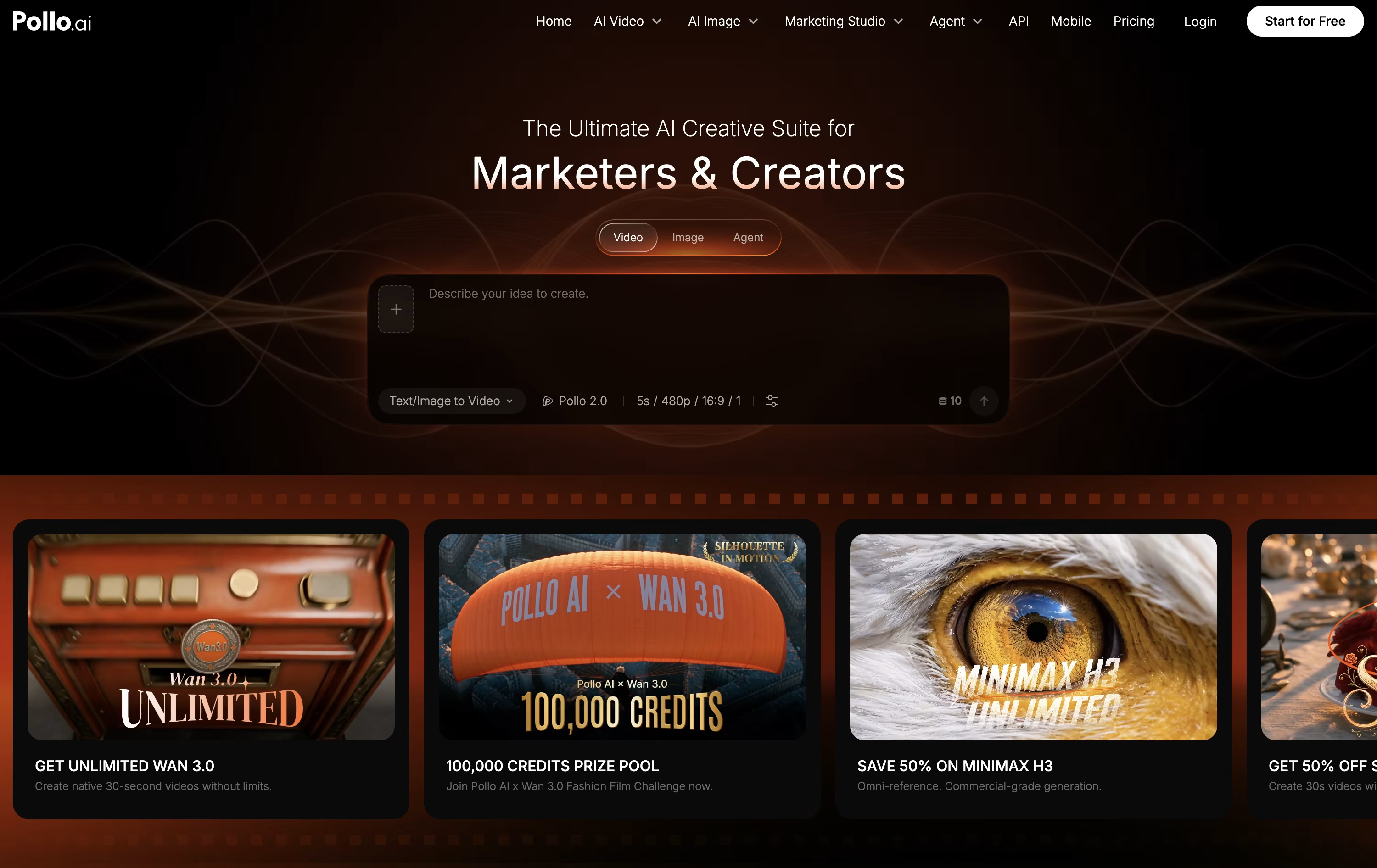
The workflow is simple: pick a Studio or tool, add your prompt or upload, choose a model, then generate and download. An Agent mode can also plan scenes, write prompts, and polish a finished video with far less manual editing.
Marketing and Commerce Studios add ready-made workflows for ads, product shots, virtual try-on images, and listing sets, which makes the platform useful for online sellers and marketers as well as everyday creators.
Pricing starts with a free plan offering 20 credits and 1 parallel task. Paid plans begin at $15 a month for the Lite tier, rising to $59 a month for Pro and $129 a month for Ultra, each adding more credits, faster generation, and wider access to premium models.
Annual billing cuts the monthly price by about half on every paid plan, and Pro or annual subscribers can also buy add-on credit packs that never expire.

FLORA is a generative AI creative platform built for design teams, agencies, and studios who need more control than typical one-click AI tools offer. It brings together 60+ leading text, image, and video models on a single infinite, node based canvas.
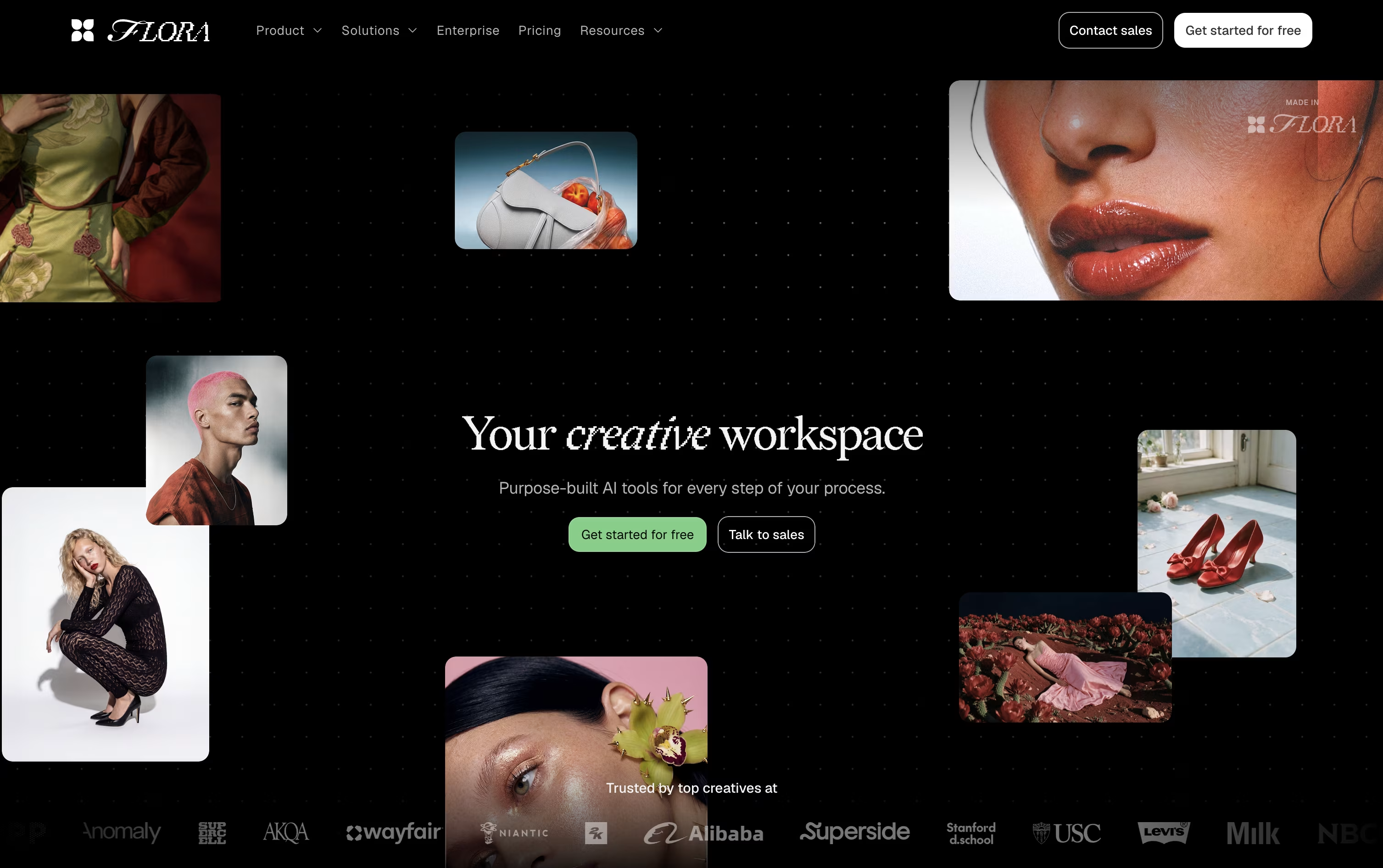
Every generation, edit, or idea becomes a node you can branch, re-run, and connect into a larger pipeline. This keeps a full visual history of how a project evolved, instead of losing earlier versions in a chat log.
A built in agent called FAUNA can handle the heavy lifting. Describe what you want and it selects models, writes prompts, runs the generations, and organizes the results on the canvas, while every step stays visible and editable.
Teams can save their favorite workflows as reusable Techniques, so a process built once can produce consistent, on-brand results again and again.
Pricing starts with a free plan offering one seat and a small number of generations. Starter costs $18 per seat a month, Pro is $50 per seat a month and is the most popular option, and Max runs $200 per seat a month, each with 20% savings on quarterly or annual billing. Enterprise pricing is custom and adds SSO, SAML, and dedicated support for larger teams.

Recraft is an AI design platform built for creating images, vectors, and videos that look professional enough for real projects, not just casual AI art.
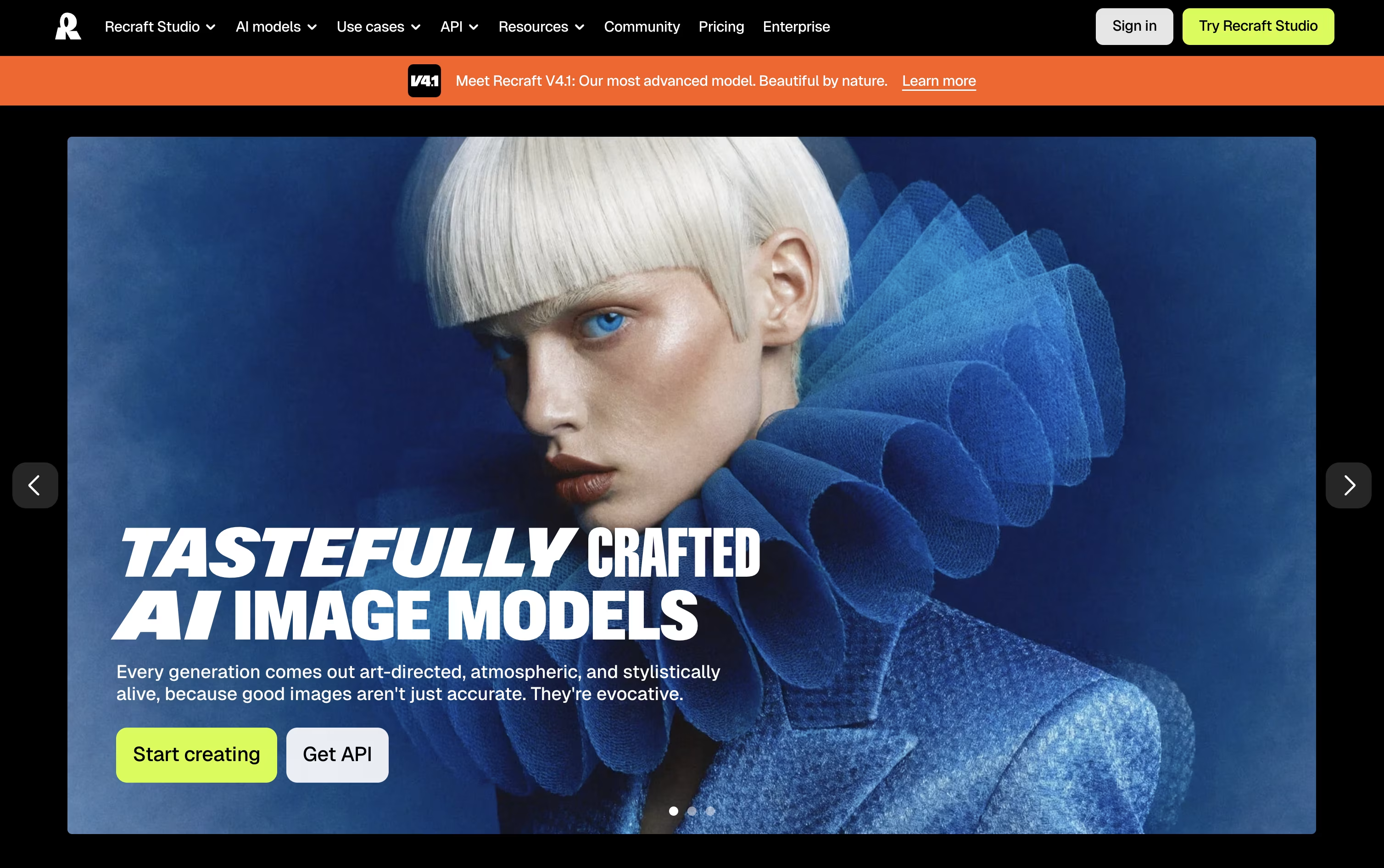
You work inside an infinite canvas where you can type a prompt, upload a reference image, and choose from many AI models to generate raster images or editable SVG vectors.
Custom brand styles let you keep a consistent look across logos, ads, and other assets, and built in tools cover background removal, upscaling, mockups, and video generation.
The Free plan works well for testing things out, though images are public and cannot be used commercially.
Paid plans start at $12/month for Basic, moving up to $20/month for Pro with video generation, and $22/month per seat for Teams with shared workspaces and SSO.
A separate API is available for developers who want to build Recraft's image and vector generation into their own products.

PicLumen is a platform where you can create and edit both images and videos using many different AI models, all from one account. You type a prompt, upload a photo, or write a short script, and the tool turns it into finished visual content.
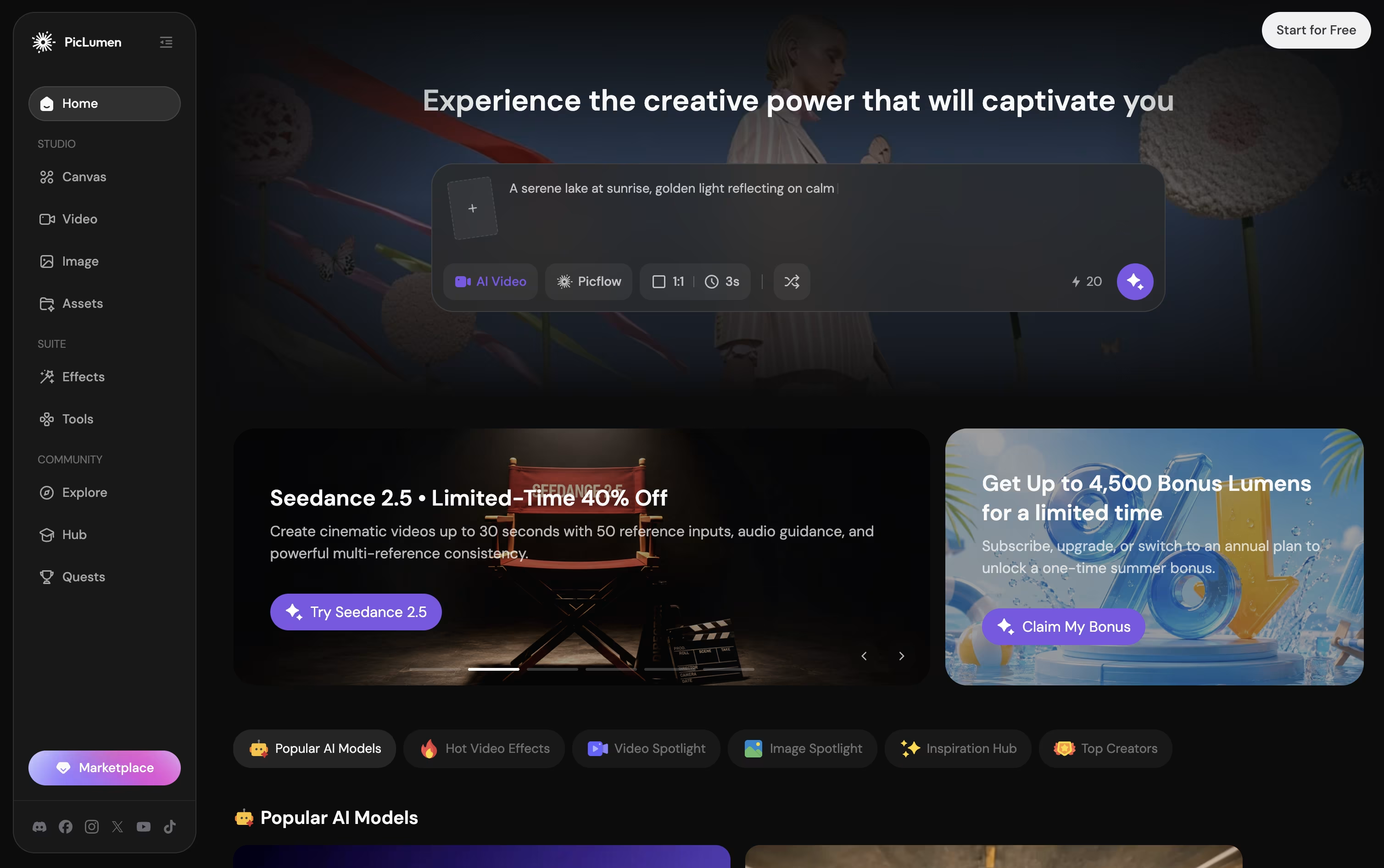
A standout part of PicLumen is its infinite Canvas, which lets you link steps together, turning a single product photo into a full set of matching shots and angles.
There is a free Basic plan with 10 Lumens a day, though images come with a watermark and there is no commercial license.
Paid plans start at Lite for $7.59 a month, moving up through Standard and Pro, up to Elite at $179.99 a month, each adding more Lumens, faster generation, and stronger commercial rights.
Yearly billing lowers the monthly cost on every paid plan, and an Enterprise plan with custom pricing is available for larger teams.
Extra Lumens can also be bought separately if a monthly plan runs out before the next billing cycle.


