

Best 6 Figma to Code Tools in 2026
Last Updated: August 21, 2026
Turn your finished designs into real, working code without handing off a static file and hoping for the best. Figma to Code tools read your Figma file and generate clean HTML, CSS, or framework specific components like React and Tailwind, ready to drop into a project.
This category is built for designers who want to ship faster and developers who want an accurate starting point instead of rebuilding a layout from scratch. The result is a shorter handoff process, fewer mismatches between design and build, and a workflow where the design file itself becomes the source of truth for production code.
 Framer
 FramerAI-Native Website Builder & Design Tool,
  Webflow
 WebflowVisual Website Builder & CMS Platform, and
  Magic Patterns
 Magic PatternsAI-Powered UI Prototyping Tool are the best for Figma to Code. So, let’s take a closer look at all 6 tools.

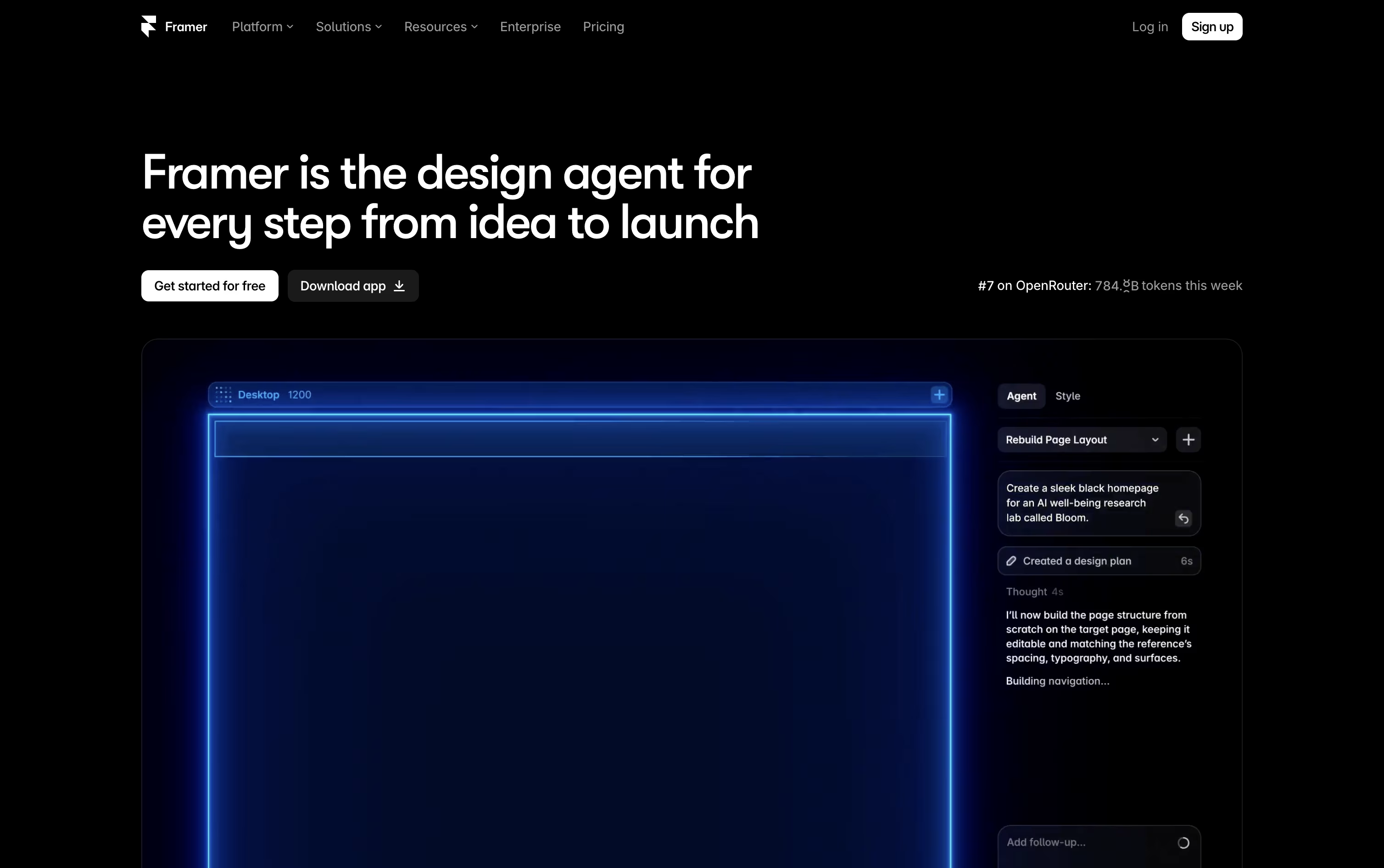
Building a site in Framer means designing and publishing in the same place, since the canvas you work on is the live website itself.
Instead of starting from a blank screen, you can describe what you want and AI agents will draft the layout, write the text, set up your content collections, and flag SEO or accessibility issues.
Under the hood you get stacks, grids, and components for building responsive pages, plus smooth motion and effects for a polished feel.
The free plan lets you explore Framer with 500 credits. Basic starts at $15 a month for creative personal sites, while Pro at $45 a month adds branching, staging, and a bigger CMS for growing teams. Paying yearly brings these down to $10 and $30 a month.
Larger organizations can move to Enterprise for custom limits, unlimited seats, and enterprise security like SSO and SCIM.
Every plan includes managed hosting, SSL, and strong performance out of the box.
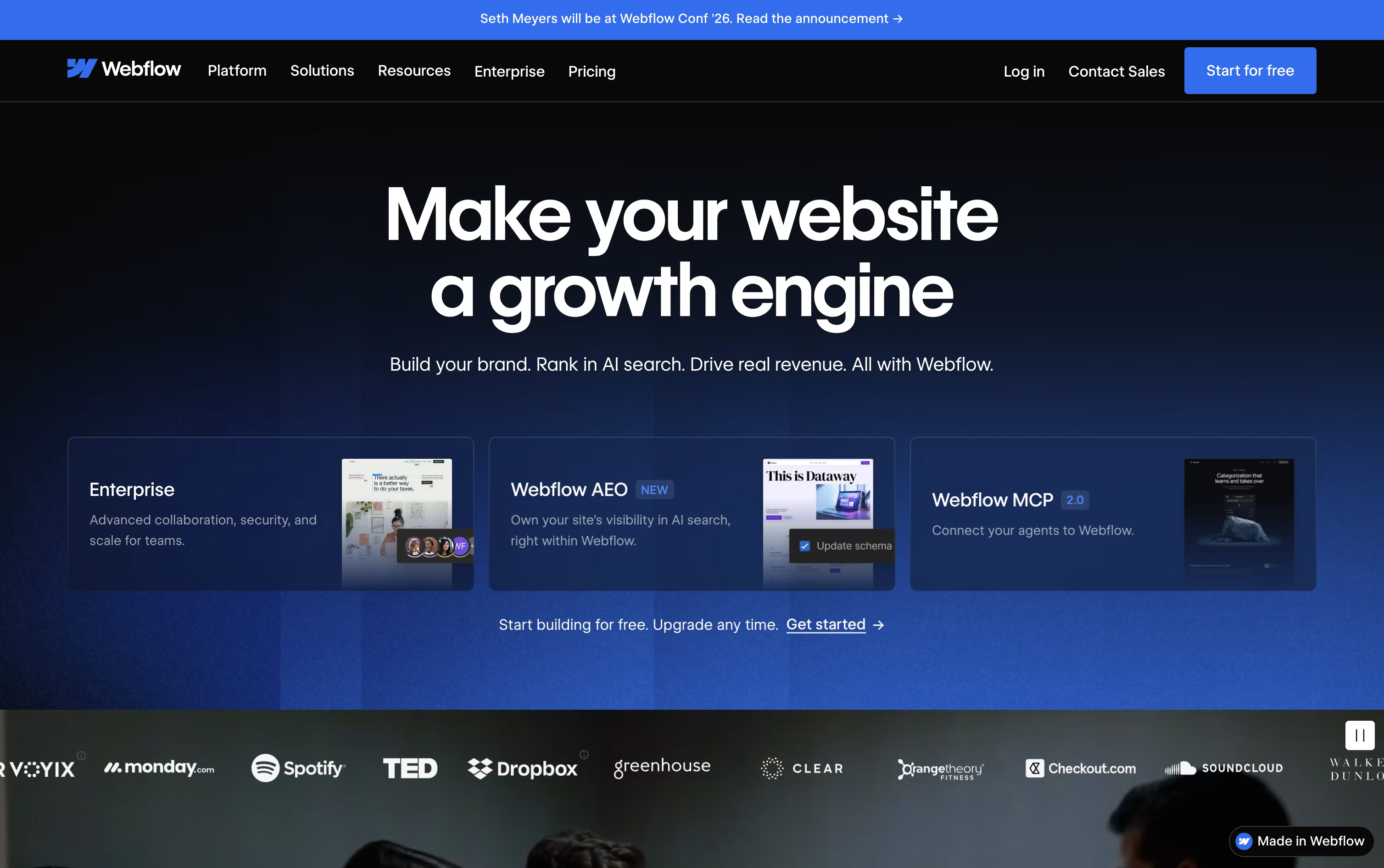
Instead of handing a design to a developer, Webflow lets you build the finished, working website yourself on a visual canvas that outputs clean HTML, CSS, and JavaScript.
A built-in CMS handles blogs and other repeating content, and ecommerce tools let you sell products without a separate platform, all hosted on Webflow's own fast, secure servers.
You can start for free on the Starter plan, then move to Basic at $25 a month or Premium at $39 a month once you need a custom domain, a CMS, or more bandwidth. Yearly billing lowers both prices.
Bigger organizations can choose the Team plan at $2,500 a month, billed annually, which adds governance, publishing controls, and localization tools, while Enterprise buyers get a custom quote and dedicated support.
Optional add-ons for testing, analytics, and translation, along with separate ecommerce and Workspace plans, mean you only pay for what your project needs.
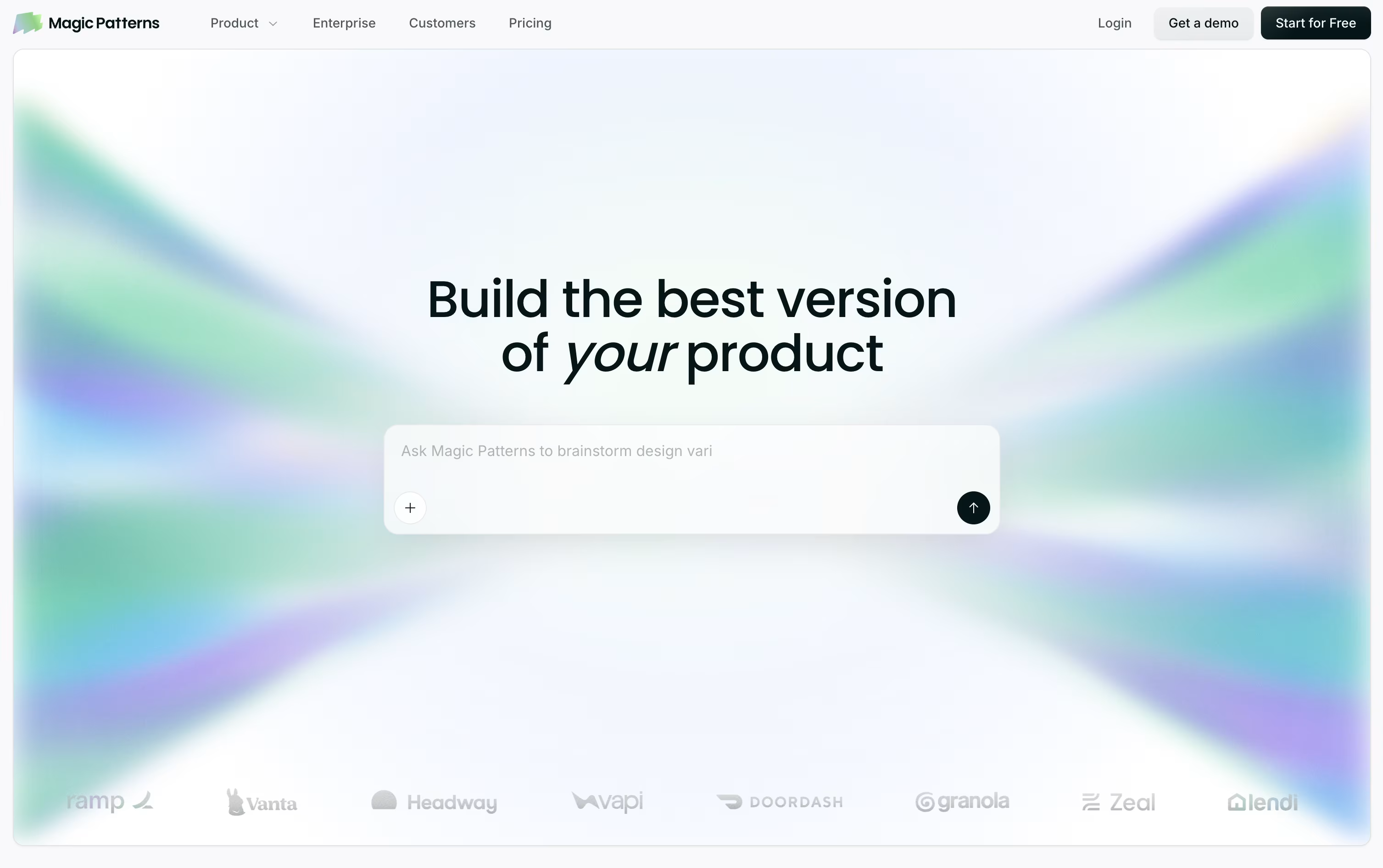
Magic Patterns helps product teams turn ideas into working screens without waiting on a full design-to-code cycle. Type out what you want in plain words, or drop in a screenshot or PRD, and it generates an interactive prototype that already looks like part of your product.
Instead of a flat picture of a screen, it builds real React, TypeScript, and Tailwind code underneath, so what you get is close to production-ready rather than a rough sketch.
It can also pull in your existing design system from Figma, Storybook, GitHub, or even a live website, then keep reusing those same components and colors on every new screen.
On the pricing side, a free plan gives you 100 monthly credits to explore the tool. Starter runs $20 per seat monthly, or $17 with annual billing, and unlocks GitHub sync, MCP support, and a 10-user workspace.
Business steps up to $100 per seat monthly, or $85 annually, adding the newest AI models, SSO, and usage reporting, while Enterprise is priced individually and layers on custom credit pools and dedicated support.
With code export, Figma export, and MCP handoff built in, teams can move from concept to engineering-ready work in one continuous flow.

Building a website or app usually means choosing between a simple no-code tool or a fully custom codebase. Plasmic tries to close that gap by giving you a visual canvas that produces real React code your developers can use.
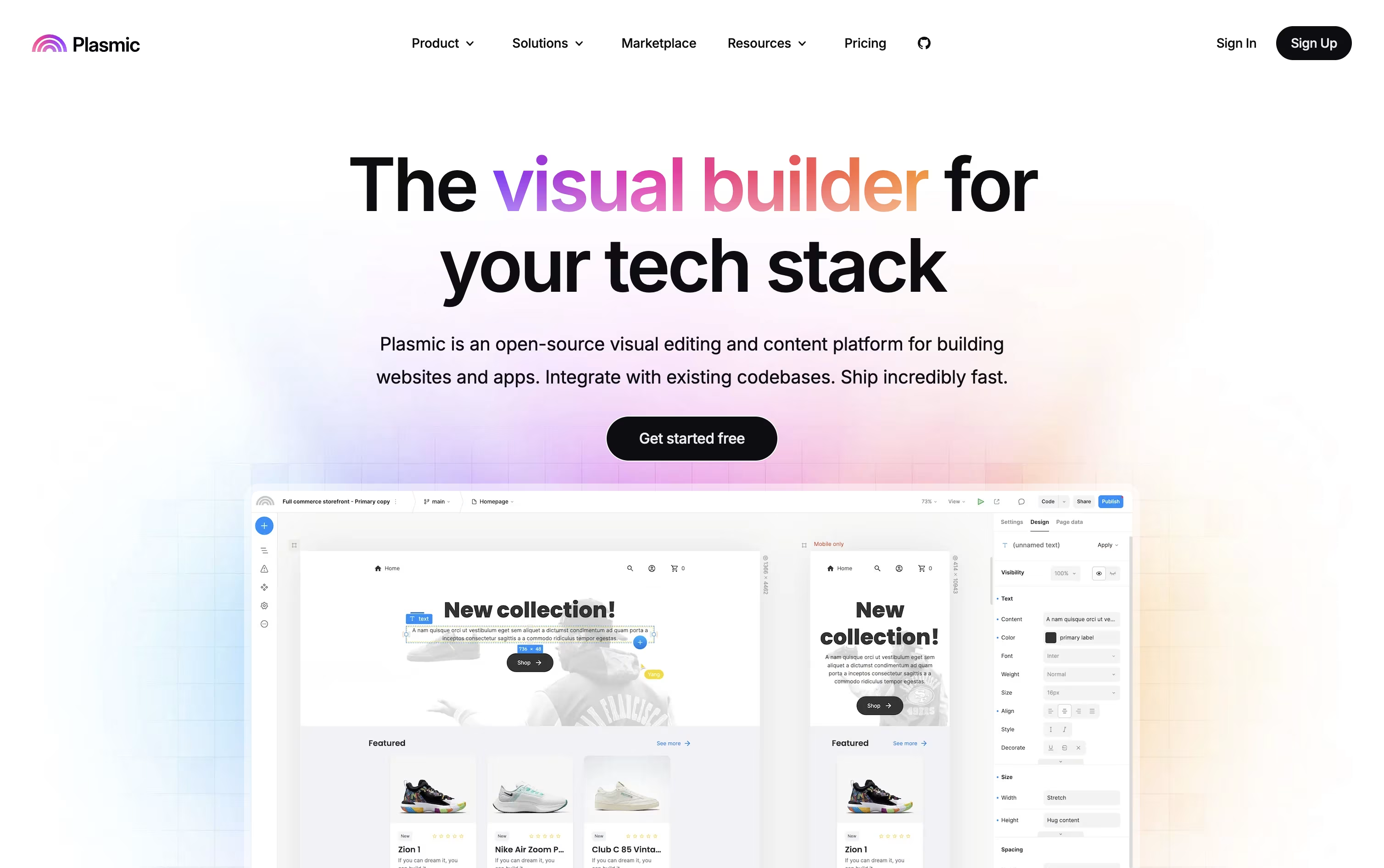
Non-technical teammates can design pages using the actual components your engineers built, all within guardrails that keep things consistent.
A built in headless CMS lets you manage content, while data integrations connect Plasmic to databases, ecommerce platforms, and other CMSs you already use.
Getting started costs nothing, with the free plan offering unlimited projects and CMS entries for up to 3 people.
As teams grow, the Starter, Pro, and Scale plans add more collaborators, priority support, A/B testing, and localization, ranging from $49 to $499 a month.
Larger organizations can move to Enterprise for custom pricing with SSO, white labeling, and dedicated onboarding support.

Instead of building throwaway prototypes, Builder.io works directly inside your real codebase and design system, so visual changes and AI-generated work turn into code your team can actually merge.
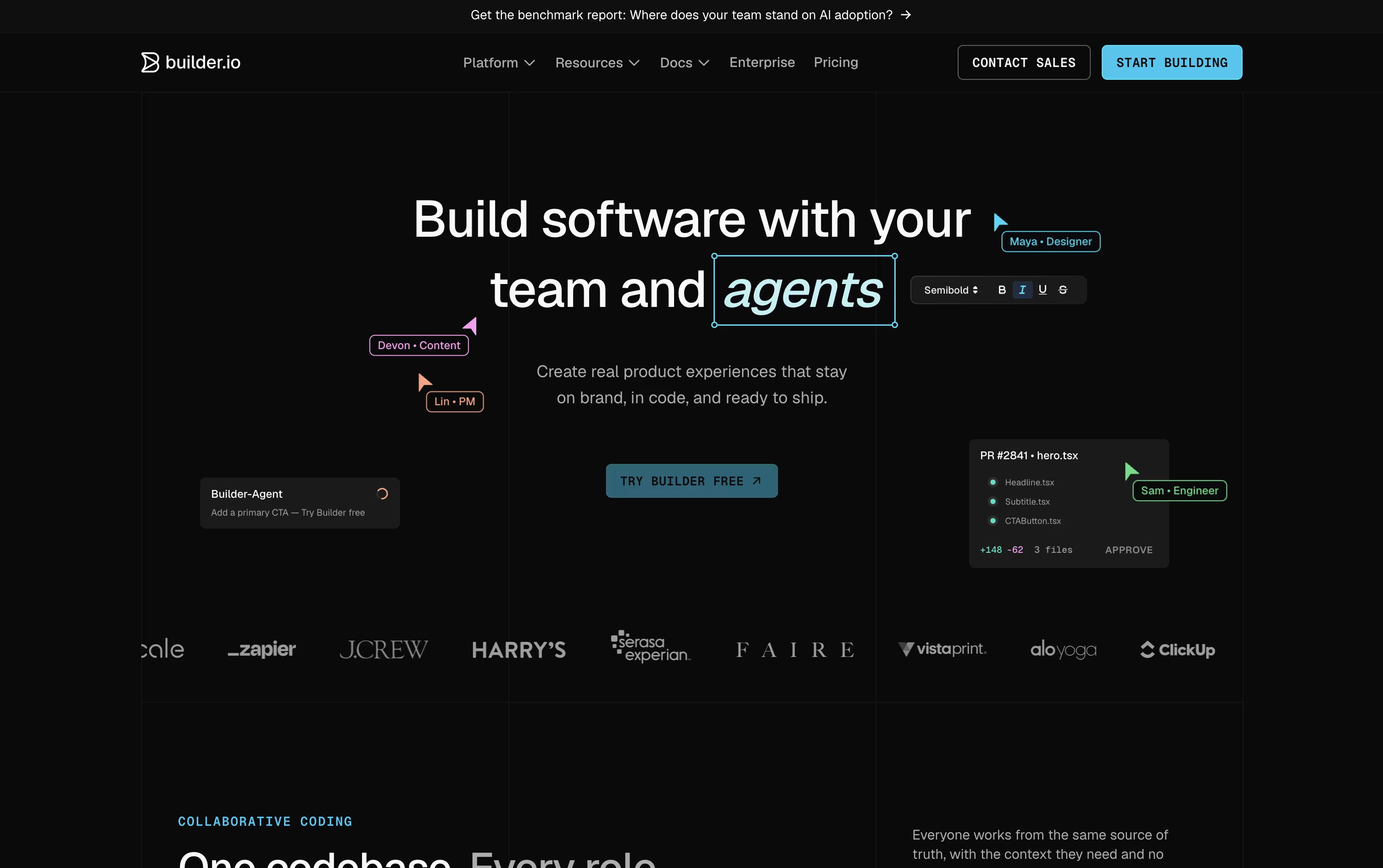
Fusion is built for apps, features, and UIs, starting from a prompt, a Figma design, or an existing branch. Publish is a separate visual headless CMS for content and marketing teams.
The Free plan gives one user 60 monthly Agent Credits to try things out. Pro costs $30 a user a month and adds more credits, rollover, and built-in MCP servers.
Team costs $50 a user a month and unlocks roles, commenting, peer reviews, and priority support for up to 20 users per space.
Paying yearly drops those prices to $24 and $40 a user a month.
Enterprise is custom priced and adds SSO, RBAC, private infrastructure, and dedicated onboarding support for large organizations.

Instead of turning a Figma or Penpot design into code by hand, Locofy generates it for you, ready to hand off to a developer or an AI coding agent.
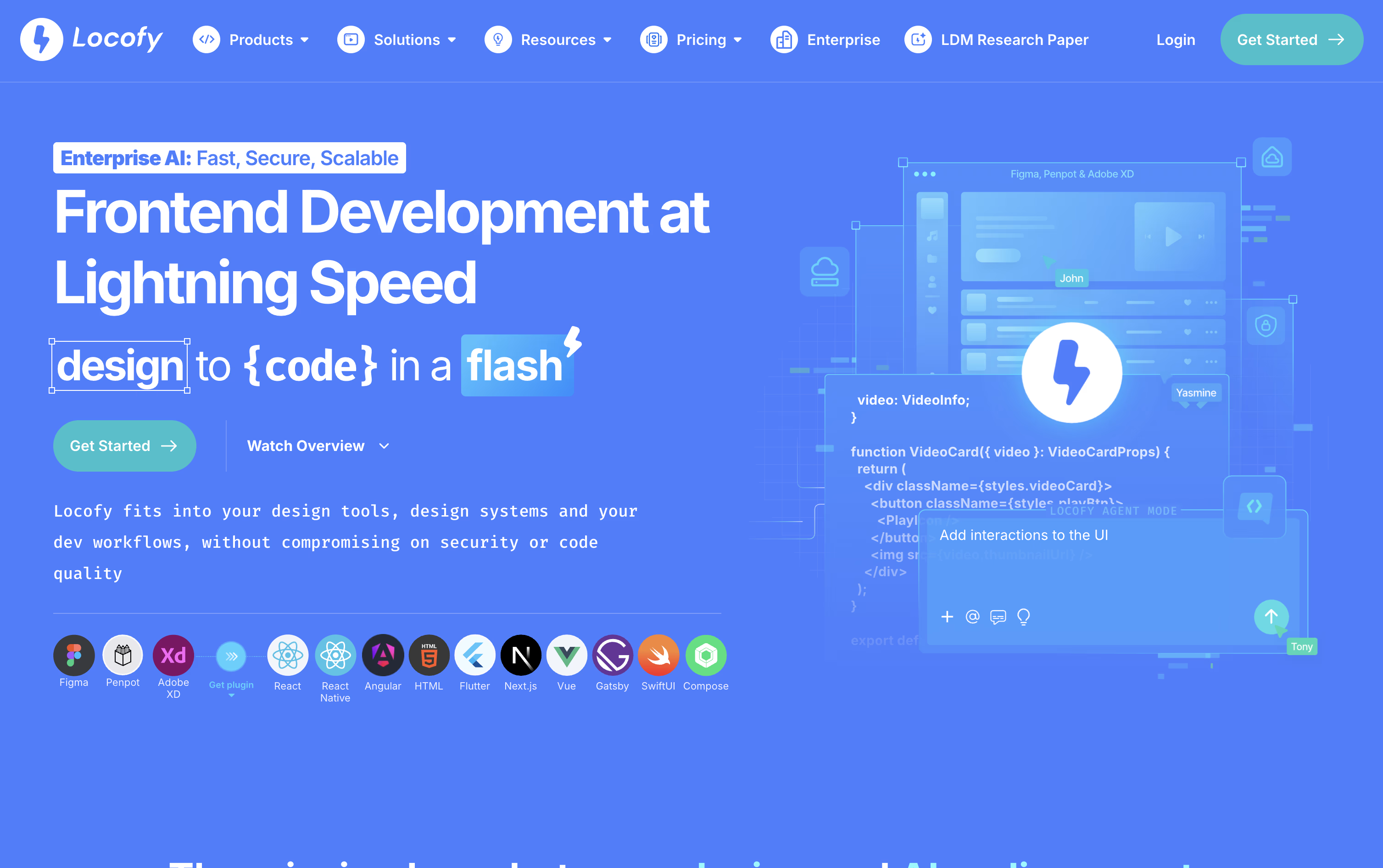
Behind the scenes, it runs on Large Design Models built specifically for reading designs, trained on a huge number of real projects so the output stays clean, responsive, and structured the way a developer would expect.
You can start from the Figma or Penpot plugin, a pasted design link, the command line, or directly inside tools like Cursor and Claude Code through MCP. From there, Agent Mode allows you to keep improving the code with plain language prompts, and teams can store their own standards as Skills to reuse later.
On pricing, the Free plan gives new users 7 days of Hobby features before rolling into the paid Hobby plan at $40 a month. Stepping up to Pro at $80 a month brings more tokens, a higher frame limit per project, and a guarantee that content is never used for training.
Enterprises get custom pricing along with private or self hosted deployment, GitHub syncing, and a dedicated support team.





