

Best 9 Text-to-UI Generation Tools in 2026
Last Updated: August 15, 2026
Describe the interface you want in plain English and watch it come to life. Text-to-UI Generation tools use AI to turn a simple prompt into working layouts, components, and screens, cutting out the hours normally spent starting a design from a blank canvas.
This approach is a favorite among product managers, founders, and designers who want to move fast from idea to visual concept. Instead of manually placing every button and section, you type what you need and get a usable starting point in seconds, ready to refine, restyle, or hand off to a developer.
 UX Pilot
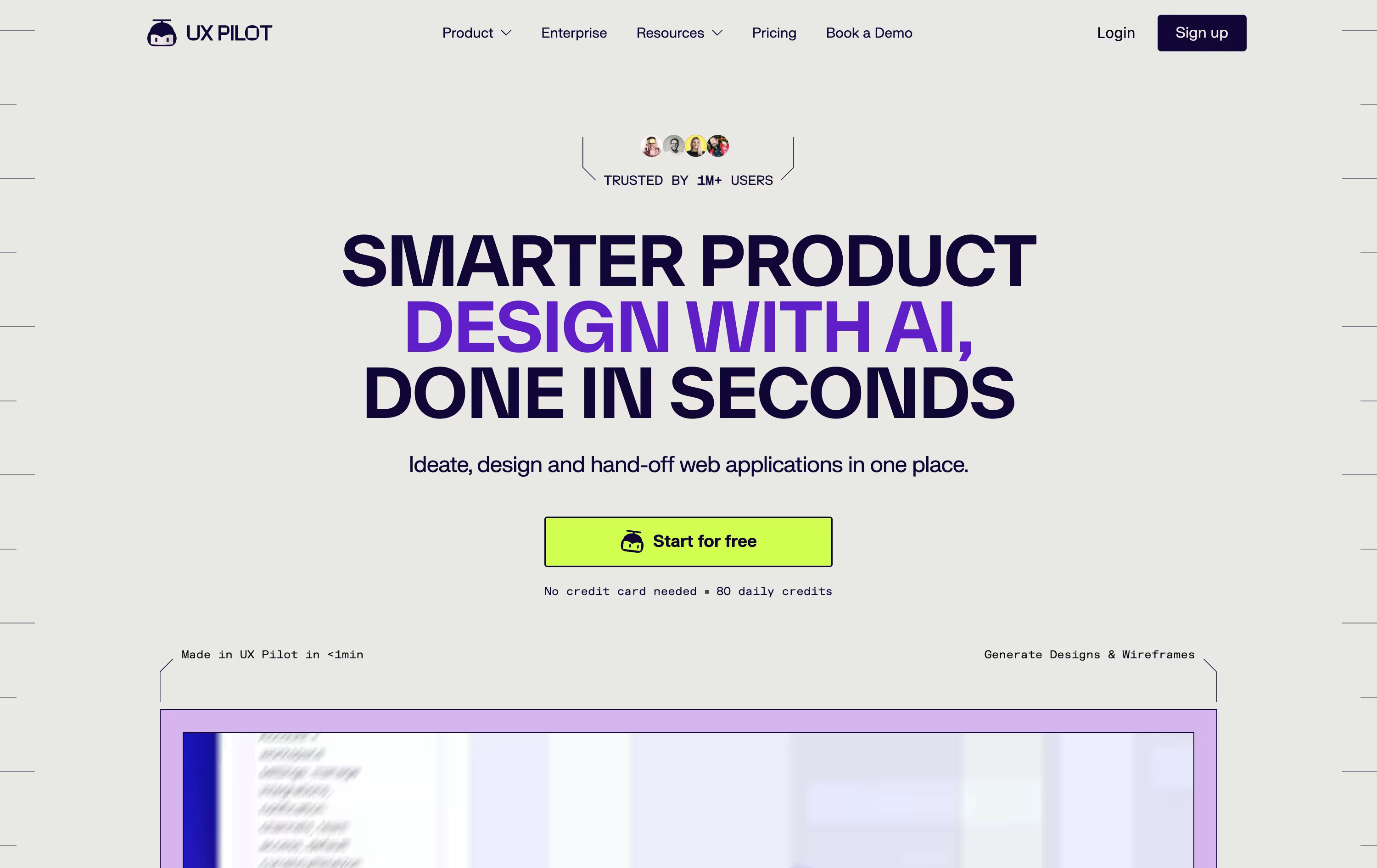 UX PilotAI Powered UI Design & Prototyping,
  Banani
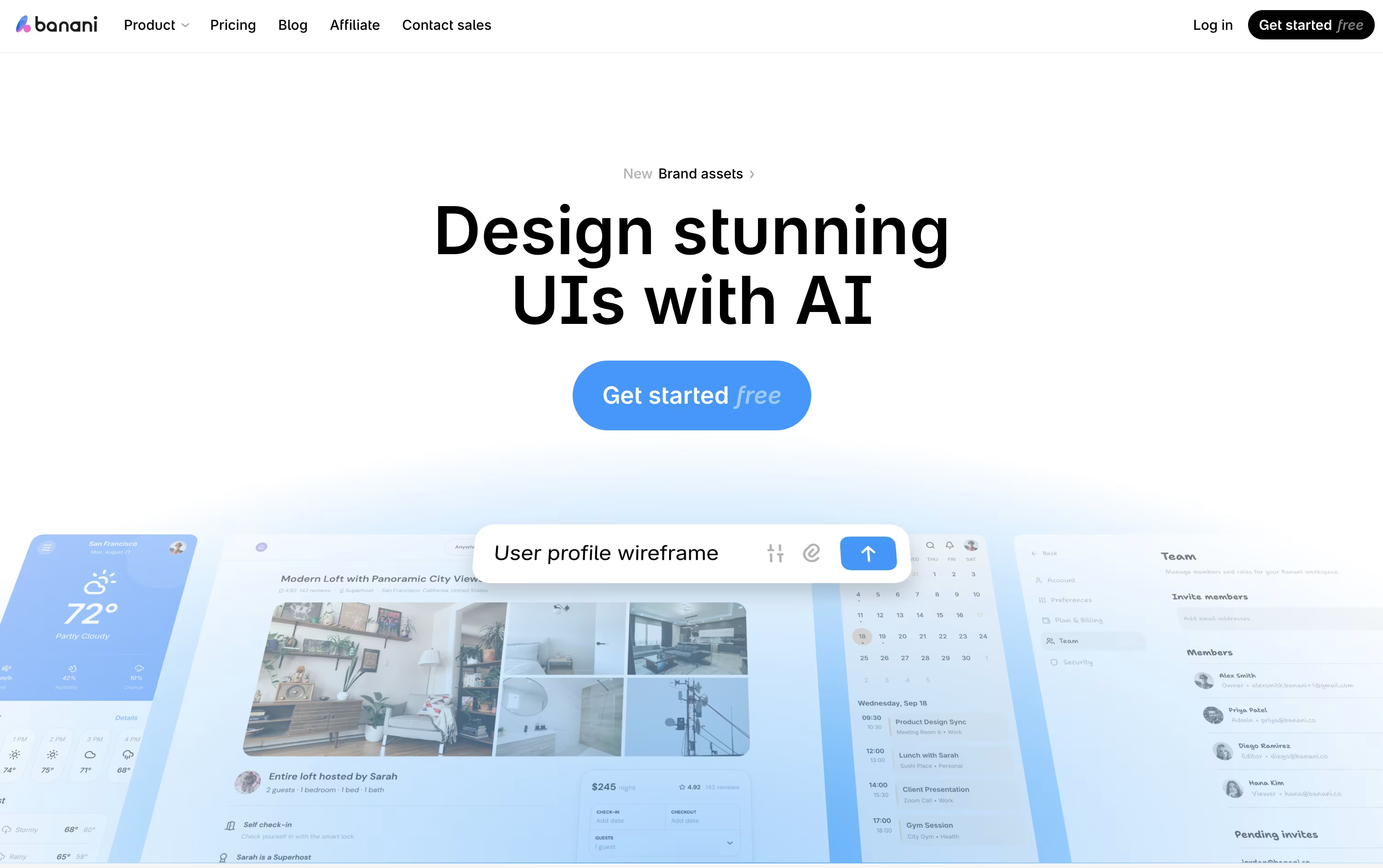 BananiAI UI Design Tool for Fast Prototypes, and
  Magic Patterns
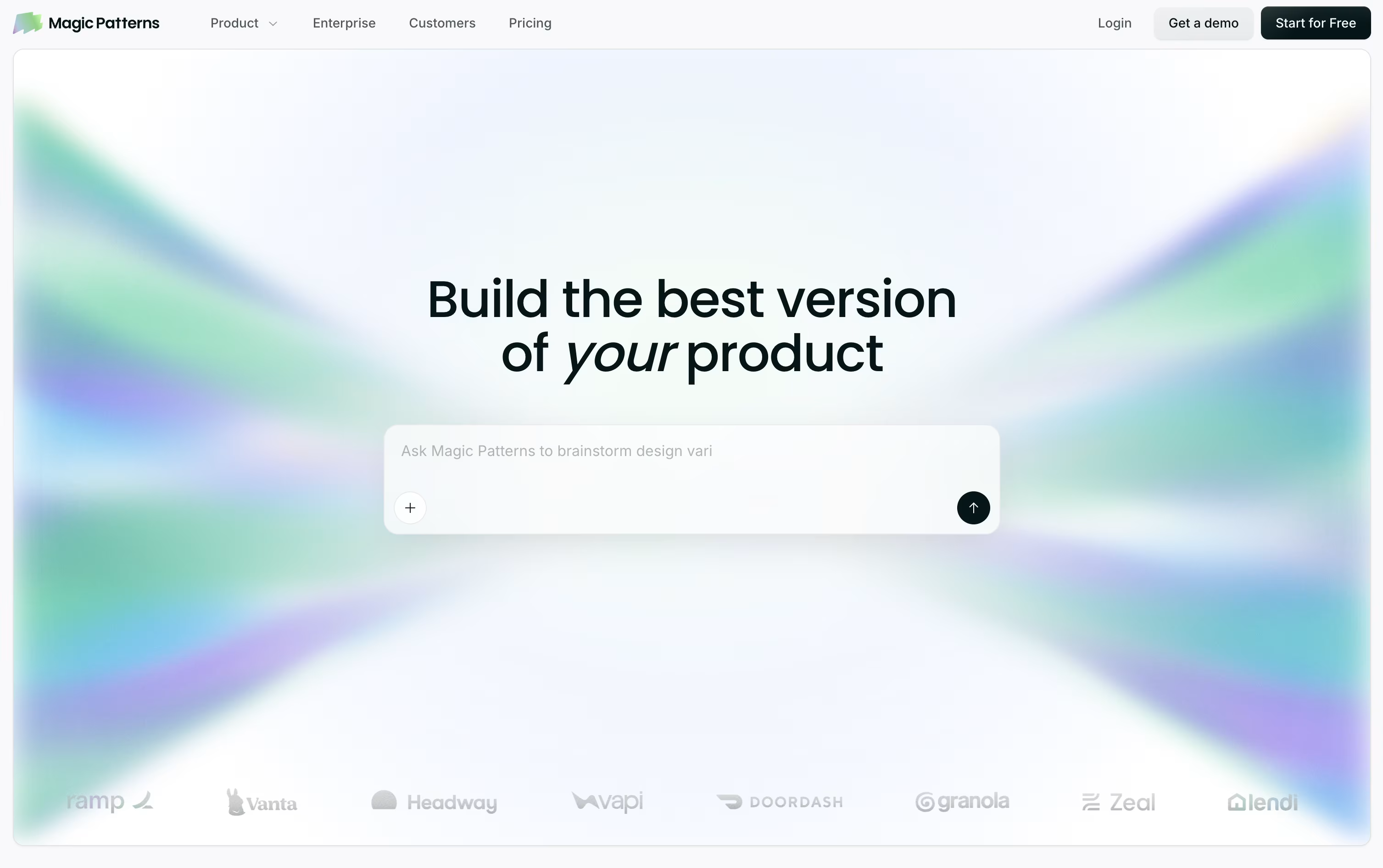 Magic PatternsAI-Powered UI Prototyping Tool are the best for Text-to-UI Generation. So, let’s take a closer look at all 9 tools.

Think of UX Pilot as a design partner that takes your rough idea and turns it into real screens. Feed it a prompt, a sketch, a PRD, or a website link, and it gets to work.
First comes the wireframe, then a polished hi fi version, and if needed a full flow covering every screen in the journey. You can also spin up a working React prototype with a visual editor and live chat edits.
For Figma users, the Nodey agent builds native layers straight from your own component library, so the result already looks like your product instead of a generic template. Code export and GitHub sync round out the handoff.
Pricing starts free, with 80 credits a day and 1 project at no cost.
Pro is $29 monthly, or $19 monthly if billed yearly, unlocking 750 credits, 125 screens, and website cloning.
Teams costs $39 per user monthly, or $31 per user yearly, with shared credits and collaboration, while Enterprise offers custom pricing with brand tuned AI, SSO, and a dedicated team.
Banani acts as an AI design copilot, turning a simple prompt, screenshot, sketch, or PRD into a working set of UI screens in minutes rather than days.
It is aimed at founders, product managers, and non-designers who need clean, on-brand interfaces fast, without needing deep design skills.
Once generated, every screen can be refined through chat, letting you tweak colors, layout, or wording, or click through elements to build out a full interactive flow.
Getting started is free, with 12 credits a month and 3 a day. Moving to Plus costs $20 monthly, or $12 a month if billed yearly, unlocking agent mode and unlimited Figma export.
Heavier use is covered by Pro at $50 a month, or $30 yearly, with unlimited credits and priority support, while Enterprise brings custom pricing, SSO, and tailored integrations for larger teams.
Finished work can move straight into Figma or code, and MCP support means tools like Claude Code or Cursor can pull designs in directly.
Magic Patterns helps product teams turn ideas into working screens without waiting on a full design-to-code cycle. Type out what you want in plain words, or drop in a screenshot or PRD, and it generates an interactive prototype that already looks like part of your product.
Instead of a flat picture of a screen, it builds real React, TypeScript, and Tailwind code underneath, so what you get is close to production-ready rather than a rough sketch.
It can also pull in your existing design system from Figma, Storybook, GitHub, or even a live website, then keep reusing those same components and colors on every new screen.
On the pricing side, a free plan gives you 100 monthly credits to explore the tool. Starter runs $20 per seat monthly, or $17 with annual billing, and unlocks GitHub sync, MCP support, and a 10-user workspace.
Business steps up to $100 per seat monthly, or $85 annually, adding the newest AI models, SSO, and usage reporting, while Enterprise is priced individually and layers on custom credit pools and dedicated support.
With code export, Figma export, and MCP handoff built in, teams can move from concept to engineering-ready work in one continuous flow.

Turning a rough idea into something you can actually show a client or teammate is what Visily is built for. Type out what you want, upload a screenshot, or sketch it out, and the AI builds an editable design around it.
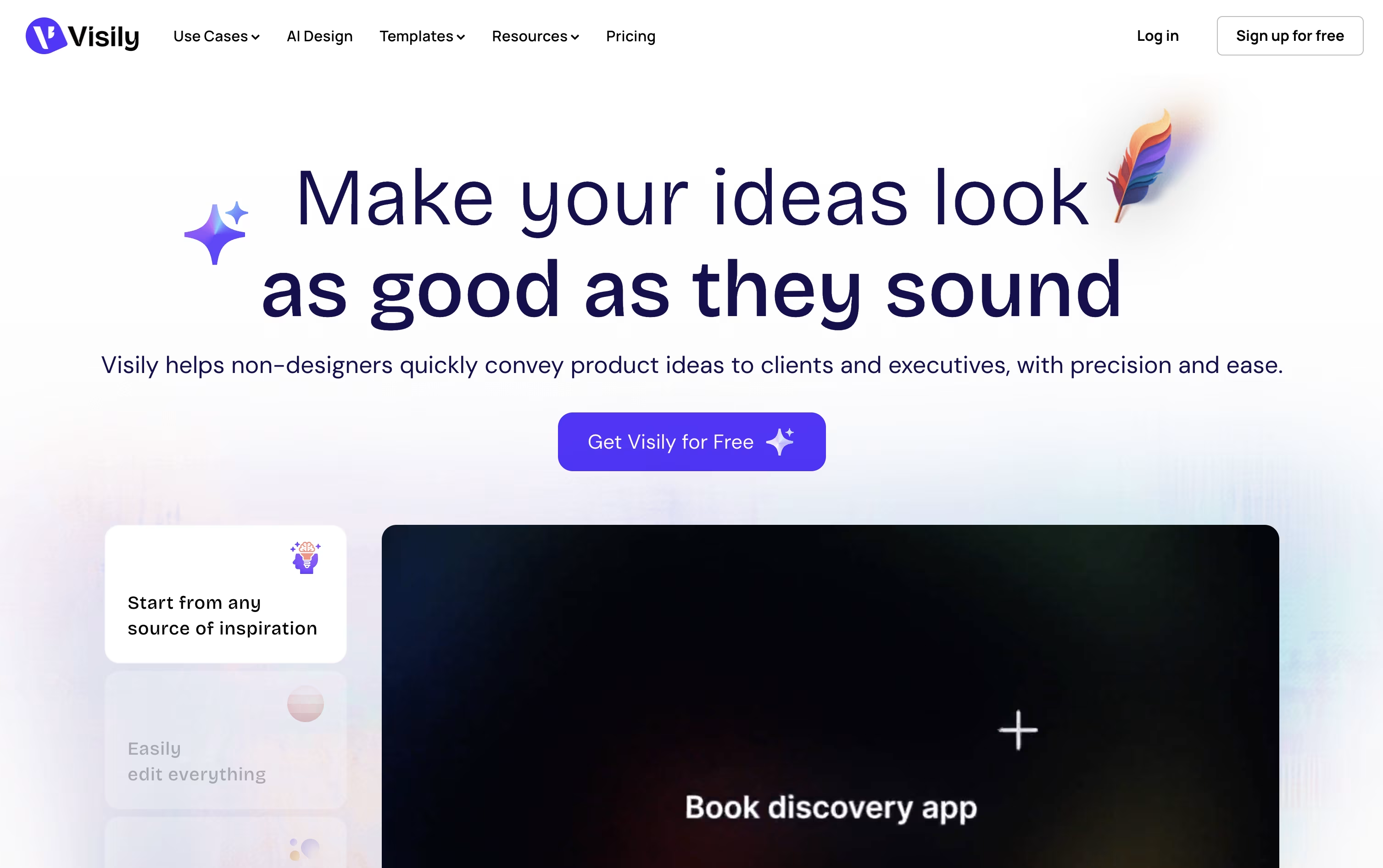
The same canvas handles diagrams and flowcharts too, and you can convert those straight into screen designs. Once a design is in place, you can wire up links, hover states, and screen transitions so it behaves like a working app.
Because everything lives on a shared board, your whole team can comment, chat, and edit at the same time, and updates can flow into Slack, Notion, or Jira automatically.
Pricing starts free with the Starter plan and its 300 monthly AI credits. Pro moves you to $14 per editor a month with unlimited boards and Figma export, while Business at $29 per editor a month adds custom teams and single sign-on. Enterprise pricing is custom.
Every design stays fully editable, so you can keep refining it, hand it to Figma for polish, or generate code straight from the layout.

Think of Uizard as a way to sketch an idea and have it turn into a real, clickable design almost instantly. You can type what you want, drop in a screenshot, or photograph a napkin sketch, and the AI called Autodesigner builds an editable prototype from it.
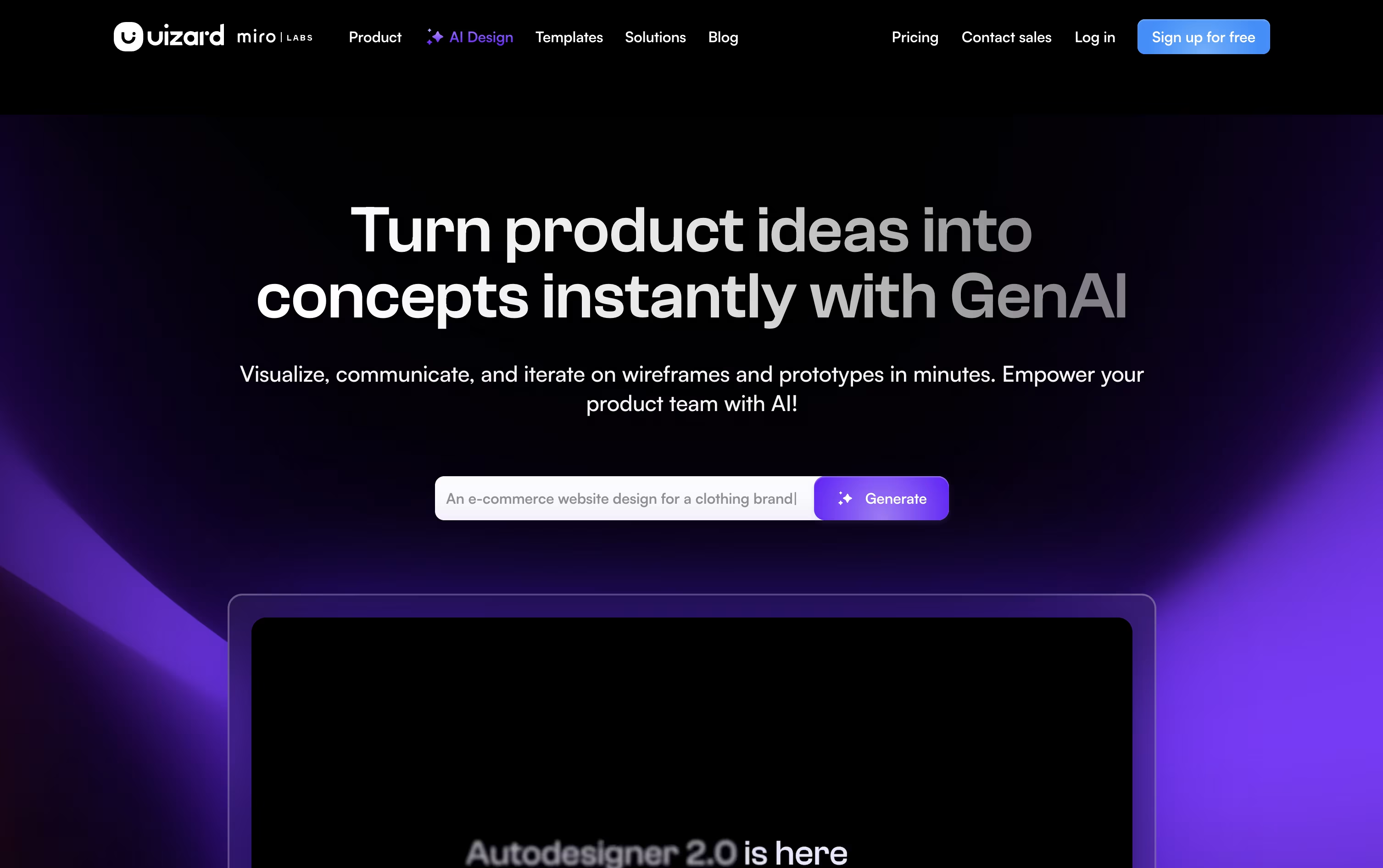
Once a design exists, you keep shaping it with simple text commands, switch between a rough wireframe view and a polished mockup, or restyle the whole project with a generated theme.
A Screenshot Scanner rebuilds any app or site you show it into editable layers, and a Focus Predictor guesses where a viewer's eyes will land on the screen, which is handy for placing buttons and headlines.
Pricing starts at $0 on the Free plan, covering 3 AI generations and 2 projects a month. Pro runs $19 a month, or $12 if billed yearly, and unlocks 500 AI generations, 100 projects, and code handoff in React and CSS.
Larger teams can move to Business at $39 a month for 5,000 AI generations and a custom brand kit, or contact sales for an Enterprise plan with unlimited use and dedicated support.
Now part of Miro after a 2024 acquisition, Uizard still runs as its own browser based app aimed at product teams, founders, and anyone who needs a prototype without deep design skills.

Building mobile app screens usually means learning design software or paying a designer. Sleek skips that step by turning a written description, photo, or sketch into finished iOS and Android screens in minutes.
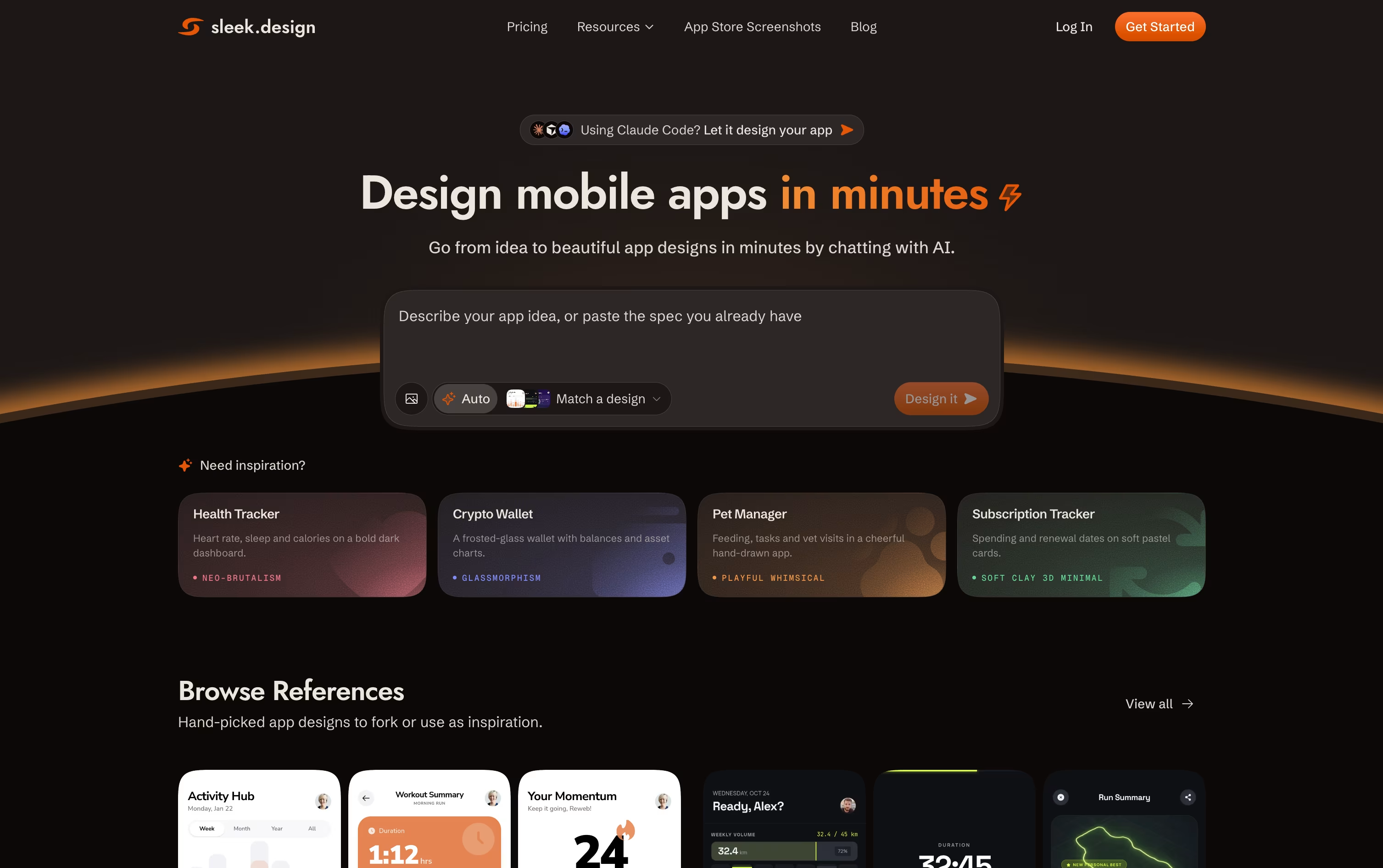
The tool is built only for mobile apps, so every screen follows real app conventions such as spacing, navigation bars, and cards rather than a generic template. You can choose a style before generating, then refine anything through simple chat messages.
Anyone can start for free with one project and a small number of trial credits. The Starter plan runs $39 a month, or $20 a month billed yearly, and raises the limit to 5 projects with unlimited Figma and code exports.
For heavier use, Pro costs $69 a month, or $30 a month yearly, and opens up unlimited projects plus a REST API and agent skill that lets tools such as Claude Code and Cursor design screens on their own.
Teams that need shared access can choose the Team plan at $99 per seat a month, which adds collaboration tools, priority support, and one combined bill for the whole group.
Google Stitch is Google Labs' free AI powered design tool. Instead of building screens from scratch, you type a description, drop in a sketch or screenshot, or talk to the canvas, and Stitch generates a working UI design using Google's Gemini models.
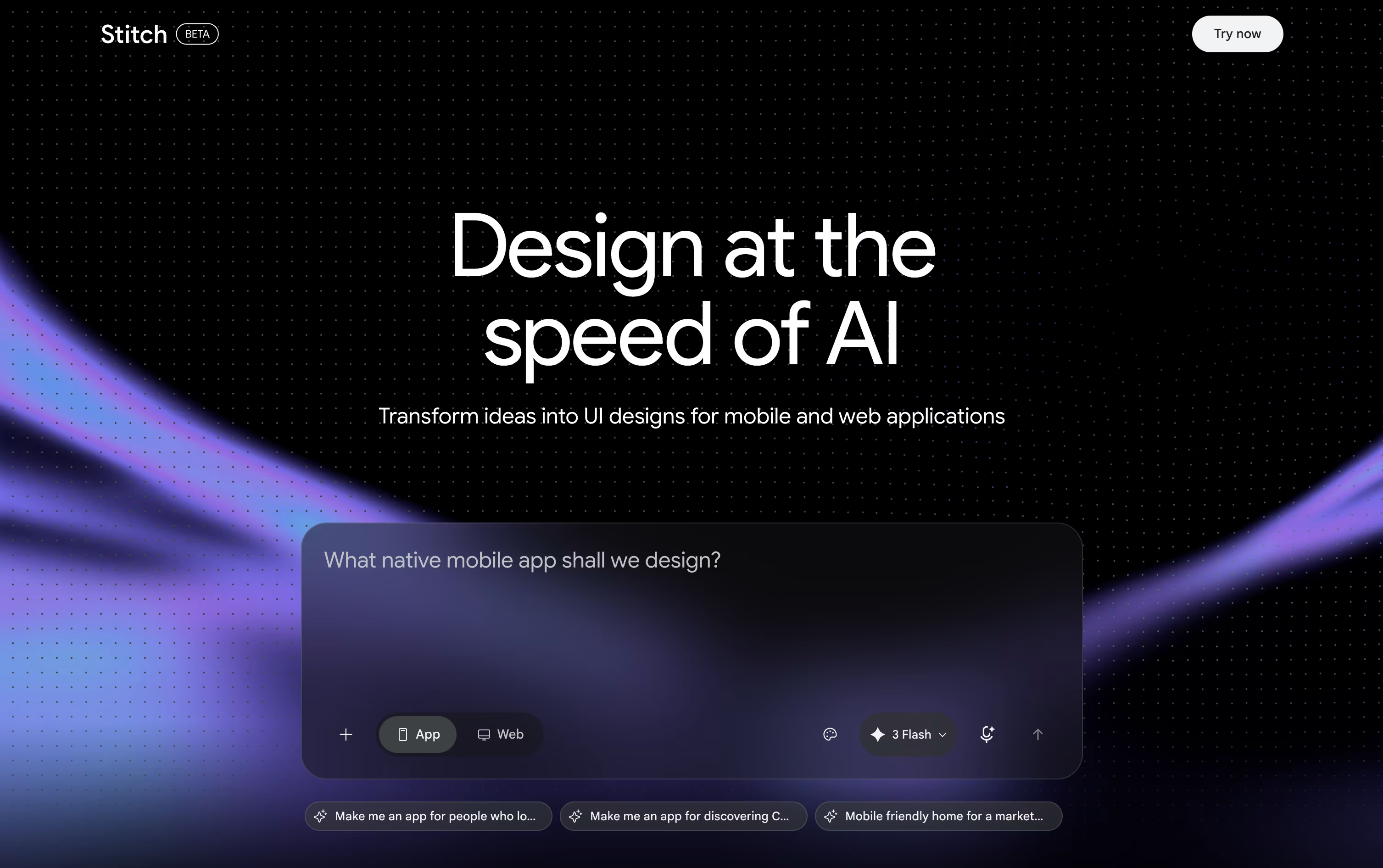
Its core idea is vibe design, letting you start from a rough goal or mood and explore several directions instead of locking into one plan too early.
Every project lives on an infinite canvas, where the Design Agent keeps track of your full history so edits stay consistent across screens. You can also link screens together to preview an interactive flow.
Finished work can move straight into Figma, export as ready to use code, or be saved as a portable DESIGN.md design system file.
Right now, Stitch has no paid tier at all. Anyone with a Google account can use it free, though a daily credit limit controls how many designs you can create before it resets.

Think of v0 as an AI teammate from Vercel that turns your ideas into working web apps. Type a prompt, drop in an image or Figma design, and it builds real code with Next.js, React, Tailwind CSS, and shadcn/ui.
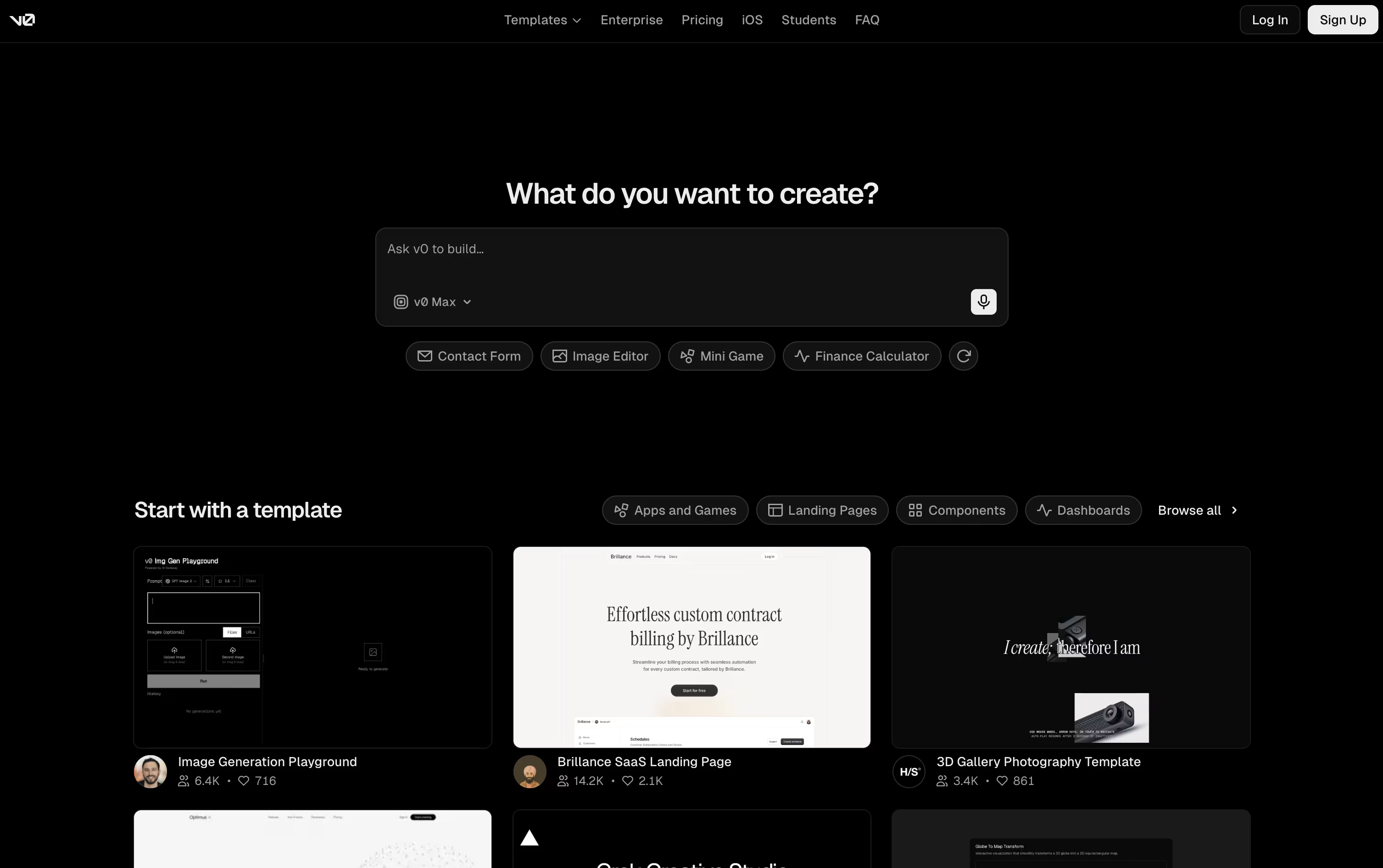
It goes beyond a simple layout. v0 plans out the task, builds the frontend and backend, links up databases and APIs, and shows you a live preview you can actually click through.
From there, you keep improving the app with more prompts, the Design Mode visual editor, or the built-in code editor. It syncs with GitHub too, handling branches, commits, and pull requests along the way.
Starting out is free, with the Free plan giving you $5 in credits, GitHub sync, Design Mode, and Vercel deployment, capped at 7 messages a day.
For more usage, Plus runs $30 per user a month with access to every model and team sharing tools, while Business is $100 per user a month and turns off training by default.
Companies that need single sign-on, role controls, and support guarantees can move to the Enterprise plan, priced individually.

Kombai works as an AI design engineer for frontend teams, joining design and code into a single flow instead of separate handoffs.
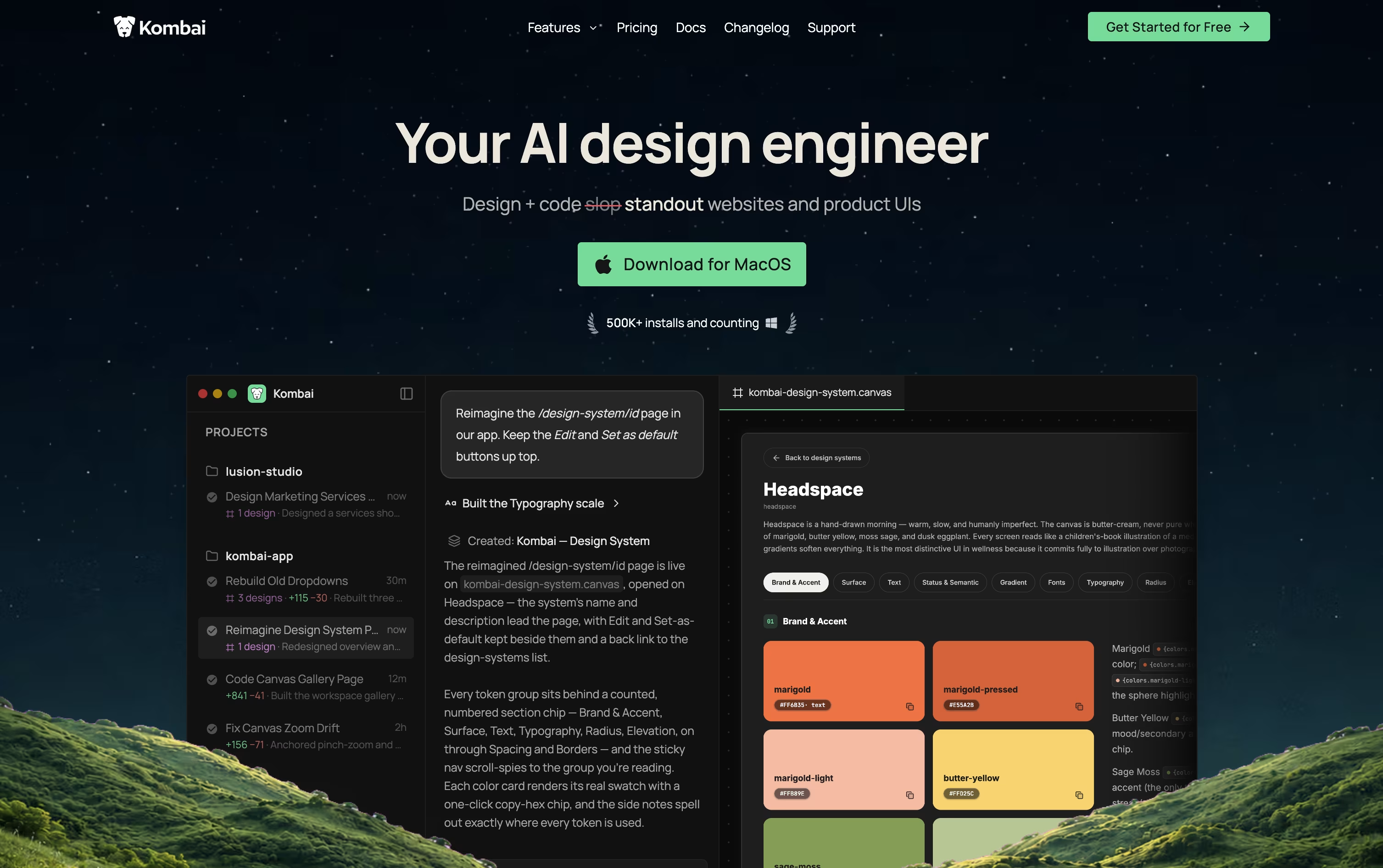
You can begin with a simple prompt, an existing Figma file, or a live website link. Kombai generates multiple design variants on an infinite canvas that you can refine visually or with plain text instructions.
From there, Kombai writes real, production ready code, using Context Graphs to read your codebase and reuse your existing components, tokens, and patterns instead of generic output.
A built in browser lets you preview the working app, make small visual edits directly, and let the agent run tests on the interface for you.
On pricing, the Free plan gives 300 credits a month at no cost. Pro is $20 monthly or $16 monthly on the yearly plan, with more credits and priority support. Team costs $40 per user monthly or $32 per user yearly, adding shared credits and team management for up to 20 seats. Enterprise pricing is custom and adds security and support features for larger companies.
The goal is fewer tools and less back and forth between design and development.





