

Best 4 Tools for Responsive Website Creation in 2026
Last Updated: August 15, 2026
A website that looks great on a desktop can still break down completely on a phone. Responsive Website Creation tools help build sites that automatically adjust their layout to fit any screen size, from mobile to desktop.
Web designers and developers use responsive design tools to make sure a site works well no matter what device someone is using.
 Relume
 RelumeAI Website Builder & Component Library,
  Builder.io
 Builder.ioAI-Powered Visual Development Tool, and
  Locofy
 LocofyAI Design to Code for Frontend Teams are the best for Responsive Website Creation. So, let’s take a closer look at all 4 tools.

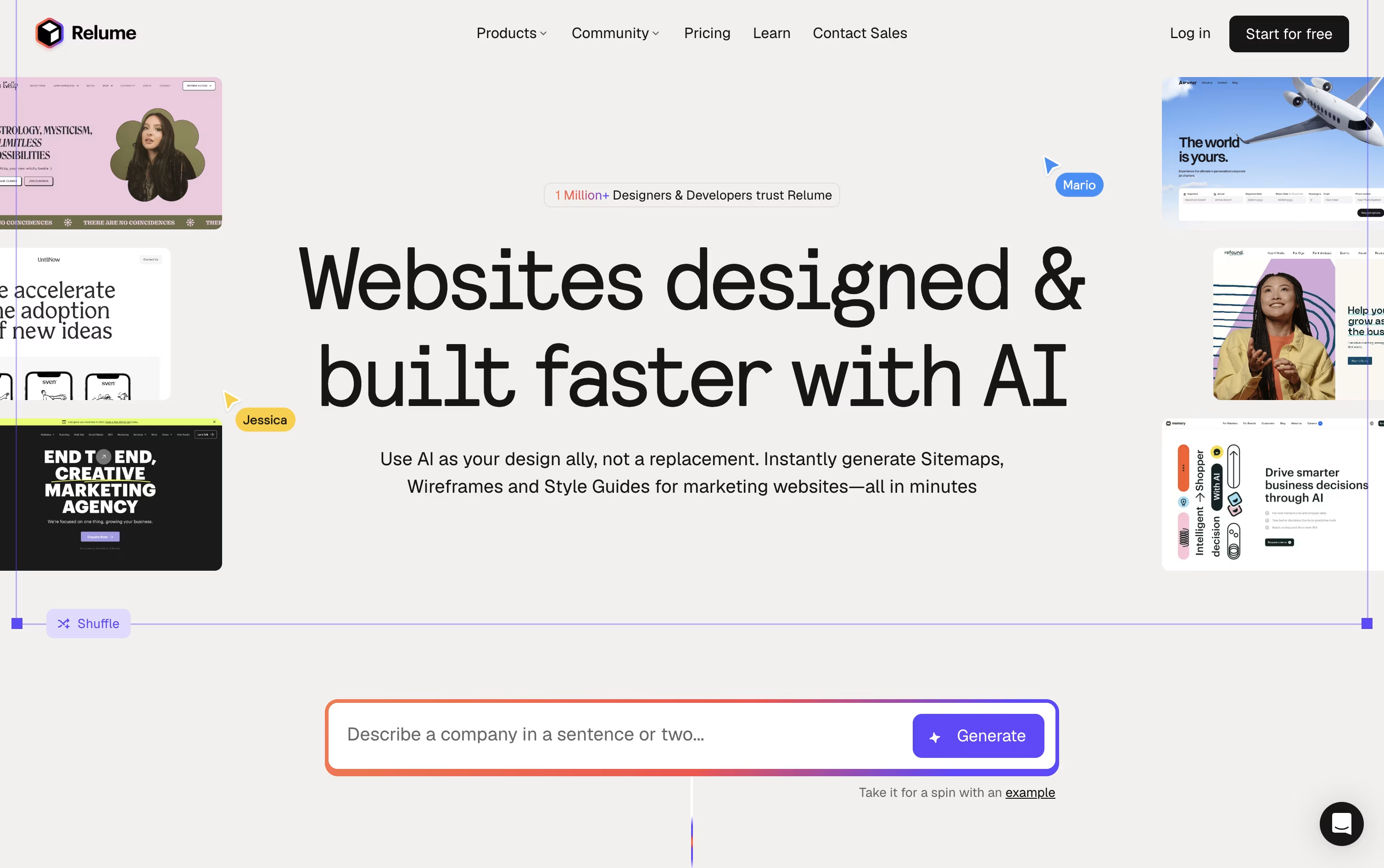
Most website projects start with a blank page and a lot of guesswork. Relume changes that by turning a short prompt into a full sitemap, then converting it into a wireframe built from real components rather than throwaway mockups.
Once the structure is set, the Style Guide Builder suggests colors, fonts, and UI styles that match your brand, and you can pull from more than 1,000 components across Figma, Webflow, and React.
You can try all of this for free with 1 project and 1 page, exporting only to Figma. Moving to Starter at $26 a month, or $18 a month if billed yearly, opens up 5 pages plus Webflow and React export.
Freelancers juggling several sites usually pick Pro, at $58 a month or $40 a month billed yearly, since it drops the project and page caps entirely.
Agencies and teams can go with Team at $52 a month per person, or $36 a month per person billed yearly, with a minimum of 3 people, which layers on a shared workspace and branded client sharing.
Developers also get Relume Library MCP, a way to bring the same component library straight into AI coding tools like Cursor and VS Code.
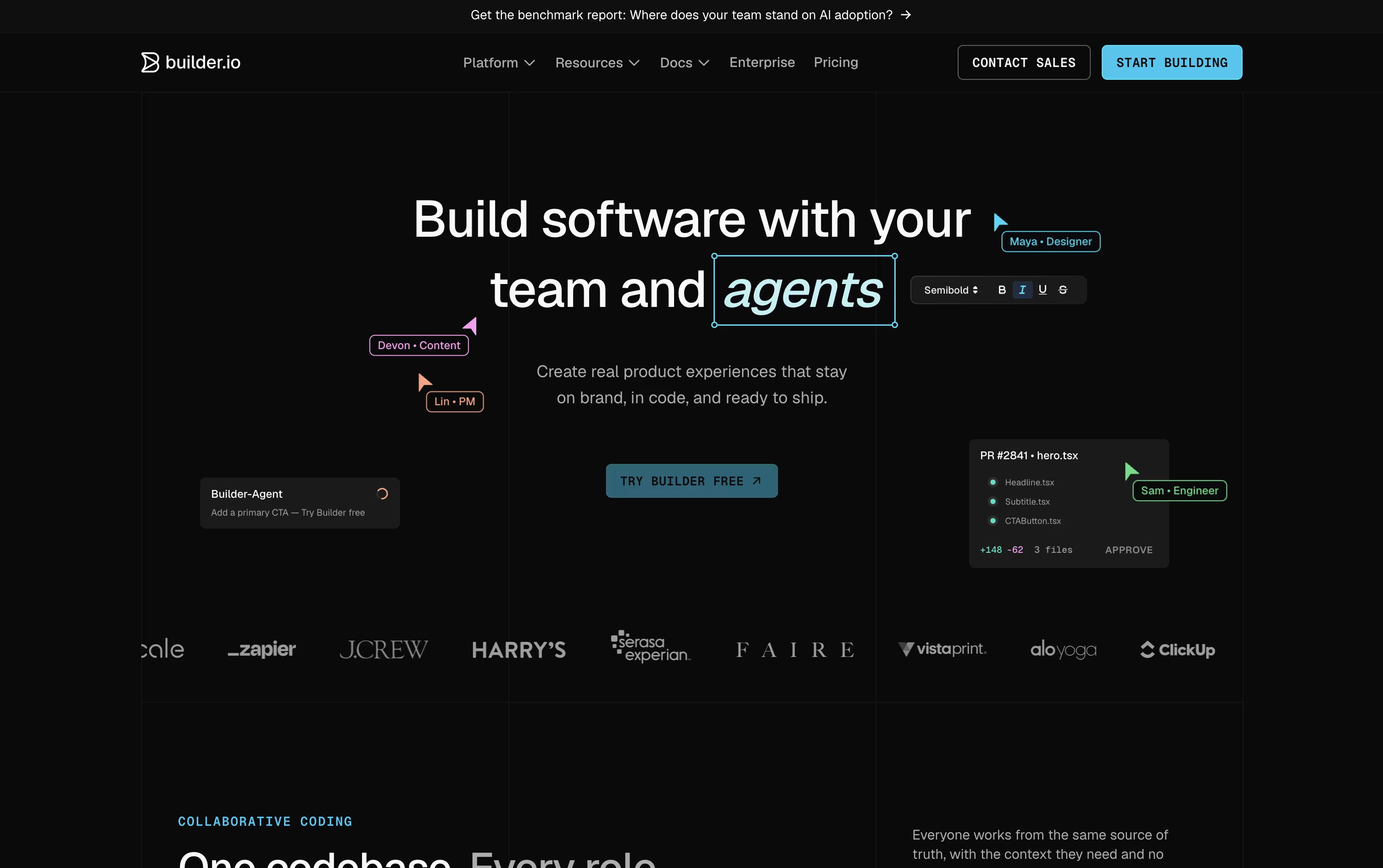
Instead of building throwaway prototypes, Builder.io works directly inside your real codebase and design system, so visual changes and AI-generated work turn into code your team can actually merge.
Fusion is built for apps, features, and UIs, starting from a prompt, a Figma design, or an existing branch. Publish is a separate visual headless CMS for content and marketing teams.
The Free plan gives one user 60 monthly Agent Credits to try things out. Pro costs $30 a user a month and adds more credits, rollover, and built-in MCP servers.
Team costs $50 a user a month and unlocks roles, commenting, peer reviews, and priority support for up to 20 users per space.
Paying yearly drops those prices to $24 and $40 a user a month.
Enterprise is custom priced and adds SSO, RBAC, private infrastructure, and dedicated onboarding support for large organizations.
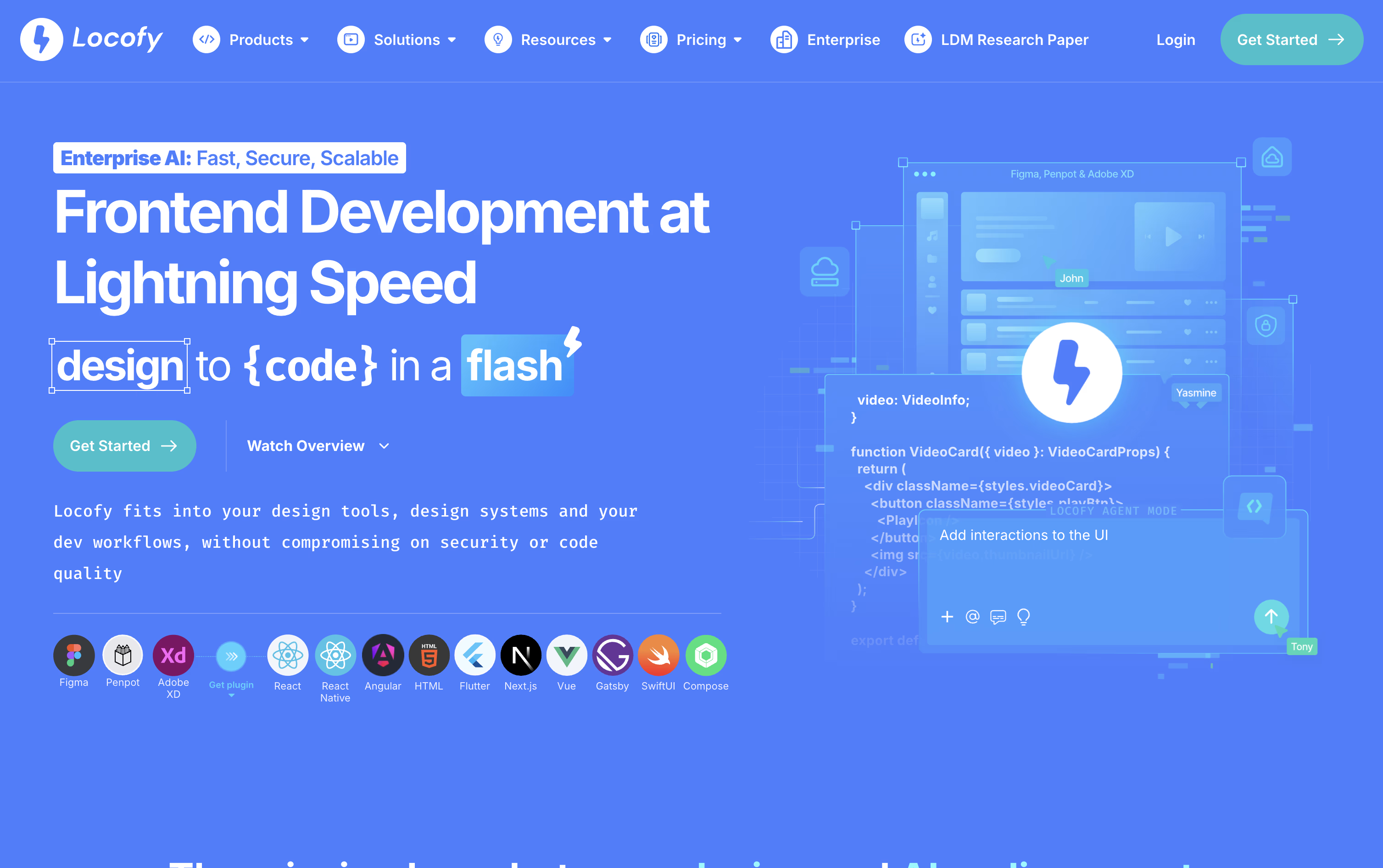
Instead of turning a Figma or Penpot design into code by hand, Locofy generates it for you, ready to hand off to a developer or an AI coding agent.
Behind the scenes, it runs on Large Design Models built specifically for reading designs, trained on a huge number of real projects so the output stays clean, responsive, and structured the way a developer would expect.
You can start from the Figma or Penpot plugin, a pasted design link, the command line, or directly inside tools like Cursor and Claude Code through MCP. From there, Agent Mode allows you to keep improving the code with plain language prompts, and teams can store their own standards as Skills to reuse later.
On pricing, the Free plan gives new users 7 days of Hobby features before rolling into the paid Hobby plan at $40 a month. Stepping up to Pro at $80 a month brings more tokens, a higher frame limit per project, and a guarantee that content is never used for training.
Enterprises get custom pricing along with private or self hosted deployment, GitHub syncing, and a dedicated support team.
Instead of building a prototype by hand, Figma Make lets you type a prompt and get back a working, clickable app or interactive screen in moments. You can start from scratch or feed it an existing Figma design, image, or file for extra context.
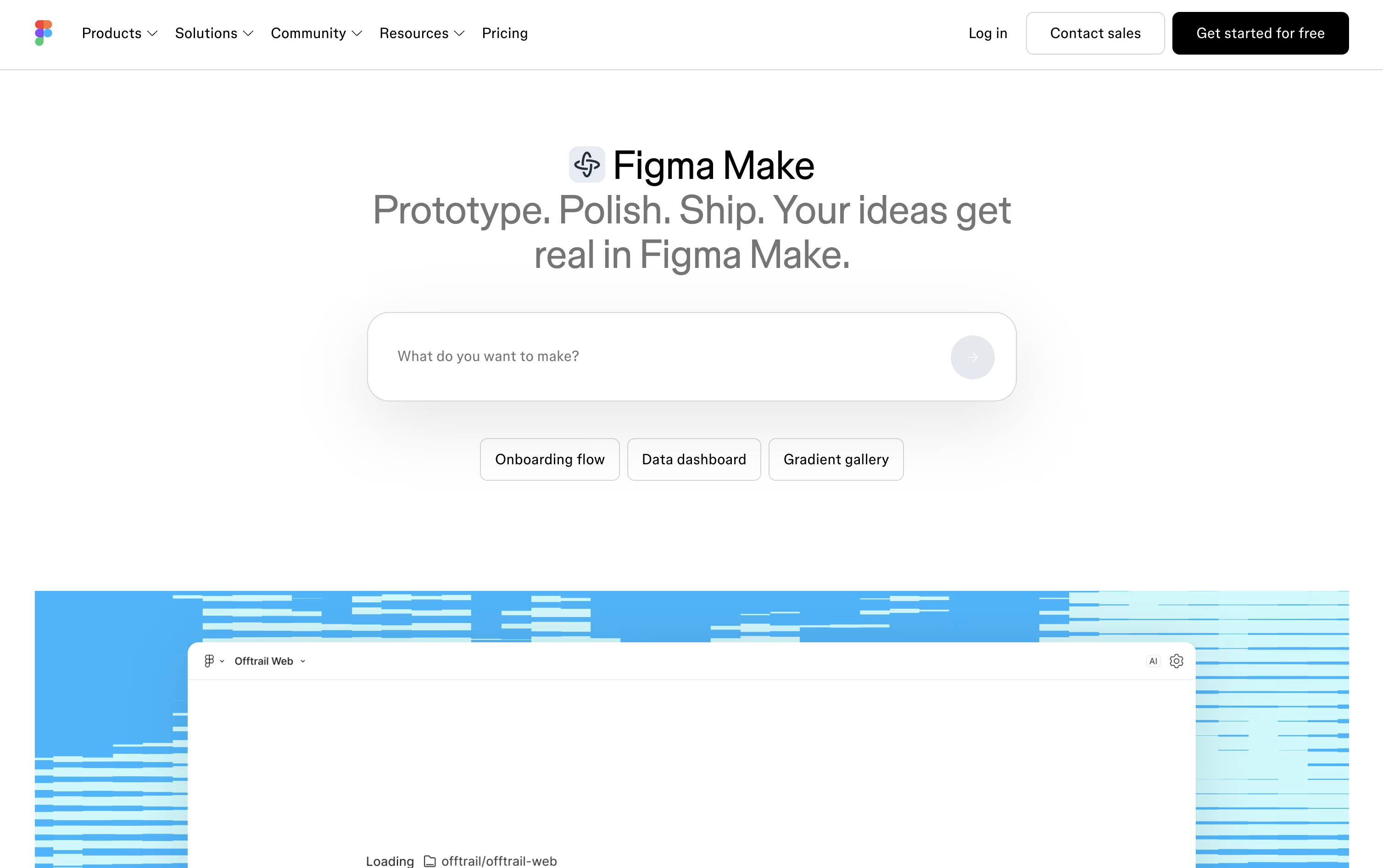
Once the first version appears, refining it is simple: keep the conversation going with follow up prompts, click on any part of the preview to tweak its style directly, or dive into the code editor for changes that need more precision. Complex projects can use plan mode, which lays out the build as a step by step plan first.
Teams stay consistent using Make kits, which package up brand styles and components, and can ground their prototypes in real data through MCP connectors to apps like Notion, GitHub, and Slack.
There is no separate price tag for Figma Make itself, it is bundled into the Full seat. Starter is free with limited daily credits, Professional Full costs $20 monthly or $16 annually with 3,000 AI credits, Organization is $55 monthly with 3,500 credits and unlimited teams, and Enterprise reaches $90 monthly with 4,250 credits and the strongest security controls.
Once you are happy with a build, share it with a public link, publish it to the Figma Community, or bring it back into Figma Design as editable layers.