

Best 10 Tools for Graphic Design in 2026
Last Updated: August 25, 2026
Every brand touchpoint, from a social post to a business card, depends on solid visual design underneath it. Graphic Design tools give you the layout controls, typography, and visual elements needed to build these assets without a background in formal design software.
Marketers, small businesses, and freelancers use graphic design tools to produce consistent, on-brand visuals across every channel they show up on.
 Slides
 SlidesCreate Modern HTML Presentations Online,
  Premast
 PremastProfessional Presentation Templates & Design Tools, and
  24Slides
 24SlidesProfessional Presentation Design Service are the best for Graphic Design. So, let’s take a closer look at all 10 tools.

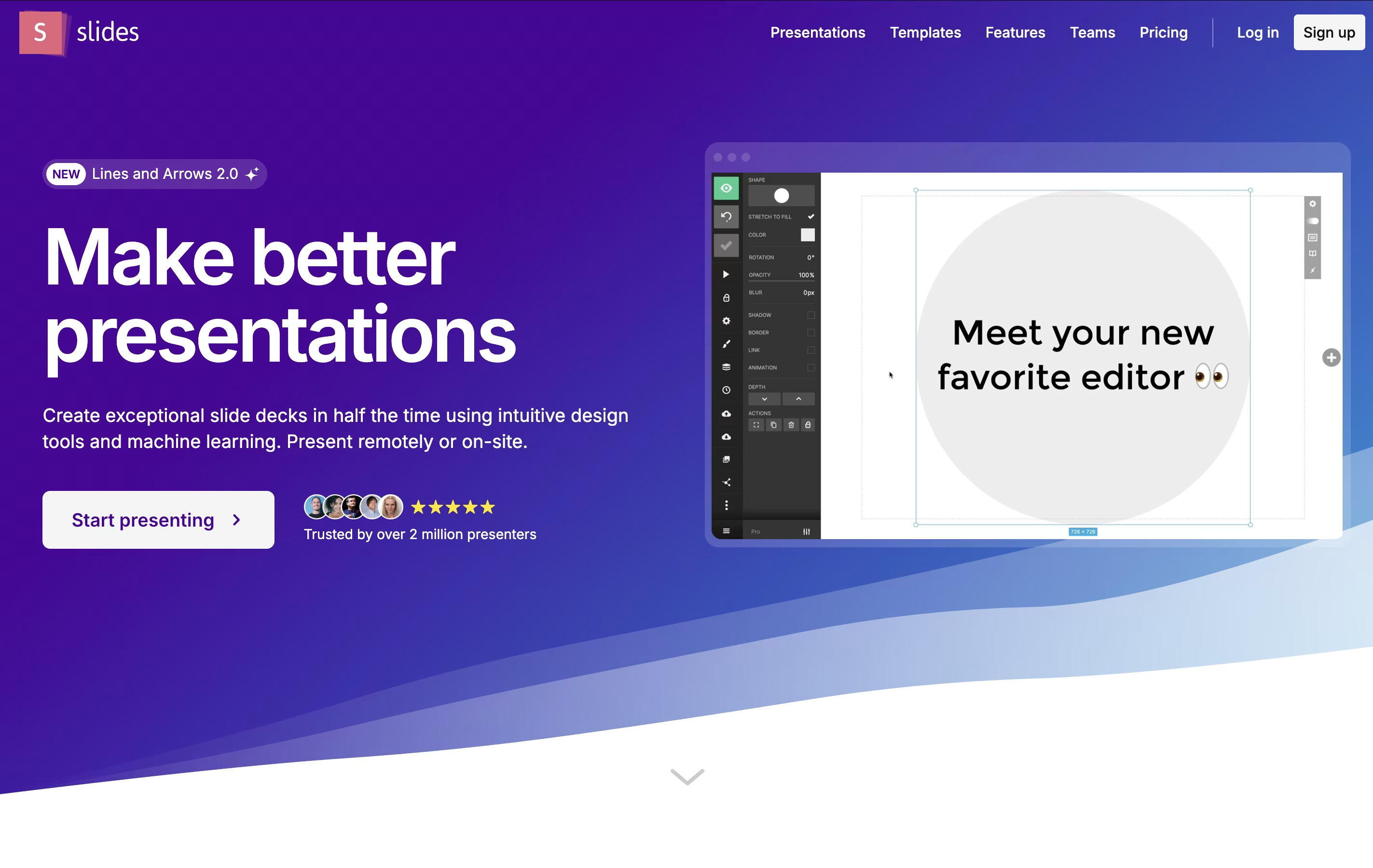
Slides is a cloud-based presentation tool that creates HTML presentations using the reveal.js framework. Instead of creating static slides, it generates interactive web presentations that can include animations, code highlighting, and multimedia content. Each presentation is stored as an HTML document, making it viewable on any device with a web browser.
The platform offers both visual editing and code editing modes. Users can create presentations using a drag-and-drop interface or write custom HTML and CSS. Slides supports features like nested slides, speaker notes, live presenting, and real-time collaboration. Presentations can be shared via simple links, embedded on websites, or exported for offline use. The platform is particularly popular with developers because it supports syntax highlighting and allows for code demonstrations within presentations.
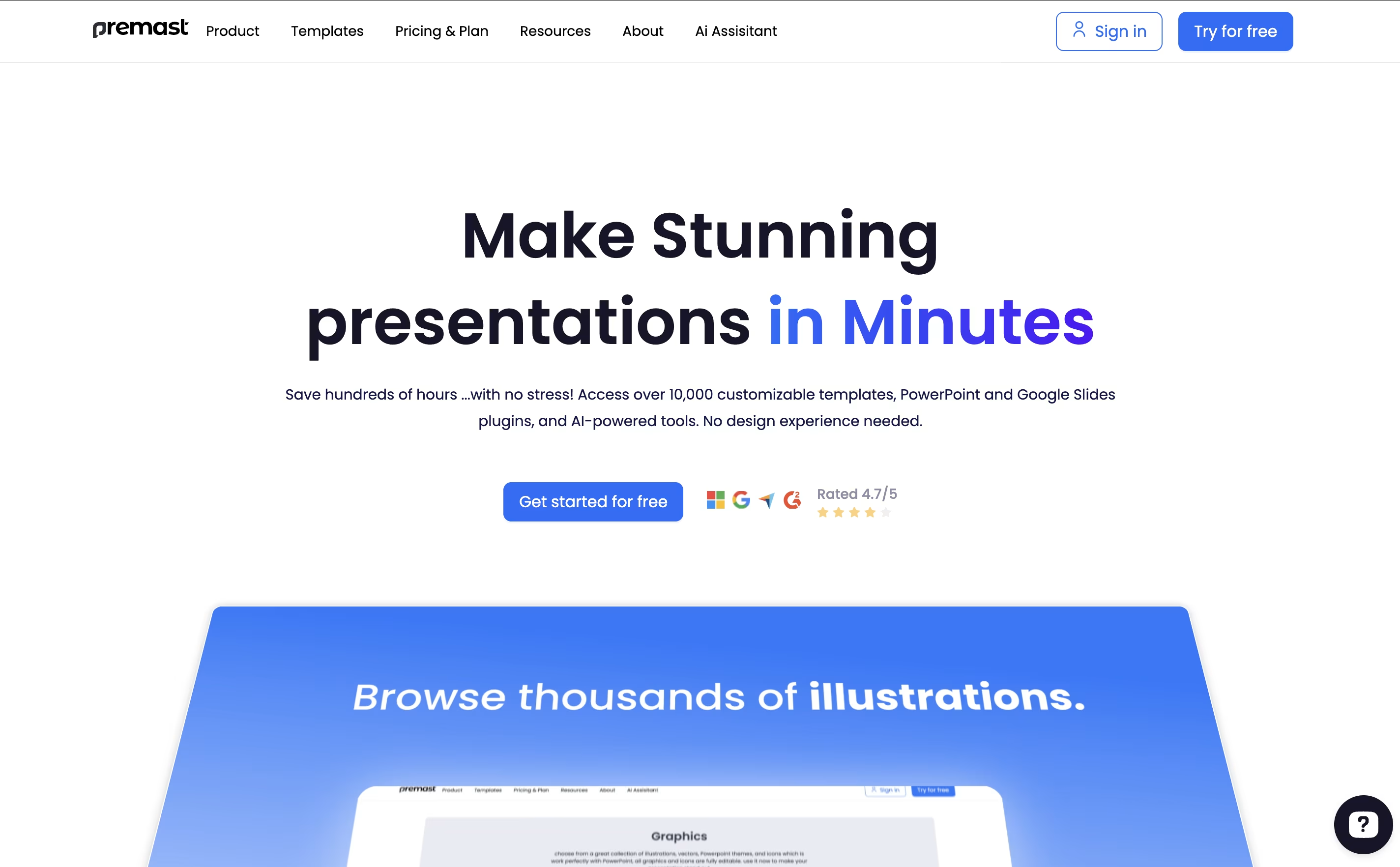
Premast is a cloud-based presentation design solution that provides users with professional templates, graphics, and design tools. The platform offers both free and premium templates that can be fully customized and edited to match specific brand requirements. Users can access the content library directly through PowerPoint and Google Slides plugins, eliminating the need to switch between different applications.
The platform includes several key components: a vast template library covering various presentation types, a brand kit system for consistent branding, cloud storage for personal assets, and AI-powered tools for content and image generation. Premast also offers "Studio" services for custom presentation design, including animation, visual effects, and infographic creation. The tool is designed for users who want professional-looking presentations but lack design skills or time to create them from scratch.
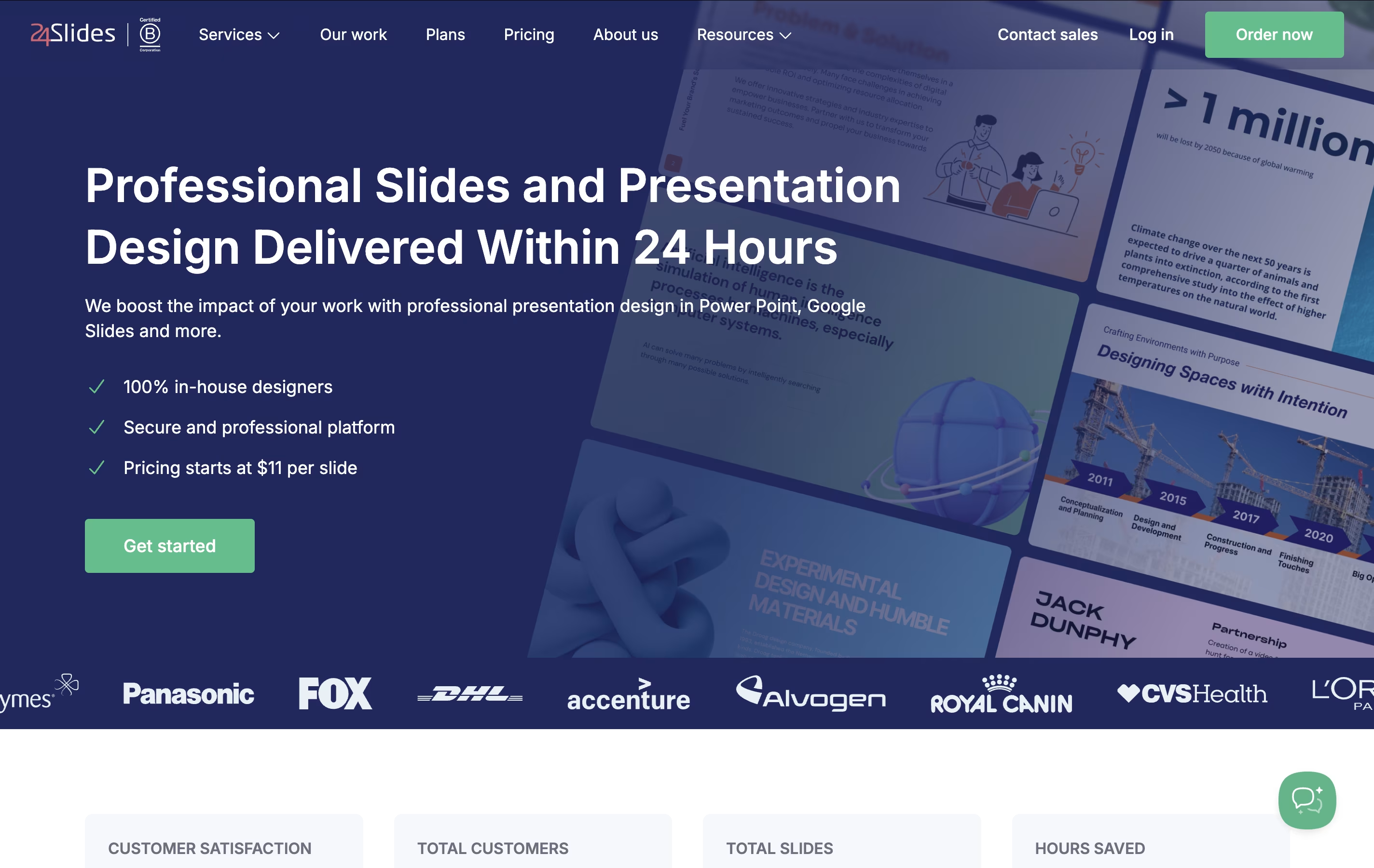
24Slides is a presentation design service that transforms ordinary slides into professional, branded presentations. Unlike DIY design tools, 24Slides provides human designers who understand business communication and visual storytelling.
The platform operates as a service marketplace where you submit your content, choose a design style, and receive polished slides back within 24 hours. Their team of graphic designers specializes in presentation design, ensuring every slide follows design best practices while matching your brand guidelines.
24Slides serves everyone from individual professionals to large enterprises. They handle everything from simple slide cleanups to complete presentation overhauls. As a Certified B Corporation, they focus on social responsibility while maintaining high-quality design standards. The service removes the frustration of slide design, letting you focus on your message while experts handle the visual presentation.

Fugo is a cloud-based digital signage platform that makes it easy to manage screens and content from anywhere. Unlike traditional digital signage that requires expensive hardware and complicated setup, Fugo works with almost any device - from TVs and tablets to specialized media players.
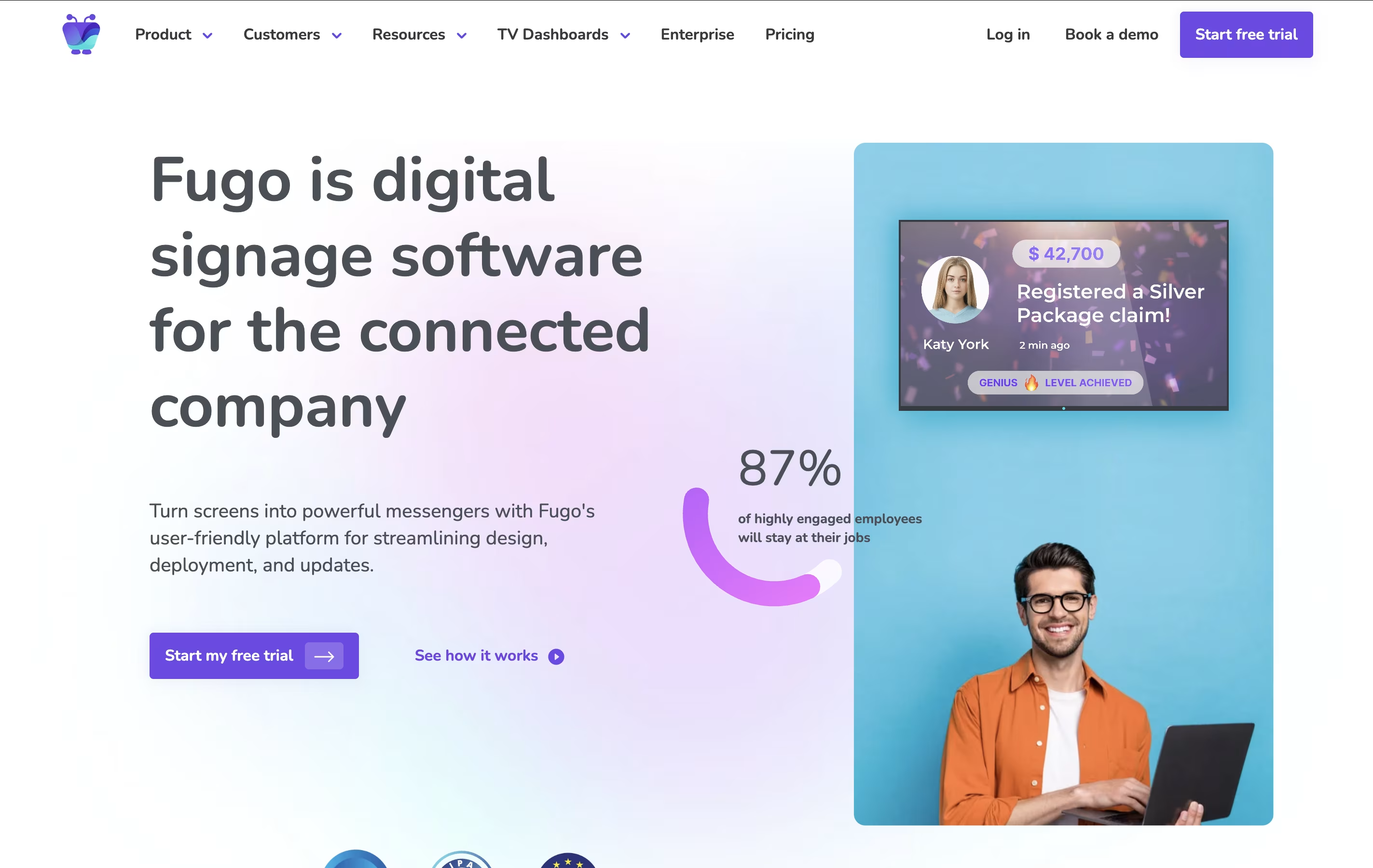
The platform includes a built-in design studio similar to Canva, but designed specifically for TV screens. You can create professional content, upload videos and images, connect live data feeds, and schedule everything to display automatically. Fugo also connects with your favorite business apps, so you can display real-time dashboards, social media feeds, and company updates without manual work.
What makes Fugo special is its simplicity. You don't need technical skills to get started. The software handles all the complex parts like screen resolution, content formatting, and device management, so you can focus on creating great content that engages your audience.

Adobe Firefly is Adobe's generative AI toolkit for creating and editing images, video, audio, and vector art from simple text prompts. You can use it on the web, through mobile apps, or right inside apps like Photoshop, Illustrator, and Premiere Pro.
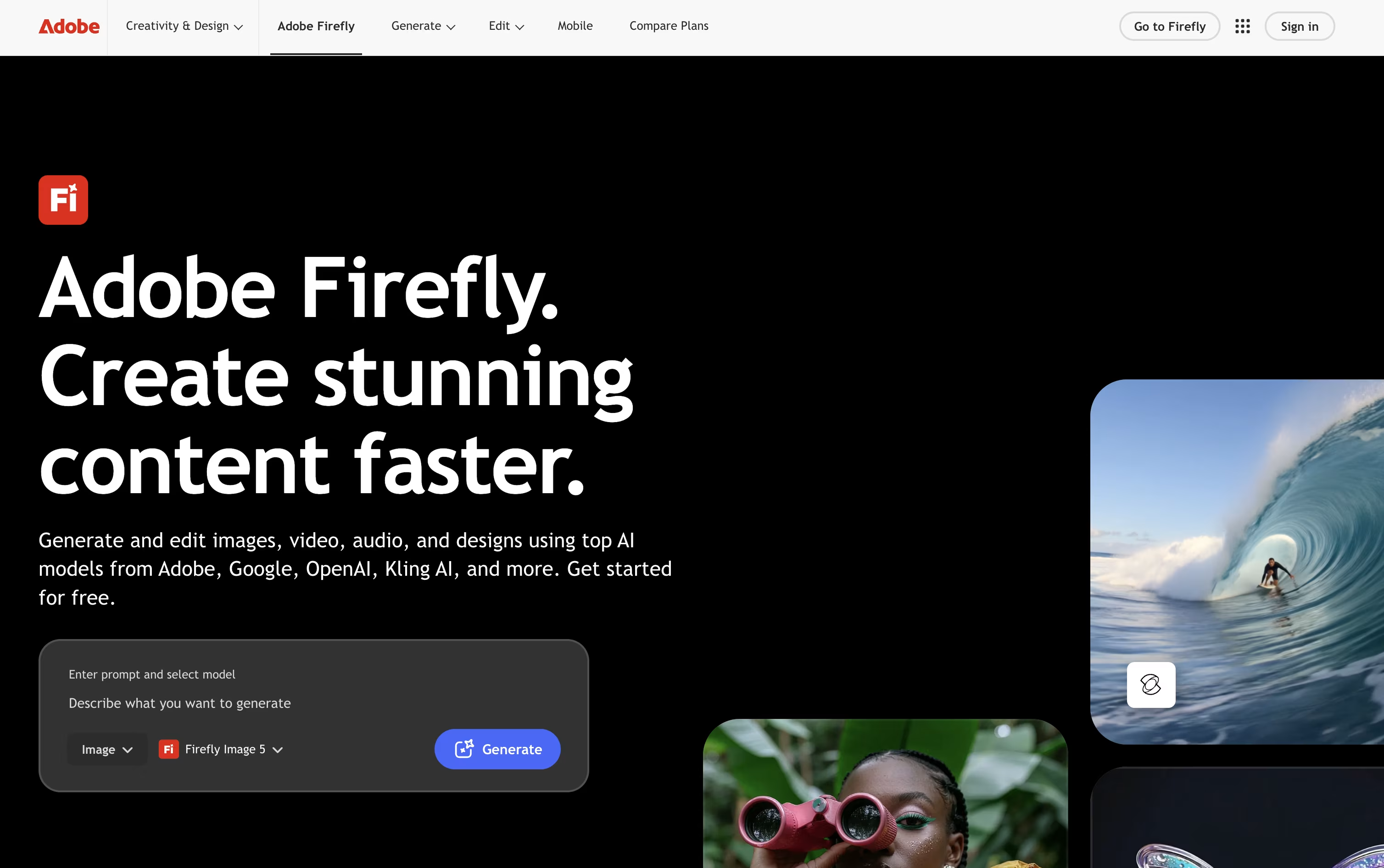
The tool covers a wide creative range, from generating a photo out of nothing to using Generative Fill and Expand to edit an existing picture, producing short AI videos, creating custom music and sound effects, and translating spoken video content into other languages.
Collaborative Firefly Boards make it easy for teams to build mood boards and storyboards together, while the AI Assistant can carry out multi step creative tasks across Adobe apps just from a written request.
Anyone can start for free with daily generation limits across image, video, and audio. From there, paid plans run from Firefly Standard at $9.99 a month up to Firefly Premium at $139.91 a month, each adding more monthly credits, longer videos, and access to more AI models.
For companies, Firefly for Teams starts at $19.99 per license a month on an annual plan and adds admin controls and round the clock support. Because Firefly trains on licensed material, its output is built to be safe for commercial projects.

Recraft brings AI powered design into one workspace, aimed at creators, marketers, and teams who need usable, professional output rather than random generated art.
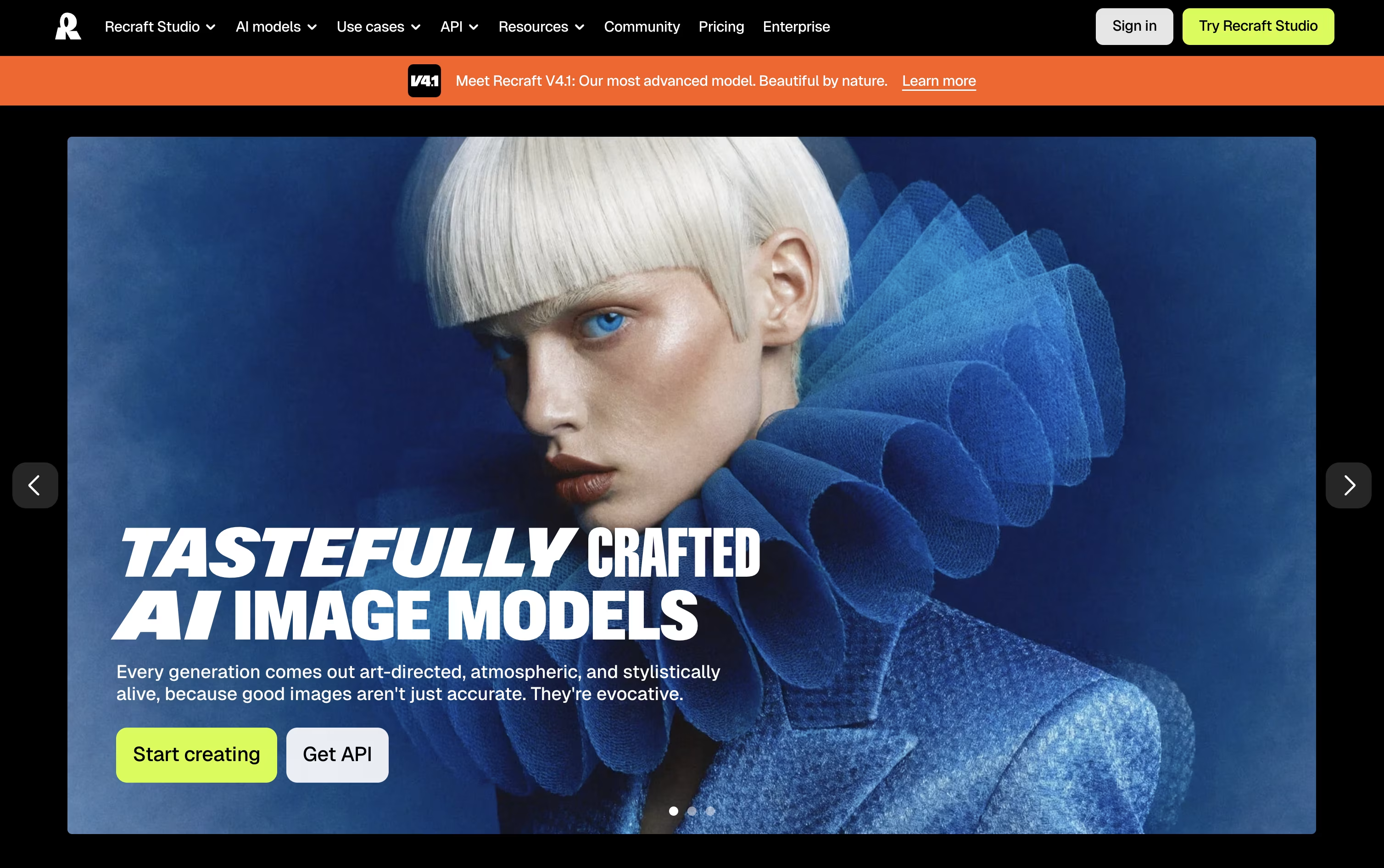
Its infinite canvas lets you generate raster images or clean editable vectors, then edit, organize, and iterate without leaving the page, either through manual controls or a chat style prompt.
Reusable brand styles keep your visuals consistent, while tools like background removal, inpainting, upscaling, and mockup generation round out the editing side.
Getting started is free, though the Free plan limits you to public images with no commercial use.
The Basic plan at $12/month unlocks commercial rights and private generations, Pro at $20/month adds video generation and priority processing, and Teams at $22/month per seat brings shared workspaces, centralized billing, and SSO.
Developers can skip the interface entirely and call the API directly, paying per image generated or edited.

Venngage is a cloud-based visual content creation platform designed to make professional design accessible to everyone. Think of it as your personal design assistant that combines artificial intelligence with thousands of pre-made templates to help you create stunning visuals in minutes.
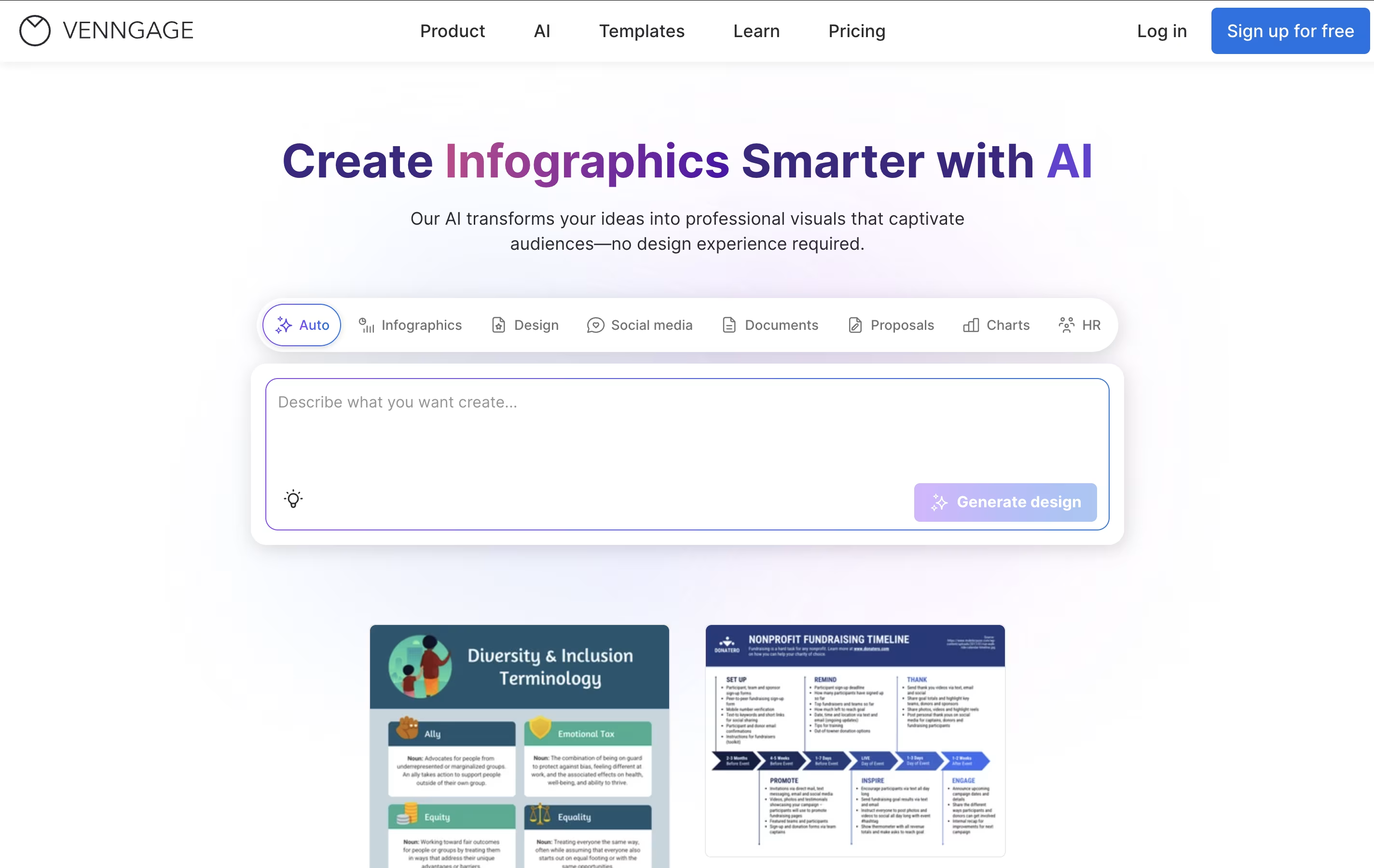
The platform specializes in infographics, presentations, reports, social media graphics, and data visualizations. What sets Venngage apart is its AI-powered approach - you can simply describe what you want, and the AI generates a complete design with proper layouts, colors, and elements. The drag-and-drop editor then lets you customize every detail to match your brand and message.
Founded as a solution for non-designers who need professional-looking graphics, Venngage has grown to serve over 5 million users worldwide. It's particularly popular among marketers, educators, students, and small business owners who need to communicate complex information through clear, engaging visuals without hiring a professional designer.
Piktochart is a cloud-based design platform that simplifies visual content creation for non-designers. It offers hundreds of professionally designed templates for infographics, presentations, reports, posters, social media graphics, and more. Users can customize these templates using a drag-and-drop interface without needing graphic design skills.
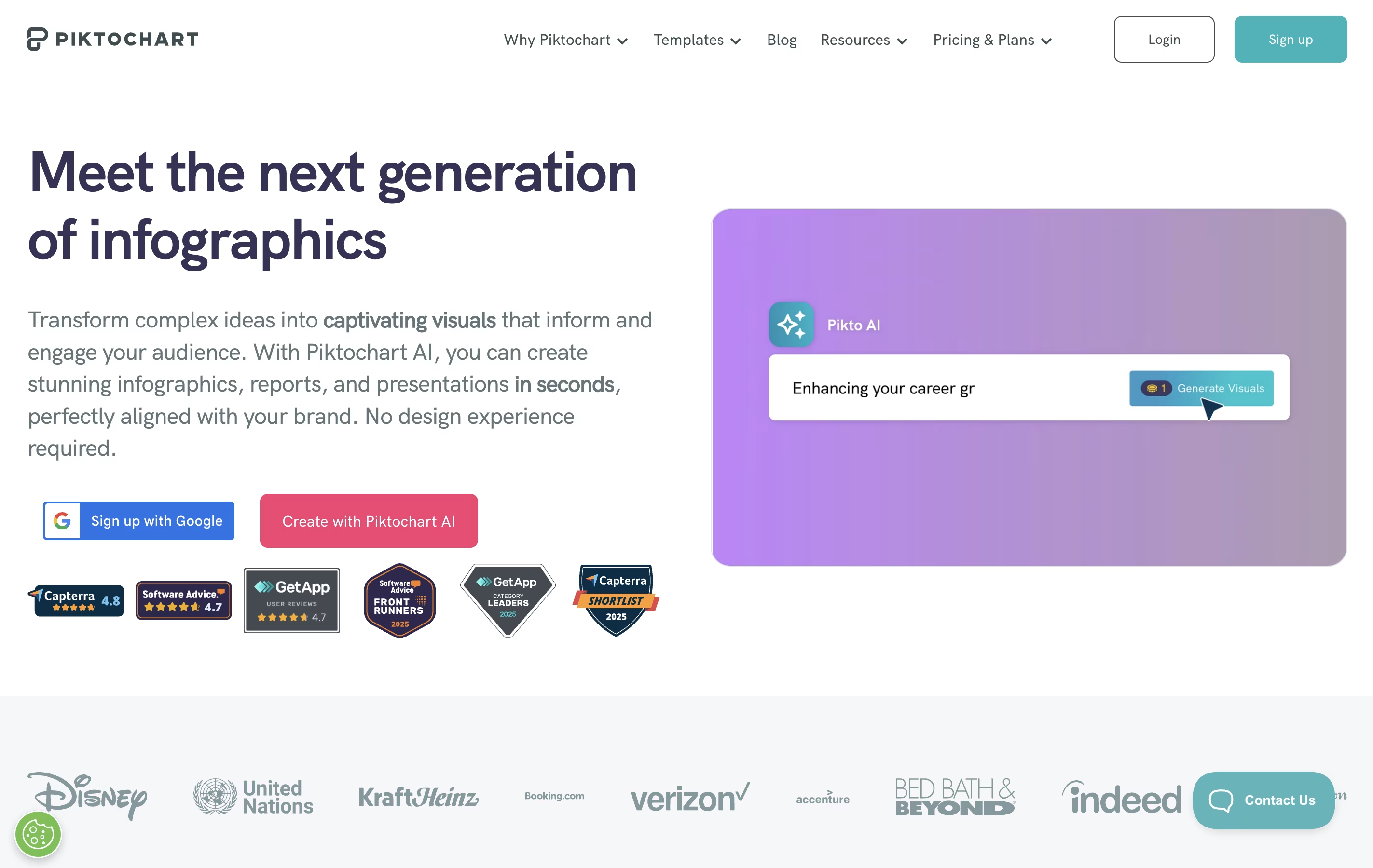
The platform includes powerful data visualization tools, allowing users to create charts, graphs, maps, and diagrams from their data. It supports importing information from Excel and Google Sheets to automatically generate visuals. Recently, Piktochart added AI features that can generate complete designs from simple text prompts in seconds.
The tool is web-based, meaning everything works through your browser without downloading software. It includes collaboration features for teams, brand customization tools, and various sharing options to publish or download finished designs.

Rather than juggling separate apps for text, image, and video generation, FLORA puts more than 60 AI models inside one infinite canvas built for creative teams.
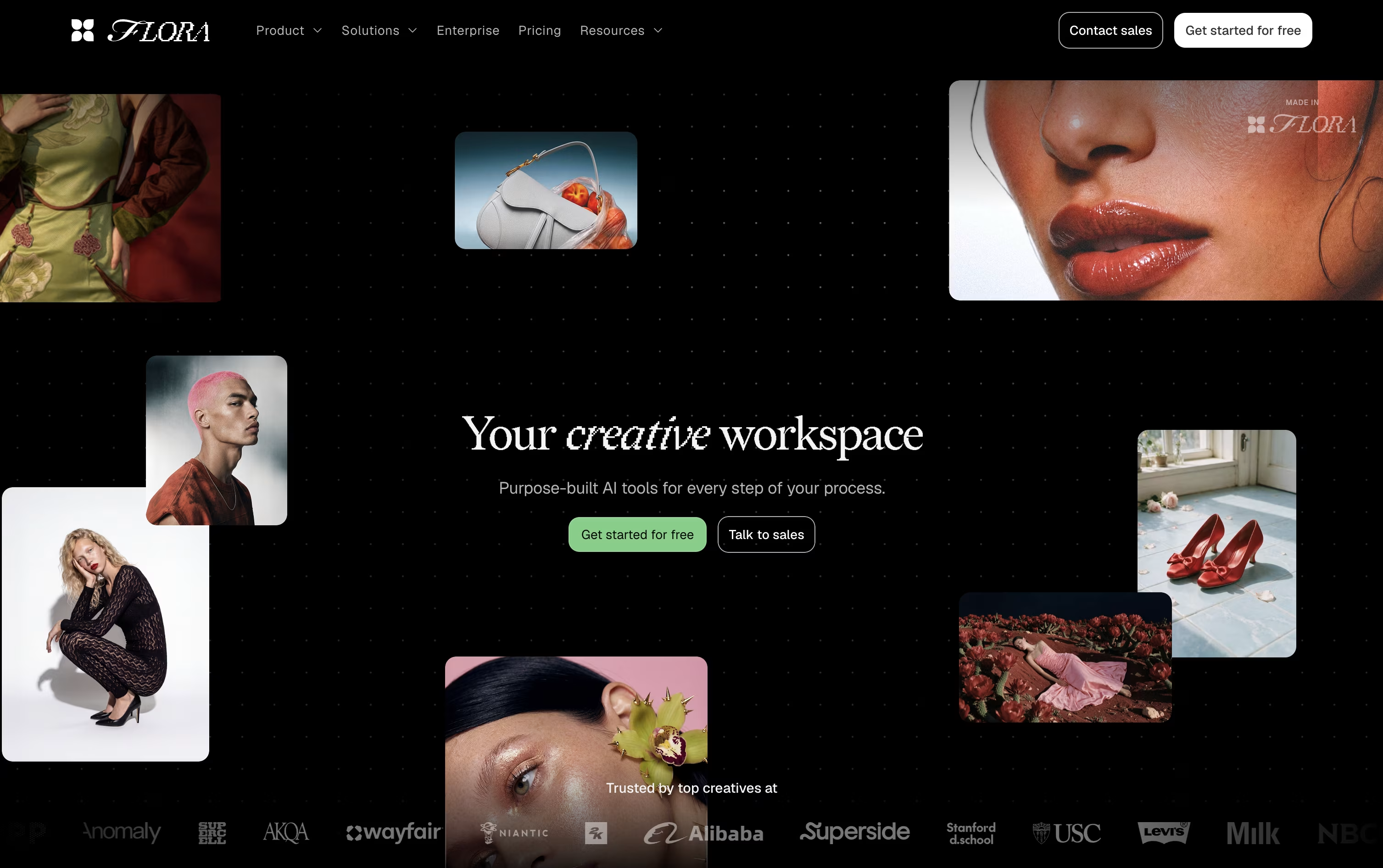
Work happens as connected nodes, so every idea, generation, and edit stays visible, branchable, and easy to trace back to where it started.
The built in FAUNA agent can plan and run entire sequences for you. Tell it what you're after, and it picks the right models, writes prompts, and organizes results on the canvas, all while keeping every action editable.
Reusable workflows called Techniques let teams turn a process into a repeatable system, useful for producing large batches of consistent, on-brand assets.
The Free plan gives one seat and a limited number of generations to try things out. Starter is $18 per seat a month, Pro (the most popular tier) is $50 per seat a month, and Max is $200 per seat a month, with 20% off on quarterly and annual billing. Enterprise plans are custom priced and include SSO, SAML, and dedicated onboarding support.
Visme is an all-in-one visual design platform that helps you create professional presentations, infographics, reports, social media graphics, and over 30 other types of content. Unlike traditional design software that requires technical skills, Visme makes design accessible to everyone through its intuitive interface and extensive template library.
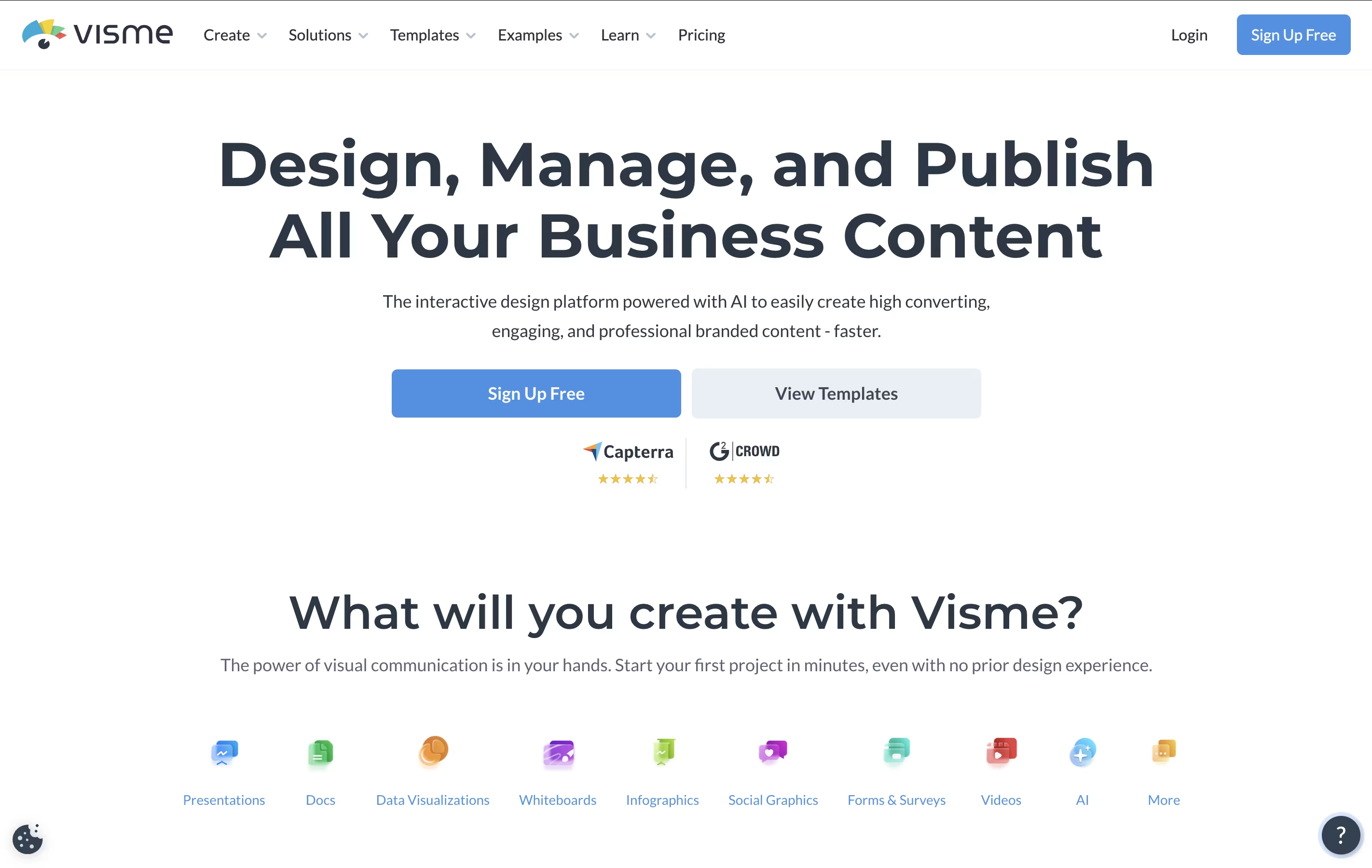
The platform offers thousands of customizable templates, drag-and-drop editing, interactive elements like animations and clickable links, and collaboration features for teams. It includes AI-powered tools that can generate designs from text prompts, making content creation even faster.
Visme works entirely online, so you don't need to download software. You can create content, share it with your team for feedback, and publish it directly from the platform. It's designed for businesses, educators, marketers, and anyone who needs to communicate ideas visually without hiring a designer.





