

Best 5 Tools for Real-Time Meeting Transcription in 2026
Last Updated: August 22, 2026
Trying to type notes while actually participating in a conversation forces a choice between listening and writing. A live, word-for-word record of everything said removes that trade-off entirely, letting participants stay present while the details are captured in the background.
This is especially valuable for fast-moving discussions where details, quotes, or numbers matter and can't be paraphrased later from memory. Instead of piecing together what happened, teams get an accurate transcript they can search, reference, or share right after the call ends.
 Tactiq
 TactiqAI Meeting Transcription & Notes Tool,
  Cluely
 CluelyUndetectable AI Assistant for Meetings, and
  Read AI
 Read AIMeeting Notes, Recaps & Coaching Tool are the best for Real-Time Meeting Transcription. So, let’s take a closer look at all 5 tools.

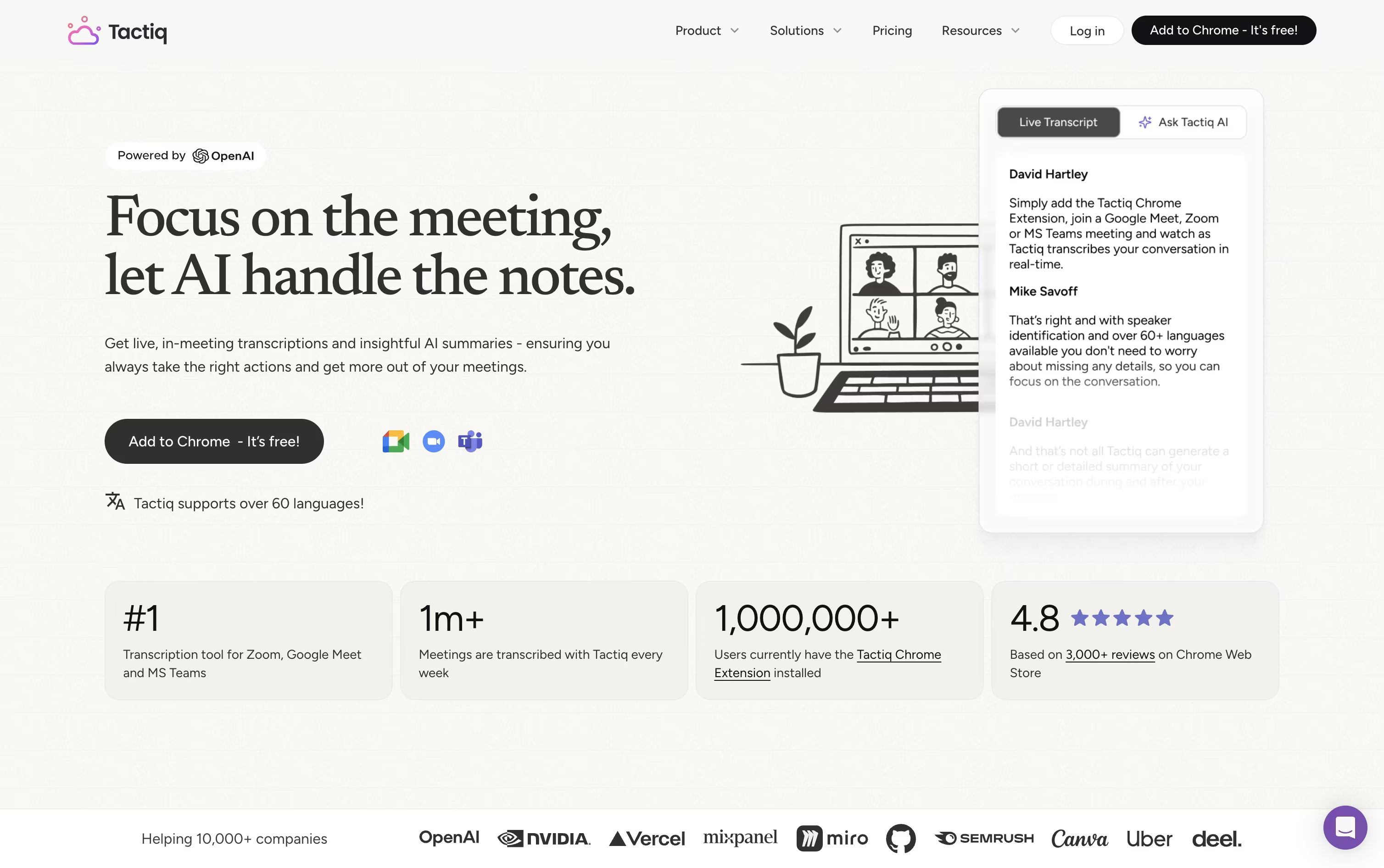
Instead of sending a bot into your meetings, Tactiq quietly reads the captions already provided by Google Meet, Zoom, or Microsoft Teams through its Chrome extension. No audio is ever recorded or stored.
During the call, a live transcript appears in a side panel, letting you tag action items, highlight key lines, and ask the AI questions in real time.
Once the meeting wraps up, Tactiq can generate a summary, list out action items with names attached, or draft a follow up email automatically. Past transcripts stay searchable, and workflows can send that content straight to Slack, Notion, or your other tools.
The free plan gives one user 10 transcripts and 5 AI credits a month. Pro lifts the transcript limit for $12 a user monthly, Team unlocks unlimited AI credits at $20, and Business adds SSO and stronger data controls for $40. Enterprise pricing is negotiated directly for larger organizations.
With SOC 2, ISO 27001, GDPR, and HIPAA compliance in place, it also holds up for teams with stricter security needs.
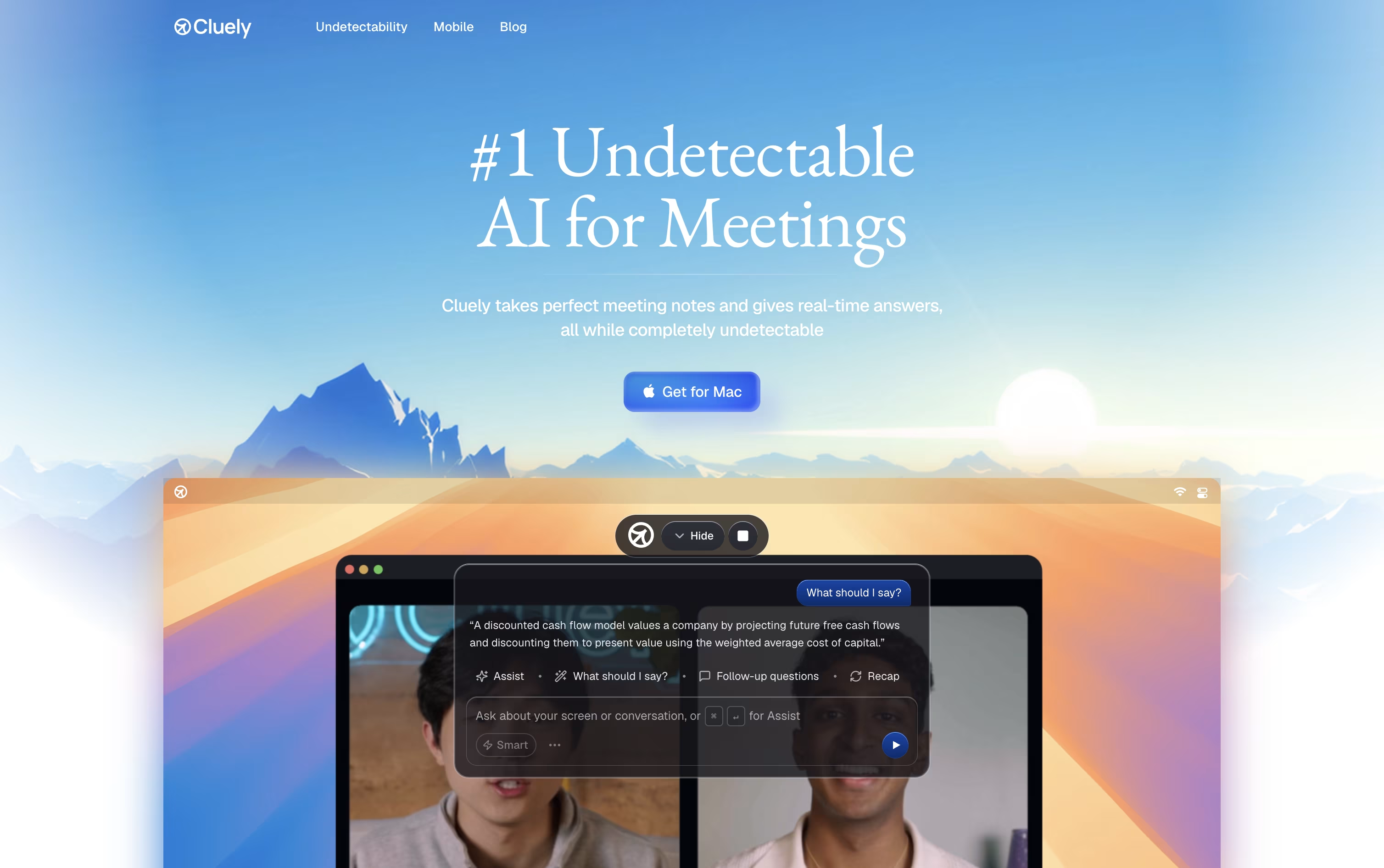
Cluely runs quietly in the background on Mac, Windows, and iPhone, showing up during a call instead of waiting until it ends. It listens to the conversation and reads your screen, then displays answers and talking points in a widget most screen share tools do not pick up.
While you talk, it builds a live transcript and watches for questions, objections, or technical terms on screen, then pulls from your own files and instructions to suggest what to say next.
Once the call wraps up, Cluely writes the meeting notes, transcript, and action items for you, and drafts a follow-up email ready to send. Past meetings stay searchable too.
Starter is free but limits how many AI responses and notes you get. Pro removes those limits for $19.99 a month, or $11.99 a month if billed yearly, and adds the newest models plus priority support. Pro plus Undetectability goes further at $149.99 a month, or $44.99 a month billed yearly, for stronger hiding during screen share.
There is also a standalone mobile app at $8 a week or $144 a year for meetings and interviews on the go.
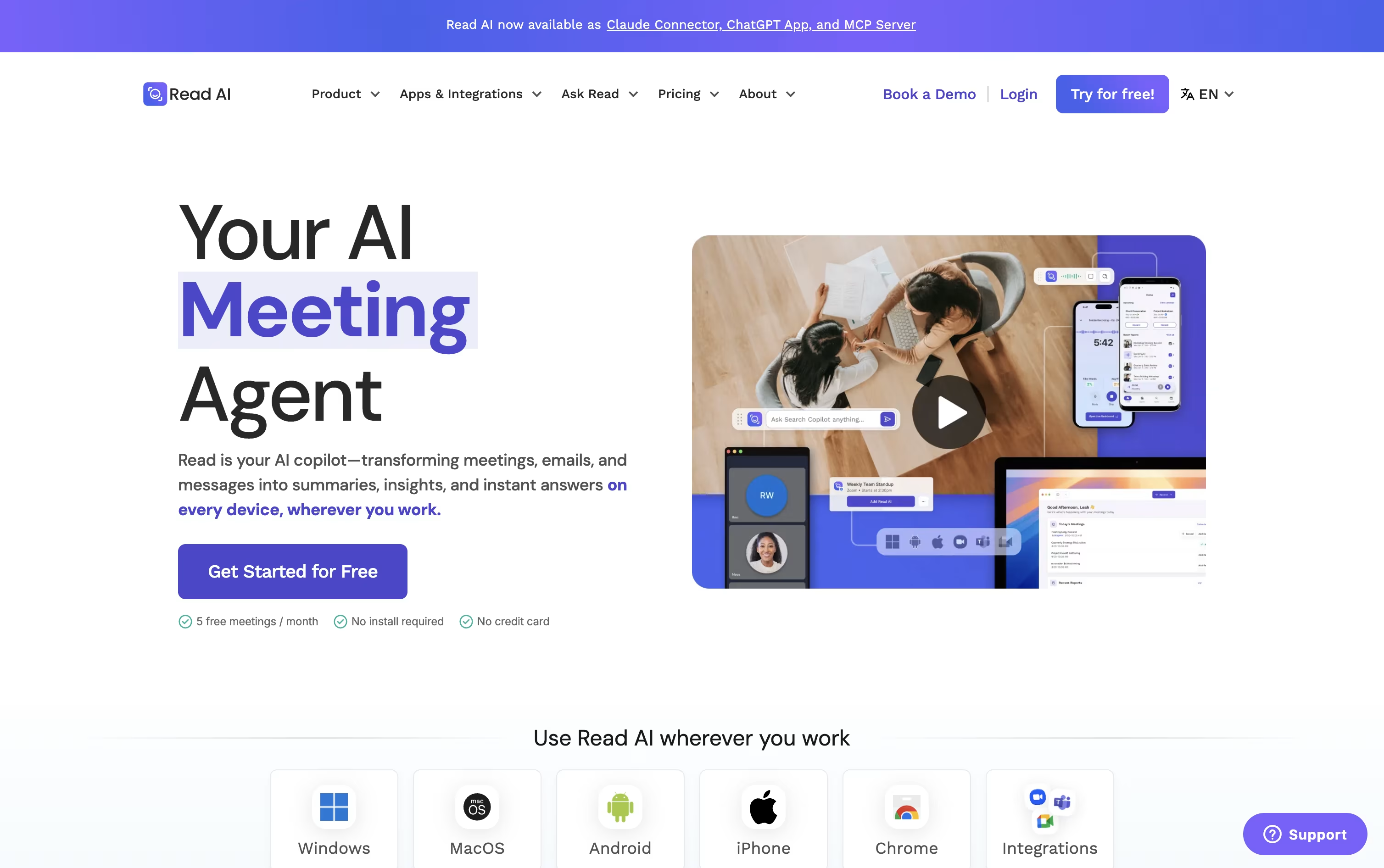
Instead of manually taking notes, Read AI can sit in on your Zoom, Google Meet, or Microsoft Teams calls and hand you a full report once the meeting ends.
That report includes a summary, transcript, action items, and key questions, and on the higher plans you also get audio or video playback with clips of the key moments.
The tool doubles as a coach too, giving feedback on how much you talked, your pace, and how often you used filler words.
Its Ask Read search reaches beyond meetings into your connected email and chat apps, so you can look up what was said or decided across many sources at once.
For scheduling and email, Ada acts like a digital twin, proposing meeting times and drafting replies for you to approve.
The free plan covers 5 reports a month, Pro runs $19.75 per user monthly ($15 annually), Enterprise is $29.75 monthly ($22.50 annually) and adds playback, and Enterprise+ at $39.75 monthly ($29.75 annually) is built for security heavy teams of 5 or more.

Most meeting recorders add a visible bot to your call, but Bluedot skips that entirely and records straight from your own device instead, whether through Chrome, a desktop app, or your phone.
Once a meeting ends, it hands you a transcript, a plain-language summary, and a list of action items, and you can ask its AI chat questions about any single meeting or everything in your workspace at once.
The Free plan lets you try it with 5 lifetime meetings at no cost. From there, Basic runs $18 per user monthly for unlimited audio meetings, and Pro moves to $25 for unlimited video and recording length.
Business, at $39 per user a month, layers on CRM and ATS syncing, admin controls, and SSO for larger teams, and every paid plan gets noticeably cheaper if you pay yearly instead of monthly.
Companies that would rather pay one flat amount regardless of headcount can request custom pricing too.
Add in support for 100+ languages and solid privacy practices, and Bluedot works well for sales, recruiting, and support teams alike.

Sitting through a call and typing notes at the same time is hard, and Avoma was built to take that off your plate. It records meetings, writes a live transcript, and hands you AI notes with action items right after the call ends.
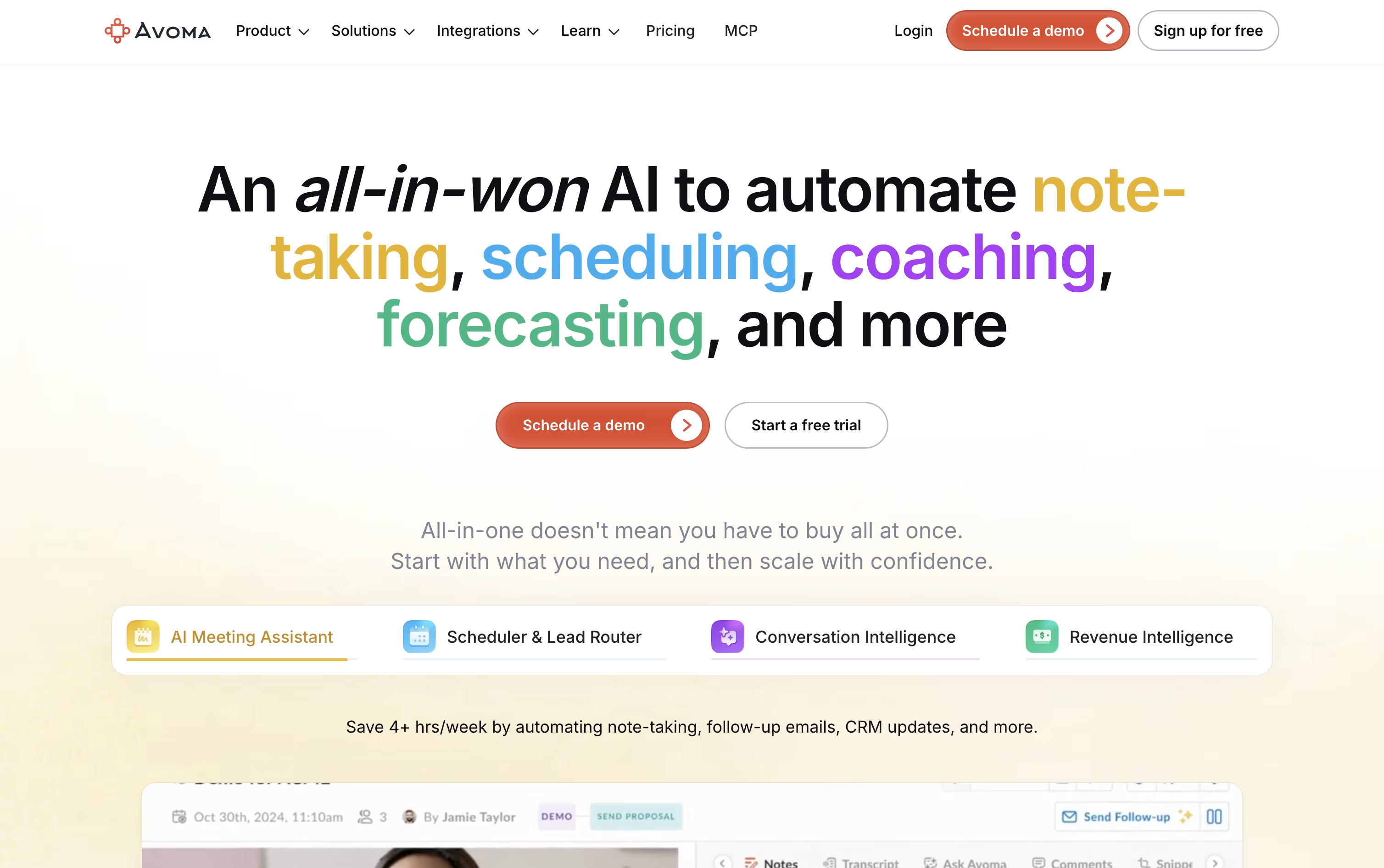
It goes further than note taking too. A built in scheduler handles 1:1, group, and round robin bookings, a lead router sends new leads to the right person automatically, and Ask Avoma lets you ask questions about any past meeting or deal.
Sales and success teams can add Conversation Intelligence for call scoring and coaching, or Revenue Intelligence for deal risk alerts, forecasting, and win loss analysis.
On price, Startup starts at $29 a seat a month, Organization is $39 a month and carries a most popular label, and Enterprise runs $39 a seat on annual billing with extras like SSO and HIPAA support.
Viewers who never record a call stay free, and a 14 day trial opens up every feature, add-ons included, without asking for a card.





