

AWS Amplify vs Firebase: Features, Pricing and User Reviews 2026

AWS Amplify
Build Full-Stack Apps Fast with Cloud Backend

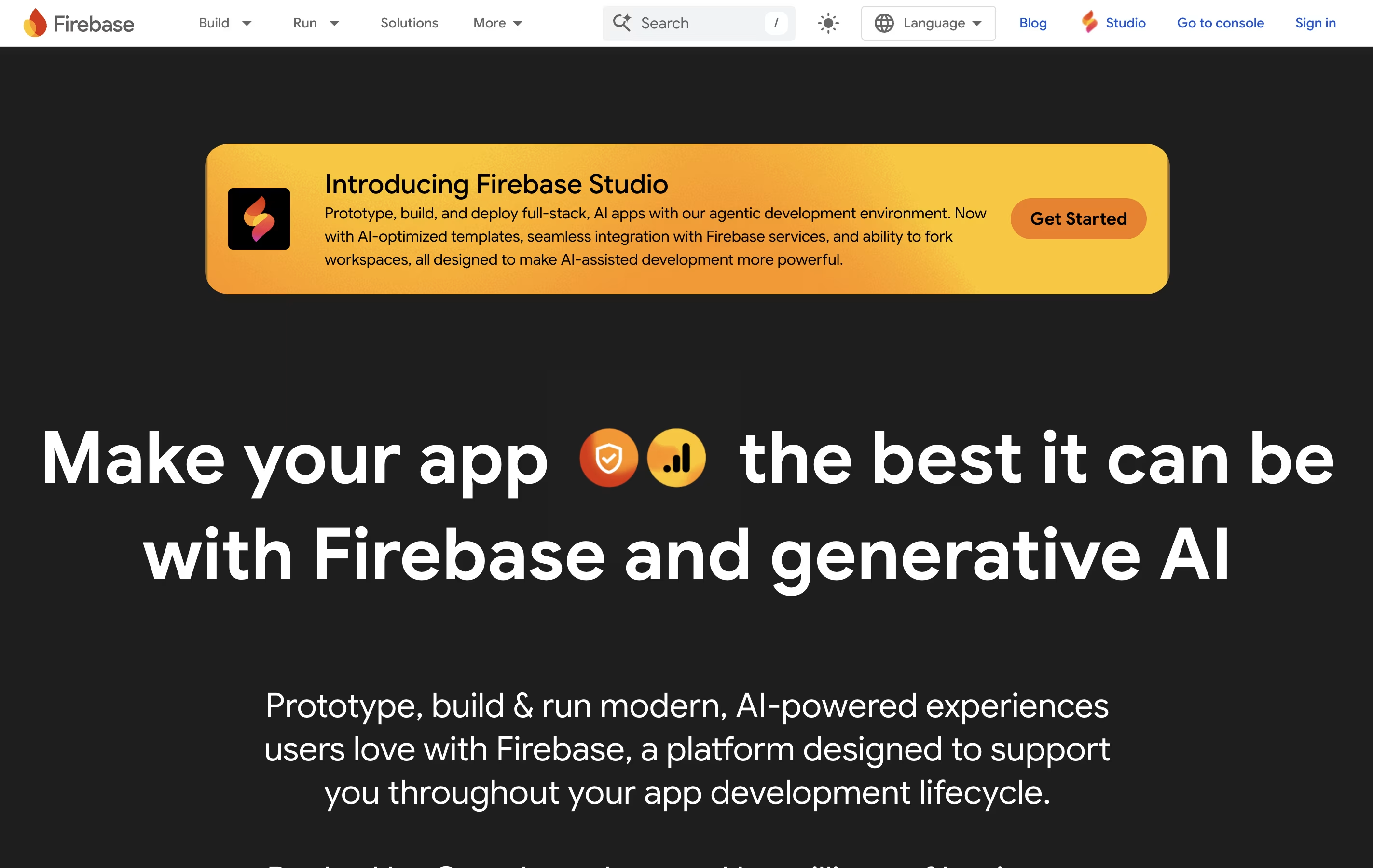
Firebase
Build Apps Faster with Google's Platform
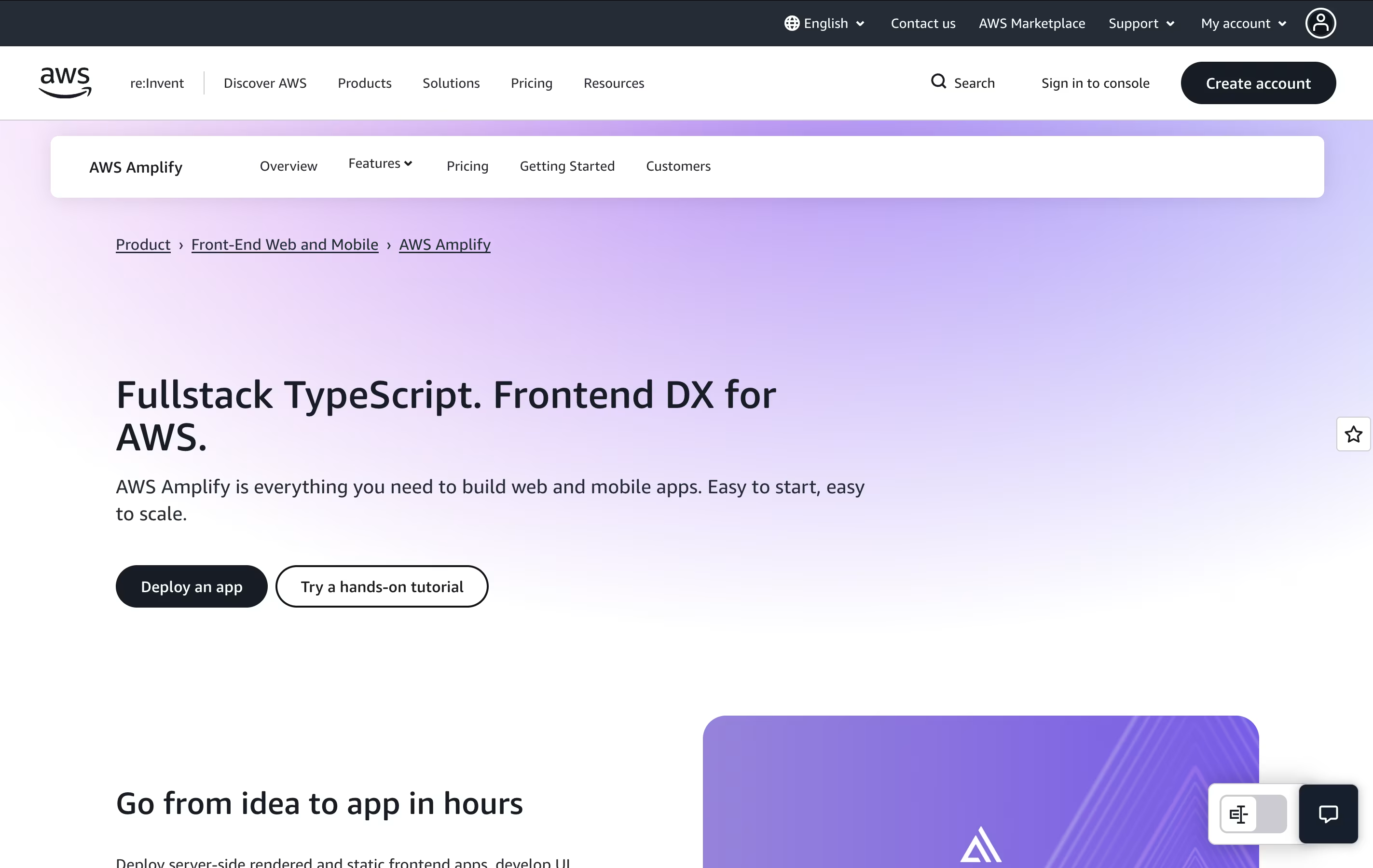
AWS Amplify
Build Full-Stack Apps Fast with Cloud Backend
Firebase
Build Apps Faster with Google's Platform
What are AWS Amplify and Firebase?
AWS Amplify is a set of tools and services that helps developers create full-stack applications. It includes everything needed to build an app: a place to host your website, databases to store information, user login systems, file storage, and ways to connect different parts of your app together.
The platform uses a code-first approach, meaning you can define what you need using familiar programming languages like TypeScript. Amplify then automatically creates the right cloud resources for you. It also provides instant development environments for each team member, so developers can test changes without affecting others.
There is a generous free tier to get started, and you only pay for what you actually use beyond that. This makes it budget-friendly for both small projects and large applications.
Firebase is a cloud-based platform that provides backend services for applications. Think of it as a complete toolkit that handles everything your app needs on the server side. Instead of building your own servers, databases, and authentication systems from scratch, Firebase gives you ready-to-use services.
The platform includes a real-time database where your app data updates instantly across all devices. It has user authentication that works with email, phone numbers, Google, Facebook, and other providers. Firebase also offers cloud storage for images and files, push notifications to reach users, crash reporting to find bugs, and performance tracking to see how your app runs.
All these services work together smoothly. You can pick only what you need, making it flexible for any project size from small hobby apps to large business applications.
Features of AWS Amplify and Firebase
Full-stack TypeScript development environment
Automatic hosting with global CDN delivery
Built-in user authentication and authorization
Real-time GraphQL and REST APIs
Scalable file storage and databases
Per-developer cloud sandbox environments
Git-based continuous deployment
Next.js and Nuxt server-side rendering support
Team collaboration with branch previews
Integrated monitoring and analytics dashboard
Real-time database with instant data sync
Secure user authentication with multiple providers
Cloud file storage for images and videos
Push notifications and messaging
Crash reporting and bug tracking
App performance monitoring
Hosting for web applications
Cloud functions for backend logic
A/B testing for features
Free unlimited analytics
Machine learning tools
Easy integration with Google services
Use Cases of AWS Amplify and Firebase
Pricing of AWS Amplify and Firebase
AWS Amplify uses a pay-as-you-go pricing model with a generous free tier for 12 months. Here's how pricing works:
Build and Deploy: You get 1,000 free build minutes monthly (Standard instance). Additional minutes cost $0.01 per minute. Larger instances for complex builds start at $0.025 per minute.
Hosting: Free tier includes 5 GB storage and 15 GB data transfer monthly. Beyond that, storage costs $0.023 per GB monthly, and data transfer is $0.15 per GB served.
Server-Side Rendering: For Next.js and Nuxt apps, you get 500,000 free requests and 100 GB-hours monthly. Additional requests cost $0.30 per million, and compute time is $0.20 per GB-hour.
Backend Services: Individual AWS services like databases (DynamoDB), authentication (Cognito), and storage (S3) have their own pricing and free tiers. Many offer permanent free tiers for small workloads.
Most small to medium projects stay within free tier limits. Larger apps typically cost $10-100 monthly depending on traffic and usage.
Firebase offers two main pricing plans to fit different needs. The Spark Plan is completely free and includes generous limits perfect for small apps and testing. You get unlimited basic features with no payment needed, including authentication, analytics, and limited database usage.
The Blaze Plan uses pay-as-you-go pricing where you only pay for what you use beyond the free limits. This plan includes all the free tier benefits plus unlimited usage. For example:
Cloud Firestore: Free up to 50K reads per day, then pricing starts based on usage
Cloud Functions: Free up to 2 million calls per month, then $0.40 per million
Storage: Free up to 5GB, then $0.026 per GB
Hosting: Free up to 10GB storage and 360MB daily transfer, then minimal fees
Most Firebase services stay free even on the Blaze plan if you stay within the included free limits. You can set spending caps to control costs and avoid surprise charges.
FAQs: AWS Amplify vs Firebase
Reviews: AWS Amplify vs Firebase
Based on 0 reviews
Based on 0 reviews
Compare AWS Amplify With Other Tools

Supabase
Open-Source Backend Platform with Postgres Database

Appwrite
Open-Source Backend Platform for Apps

Convex
Open-Source TypeScript Backend Platform

Nhost
Open Source Backend Platform with GraphQL

PocketBase
Free Open-Source Backend in One File

Back4App
Low-Code Backend Platform for Apps

Parse Platform
Free Open-Source Backend for Mobile and Web Apps

Xano
No-Code Backend Platform for Scalable Apps

SinglebaseCloud
AI Backend Platform for Developers
Compare Firebase With Other Tools
Supabase
Open-Source Backend Platform with Postgres Database
Appwrite
Open-Source Backend Platform for Apps
Convex
Open-Source TypeScript Backend Platform
Nhost
Open Source Backend Platform with GraphQL
PocketBase
Free Open-Source Backend in One File
Back4App
Low-Code Backend Platform for Apps
Parse Platform
Free Open-Source Backend for Mobile and Web Apps
Xano
No-Code Backend Platform for Scalable Apps
SinglebaseCloud
AI Backend Platform for Developers





