

Chat Slide vs Chronicle: Features, Pricing and User Reviews 2026

Chat Slide
Transform Documents to Professional Presentations & Videos Instantly
Chat Slide
Transform Documents to Professional Presentations & Videos Instantly
What are Chat Slide and Chronicle?
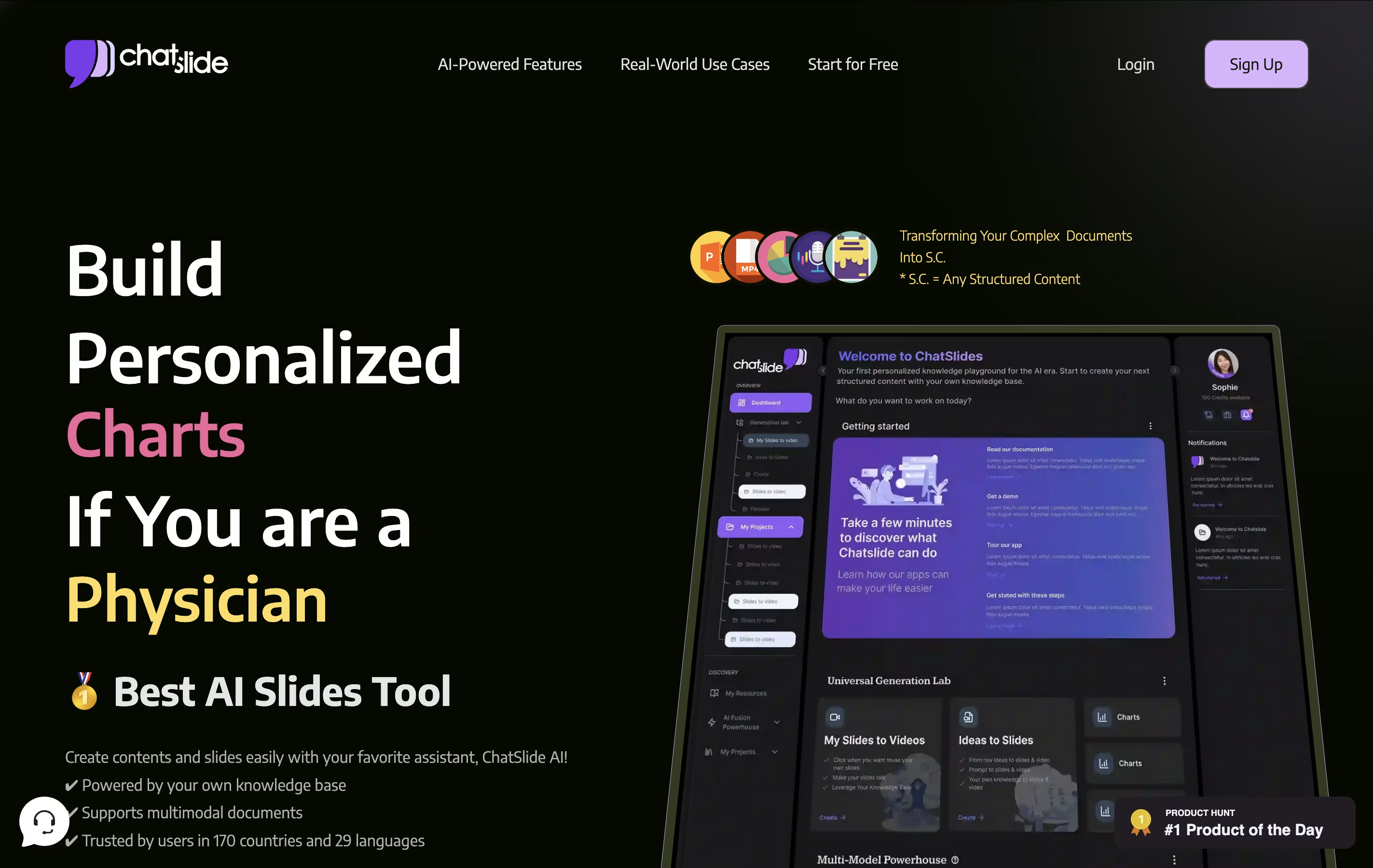
Chat Slide AI is an AI workspace for knowledge sharing that converts various types of content into structured presentations, videos, and audio content. Unlike traditional presentation tools that require manual slide creation, Chat Slide analyzes your input materials and automatically generates professional-looking slides with proper formatting, visuals, and layout.
The platform offers multiple content transformation options. You can create slide presentations, generate videos with AI avatars that speak your content, convert presentations into podcasts, or produce social media posts. It supports file uploads including PDFs, Word documents, images, and web links.
Chat Slide uses advanced AI models to understand your content and create appropriate visuals, charts, and layouts. The tool includes over 100 AI avatars, voice cloning capabilities, and supports 100+ languages. It provides different pricing tiers from basic free usage to professional plans with advanced features like custom branding and longer video generation limits.

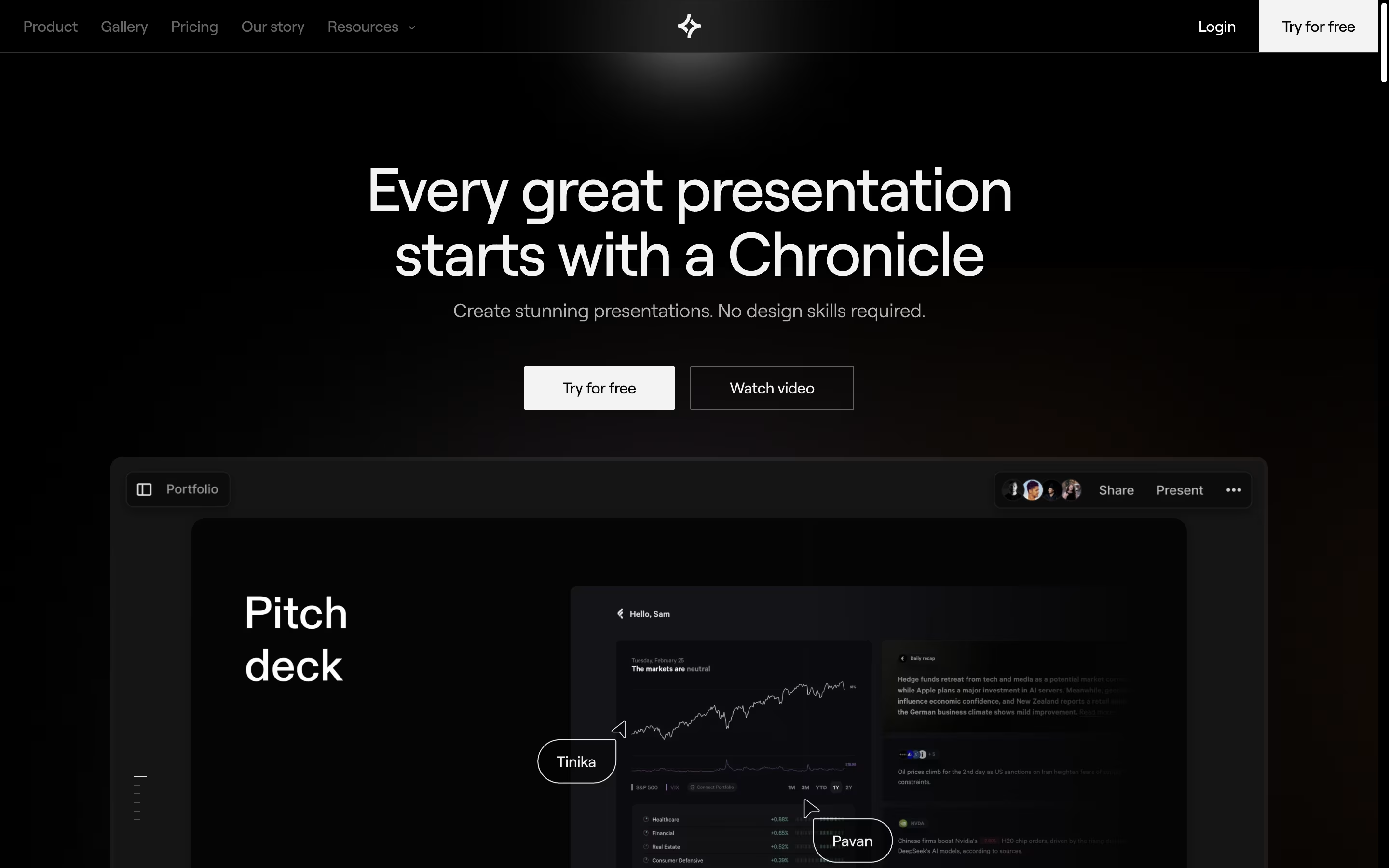
Chronicle is an AI presentation platform that reimagines how people create and deliver presentations. Instead of traditional slides, it uses a widget-based canvas where you can drag and drop elements to build your story. The AI handles design decisions like typography, spacing, and visual flow automatically.
The tool focuses on storytelling rather than just slide creation. It helps you structure your content, suggests layouts, and creates interactive elements that keep audiences engaged. You can add zoom effects, highlights, and smooth transitions without design skills.
Chronicle works entirely in your web browser and supports real-time collaboration with team members. You can export presentations as PDFs, animated GIFs, or publish them online with engagement tracking. It's designed for professionals who want presentation quality without the time investment of traditional design work.
Features of Chat Slide and Chronicle
AI-powered slide generation from documents and text
100+ AI avatars for video creation
Voice cloning and text-to-speech in 100+ languages
Multi-format export (PDF, PowerPoint, video, podcast)
Document upload support (PDF, Word, images)
Custom branding and template options
Social media content generation
Real-time collaboration features
Mobile and desktop compatibility
Integration with popular platforms
AI-powered content generation and rewriting
Widget-based design system with interactive elements
Real-time collaboration with shared editing
Custom branding and theme options
Interactive presentation controls (zoom, highlight, focus)
Multiple export formats (PDF, GIF, web publishing)
Import from URLs and existing content
Template library for quick starts
Token-based usage system
Mobile-responsive viewing experience
Use Cases of Chat Slide and Chronicle
Pricing of Chat Slide and Chronicle
Chat Slide offers flexible pricing plans designed to meet different user needs and usage levels. The platform provides both individual and team solutions with various feature sets.
Plus Plan ($8.25/month): Perfect for small projects with up to 20 slides per project, 30 slide generations, and 5 resources per project. Includes PDF, PowerPoint, video (without avatar), Keynote, and podcast export options with 50MB file size limit.
Pro Plan ($12.42/month): Designed for expanded storytelling with up to 40 slides per project, 80 slide generations, and video generation with system avatars. Includes 100+ system voices and podcast conversion capabilities.
Ultimate Plan ($50/month): Ideal for large-scale projects featuring up to 60 slides, 200 slide generations, video generation with 100+ avatars (30 minutes monthly), custom voice recording, and professional branding options.
All plans include core AI features, multiple export formats, and multi-language support, making Chat Slide accessible for various content creation needs.
Chronicle offers flexible pricing to suit different team sizes and needs. The Free plan includes unlimited documents and widgets, 50 monthly tokens for AI features, basic fonts and themes, plus web publishing and PDF export capabilities.
The Pro plan costs $15 per month ($12 annually) and adds 250 monthly tokens, import from URL, extended font libraries, custom themes, watermark removal, and up to 3 guest editors for collaboration.
The Team plan at $30 per month ($25 annually) provides 500 tokens per user, custom logo and branding, shared workspaces, unlimited guests, consolidated billing with admin controls, and priority support.
For larger organizations, Chronicle offers Enterprise solutions with custom capabilities. Annual billing saves 20% across all paid plans. Tokens measure AI feature usage, with different actions consuming varying amounts based on complexity.
FAQs: Chat Slide vs Chronicle
Reviews: Chat Slide vs Chronicle
Based on 0 reviews
Based on 0 reviews
Compare Chat Slide With Other Tools

Visme
All-in-One Design Platform for Everyone

Genially
Create Interactive Presentations & Content

Beautiful.ai
AI-Powered Presentation Software

24Slides
Professional Presentation Design Service

Premast
Professional Presentation Templates & Design Tools

Storydoc
AI Presentation Maker for Interactive Business Presentations
Slides
Create Modern HTML Presentations Online

Pitch
Collaborative Presentation Software for Modern Teams
Compare Chronicle With Other Tools
Pitch
Collaborative Presentation Software for Modern Teams
Premast
Professional Presentation Templates & Design Tools
Slides
Create Modern HTML Presentations Online
24Slides
Professional Presentation Design Service
Visme
All-in-One Design Platform for Everyone
Genially
Create Interactive Presentations & Content
Storydoc
AI Presentation Maker for Interactive Business Presentations
Beautiful.ai
AI-Powered Presentation Software





