

Grok Build vs Cursor CLI: Features, Pricing and User Reviews 2026

What are Grok Build and Cursor CLI?

Grok Build is xAI's terminal based coding agent that helps you plan, write, and fix code right from the command line. You describe what you want to build or fix, and it reads your codebase, makes a plan, edits files, runs commands, and tests the results.
It works as a full screen terminal app with plan review, inline diffs, and support for background tasks. Grok Build can hand off big jobs to smaller helper agents that work in parallel, and it connects to outside tools like Linear, Sentry, and Postgres through MCP servers.
It is powered by Grok 4.5 and is free and open source, so teams can run it with their own models too.

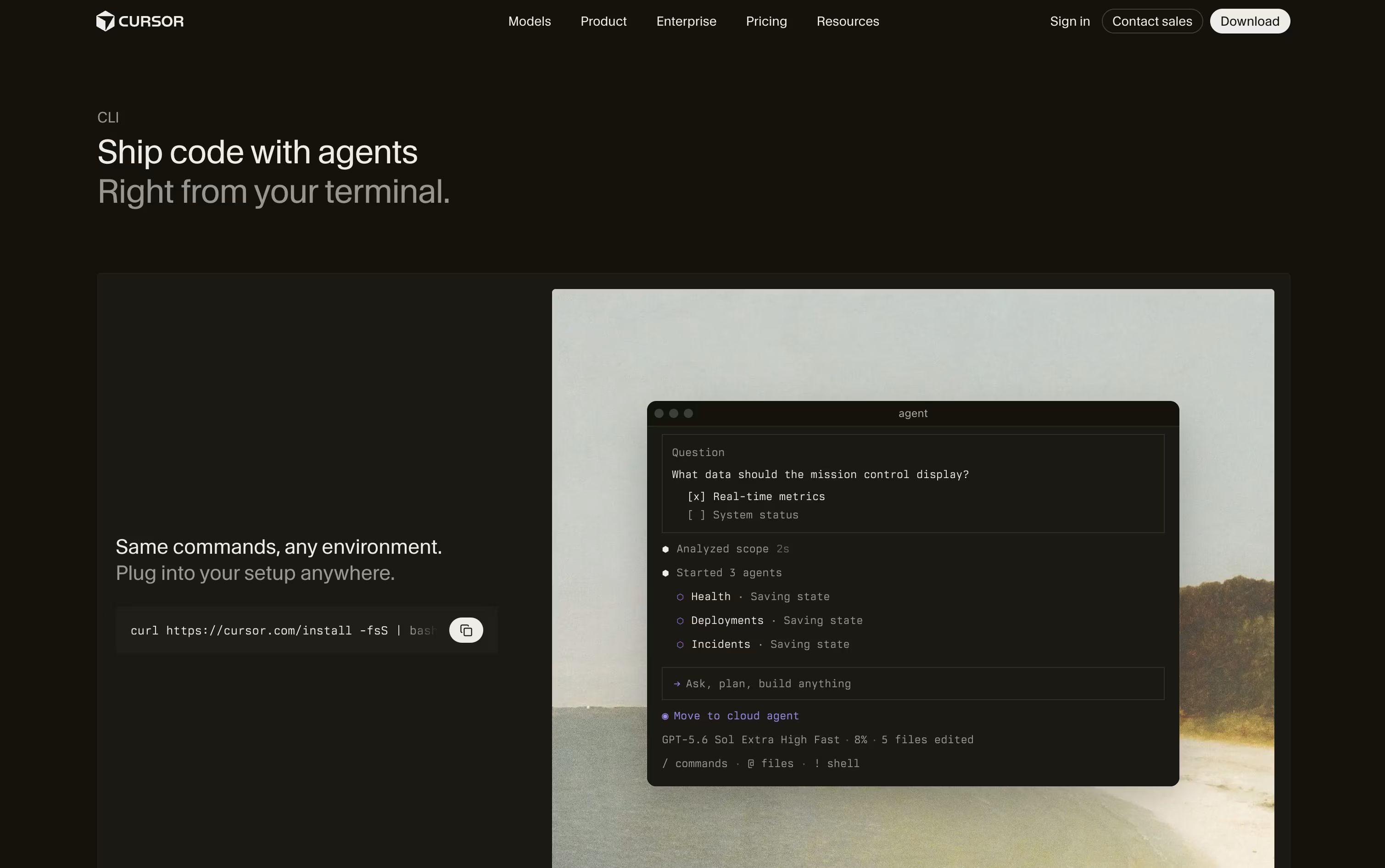
Cursor CLI is a coding agent you run right in your terminal instead of inside an editor. You type what you want in plain language, and it reads your files, plans the work, makes the edits, and runs commands with your approval.
It shares the same models and tools as the Cursor editor, so it works the same way whether you use VS Code, JetBrains, Neovim, or no editor at all. You can use it for quick one off tasks, or run it without any prompts inside scripts, GitHub Actions, and other automation pipelines.
It supports many AI models from different companies, connects to outside tools through MCP, and lets you hand off long running work to the cloud.
Features of Grok Build and Cursor CLI
Full screen terminal coding agent
Plan Mode with step by step review
Parallel subagents for large tasks
Skills, plugins, and hooks support
MCP server connections to outside tools
Reads AGENTS.md for project rules
Background tasks and scheduled prompts
Built in git and code review
Voice dictation and image generation
Open source and free to use
Runs a coding agent right in your terminal
Agent, Plan, and Ask modes for different needs
Access to many AI models from different providers
Connects to outside tools through MCP
Headless mode for scripts and CI pipelines
Sandbox mode and command approval prompts
Session resume and cloud agent handoff
Works with any editor or none at all
Use Cases of Grok Build and Cursor CLI
Pricing of Grok Build and Cursor CLI
Grok Build comes bundled inside xAI's Grok plans, so pricing depends on which Grok plan you pick.
The Free plan costs $0 a month and already includes Grok Build access, along with limited real time web search and basic connectors.
The SuperGrok plan costs $30 a month and adds the Grok 4.5 model, higher rate limits, unlimited web search, and image and video generation.
For teams, the Business plan is $30 per user a month and includes everything in SuperGrok plus team seat management, role based access control, and custom data retention.
Large organizations can choose Enterprise, which is priced by contacting sales and adds single sign on, directory sync, and a dedicated data plane.
Cursor CLI has a free Hobby plan with limited agent requests, just to try it out.
Pro ($20/month): Extended agent limits, frontier models, MCP support, and cloud agents.
Pro+ ($60/month): Three times the Pro limits with the same features.
Ultra ($200/month): Twenty times the Pro limits plus priority access to new features.
Teams Standard ($40/user/month): Shared team context, usage analytics, and single sign on.
Teams Premium ($120/user/month): Five times the Standard limits with the same team features.
Yearly billing lowers the price on most plans, and an Enterprise plan with custom pricing adds pooled usage, audit logs, and account management for larger companies.
FAQs: Grok Build vs Cursor CLI
Reviews: Grok Build vs Cursor CLI
Based on 0 reviews
Based on 0 reviews
Compare Grok Build With Other Tools

Codex
OpenAI's AI Coding Agent for Developers

OpenCode
Your Free Open Source Coding Agent

GitHub Copilot CLI
AI Coding Agent for Terminal

Kimi Code
Moonshot AI's Agentic Coding Assistant

Qwen Code
Open Source Terminal Coding Agent

Claude Code
Anthropic's Agentic Coding Tool

Devin Desktop
AI Coding Agent Command Center IDE

Cursor
AI-Native Code Editor for Developers

Zed
Rust Code Editor with AI and Collaboration
Compare Cursor CLI With Other Tools
Codex
OpenAI's AI Coding Agent for Developers
OpenCode
Your Free Open Source Coding Agent
GitHub Copilot CLI
AI Coding Agent for Terminal
Kimi Code
Moonshot AI's Agentic Coding Assistant
Qwen Code
Open Source Terminal Coding Agent
Claude Code
Anthropic's Agentic Coding Tool
Devin Desktop
AI Coding Agent Command Center IDE
Cursor
AI-Native Code Editor for Developers
Zed
Rust Code Editor with AI and Collaboration





