

Midjourney vs Runway: Features, Pricing and User Reviews 2026
What are Midjourney and Runway?

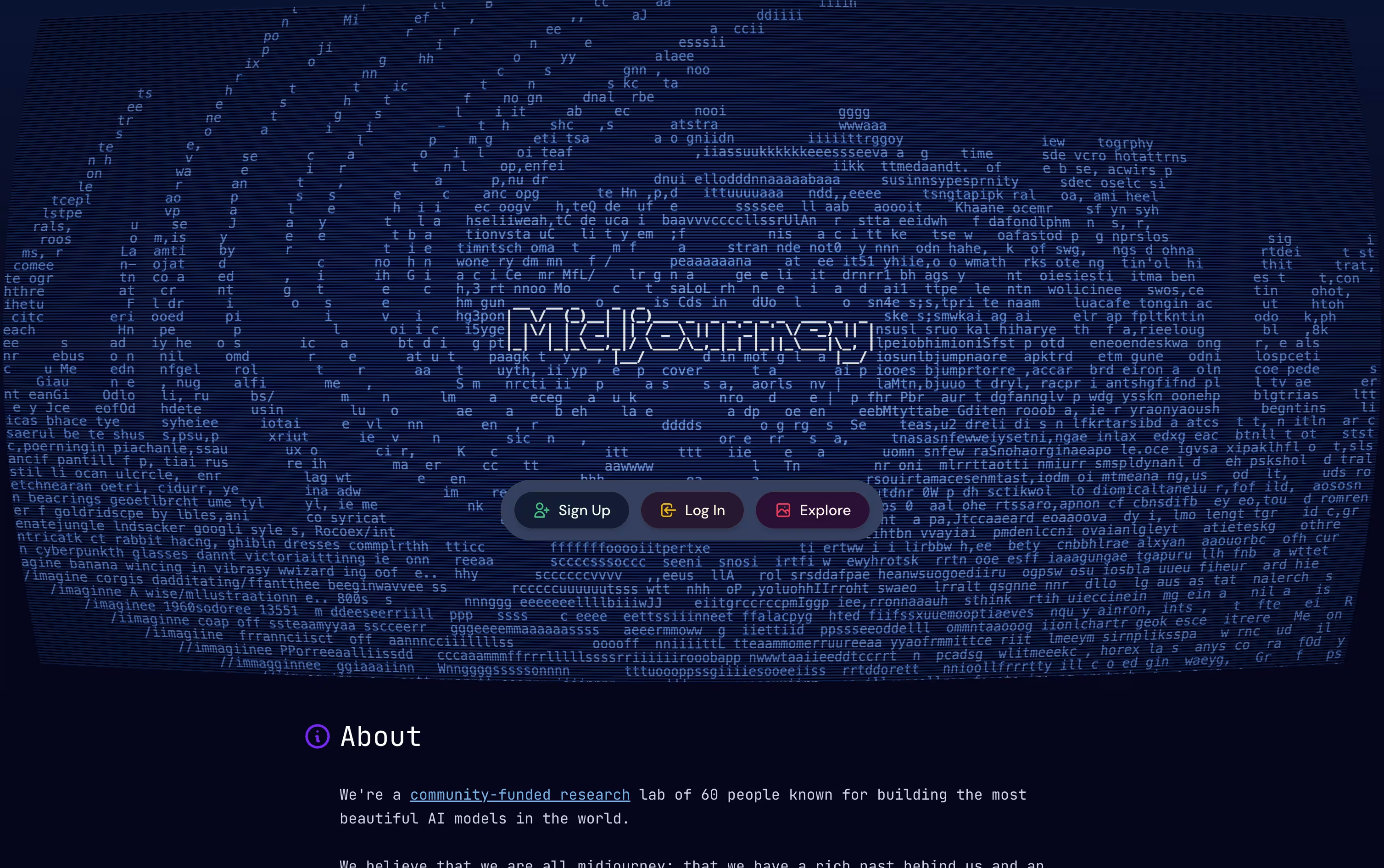
Midjourney is an AI tool that creates images and short videos from plain text descriptions. You type what you want to see, and it generates a set of options in seconds, using its own image generation technology built by a small independent team.
You can use it through the Midjourney website or through Discord, where you type a prompt and the tool sends back a grid of results. From there, you can pick a version, make changes, upscale it, or turn it into a short video clip.
Midjourney is known for producing images with strong style, lighting, and detail right away, without much extra editing needed. It also learns your taste over time, so results start matching what you like.
There is no free plan. You need a paid subscription to start generating images, and plans range from a basic low cost option up to a high volume plan for heavy users.
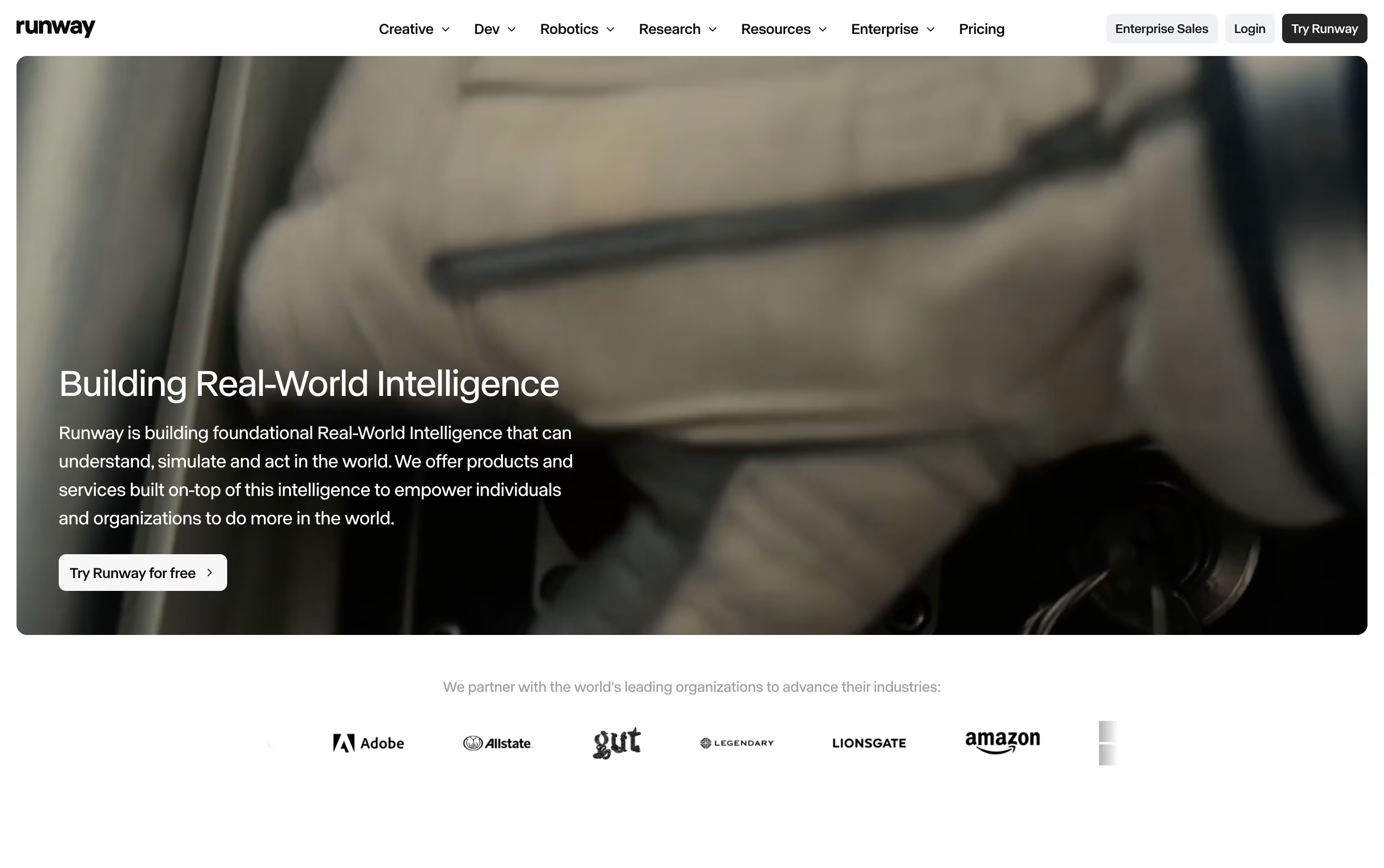
Runway is a creative AI platform that turns text, images, and video into new videos, images, and audio. It brings many AI models together in one place, so you do not need separate apps for each task.
You can create short video clips from text or a single image, edit existing videos by changing one frame, add character motion and voice, and generate images and audio as well.
Runway works right in your web browser, with mobile apps for iOS and Android too. Developers can use Runway Dev to add these AI tools into their own apps and workflows.
From quick social clips to full production work, Runway helps creators, marketers, and studios build video content faster.
Features of Midjourney and Runway
Text to image generation in seconds
Image to short video conversion
Built in Editor for edits and outpainting
Style and character reference tools
Personalization based on your taste
Fast and Relax generation modes
Stealth Mode for private creations
Commercial usage rights included
Access through web app or Discord
Regular model updates for better quality
Text to video and image to video generation
One click video editing that applies across a full clip
Character performance and lip sync tools
Multiple AI video, image, and audio models
Conversational Agent for full campaigns
4K upscaling and no watermarks on paid plans
Custom voice and text to speech
Mobile apps for iOS and Android
Developer API for pay as you go use
Use Cases of Midjourney and Runway
Pricing of Midjourney and Runway
Midjourney offers four paid plans, and there is no free tier.
Basic ($10/month): Around 200 image jobs a month, SD video, and commercial use rights.
Standard ($30/month): Adds 15 fast hours, unlimited slower image generation, and HD video.
Pro ($60/month): Raises fast hours to 30, allows more images and videos at once, and adds Stealth Mode.
Mega ($120/month): The top plan with 60 fast hours and the highest limits for running jobs at the same time.
Paying yearly instead of monthly saves 20% on every plan, bringing Basic down to $8/month, Standard to $24/month, Pro to $48/month, and Mega to $96/month when billed annually.
Runway offers five Creative plans, from a free plan up to a custom Enterprise plan, plus a separate pay as you go Developer platform.
Free: $0, with 125 one-time credits that never expire, access to selected models, and 5GB of storage.
Standard: $15/month (or $12/month billed yearly), with 625 credits every month, all image and video models, 4K upscaling, and no watermarks.
Pro: $35/month (or $28/month billed yearly), with 2,250 credits, custom voices, 500GB storage, and unlimited Topaz AI upscaling.
Max: $95/month (or $76/month billed yearly), with 9,500 credits, one month credit rollover, first access to new models, and studio grade formats.
Enterprise: Custom pricing with single sign-on, analytics, and priority support.
Runway Dev bills separately, starting from $0.05 per second of video, $0.01 per image, and $0.0025 per second of audio.
FAQs: Midjourney vs Runway
Reviews: Midjourney vs Runway
Based on 0 reviews
Based on 0 reviews
Compare Midjourney With Other Tools

OpenArt
AI Studio for Images, Video and Audio
Leonardo AI
Create AI Images, Video & 3D Art
Higgsfield
AI Video & Image Creation Studio
ImagineArt
All-in-One AI Creative Suite Tool

PicLumen
AI Image & Video Creation Platform
Adobe Firefly
Create Images, Video & Audio
Luma AI
Creative AI Video and Image Platform
Dreamina
Create AI Images, Videos & Avatars
Artlist
AI Video, Music & Stock Creative Tools
Compare Runway With Other Tools
OpenArt
AI Studio for Images, Video and Audio
Higgsfield
AI Video & Image Creation Studio
ImagineArt
All-in-One AI Creative Suite Tool
Dreamina
Create AI Images, Videos & Avatars
Artlist
AI Video, Music & Stock Creative Tools
Luma AI
Creative AI Video and Image Platform
Krea
Creative Suite for Images and Video

Getimg.ai
The All-in-One AI Creative Platform
Hailuo AI
Turn Text and Photos into AI Videos

