

Murf AI vs Rime AI: Features, Pricing and User Reviews 2026
What are Murf AI and Rime AI?

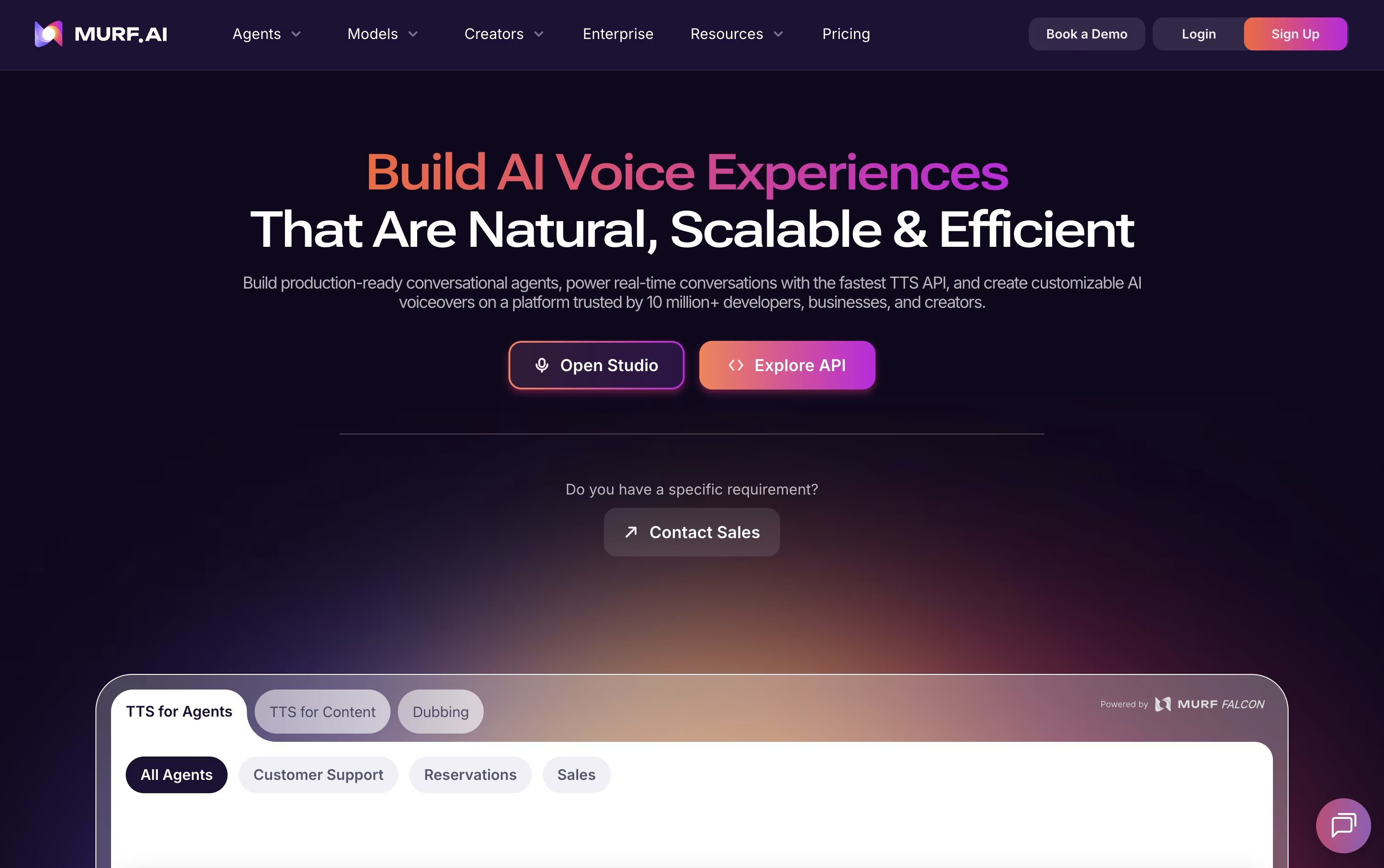
Murf AI is a platform that turns written text into natural sounding speech. It offers more than 200 voices across many languages and accents, so you can create voiceovers for videos, courses, ads, and more.
Beyond simple text to speech, Murf lets you build voice agents that can answer phone calls and chats, dub videos into other languages while keeping the original speaker's tone, and clone a voice from short samples.
You can fine tune pitch, speed, emphasis, and pronunciation to match exactly how you want something to sound, then export the audio for commercial use.
It works through a web based Studio, a developer API, and a Windows voice installer, making it useful for solo creators, teams, and large companies alike.
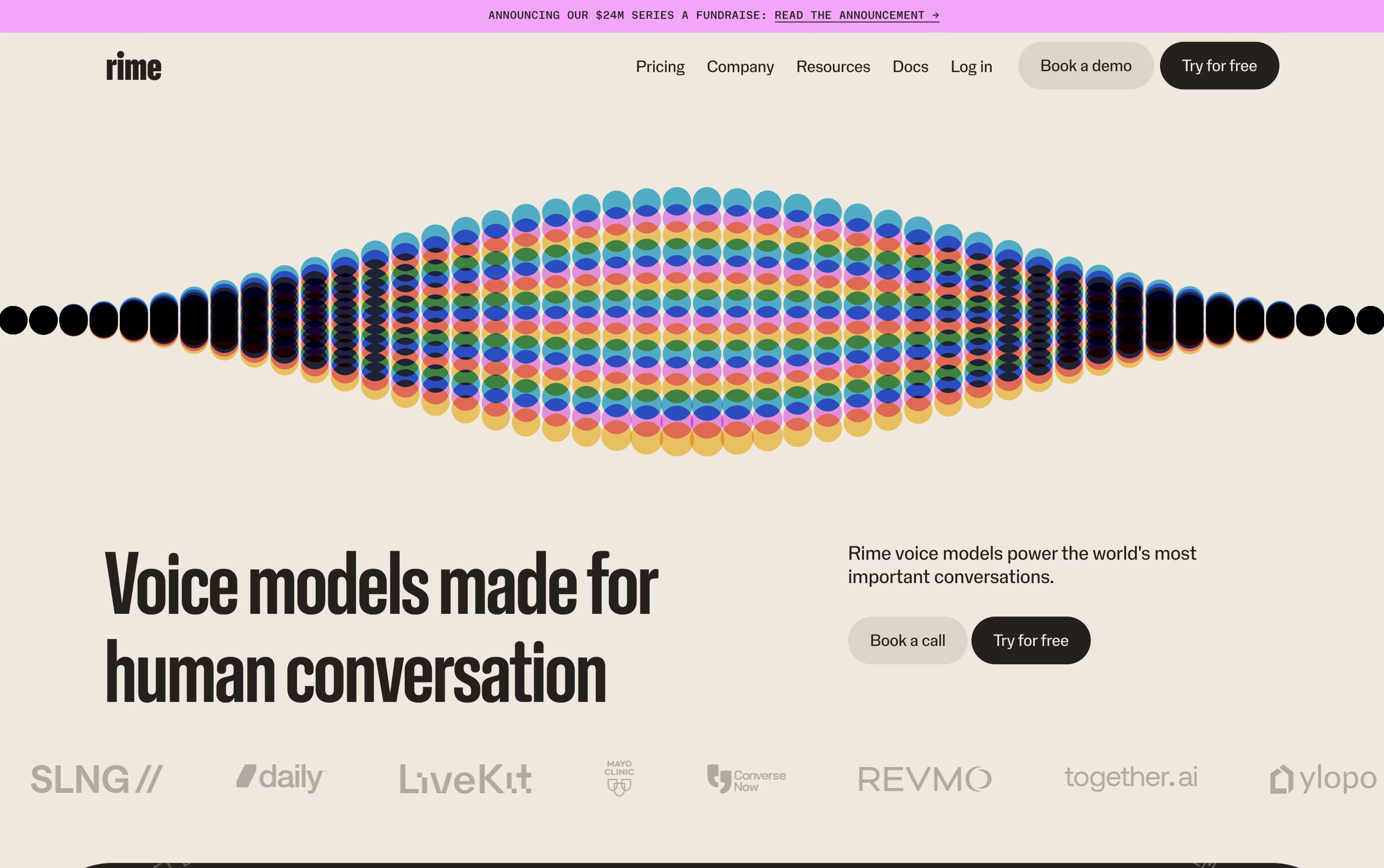
Rime AI is a text to speech platform built for real time voice conversations. It focuses on natural sounding speech with realistic rhythm, tone, and pauses, so AI voice agents and phone systems sound more human.
Instead of charging a flat monthly fee, Rime charges based on how much text or audio you actually use. This makes it simple to start small and only pay for what you need.
The platform offers two voice models, Mist v3 for speed and Coda for natural expression, along with tools for developers to add speech into their own apps.
Large companies can also choose an Enterprise plan with custom pricing, unlimited usage, and extra security features for bigger needs.
Features of Murf AI and Rime AI
200+ voices in 35+ languages
Real time voice agents for calls and chat
AI video dubbing with voice preservation
Custom voice cloning
Pitch, speed, and emphasis controls
Studio editor with multi voice projects
Canva, PowerPoint, and Google Slides integration
Windows voice installer and Android app
Falcon low latency API for developers
SOC 2, ISO 27001, GDPR, HIPAA compliance
Usage based pricing, pay for what you use
Two voice models, Mist v3 and Coda
Sub 100ms low latency streaming
180+ voices across many languages
Spell function for exact pronunciation
Word level timestamps for syncing
Cloud, on prem, and VPC deployment
HIPAA and SOC 2 Type II compliant
Free usage available, no credit card needed
Framework support for LiveKit, Pipecat, and Twilio
Use Cases of Murf AI and Rime AI
Pricing of Murf AI and Rime AI
Murf AI splits its pricing across three products. Studio has a Free plan with 10 projects and 10 minutes of voice generation, a Creator plan at $29 a month (or $19 monthly billed yearly) with 100 projects and 2 hours of generation, a Business plan at $99 a month (or $66 monthly billed yearly) with 500 projects and 8 hours of generation, and a custom Enterprise plan with unlimited generation and dedicated support.
Murf Dub offers 100 free credits, then $0.25 per credit on a pay as you go basis, with a custom Enterprise tier for high volume dubbing.
Murf API gives $10 in free credits every month, then charges $0.01 per 1,000 characters on the Falcon model, with custom Enterprise pricing for large scale deployments.
Rime AI uses usage based pricing, so you only pay for the amount of speech you generate. The Starter plan begins at $0.03 per 1,000 characters, which is close to one minute of audio. New users get about 800 minutes free, worth around 800,000 characters, with no credit card required to start.
Pricing also depends on the voice model you pick. Mist v3 costs $0.03 per 1,000 characters and focuses on speed, while Coda costs $0.05 per 1,000 characters and focuses on natural sounding speech.
For larger organizations, the Enterprise plan moves to custom volume pricing based on scale. It includes unlimited concurrent voice generations, unlimited custom voice clones, dedicated support, and options to deploy on the cloud, on prem, or inside a private network.
FAQs: Murf AI vs Rime AI
Reviews: Murf AI vs Rime AI
Based on 0 reviews
Based on 0 reviews
Compare Murf AI With Other Tools

ElevenLabs
Realistic AI Voice & Audio Tools

Speechify
Turn Any Text Into Natural AI Voices

Fish Audio
AI Voice Cloning & Text to Speech

Typecast
Expressive AI Voice Generator Tool

Hume AI
Empathic Voice AI That Understands You

Deepgram
Fast, Accurate Speech AI for Teams

Smallest AI
Fast, Accurate Voice AI Platform

Inworld AI
Realtime Voice AI Infrastructure

Cartesia
Fast, Natural Voice AI for Developers
Compare Rime AI With Other Tools
ElevenLabs
Realistic AI Voice & Audio Tools
Fish Audio
AI Voice Cloning & Text to Speech
Speechify
Turn Any Text Into Natural AI Voices
Deepgram
Fast, Accurate Speech AI for Teams
Smallest AI
Fast, Accurate Voice AI Platform
Cartesia
Fast, Natural Voice AI for Developers
Typecast
Expressive AI Voice Generator Tool
Hume AI
Empathic Voice AI That Understands You
Inworld AI
Realtime Voice AI Infrastructure





