

Pika vs Hedra: Features, Pricing and User Reviews 2026
What are Pika and Hedra?

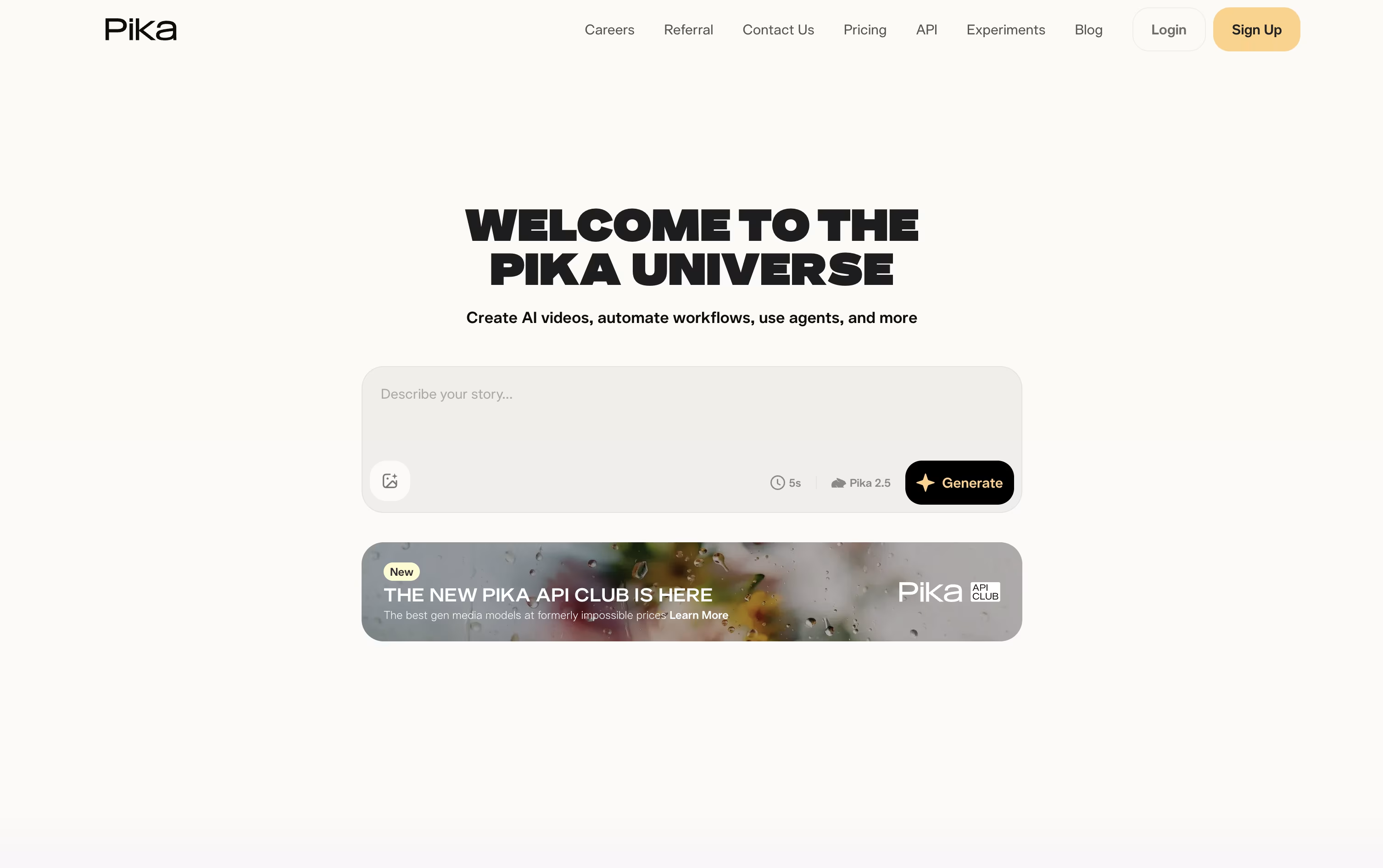
Pika is a video creation tool made by Pika Labs. You give it a text prompt, a photo, or a clip, and it turns that into a short AI video in seconds.
It is built for fun, fast, social style clips rather than long movies. You can animate a photo, apply effects like melting or exploding, swap objects in a video, or make a photo talk and sing from an audio track.
Pika also lets you combine reference images to build full scenes with consistent characters, and it is adding AI agents that can chat with you and help create videos.
There is a free plan to try it out, plus paid plans with sharper quality, faster speed, and watermark free downloads.

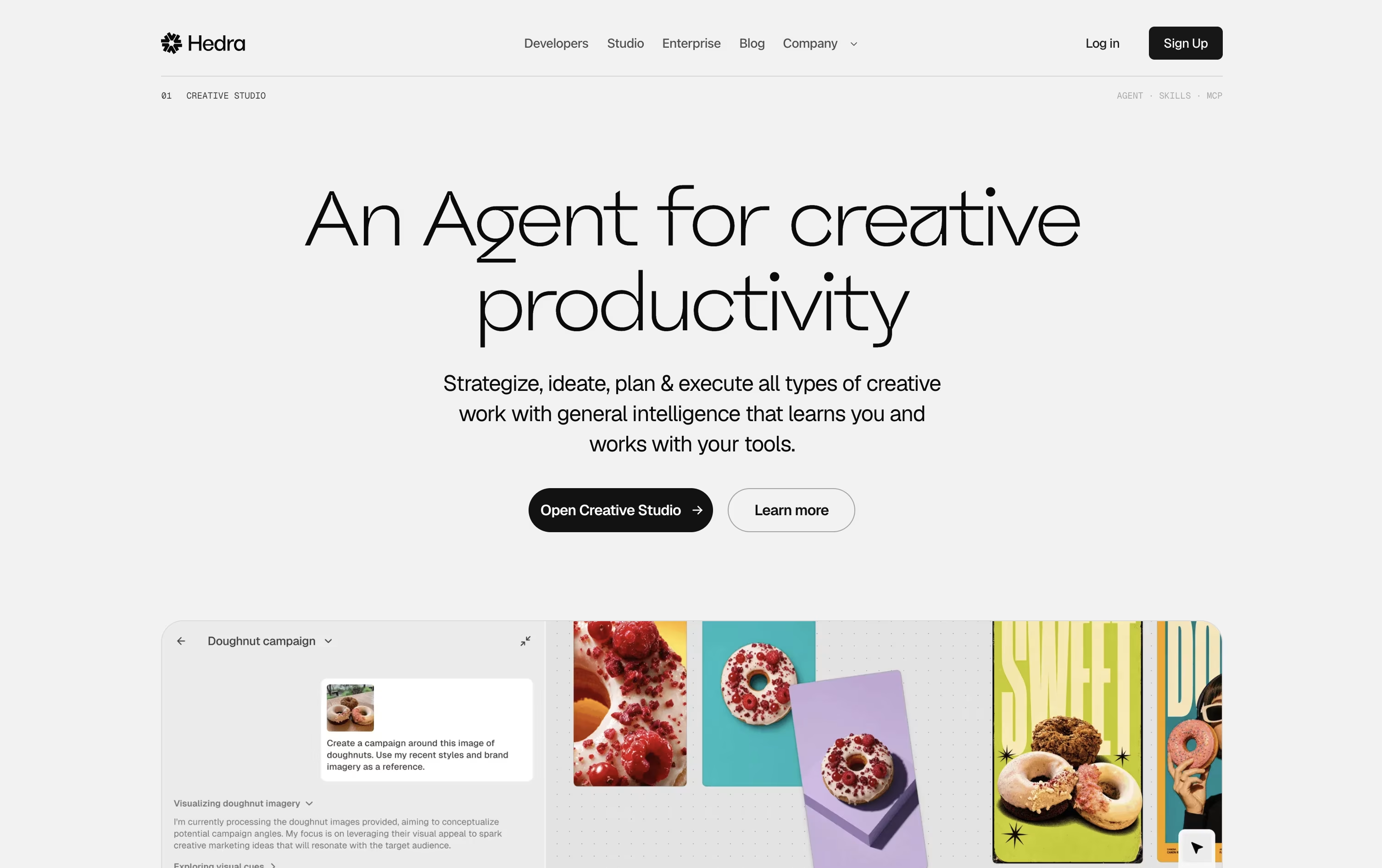
Hedra is a generative AI platform that turns a single image and an audio clip into a realistic talking video. You upload a photo, illustration, or character image, add a voice recording or a written script, and Hedra creates a video with accurate lip sync and natural facial movement.
Beyond simple talking heads, Hedra also offers more advanced models that add body motion, camera movement, and full scene control, so characters can move and act rather than just speak.
The platform works as a creative agent too. You can describe what you want in plain language, and it plans the steps, picks the right models, and builds images, video, and audio for you inside one shared workspace.
It also hosts many outside models like Kling and Google Veo, so you can generate a wide range of content without switching between different tools.
Features of Pika and Hedra
Text to video and image to video generation
One tap surreal effects with Pikaffects
Keyframe motion control with Pikaframes
Scene building from reference images with Pikascenes
Add or swap objects in existing footage
Prompt driven style and action twists
Talking and singing videos with Pikaformance
Chat based AI creative agent
Free plan plus weekly, monthly, and yearly billing
Web app and iOS app access
Photo and audio to talking video
Natural lip sync and facial expressions
Full body motion and camera control
Many image and video models in one studio
Thousands of voices and voice cloning
Text to speech in 140+ languages
AI creative agent for full projects
Brand kits and reusable Elements
Public API for developers
Works in any web browser
Use Cases of Pika and Hedra
Pricing of Pika and Hedra
Pika offers a free plan plus three paid tiers, billed weekly, monthly, or yearly, with yearly billing giving a 20 percent discount.
Basic ($0): 80 monthly credits, Pika 2.5 at 480p, and access to most tools except Pikaframes.
Standard ($10/month, or $8/month billed yearly): 700 monthly credits, all resolutions, and every editing tool.
Pro ($35/month, or $28/month billed yearly): Marked as best value, with 2,300 monthly credits, faster generation, watermark free downloads, and commercial use.
Fancy ($95/month, or $76/month billed yearly): 6,000 monthly credits and the fastest generation speed.
Weekly billing is also available for Standard and Pro at $8.99 and $14.99 a week.
Hedra uses a credit based subscription model with separate plans for individuals and businesses.
Basic ($15/month): 1,500 credits a month with slower generation speed, good for casual use.
Creator ($30/month): 5,400 credits a month with faster generation, our most popular plan.
Professional ($75/month): 14,400 credits a month with the fastest generation speed and access to Teams features.
Teams ($75/month): 14,400 credits a month built for business use with the fastest generation and team access.
Enterprise (Custom pricing): Custom credit volumes, dedicated technical support, a dedicated account manager, single sign-on, private deployments, and a legal and security review.
All paid plans include commercial use rights, so videos made with Hedra can be used in ads, marketing, and other business content.
FAQs: Pika vs Hedra
Reviews: Pika vs Hedra
Based on 0 reviews
Based on 0 reviews
Compare Pika With Other Tools

HeyGen
Create Realistic AI Avatar Videos Fast

Synthesia
AI Avatar Video Creation Platform

Kling AI
Cinematic AI Video & Image Generator

PixVerse
Turn Text and Images Into AI Video

InVideo
AI Agents That Make Your Videos Fast

Descript
Edit Video and Audio Like a Document

Vidnoz AI
AI Avatar Video & Voice Maker

VEED
AI-Powered Online Video Editing Platform

Vidu
AI Video Generator for Creators and Brands
Compare Hedra With Other Tools
HeyGen
Create Realistic AI Avatar Videos Fast
Synthesia
AI Avatar Video Creation Platform
Kling AI
Cinematic AI Video & Image Generator
PixVerse
Turn Text and Images Into AI Video
InVideo
AI Agents That Make Your Videos Fast
Descript
Edit Video and Audio Like a Document
Vidnoz AI
AI Avatar Video & Voice Maker
VEED
AI-Powered Online Video Editing Platform
Vidu
AI Video Generator for Creators and Brands


