

Pika vs Synthesia: Features, Pricing and User Reviews 2026
What are Pika and Synthesia?

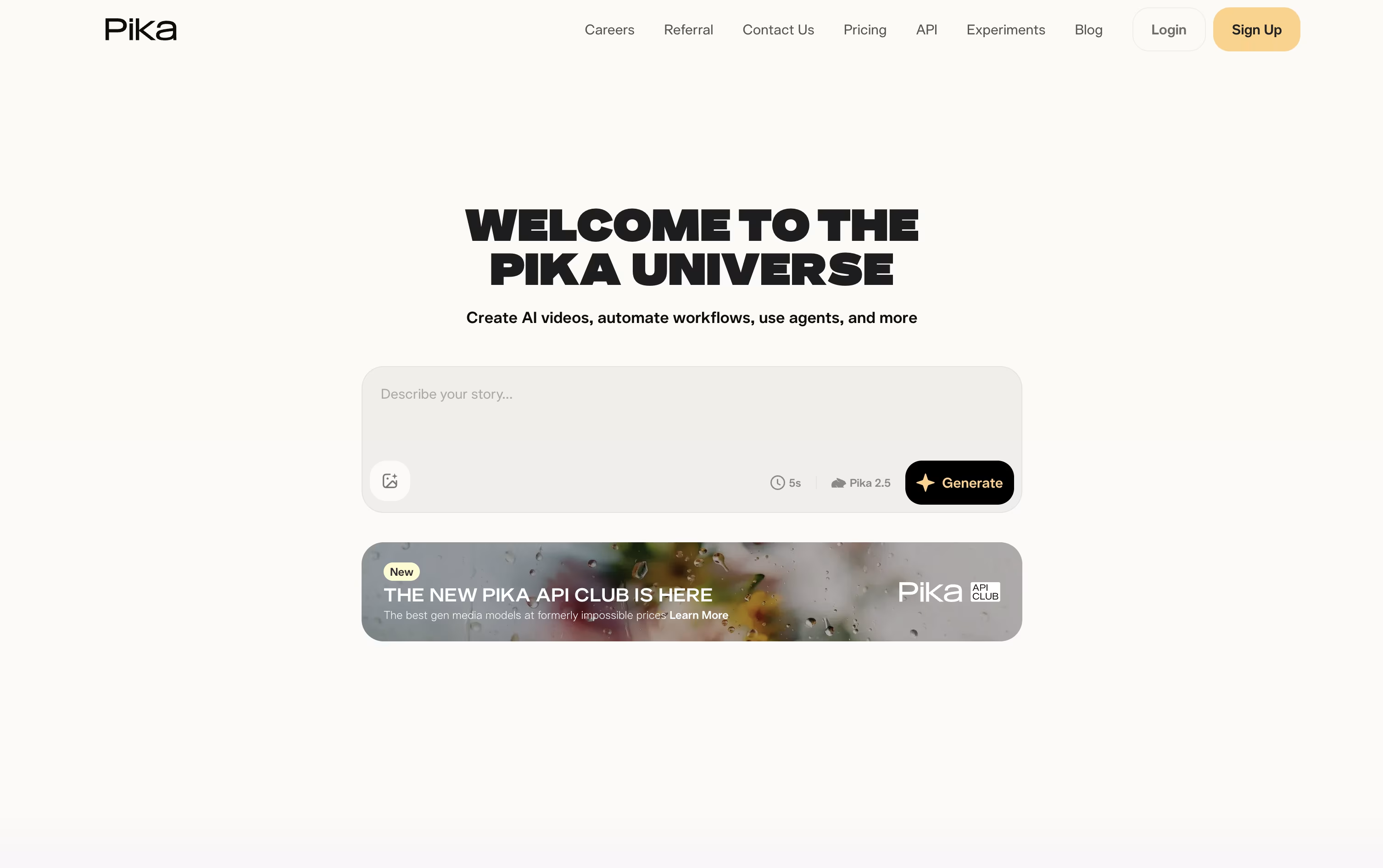
Pika is a video creation tool made by Pika Labs. You give it a text prompt, a photo, or a clip, and it turns that into a short AI video in seconds.
It is built for fun, fast, social style clips rather than long movies. You can animate a photo, apply effects like melting or exploding, swap objects in a video, or make a photo talk and sing from an audio track.
Pika also lets you combine reference images to build full scenes with consistent characters, and it is adding AI agents that can chat with you and help create videos.
There is a free plan to try it out, plus paid plans with sharper quality, faster speed, and watermark free downloads.

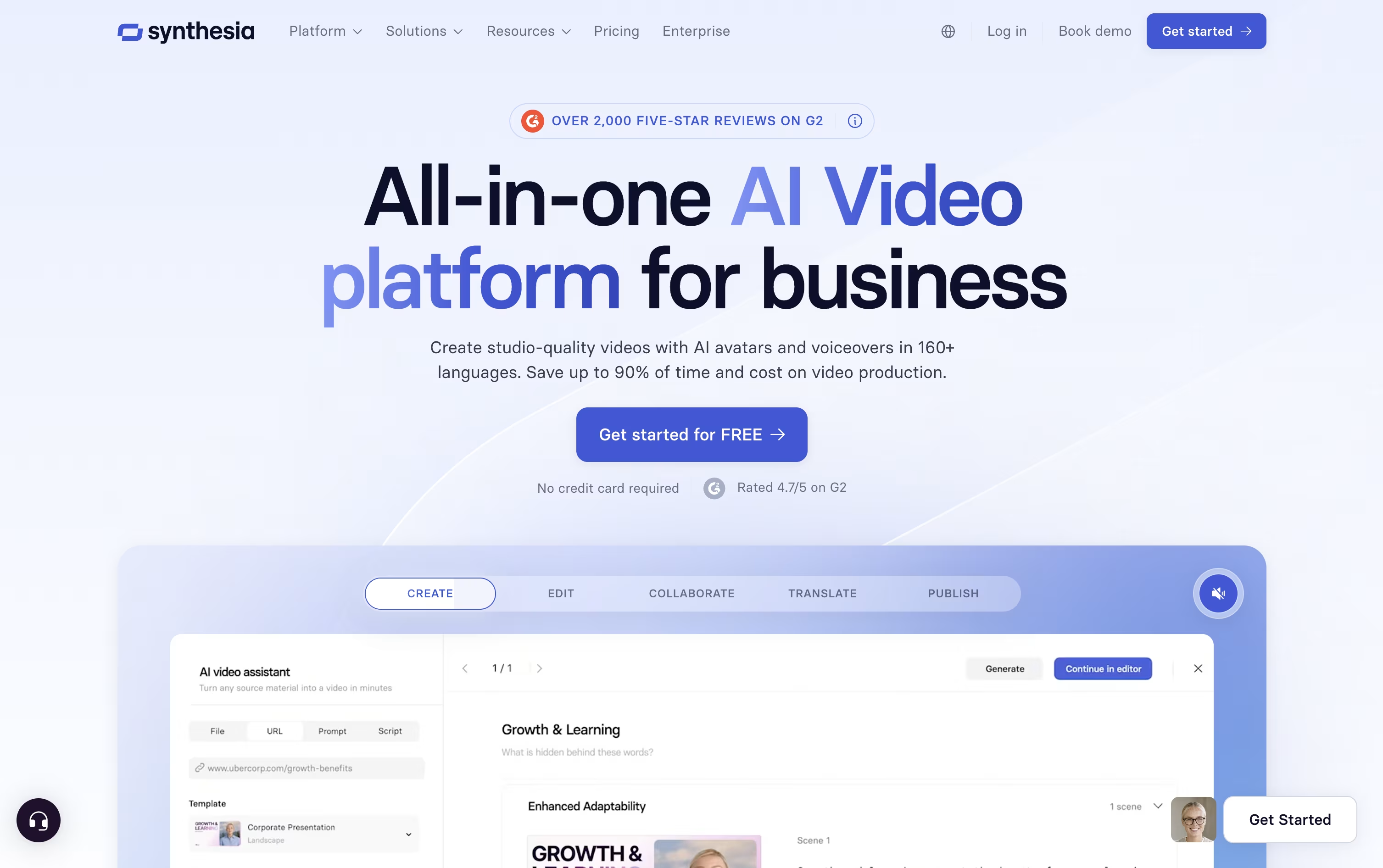
Synthesia is an AI video platform built for businesses that turns text, scripts, and documents into professional videos with realistic AI avatars and voiceovers, no camera, actors, or studio required.
You type a script or upload a file, choose an avatar and voice from a large library, and Synthesia generates a polished video in minutes. It works in over 160 languages and offers dubbing and translation for global teams.
Companies use it for employee training, onboarding, sales demos, and internal updates. Because changing a video just means editing the text, updates are fast and avoid the cost of reshoots.
A free plan lets anyone try it, while paid plans unlock more avatars, dubbing minutes, and enterprise tools like single sign-on and dedicated support.
Features of Pika and Synthesia
Text to video and image to video generation
One tap surreal effects with Pikaffects
Keyframe motion control with Pikaframes
Scene building from reference images with Pikascenes
Add or swap objects in existing footage
Prompt driven style and action twists
Talking and singing videos with Pikaformance
Chat based AI creative agent
Free plan plus weekly, monthly, and yearly billing
Web app and iOS app access
240+ realistic AI avatars including Express-2
Personal avatar and voice cloning
160+ languages and AI dubbing
AI Video Assistant for fast video creation
Interactive quizzes, CTAs, and branching
Roleplay Sessions for skill practice
Real-time team collaboration and Brand Kits
API access and SCORM export
Screen recording with auto transcription
Free plan plus flexible paid tiers
Use Cases of Pika and Synthesia
Pricing of Pika and Synthesia
Pika offers a free plan plus three paid tiers, billed weekly, monthly, or yearly, with yearly billing giving a 20 percent discount.
Basic ($0): 80 monthly credits, Pika 2.5 at 480p, and access to most tools except Pikaframes.
Standard ($10/month, or $8/month billed yearly): 700 monthly credits, all resolutions, and every editing tool.
Pro ($35/month, or $28/month billed yearly): Marked as best value, with 2,300 monthly credits, faster generation, watermark free downloads, and commercial use.
Fancy ($95/month, or $76/month billed yearly): 6,000 monthly credits and the fastest generation speed.
Weekly billing is also available for Standard and Pro at $8.99 and $14.99 a week.
Synthesia has four plans. The Basic plan is free forever and gives you 10 minutes of video a month with 9 avatars, no card needed.
The Starter plan costs $18 a month when billed yearly (previously $29) and adds video downloads, AI dubbing, 125+ avatars, and 3 personal avatars.
The Creator plan, priced at $64 a month billed yearly (previously $89), is the most popular option. It unlocks API access, interactive videos, branded share pages, and 5 personal avatars.
For larger teams, Enterprise offers custom pricing with unlimited video minutes, unlimited personal avatars, SAML/SSO, live collaboration, and a dedicated customer success manager.
FAQs: Pika vs Synthesia
Reviews: Pika vs Synthesia
Based on 0 reviews
Based on 0 reviews
Compare Pika With Other Tools

HeyGen
Create Realistic AI Avatar Videos Fast

Kling AI
Cinematic AI Video & Image Generator

PixVerse
Turn Text and Images Into AI Video

InVideo
AI Agents That Make Your Videos Fast

Descript
Edit Video and Audio Like a Document

Vidnoz AI
AI Avatar Video & Voice Maker

VEED
AI-Powered Online Video Editing Platform

Hedra
AI Powered Talking Avatar Video Generator

Vidu
AI Video Generator for Creators and Brands
Compare Synthesia With Other Tools
HeyGen
Create Realistic AI Avatar Videos Fast

Colossyan Creator
AI Training Video Platform

Elai.io
AI Avatar Videos for Training & L&D
Vidnoz AI
AI Avatar Video & Voice Maker
VEED
AI-Powered Online Video Editing Platform

RecCloud
AI Tools for Video, Audio & Editing

Pitch Avatar
AI-Powered Avatar Presentations

AI Studios
Create AI Avatar Videos Easily Now
InVideo
AI Agents That Make Your Videos Fast

