

Qwen vs Mistral AI: Features, Pricing and User Reviews 2026
What are Qwen and Mistral AI?
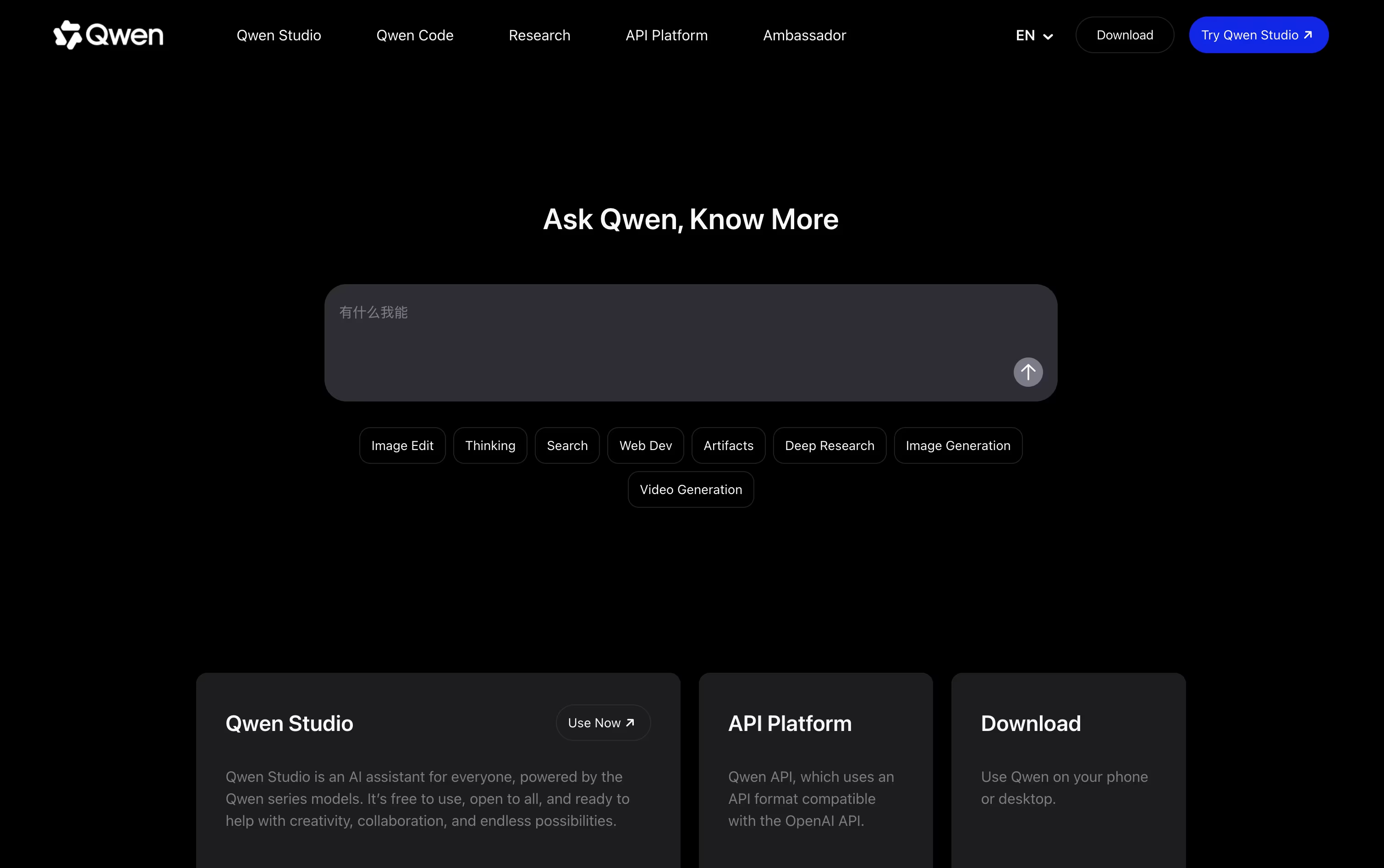
Qwen is an AI assistant built by Alibaba Cloud. You can chat with it about almost anything, ask it to write and fix code, generate images, or do deep research on a topic. It understands text, pictures, audio, and video, so you can share a photo or a video and ask questions about it. Qwen also has a thinking mode that shows step by step reasoning for harder problems like math and coding. It is free to use on the web, on phone apps, and on desktop apps for Mac and Windows. For people who need more power, paid plans give extra credits to run more requests and multiple AI agents at the same time.
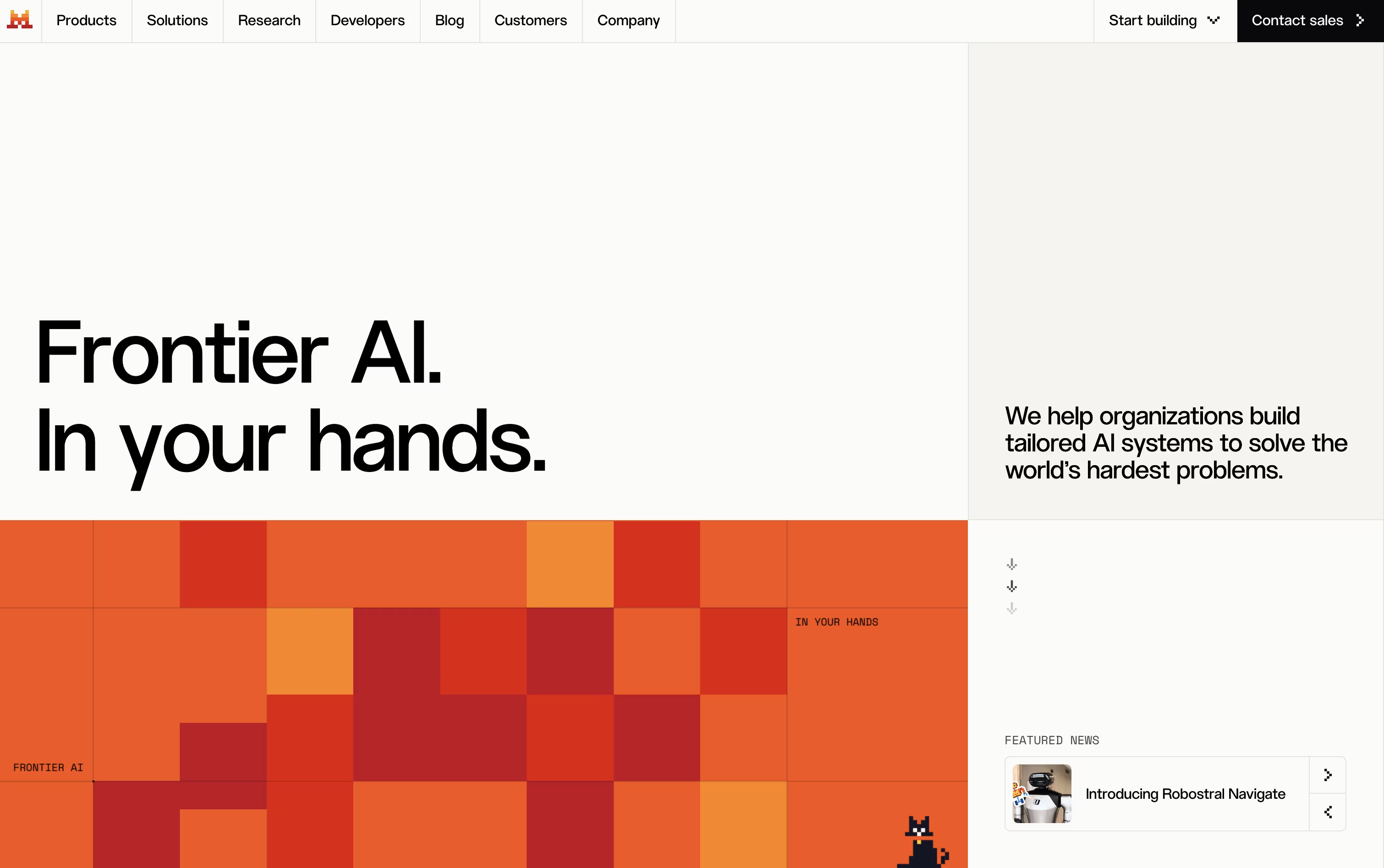
Mistral AI is a French company that builds advanced AI models and tools for people and businesses. It offers Vibe, an AI agent that helps with everyday tasks like research, writing, and coding, available on the web, mobile, and desktop tools like CLI and IDE extensions.
Mistral also provides open models that anyone can download and run on their own systems, along with premium models for stronger performance. Businesses can use Mistral's platform called Studio to build and manage their own AI agents, and Forge to train custom models on their own data.
The company focuses on giving users control over their data and the flexibility to run AI wherever they need it.
Features of Qwen and Mistral AI
Free AI chat assistant
Thinking mode for step by step reasoning
Understands text, images, audio, and video
Generates and edits images
Text to video generation
Deep research reports
Code writing and fixing
Webpage building with live preview
Voice conversations
Browser and screen agent actions
AI agent for chat, research, and coding
Open and premium AI models
Web, mobile, CLI, and IDE access
Voice mode and image generation
Connects to 100+ apps and tools
Custom model training with Forge
Enterprise security and single sign-on
Team storage and file sharing
Multilingual support
Free plan to get started
Chat and email support
Task scheduling and workflows
Use Cases of Qwen and Mistral AI
Pricing of Qwen and Mistral AI
Qwen Studio, the chat assistant, is free to use for everyday chats, image help, and code help. For heavier use, Alibaba offers a Token Plan with paid tiers.
Lite ($6/month): 2,500 credits every week plus 700 credits every 5 hours, good for running 1 to 2 agents at once.
Standard ($18/month): 10,000 credits every week, four times the Lite credits, for running 3 to 4 agents at once.
Pro ($68/month): 40,000 credits every week, sixteen times the Lite credits, for running 6 to 8 agents at once.
Yearly billing lowers the cost on every plan. Teams can also buy seats starting at $20 per seat a month, up to $200 per seat a month for the Max seat, each with its own monthly credit allowance.
Mistral AI offers five pricing plans to fit different needs.
Free Plan: Try Vibe with limited messages, web searches, and access to Mistral's models at no cost.
Pro Plan ($14.99/month): Get higher usage limits, more messages, full-day coding access, and more image generations.
Team Plan ($24.99/user/month): Built for groups, with a minimum of two users, shared storage, domain verification, and data export.
Education Plan ($5.99/month): A lower-cost option for students.
Enterprise Plan (Custom Pricing): Private deployments, custom models, audit logs, and single sign-on for large organizations.
Most paid plans also include chat and email support for faster help.
FAQs: Qwen vs Mistral AI
Reviews: Qwen vs Mistral AI
Based on 0 reviews
Based on 0 reviews
Compare Qwen With Other Tools

Claude
AI Assistant for Chat, Code, and Work

ChatGPT
OpenAI's AI Chat, Code and Work Tool

Gemini
Google's AI for Chat, Research & Create

Grok
xAI's Real-Time AI Assistant & Chatbot

DeepSeek
Fast, Free AI Chat and Coding Help

Z AI
Chat, Code, and Build Anything with GLM

Kimi
AI Agent Platform for Coding & Research

MiniMax
Smart AI Agent for Work and Creativity

Perplexity
AI Powered Search With Real Answers
Compare Mistral AI With Other Tools
Claude
AI Assistant for Chat, Code, and Work
ChatGPT
OpenAI's AI Chat, Code and Work Tool
Gemini
Google's AI for Chat, Research & Create
Grok
xAI's Real-Time AI Assistant & Chatbot
DeepSeek
Fast, Free AI Chat and Coding Help
Z AI
Chat, Code, and Build Anything with GLM
Kimi
AI Agent Platform for Coding & Research
MiniMax
Smart AI Agent for Work and Creativity
Perplexity
AI Powered Search With Real Answers





