

Qwen vs Kimi: Features, Pricing and User Reviews 2026
What are Qwen and Kimi?
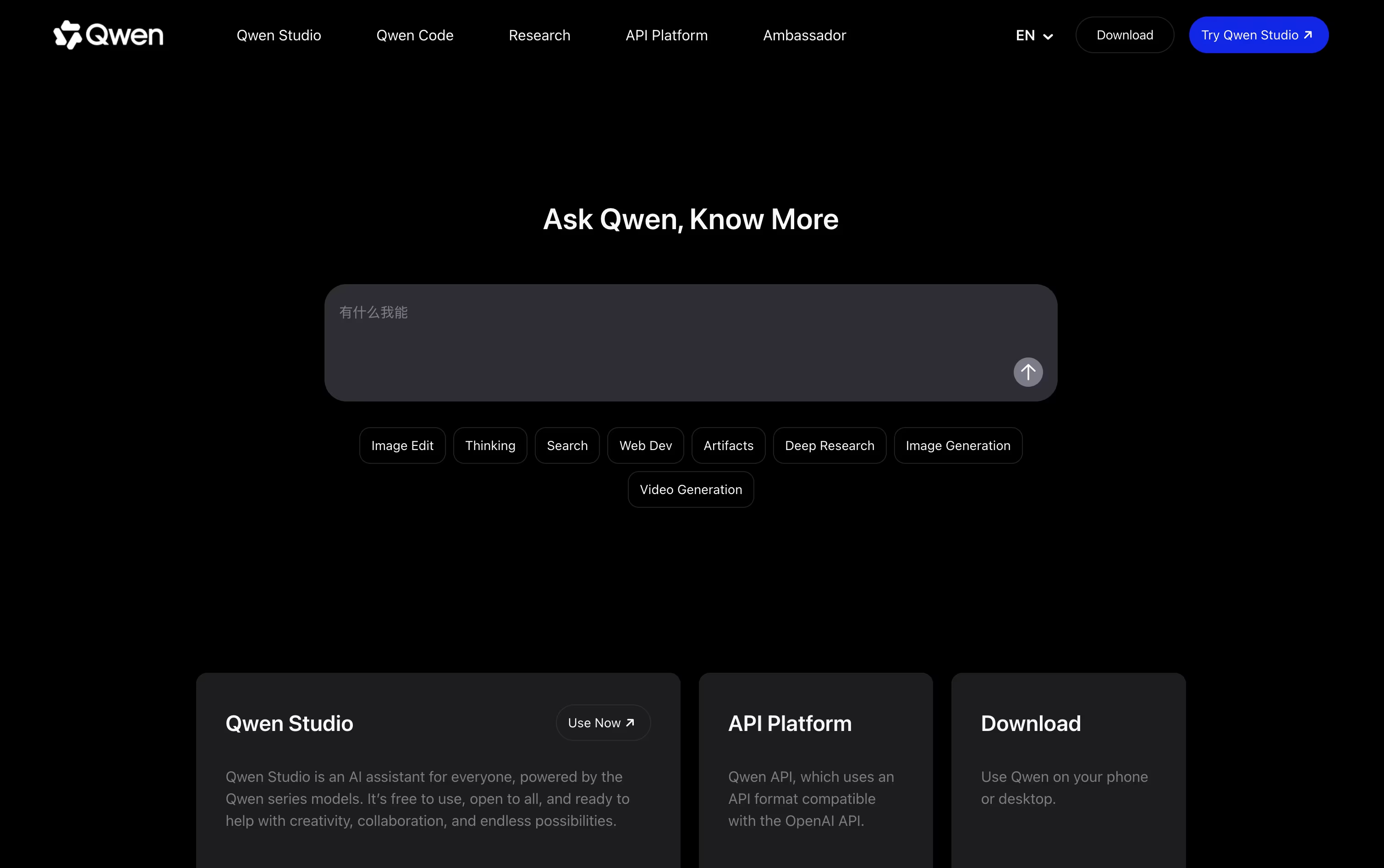
Qwen is an AI assistant built by Alibaba Cloud. You can chat with it about almost anything, ask it to write and fix code, generate images, or do deep research on a topic. It understands text, pictures, audio, and video, so you can share a photo or a video and ask questions about it. Qwen also has a thinking mode that shows step by step reasoning for harder problems like math and coding. It is free to use on the web, on phone apps, and on desktop apps for Mac and Windows. For people who need more power, paid plans give extra credits to run more requests and multiple AI agents at the same time.

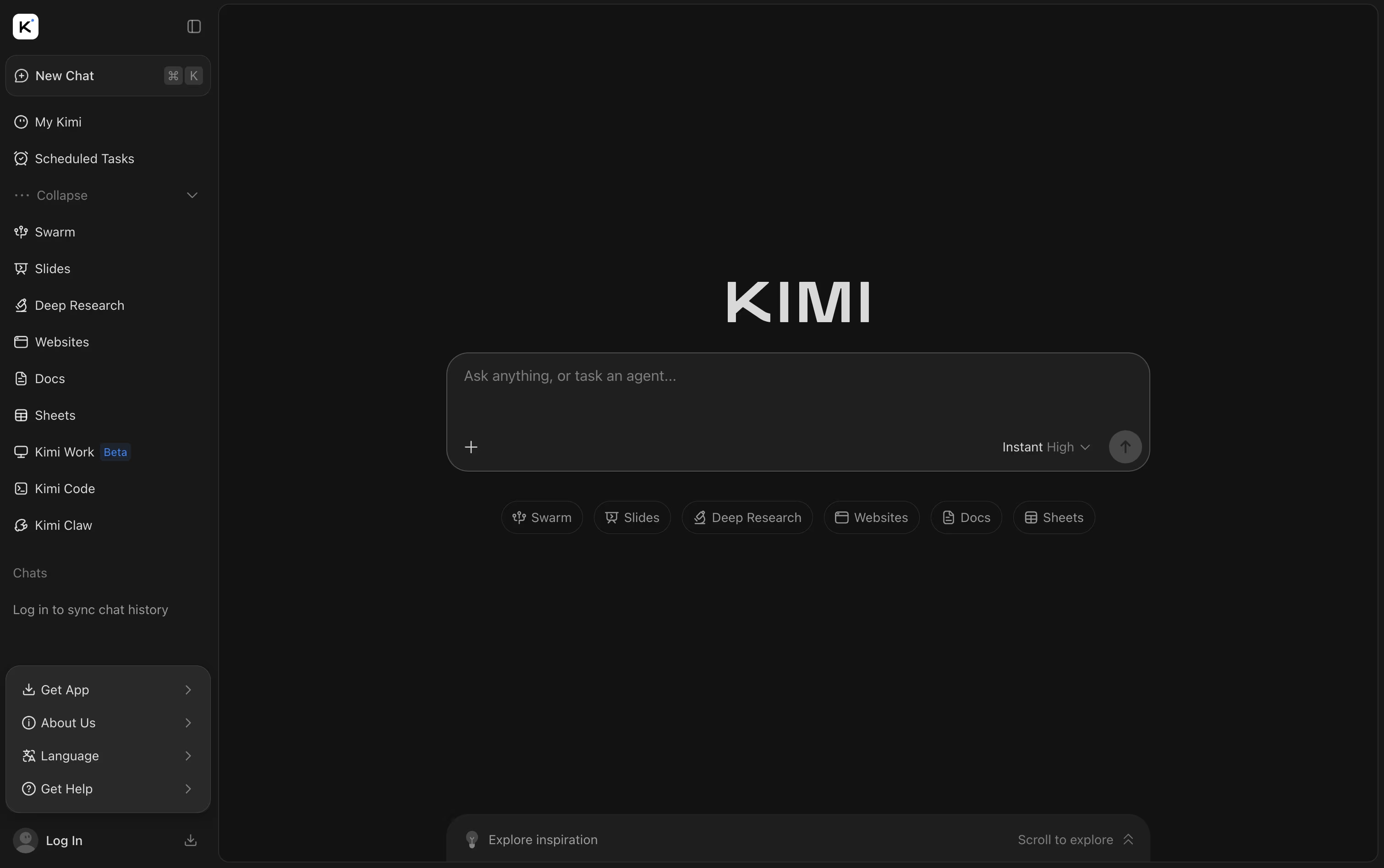
Kimi is an AI assistant and agent platform made by Moonshot AI. It works as a chatbot, a deep reasoning tool, and an autonomous agent that can handle coding, research, writing, and long multi-step tasks.
You can chat with it, upload files like PDFs, Word docs, and spreadsheets, and ask it to search the web for current answers. Kimi can also build websites, slides, and even simple games from a single prompt.
Its newest model, Kimi K3, understands text and images together and can read up to one million tokens in a single conversation. Kimi is available on the web, on mobile apps, and through browser extensions and coding tools for developers.
Features of Qwen and Kimi
Free AI chat assistant
Thinking mode for step by step reasoning
Understands text, images, audio, and video
Generates and edits images
Text to video generation
Deep research reports
Code writing and fixing
Webpage building with live preview
Voice conversations
Browser and screen agent actions
AI chat with deep reasoning modes
Real-time web search with sources
File upload and analysis (PDF, Word, Excel)
Autonomous agents for multi-step tasks
Agent Swarm for large research jobs
Kimi Code for developers
Slide, website, and game generation
Kimi Claw always-on agents
Up to 1 million token context
Web, mobile, and desktop apps
Use Cases of Qwen and Kimi
Pricing of Qwen and Kimi
Qwen Studio, the chat assistant, is free to use for everyday chats, image help, and code help. For heavier use, Alibaba offers a Token Plan with paid tiers.
Lite ($6/month): 2,500 credits every week plus 700 credits every 5 hours, good for running 1 to 2 agents at once.
Standard ($18/month): 10,000 credits every week, four times the Lite credits, for running 3 to 4 agents at once.
Pro ($68/month): 40,000 credits every week, sixteen times the Lite credits, for running 6 to 8 agents at once.
Yearly billing lowers the cost on every plan. Teams can also buy seats starting at $20 per seat a month, up to $200 per seat a month for the Max seat, each with its own monthly credit allowance.
Kimi offers five membership plans. Adagio is free forever and gives basic agent credits, a dashboard, and scheduled tasks.
Moderato ($19/month): Adds document, sheet, and slide support, deep research, website deploy, and Agent Swarm.
Allegretto ($39/month): Adds Goal Mode and one click Kimi Claw deployment.
Allegro ($99/month): Unlocks up to 1 million tokens of context for extra long chats.
Vivace ($199/month): Offers the highest agent credit allocation.
Paying yearly instead of monthly saves up to $480 a year. A Business plan is also available for companies, with pricing available only by contacting Kimi directly.
FAQs: Qwen vs Kimi
Reviews: Qwen vs Kimi
Based on 0 reviews
Based on 0 reviews
Compare Qwen With Other Tools

Claude
AI Assistant for Chat, Code, and Work

ChatGPT
OpenAI's AI Chat, Code and Work Tool

Gemini
Google's AI for Chat, Research & Create

Grok
xAI's Real-Time AI Assistant & Chatbot

Mistral AI
Powerful Open AI Models and Agents

DeepSeek
Fast, Free AI Chat and Coding Help

Z AI
Chat, Code, and Build Anything with GLM

MiniMax
Smart AI Agent for Work and Creativity

Perplexity
AI Powered Search With Real Answers
Compare Kimi With Other Tools
Claude
AI Assistant for Chat, Code, and Work
ChatGPT
OpenAI's AI Chat, Code and Work Tool
Gemini
Google's AI for Chat, Research & Create
Grok
xAI's Real-Time AI Assistant & Chatbot
Z AI
Chat, Code, and Build Anything with GLM
DeepSeek
Fast, Free AI Chat and Coding Help
MiniMax
Smart AI Agent for Work and Creativity
Perplexity
AI Powered Search With Real Answers
Mistral AI
Powerful Open AI Models and Agents





