

Supabase vs AWS Amplify: Features, Pricing and User Reviews 2026

Supabase
Open-Source Backend Platform with Postgres Database

AWS Amplify
Build Full-Stack Apps Fast with Cloud Backend
Supabase
Open-Source Backend Platform with Postgres Database
AWS Amplify
Build Full-Stack Apps Fast with Cloud Backend
What are Supabase and AWS Amplify?
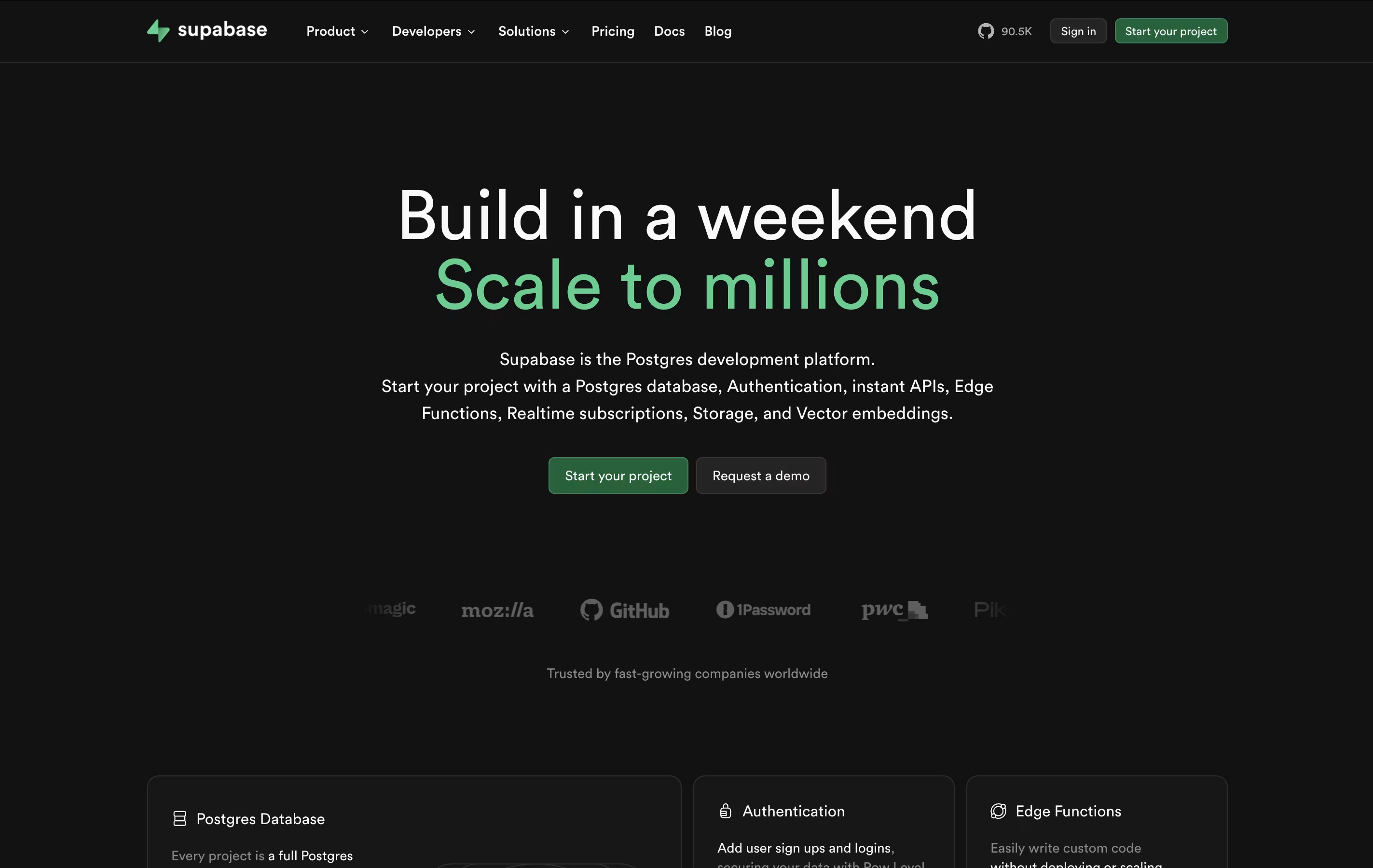
Supabase is a complete backend platform that gives you all the tools needed to build modern applications. At its core is a Postgres database, which is known for being stable and feature-rich. You can store data, create tables, and manage relationships without writing complex code.
Beyond the database, Supabase includes user authentication with support for email, social logins, and phone numbers. It also has file storage for images and documents, real-time features for live updates, and edge functions to run custom code. Everything connects through simple APIs that are automatically created from your database structure.
What makes Supabase different is that it is completely open-source. You can host it yourself or use their cloud service, and you never get locked into their platform.
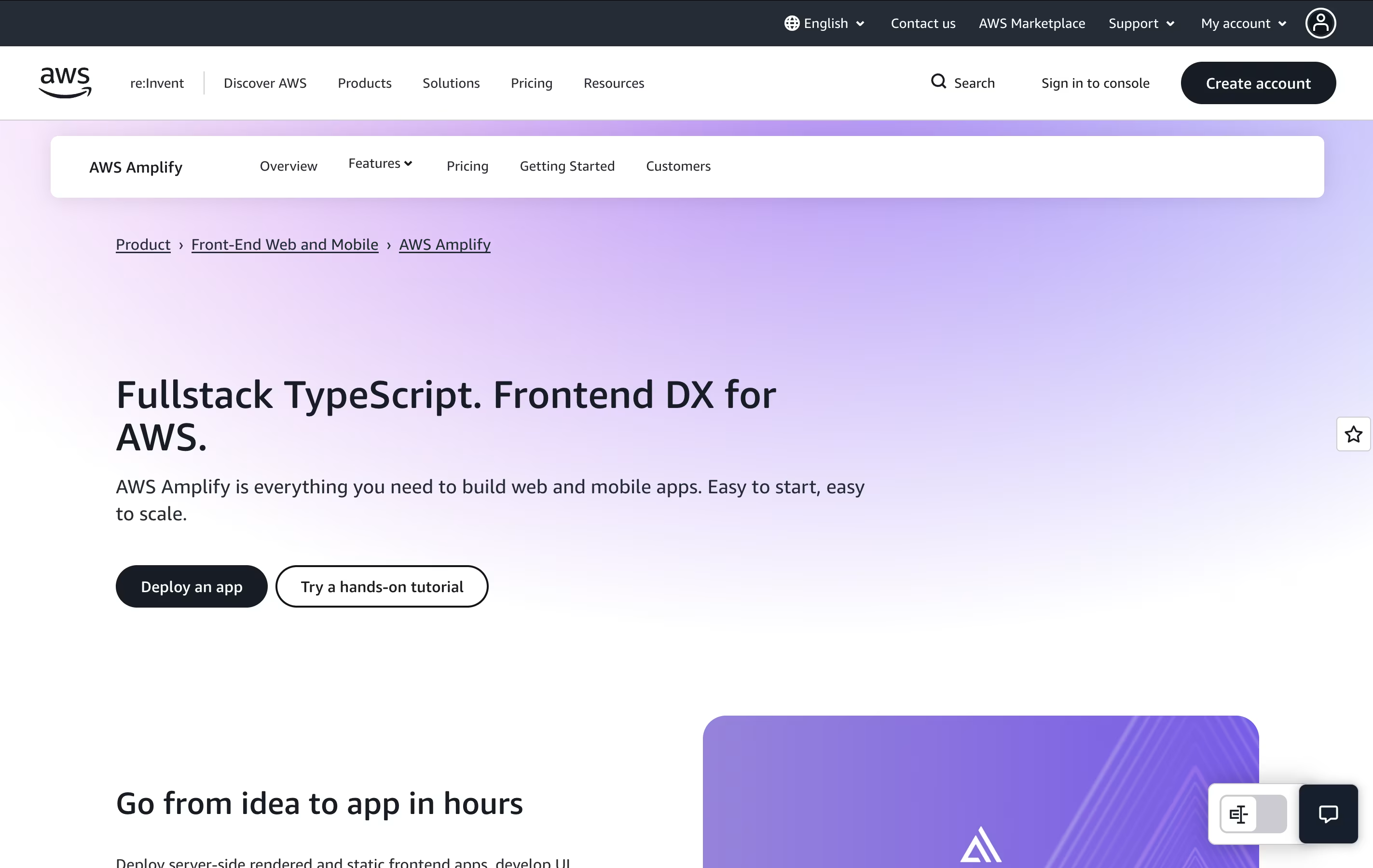
AWS Amplify is a set of tools and services that helps developers create full-stack applications. It includes everything needed to build an app: a place to host your website, databases to store information, user login systems, file storage, and ways to connect different parts of your app together.
The platform uses a code-first approach, meaning you can define what you need using familiar programming languages like TypeScript. Amplify then automatically creates the right cloud resources for you. It also provides instant development environments for each team member, so developers can test changes without affecting others.
There is a generous free tier to get started, and you only pay for what you actually use beyond that. This makes it budget-friendly for both small projects and large applications.
Features of Supabase and AWS Amplify
Full Postgres database with tables and relationships
User authentication with email and social logins
File storage with image transformation
Real-time database subscriptions
Edge functions for custom code
Auto-generated REST and GraphQL APIs
Row-level security policies
Database backups and recovery
Vector embeddings for AI applications
Open-source with self-hosting option
Full-stack TypeScript development environment
Automatic hosting with global CDN delivery
Built-in user authentication and authorization
Real-time GraphQL and REST APIs
Scalable file storage and databases
Per-developer cloud sandbox environments
Git-based continuous deployment
Next.js and Nuxt server-side rendering support
Team collaboration with branch previews
Integrated monitoring and analytics dashboard
Use Cases of Supabase and AWS Amplify
Pricing of Supabase and AWS Amplify
Supabase offers flexible pricing to suit different project sizes and needs.
The Free plan is perfect for hobby projects and learning. It includes unlimited API requests, 500 MB database storage, 5 GB bandwidth, and 1 GB file storage. Free projects pause after one week of inactivity, and you can have up to 2 active projects.
The Pro plan costs $25 per month and includes 8 GB database space, 250 GB bandwidth, 100 GB file storage, and 100,000 monthly active users. Additional usage is charged as you go. This plan adds email support, daily backups for 7 days, and access to premium features.
The Team plan at $599 monthly adds compliance features like SOC2, single sign-on for your dashboard, priority support with service level agreements, and 14-day backup retention.
For large companies, the Enterprise plan offers custom pricing with dedicated support, uptime guarantees, private Slack channels, and the option to bring your own cloud infrastructure.
AWS Amplify uses a pay-as-you-go pricing model with a generous free tier for 12 months. Here's how pricing works:
Build and Deploy: You get 1,000 free build minutes monthly (Standard instance). Additional minutes cost $0.01 per minute. Larger instances for complex builds start at $0.025 per minute.
Hosting: Free tier includes 5 GB storage and 15 GB data transfer monthly. Beyond that, storage costs $0.023 per GB monthly, and data transfer is $0.15 per GB served.
Server-Side Rendering: For Next.js and Nuxt apps, you get 500,000 free requests and 100 GB-hours monthly. Additional requests cost $0.30 per million, and compute time is $0.20 per GB-hour.
Backend Services: Individual AWS services like databases (DynamoDB), authentication (Cognito), and storage (S3) have their own pricing and free tiers. Many offer permanent free tiers for small workloads.
Most small to medium projects stay within free tier limits. Larger apps typically cost $10-100 monthly depending on traffic and usage.
FAQs: Supabase vs AWS Amplify
Reviews: Supabase vs AWS Amplify
Based on 0 reviews
Based on 0 reviews
Compare Supabase With Other Tools

Appwrite
Open-Source Backend Platform for Apps

Nhost
Open Source Backend Platform with GraphQL

Firebase
Build Apps Faster with Google's Platform

Convex
Open-Source TypeScript Backend Platform

PocketBase
Free Open-Source Backend in One File

Parse Platform
Free Open-Source Backend for Mobile and Web Apps

Xano
No-Code Backend Platform for Scalable Apps

Back4App
Low-Code Backend Platform for Apps

SinglebaseCloud
AI Backend Platform for Developers
Compare AWS Amplify With Other Tools
Appwrite
Open-Source Backend Platform for Apps
Convex
Open-Source TypeScript Backend Platform
Firebase
Build Apps Faster with Google's Platform
Nhost
Open Source Backend Platform with GraphQL
PocketBase
Free Open-Source Backend in One File
Back4App
Low-Code Backend Platform for Apps
Parse Platform
Free Open-Source Backend for Mobile and Web Apps
Xano
No-Code Backend Platform for Scalable Apps
SinglebaseCloud
AI Backend Platform for Developers





