

Best 5 Sales Conversation Intelligence Tools in 2026
Last Updated: August 22, 2026
Every sales call holds clues about what is working and what is not. Sales Conversation Intelligence tools record, transcribe, and analyze calls and meetings to surface talk-time ratios, objection patterns, competitor mentions, and next steps automatically, so reps spend less time on manual note-taking and more time selling.
These platforms use AI to score calls against winning behaviors, flag coaching moments, and sync key takeaways directly into your CRM. This makes them valuable for sales managers, revenue operations teams, and enablement leaders who need consistent visibility into every deal conversation without sitting in on each call themselves.
Beyond individual coaching, conversation intelligence data helps forecast deal risk, refine messaging, and identify what top performers say differently. For teams looking to scale a repeatable sales process, these insights turn scattered call recordings into a searchable, actionable source of truth.
 Grain
Grain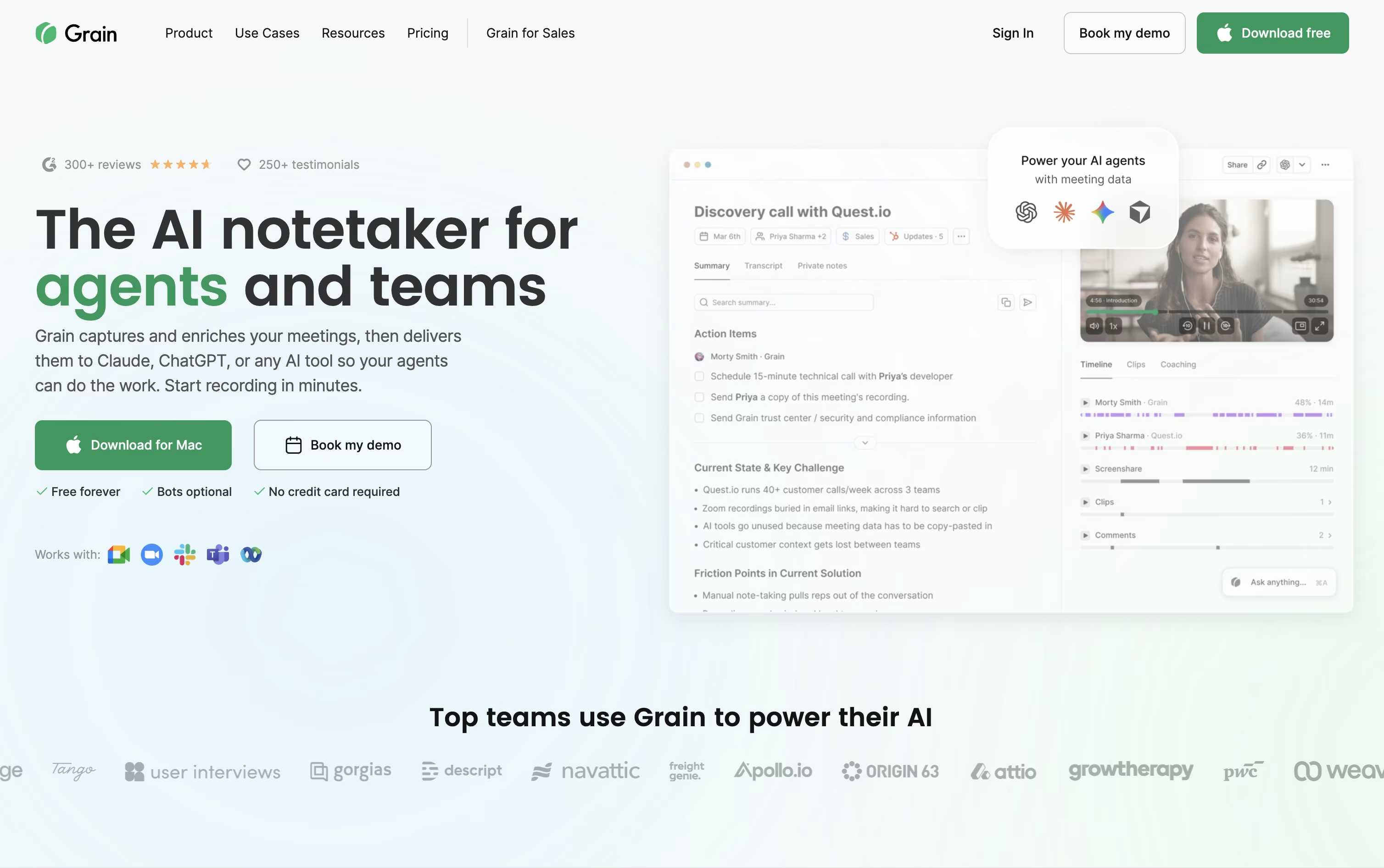 GrainAI Meeting Notetaker for Sales and CS Teams,
  Read AI
 Read AIMeeting Notes, Recaps & Coaching Tool, and
  Avoma
Avoma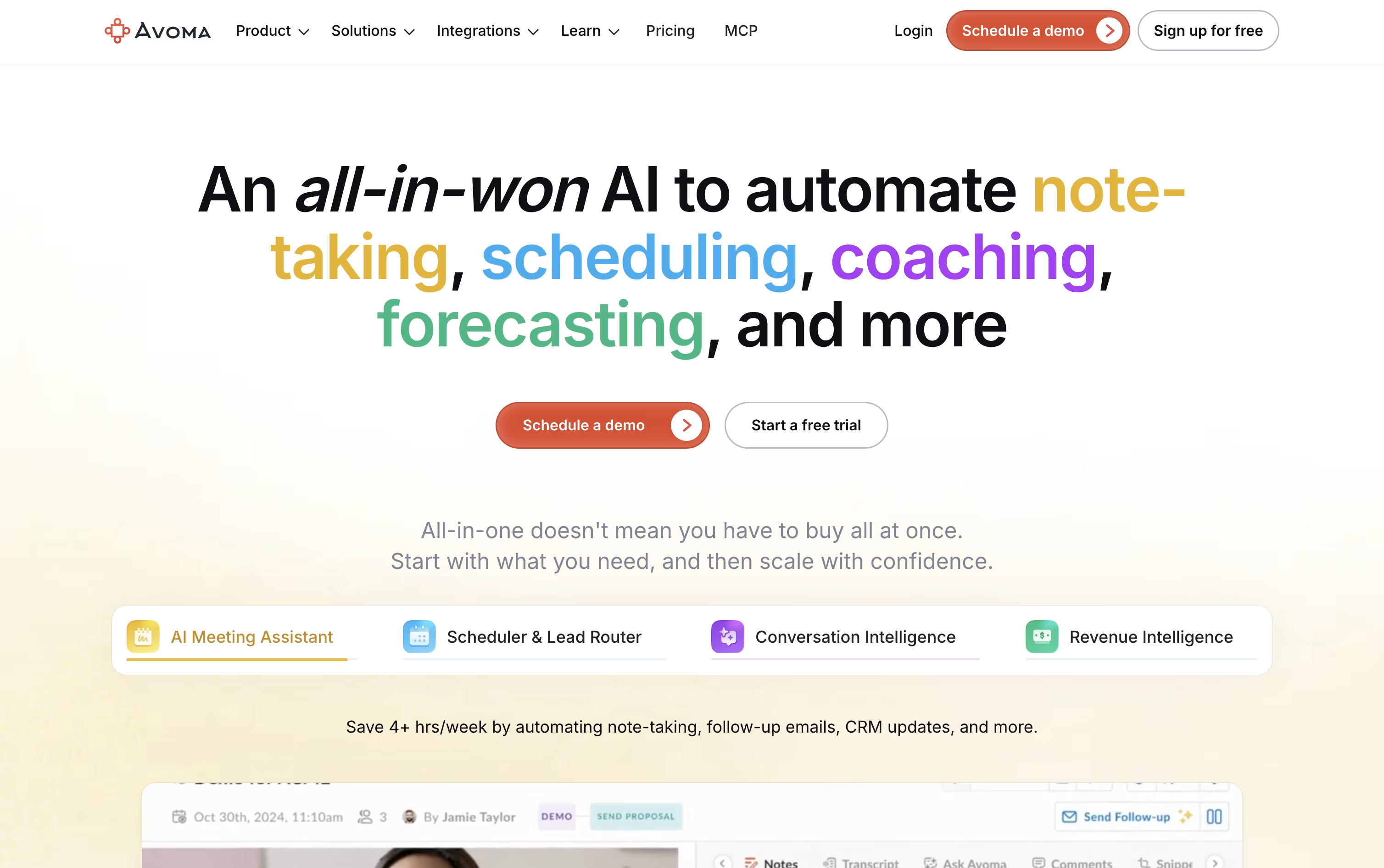 AvomaAI Meeting Assistant & Revenue Insights are the best for Sales Conversation Intelligence. So, let’s take a closer look at all 5 tools.

Meetings often produce information that gets lost the moment the call ends, and Grain was built to fix that.
The tool records or quietly captures your calls through a desktop app, then writes clear notes, action items, and searchable transcripts without you lifting a finger.
Beyond notes, you can turn any moment into a short video clip, share it with clients or teammates, and keep a private or team library of past conversations.
Sales and customer success teams get extra value from built in coaching scorecards, trackers, and syncing straight into HubSpot or Salesforce.
Getting started costs nothing on the Free plan, which covers unlimited meetings up to 45 minutes with basic AI notes and a 30 day history.
Starter runs $15 a seat monthly when billed yearly, Business is $29 a seat monthly billed yearly with unlimited teams and AI coaching, and Enterprise adds custom pricing with SAML based SSO, audit logs, and a dedicated customer success manager.
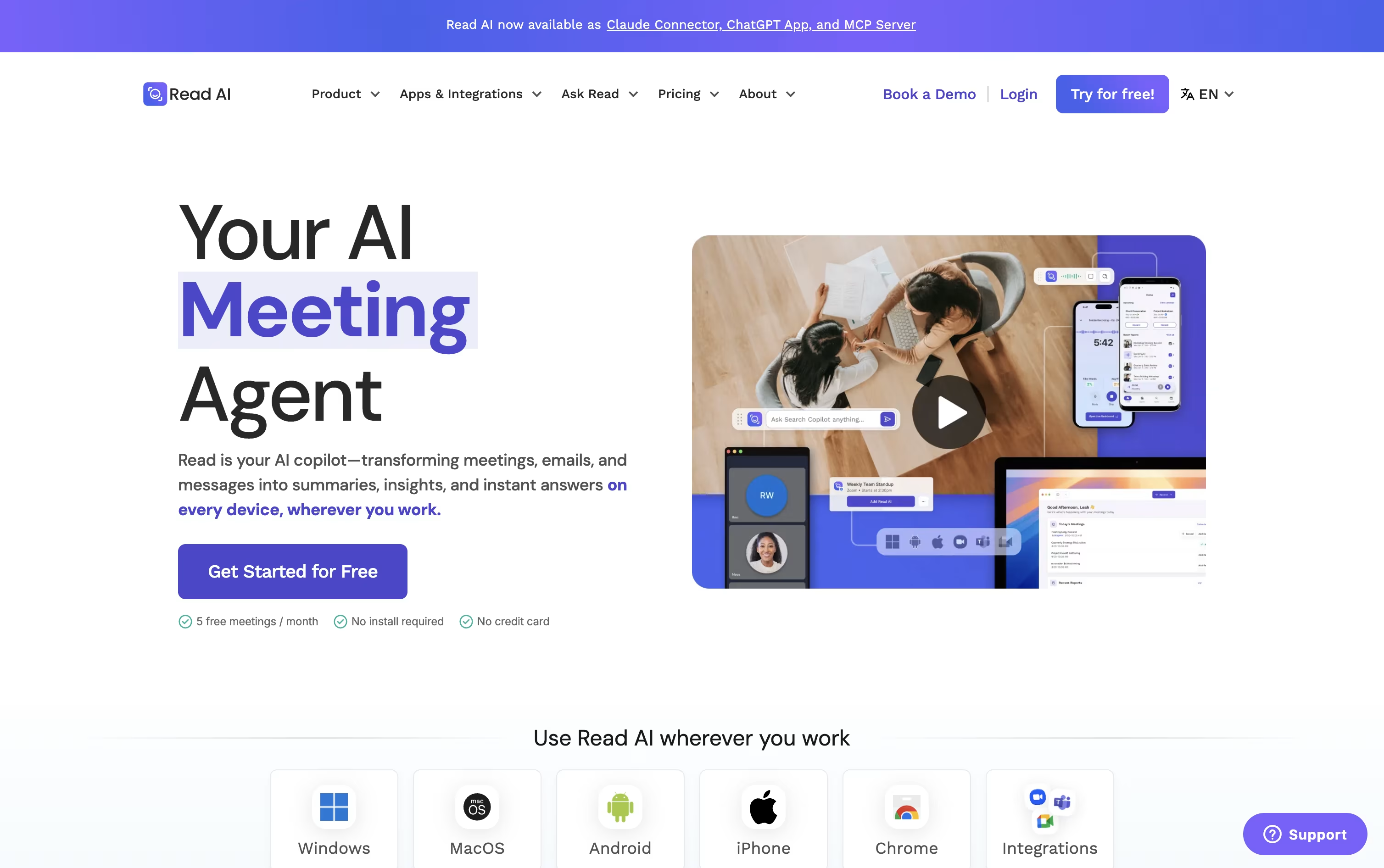
Instead of manually taking notes, Read AI can sit in on your Zoom, Google Meet, or Microsoft Teams calls and hand you a full report once the meeting ends.
That report includes a summary, transcript, action items, and key questions, and on the higher plans you also get audio or video playback with clips of the key moments.
The tool doubles as a coach too, giving feedback on how much you talked, your pace, and how often you used filler words.
Its Ask Read search reaches beyond meetings into your connected email and chat apps, so you can look up what was said or decided across many sources at once.
For scheduling and email, Ada acts like a digital twin, proposing meeting times and drafting replies for you to approve.
The free plan covers 5 reports a month, Pro runs $19.75 per user monthly ($15 annually), Enterprise is $29.75 monthly ($22.50 annually) and adds playback, and Enterprise+ at $39.75 monthly ($29.75 annually) is built for security heavy teams of 5 or more.
Sitting through a call and typing notes at the same time is hard, and Avoma was built to take that off your plate. It records meetings, writes a live transcript, and hands you AI notes with action items right after the call ends.
It goes further than note taking too. A built in scheduler handles 1:1, group, and round robin bookings, a lead router sends new leads to the right person automatically, and Ask Avoma lets you ask questions about any past meeting or deal.
Sales and success teams can add Conversation Intelligence for call scoring and coaching, or Revenue Intelligence for deal risk alerts, forecasting, and win loss analysis.
On price, Startup starts at $29 a seat a month, Organization is $39 a month and carries a most popular label, and Enterprise runs $39 a seat on annual billing with extras like SSO and HIPAA support.
Viewers who never record a call stay free, and a 14 day trial opens up every feature, add-ons included, without asking for a card.
Sitting through a meeting and typing notes at the same time is hard, MeetGeek handles the note taking part by recording and transcribing your calls automatically.
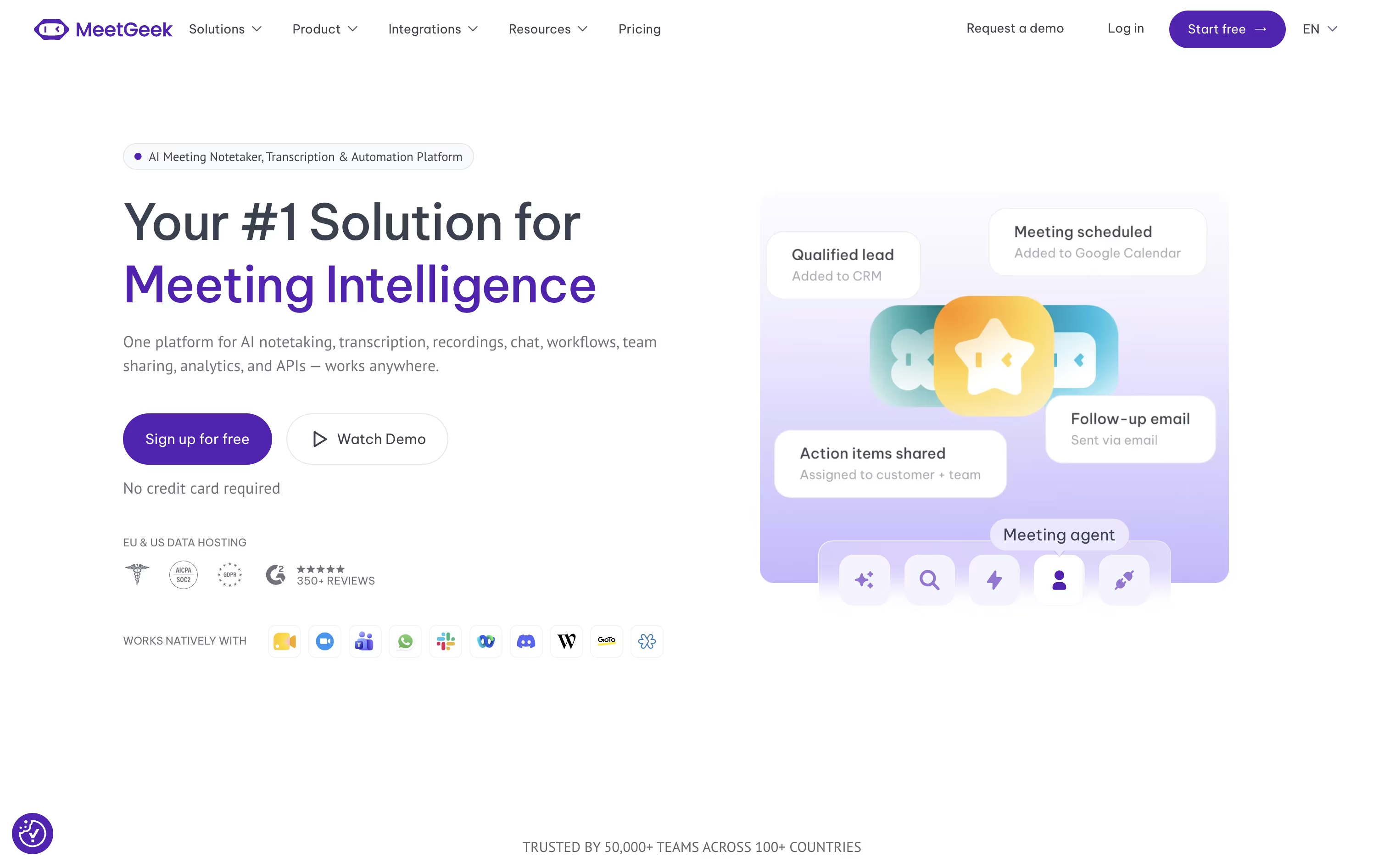
It can join scheduled meetings on Zoom, Google Meet, and Microsoft Teams, or skip the bot entirely and record through its browser extension, desktop app, or phone app instead.
Once a meeting ends, you get a written summary covering the main points, decisions made, and action items to follow up on, plus the option to chat with an AI about anything discussed.
Getting started costs nothing, the Basic plan is free forever with 3 hours of transcription each month.
Moving up, Pro costs $15.99 per user monthly, or $9.99 with yearly billing, and unlocks more storage and automation, while Business runs $27 per user monthly with a 14 day trial and adds unlimited transcription and team features.
Enterprise pricing is custom and built for organizations needing extra security and support.

tl;dv automatically records, transcribes, and summarizes meetings across Zoom, Google Meet, and Microsoft Teams, turning calls into searchable notes without a human notetaker.
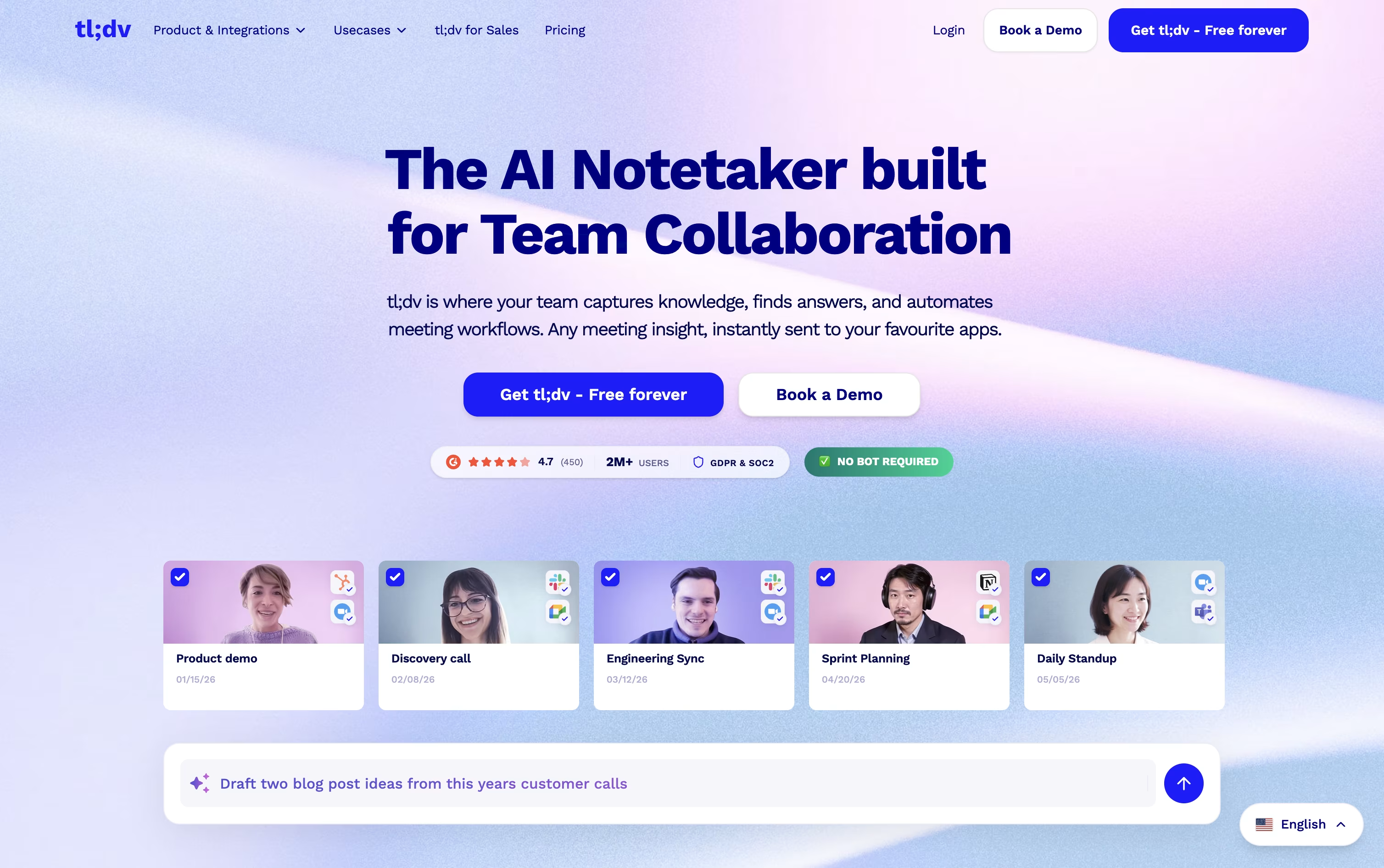
Getting started is free. The Free plan offers unlimited recordings and transcripts, though AI meeting notes are limited to 10 meetings a month and Ask AI queries are capped at 5.
Individuals and small teams often move to Pro, priced at $29 a month or $18 a month when billed annually, which removes the AI notes cap, adds unlimited single-meeting Ask AI, custom bot branding, and thousands of integrations.
Teams that need more automation choose Business, at $39 a month or $29 a month annually. It brings premium transcription, multi-language support, unlimited multi-meeting insights, coaching tools, and no usage-based AI charges.
Larger organizations can move to Enterprise, which uses custom pricing and adds org-wide admin controls, SCIM, custom SSO, privately hosted AI, and a dedicated success manager.
Backed by SOC 2 and GDPR compliance with EU data hosting, tl;dv fits everyone from solo users to enterprise teams.





