

Best 3 Open Source Zencoder Alternatives in 2026
Last Updated: August 3, 2026
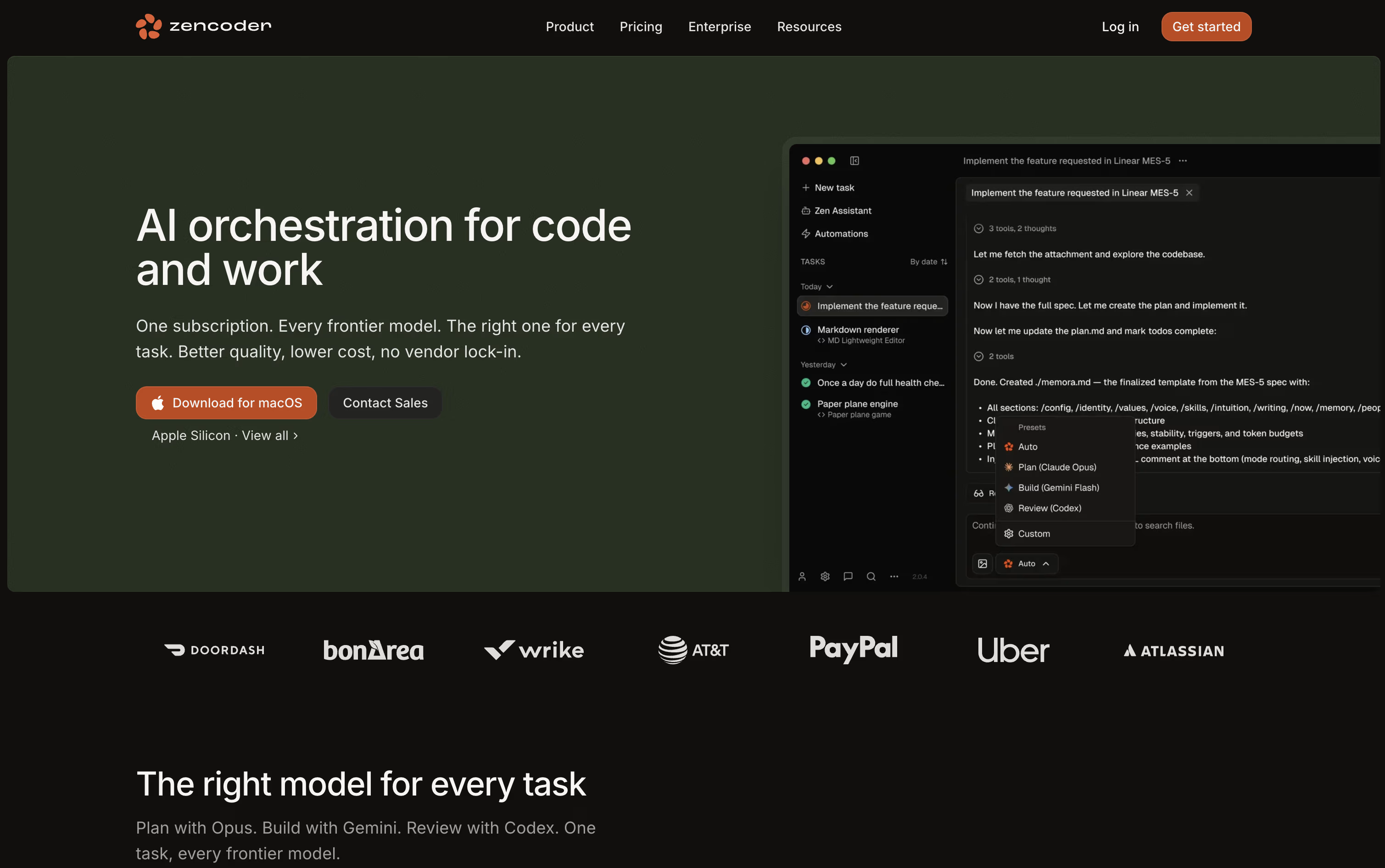
Zencoder is an AI coding agent platform built for developers and engineering teams who want more than a chat assistant. It plans, writes, tests, and checks code across your entire project, working inside your existing editor or as its own desktop app.
The platform understands your full codebase, including multiple repositories, so agents write code that fits how your team already works. Many agents can run at the same time, each in its own isolated space, so nothing gets mixed up.
The best alternative to Zencoder is  Zed
Zed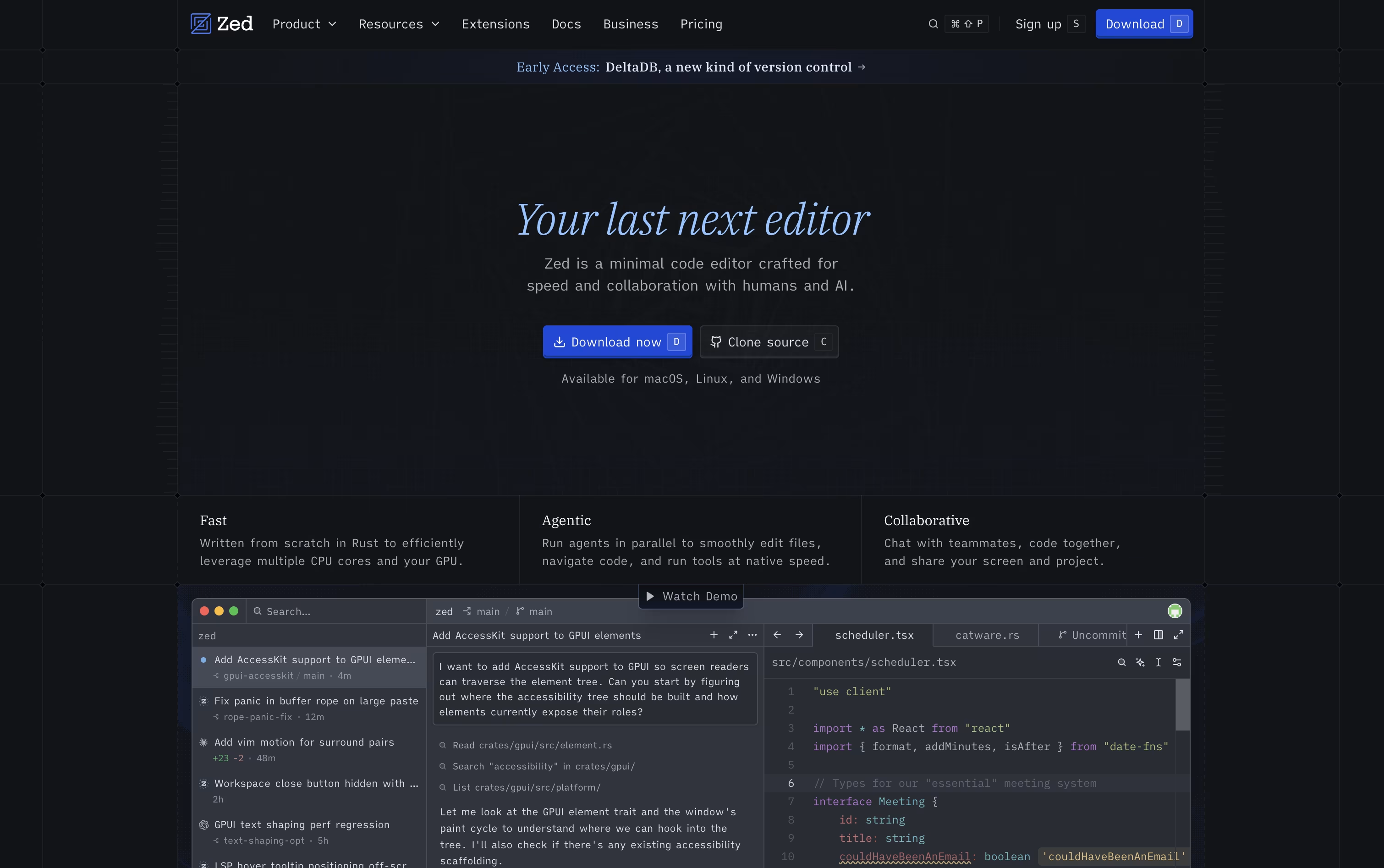 ZedRust Code Editor with AI and Collaboration.
  Kilo Code
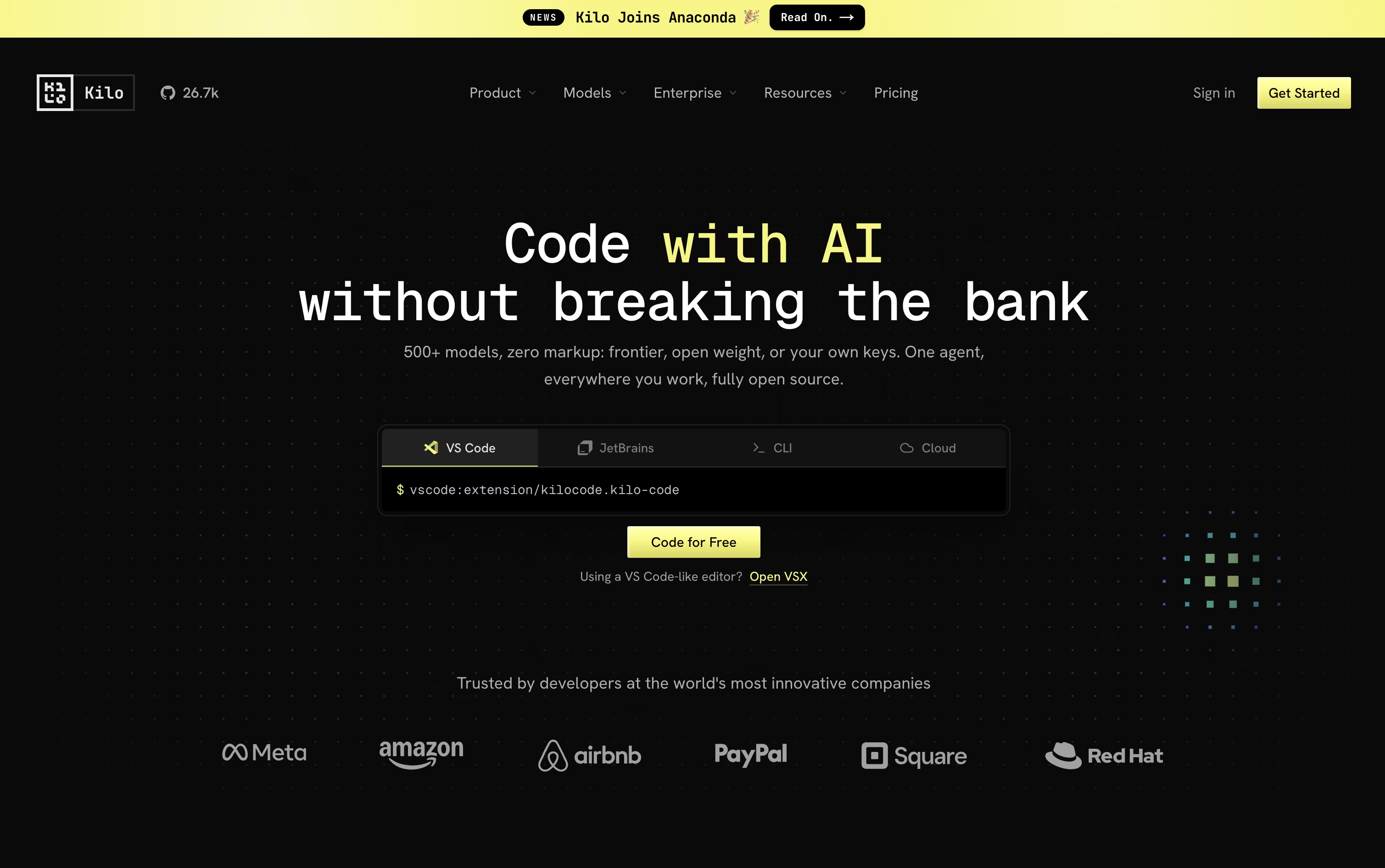 Kilo CodeOpen Source AI Coding Agent Platform and
  Cline
Cline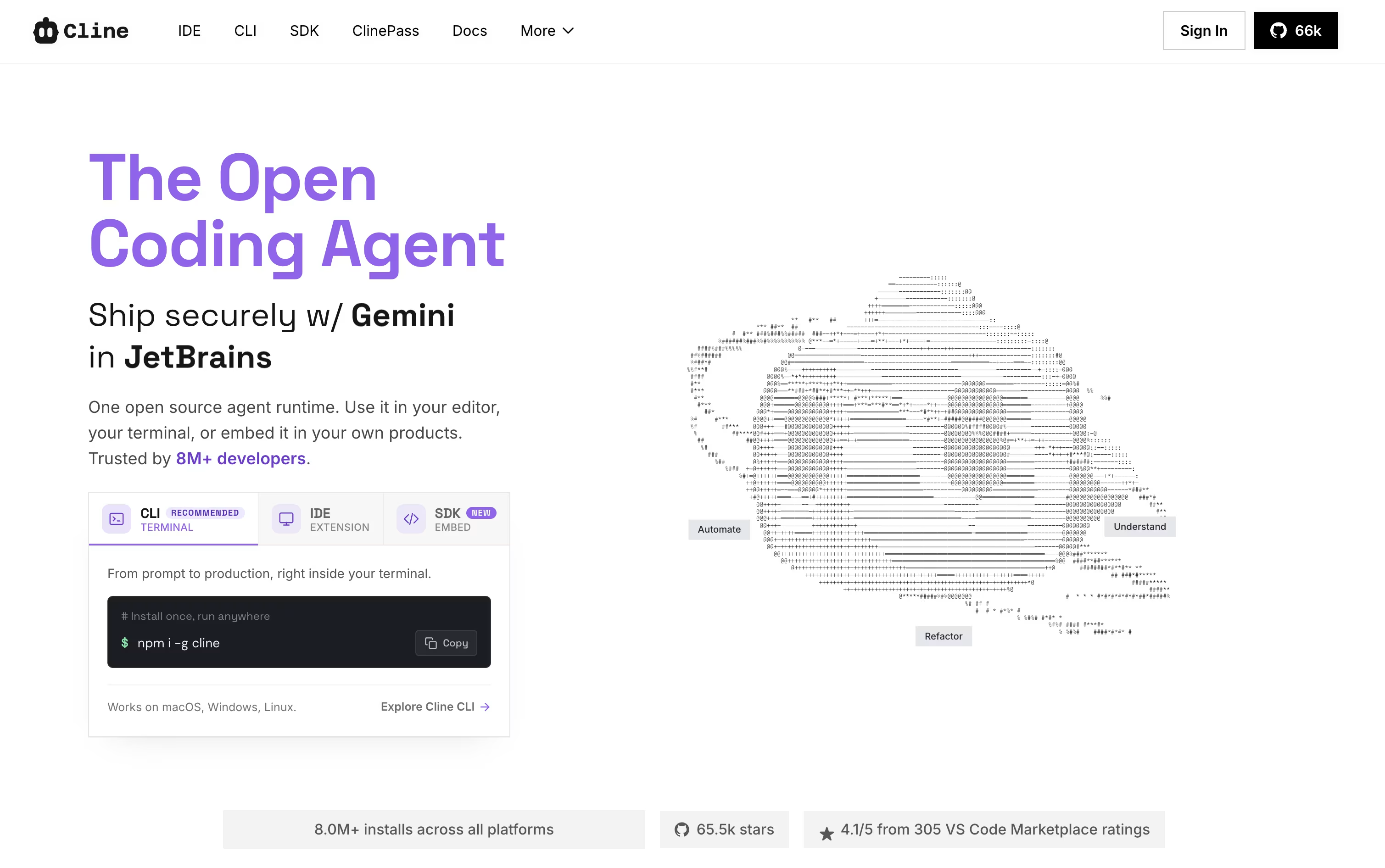 ClineThe Open-Source AI Coding Agent for IDEs are also among the best options for Code Writing.
So, here are the 3 best alternatives to Zencoder:

Zed is a code editor built for speed. It is written in Rust with its own graphics engine, so typing, scrolling, and searching stay smooth even on very large projects.
Beyond raw speed, Zed lets teams edit together in real time, showing everyone's cursors and changes as they happen, and it includes AI agents that can search, edit, and test code for you based on a plain language request.
The Personal plan is free forever and includes 2,000 accepted edit predictions, plus unlimited use if you bring your own AI keys or connect outside agents like Claude Agent.
The Pro plan costs $10 a month and adds unlimited edit predictions along with $5 of included AI usage each month, with extra usage billed afterward.
For teams, the Business plan is $30 per seat a month and adds organization-wide AI policies, data governance, spend visibility, and role-based access controls.
Kilo Code is an open source AI coding agent that works the same way across your code editor, the terminal, the cloud, and even your phone, so a task you start in one place can continue in another.
You describe what you need in plain language, and the agent can plan the work, edit code across many files, run terminal commands, and check its own results, using specialized modes for coding, planning, debugging, and review.
It connects to more than 500 AI models across 60+ providers, and you can switch models mid task, bring your own provider keys, or run local models, with no markup added on top of provider rates.
The platform itself is free for individual developers, including the open source VS Code and JetBrains extensions and the CLI. AI model usage and cloud compute, like cloud agents and code review, are billed separately based on what you use.
Teams who want shared billing, usage analytics, and collaboration features can move to the Teams plan for $15 per user a month, while larger organizations can get custom Enterprise pricing with SSO, audit logs, and dedicated support.
Cline is an open-source AI coding agent that works inside VS Code, JetBrains, and the terminal. It reads your codebase, understands how files relate to each other, and helps you write, edit, and fix code using plain language.
It works in two modes. Plan mode explores your project and puts together a strategy, while Act mode carries out the work step by step. You stay in control, since Cline asks for approval before making changes, though auto-approve is there if you want faster runs.
Beyond editing files, Cline can run terminal commands, test web pages with a built in browser, and connect to outside tools through the Model Context Protocol. Checkpoints make it easy to review changes and roll back if something goes wrong.
The open-source version is free, and you only pay for AI usage through your own API keys from providers like OpenAI, Anthropic, or Google. For a simpler setup, ClinePass costs $4.99 for the first month, then $9.99 a month, and gives you access to curated open-weight models without managing keys yourself.
Teams and organizations can choose the custom Enterprise plan, which adds single sign-on, centralized billing, role-based access, audit logs, and dedicated support.


