ToolQuestor Logo
useSend
No reviews yet
0 Saved
Added:11/7/2025
Type:Saas
Monthly Traffic:-
Pricing:
FREEMIUMUSAGE_BASED
Cloud-BasedAPI AvailableOpen SourceAutomationEmail Marketing
BASE44

BASE44

FEATURED
Vidnoz AI

Vidnoz AI

FEATURED
Granola

Granola

FEATURED
useSend screenshot 2
useSend screenshot 3
useSend screenshot 4

What is useSend

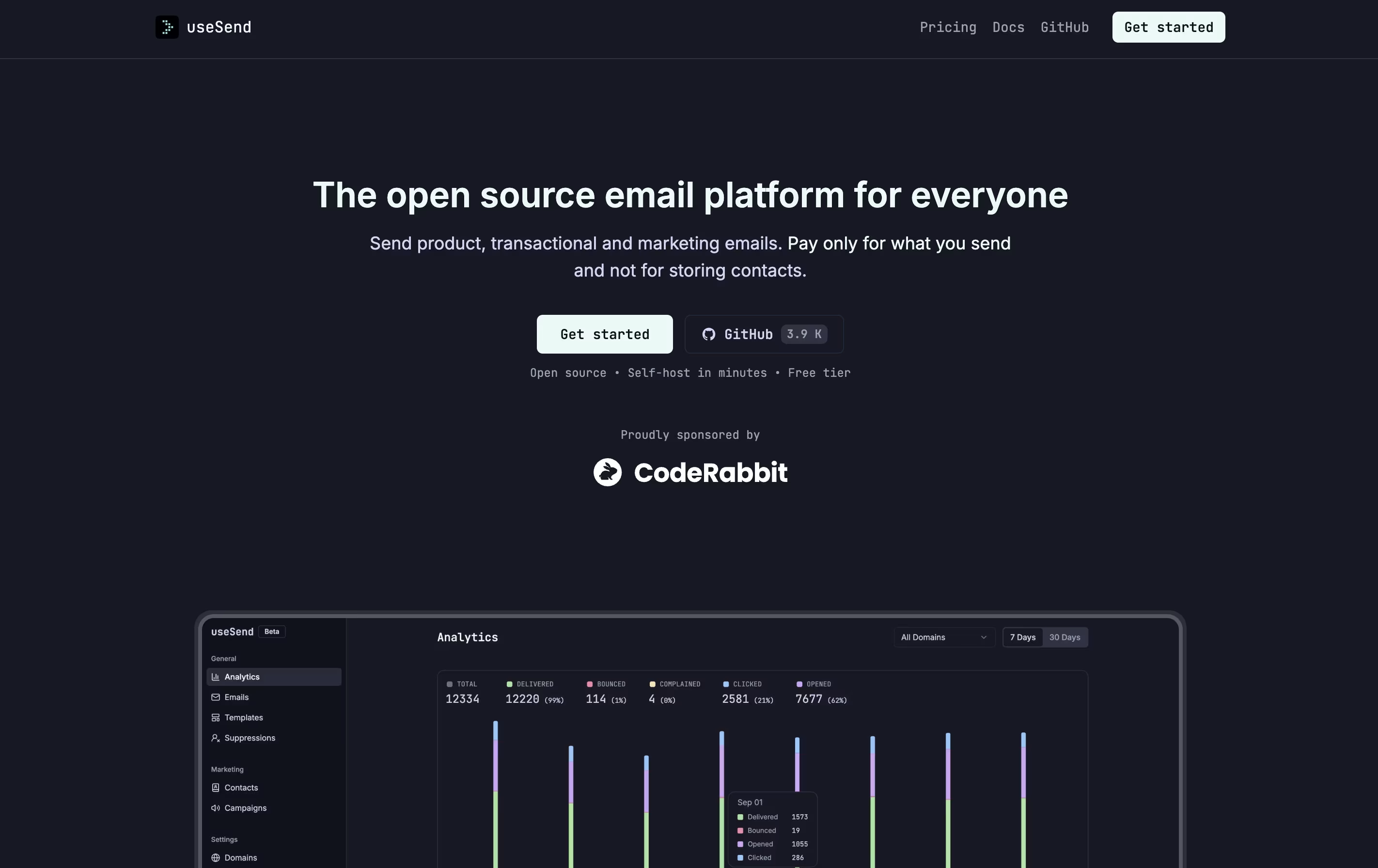
useSend is a complete email platform that handles both business emails and marketing campaigns. Unlike regular email services, you only pay for emails you actually send. The platform includes a visual editor that looks like Notion, making it easy to design beautiful emails without writing code. It works through both a simple web connection and direct programming tools.

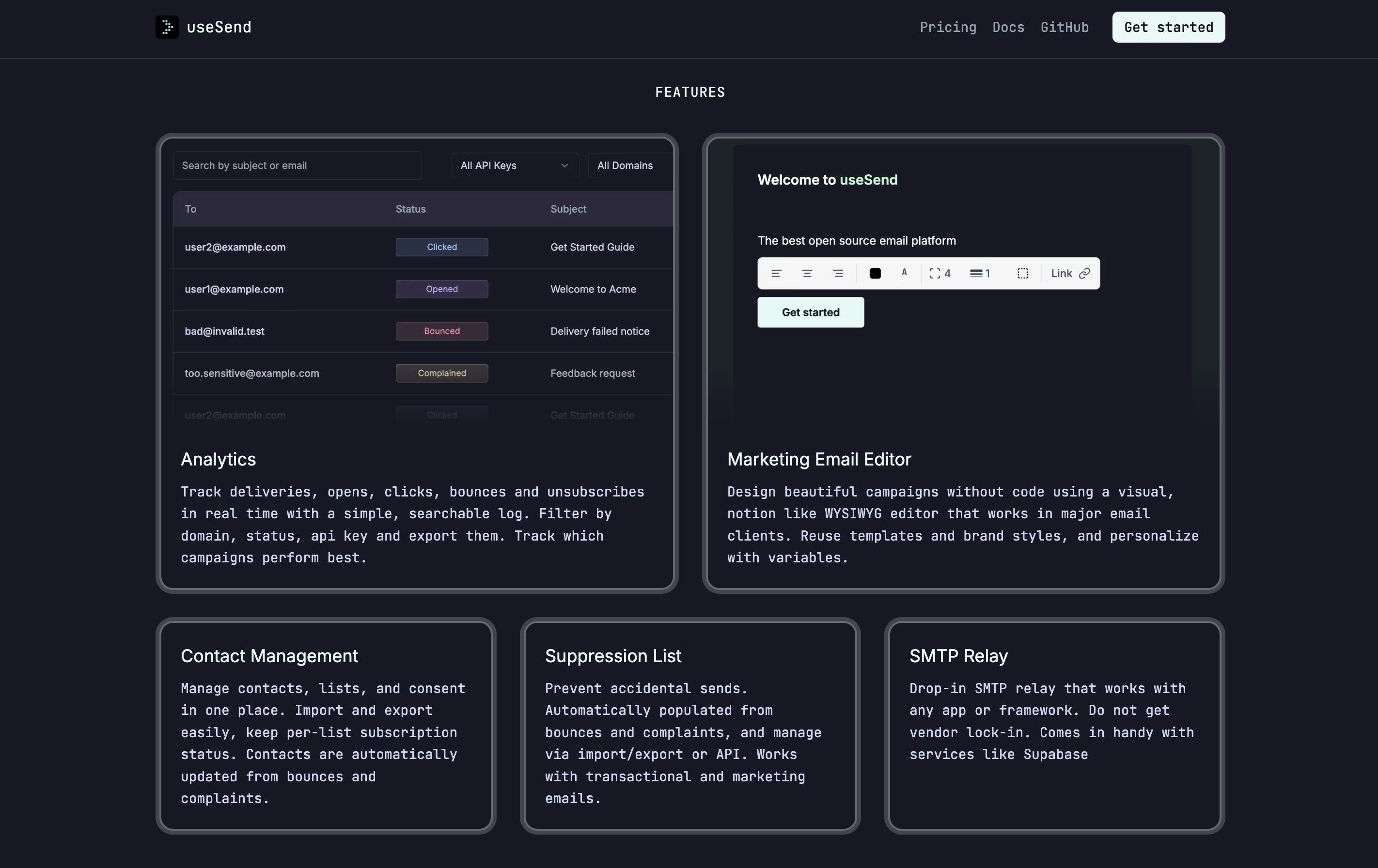
The service tracks your email results in real time, showing you who opened your emails and clicked your links. You can manage your contact lists, create email templates, and set up automatic bounce handling. Since it's open source, you can see all the code and even run it on your own servers if you want complete control. The platform also includes protection features to keep your sender reputation safe.

How to Use useSend

Getting started with useSend is simple. Here's how to begin:

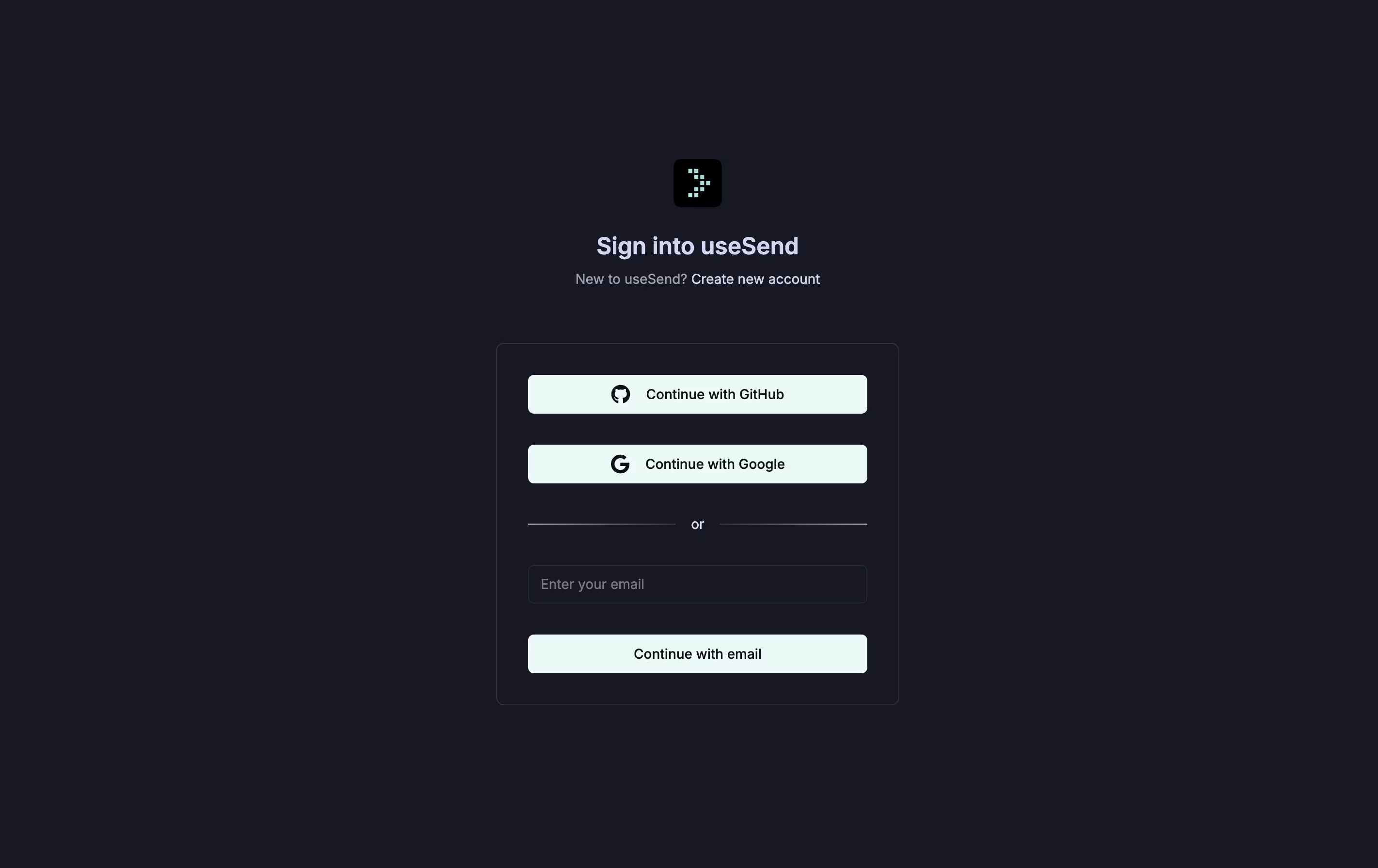
  • Sign up for a free account at useSend.com and confirm your email address. Set up your first sending domain by following the step-by-step instructions.

  • For quick setup, use the simple connection method that works with any email tool or website. Just enter the server details they provide.

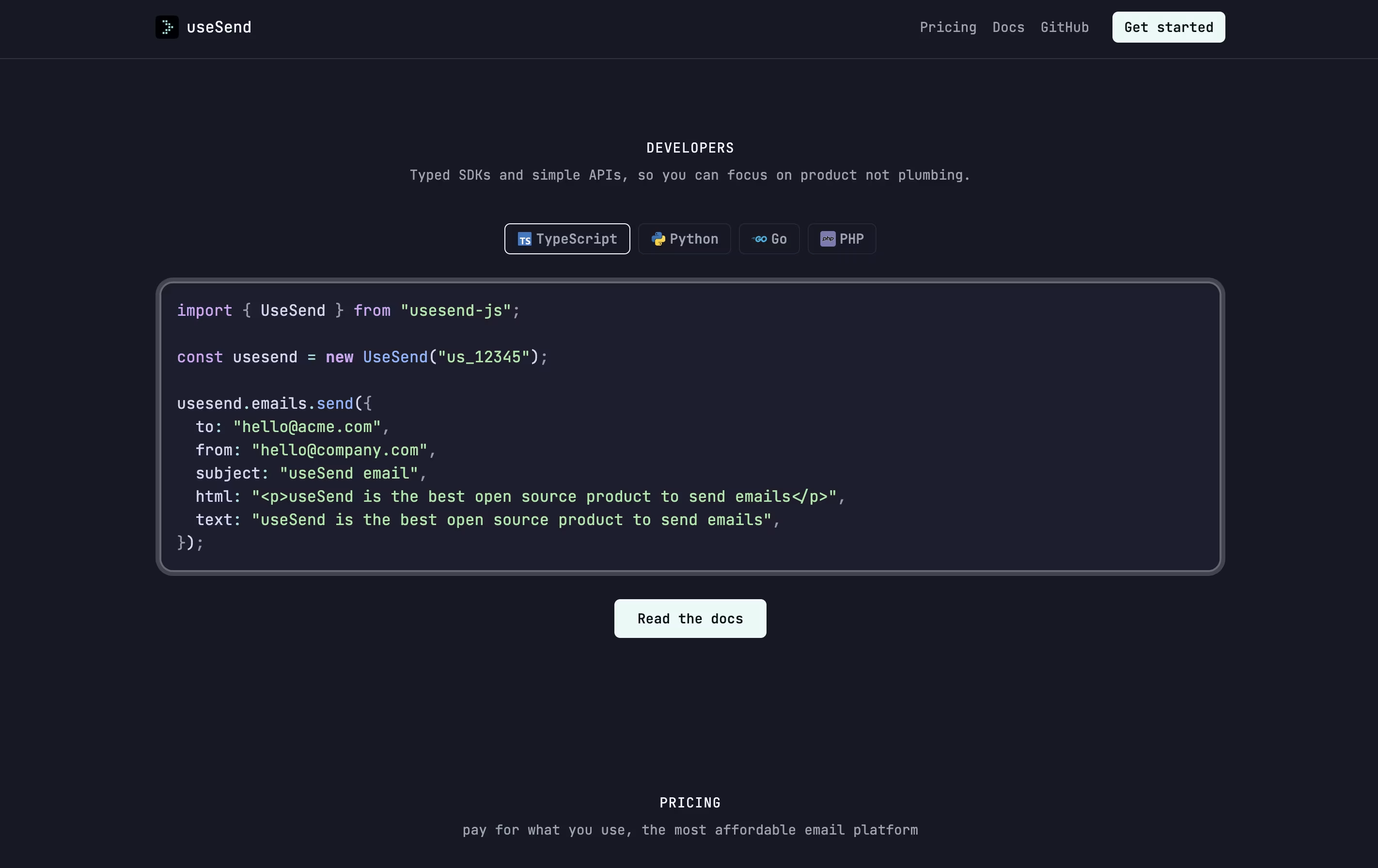
  • If you're a developer, connect using their programming tools available for JavaScript, Python, Go, and other languages. Copy your unique key from the dashboard.

  • To send marketing emails, use the visual editor to design your email. Add your text, images, and buttons by dragging and dropping elements onto the page.

  • Upload your contacts or connect them through the programming interface. You can organize them into different lists based on your needs.

  • Track your results in the dashboard where you can see deliveries, opens, clicks, and any problems that occurred.

Features of useSend

  • Open-source platform with full code access

  • Send transactional and marketing emails

  • Visual email editor without coding needed

  • Real-time tracking of opens, clicks, and bounces

  • Contact list management with import and export

  • Automatic bounce and complaint handling

  • Works with any app through simple connection

  • Programming tools for multiple languages

  • Self-hosting option available

  • Pay only for emails sent

  • Unlimited domains and team members on paid plan

useSend Pricing

Free

Free

What's included:
  • Send up to 3,000 emails per month
  • Send up to 100 emails per day
  • 1 contact book
  • 1 domain
  • 1 team member
  • Basic email tracking
  • Visual email editor
  • SMTP relay support
  • API access
Most Popular
Paid (Usage-Based)

$10 /mo

What's included:
  • $10 minimum monthly usage credits
  • Transactional emails at $0.0004 per email
  • Marketing emails at $0.001 per email
  • Unlimited contact books
  • Unlimited domains
  • Unlimited team members
  • Advanced email tracking
  • Visual email editor
  • SMTP relay support
  • Full API access

useSend Use Cases

useSend Repository

View on Github
Stars3,260
Forks243
Repository Age1 year
Last Commit2 months ago

FAQ's About useSend

What makes useSend different from other email services?
useSend is completely open source and charges only for emails sent, not for storing contacts. You can self-host it on your own servers or use the cloud version. It's significantly cheaper than alternatives like SendGrid or Mailchimp, with transactional emails at $0.0004 each and marketing emails at $0.001 each.
Can I use useSend for free?
Yes, the free plan includes 3,000 emails per month with a daily limit of 100 emails. This plan is perfect for small projects, testing, or personal use. You get one contact book, one domain, and can add one team member at no cost.
Do I need coding skills to use useSend?
No, useSend includes a visual email editor similar to Notion where you can design emails by dragging and dropping elements. However, if you're a developer, you can use the API and SDKs for JavaScript, Python, Go, and PHP for more advanced integration.
Can I self-host useSend on my own server?
Yes, useSend is fully open source and can be self-hosted. You'll find complete documentation on their GitHub page for setting it up on your own infrastructure. You can also use services like Railway for quick deployment, or use their managed cloud service.
What types of emails can I send with useSend?
You can send both transactional emails (password resets, order confirmations, account notifications) and marketing emails (newsletters, promotional campaigns, product updates). The platform includes features for both types, including contact management, templates, and detailed analytics.

Share your experience with useSend

Loading...

See what users are saying about useSend

0.0

0 Reviews

5
0
4
0
3
0
2
0
1
0

No reviews yet

Be the first to review useSend

Embed useSend badges

Show your community that useSend is featured on Tool Questor. Add these beautiful badges to your website, documentation, or social profiles to boost credibility and drive more traffic.

Light Badge Preview