

Best 9 Tools for Building Automations Without Code in 2026
Last Updated: September 12, 2026
Not everyone who wants to connect their apps and save time knows how to write a script, and that's exactly the gap no-code automation builders fill. Using visual, drag-and-drop editors, you can wire together triggers and actions across dozens of tools without touching a single line of code, turning what used to be a developer request into something you build yourself in an afternoon.
These platforms are especially useful for small teams and solo operators who need to eliminate repetitive busywork but don't have engineering resources on hand. From syncing new leads into a CRM to sending Slack alerts when a form is submitted, no-code automation puts real workflow power into the hands of marketers, ops teams, and founders alike.
 Make
Make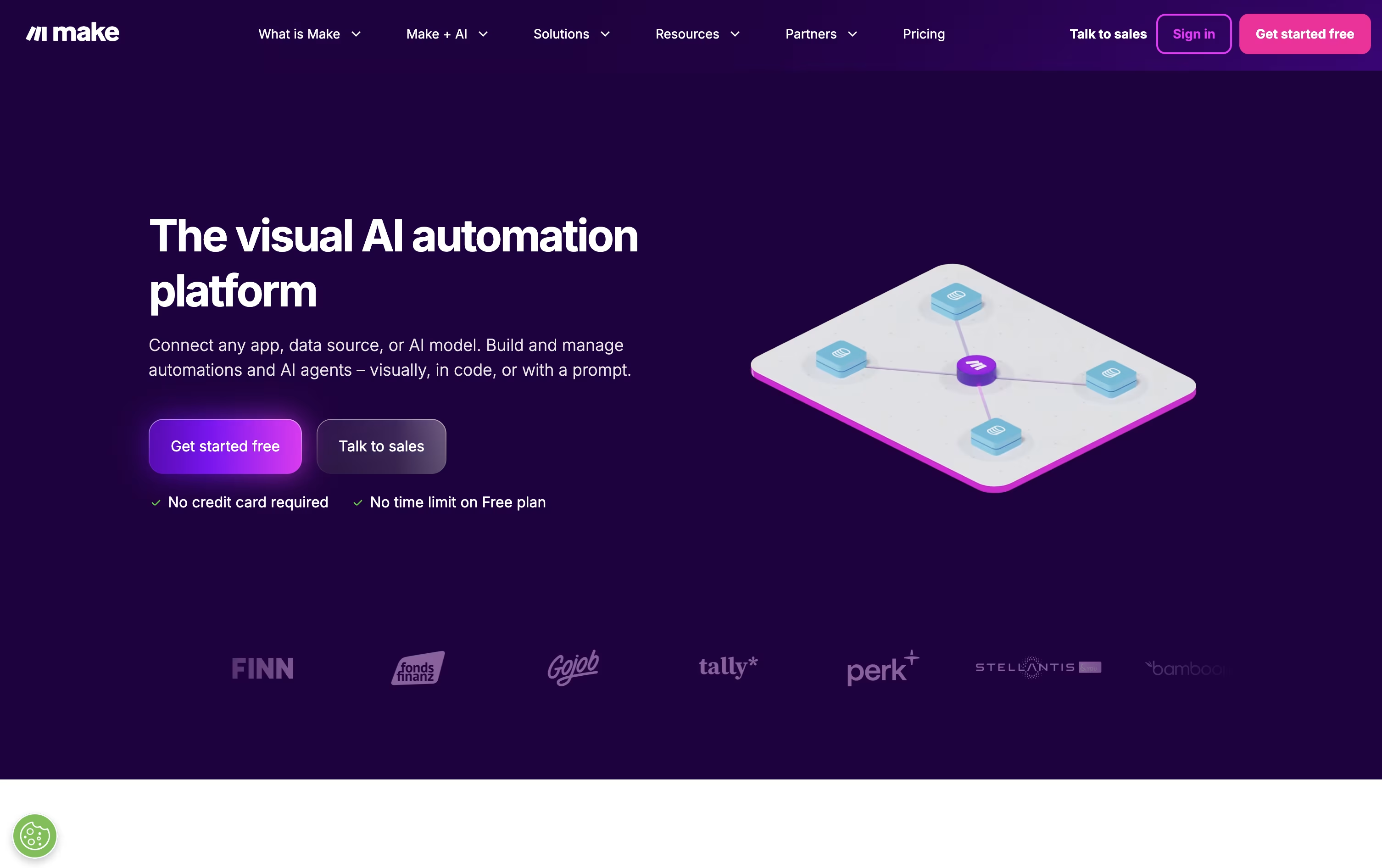 MakeVisual Automation and AI Agent Platform,
  Zapier
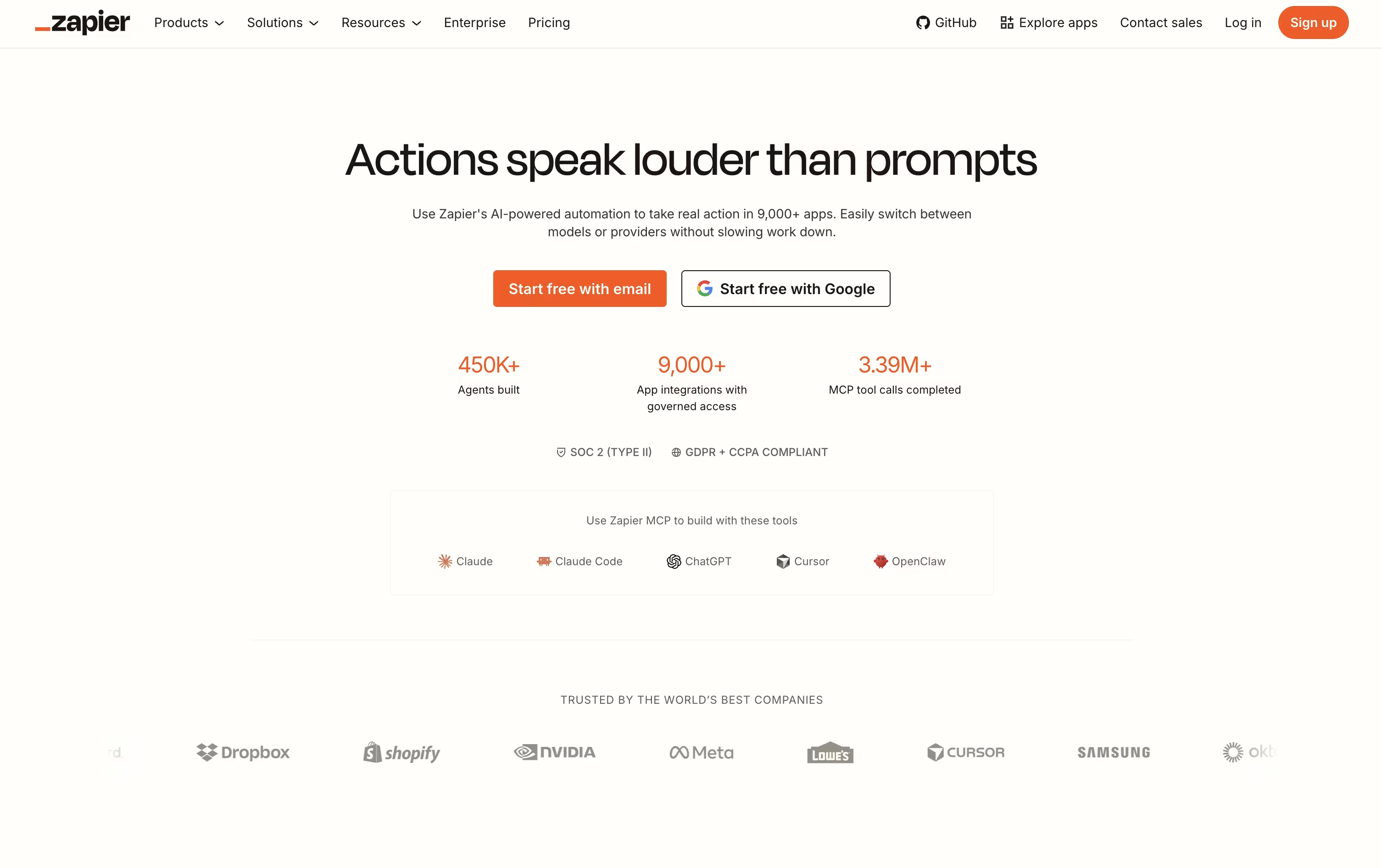 ZapierAI Automation for Apps and Workflows, and
  Activepieces
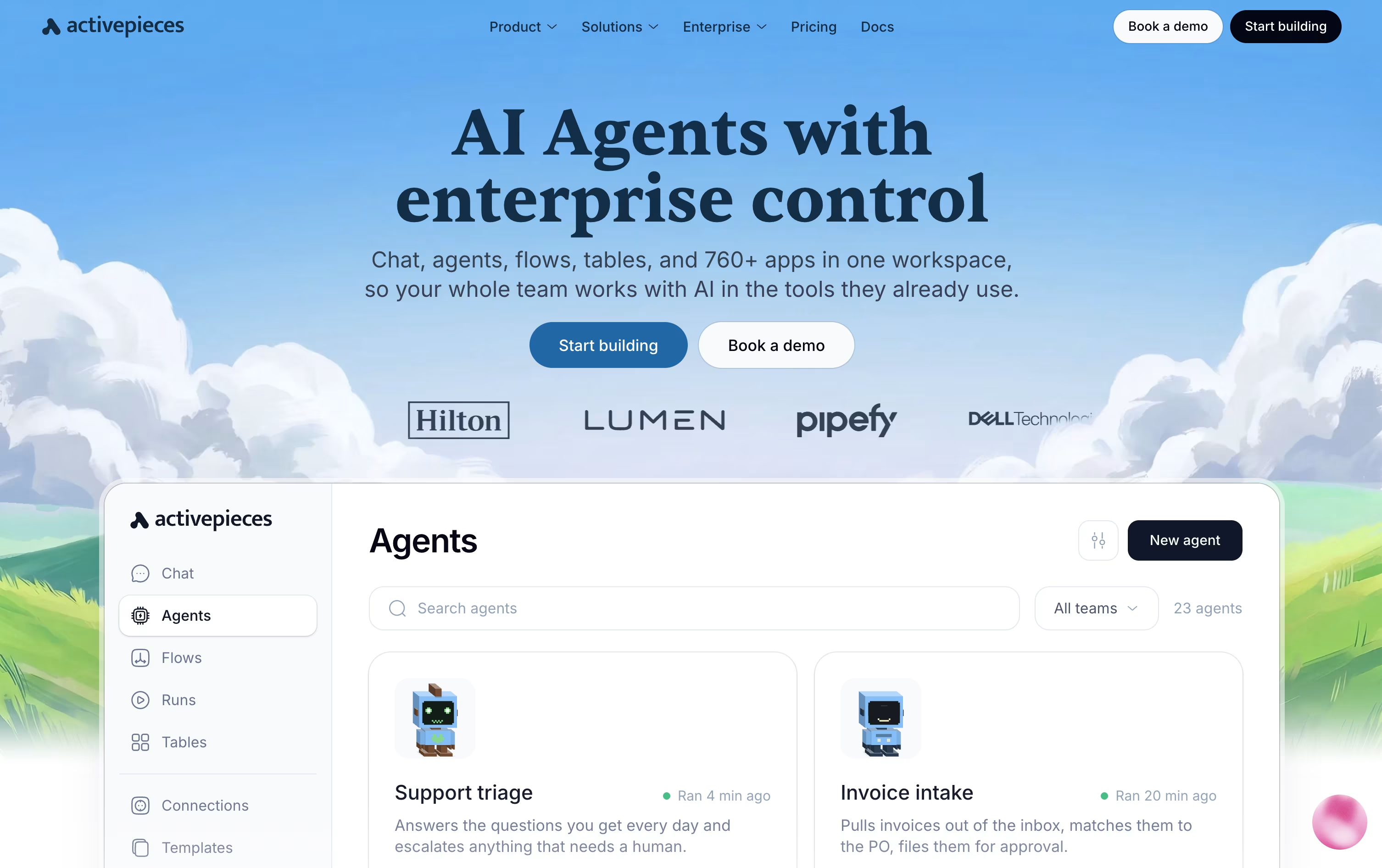 ActivepiecesAI Workflow & Agent Automation are the best for Building Automations Without Code. So, let’s take a closer look at all 9 tools.

Make gives you a visual way to automate work across apps, using a canvas where you drag modules and connect them into full workflows called scenarios.
Built-in AI tools set it apart. Maia writes and adjusts scenarios based on simple instructions, and Make AI Agents can be given a goal and left to use tools and make their own calls to reach it.
There are five pricing tiers. Free covers 1,000 credits monthly at $0, and at 10,000 credits, Core runs $10.59, Pro runs $18.82, and Teams runs $34.12 each month.
Pro, the most popular choice, adds priority runs and full log search, while Teams brings in team roles and reusable templates. Enterprise is priced individually and covers SSO, custom functions, and round the clock support.
Choosing annual billing cuts around 15% off the monthly rate for Core, Pro, and Teams, with costs climbing as your monthly credit needs grow.
Most people open Zapier to stop doing the same task by hand every day. You pick a trigger, such as a new form entry or a new email, and Zapier moves the information into your other apps for you.
AI steps can be added along the way to summarize text, sort information, or make a decision, and the AI can even be given tools so it works through a task on its own.
Zapier MCP takes this further, letting AI tools like Claude or ChatGPT reach into your connected apps and complete actions right from a chat.
Getting started costs nothing, since the Free plan covers 100 tasks a month with unlimited Zaps, Tables, and Forms. Professional moves that up to $29.99 a month, or $19.99 a month paid yearly, adding multi step Zaps and premium apps.
Bigger teams can take the Team plan at $103.50 a month for 25 users, or contact sales for a custom Enterprise setup. Zapier also runs separate Agents and Chatbots plans, each with a free tier and paid options between $20 and $100 a month.
With Activepieces, you build automations called flows using a visual, no-code canvas. A trigger starts the flow, and a chain of actions carries out the work automatically.
The platform also supports full AI agents that can think through a task and act on it across your connected apps, pausing for human approval when needed through tools like Slack or email.
Everything you connect doubles as a tool for outside AI assistants through the Model Context Protocol, and native Tables let you store and manage data right alongside your automations.
Costs are based on credits rather than a flat fee. The Free plan gives 100 credits a day at no cost, and Plus moves to 10,000 credits a month for $20, or $16 billed yearly.
The Team plan costs $200 a month with 25 users and single sign-on included, while Ultimate is priced individually for larger organizations that need deeper security controls.
Anyone wanting full control can also self-host the free, open-source Community Edition.

If you want automation without leaving WordPress or sending your data to another company's servers, Bit Flows is built for exactly that. It is a drag and drop workflow builder that lives inside your WordPress dashboard.
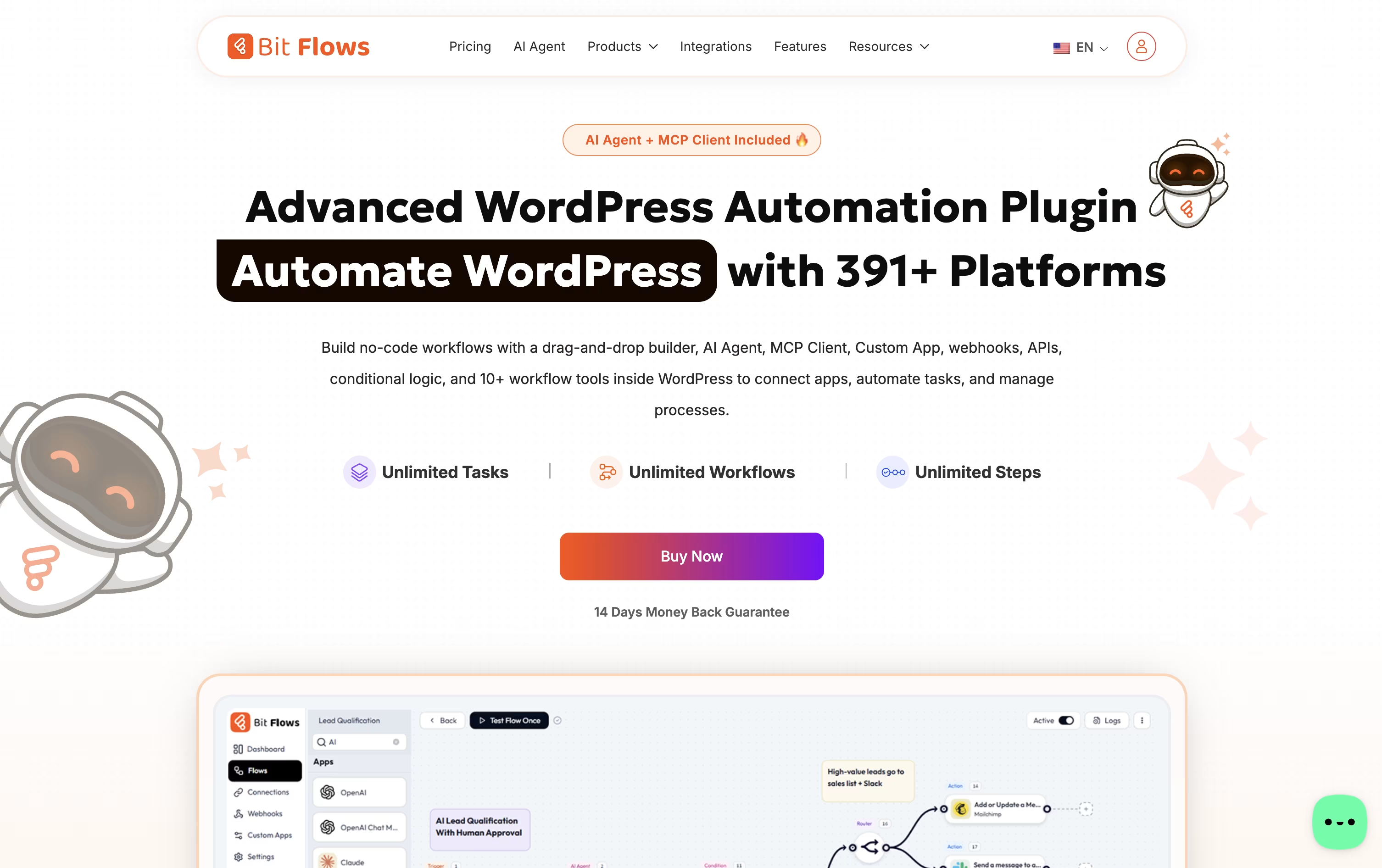
You can connect WordPress plugins, WooCommerce or Shopify orders, forms, CRMs, spreadsheets, chat apps, and AI models such as ChatGPT, Claude, or Gemini, all inside one visual flow.
Every plan includes unlimited workflows, steps, and task runs, and features like the AI Agent, MCP Client, and Human in the Loop approval steps help you build smarter, safer automations.
For pricing, yearly licenses run from $59 for one site up to $129 for unlimited sites, while one-time lifetime licenses run from $159 up to $499 for unlimited sites with premium lifetime support.
Bit Apps also sells a full bundle of its plugins, including Bit Flows, for a one-time $1,149, down from a combined value of $2,966.
A free version on WordPress.org covers the essential builder so you can try it before upgrading.

IFTTT gives you an easy way to connect apps, devices, and online services without writing any code. Automations, called Applets, follow a simple if this, then that setup.
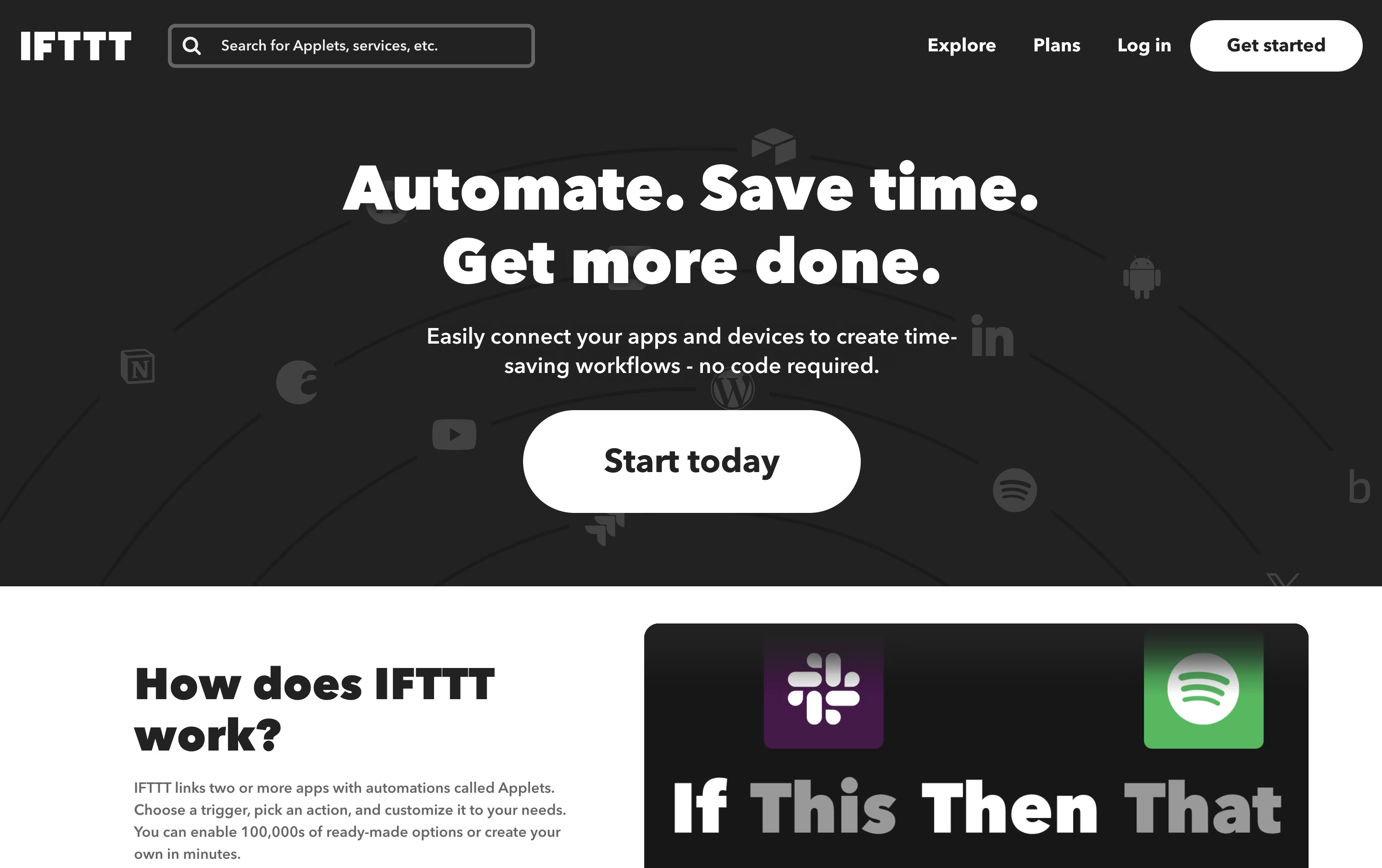
Anyone can start for free, since the Free plan costs $0 forever and comes with 2 Applets and unlimited runs.
Stepping up to Pro costs $4.99 a month, or $2.99 a month on the yearly plan at $35.88, opening up 20 Applets, faster performance, multi-action Applets, and webhooks for custom connections.
For heavier use, Pro+ costs $14.99 a month, or $8.99 a month yearly at $107.88, and adds unlimited Applets, AI services, several connected accounts, and filter code for custom logic.
With support for AI tools like Claude and Gemini, plus IFTTT MCP for natural language automation, it fits both personal routines and small business workflows.

Think of Zoho Flow as a bridge between all the apps and systems your business uses. It links a trigger, like a new deal being closed, to a set of actions that run automatically, such as creating an invoice or notifying your team.
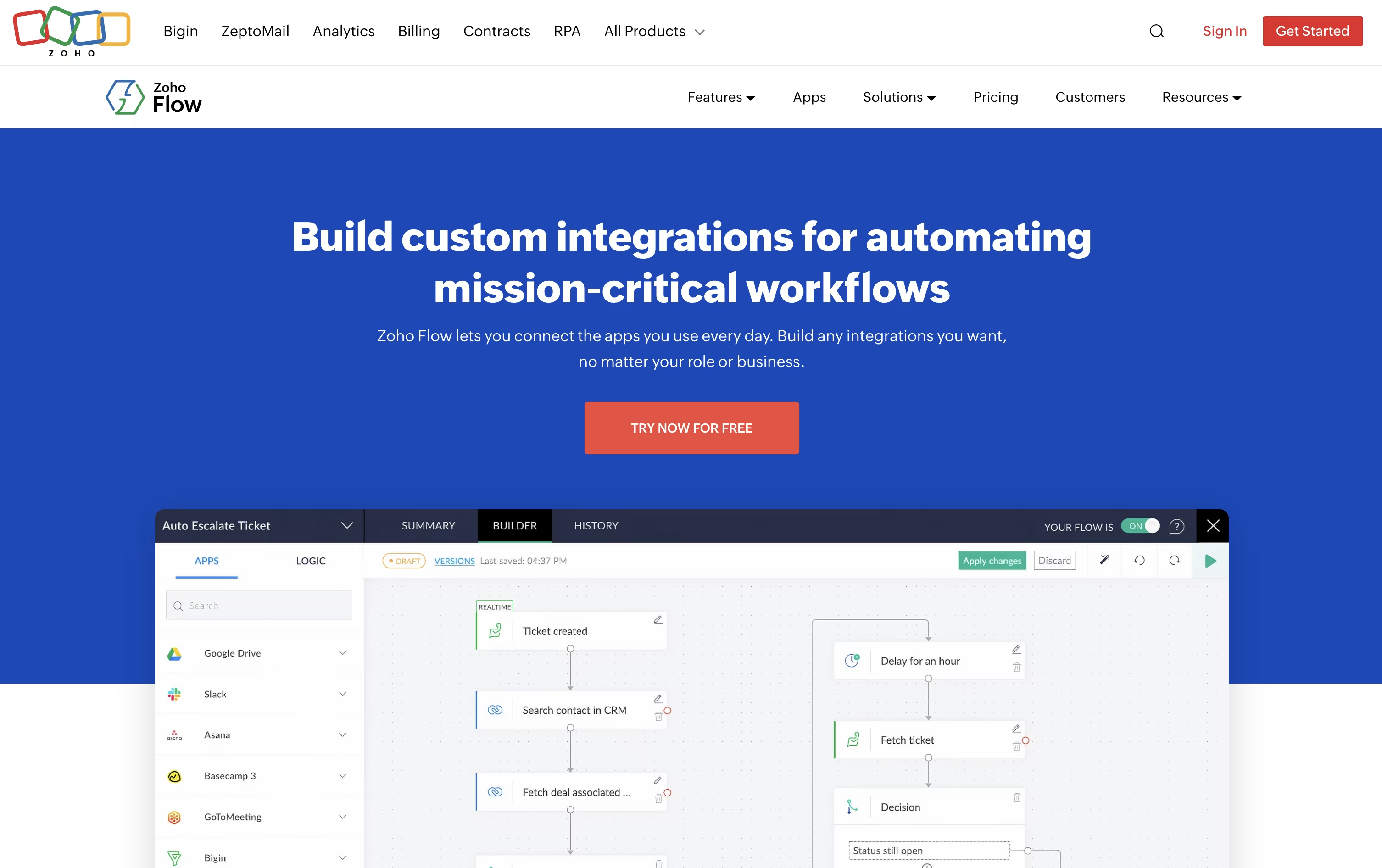
Over a thousand apps are supported out of the box, and a secure on premise agent lets it reach local databases, SAP systems, and other in house tools that normally stay behind a firewall.
Its AI assistant Zia can build a flow just from a plain English description, add smart writing and summarizing steps, and even make routing decisions inside a flow based on live data.
The Free plan costs $0 a month and covers 100 tasks with 5 flows. Standard runs $29 a month, or $25 a month if billed yearly, and unlocks 5,000 tasks, custom functions, and Zia AI tools.
Professional is $49 a month, or $41 a month yearly, the most popular tier, adding 10,000 tasks, premium apps, on premise connections, subflows, and automatic rerun of failed steps.
New users can try premium features free for 15 days without entering a credit card.

Pabbly Connect lets you connect apps and automate repetitive tasks without touching a line of code, using a straightforward trigger then action setup.
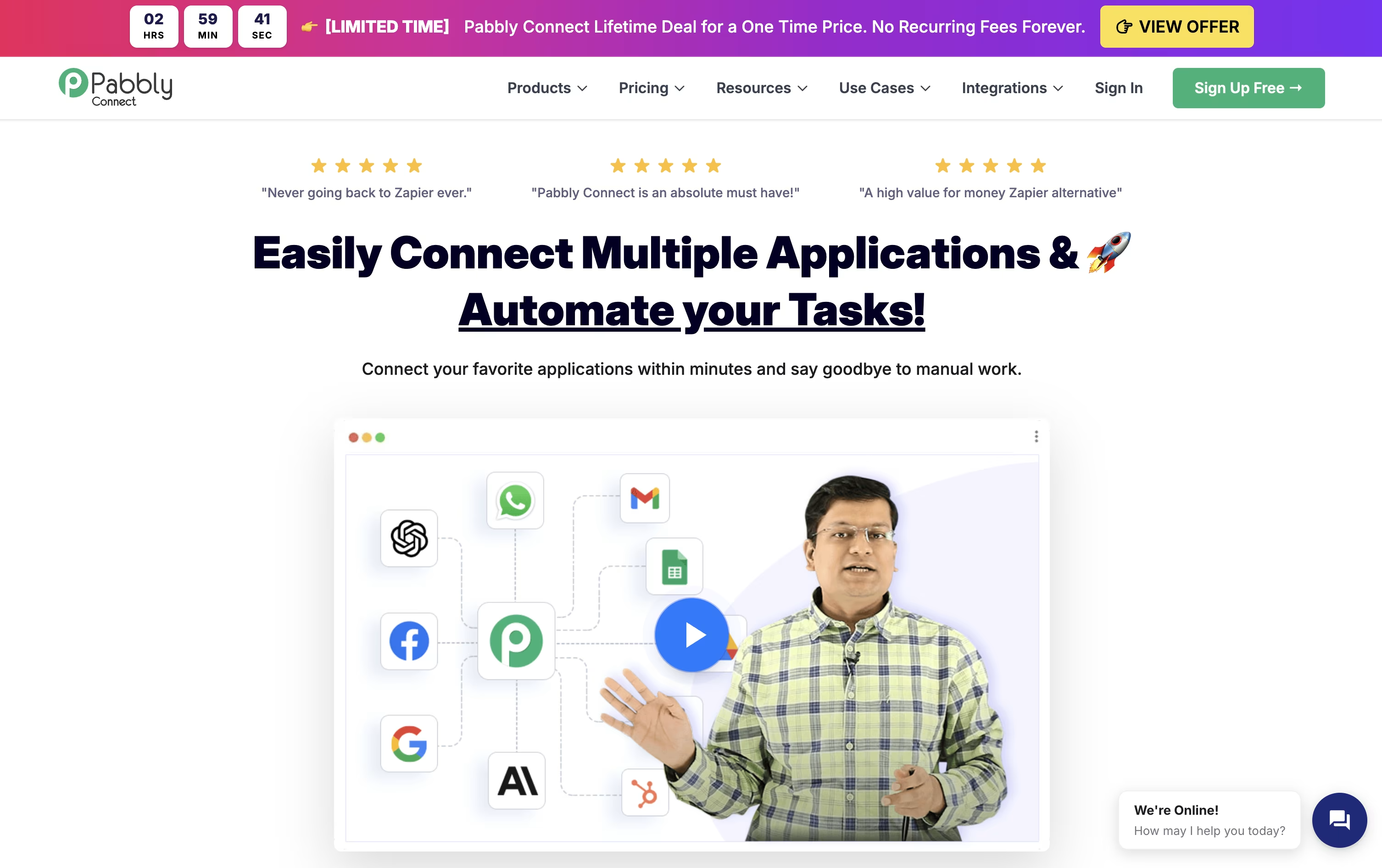
Internal steps such as filters, routers, formatters, and delays don't use up your task quota, so only the actions that actually send data to another app are counted and billed.
It also comes with modern AI tools, including an AI Assistant, an MCP Server that lets AI clients call your workflows directly, and AgenticAI, which builds automations from a plain English description.
Made by Magnet Brains, the platform holds SOC 2 and ISO 27001 certifications and serves more than 14,000 businesses worldwide.
On pricing, the Free plan gives 100 tasks a month at no cost, Standard runs $19 a month for 10,000 tasks, and Unlimited is $79 a month with no task cap, cheaper still with yearly billing.
Lifetime, one-time payment plans start at $349 for anyone who wants to skip recurring fees altogether.

Rather than making you build automations from scratch, Integrately hands you a library of millions of ready-made workflows that you can activate in one click after connecting your accounts.
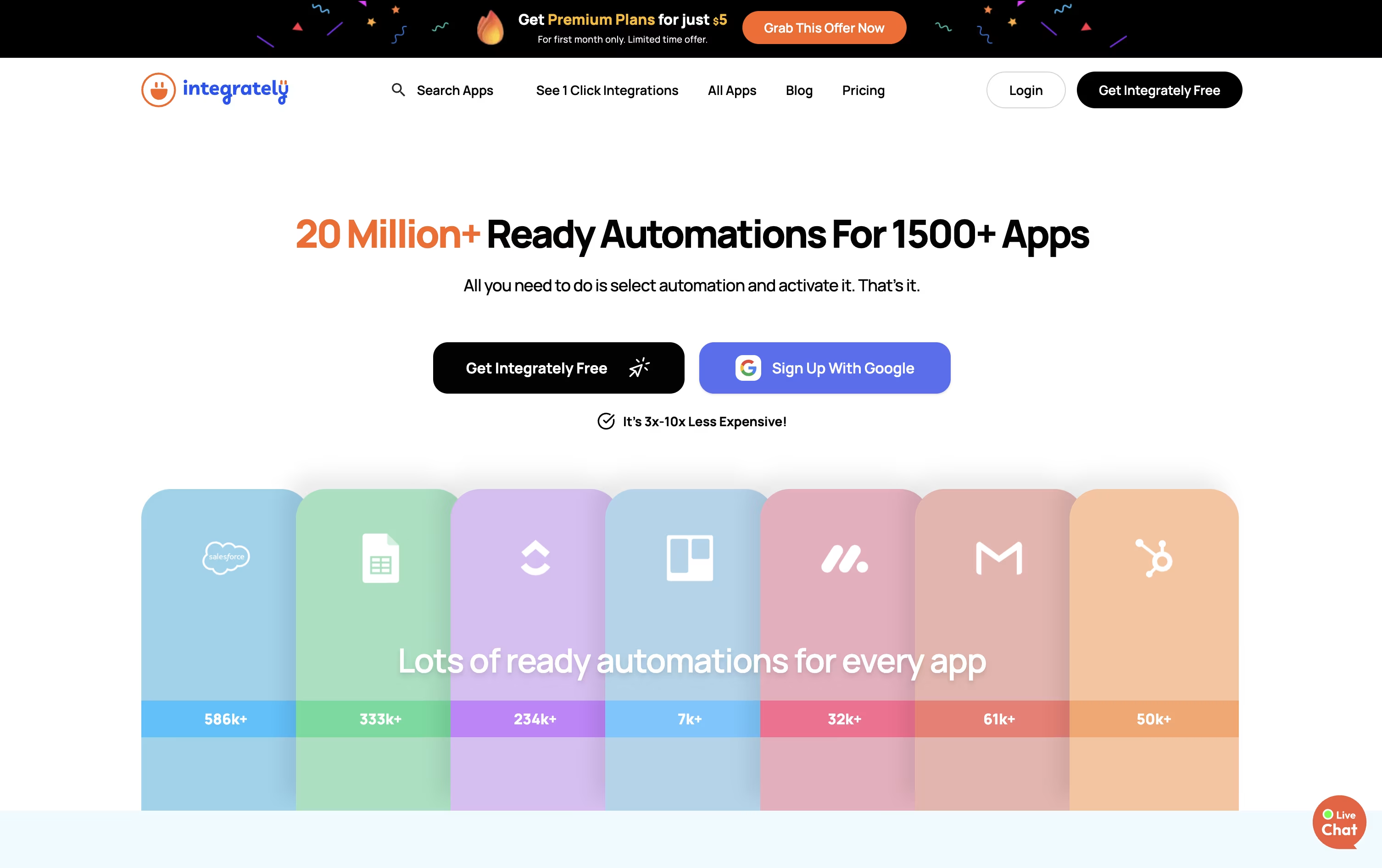
It connects with over 1,500 apps spanning CRM, email marketing, online stores, forms, and everyday work tools, and its AI Automation Builder can turn a plain language request into a working automation.
The Free plan gives you 100 tasks a month at no cost, plus a 14-day trial of paid features. Starter costs $29.99 a month, or $19.99 a month if billed yearly, and adds webhooks, filters, and 2,000 tasks.
Professional, priced at $49 a month or $39 annually, is described as covering most required features, with unlimited automations, branching, and 10,000 tasks. Growth and Business step up to 30,000 and 150,000 tasks with unlimited users and folder permissions.
Live chat support comes with every plan, and the top two tiers add a dedicated account manager. Since checks and triggers do not use up tasks, Integrately can be far more efficient than task-counting competitors like Make.

Think of Albato as a no-code bridge between your apps. You choose a starting trigger, line up actions across its library of 1,000+ connectors, and the workflow keeps running without you touching it again.
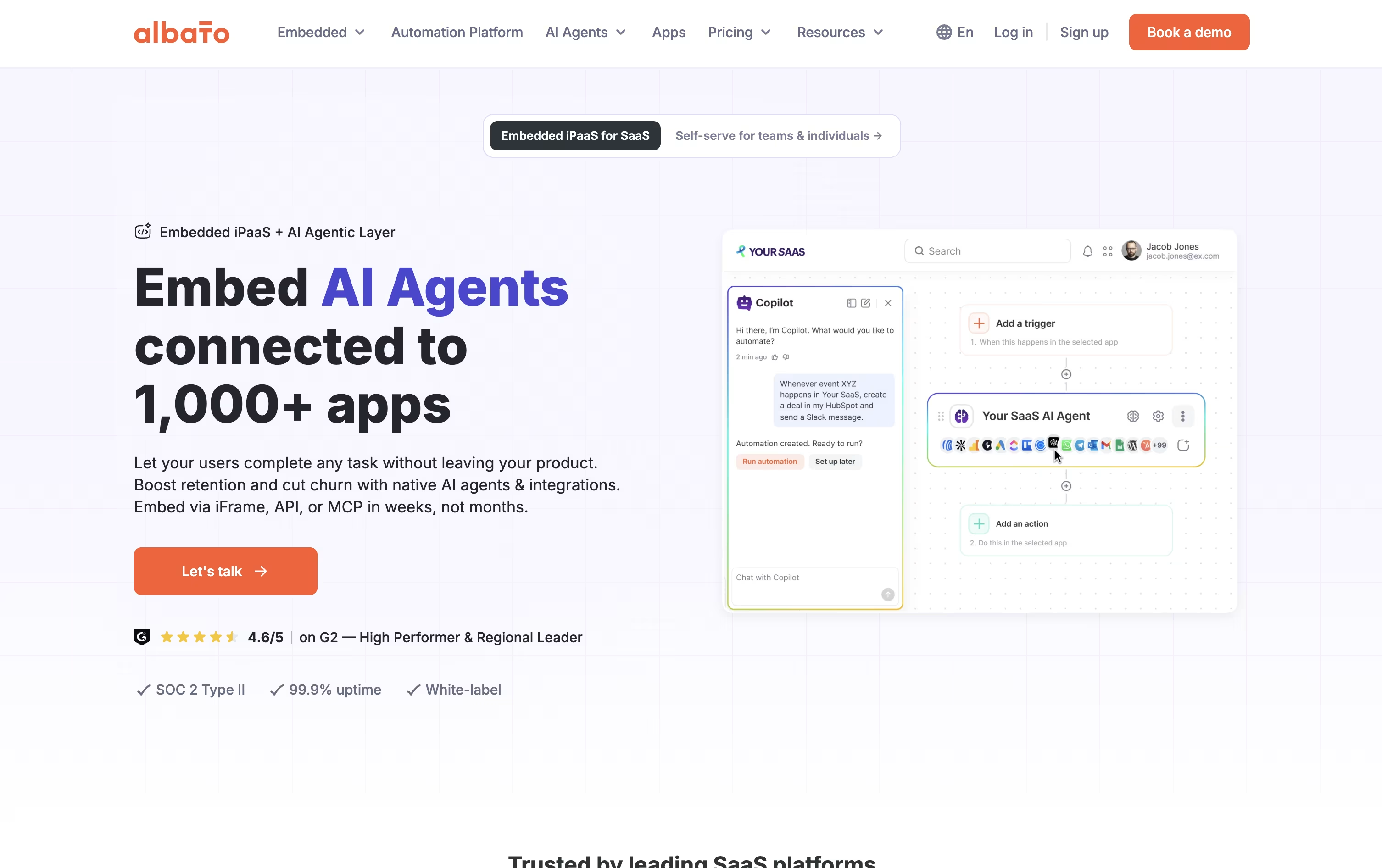
It is not just plain automation either. Albato AI handles text and data tasks inside a workflow, Copilot turns a written request into a working automation, and AI Agents can decide which action to take based on your instructions.
Missing an app? The App Integrator lets anyone add a new connection using a public API, so the library keeps growing with what you actually need.
On price, the Free plan gives 100 transactions with 5 automations of 2 steps each, enough to test the waters. Pro removes those caps for $22 a month, or $15 a month if billed yearly, and throws in AI Agents plus a 7-day trial.
Teams runs $93 a month, or $65 annually, with 5 seats and shared workspaces for agencies, and a Custom plan handles bigger volumes with a dedicated success manager.
For SaaS businesses, Albato Embedded offers the same integrations and AI agents white-labeled under your own product, starting from $5,000 a month.





