

Best 6 Tools for Cross-Meeting Search and Recall in 2026
Last Updated: August 22, 2026
Important details from past conversations tend to scatter across notes, memory, and half-remembered calls. Being able to search across every past meeting for a specific topic, decision, or mention means that information is never truly lost, just a query away.
This proves especially useful for teams with a long history of meetings tied to a client, project, or deal. Rather than digging through old notes or asking around, anyone can instantly recall what was discussed weeks or months earlier and pick up right where things left off.
 Tana
Tana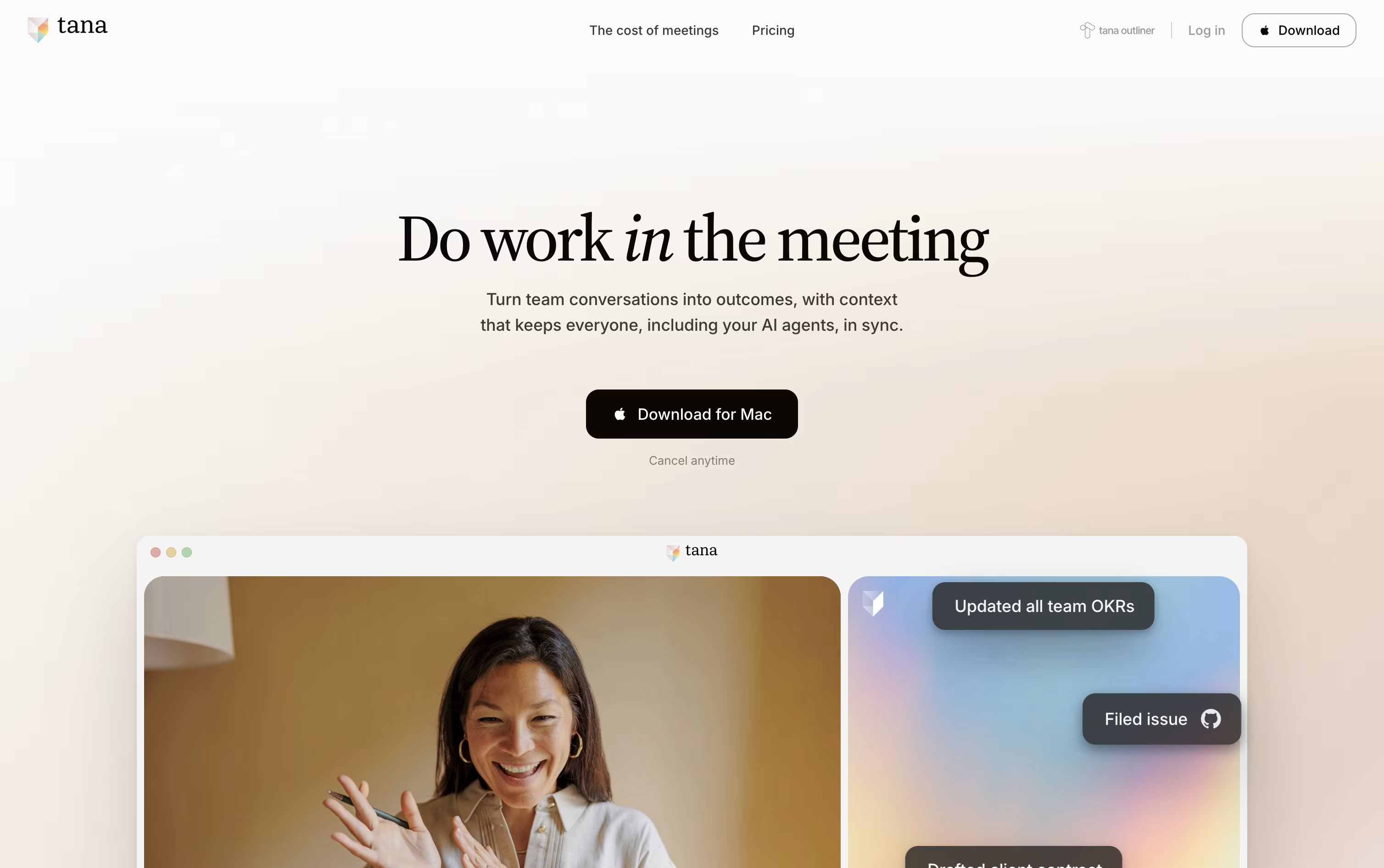 TanaAgentic Meeting Platform Powered by AI,
  Voicenotes
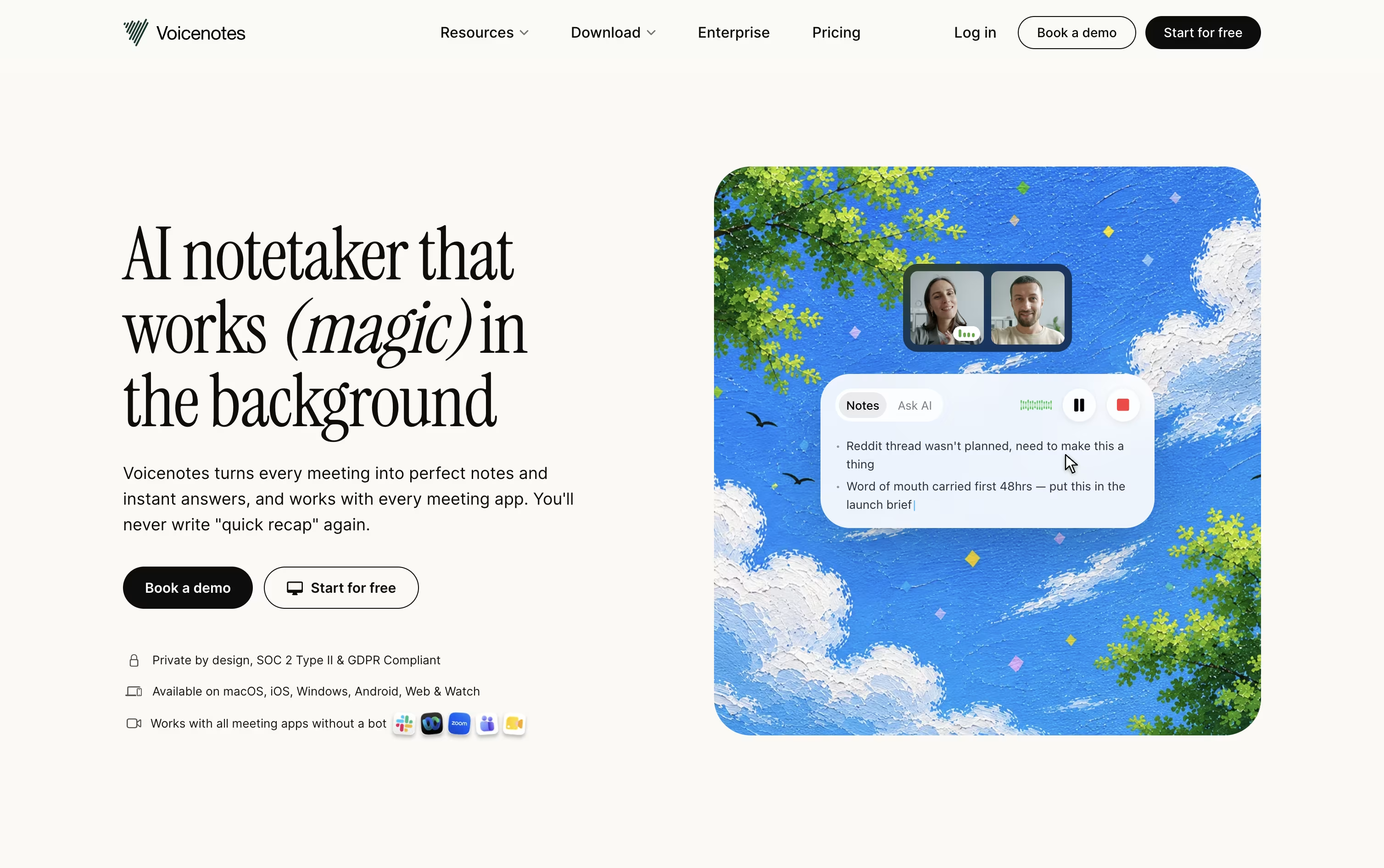 VoicenotesAI Notes for Meetings, Memos & More, and
  Littlebird
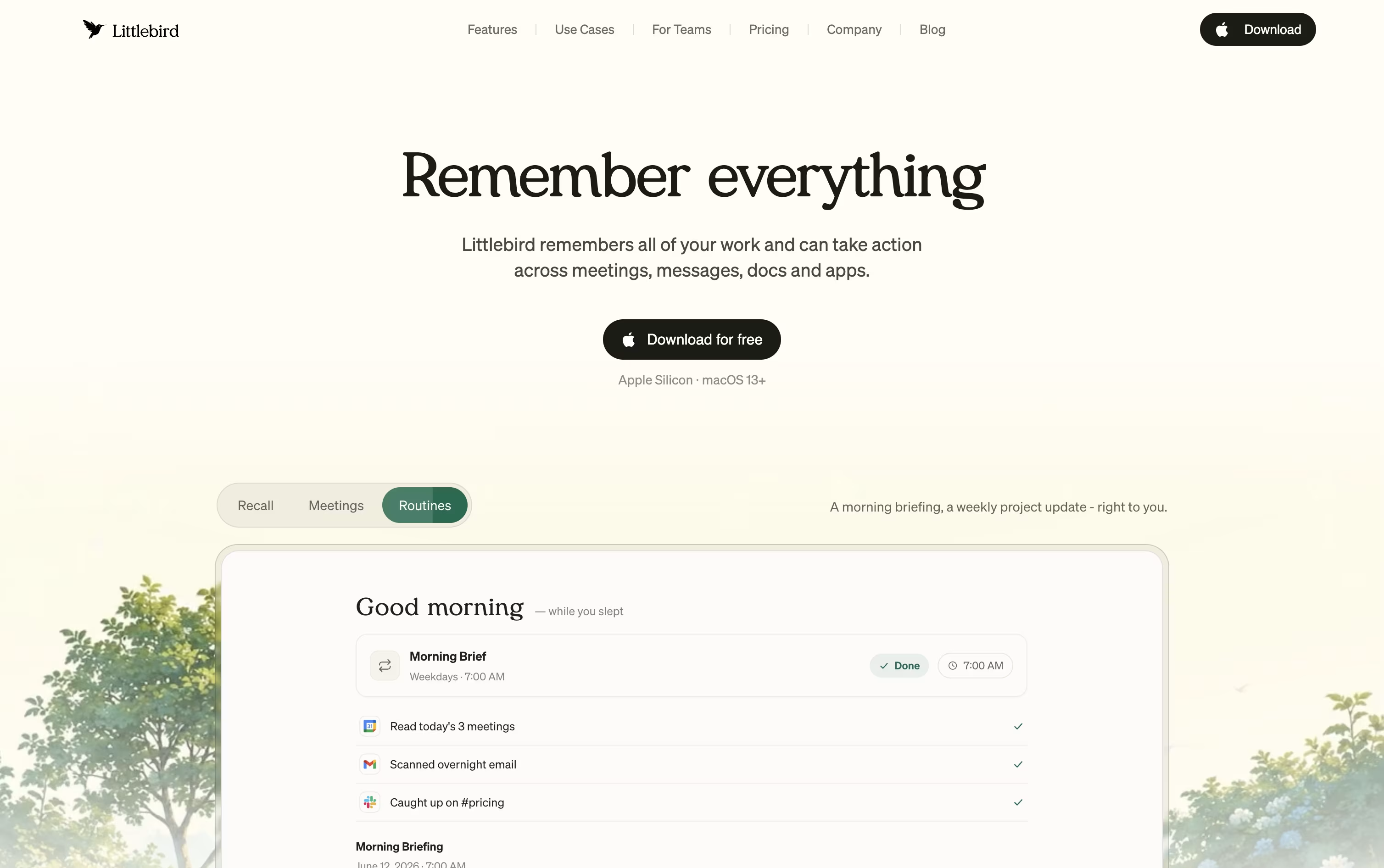 LittlebirdYour AI Powered Second Mind at Work are the best for Cross-Meeting Search and Recall. So, let’s take a closer look at all 6 tools.

Most meeting tools hand you a transcript and a summary once the call is over. Tana works differently, its AI agents are active participants during the meeting itself, filing tickets, drafting documents, and updating your other tools while the conversation is still going.
Because every meeting adds to a shared knowledge graph, agents and teammates arrive at future meetings already aware of past decisions and open items, so nobody has to repeat themselves.
Getting started costs nothing on the Free plan, which includes 5 hosted meetings a month, one connected calendar, and 50 AI queries.
Stepping up to Pro costs $25 per user a month, or $20 a month when paid yearly, and adds unlimited meetings, a botless agent that joins Zoom, Teams, and Google Meet calls, plus deeper integrations through MCP.
Max is priced at $100 a user monthly, or $80 yearly, and is built for teams that live in meetings, offering five times the AI capacity of Pro and dedicated onboarding support.
Larger organizations can move to the custom priced Business plan for SAML SSO, audit logs, and control over data residency and retention.
Instead of juggling recorders and notebooks, Voicenotes lets you hit record for any meeting, memo, or passing thought and get a clean transcript back in moments, without needing a meeting bot to join the call.
Every recording is followed by an automatic summary, key points, and action items, and the app understands 100+ languages, even with strong accents. It works the same way on web, iOS, Android, Mac, Windows, and Chrome.
Ask AI lets you search or ask questions across your entire note history whenever you need to recall something, and Voicenotes MCP connects your notes directly to tools like Claude and ChatGPT.
Getting started costs nothing on the Basic plan, which includes 100 weekly transcription minutes and 30 days of history. Pro is $9 per user a month for unlimited use, and Enterprise is $24 per user a month with added security, admin controls, and dedicated support.
Littlebird acts like a second mind for your work, remembering your screen activity and meetings so you do not have to repeat yourself or dig through old files.
It captures text from whichever window is active on your desktop and listens in on meetings through system audio, without any bot joining the call. Everything it collects feeds into a private, searchable memory.
Chat lets you ask natural questions about anything you saw or discussed earlier, and it can also draft emails, documents, and reports using your own history as context. On Mac, the Hummingbird overlay answers quick questions about your current screen at any moment.
The free Basic plan gives you daily usage credits, limited meeting notes, and core screen context at no cost. Plus is priced at $17 a month with yearly billing, or $20 a month if billed monthly, and includes a 14 day trial along with unlimited meeting notes and image generation.
Power costs $42 a month yearly, or $50 monthly, adding MCP access, more credits, and priority support. Pro starts at $100 a month for the highest usage limits and earliest access to new features.
For groups, Team plans start at $17 per seat, and Enterprise pricing is custom with added security and support.
Instead of handing you a plain transcript, Circleback turns your meetings into organized notes with topics, decisions, and numbers pulled out clearly, across Zoom, Teams, Google Meet, and other platforms.
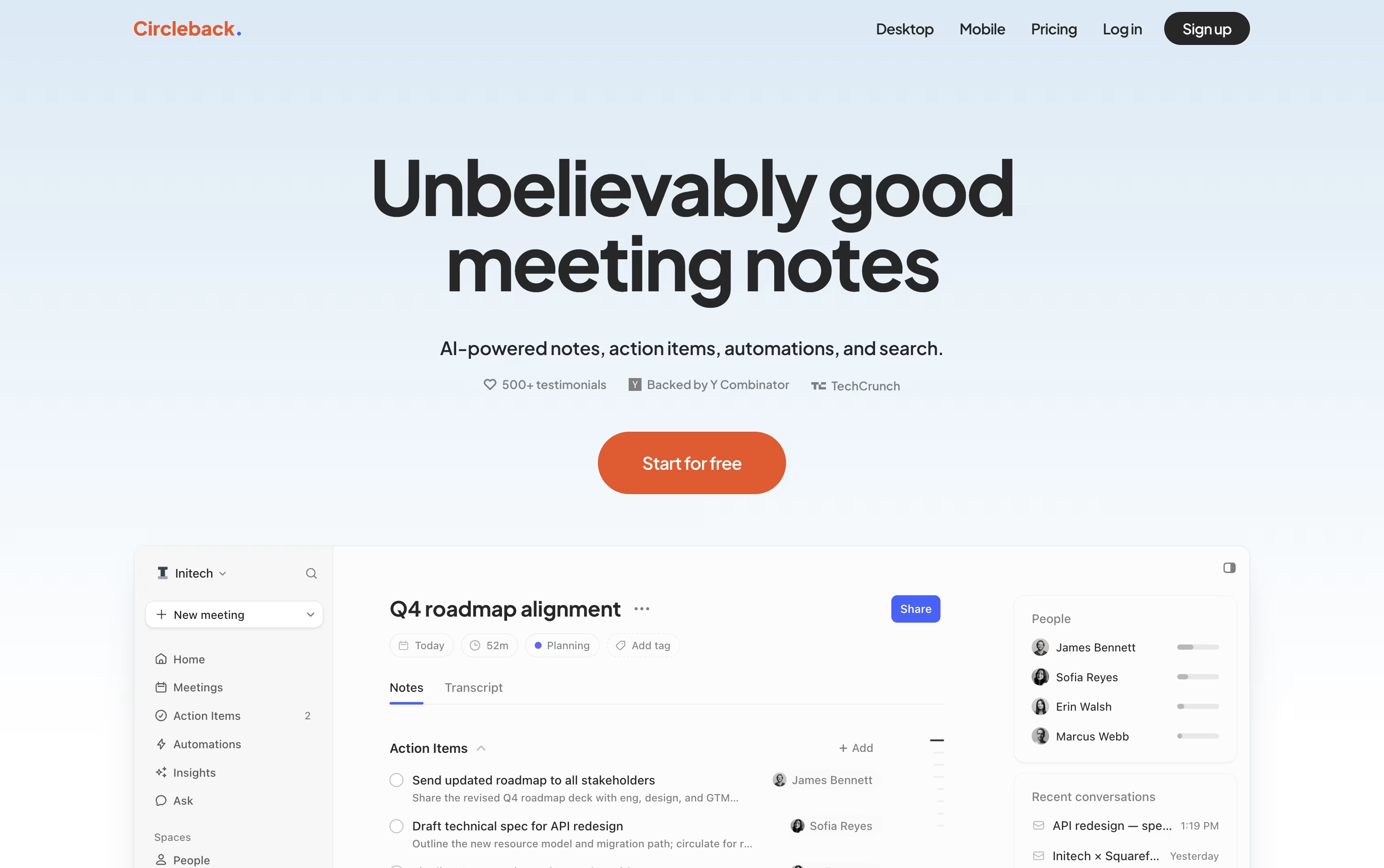
It picks out action items as people speak, assigns them to the right person, and keeps everything in one list you can check off later.
A built-in search lets you ask a question about one meeting or all of them at once, and every answer points back to the exact moment it came from.
Automations connect meetings to your other tools, so a demo call can automatically create a Linear ticket or update a deal in your CRM without extra typing.
The Individual plan starts at $25 a user per month, dropping to about $20.83 a month when billed yearly, while Team runs $30 a month, or $25 a month yearly, adding shared meetings, team search, and admin settings. Enterprise is priced by request and adds priority support and stronger security controls.
All paid plans can be tried for free before you commit to a subscription.
Fireflies.ai automatically joins your video calls, records them, and produces a transcript and summary without any manual effort. It works across Zoom, Google Meet, Microsoft Teams, and other tools, and it understands over 100 languages.
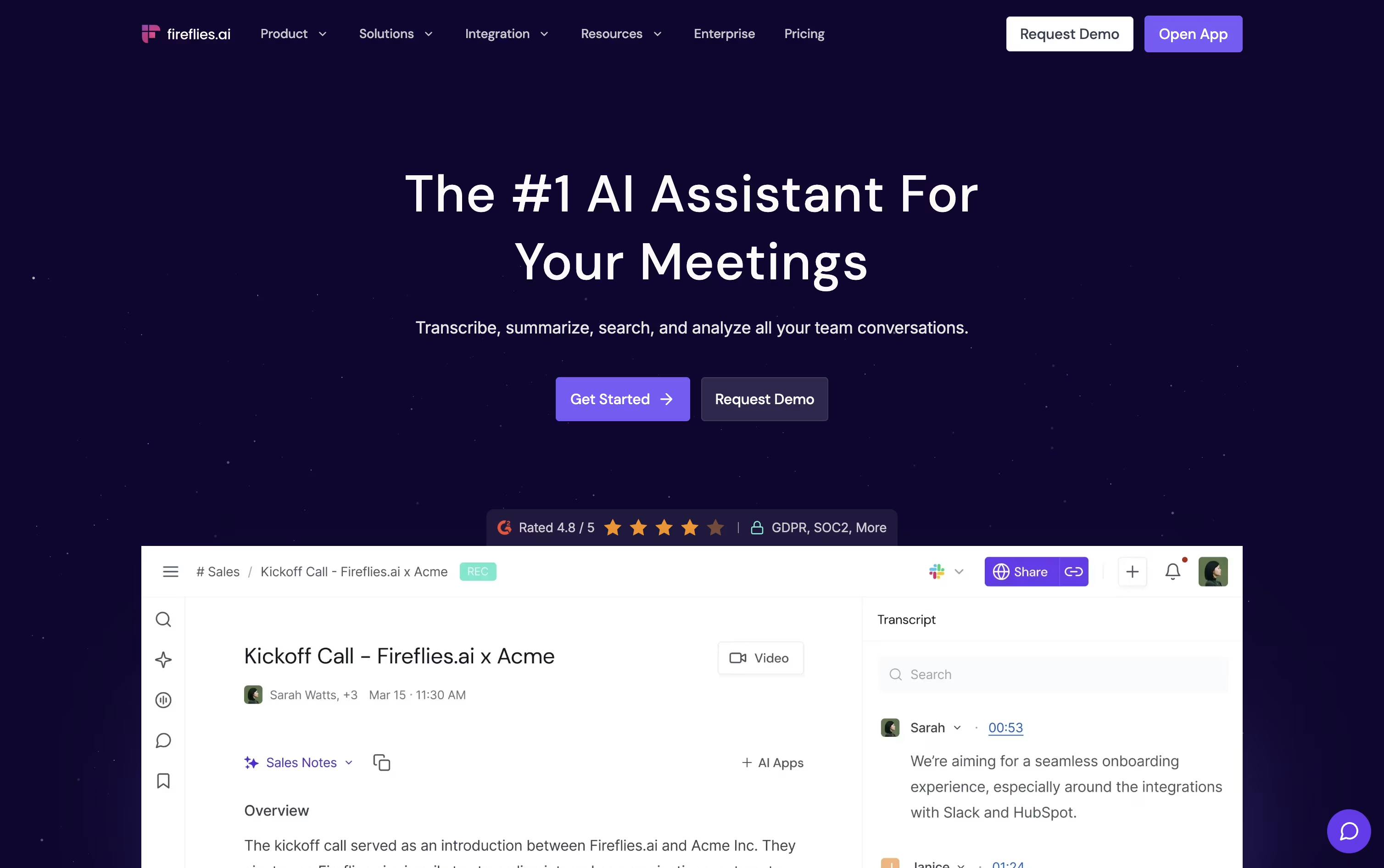
AskFred, the built in AI assistant, answers questions about any past meeting, while Live Assist offers real time notes and suggestions as the call happens.
The Free plan is free forever and covers unlimited transcription with 20 AI credits included. Pro is $18 a seat each month, or $10 on the annual plan, and adds video recording plus automation features like Voice Agents.
Business costs $29 a seat monthly, or $19 yearly, and brings unlimited storage along with Conversation Intelligence and team level analytics.
Enterprise is $39 a seat monthly on annual billing, adding SSO, SCIM, HIPAA compliance, and a dedicated account manager.
Because it connects with Salesforce, HubSpot, and Slack, teams in sales, recruiting, and support can push meeting insights straight into their existing workflow.

Meetings often produce information that gets lost the moment the call ends, and Grain was built to fix that.
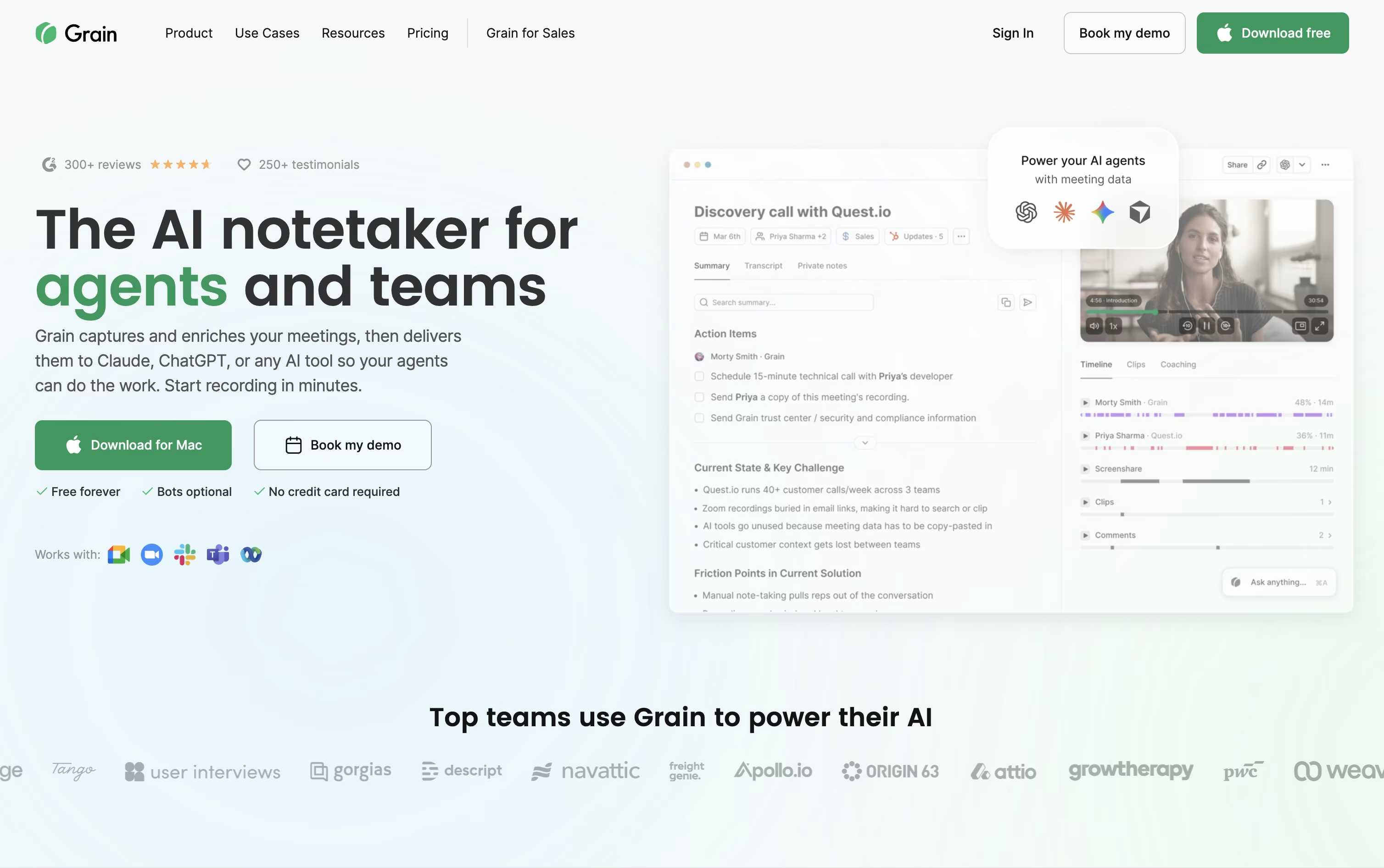
The tool records or quietly captures your calls through a desktop app, then writes clear notes, action items, and searchable transcripts without you lifting a finger.
Beyond notes, you can turn any moment into a short video clip, share it with clients or teammates, and keep a private or team library of past conversations.
Sales and customer success teams get extra value from built in coaching scorecards, trackers, and syncing straight into HubSpot or Salesforce.
Getting started costs nothing on the Free plan, which covers unlimited meetings up to 45 minutes with basic AI notes and a 30 day history.
Starter runs $15 a seat monthly when billed yearly, Business is $29 a seat monthly billed yearly with unlimited teams and AI coaching, and Enterprise adds custom pricing with SAML based SSO, audit logs, and a dedicated customer success manager.





