

Best 4 Tools for Note Syncing in 2026
Last Updated: October 21, 2025
Notes taken on one device are not useful if they are not available on another when needed. Note Syncing tools keep notes updated and accessible across multiple devices automatically.
Professionals and students use note syncing to access the same up-to-date notes no matter what device they are using.
 UpNote
 UpNoteBeautiful Note-Taking App for All Devices,
  Standard Notes
 Standard NotesSecure Encrypted Note-Taking App, and
  Notesnook
 NotesnookPrivate Note-Taking with Complete Encryption are the best for Note Syncing. So, let’s take a closer look at all 4 tools.
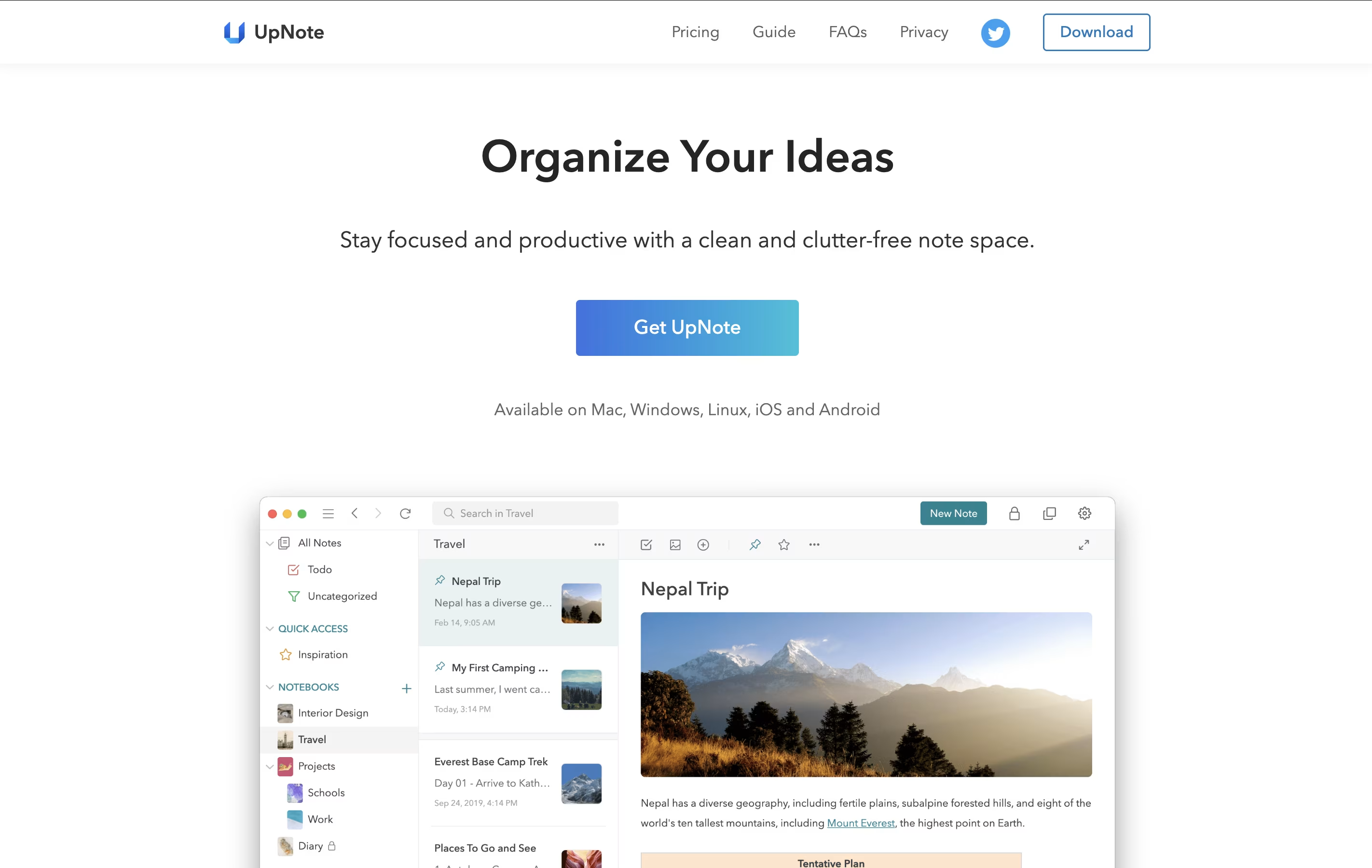
UpNote is a note-taking tool that helps you write, organize, and find your notes quickly. You can create notes with text, images, files, and even tables. The app works on iPhone, Android, Mac, Windows, and Linux, so you can access your notes from any device.
The app uses a simple system of notebooks and tags to keep everything neat. You can also protect your private notes with a password lock. UpNote works offline too, so you can write notes even without internet, and they sync automatically when you connect again.
There is a free version that lets you store up to 50 notes, and a premium version with unlimited notes and extra features.
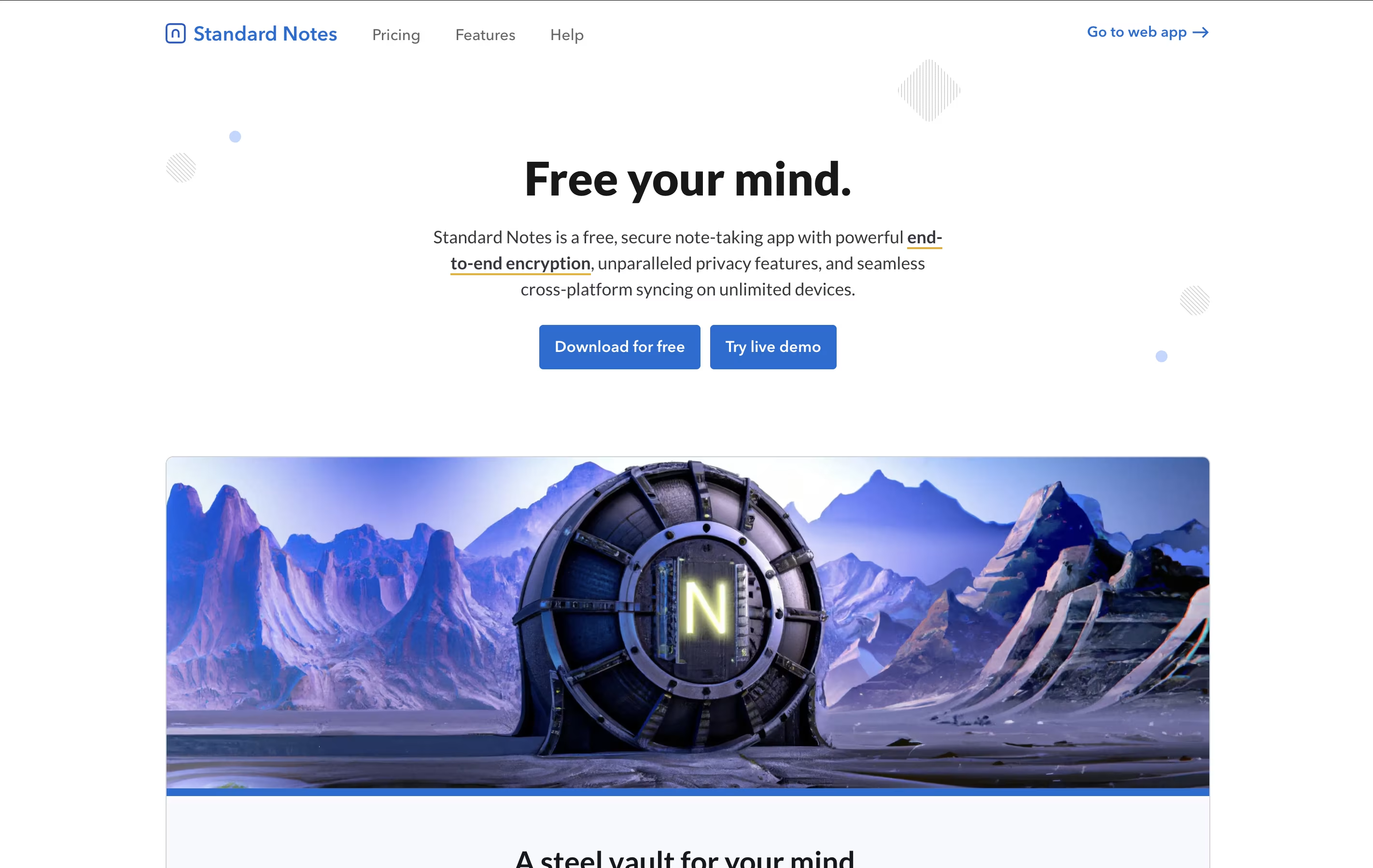
Standard Notes is a note-taking tool that protects your data with strong encryption. When you write a note, it gets locked with a secret code that only you have. This means even the company that runs Standard Notes cannot read what you write. Your notes sync across all your devices automatically, so you can start writing on your phone and continue on your computer.
The app offers both free and paid plans. The free version includes basic note-taking with full encryption, while paid plans add features like rich text formatting, file storage, and advanced editors for different types of content. It works on web browsers, desktop computers, and mobile devices, giving you access everywhere.
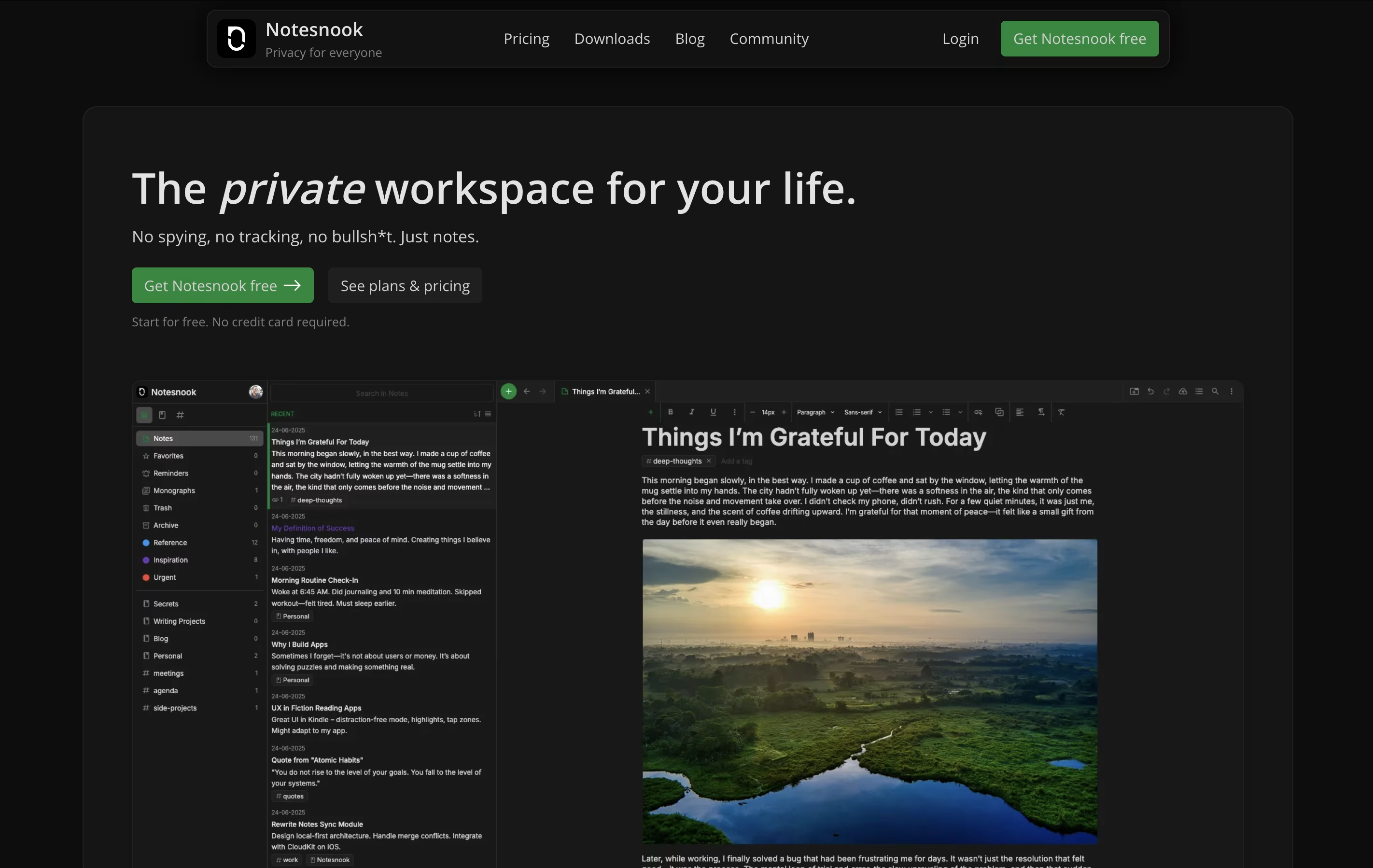
Notesnook is a note-taking tool that keeps your information completely private through strong encryption. Every note you write gets locked with special codes before leaving your device. This means even if someone breaks into the company's servers, your notes stay unreadable.
The app works across all your devices. You can start a note on your phone during lunch and finish it on your computer at home. Everything syncs automatically while staying protected.
It includes features like password-protected vaults for extra-sensitive notes, web clipping to save articles, and rich text editing with tables, task lists, and code blocks. The entire app is open source, so security experts can check the code to confirm it's truly safe.

Joplin is a powerful tool for capturing and organizing your thoughts, to-do lists, and information. It supports rich text and Markdown formatting, allowing you to create notes with images, attachments, tables, and even code snippets. You can clip web pages directly from your browser and save them as notes for later reference.
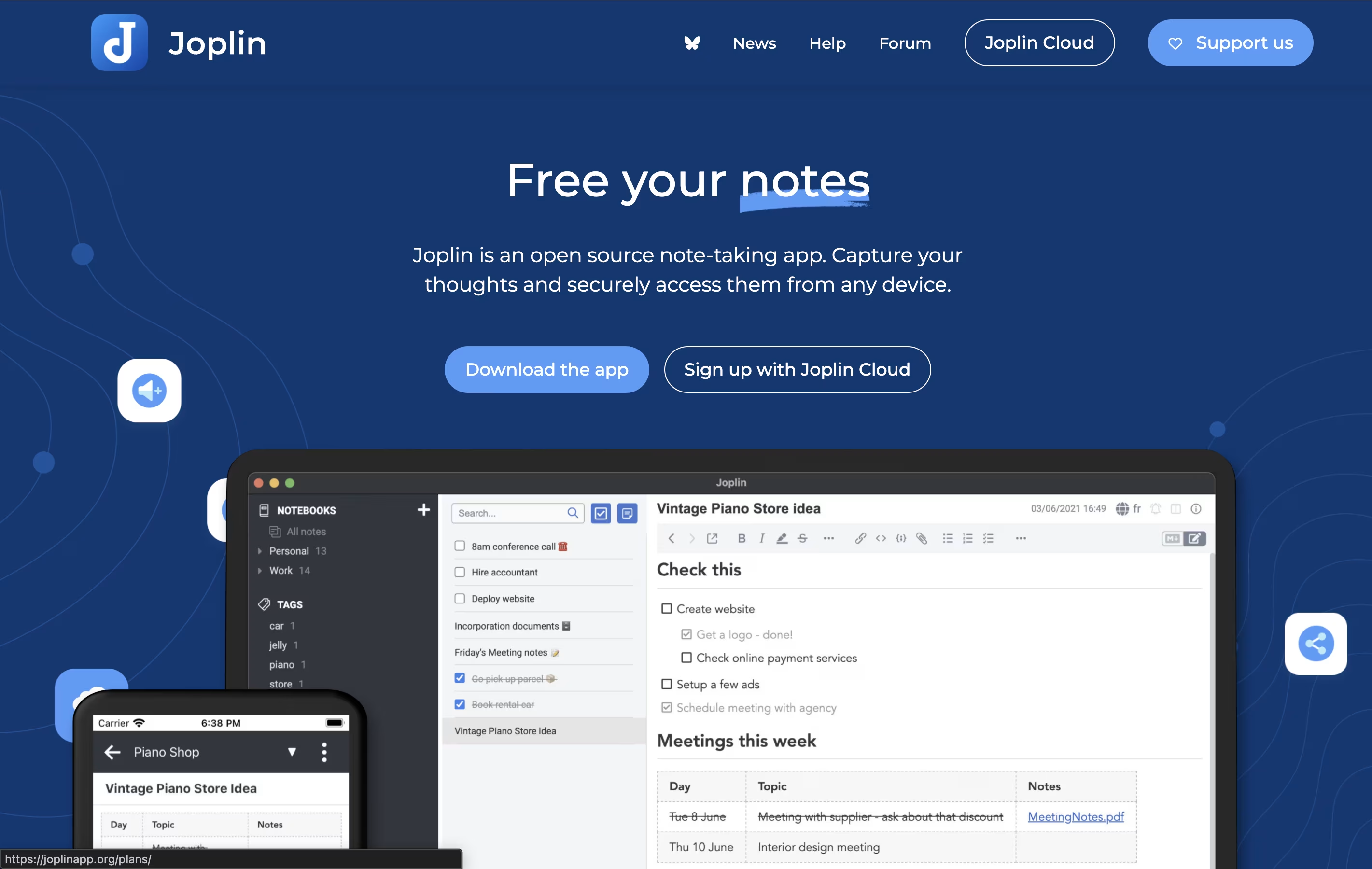
What makes Joplin special is its focus on privacy and data ownership. Your notes are stored locally on your devices, not on someone else's server. When you sync across devices, everything is protected with end-to-end encryption, meaning only you can read your content.
The app offers multiple sync options including Dropbox, OneDrive, Nextcloud, or Joplin's own cloud service. You can also customize Joplin with plugins and themes to match your workflow perfectly.


